
• HOME
  • Image Generator
  • Photo Editing
  • Video
  • Text Generation
  • Assistant
  • Terms of Use
  • About Us
  • Privacy Policy

bauns.top bauns.top

  • HOME
  • Image Generator
  • Photo Editing
  • Video
  • Text Generation
  • Assistant
bauns.top bauns.top
bauns.top » Assistant » MazMazika Free Online Vocal Removal Tool: Quickly Turn YouTube Videos into Karaoke Tracks
Assistant

MazMazika Free Online Vocal Removal Tool: Quickly Turn YouTube Videos into Karaoke Tracks

MazMazika Free Online Vocal Removal Tool: Quickly Turn YouTube Videos into Karaoke Tracks

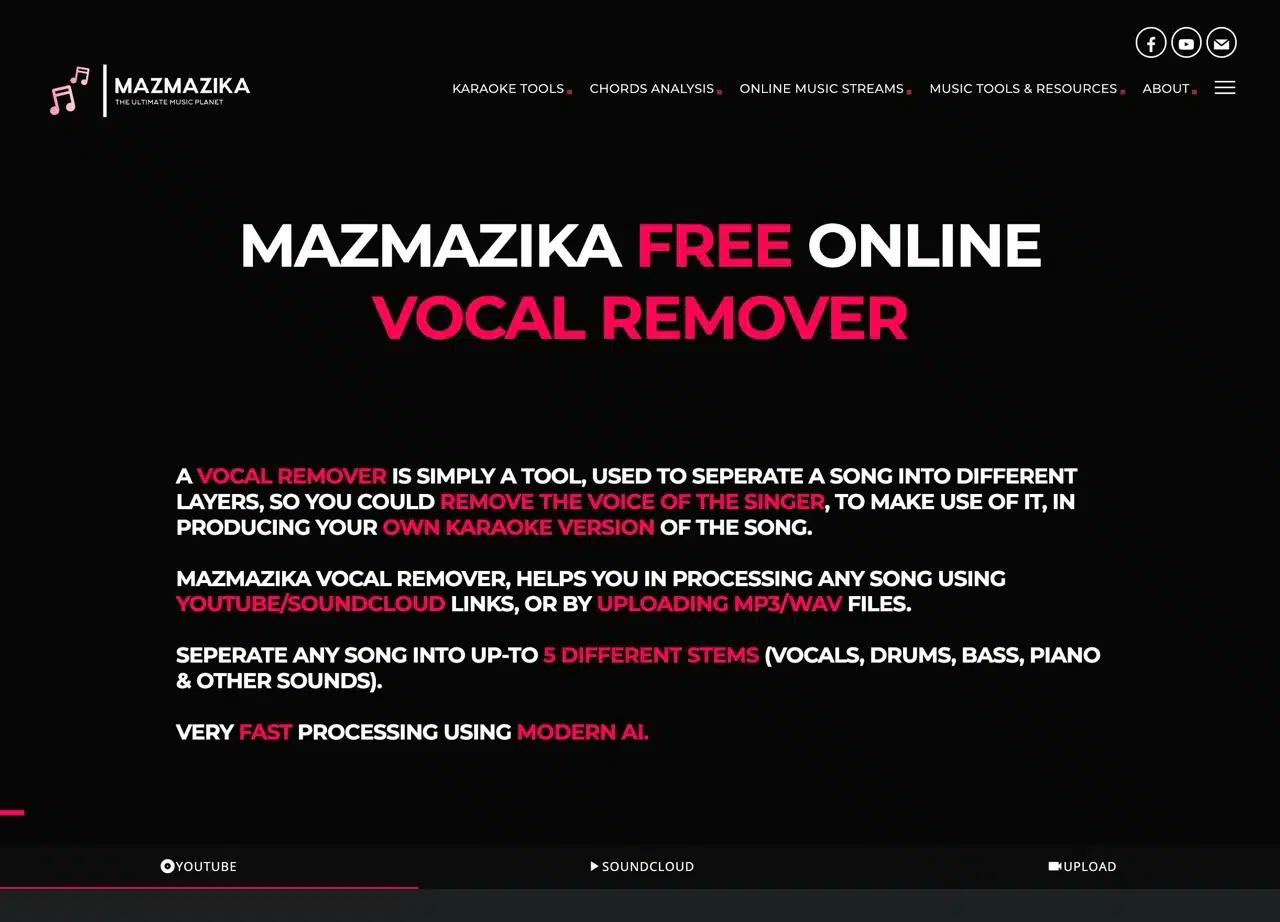
MazMazika Music Planet offers a suite of music-related tools, such as a vocal remover to convert songs into karaoke tracks, a chord analyzer, piano and guitar chord learning resources, a YouTube MP3 downloader, an online virtual piano, and more. One particularly useful feature is the vocal removal tool. Utilizing powerful AI technology, it quickly processes music to strip vocals from any song, converting it into a backing track-only karaoke version. This is incredibly handy for finding accompaniment tracks and requires absolutely no technical skill to use. Portable Speaker

MazMazika's free online vocal removal tool supports both YouTube and SoundCloud. Simply paste a video link for automatic processing. If you have MP3 or WAV files, you can manually upload them. In short, MazMazika splits music into distinct sections. By default, it separates backing tracks and vocals, but you can choose up to five tracks to isolate (including vocals, drums, bass, piano, and other sounds).

I previously compiled a list of “Free Vocal Removal Tools: 6 Services to Convert Music to Instrumental Tracks and Extract Separate Instrument Sounds.” If MazMazika isn't working properly, you can try these alternatives.

User Guide

STEP 1

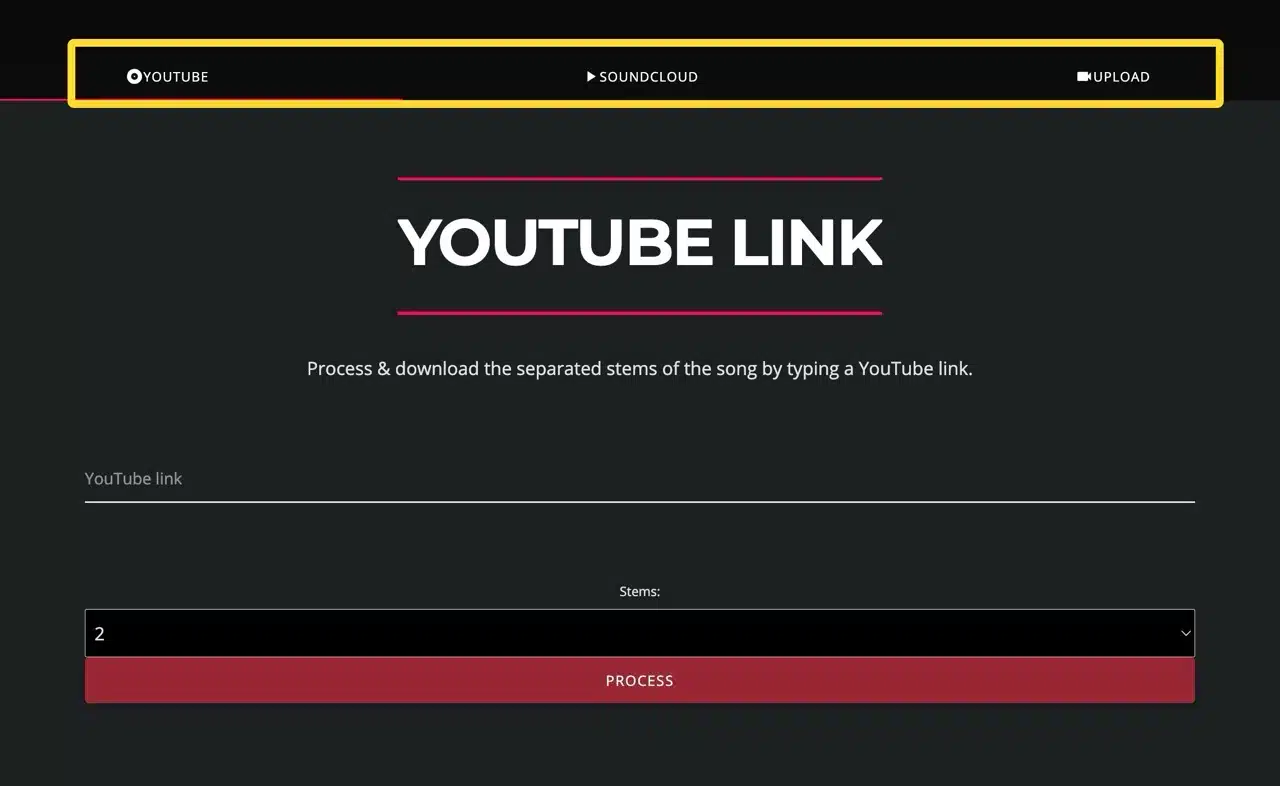
After launching the MazMazika Vocal Removal Tool, first select YouTube, SoundCloud, or manually upload an audio file from the top menu.
STEP 2

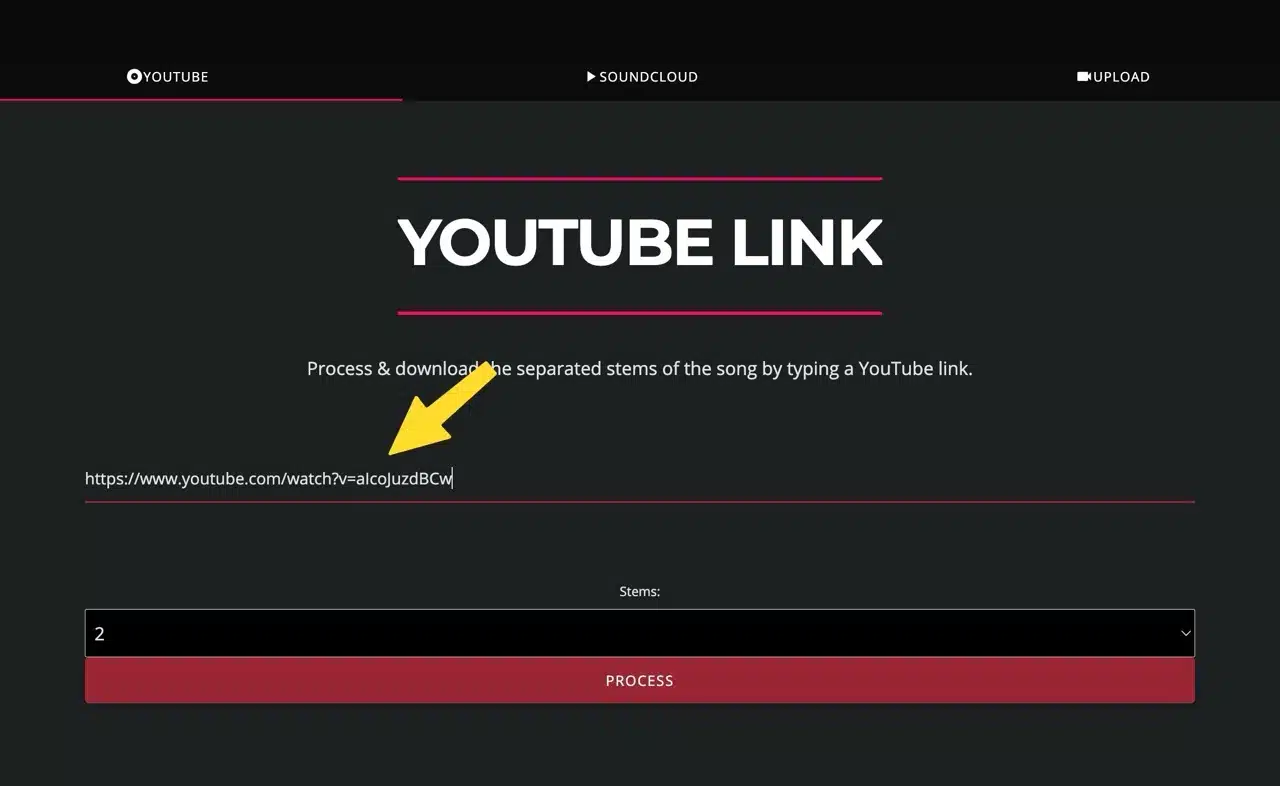
If choosing YouTube, simply copy and paste the video URL. The field below specifies the number of splits—the default is two tracks: vocals and instrumental. Keep the default settings unless you have specific requirements.
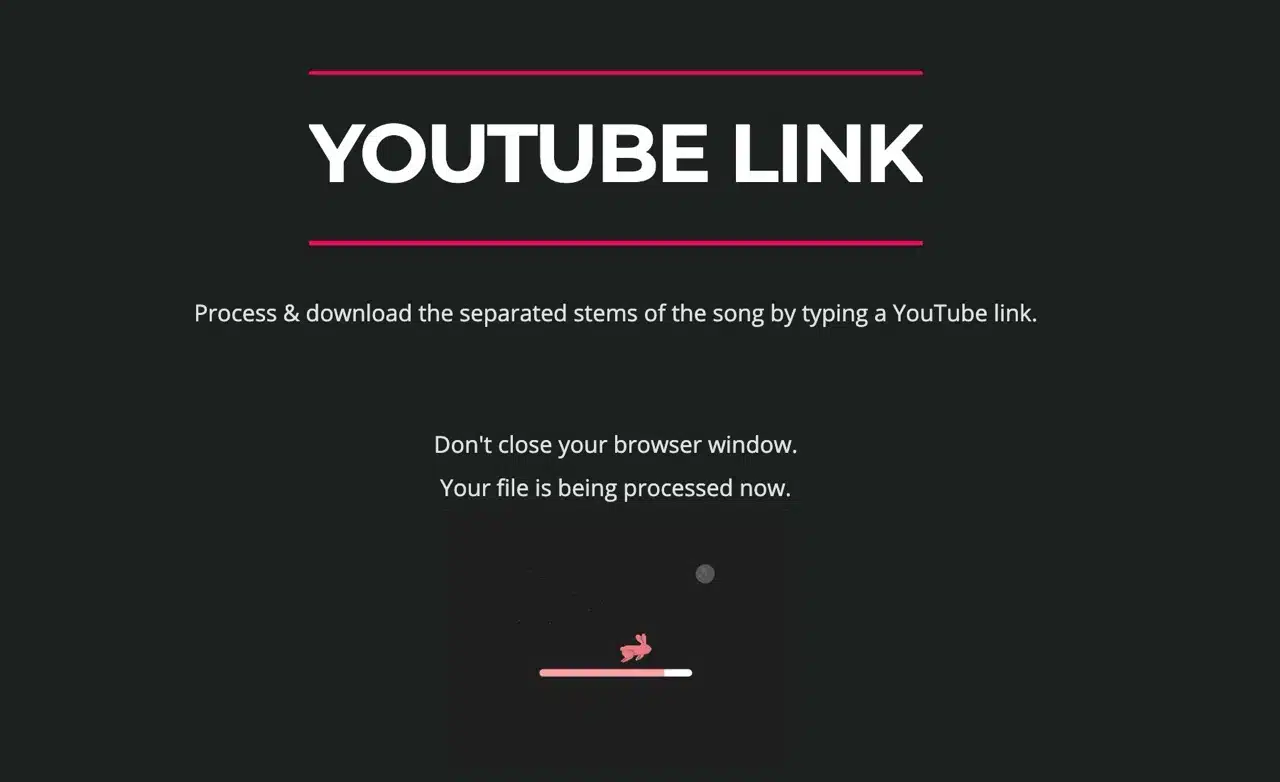
Click “Process” to begin. Keep your browser window open and wait for processing to complete.
STEP 3

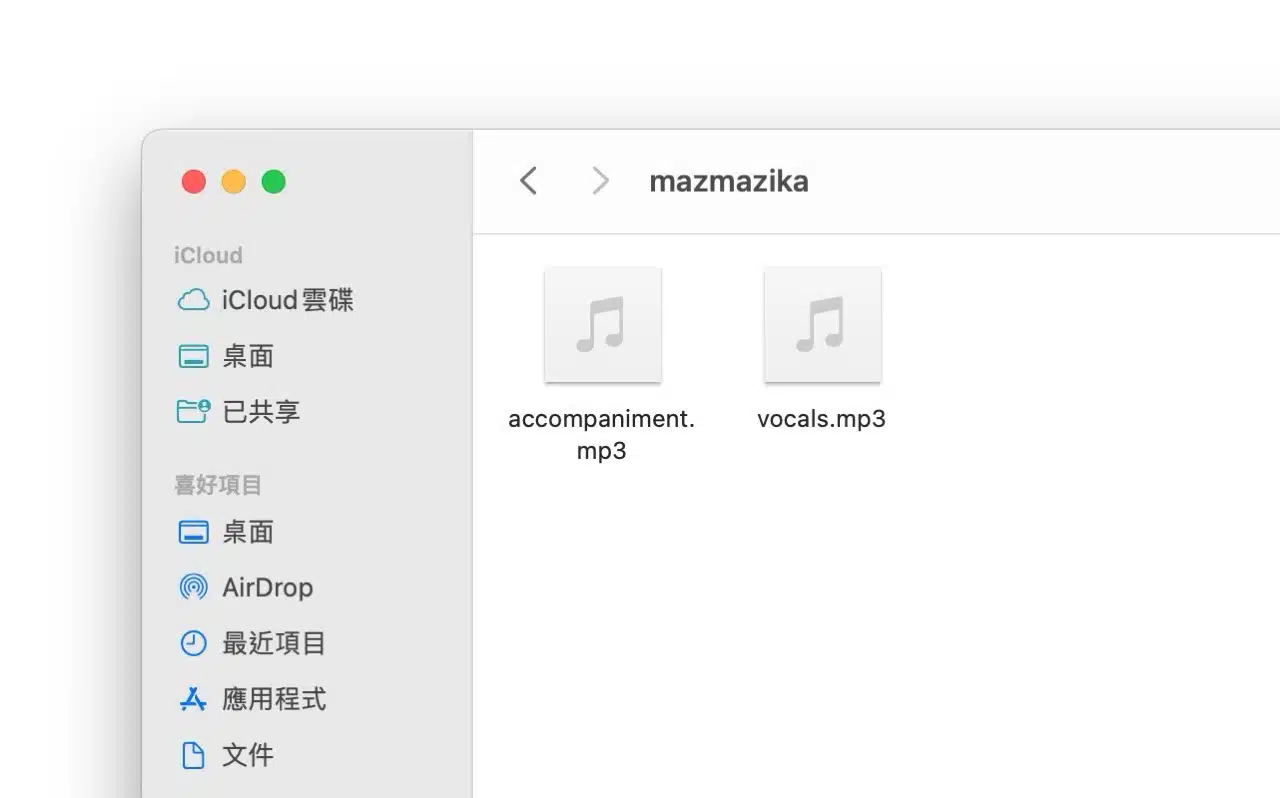
Upon completion, the file will download automatically. Extract the archive to obtain the processed music file (MP3 format). For example, if you split into two parts, you'll get a pure instrumental track and a vocal track. Occasionally, the separation might not be perfect, resulting in noise or incomplete processing. However, the tool is incredibly convenient to use, requiring absolutely no manual editing. Portable Speaker

Related Posts

Poe Subscription Guide: How to Experience ChatGPT, Claude, and Other Latest AI Models at the Lowest Cost?

GeoSpy.ai: Easily pinpoint photo locations with AI

Emoji Spark: Uses AI to analyze your input and recommend the most fitting emojis.

AI Graph Maker: One-click professional chart generation, a fast and simple visualization tool

Lumo: Proton Launches Free Privacy-Focused AI Assistant Supporting Zero-Knowledge Encryption and GDPR

Free AI Logo Generator LogoFast: Quickly Create Professional Logos Without Design Experience

Monica All-in-One AI Assistant: Integrates multiple AI models, supports all platforms, and offers affordable pricing.

Google Flights Deals is officially here! Use AI-powered search to find cheap flights, track fares effortlessly, and compare prices more conveniently.

PopPop AI: Free AI Sound Generator—The Ultimate Tool That Converts Descriptions into Sounds

SoColoring: Free AI Coloring Page Generator, Easily Create Personalized Coloring Books

Poe Subscription Guide: How to Experience ChatGPT, Claude, and Other Latest AI Models at the Lowest Cost?
GeoSpy.ai: Easily pinpoint photo locations with AI
Emoji Spark: Uses AI to analyze your input and recommend the most fitting emojis.
AI Graph Maker: One-click professional chart generation, a fast and simple visualization tool
Lumo: Proton Launches Free Privacy-Focused AI Assistant Supporting Zero-Knowledge Encryption and GDPR
Free AI Logo Generator LogoFast: Quickly Create Professional Logos Without Design Experience
Monica All-in-One AI Assistant: Integrates multiple AI models, supports all platforms, and offers affordable pricing.
Google Flights Deals is officially here! Use AI-powered search to find cheap flights, track fares effortlessly, and compare prices more conveniently.
PopPop AI: Free AI Sound Generator—The Ultimate Tool That Converts Descriptions into Sounds
SoColoring: Free AI Coloring Page Generator, Easily Create Personalized Coloring Books
bauns.top © 2025
  • Terms of Use
  • About Us
  • Privacy Policy