
 Proton Launches Privacy-First AI Service Lumo
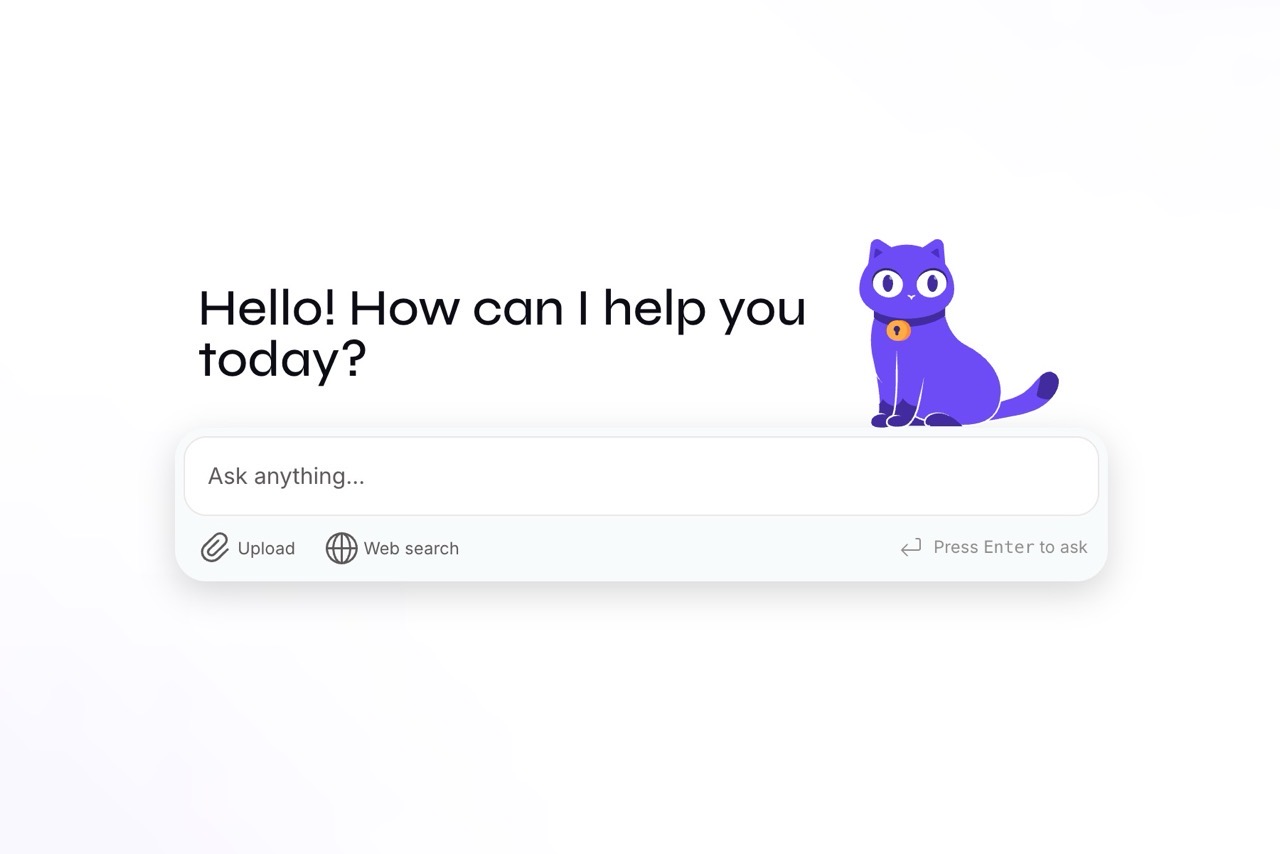
Proton, a web service provider renowned for protecting user privacy and data security, recently announced the launch of its artificial intelligence service “Lumo”! This privacy-first AI service does not record or store user conversation logs. It protects user data through zero-access encryption, meaning even the service provider cannot decrypt or read the content.
Lumo is fully open-source and does not utilize conversation data to train large language models. Crucially, the service is hosted in Europe and operates under the strictest data protection regulations, the GDPR. Users can access Lumo immediately without registration or account login, or choose to download the iOS or Android application.
Proton Service Overview
We trust you're already familiar with Proton. You can explore its services in the following articles:
Proton Mail Custom Domain Setup Guide for Enhanced Privacy and Security
Proton Drive: Swiss Free Cloud Storage for Secure File Storage and Sharing
Proton VPN: Swiss VPN Provider with Unlimited Free Plan for Privacy and Security
Proton Pass: New Open-Source, Secure Free Password Manager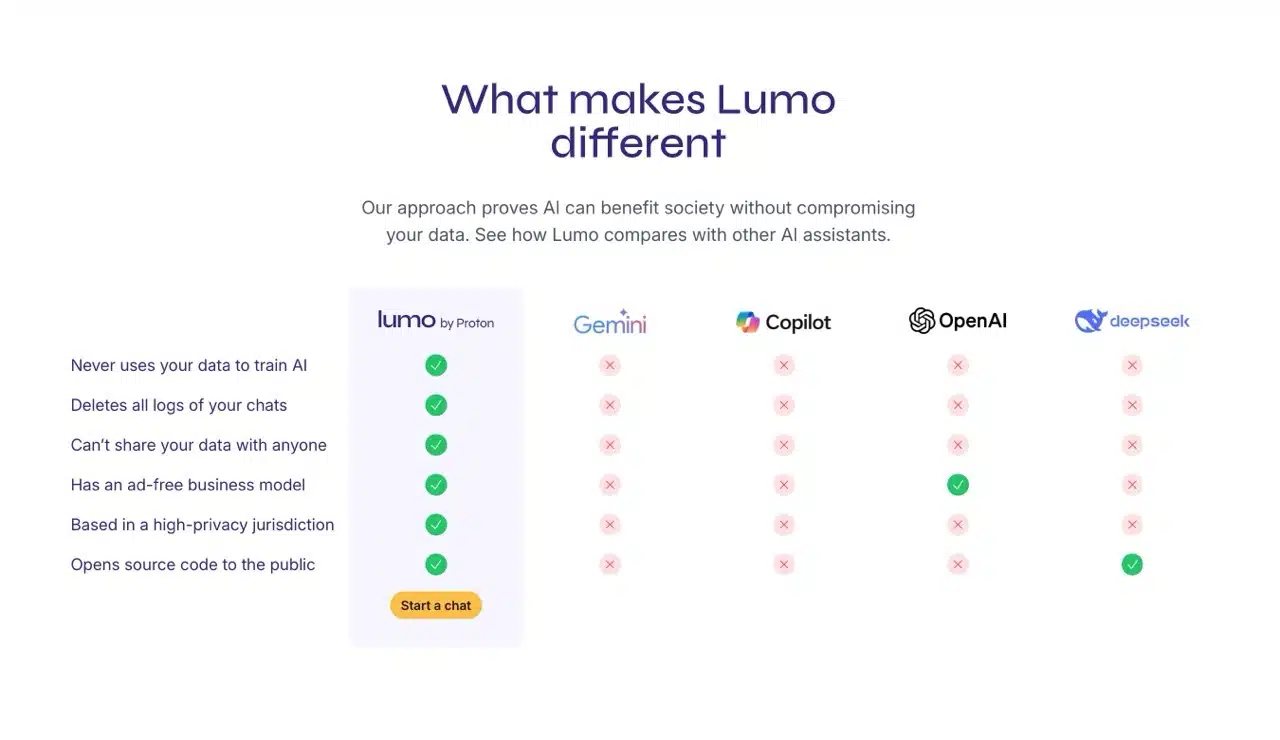
Lumo's Advantages Compared to Other AI Tools
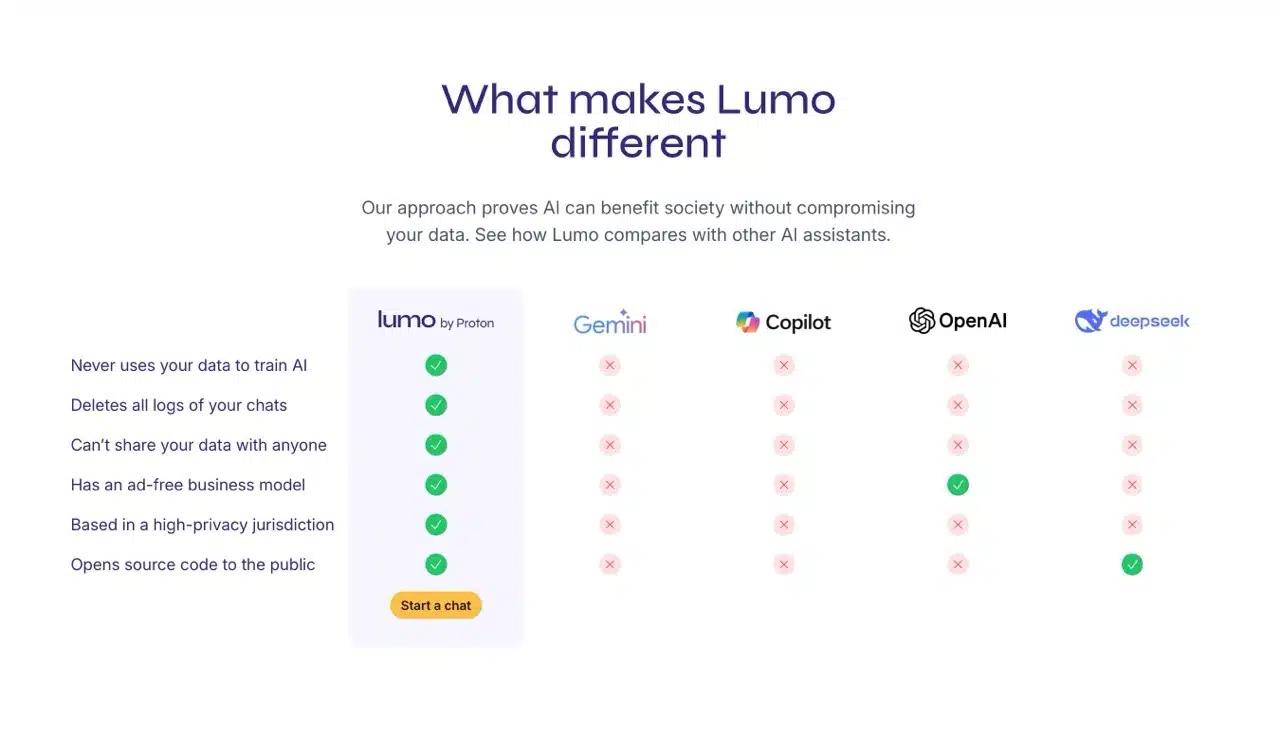
Compared to today's major mainstream AI applications (such as ChatGPT, Gemini, Copilot), Lumo offers the following advantages:
Does not use user data to train AI models.
Deletes all conversation records.
User data cannot be shared with anyone.
Features an ad-free business model.
Operates from a highly privacy-protective jurisdiction.
Offers open-source code to the public.
Lumo Free vs. Paid Plan Comparison
According to the official pricing page, Lumo offers both free and paid (Plus) plans. The free plan typically includes certain limitations, such as:
Usage frequency: Daily or monthly usage limits may apply.
Feature restrictions: Some advanced features may only be available in paid plans.
Response speed: Free version may experience slight delays in response times.
The paid plan costs $9.99 USD per month for annual billing or $12.99 USD per month for monthly billing, with a 30-day money-back guarantee. Feel free to give it a try if interested. After personal testing, I found the free version to be quite sufficient. If you're already a Proton member, you can opt to upgrade to Lumo Plus.
Lumo User Guide
1. Accessing the Lumo Website and Basic Features
Upon entering the Lumo website, you'll see the AI chat feature. This service can be used without registration (though conversations won't be saved). Beyond text, it supports file uploads and web searches. Expanding the left-side menu reveals options like creating new chats, searching conversations, viewing chat history, and upgrading to Lumo Plus.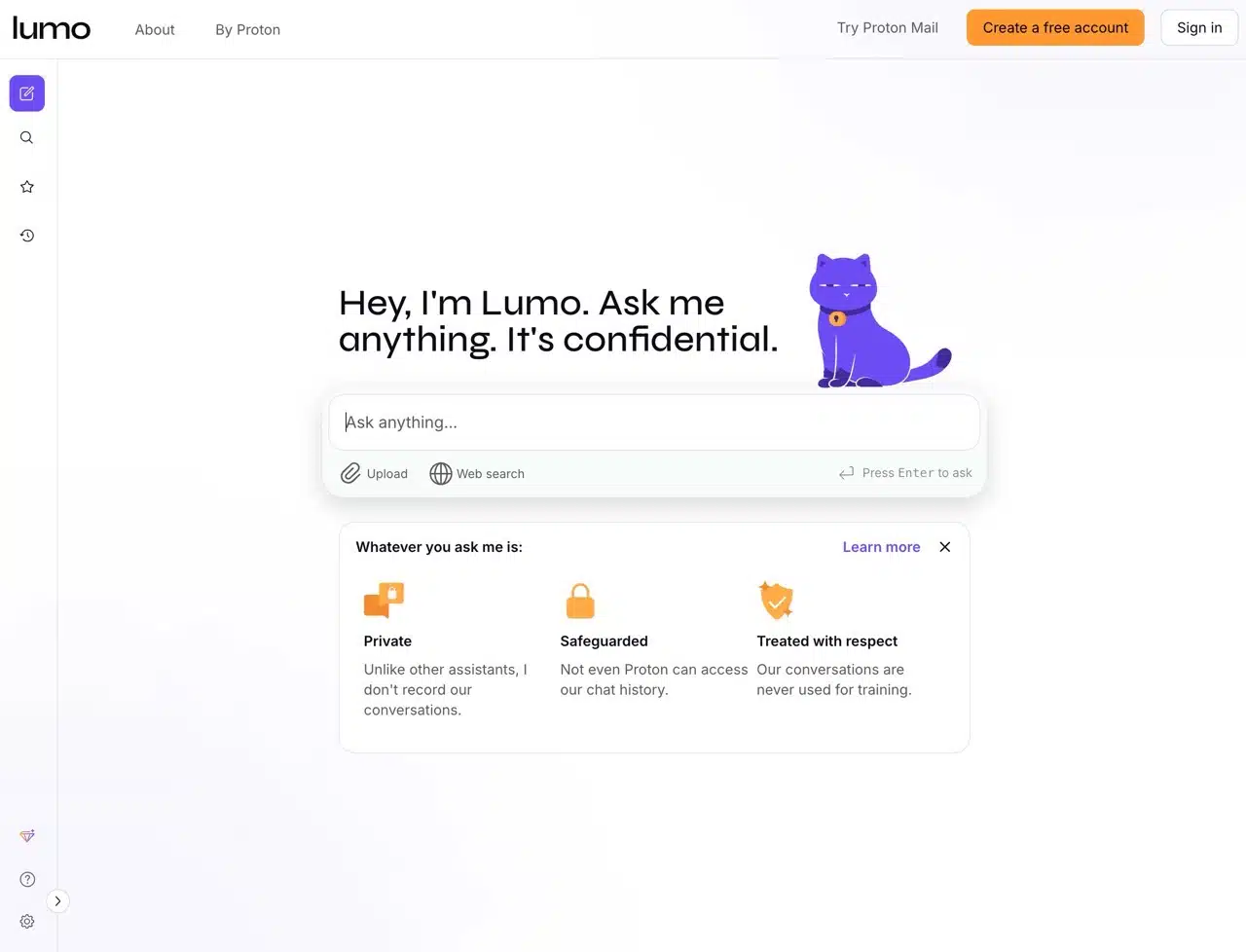
2. Initiating Conversations and Privacy Protection
Lumo operates similarly to other AI tools: simply type your query to receive a response. Lumo encrypts all conversations, ensuring chat logs cannot be viewed, shared, or used to describe your personal profile. No content is stored on servers (using zero-knowledge encryption).
Below the chat function, you'll find options for file uploads and web searches, both available even on the free plan.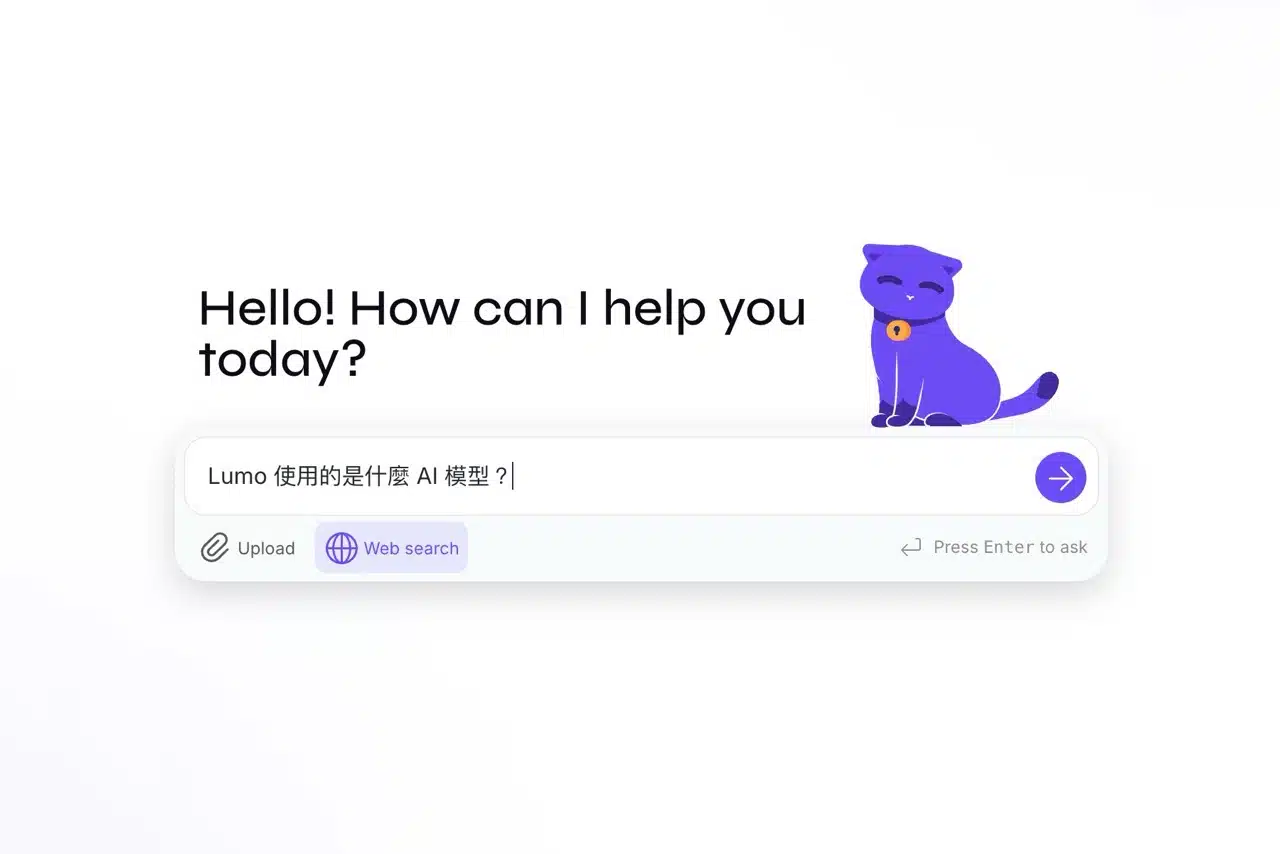
Start conversing with AI through Lumo. During chats, you can regenerate responses, copy text quickly, and rate answers.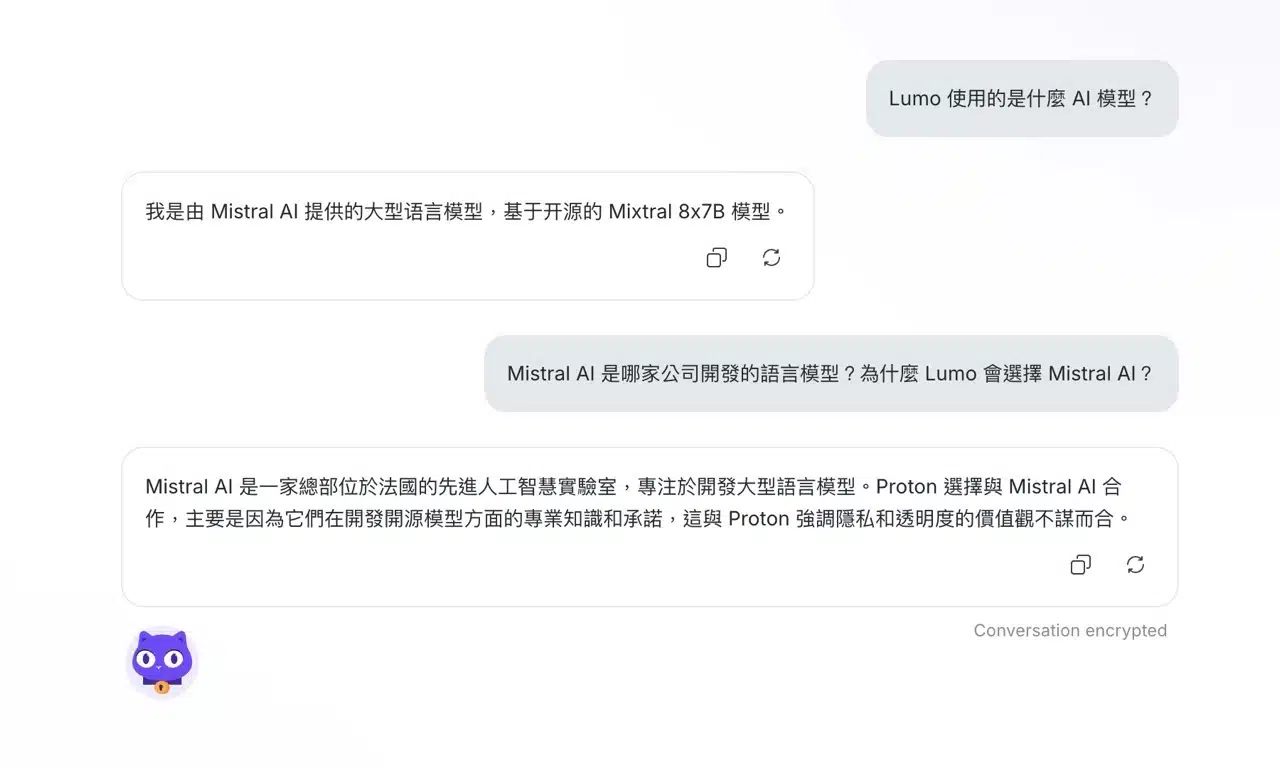
3. Save Conversations & Register a Proton Account
Without logging into a Proton account, all conversation history is not saved and disappears when you close your browser. To preserve records for future searching and reuse, consider registering a free Proton account. This feature also allows you to mark conversations as “Favorites,” pinning specific chat histories to the top.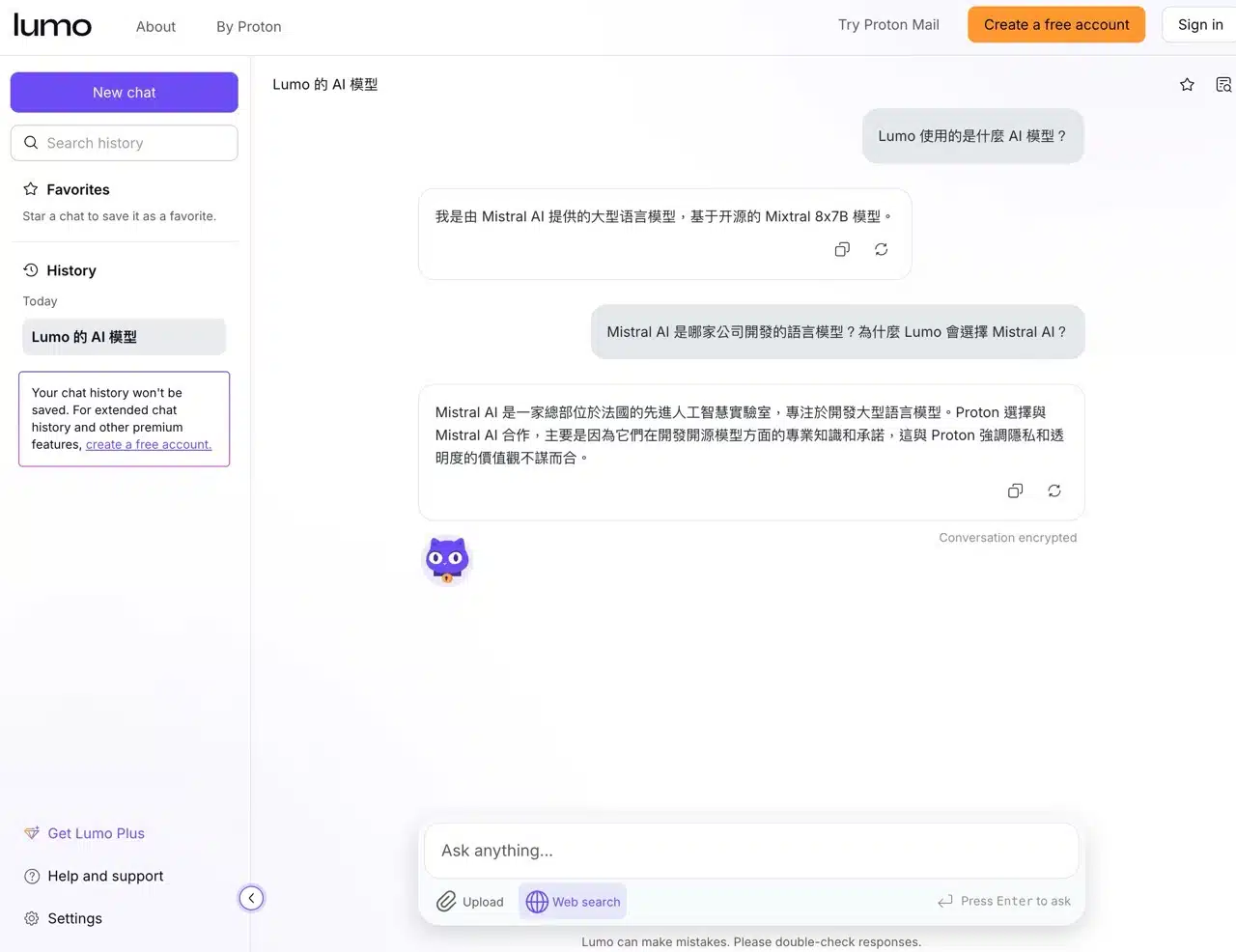
4. File Upload and Proton Drive Integration
Lumo includes the standard “Upload Files” feature. What sets it apart is its integration with Proton Drive cloud storage. If you use this service, you can quickly import files, skipping the upload step entirely!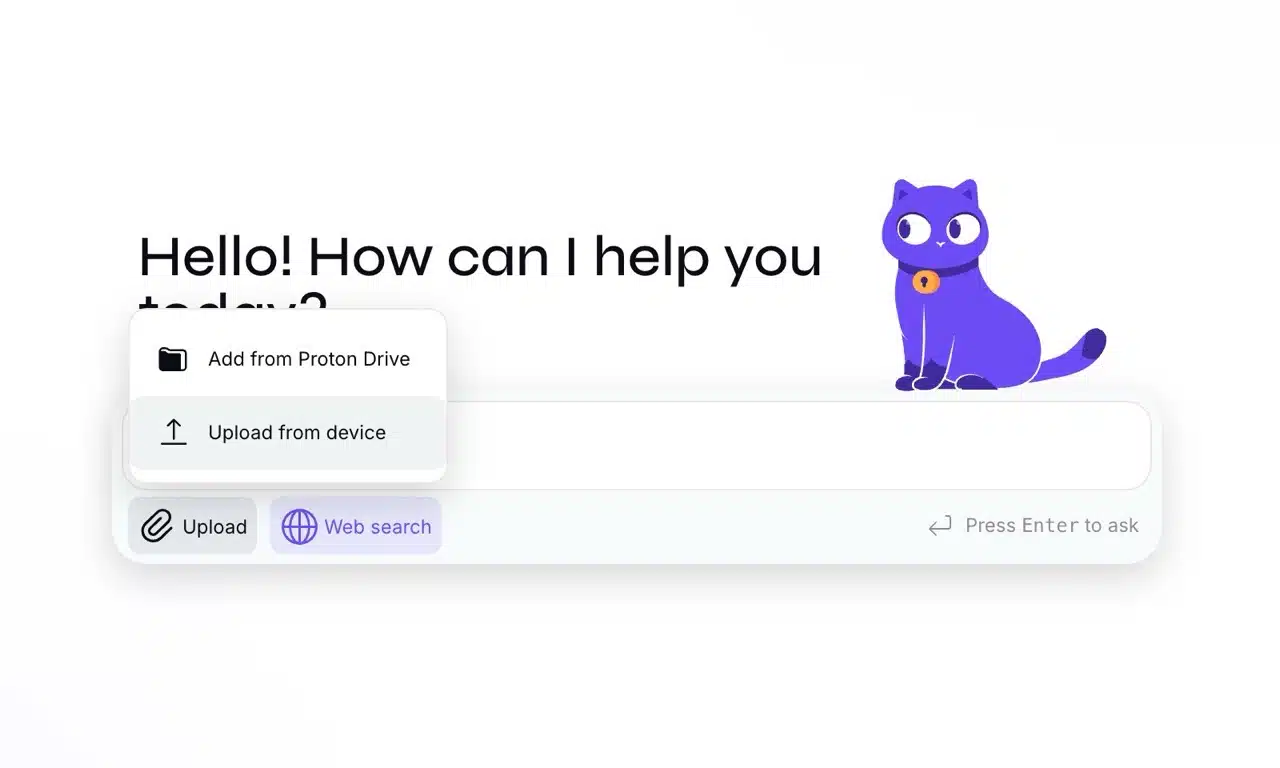
While uploading files, you can ask Lumo questions or request it to organize and summarize data—features most users will find familiar. During chats, the “Chat knowledge files” option in the top-right corner allows users to upload any documents. This helps the AI better understand context, enabling more accurate and relevant responses.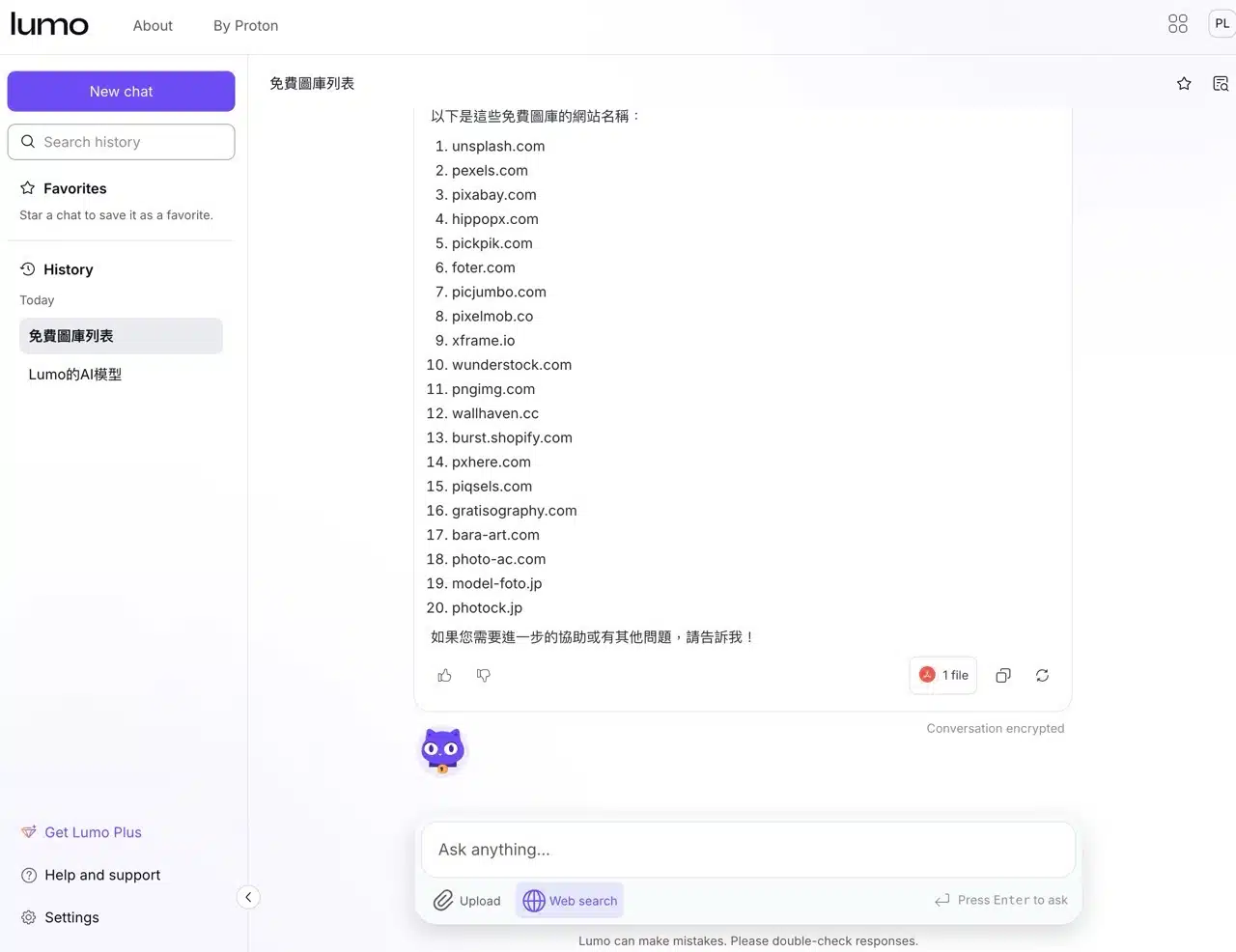
5. Ghost Mode (Stealth Mode)
Finally, let's cover Lumo's “Ghost Mode” feature. You'll find the toggle switch in the top-right corner of the homepage. When enabled, it switches to a temporary chat window. Once disabled, all content disappears. Think of it as an “incognito window” for AI tools. Fortunately, Lumo doesn't store any user-AI conversation content, making it relatively high in privacy. Whether you need to enable this mode depends entirely on your personal preferences.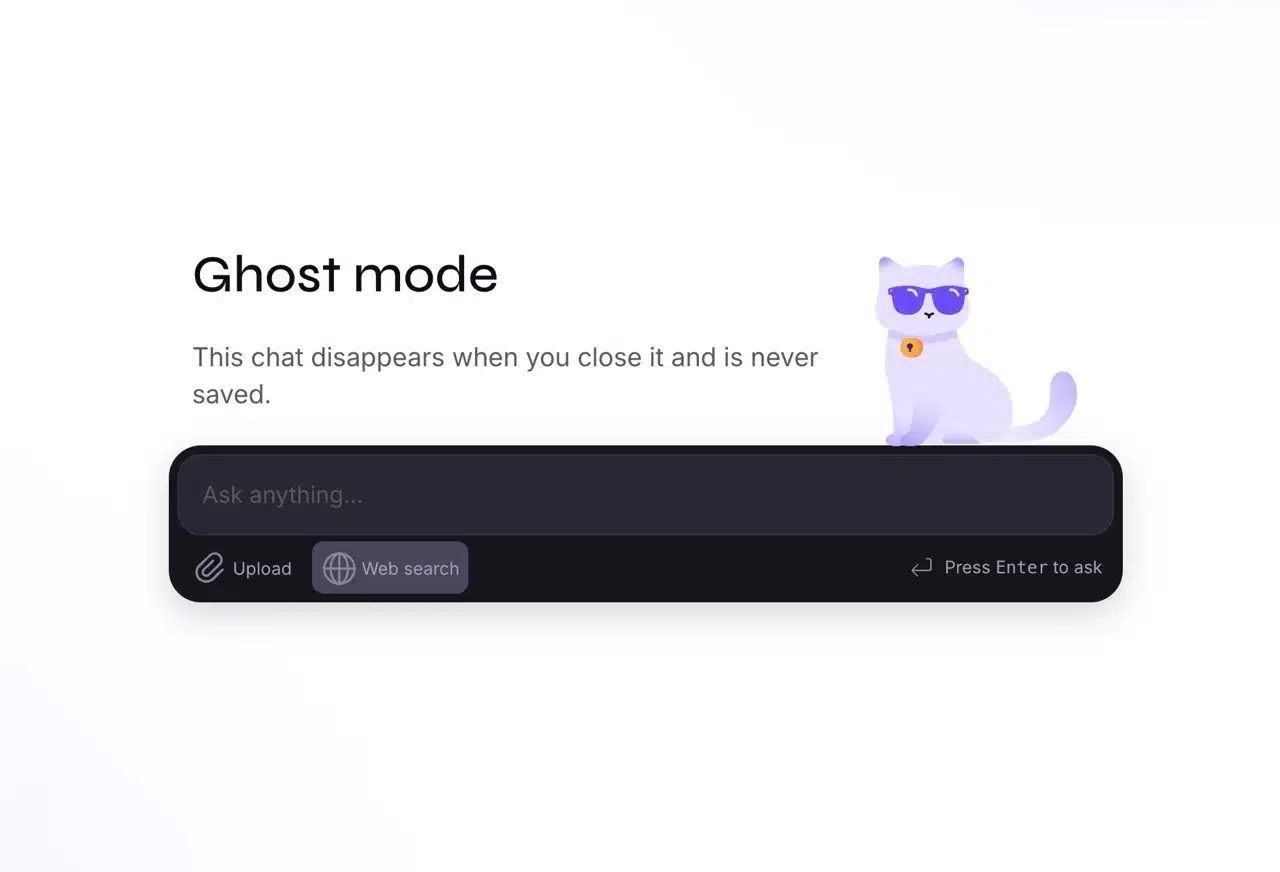
As widely known, Proton is a service provider dedicated to user data privacy, headquartered in Geneva, Switzerland. Due to upcoming stricter monitoring under Switzerland's revised Federal Act on Surveillance of Postal and Telecommunications Traffic, Proton is preparing to relocate from Switzerland, with Germany being the most likely destination. (In fact, Proton began migrating most of its servers to data centers in Germany and Norway as early as 2021).
As Proton shifts its focus to Europe, Lumi becomes the first EuroStack service.