Monica — Your All-in-One AI Assistant Platform
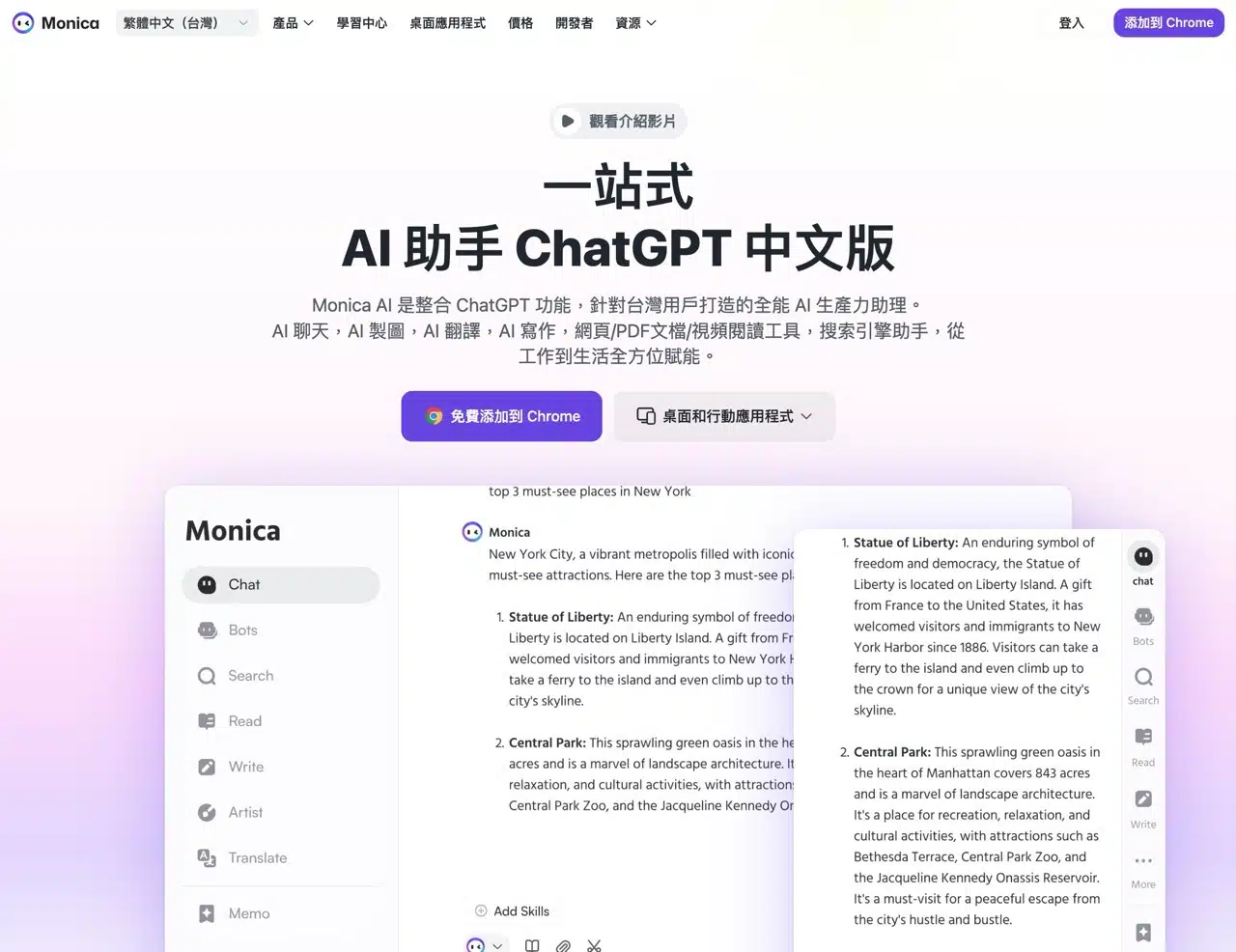
Monica is a comprehensive AI assistant that integrates popular AI models like ChatGPT, Gemini, Claude, Llama, Grok, and DeepSeek. This allows users to access all services—including chat, image generation, video and audio creation, writing, reading and summarization, and translation—from a single website. Similar to the previously recommended Poe, Monica offers a more affordable pricing structure for those needing to utilize multiple models for work or daily tasks.
Beyond that, Monica serves as an excellent AI mirror service. Even in environments where direct access to OpenAI or Google is restricted, it enables connection and usage of related features—think of it as accessing these AI tools through a third-party gateway.
Notably, Monica supports all platforms, including Windows, macOS, and Chrome browsers. It also offers iOS and Android apps and integrates seamlessly with popular messaging apps (LINE, Messenger, WhatsApp, and Telegram). This provides maximum flexibility and integration, allowing you to use it alongside email, YouTube videos, social media, Google Search, and other services.
Monica Pricing Plan Details
Please refer directly to the Monica pricing page.
Although Monica offers a “Free Plan,” it comes with usage limitations. This includes a daily quota of only 40 uses for the Standard Mode (which only allows access to GPT-4o mini, Claude 3.5 Haiku, and DeepSeek V3 & R1). It's suitable for testing purposes, but to utilize various advanced models and fully unlock image and video generation capabilities, a paid upgrade is required.
Monica's paid plans consist of Pro and Unlimited tiers. The primary difference lies in usage limits for the Pro plan. For light users, the Pro plan is recommended. priced at $9.99 monthly (with a 17% discount for annual subscriptions). The Unlimited plan costs $24.9 monthly, offering a 50% discount for annual payments. Those planning long-term use should calculate which subscription option is more cost-effective.
Monica User Guide
1. Registration and Login
Upon opening the Monica website, you'll see a Chinese introduction. Click “Login” in the top-right corner to sign in directly with your Google account. Alternatively, you can register an account using your email address if needed.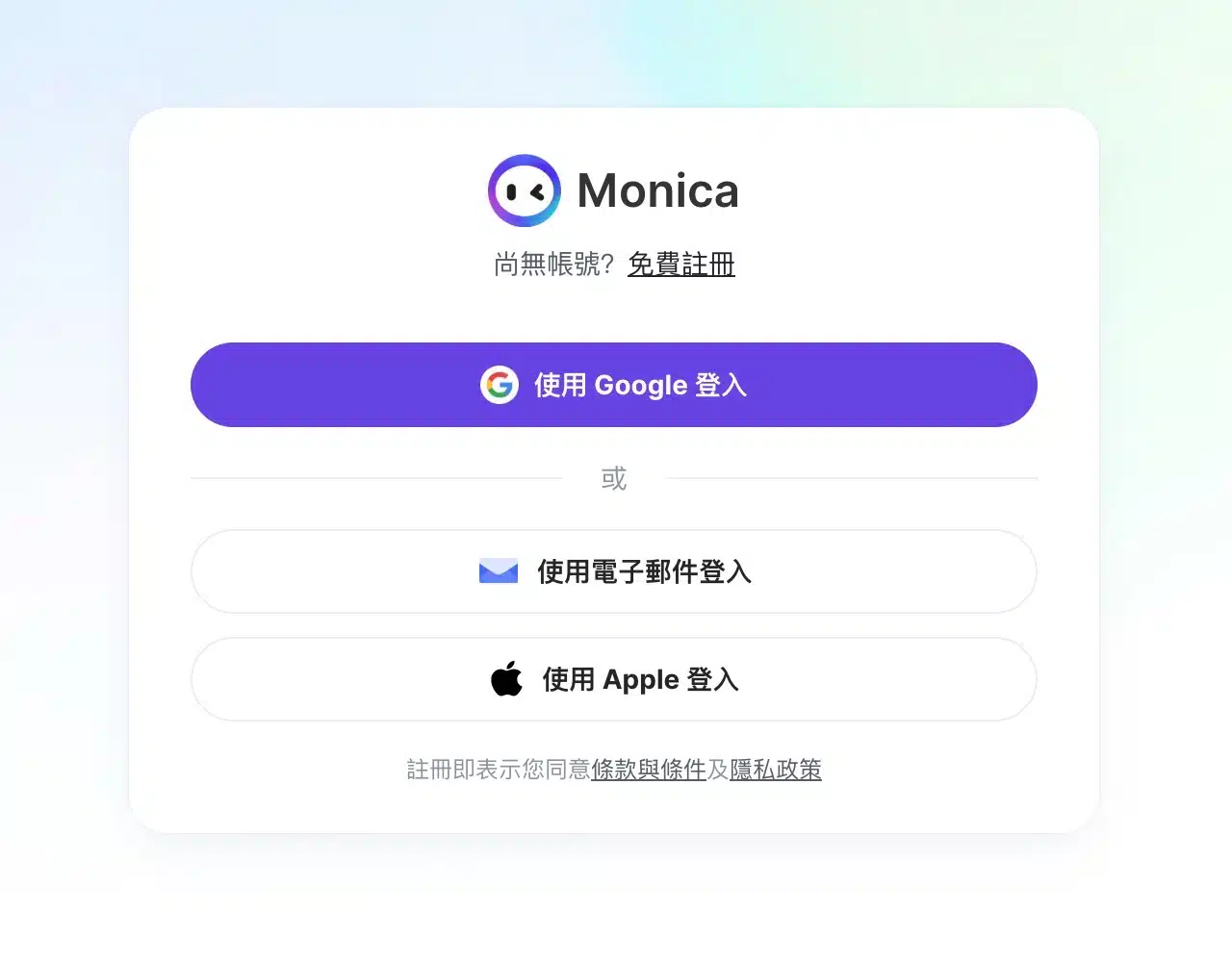
2. Accessing the Main Interface and Switching Features
After registration, you'll be on the “Free Plan.” From the main screen's left menu, switch between Chat, Drawing, Video, Audio, and other features. The central function searches AI models to open chat mode. Additionally, Monica provides default options including Writing, Grammar Check, Translation, AI Detection, ChatPDF, Mind Maps, and Search.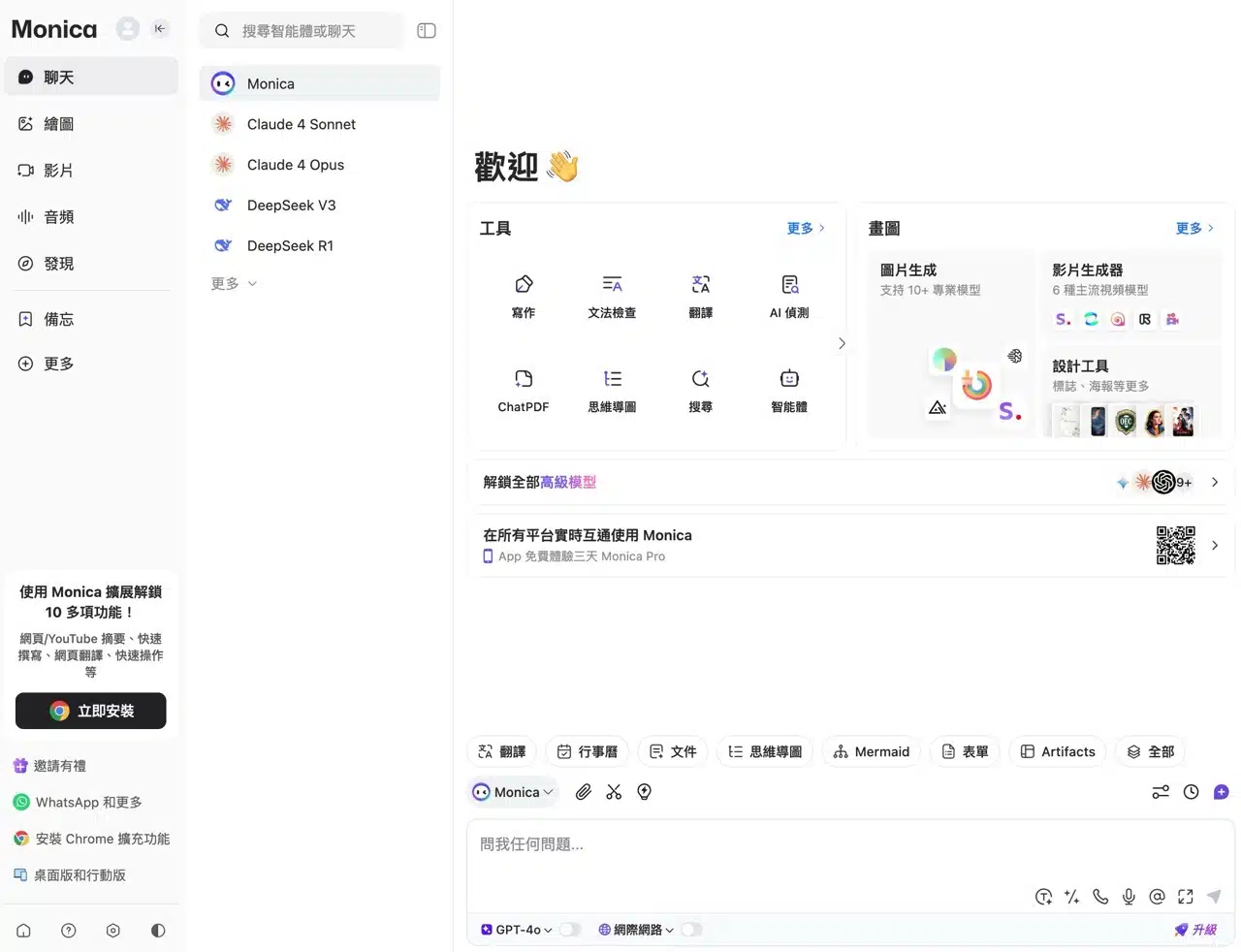
3. Initiate Conversations and AI Features
Select your desired AI model to open the chat window. Supported models include Claude, DeepSeek, Grok, ChatGPT, Perplexity, and Gemini. Monica's server does not access user chat histories (interactions occur directly via API connections with AI services).
Note: Monica's free plan only allows limited access to “basic models.” You can test GPT-4o, but the free plan disables internet access and knowledge source switching. File uploads, screenshots, and voice input remain available.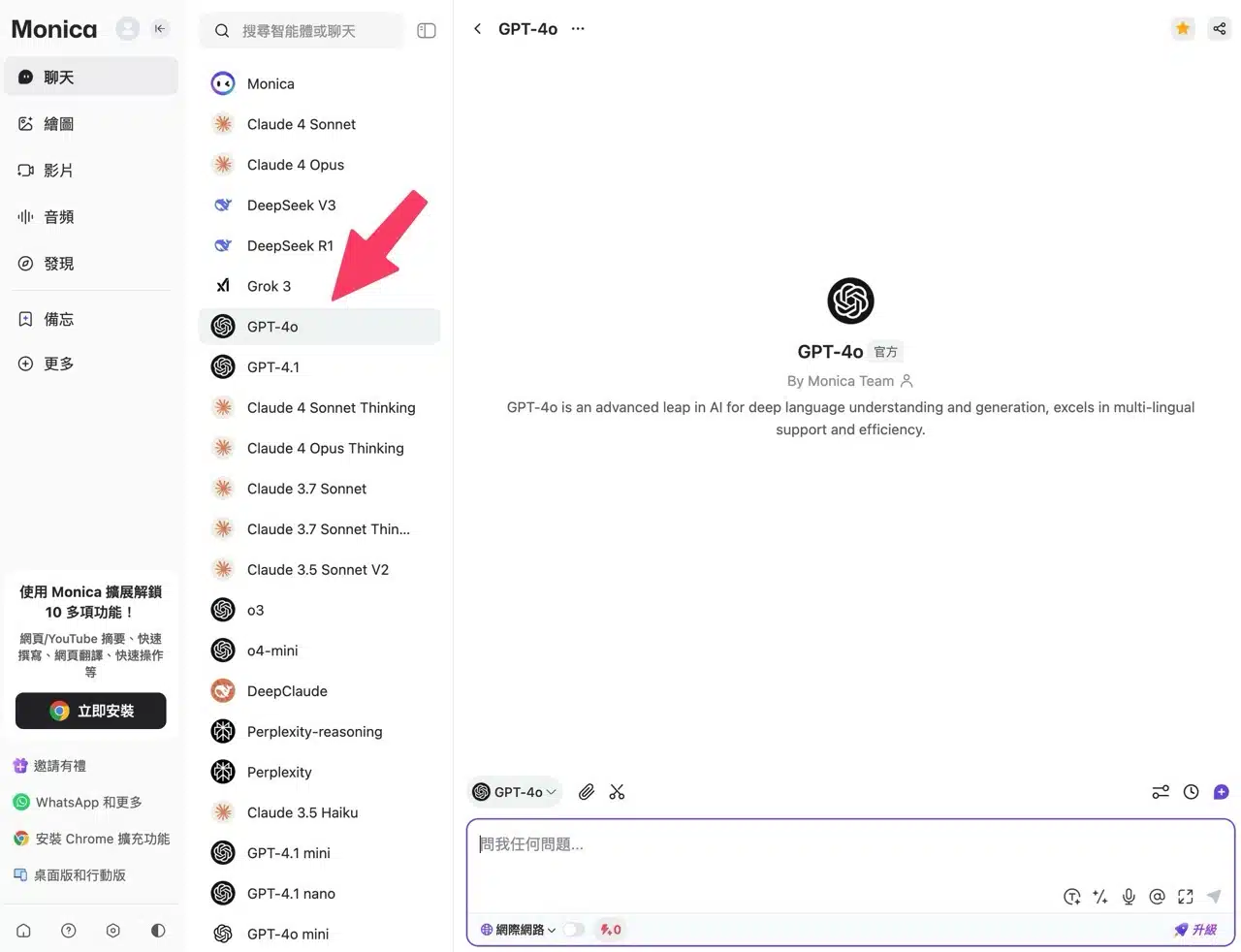
After submitting a question or request, the AI responds—operating similarly to ChatGPT, Gemini, and other services.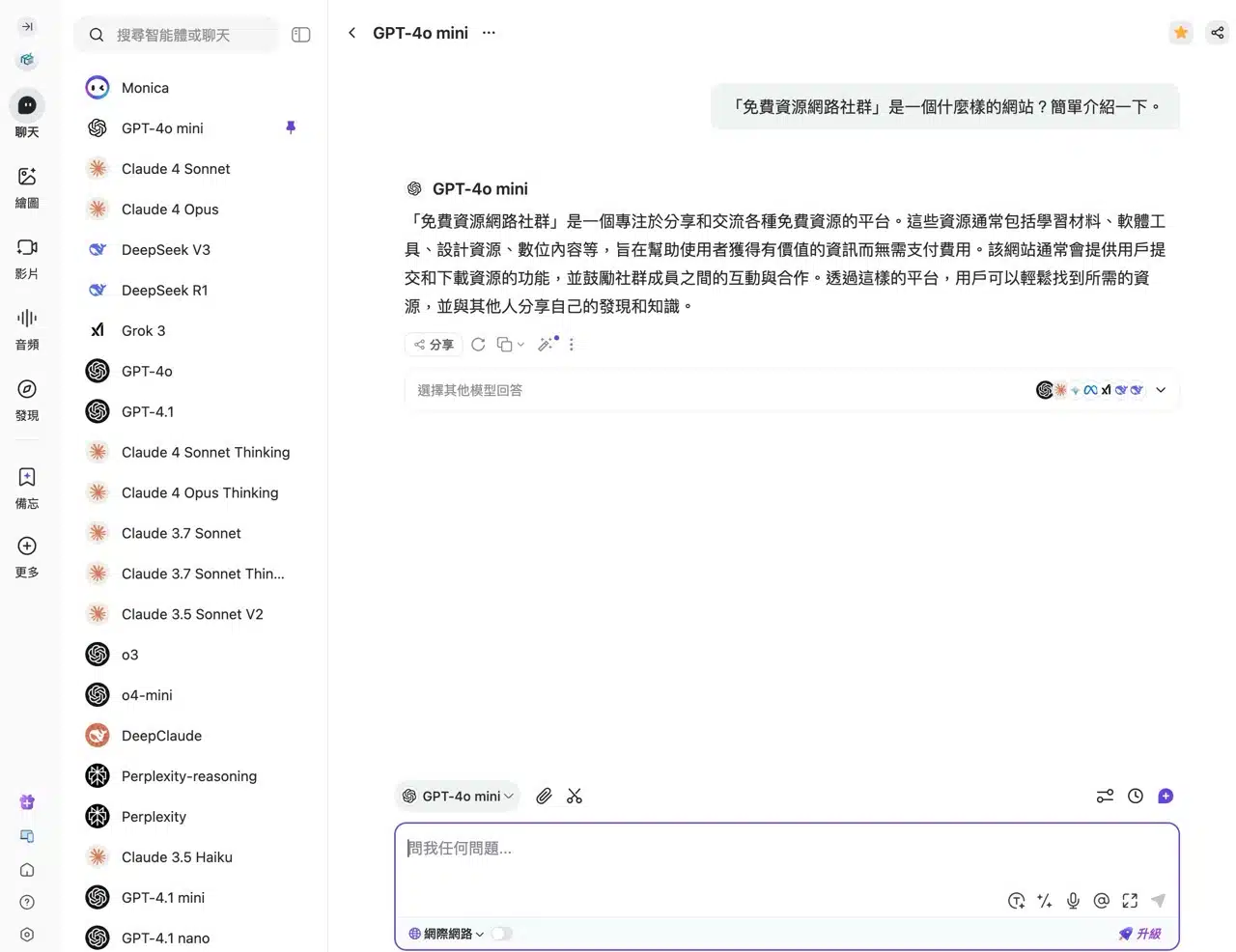 The key difference is that after an AI response, you can select other AI models from below to compare results. For instance, you can quickly obtain replies from Claude, Gemini, Llama, Grok, DeepSeek (or compare all models). This feature proves invaluable when you're dissatisfied with an answer.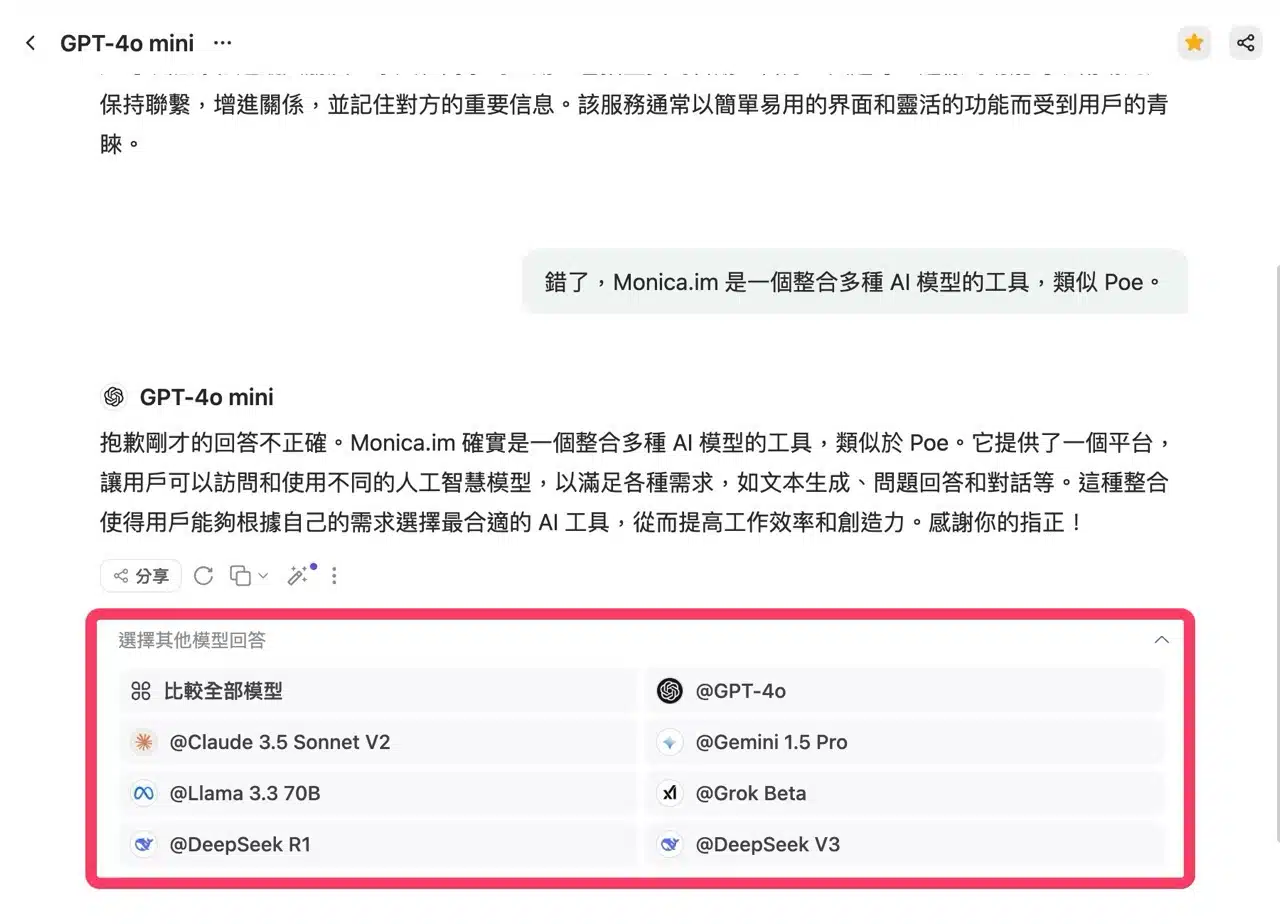
4. Checking Remaining Queries and Upgrade Prompts
Under Subscription Usage, you can view your current standard query allowance. The free plan provides 40 daily queries usable with GPT-4o mini or Claude 3 Haiku.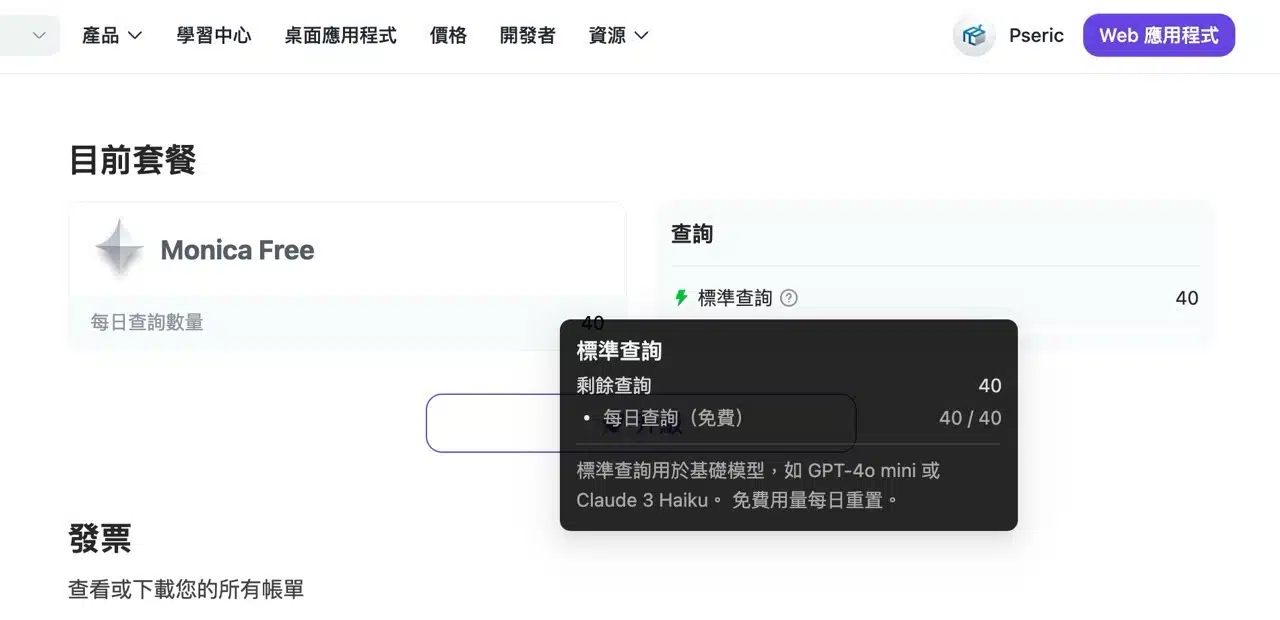
When using certain paid features or AI models requiring a subscription to switch to, Monica will display an upgrade prompt. However, it typically only shows the “Unlimited” plan here. You can find a comparison of all plan features and quotas on the pricing page. If your usage isn't high, the Pro plan should be sufficient, though it has access restrictions. You can assess whether it suits your usage needs.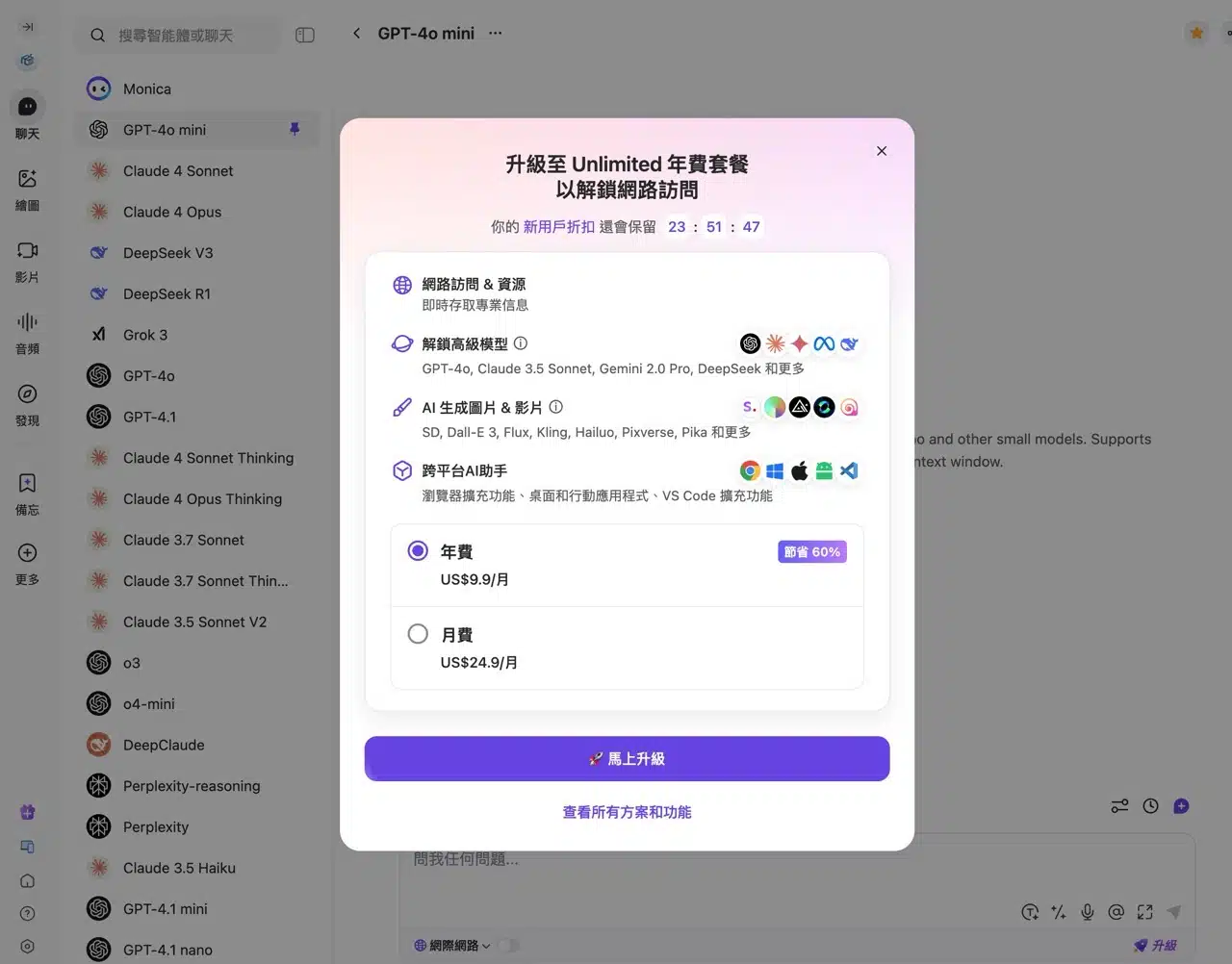
5. Chrome Extension Experience
Another standout feature of Monica is its versatile Chrome extension, available for free download from the online app store. APP Recommendations
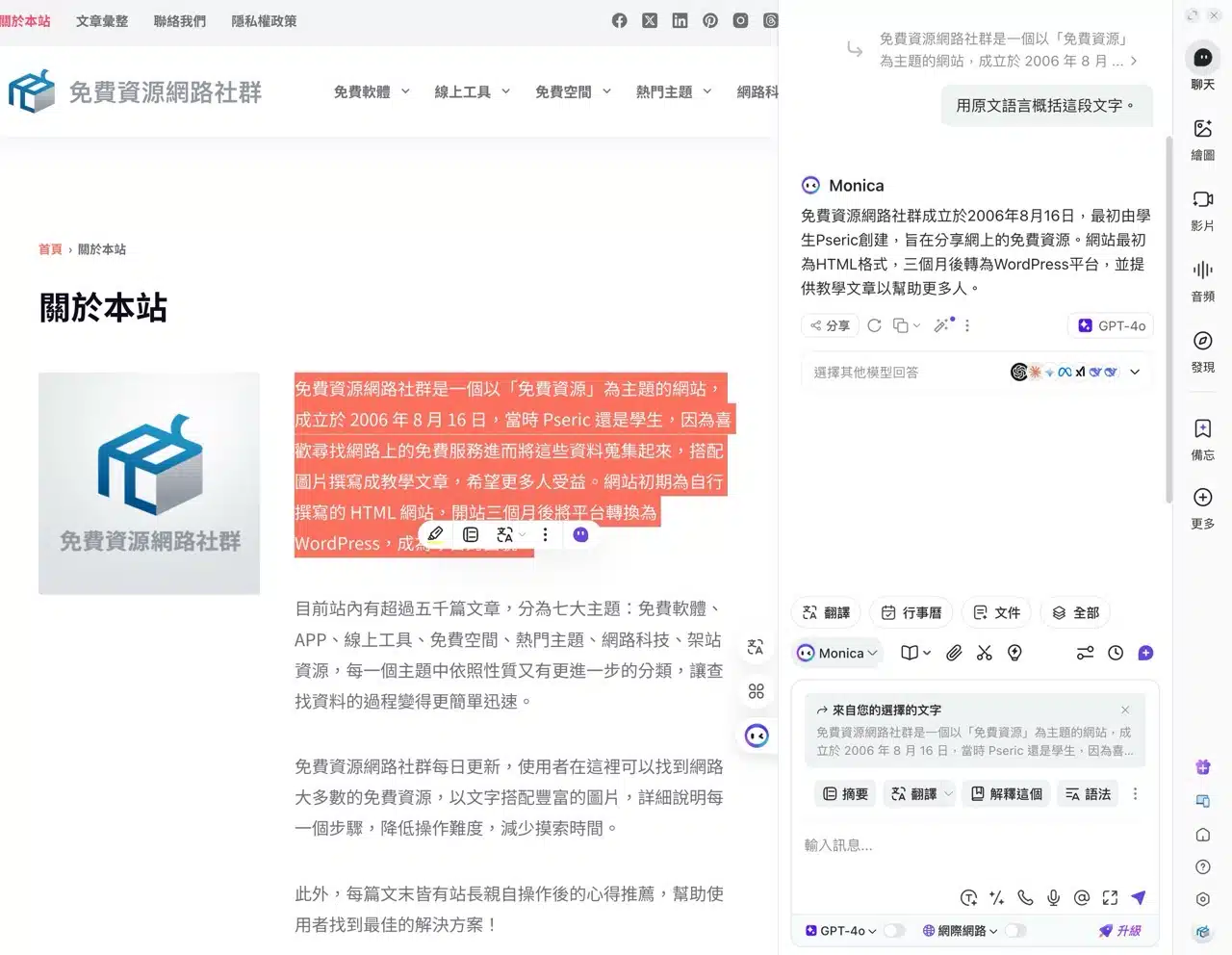
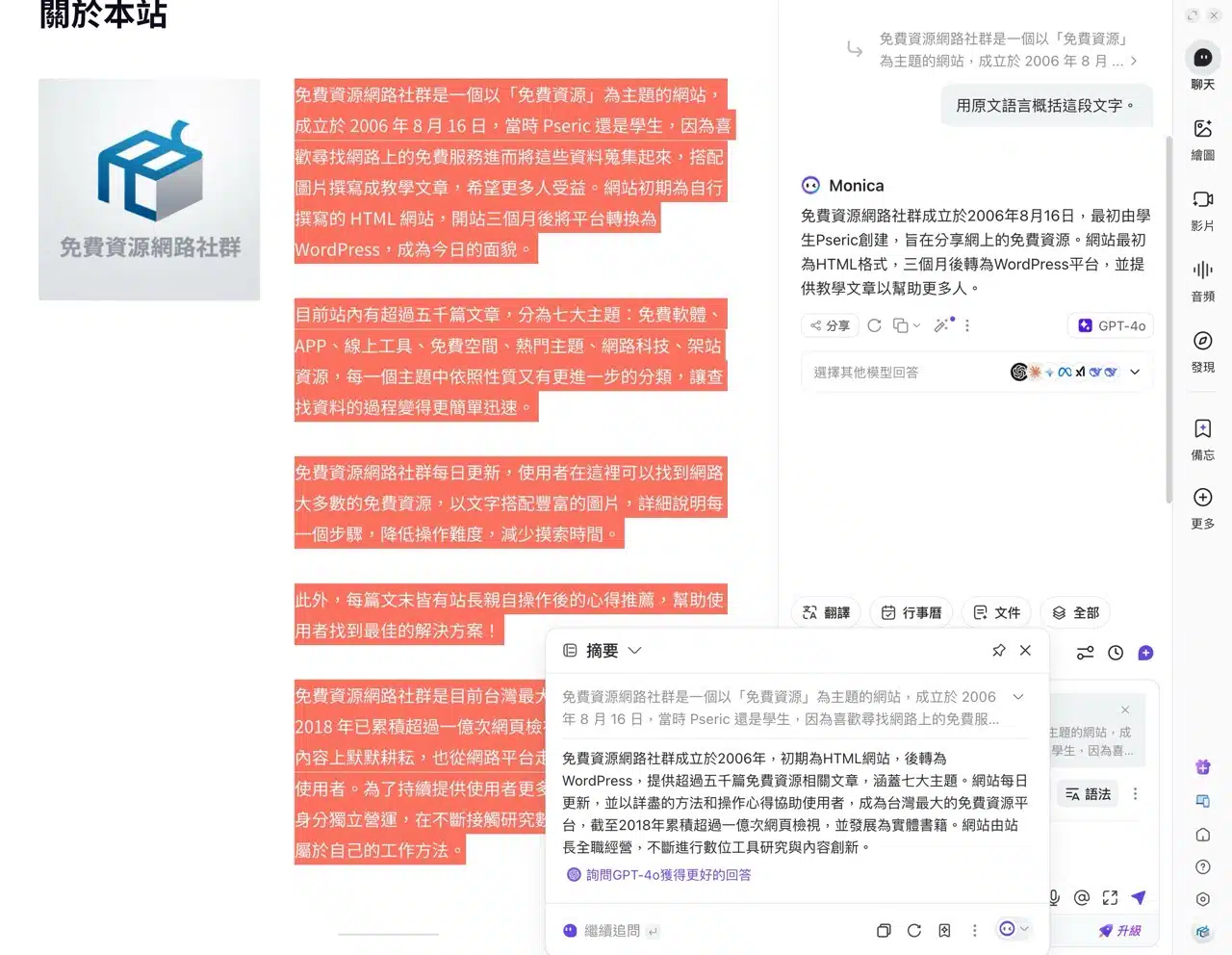
This extension integrates various AI functionalities, including: conversation, art creation, conversation summarization, writing, translation, search, note-taking, and more. It also supports search engine integration, such as directly querying webpages to find more detailed answers.
The Monica extension remains fully functional even in countries or network environments where ChatGPT access is restricted.