Sound Effect Generator Introduction
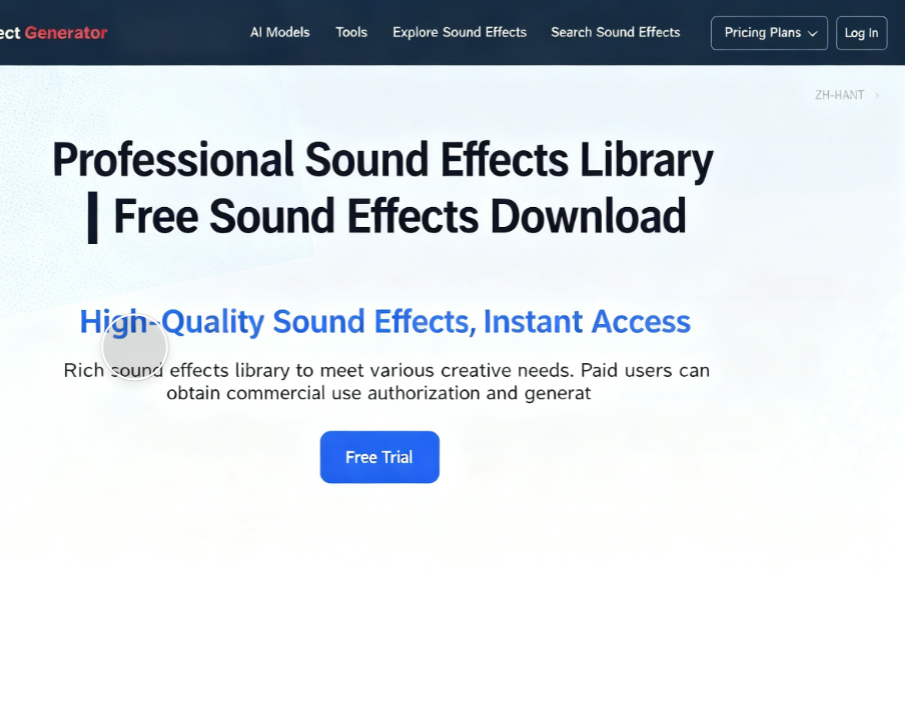
Sound Effect Generator is a free sound effects library featuring over 20,000 sound assets available for free download (commercial licensing requires paid upgrade). Its standout feature is an AI-powered sound creation tool that enables effortless production of diverse musical sound effects. Supported functions include standard sound effects, voice cloning (text-to-speech), video sound effects, AI music and songs, and lyrics. Free users can generate one sound effect daily. While the daily limit is modest, it still offers a worthwhile trial experience. Portable Speaker
AI Sound Effect Creation Tool Features
This online sound effect generator uses AI technology to create custom audio assets within seconds based on user prompts. It allows adjusting audio length, adding reverse prompts, uploading videos, selecting output quality levels, creativity levels, and more. A key feature is its multilingual interface, including Traditional Chinese, ensuring Chinese users can easily navigate it by following the options and prompts to generate sounds.
Functional Limitations and Applicable Scenarios
Since audio production involves computational processing and incurs certain costs, the service offers a free trial for select features. It is well-suited for creating professional voiceovers, background music, voice acting, or producing sound effects for videos.
Pricing Plans and Credit System
Sound Effect Generator pricing plans include subscription-based (monthly payment) and one-time payment options. The former provides more credits, while credits purchased under the latter never expire. Text-to-sound effects consume 1 credit per second, and video voiceover generation consumes 2 credits per second. We recommend trying the free trial first to see if it meets your needs, then calculating which subscription plan offers the best value!
User Guide
1. Launch the Sound Effect Generator
After opening Sound Effect Generator, scroll down to find the sound creation tools. At the top, you can switch between generating sound effects, voice cloning, video soundtracks, AI music tracks, lyrics, or text-to-speech. Each selection unlocks different options. For this example, we'll focus on creating “Sound Effects.”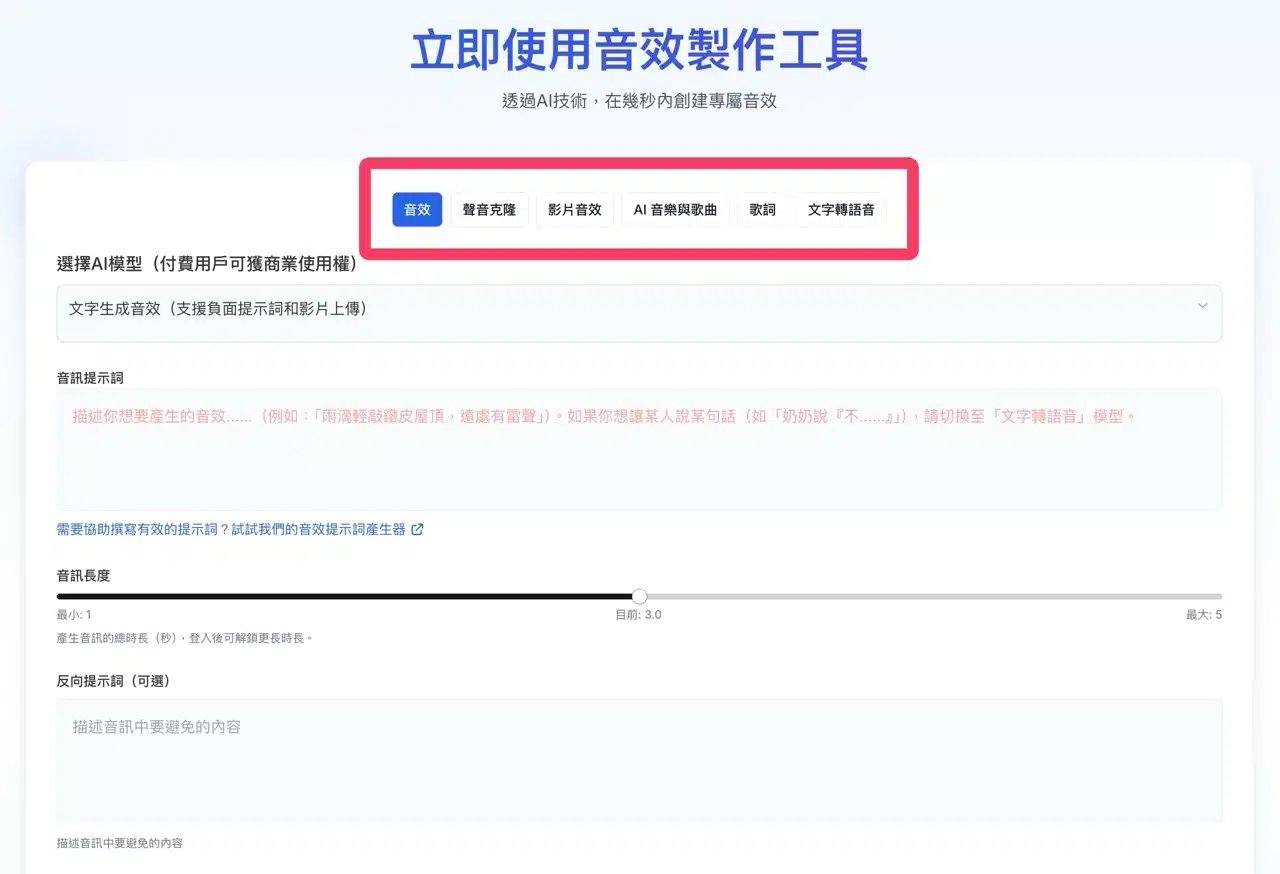
2. Enter Prompt Text
First, input the prompt text for your desired audio. Chinese input is supported. If you lack inspiration, click “Help write effective prompts” below.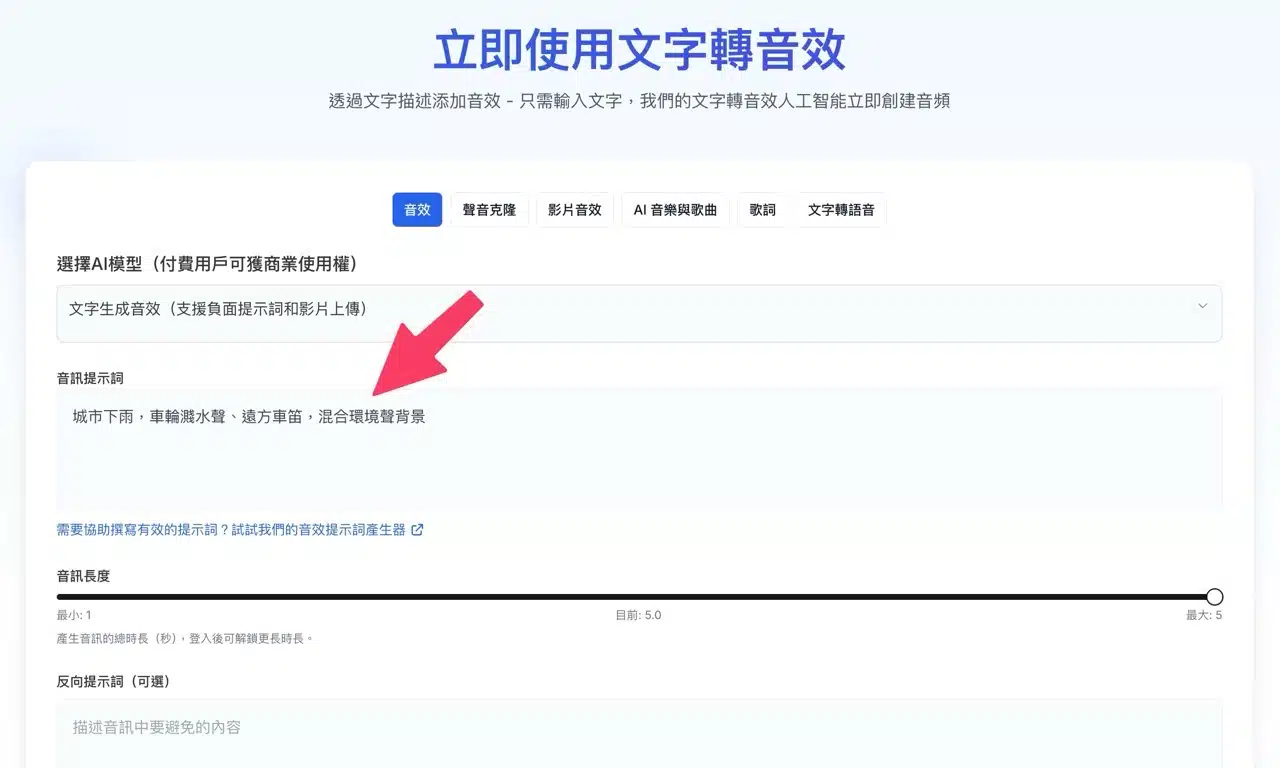
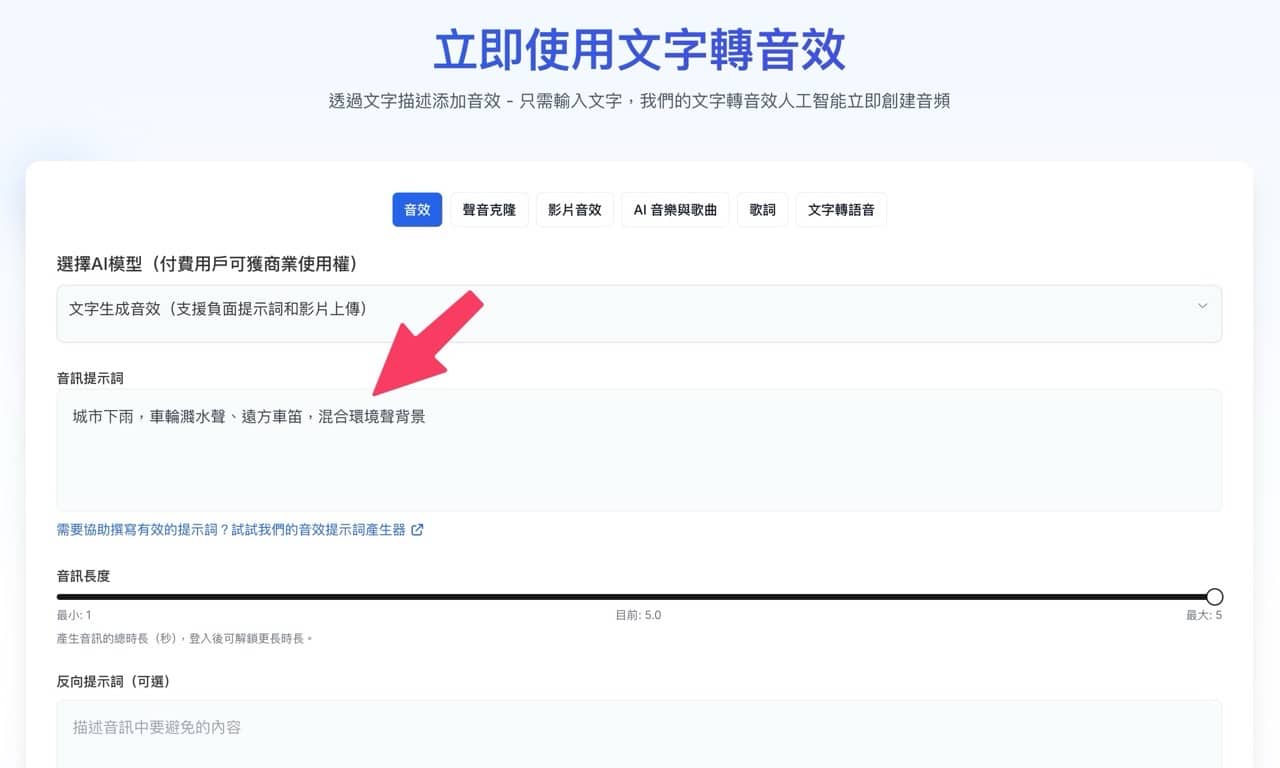
This feature opens Sound Effect Generator's custom ChatGPT GPT. Enter your desired sound description to generate suggested audio prompts. Copy and paste the selected prompt back into the generator to produce your sound effect.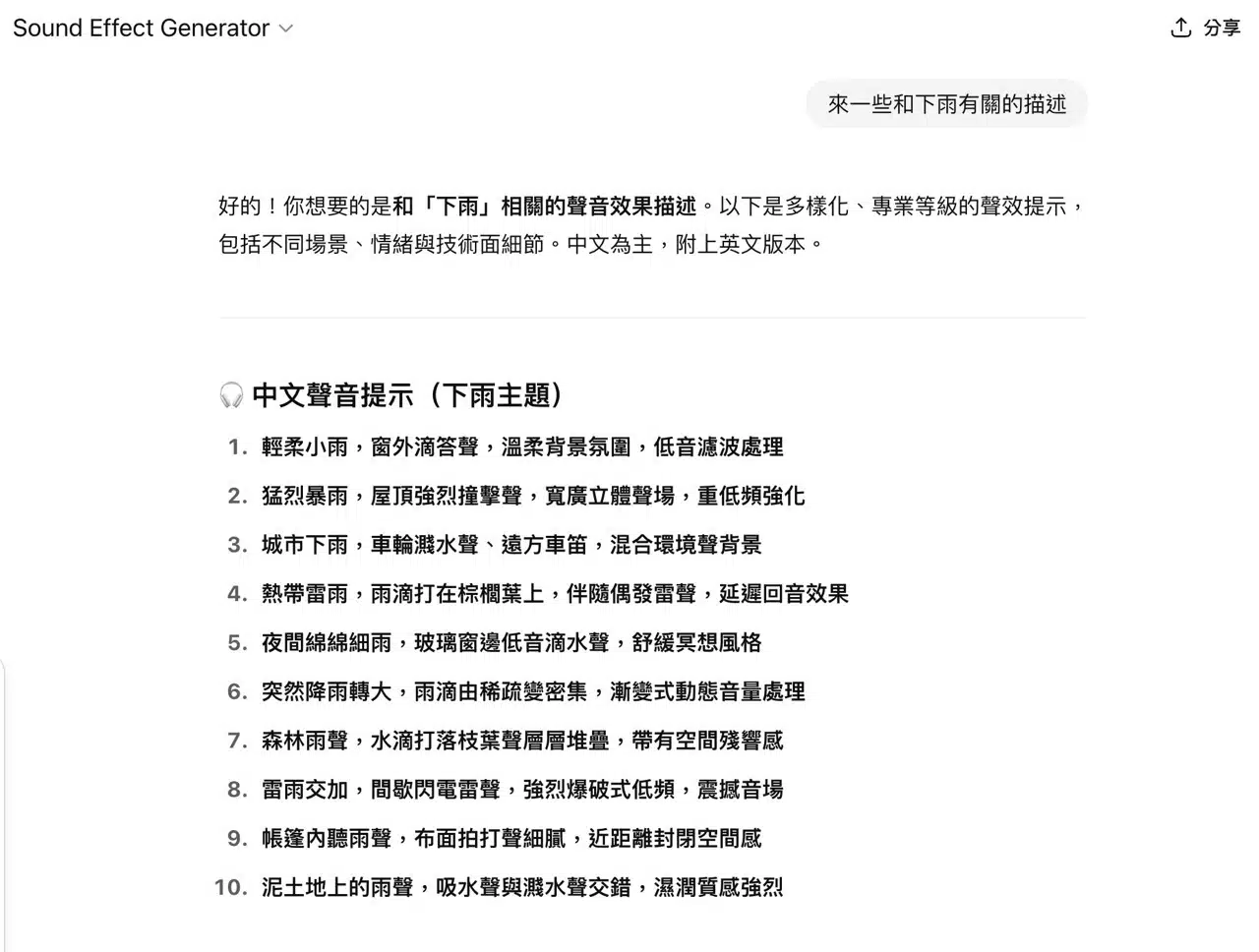
3. Adjust Generation Options
The Sound Effect Generator offers numerous functional options, though free accounts cannot access all features and face limitations on sound length. Upgrading to a paid plan enables video uploads, adjustments to sound quality and creativity levels. Clicking “Generate” below will produce the sound effect based on the user's prompt.
Note that free users are limited to one free sound effect generation per day.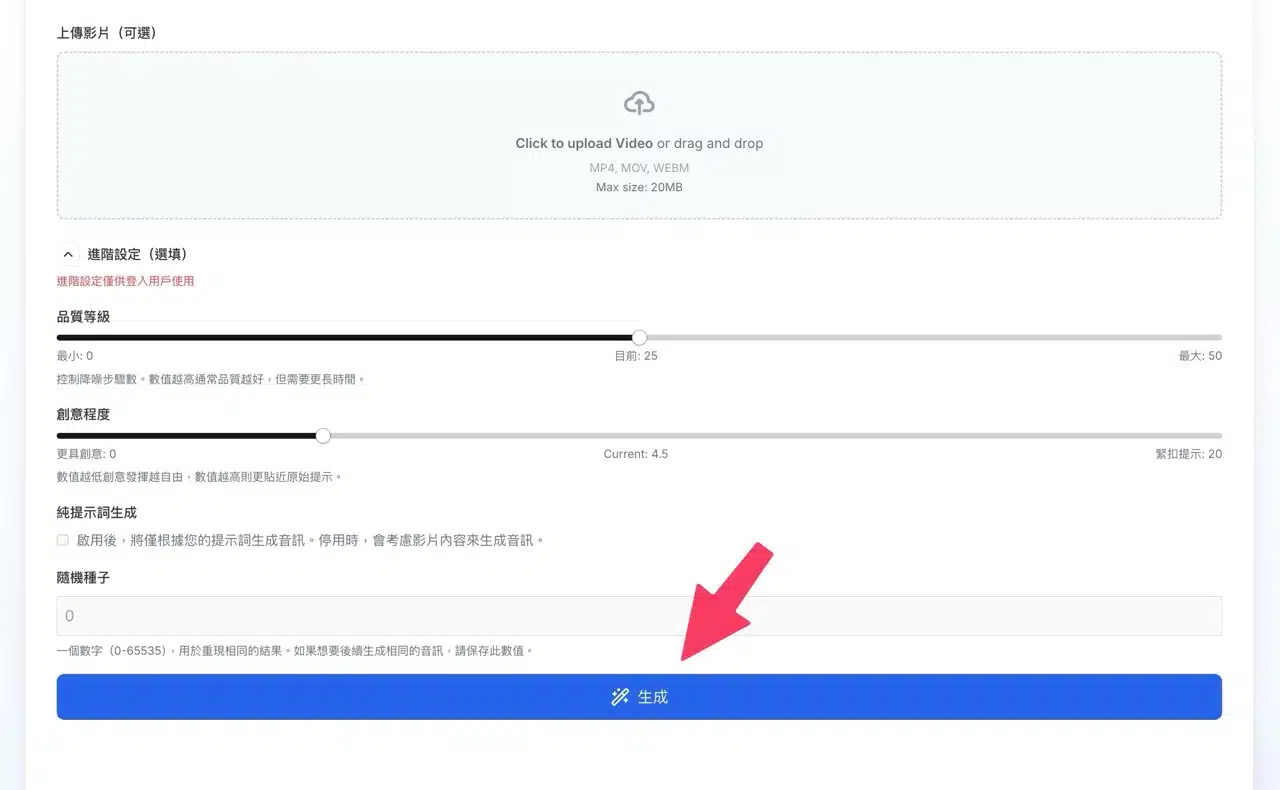
Generating sound effects takes some time; keep the webpage open until the process completes.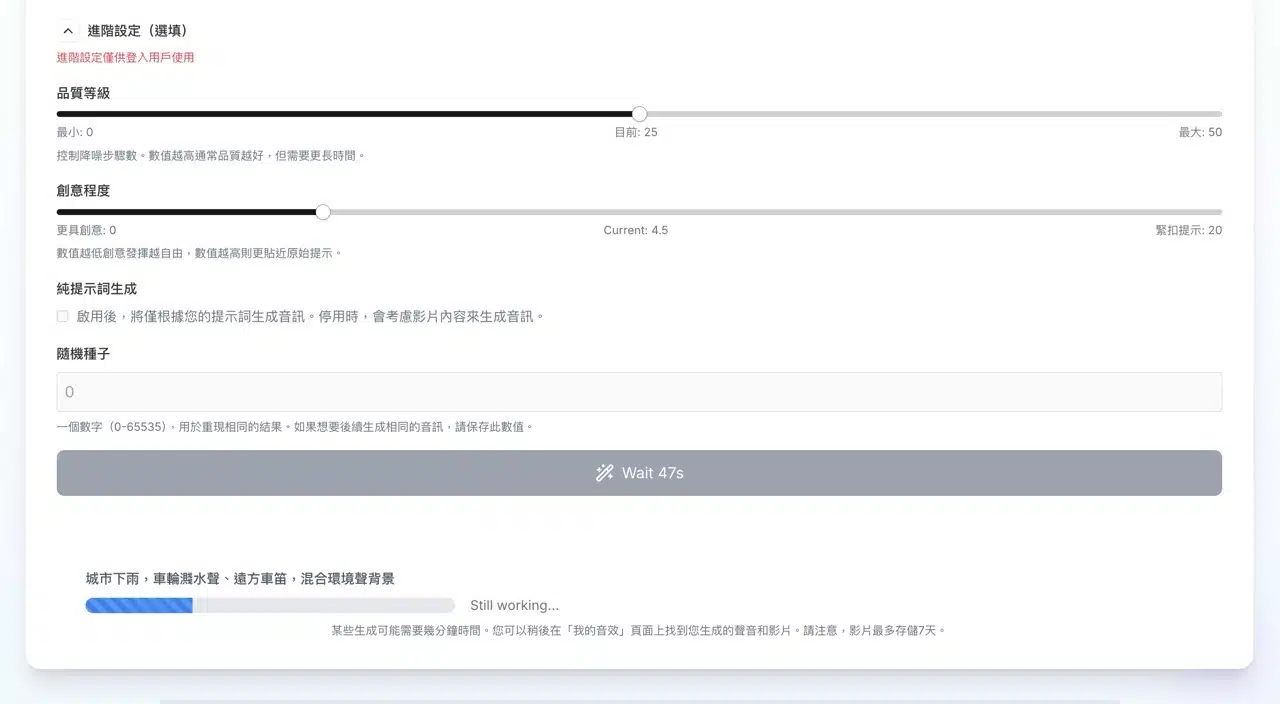
4. Preview and Download Sound Effects
Upon completion, the sound effect will appear on the website alongside the prompt text. You can preview it directly by clicking the play button or save it by clicking “Download” below the player. Free sound effects cannot be used for commercial purposes. You must upgrade to remove ads and obtain a commercial usage license.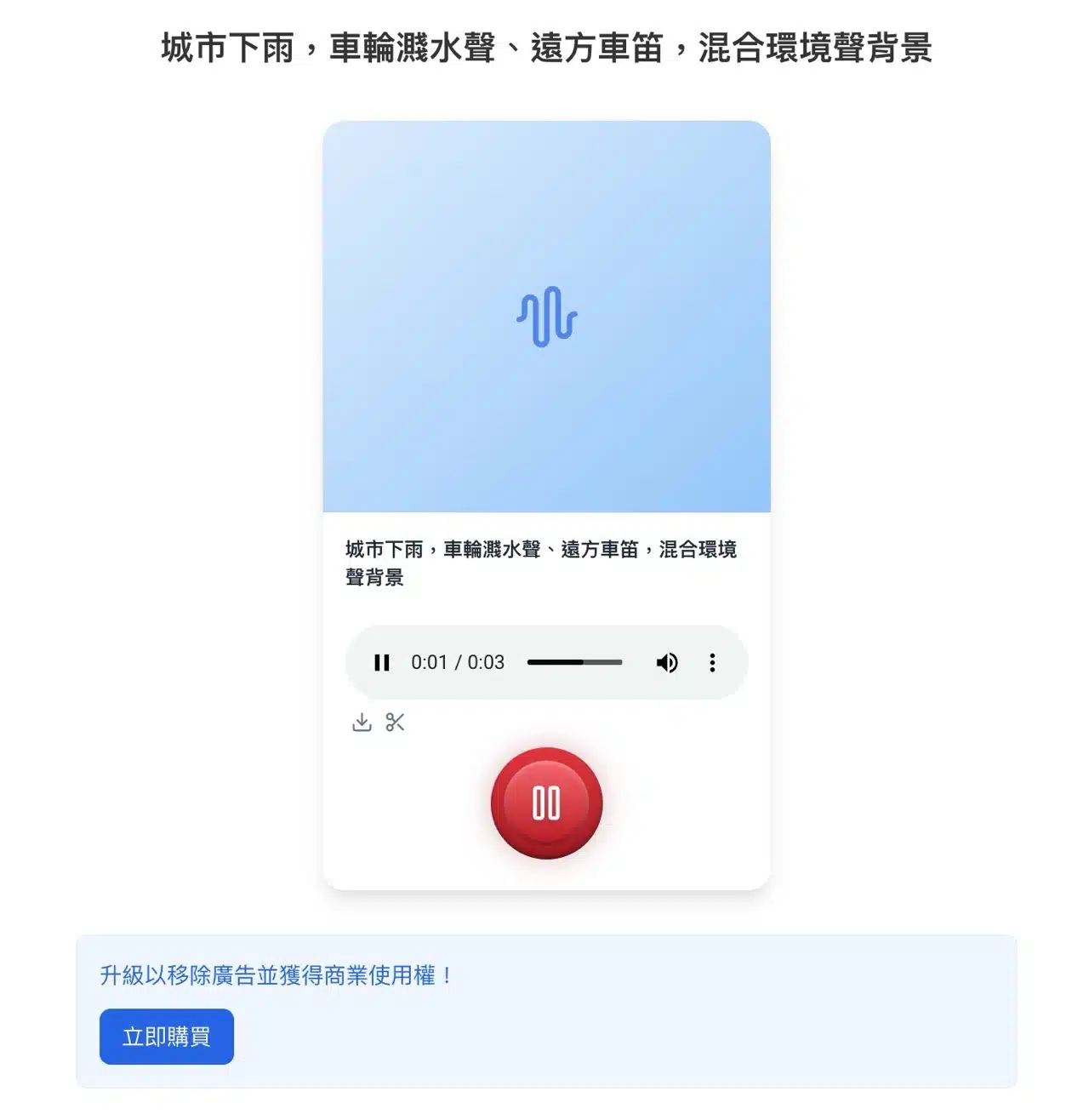
5. Explore Additional Sound Effects
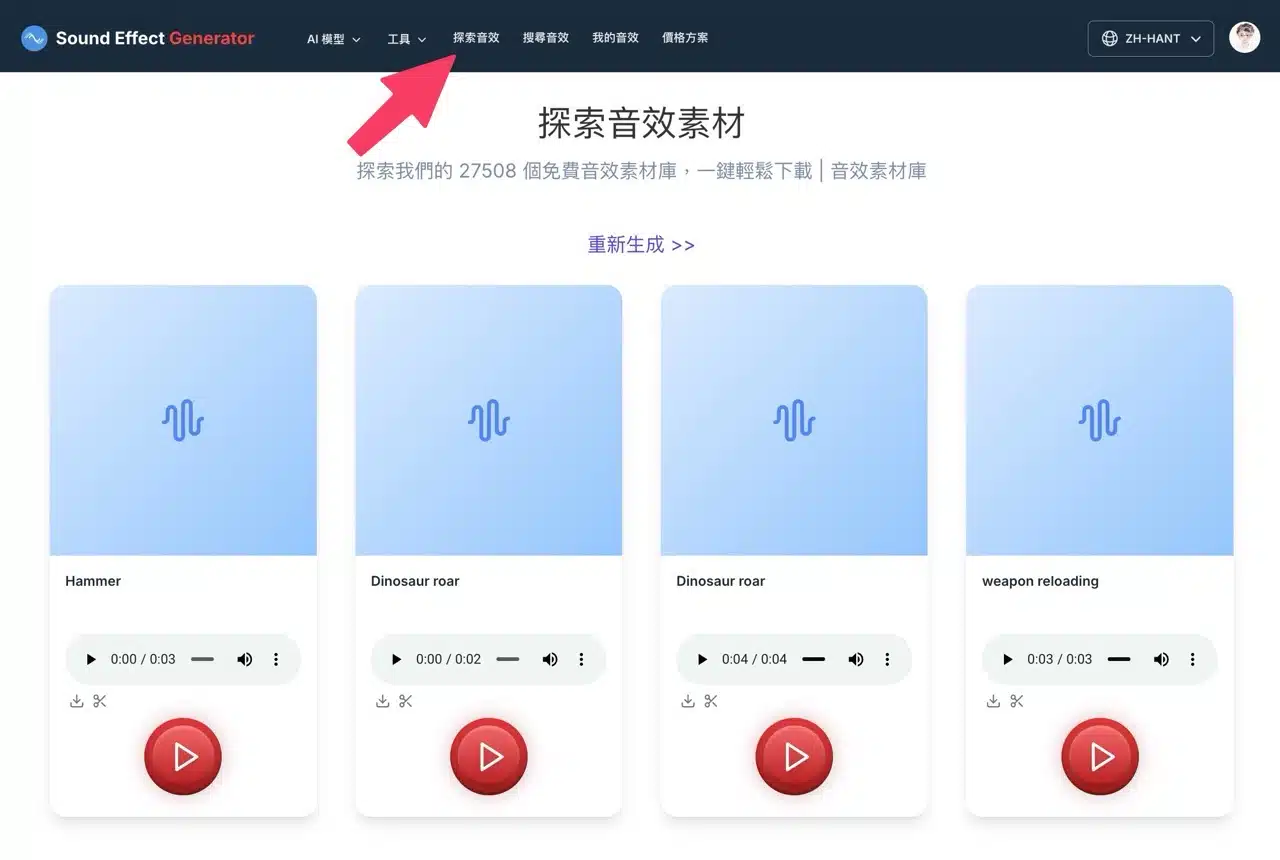
While free users are limited to one daily sound effect generation on Sound Effect Generator, you can discover sound effects created by others via the “Explore Sounds” feature in the top menu! Downloads here have no restrictions—feel free to search the sound effect library as needed.