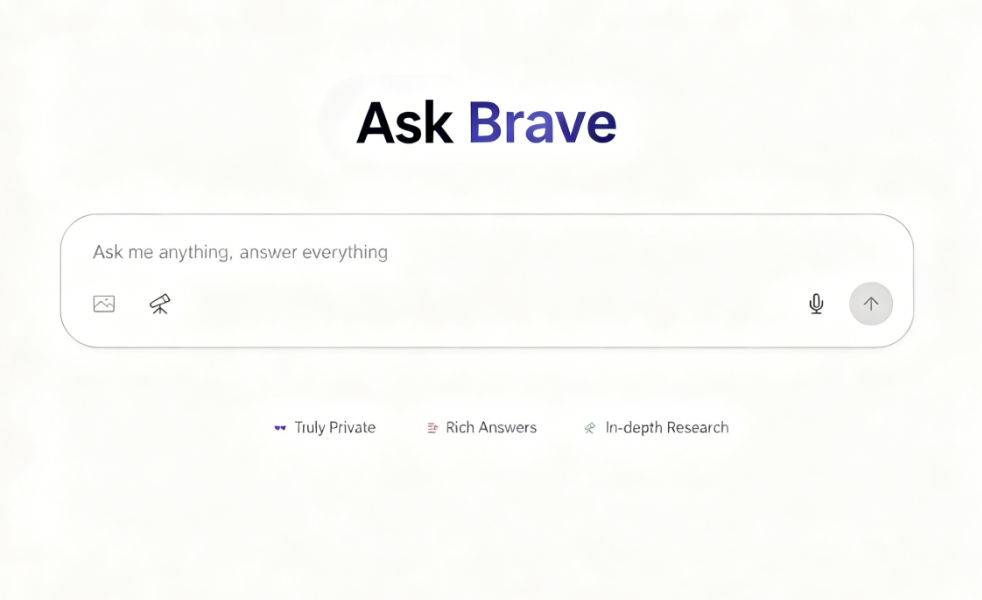
Brave has recently launched its new AI service, “Ask Brave,” integrating artificial intelligence with its search engine, Brave Search. Users can now directly ask the AI on the search engine homepage or from search results to obtain more detailed answers. This eliminates the need to switch between traditional search engines and AI chatbots, making the experience more convenient. For more in-depth search results, users can optionally activate the “Deep Research” feature. While this process may take longer, it delivers more comprehensive search answers.
The Evolution and Features of Ask Brave
The AI features on Brave Search aren't exactly new. As early as 2023, the AI Summarizer was introduced, displaying concise answers above search results. Today, AI Answers (formerly known as Answer with AI) provides over 15 million answers daily.
Ask Brave represents an evolution of these previous features, combining the best of both worlds. It not only delivers longer, more comprehensive answers but also supports interactive conversations, much like other AI chatbots everyone is familiar with.
Privacy Protection: Brave's Core Strength
According to official documentation, Brave prioritizes user privacy. All chat conversations are encrypted, never used for AI model training, automatically expire after 24 hours, and are permanently deleted. Furthermore, no IP addresses are stored. Compared to other AI chatbots of its kind, Ask Brave demonstrates superior performance in privacy and security.
User Guide
1. Three Ways to Enable Ask Brave
Ask Brave can be enabled in three ways. The first is to directly open the Ask Brave homepage, enter your question, and receive an answer.
The second method is to open the Brave Search homepage, enter keywords, then click the “Ask” button on the far right. (If Brave Search is your browser's default search engine, you can also activate AI search mode by entering your query in the address bar and ending it with two question marks “??”).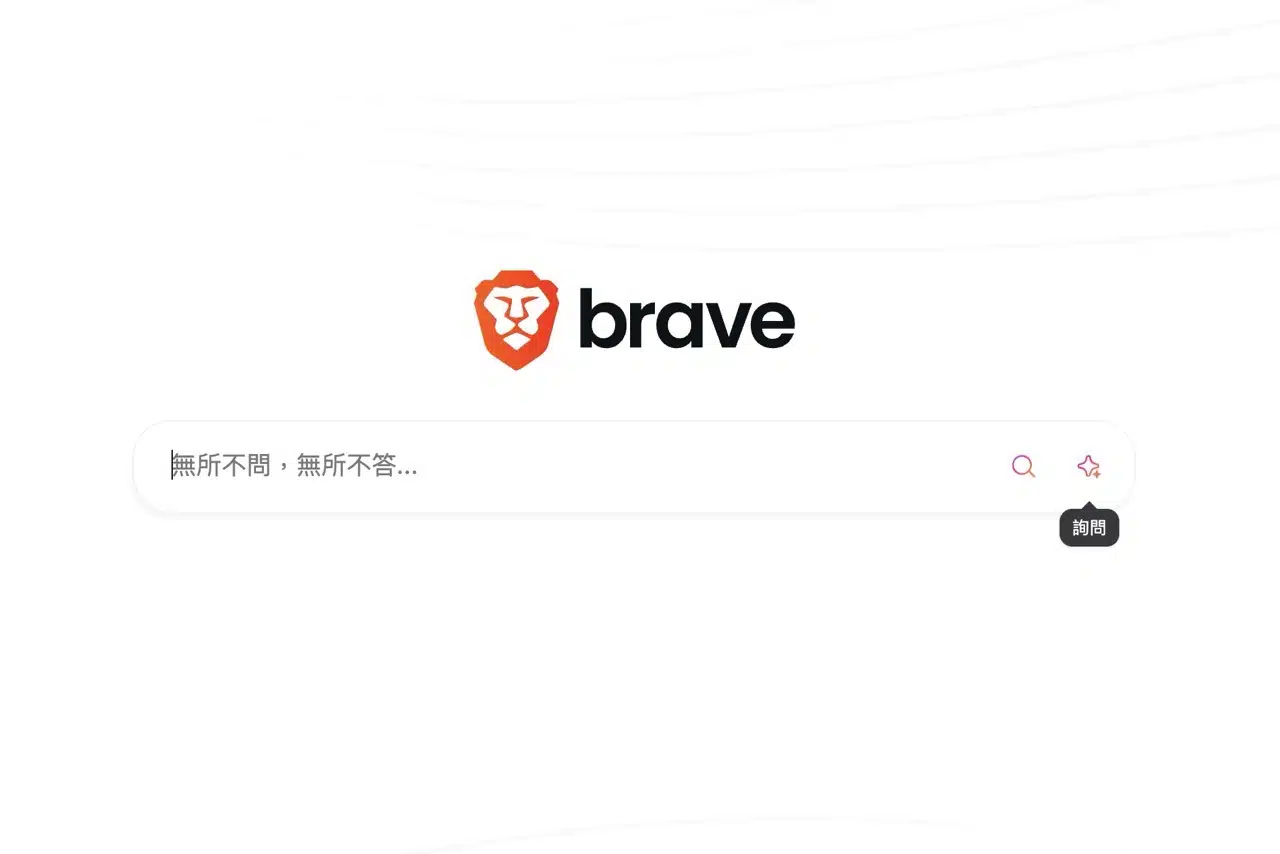
The third method is more interesting: the “Ask” option appears at the top of Brave Search results, allowing quick switching to AI functionality while in search mode, as indicated by the arrow in the image below.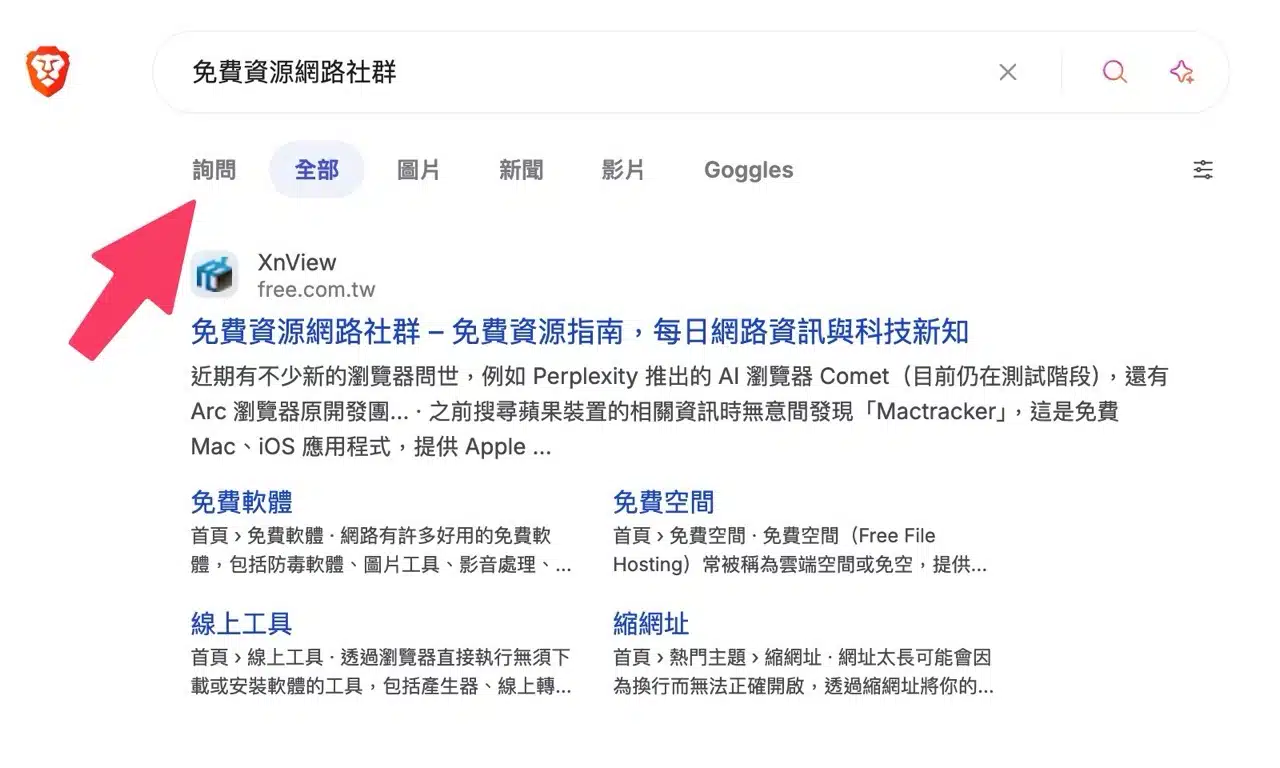
2. Natural Language Input and Semantic Analysis
When using Brave Search's AI query feature, you can directly input questions instead of traditional keyword searches. Similar to conversing with an AI chatbot, it automatically analyzes the user's meaning. This functionality isn't limited to English—you can also perform AI searches in Chinese.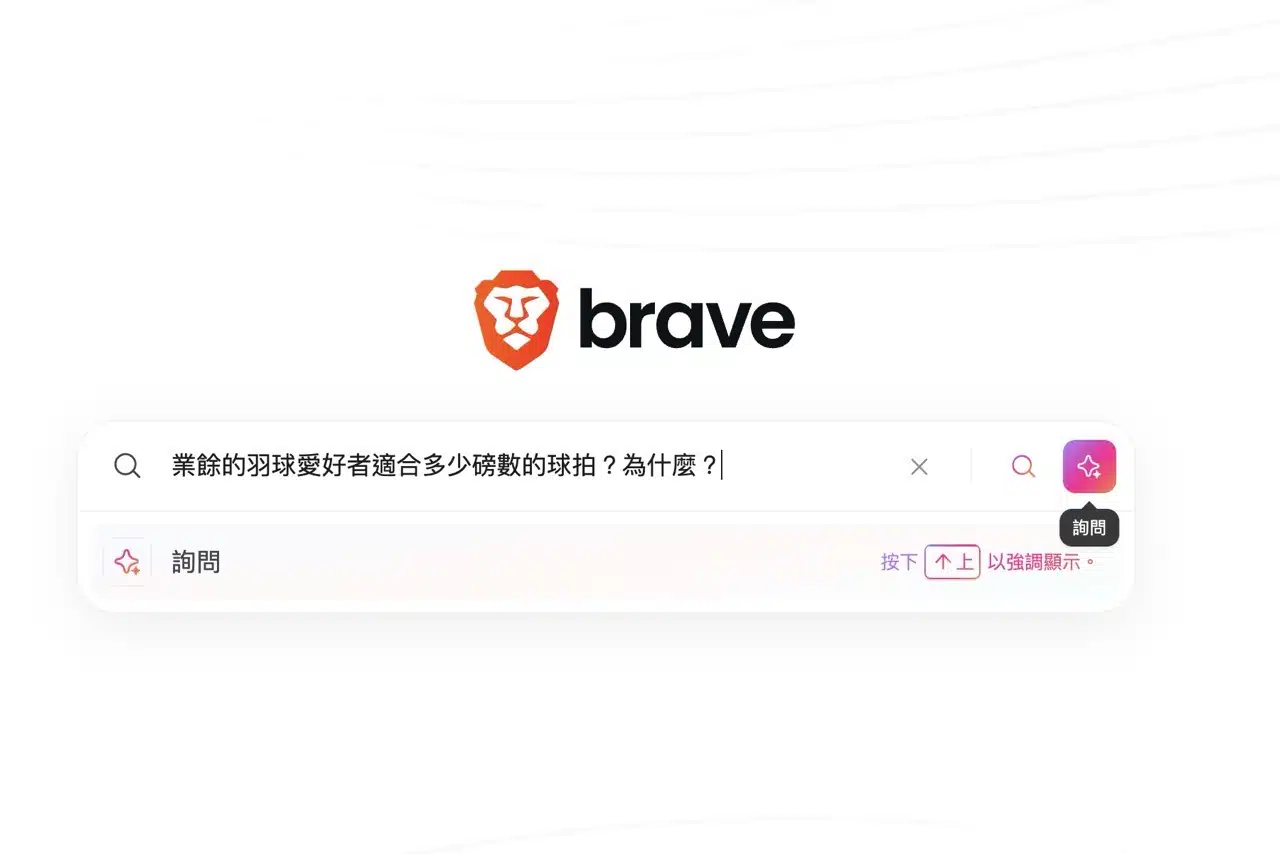
3. Answers Grounded in Actual Search Results
Notably, Ask Brave generates responses based on real web search results rather than big data models. This significantly reduces the likelihood of AI-generated fictional content (hallucinations).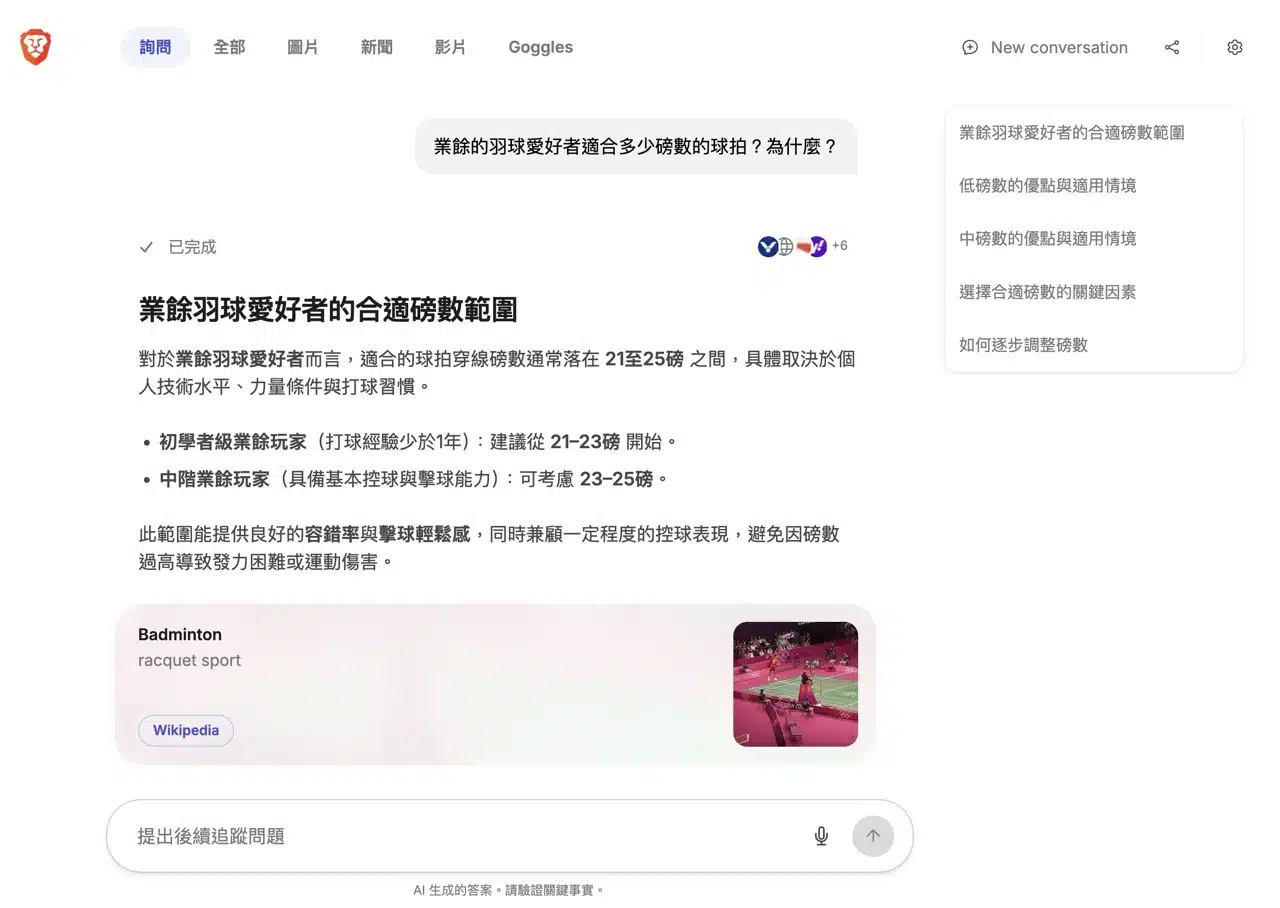
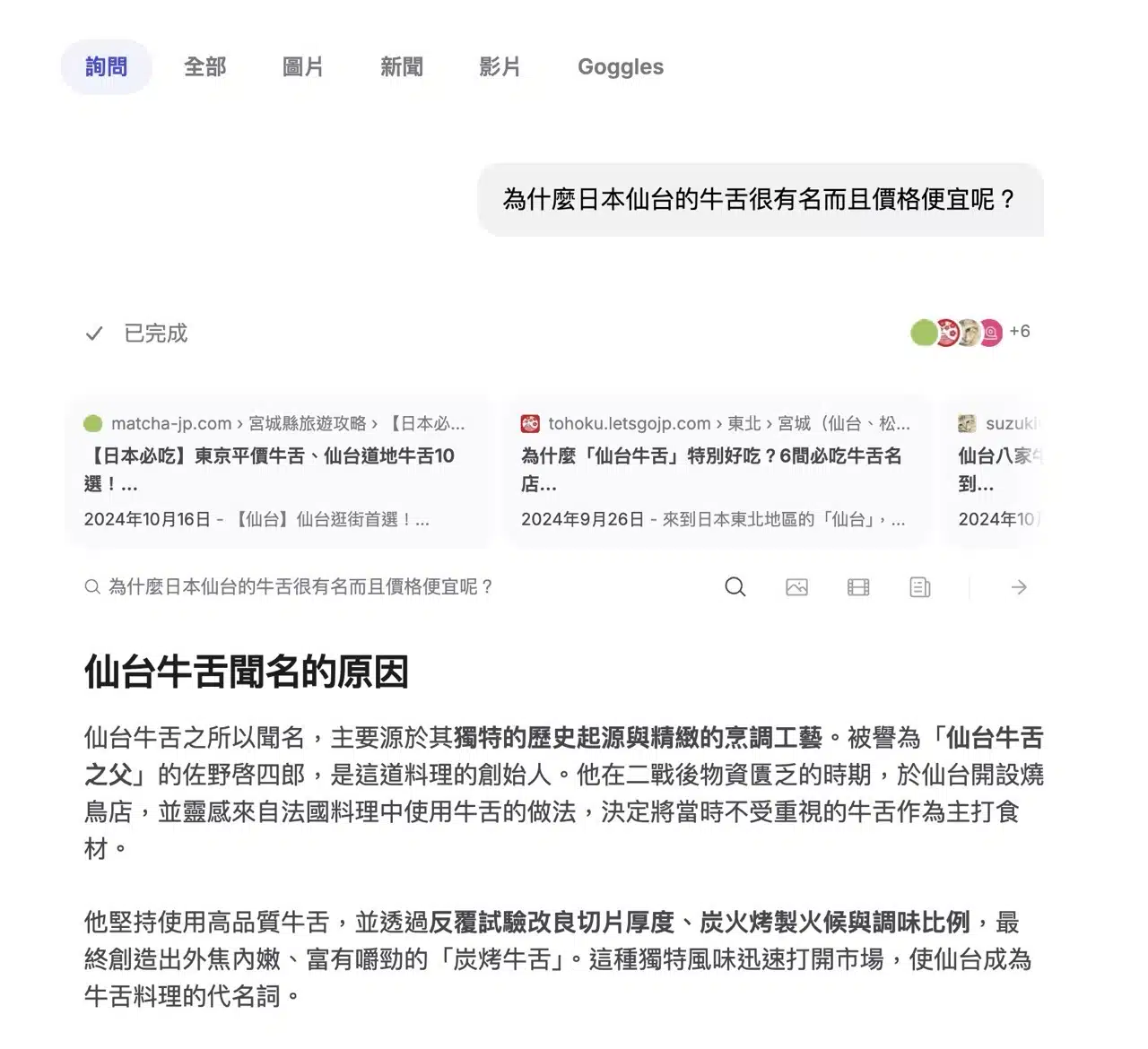
Compared to AI Answers, Ask Brave delivers longer, more comprehensive responses paired with contextually relevant rich content—such as videos, news articles, products, and shopping options—eliminating the need to manually sift through individual web pages after a traditional search.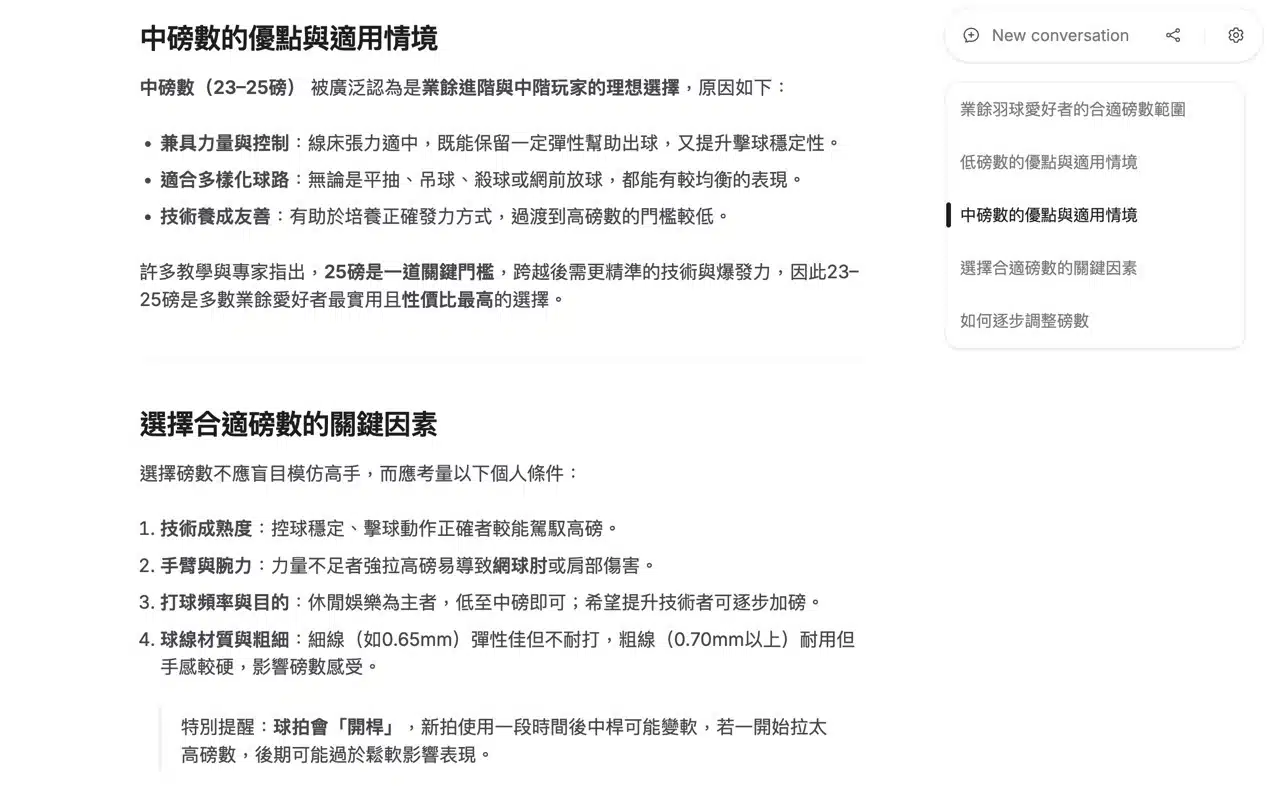
Each answer displays a “Reference Page” icon in the top-right corner. Clicking it provides access to additional information from the corresponding webpage.
4. Rich Content Integration and Extended Suggestions
Ask Brave responses incorporate diverse relevant content like images, webpages, blog posts, YouTube videos, shopping links, or Wikipedia entries, significantly aiding accurate information retrieval. The process also includes extended search suggestions, allowing users to refine queries by applying specific questions to webpages, images, videos, or news articles for secondary searches.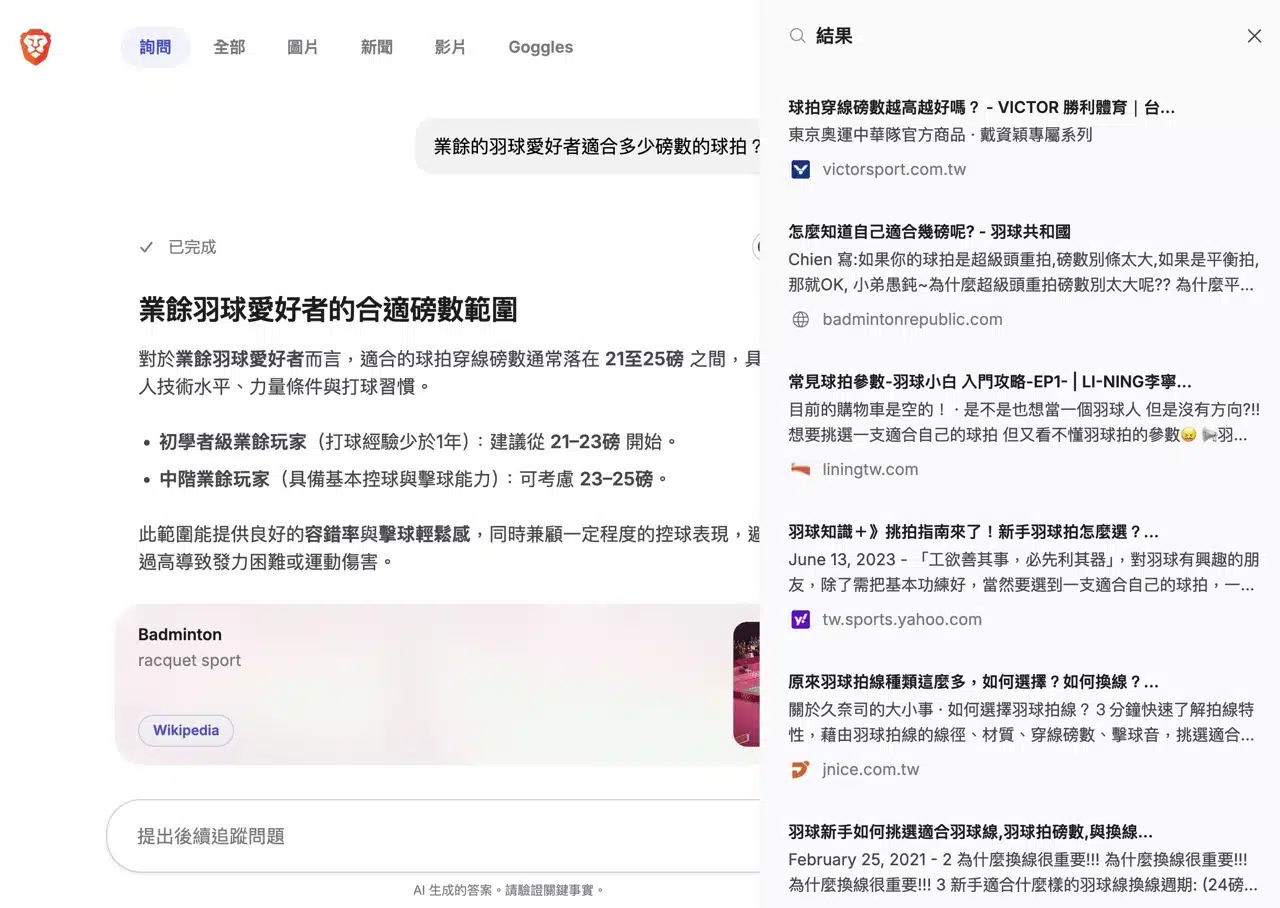
5. Enable Deep Research Mode
While Brave's standard search delivers reliable results for most queries, enabling the “Deep Research” option (below the search field) during searches facilitates longer dialogues with AI on specific topics. This approach yields more comprehensive and detailed answers.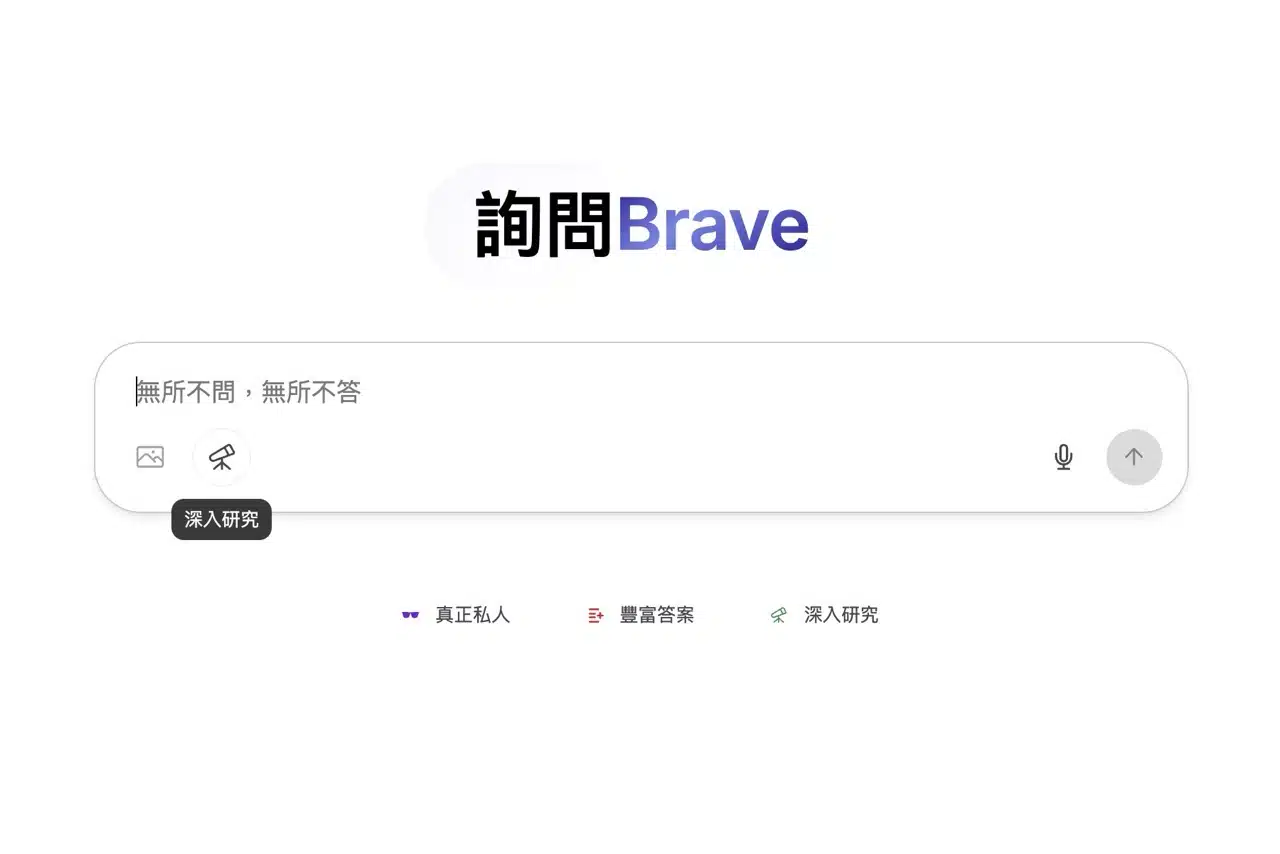
Deep Research mode analyzes more URLs, displaying previously analyzed sites, queries sent, and elapsed time at the top.
Compared to regular Ask Brave searches, this may take longer (potentially over one or two minutes for query analysis), but it delivers more detailed results. If you find standard search mode still doesn't provide satisfactory answers, give this feature a try.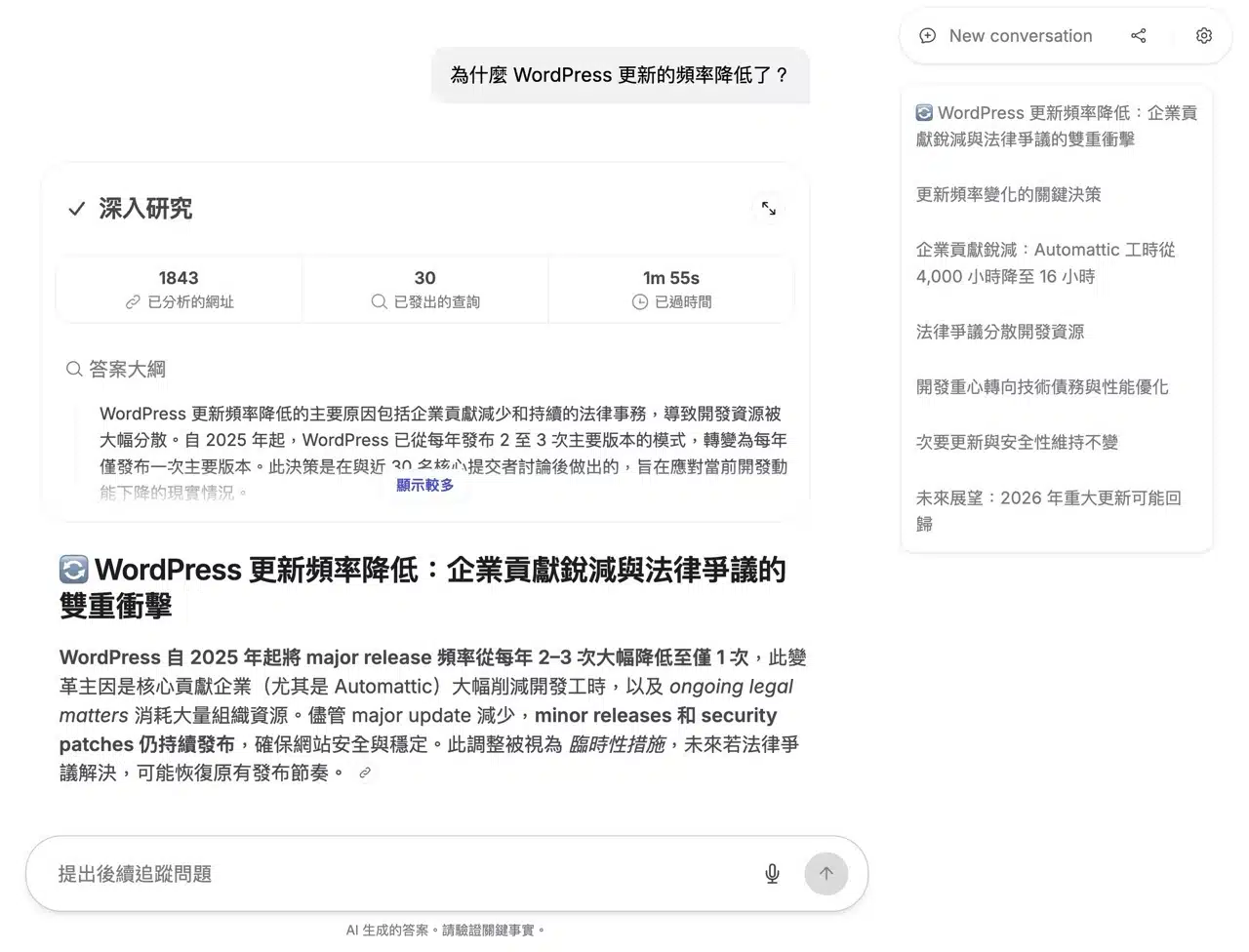
6. Conversation Sharing Feature
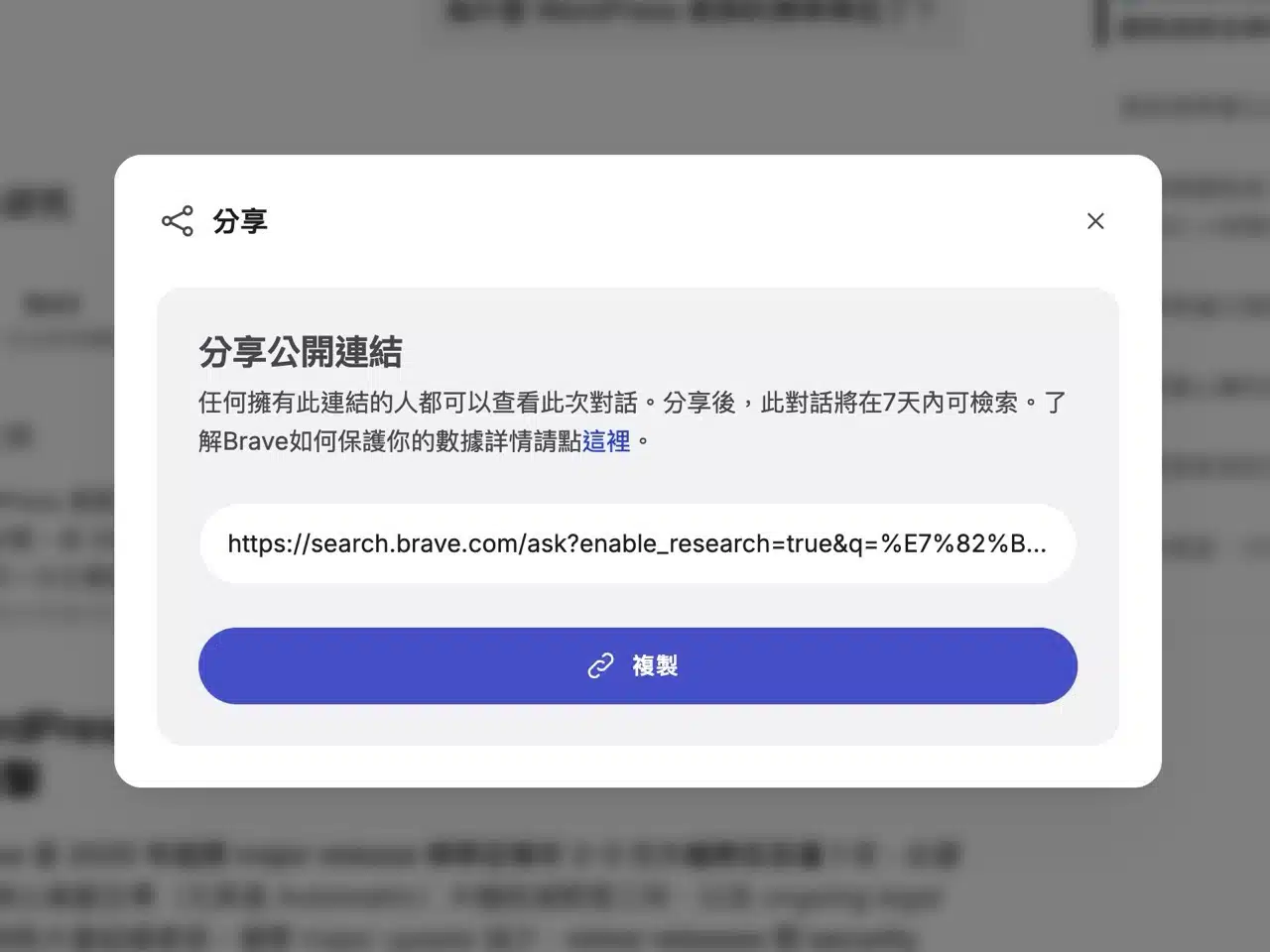
Finally, introducing Ask Brave's sharing functionality. To share this conversation with others, use the “Share” button in the top-right corner to generate a public link. This link remains active for seven days. Note that once generated, it cannot be disabled or deleted afterward.