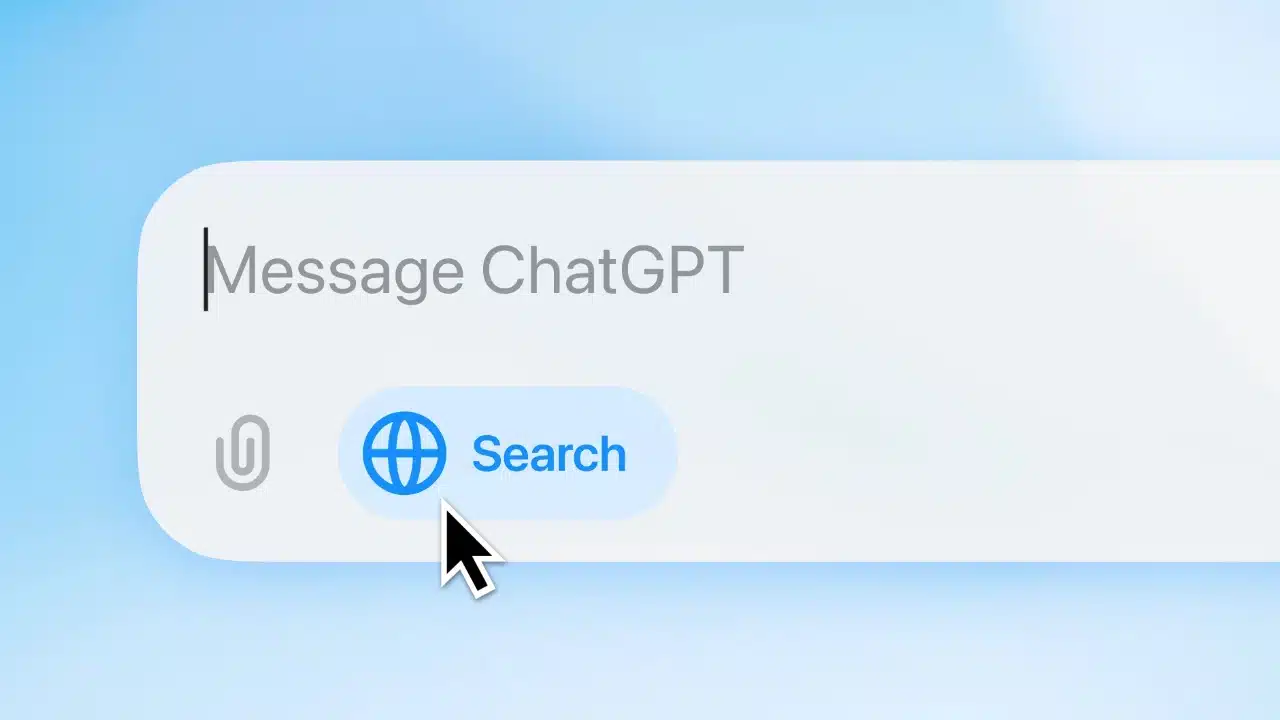
Last week I wrote an article titled “ChatGPT Search: How OpenAI's Revolutionary AI Search Engine Will Reshape the Future of Search?” It's foreseeable that AI search engines will soon transform users' search habits formed over the past two decades. For content creators, this presents a dilemma: we hope AI search will generate new traffic sources, yet we don't want our content directly used by AI services to train large language models (it feels like having our content completely appropriated without permission). Some international publishers have already taken the lead in stating they will refuse AI access to any related content.
If you ask me: Should website managers allow AI access to their content? I maintain a positive and open stance. What matters most to me is that my content reaches more people and solves their problems. As for how data sources will be presented in future AI services and whether this will benefit traffic, I believe these issues will gradually improve over time, and consensus will eventually emerge.
How to Block AI Bots?
But you might have different ideas. If you don't want your website content used to train AI models, you can use robots.txt to block AI service web crawlers. I've also covered implementation methods in “How to Block OpenAI ChatGPT from Crawling or Using Your Website Content?” Of course, each service's crawler has a different user-agent string.
Purpose of robots.txt
The robots.txt file primarily informs search engines which URLs on a website they can access. Its most common uses include prohibiting search engine crawlers from indexing specific pages (such as those requiring login credentials) or managing indexing traffic to prevent images, videos, and audio files from appearing in search results. However, it only affects crawlers that follow the rules, and most major services generally comply with these guidelines.
The good news is ChatGPT has developed a method allowing website administrators to refuse AI training usage of their content while still appearing in ChatGPT search results. ChatGPT Search draws data from Bing Search and OpenAI's OAI-SearchBot crawler. As long as a website does not block these two crawlers (and cannot block their IP addresses), it has a chance to appear in ChatGPT Search results.
Cloudflare One-Click AI Bot Blocking
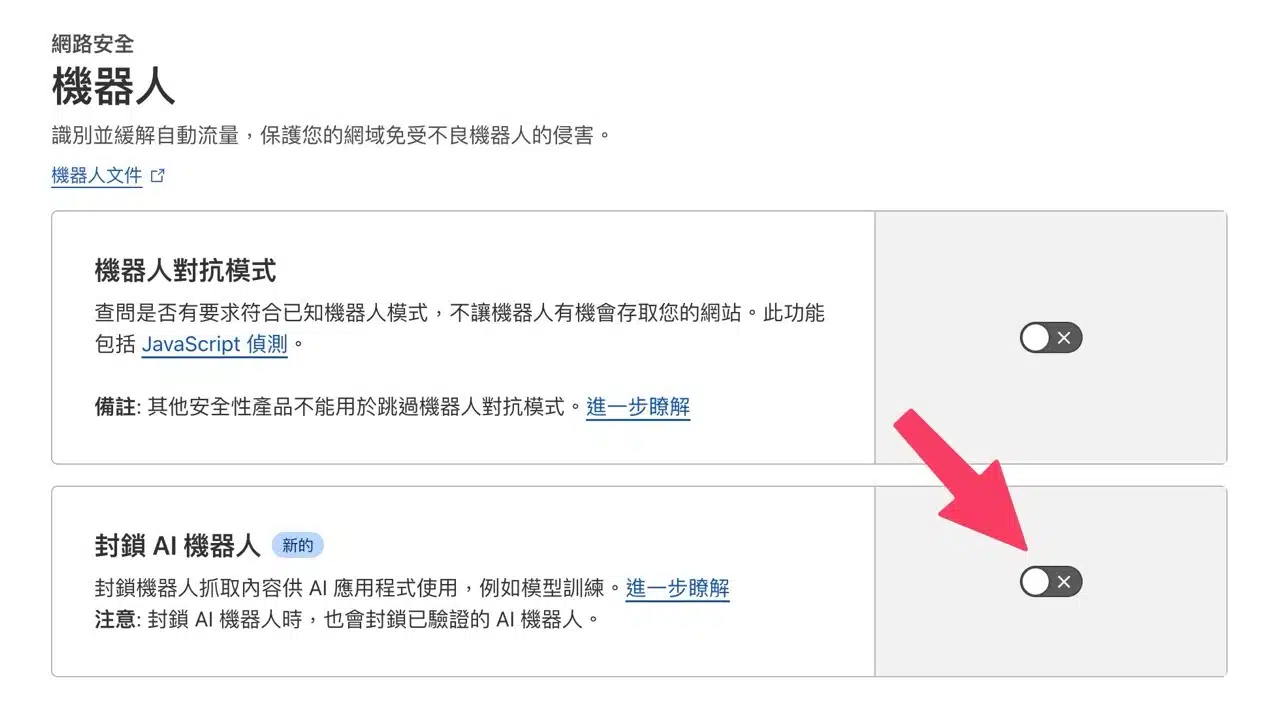
If you use Cloudflare, its service offers a “Block AI Bots” option to quickly prevent bots from scraping content for AI applications like model training. Simply enable it—no additional robots.txt configuration needed—potentially a more efficient approach. App Recommendation
This option is found under the “Bots” category within Cloudflare's “Security” section. Clicking in reveals the AI bot blocking feature. Note that blocking bots will also block verified AI bots.