Coloring pages or coloring books are an excellent way to train children in drawing and improve their concentration. There are already many websites online that collect coloring pages, which you can download and print yourself, making it relatively more cost-effective. However, you can only find coloring page templates provided by others. Is there a way to create your own? I previously introduced the powerful tool “Color Pop AI Coloring Page Generator: Easily Turn Text Descriptions into Printable Coloring Cards.” By inputting a description, AI generates coloring cards, providing an endless supply of materials.
SoColoring: AI-Driven Coloring Page Generator
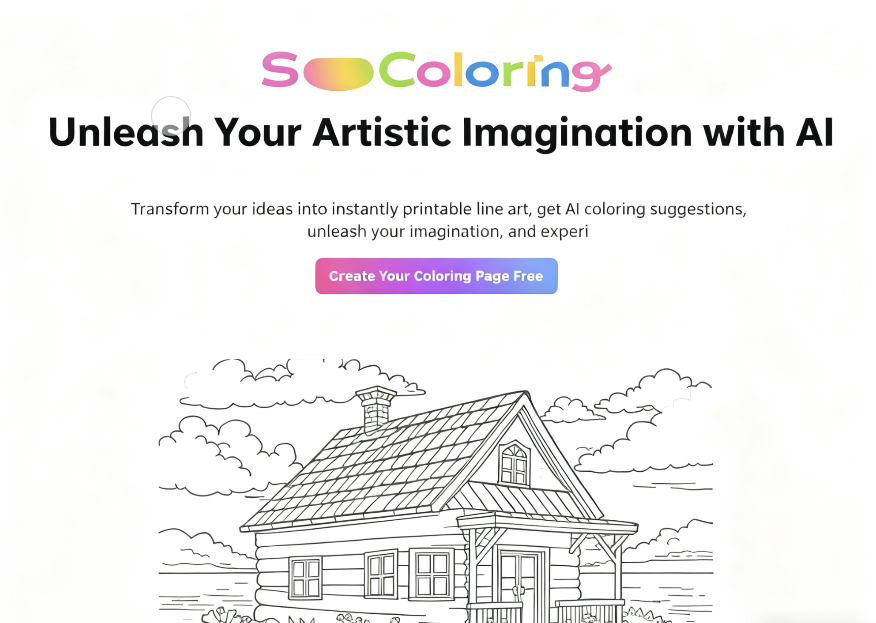
This article recommends “SoColoring,” an AI-integrated coloring page generator that transforms users' ideas and creativity into line art. These can be printed as coloring cards. If needed, it can also generate coloring suggestions—essentially letting AI assist with coloring to create a full-color version. Both functions are completed directly online, requiring no additional downloads or software installations. Users simply need to register and log in—it's incredibly straightforward.
Extensive Free Image Library
Additionally, SoColoring houses a free image library with over 10,000 coloring pages. The diverse content is categorized into various themes, available for free online download in PDF format. Categories include animals, architecture, holidays, food, fruits, Halloween, nature, people, plants, transportation, and more.
Usage Restrictions
Please note that coloring pages obtained from SoColoring are for personal and educational use only. Commercial use requires obtaining a license.
User Guide
STEP 1: Understand Pricing Strategy
Before getting started, familiarize yourself with SoColoring's pricing strategy. It offers a free plan that provides 10 credits daily for generating line art or AI coloring. Each line art generation deducts 2 credits, while AI coloring deducts 1 credit. These credits do not roll over to the next day but are automatically replenished daily. This works well for light usage.
For more credits, consider upgrading to a paid plan. Prices start at $9.90 per month. The Professional plan offers the highest credit limit (500 credits). Another key difference is that images generated with paid plans remain private and are free of watermarks.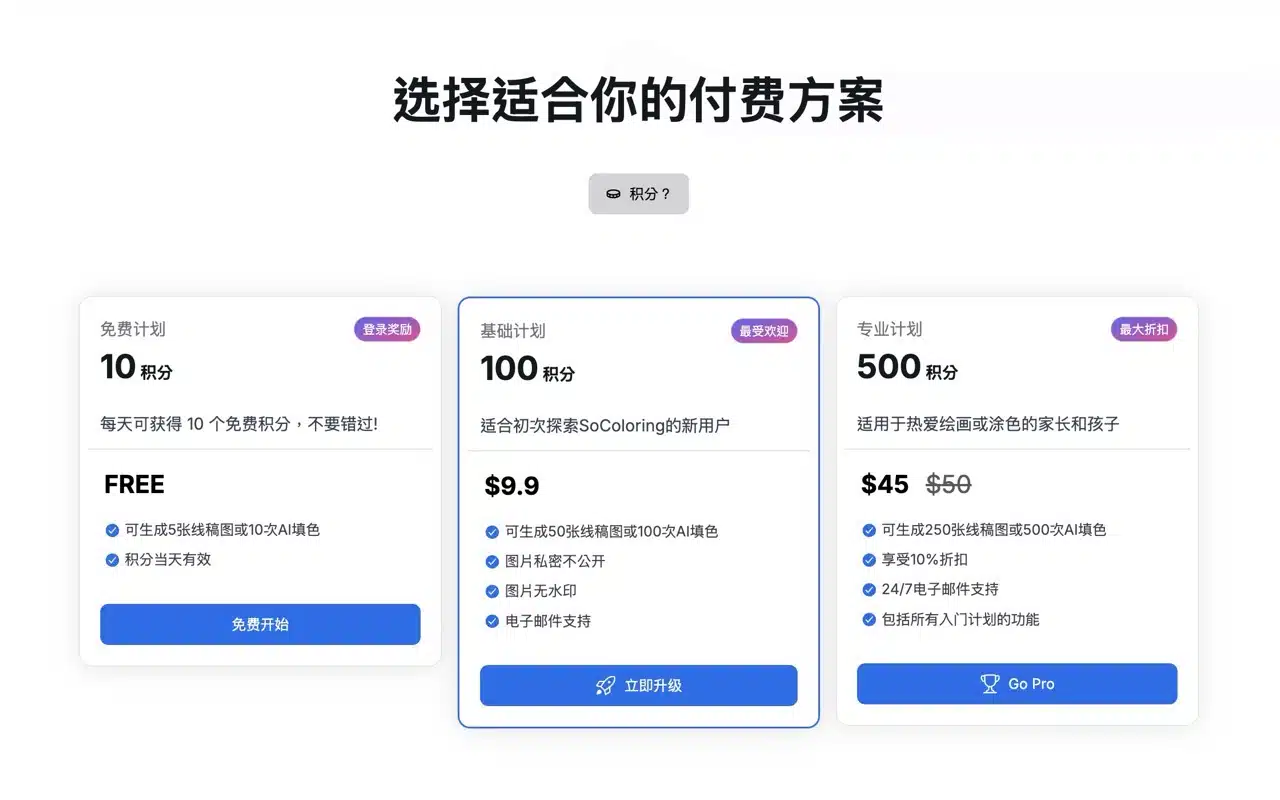
STEP 2: Browse the Free Gallery
Find “Free Gallery” in the top menu of SoColoring to access existing coloring pages. Select a category from the top to browse images. Click the “Download” button in the bottom-right corner of any image to download the coloring page as a PDF. Simply print it out to use—it's that easy!
This collection features over 10,000 coloring pages. No registration or account login is required to access images, and no points will be deducted.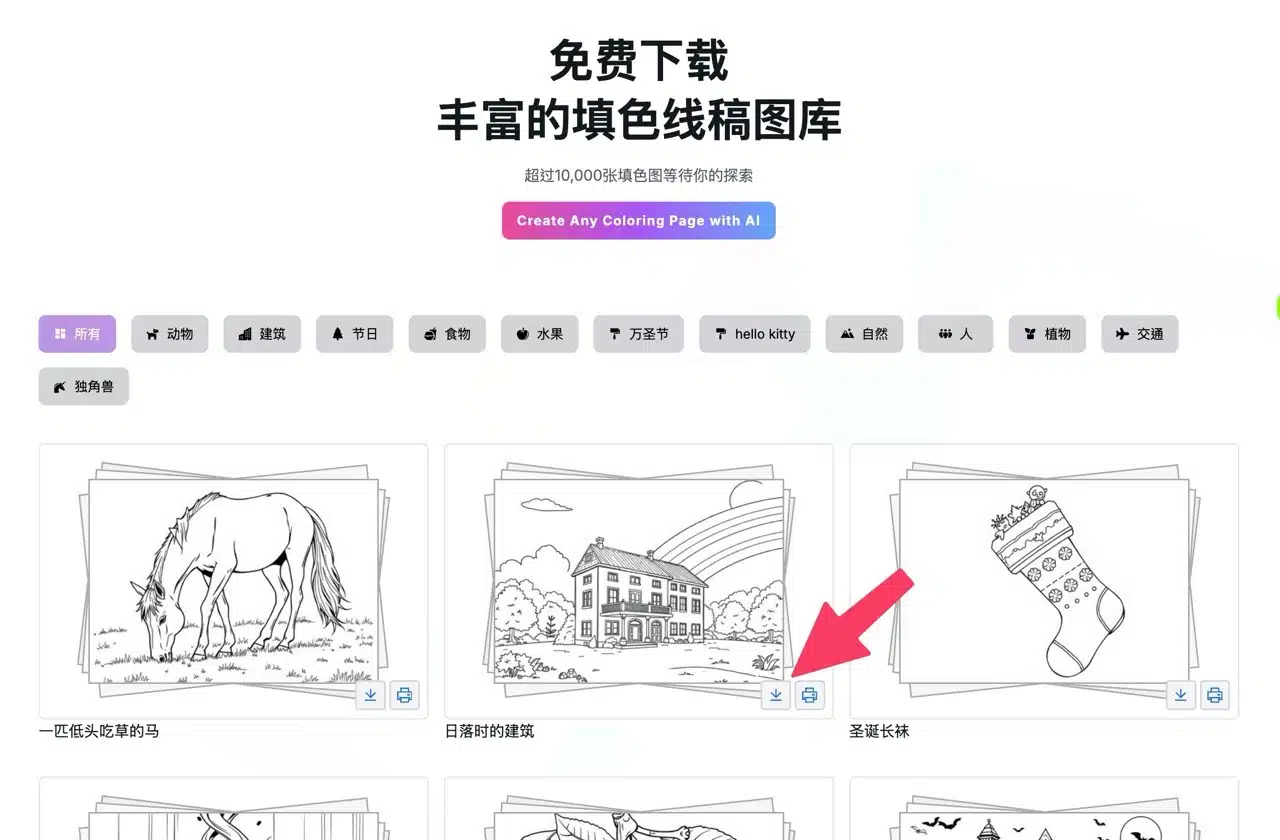
STEP 3: AI-Generated Custom Coloring Pages
Click the top-right corner to register an account. You can log in directly using your Google account. After logging in, your points balance will appear in the top-right corner. The free plan provides 10 points daily, which can be used to generate coloring pages or receive AI-suggested coloring ideas.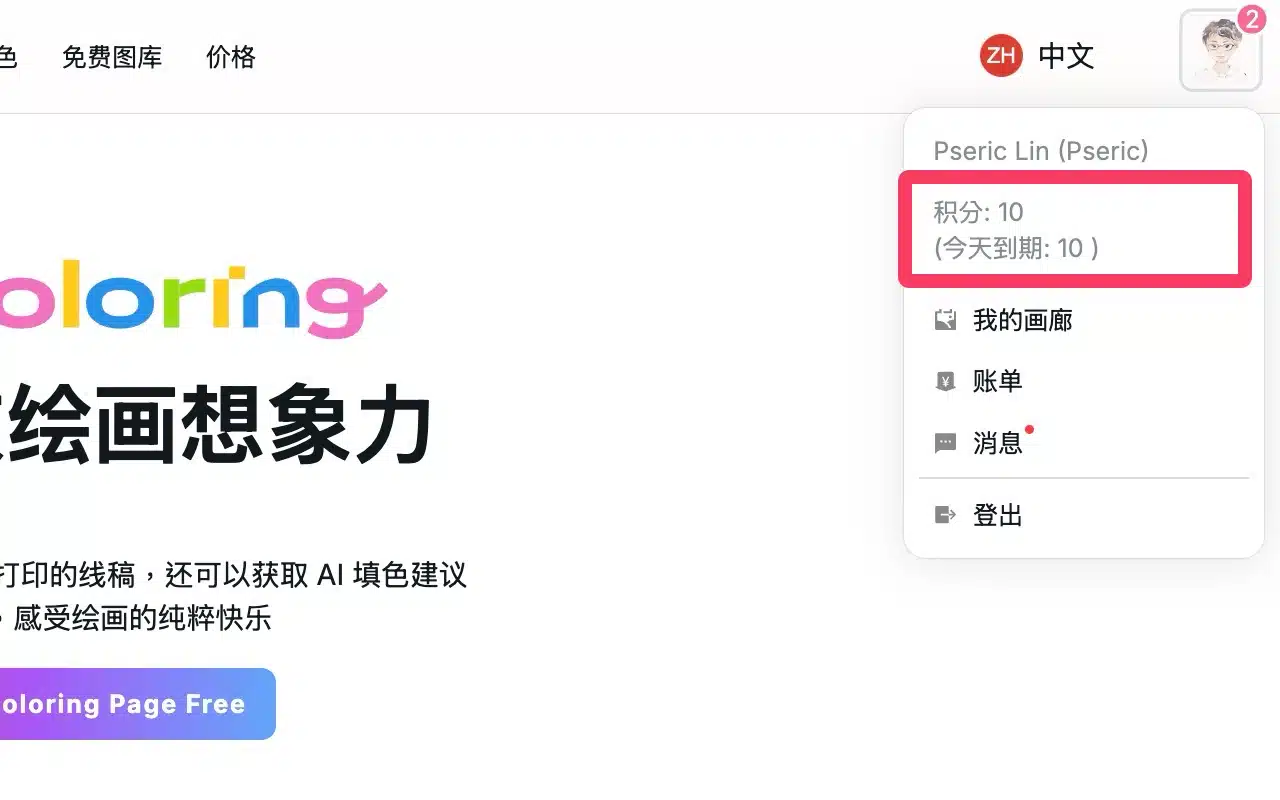
Navigate to “Online Generation” in the top menu to access the one-click coloring page. Enter your desired image description in the top field—note that only English prompts are supported. Use a translation tool if needed. The default style is random, but you can adjust to specific styles. This feature lacks a preview mode; entering a prompt and clicking “Generate” will deduct credits. The image below shows a coloring page generated using SoColoring. Upon completion, click “Download” in the top-right corner to save it as a PDF, or click “Print” to print it directly. 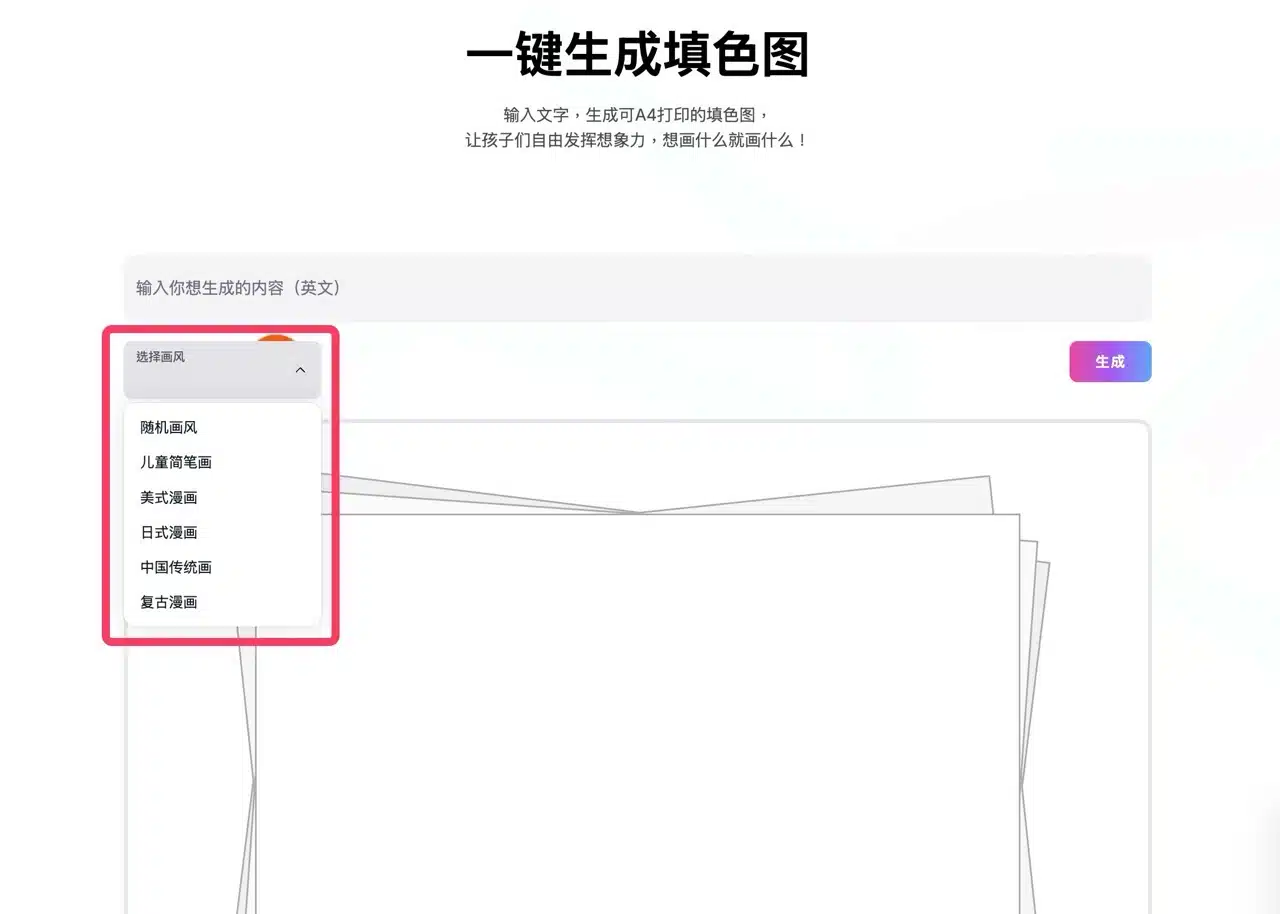 The entire generation process takes only a few seconds, making it incredibly easy to create coloring pages on any theme using AI.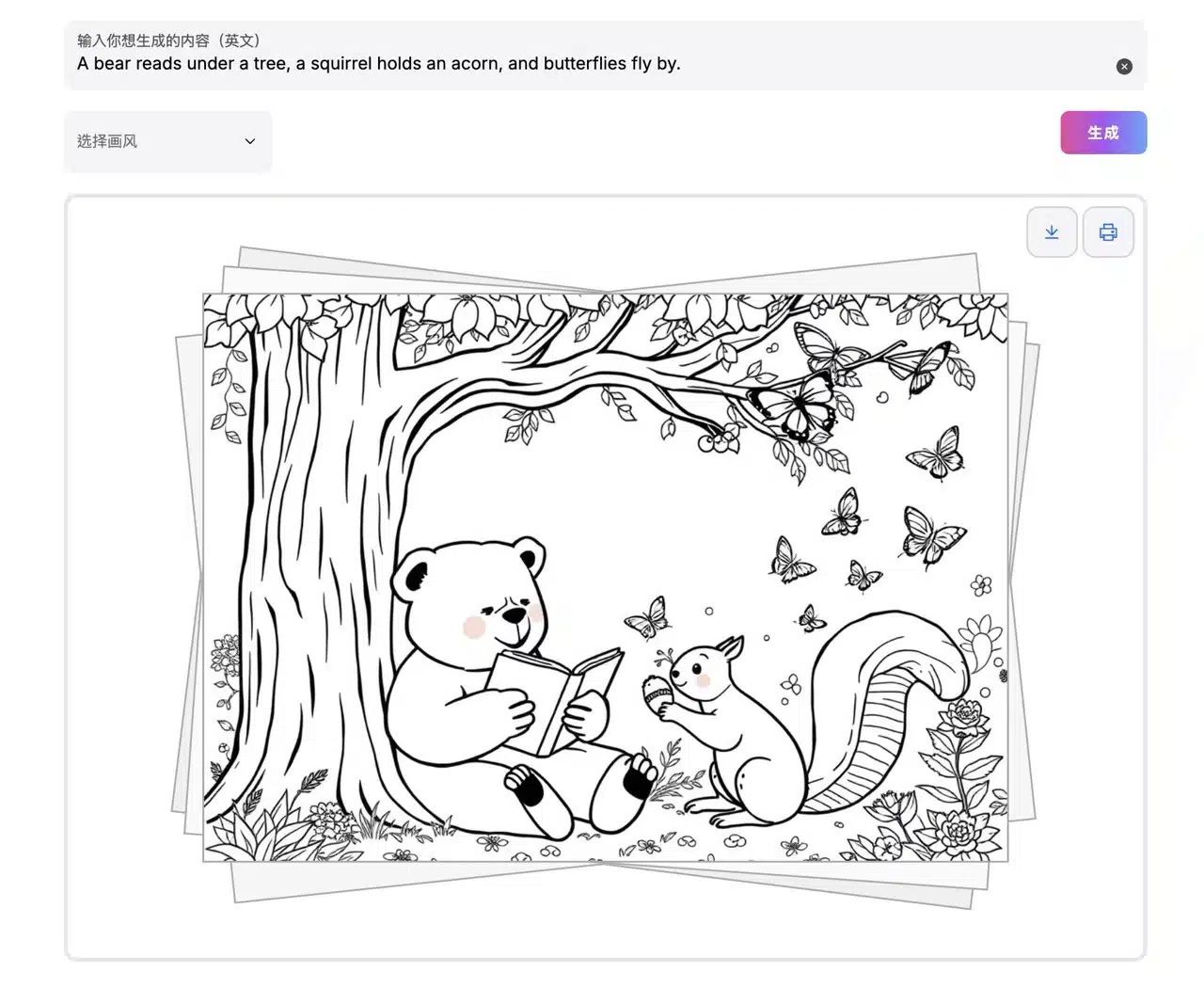
STEP 4: One-Click AI Coloring
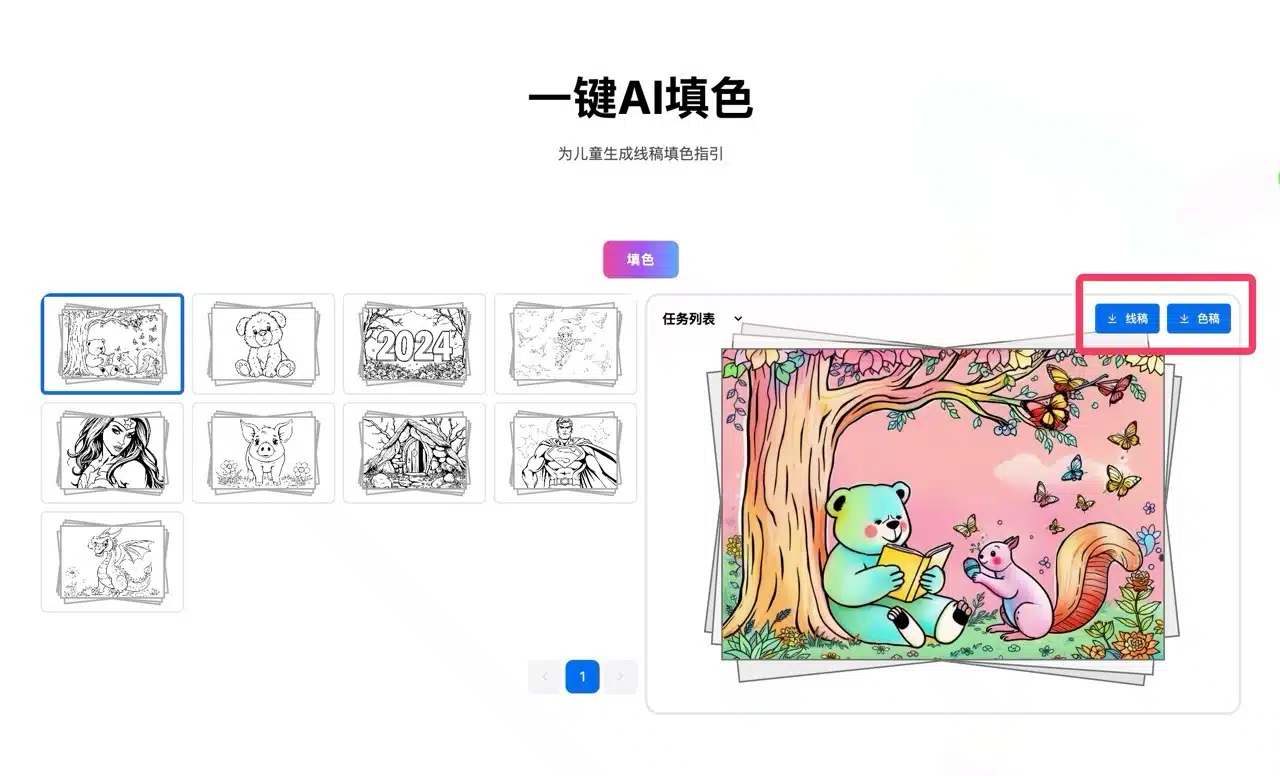
Coloring pages generated by SoColoring are automatically saved to your account. Access “My Gallery” in the top-right corner to view your history. To apply AI coloring, select “AI Coloring” from the top menu, choose your generated page, then click “Color” in the center.
Note: Each AI coloring uses 1 point (AI-generated coloring images cost 2 points). The free plan provides 10 points daily, which reset automatically the next day. Points cannot be saved and must be used within the same day.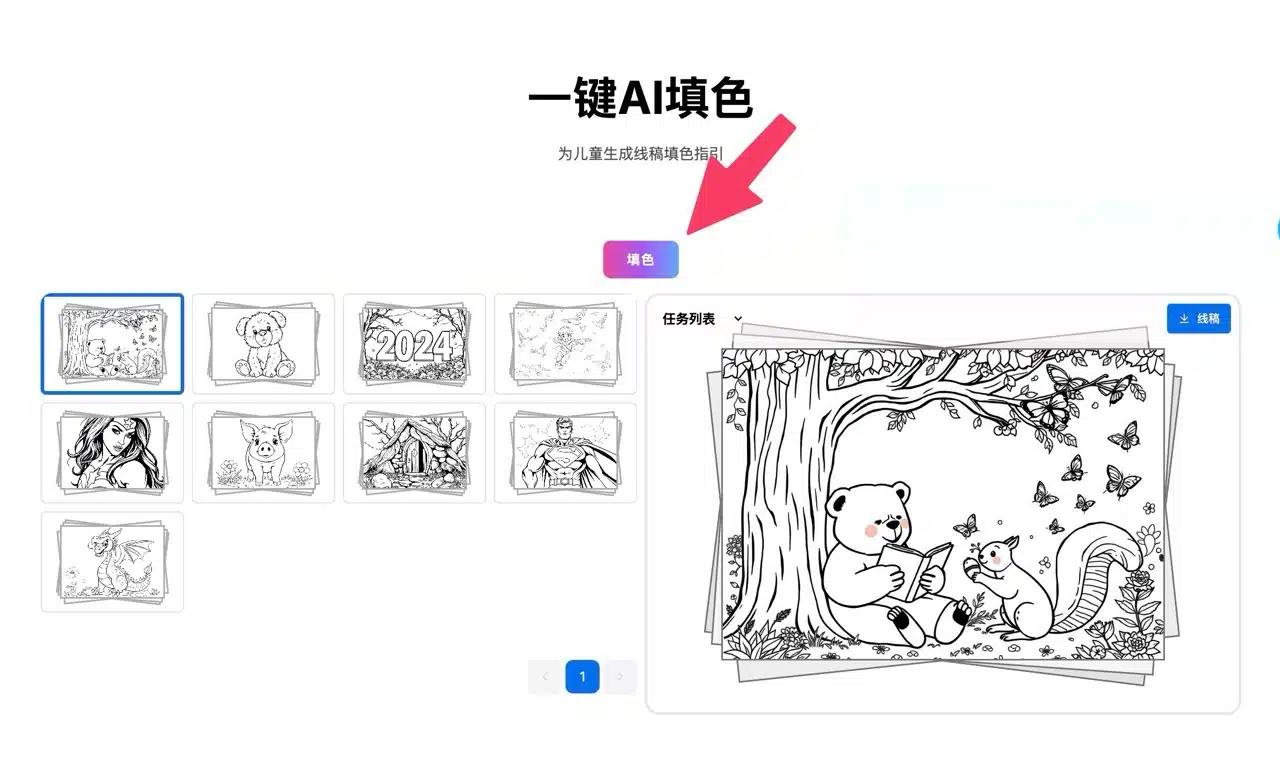
AI-colored images can also be downloaded. Two download options appear in the top-right corner: one for the line art and one for the colored version.