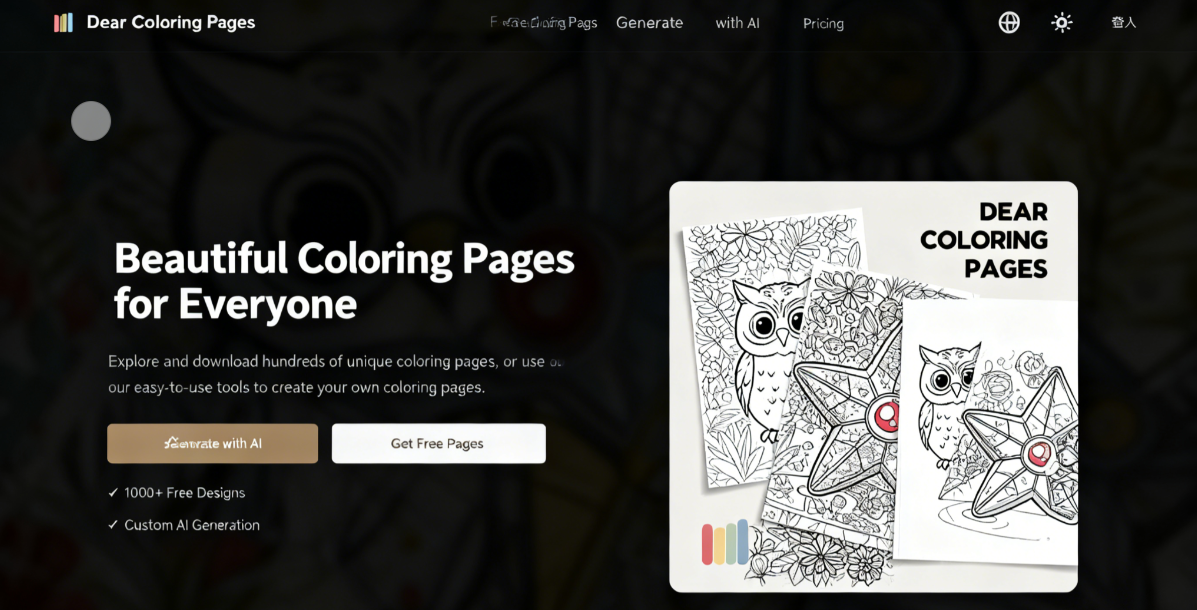
Dear Coloring Pages is a website offering free coloring page designs. It primarily provides coloring page downloads and utilizes AI technology to quickly generate custom patterns. Currently featuring over 1,500 coloring designs, all available for free download (in PNG and PDF formats) with absolutely no restrictions! If you wish to design your own coloring pages, registering grants you 3 free credits to generate three custom designs—a great way for users to try the service.
Like other free coloring book websites, Dear Coloring Pages features a wide range of themes, including plants, food, fantasy, children, animals, space, entertainment, seasonal and holiday designs, vehicles, and more. Interestingly, it also includes a dedicated category for adults. These coloring pages feature more intricate designs, but focusing on coloring can help relax the mind and reduce stress.
Previously, we've recommended other AI-powered coloring page generators, such as:
SoColoring: Free AI Coloring Page Generator – Easily Create Personalized Coloring Books
ColoringBook AI: Over 5000 Free Coloring Pages to Download! Plus Easily Generate Custom Patterns from Images
Color Pop AI Coloring Page Generator: Effortlessly Turn Text Descriptions into Printable Coloring Cards
Next, let's dive into the features and usage of Dear Coloring Pages.
How to Download Free Coloring Pages
1. Browse and download coloring pages.
Upon opening the Dear Coloring Pages website, you'll see the interface in Traditional Chinese (if not, switch languages from the top-right corner). First, select the “Free Coloring Pages” option from the top menu. Here, you'll find all downloadable and printable coloring pages available on the site. These resources are free and require no account registration. You can search using keywords or filter by category.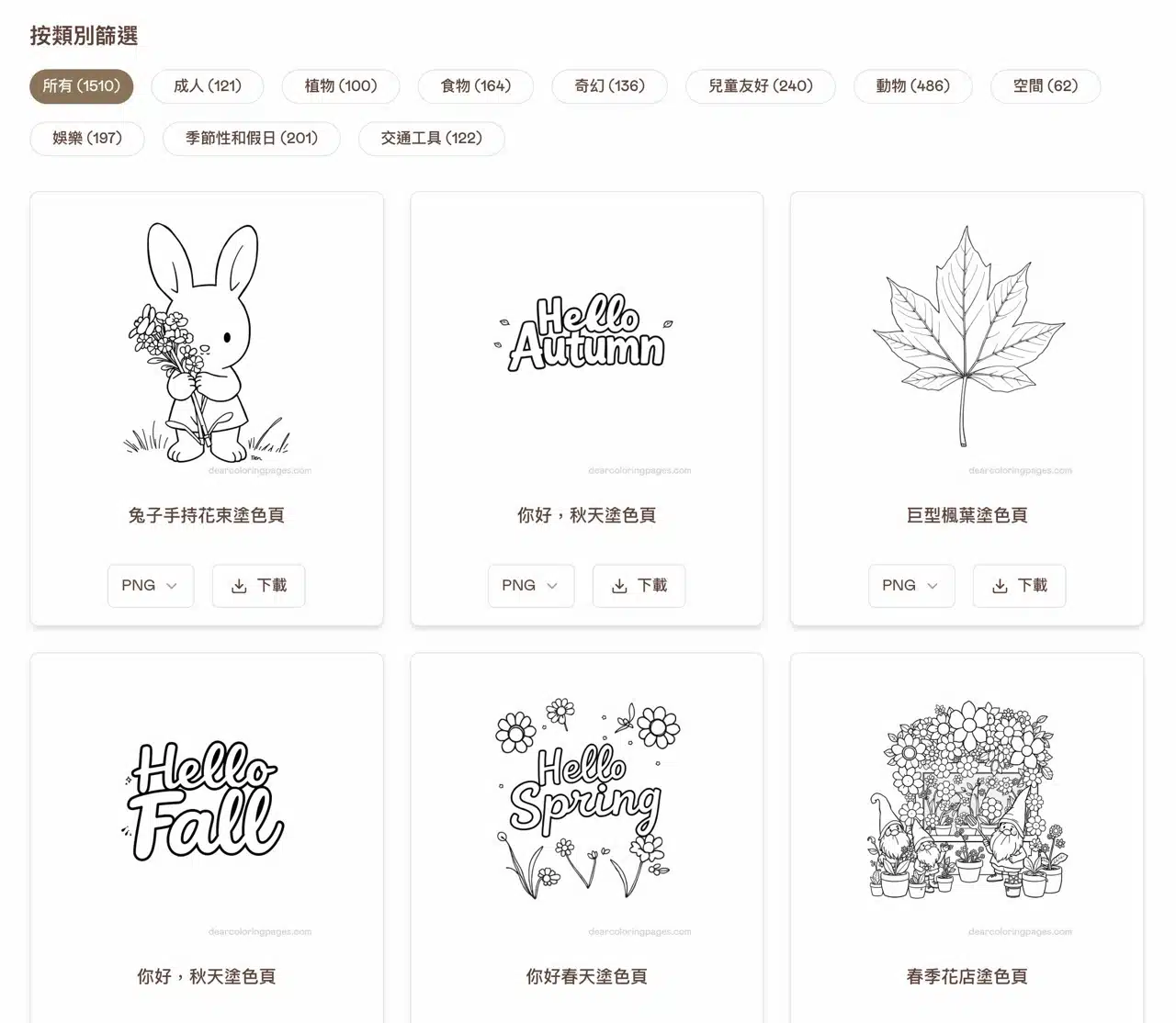
Once you find a coloring page you like, choose either PNG or PDF format below and click “Download” to get the file. Print it out and start coloring! Note that a Dear Coloring Pages watermark will appear in the bottom right corner of the page, but it won't affect your coloring experience.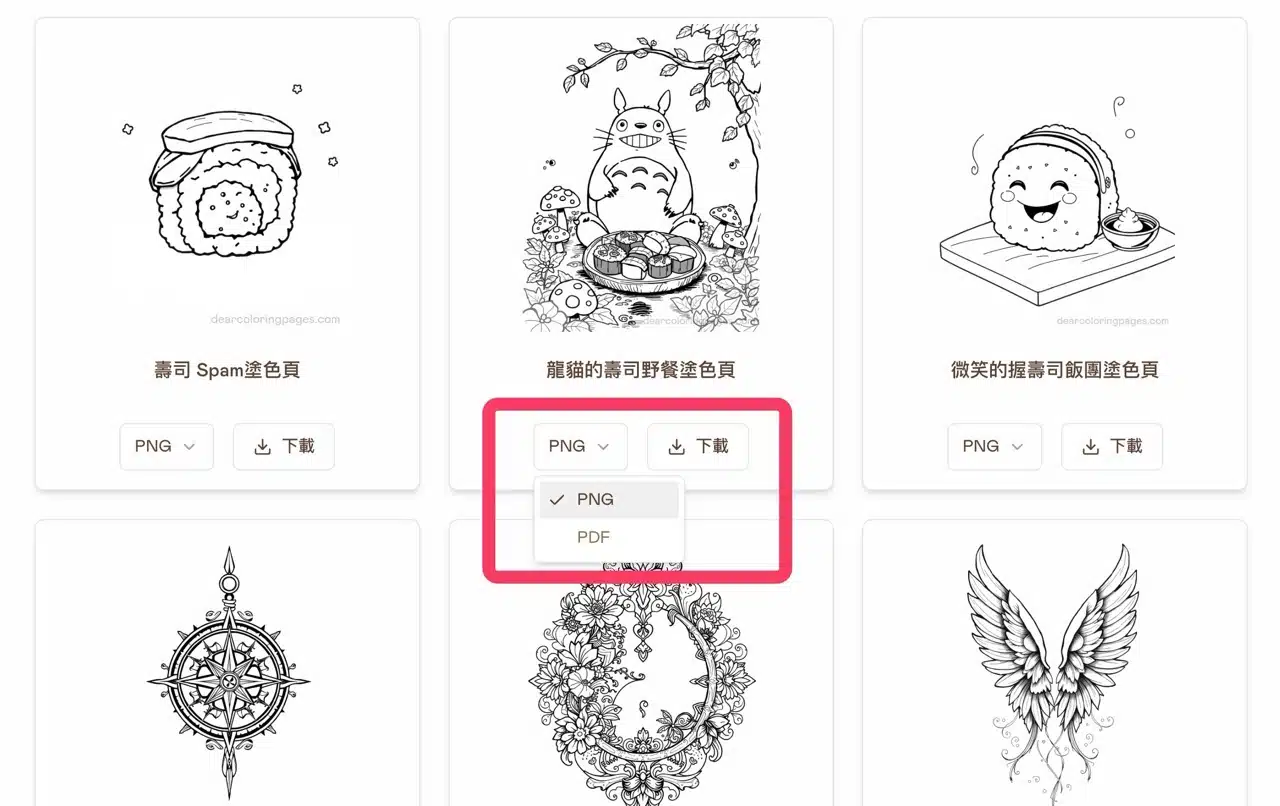
2. Register an Account (Get 3 Free AI Credits).
To use AI-generated coloring pages, you must register an account. Sign up directly with your Google account to receive 3 credits upon registration.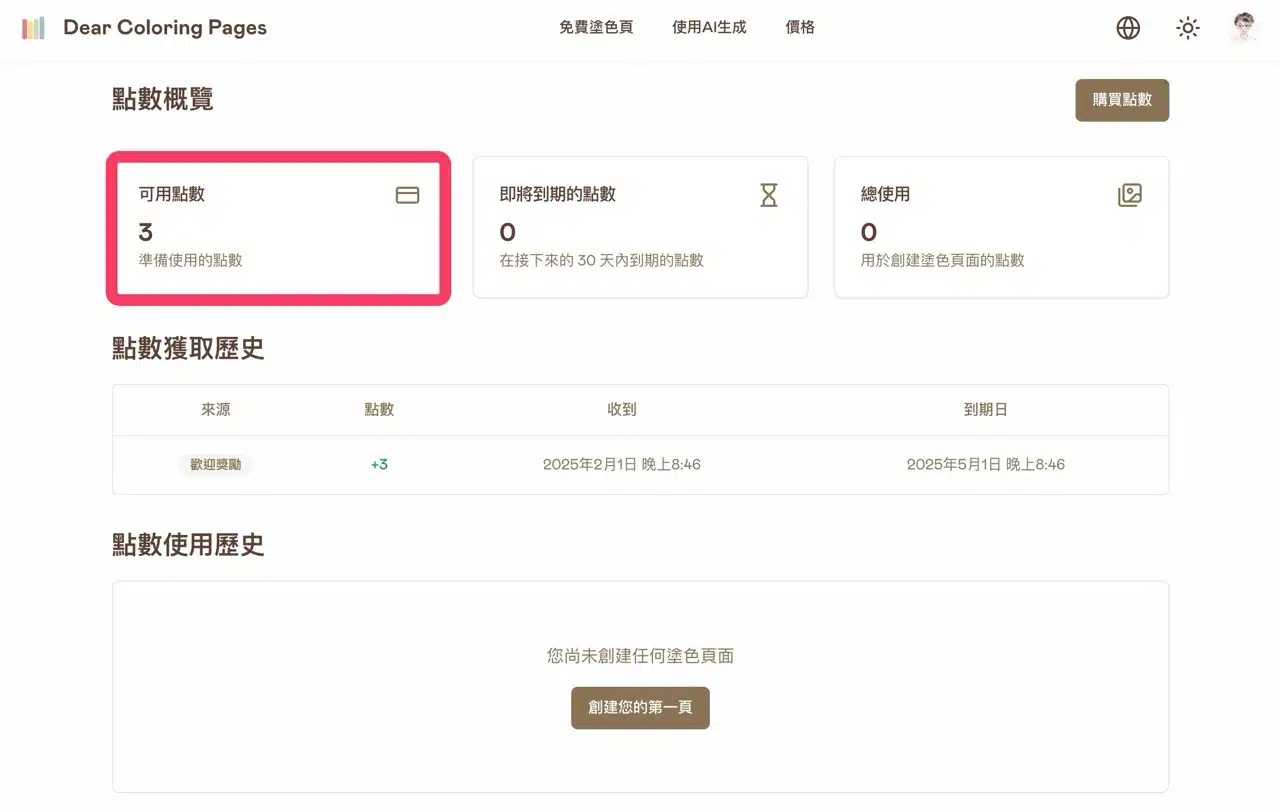
3. Access the AI Generation Tool.
Navigate to the “Generate with AI” feature in the top menu. First, enter a description of the coloring page you wish to generate (Chinese input is supported).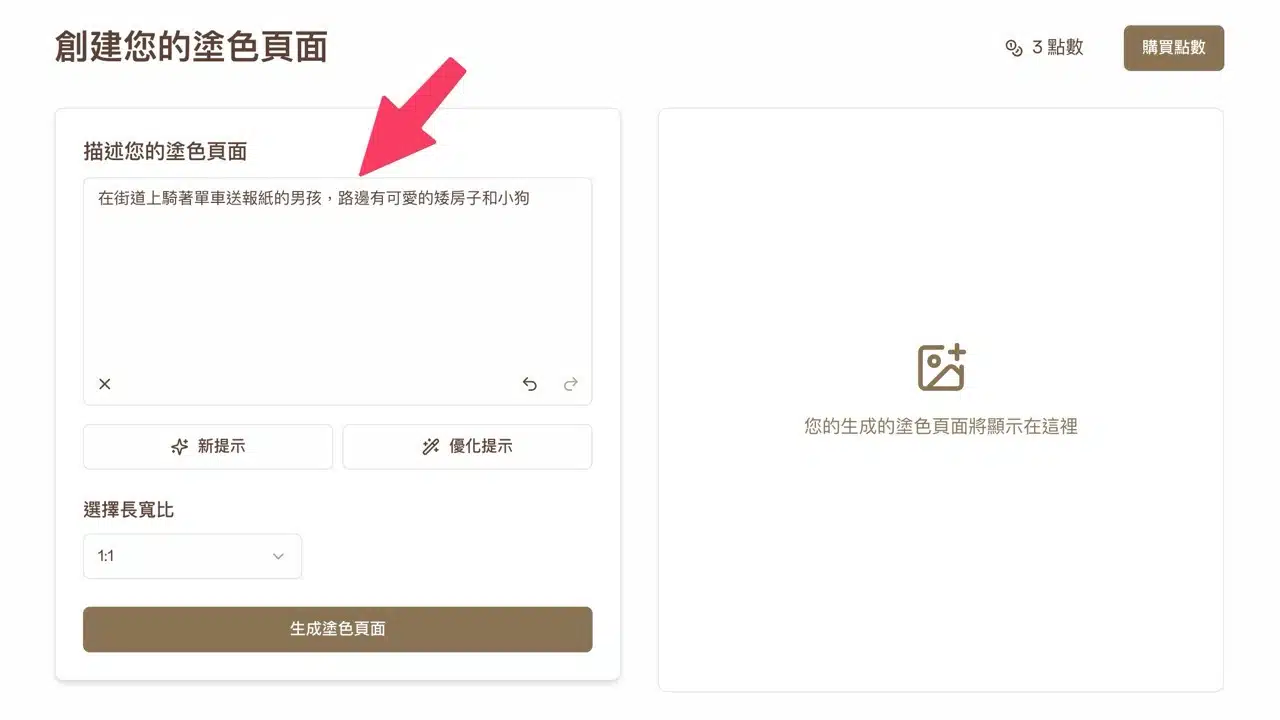
After entering your prompt, you can click “New Prompt” or “Optimize Prompt” below to slightly rewrite the description. Note that this operation cannot be undone. Remember to copy your original description first. The AI will help refine the text for you.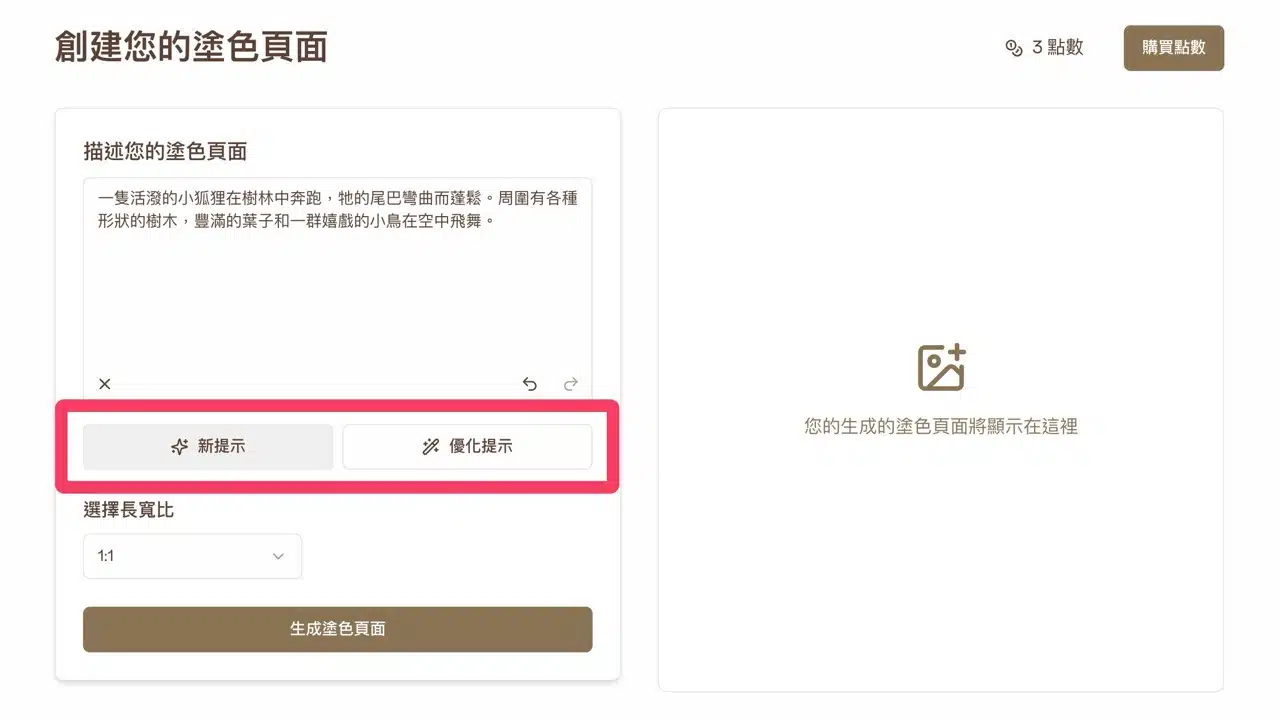
4. Select aspect ratio and generate.
Before generating the coloring page, you can choose the aspect ratio from various available options.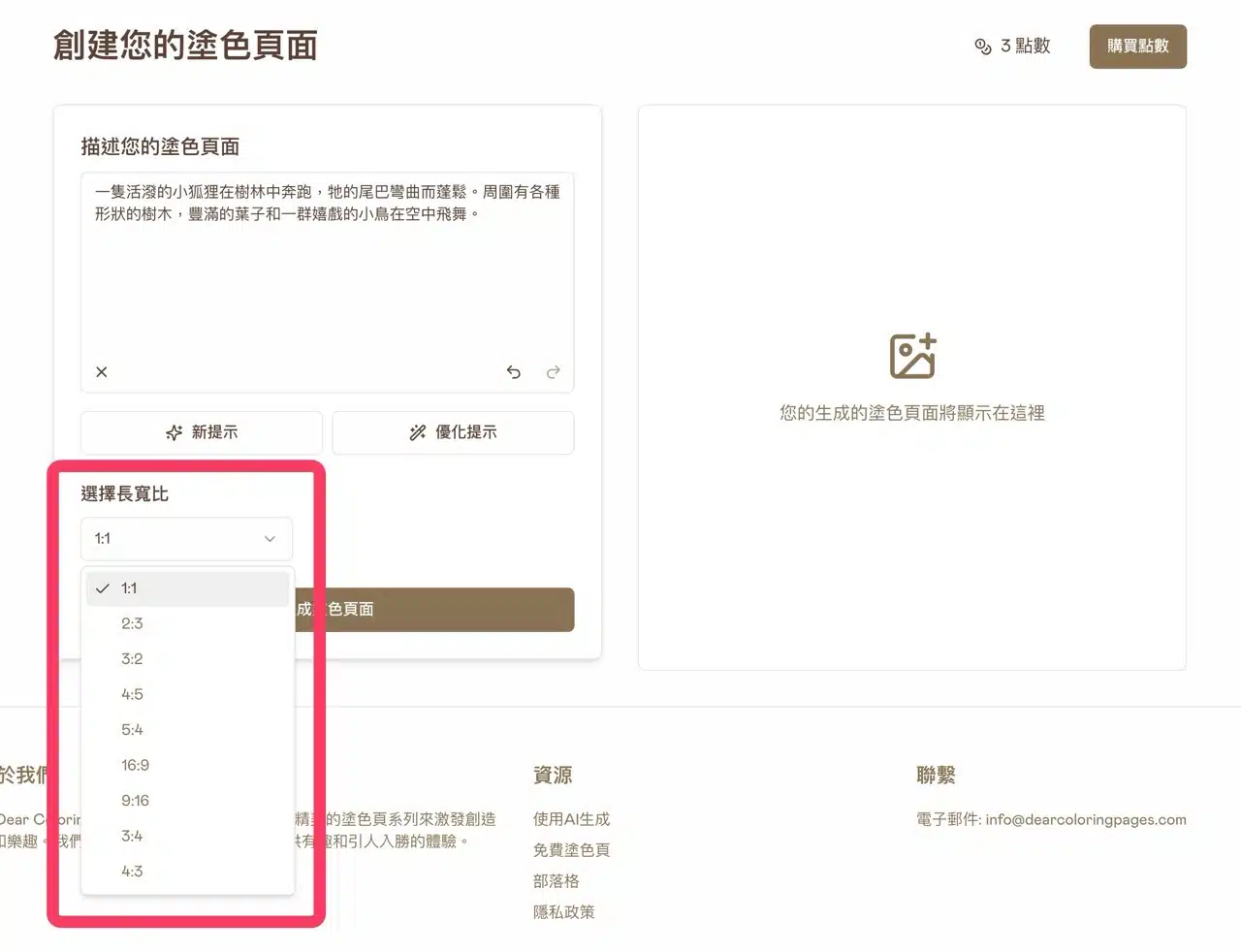
5. Download the coloring page as PDF or PNG.
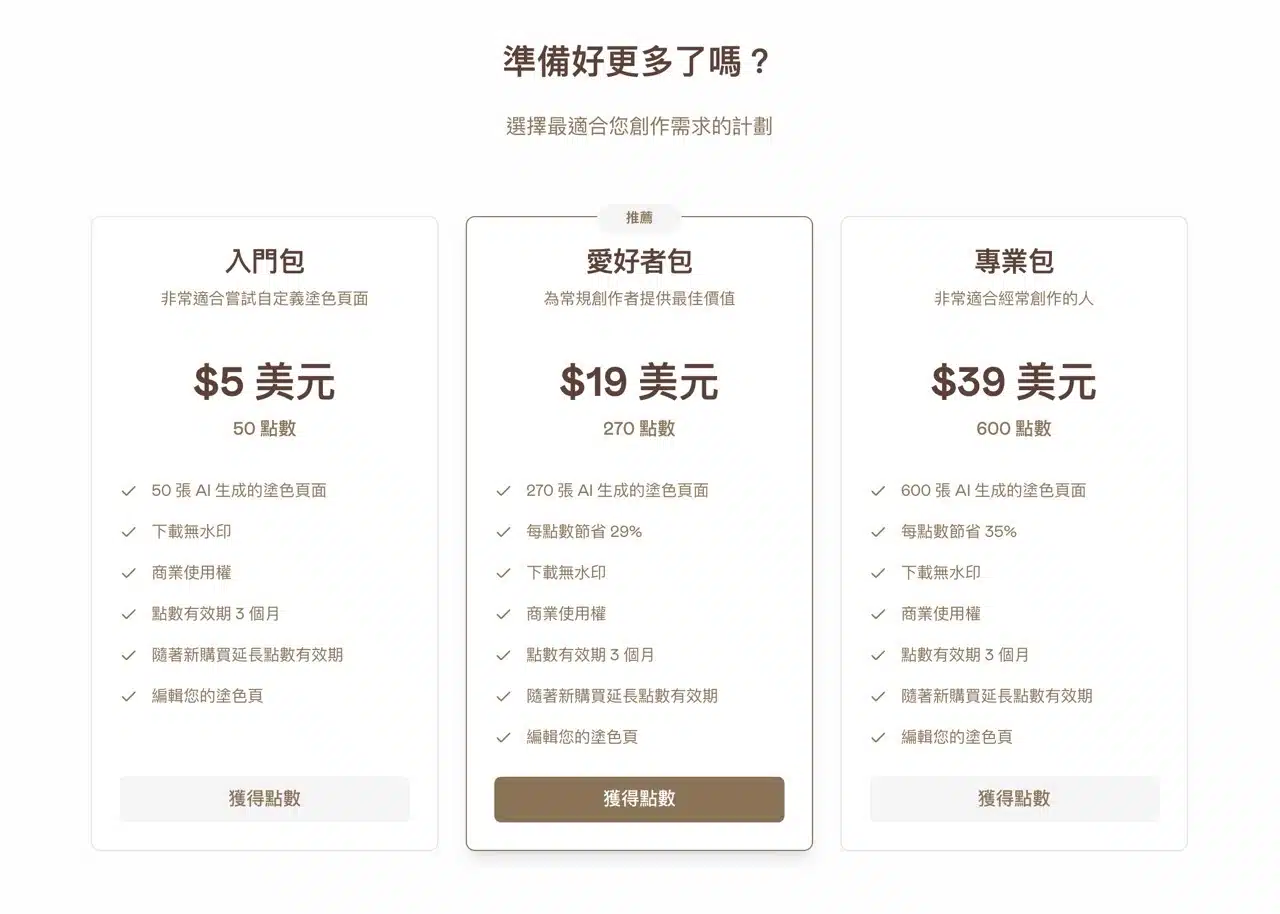
Each generated coloring page deducts 1 point from your available points. Your remaining points are displayed in the top-right corner. After completion, you can download the coloring page as PDF or PNG format from the bottom of the page.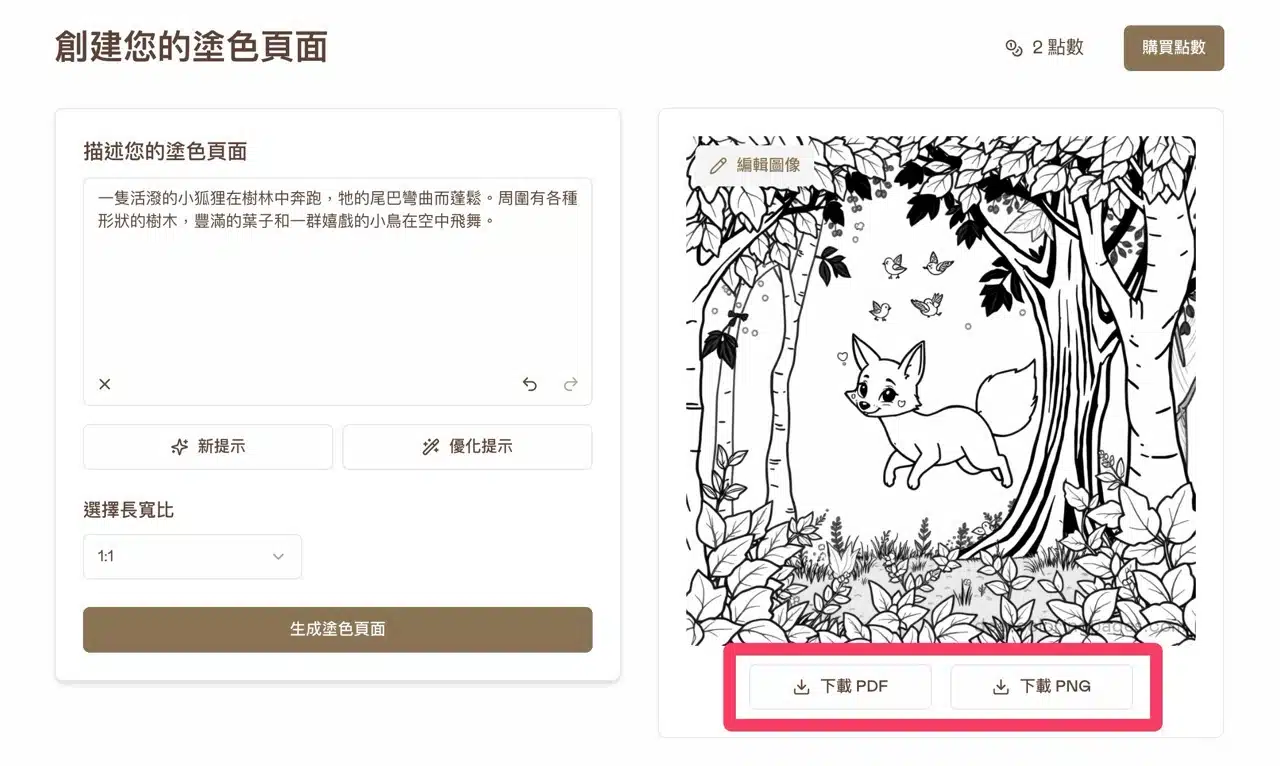 If you enjoy the AI-generated coloring pages feature, consider purchasing additional credits. Different credit packages are available, all generating watermark-free coloring patterns with commercial use licenses. Note that credits have an expiration date.