Recently, I came across a remarkably powerful AI application that can predict the location where a photo was taken after a user uploads it. This provides excellent results for locating shooting spots. Previously, one might only find related photos through image-to-image searches, but this typically required easily identifiable subjects (otherwise search engines might struggle to pinpoint locations amidst indistinguishable street scenes). The service I'm about to introduce completely breaks free from these limitations.
I recommend “GeoSpy.ai,” a photo location search engine that uses AI to pinpoint where a photo was taken. While the exact technology behind it remains unclear, the homepage indicates this is a demo version, so results may occasionally be inaccurate. Developed by Graylark Technologies, this tool excels at combining AI with pixel databases to estimate a photo's geographic location.
Using GeoSpy.ai is straightforward: simply upload a photo to get results. While not always 100% accurate, it displays potential cities and coordinate information. Testing several photos yielded mixed results—some were spot-on, others wildly off-base. Overall, it's quite entertaining. Search results also integrate Google Maps data, allowing you to verify locations using Street View.
How to Use
STEP 1
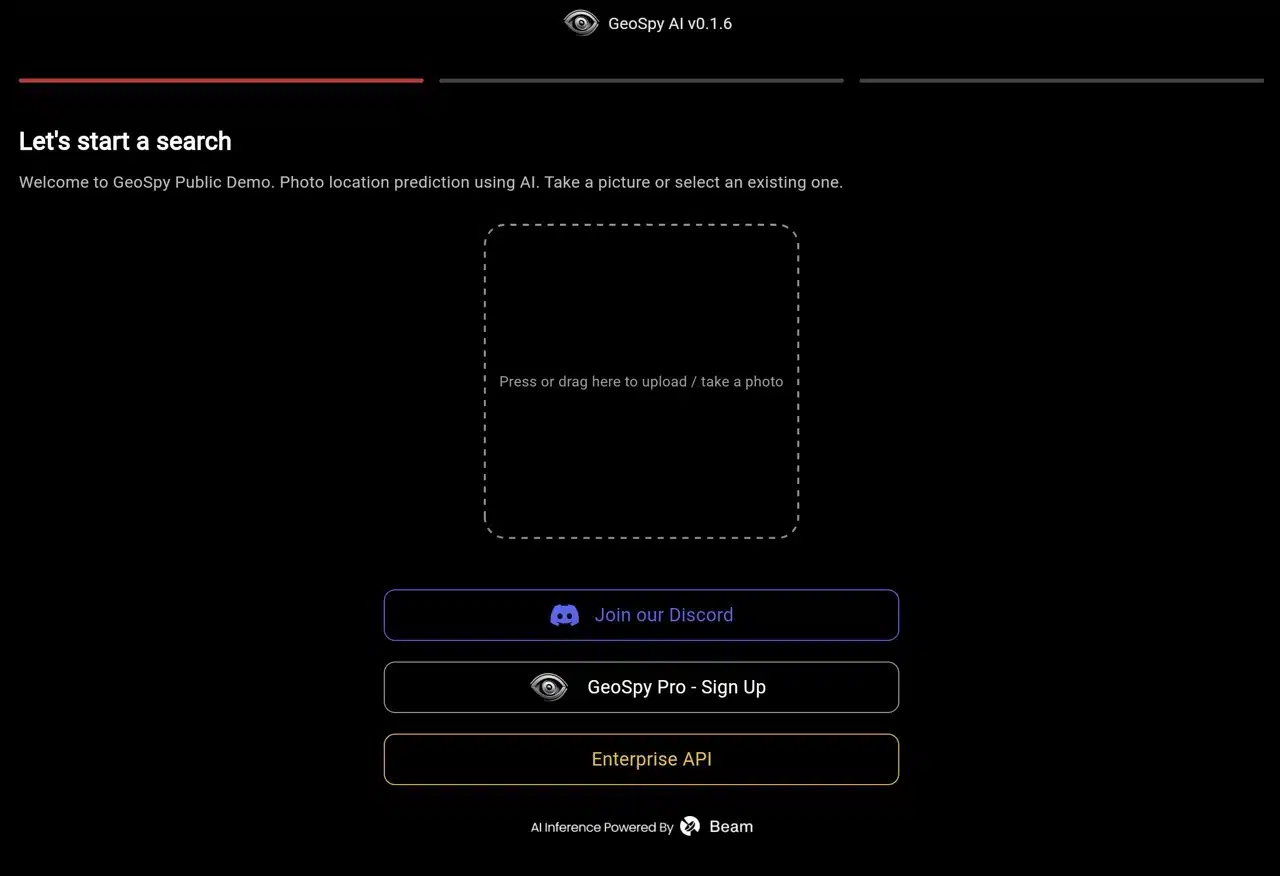
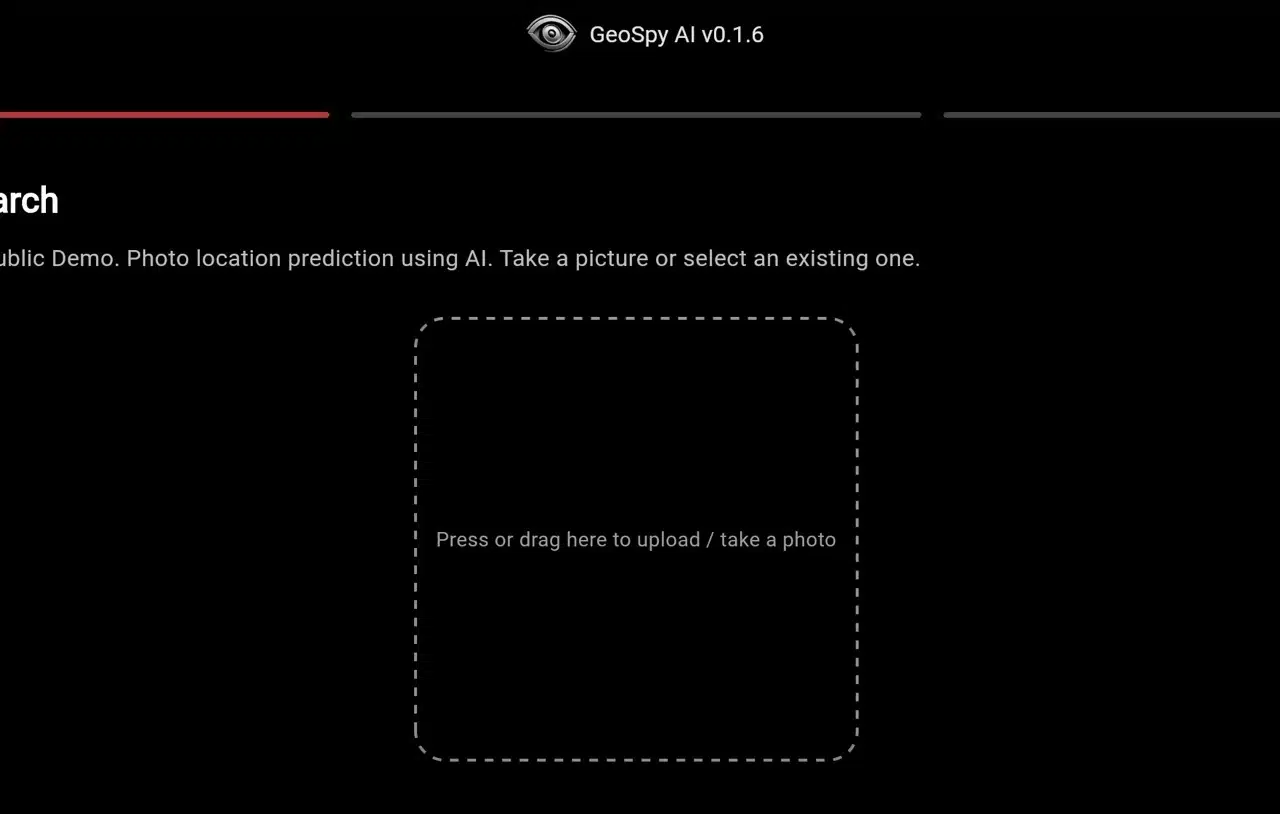
After opening the GeoSpy.ai website, you'll see a straightforward interface. Drag and drop your photo or click to select and upload the image you want to analyze.
STEP 2
GeoSpy.ai will analyze the photo's location, listing the country, city, coordinates, and a Google Maps link on the results page. While not always 100% accurate, it serves as a useful reference.
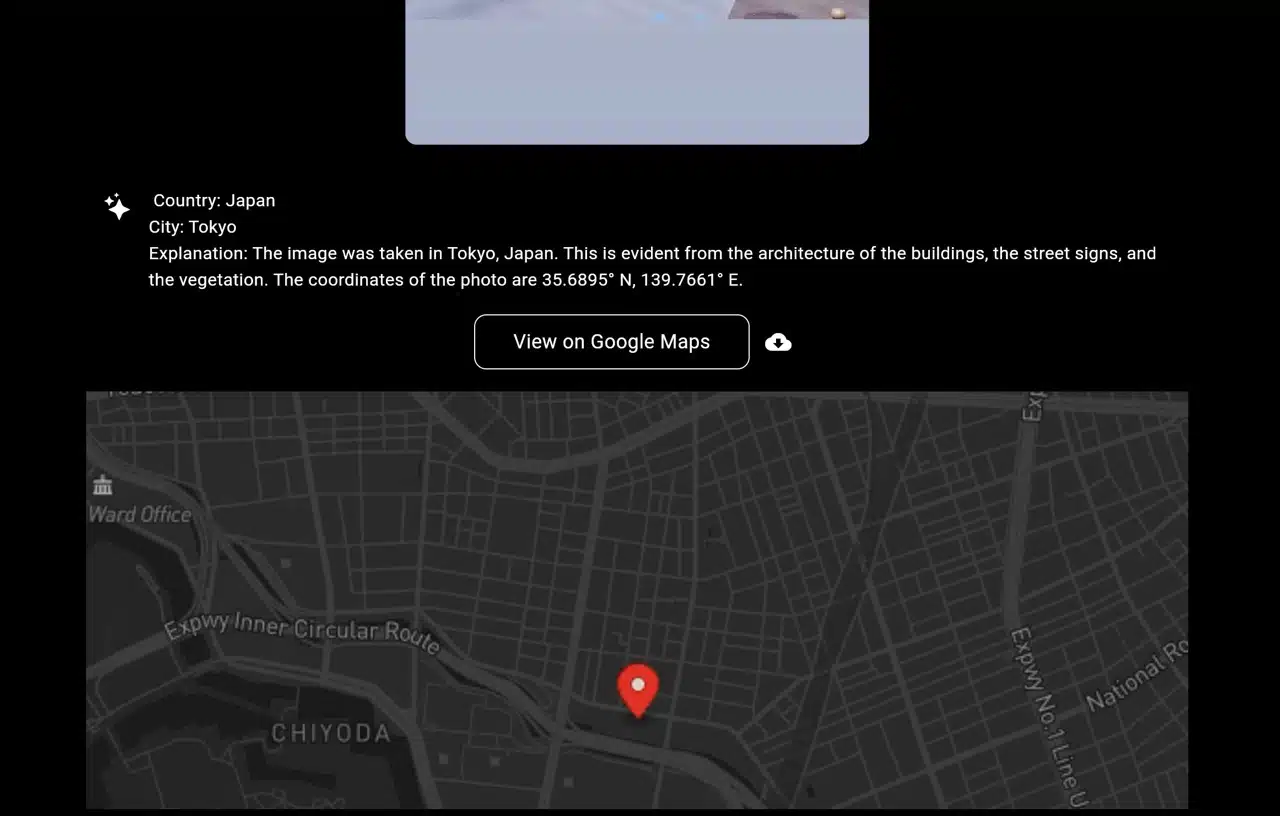
Scroll down to see the image's source analysis, displaying photos of similar buildings and locations to help identify if it's the same spot.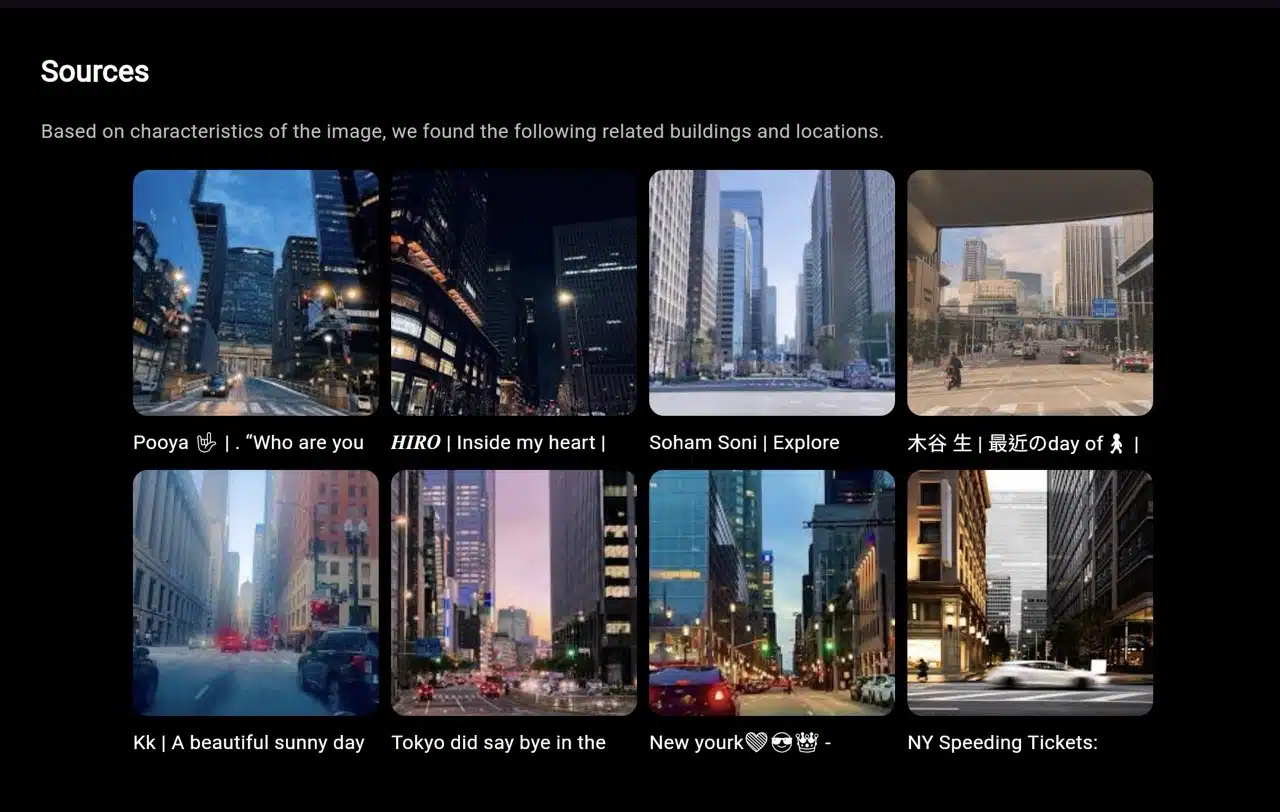
STEP 3
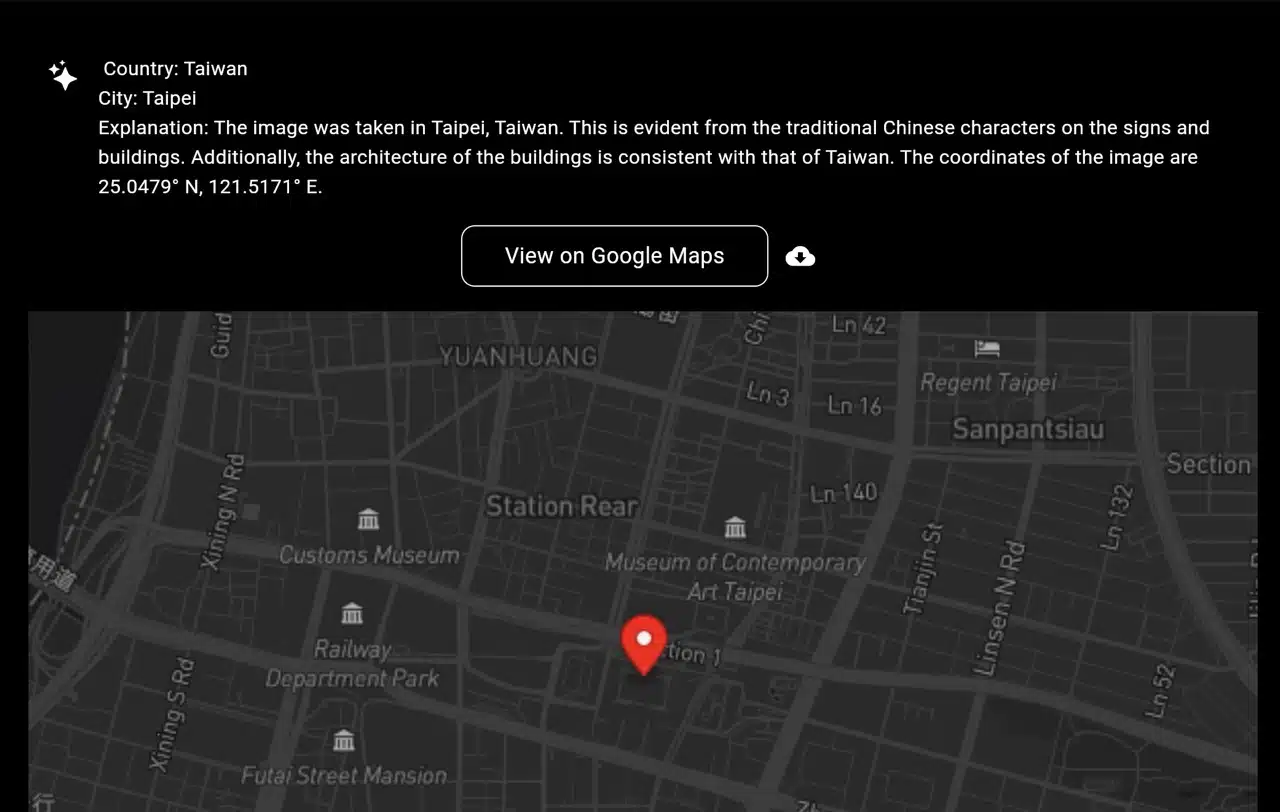
Interestingly, GeoSpy.ai can also analyze and display geographic information for Taiwan. While not always precise, it still serves as a useful reference. Click the button below to view the coordinates on Google Maps and use Street View to verify if it's the same location.