PopPop AI is a developer specializing in AI-powered audio effects technology. I previously introduced “PopPop AI: Free AI Sound Generator—A Powerful Tool That Converts Descriptions into Sounds” and “PopPop AI Vocal Remover: Free Online Track Separation Tool for One-Click Vocal Removal and Instrumental Creation.” These services utilize AI to generate sound effects or perform audio editing. Recently, they launched a new feature: a free music cover service where AI can sing users' favorite songs using specific voices.
The PopPop AI Song Cover generator employs AI technology to analyze the melody, rhythm, and style of the original song. It then processes this using the voice selected by the user, ultimately generating new music with different timbres and pitches. Best of all, this service is completely free! However, it comes with a daily quota. During my testing, I could process 20 songs for free every 24 hours. After exceeding this limit, I had to wait for the quota to reset.
Rich and Diverse Voice Options
PopPop AI Song Cover features a wide array of voices, including famous singers, anime and cartoon characters, celebrities, video game and robot voices, TV shows, and more. You can preview these voices online. After selecting one, it will cover your uploaded music using that character's voice. Alternatively, paste a YouTube URL for quick application. The results are remarkably realistic and highly entertaining.
Copyright Notice
Please note that even music generated by artificial intelligence (AI) must still comply with music copyright laws. Melodies and lyrics may still be protected by original copyrights. Remember not to use the music for public sharing or commercial purposes unless you have obtained the necessary authorizations and permissions.
Usage Guide
STEP 1
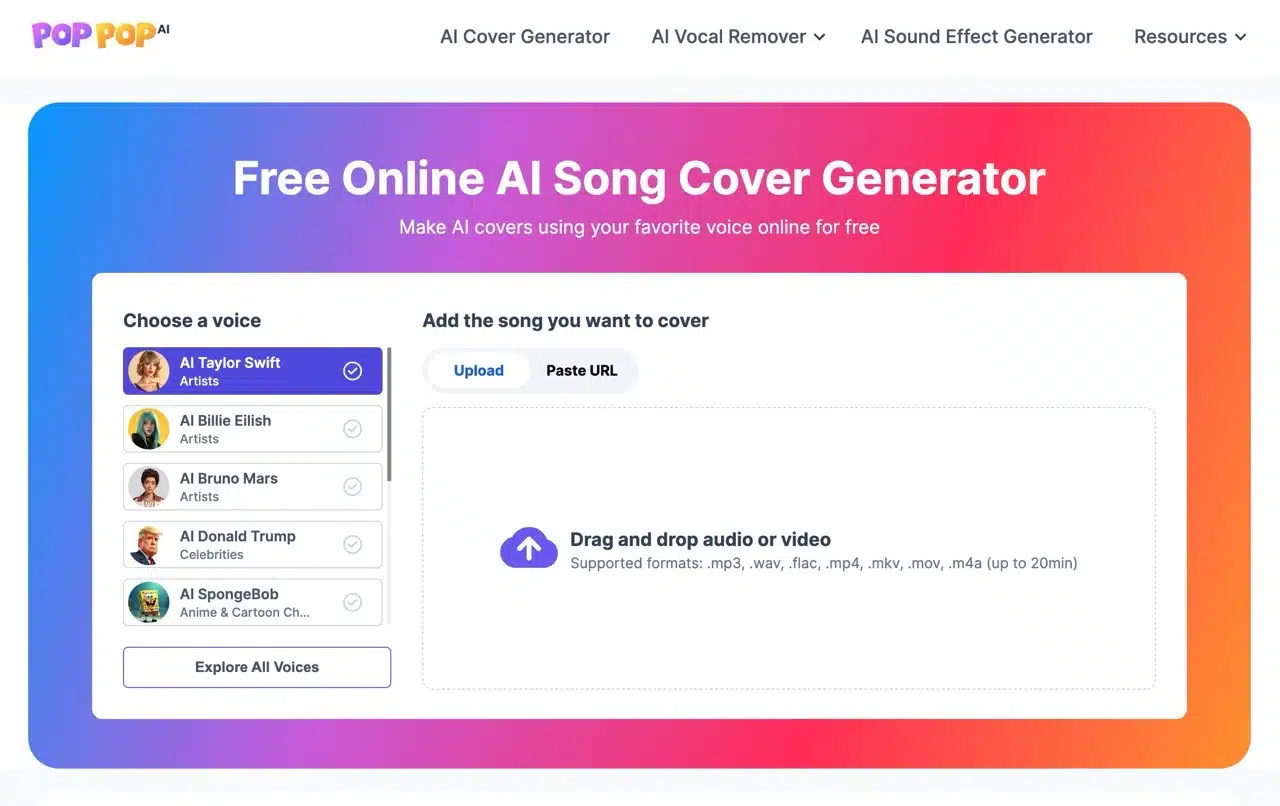
After launching PopPop AI Song Cover, you'll see the editor. Select your desired voice from the left panel. On the right, add the original music by uploading a file or pasting a URL (supports over 1,000 websites including YouTube, Twitter, TikTok, and Vimeo). If uploading your own music file, most common formats are supported, but the music length must not exceed 20 minutes. Portable Speaker
By default, voices of celebrities, politicians, or cartoon characters are available. Click “Explore All Voices” in the bottom-left corner to view the full voice library.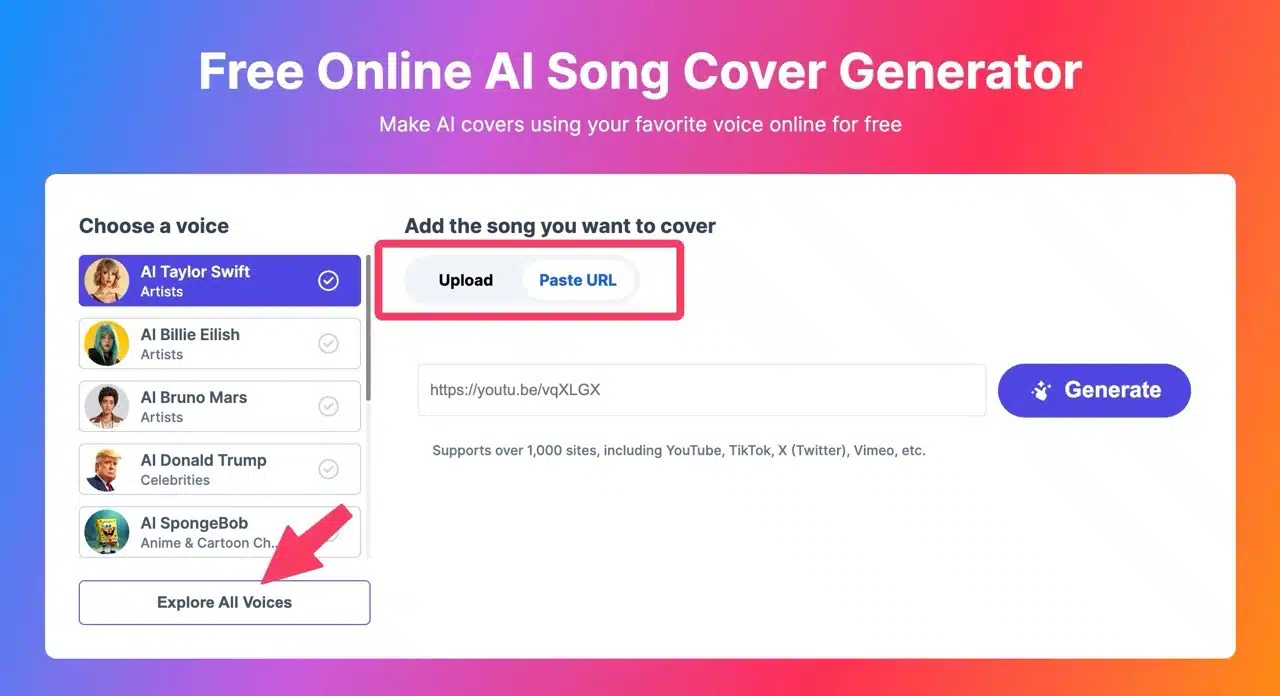
STEP 2
PopPop AI Song Cover offers voices from famous singers, anime/cartoon characters, celebrities, video game characters, and TV series characters. Click the play icon in the bottom right corner of an image to hear a voice preview. It's impressive how AI-generated music can sound remarkably similar.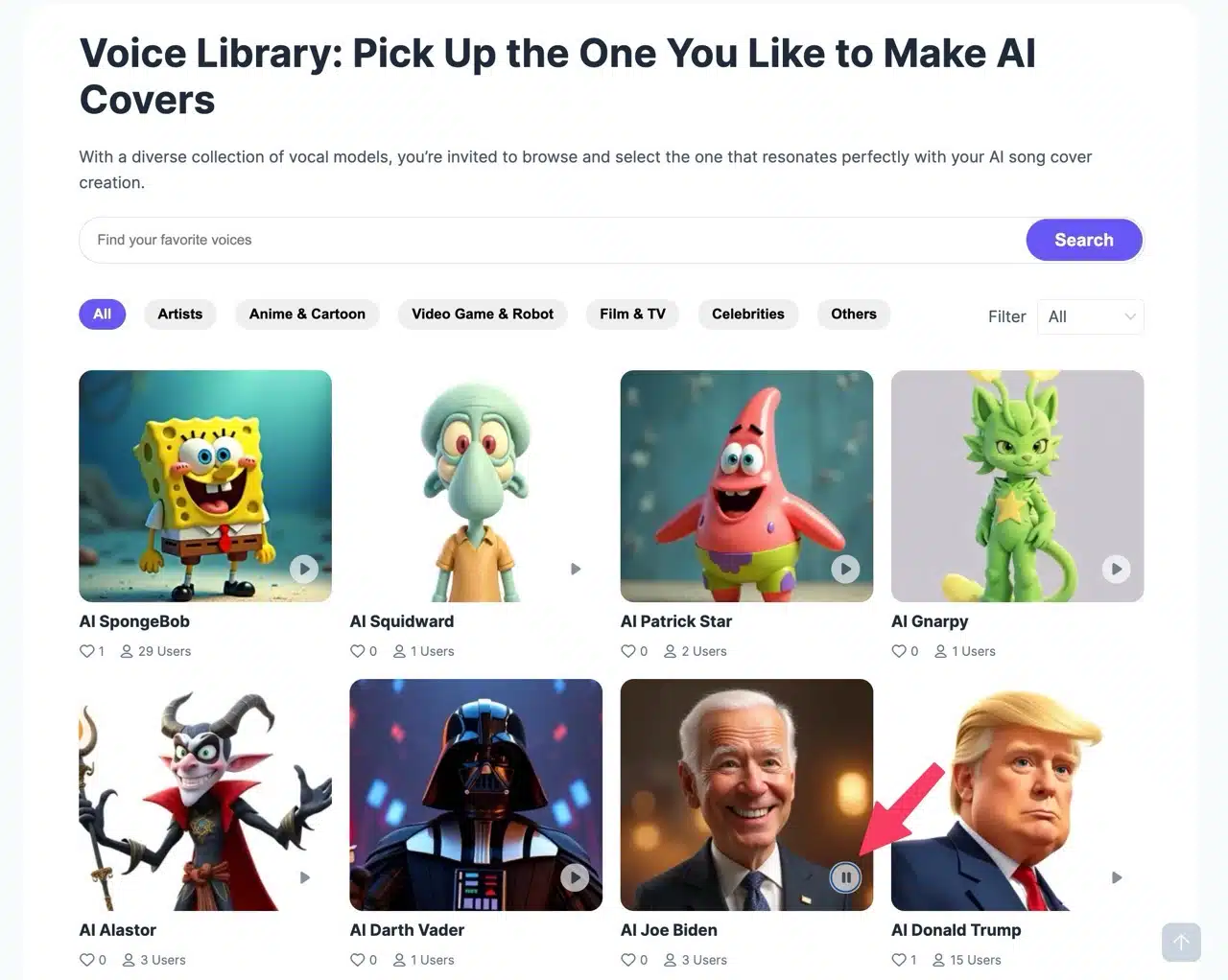
STEP 3
After selecting a voice, you'll enter its dedicated page where you can add the song you want to cover—this function is identical to Step 1.
After selecting your song, configure the music settings. A notification bar at the top displays your remaining free daily uses (limited to 20 songs per day). Before starting, adjust volume and pitch settings—tweak overall volume, instrument levels, vocal pitch, and instrument pitch. If no changes are needed, simply keep the default values.
Below, the “Duration Settings” let you choose whether to generate only the first 30 seconds or the full song. The 30-second preview is quite useful and generates much faster (though both options count as one usage credit after processing). Processing takes some time after starting. If importing music via URL, PopPop AI will first download the original file. Simply wait for this to complete without any action required.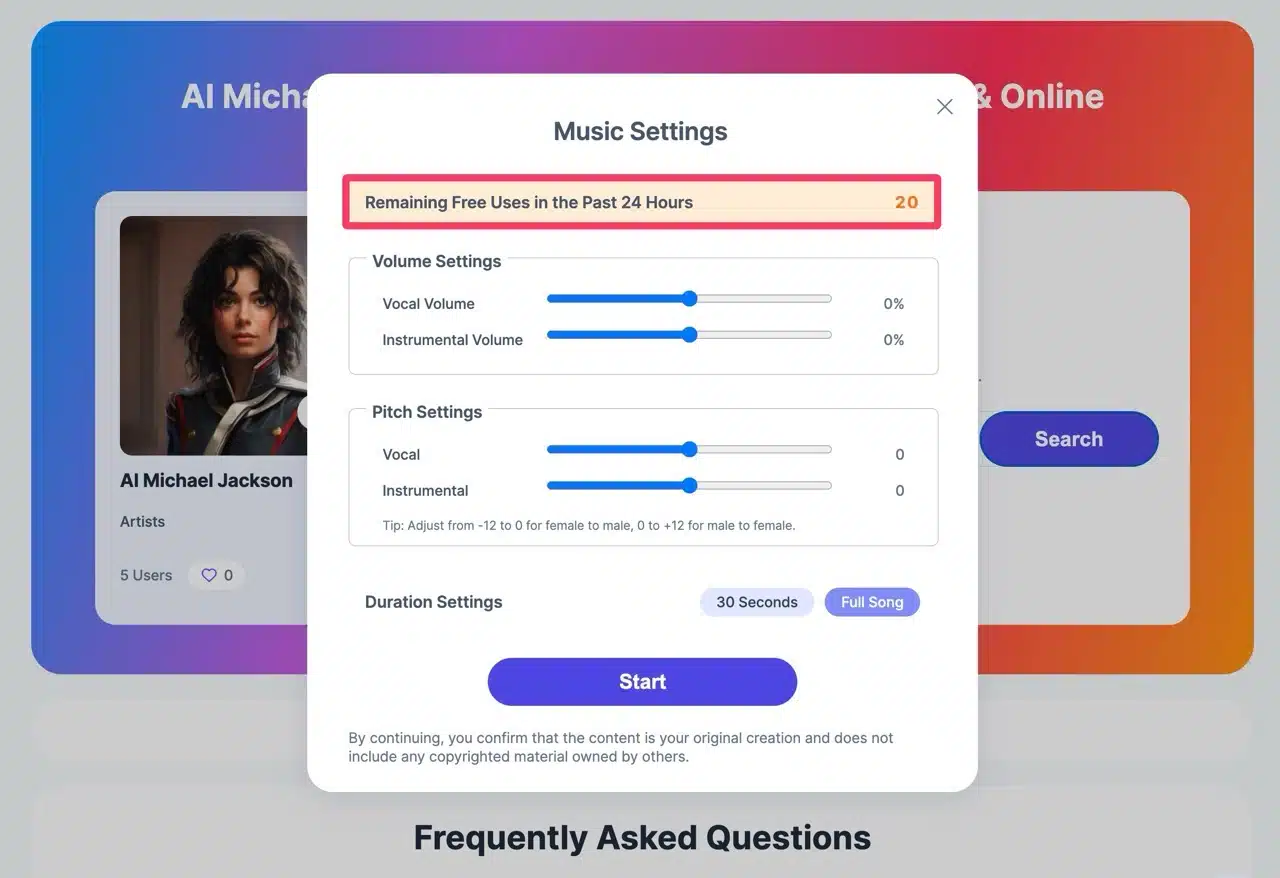 The entire process varies based on music complexity and server load, typically finishing within minutes. Portable Speaker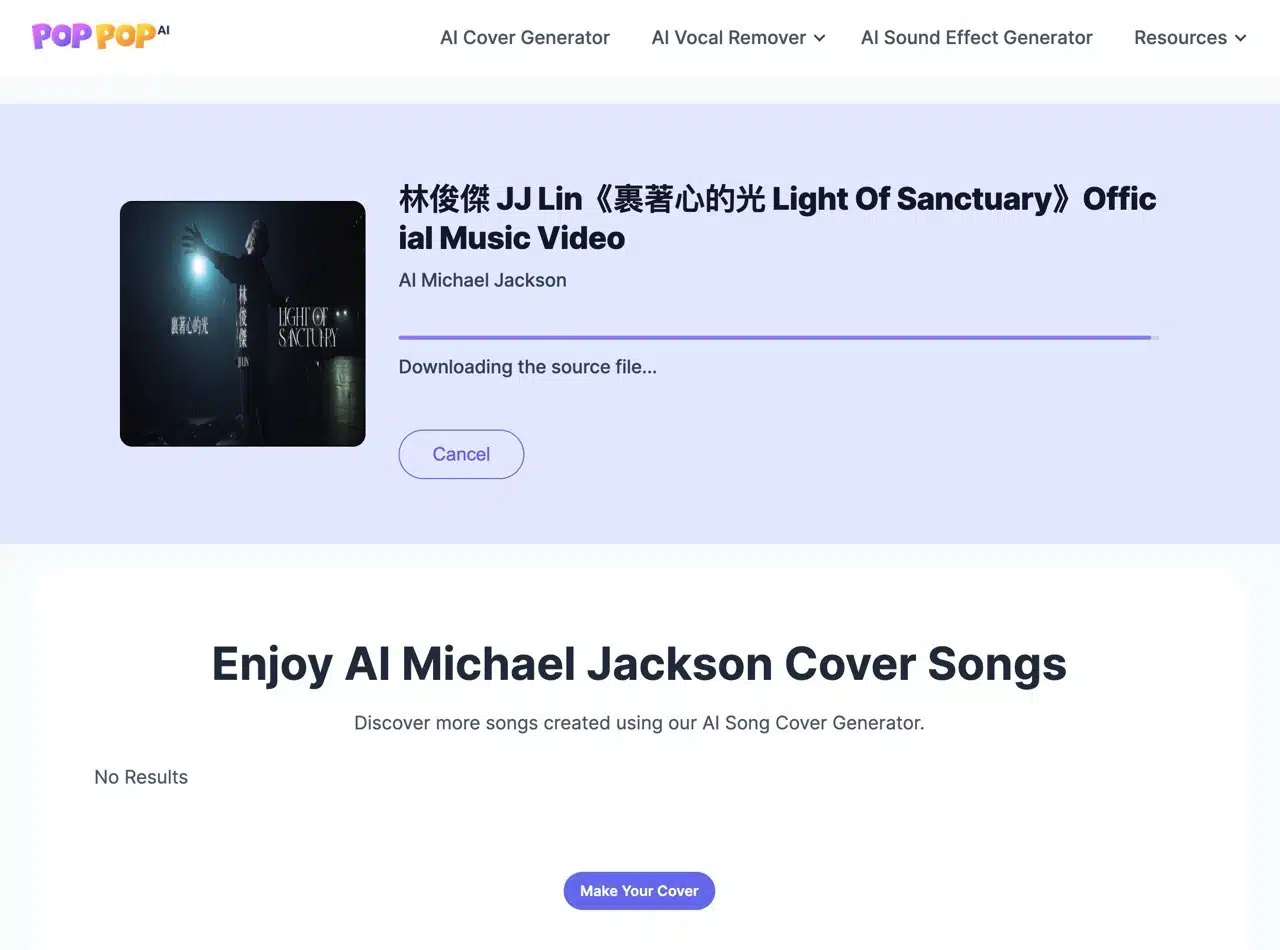
STEP 4
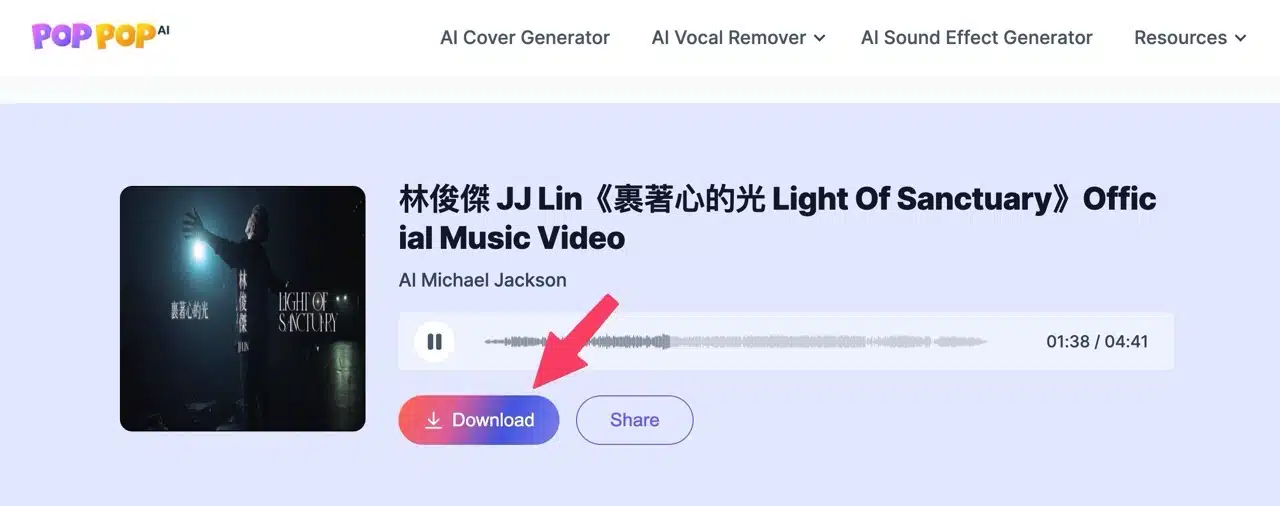
Once finished, preview and play the AI-cover music directly online. You'll be amazed by the powerful AI technology. Click the download button to save the music. Before downloading, a sharing prompt may appear—how could such an awesome service be just for me? Remember to recommend PopPop AI's music cover tool to more friends!