Grok is an AI chatbot assistant developed by xAI, similar to familiar services like ChatGPT, Copilot, and Gemini. This feature can be found in the menu of the X (formerly Twitter) community. Previously, subscribing to Twitter's Blue Checkmark (now called X Premium) granted access to this AI functionality, but I never used it—perhaps I'm still more accustomed to ChatGPT and Perplexity! Regardless, the good news is that Grok is now fully open to everyone, even without a paid upgrade.
xAI announced on its own X platform, “The world's smartest AI, Grok 3, is now fully open!” They added, “Until our servers crash,” meaning everyone can try Grok. This is especially useful if you don't plan to subscribe to ChatGPT but frequently hit usage limits—having a few alternatives on hand might come in handy when needed. Grok also grants free access to its advanced DeepSearch and Think features. DeepSearch employs fast proxy-based search for in-depth inquiries, delivering more detailed answers—especially when precise or comprehensive results are needed. Think leverages Grok's reasoning model, proving particularly valuable for solving math, science, and coding problems. X Premium+ subscribers and SuperGrok users also gain access to the advanced “Voice Mode” feature. Of course, Grok imposes usage quotas, as all operations incur costs and cannot be entirely free. However, X Premium and Premium+ subscribers enjoy increased quotas. Basic features like image uploads and document attachments remain available in Grok. Interested users are encouraged to spend some time exploring it.
Grok AI Tutorial
1. Log in with your X account to open Grok
Upon entering the Grok page, you'll be prompted to log in with your X (Twitter) account. You'll then see a ChatGPT-style dialogue window—currently, AI chatbot interfaces all look quite similar.
Grok also offers two advanced features: DeepSearch and Think. These are free to use but come with usage quotas.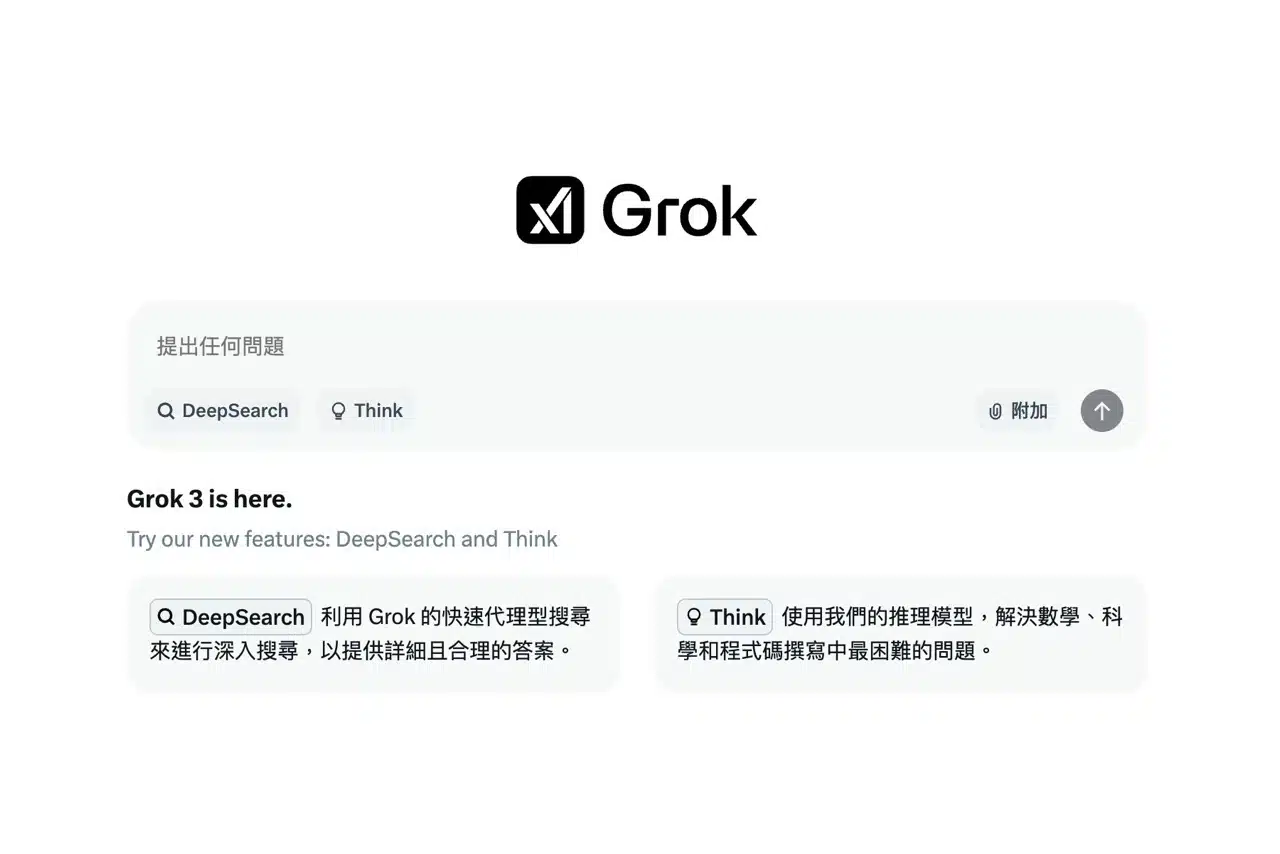
2. The free version of Grok uses the Grok 3 beta model
The free version of Grok utilizes the “Grok 3 beta” model. It's unclear if free users will have other options in the future. During my use, Grok accurately recognized the language without needing additional prompts to specify Traditional Chinese.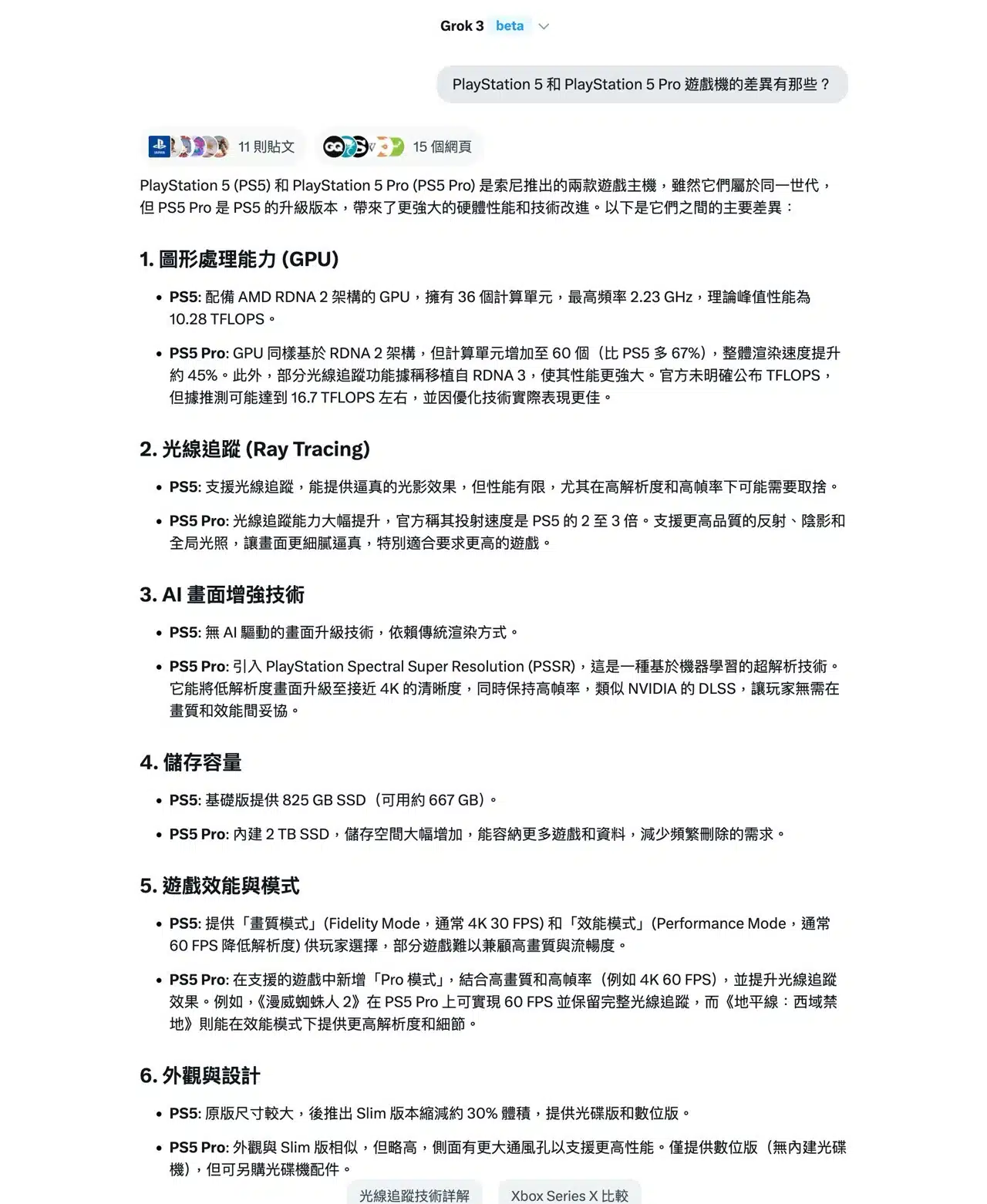
When answering questions or summarizing information, it also lists the posts and web pages it found. Clicking on them allows you to find the reference materials. Still, having AI help consolidate and output the data is fantastic, saving a lot of time when browsing.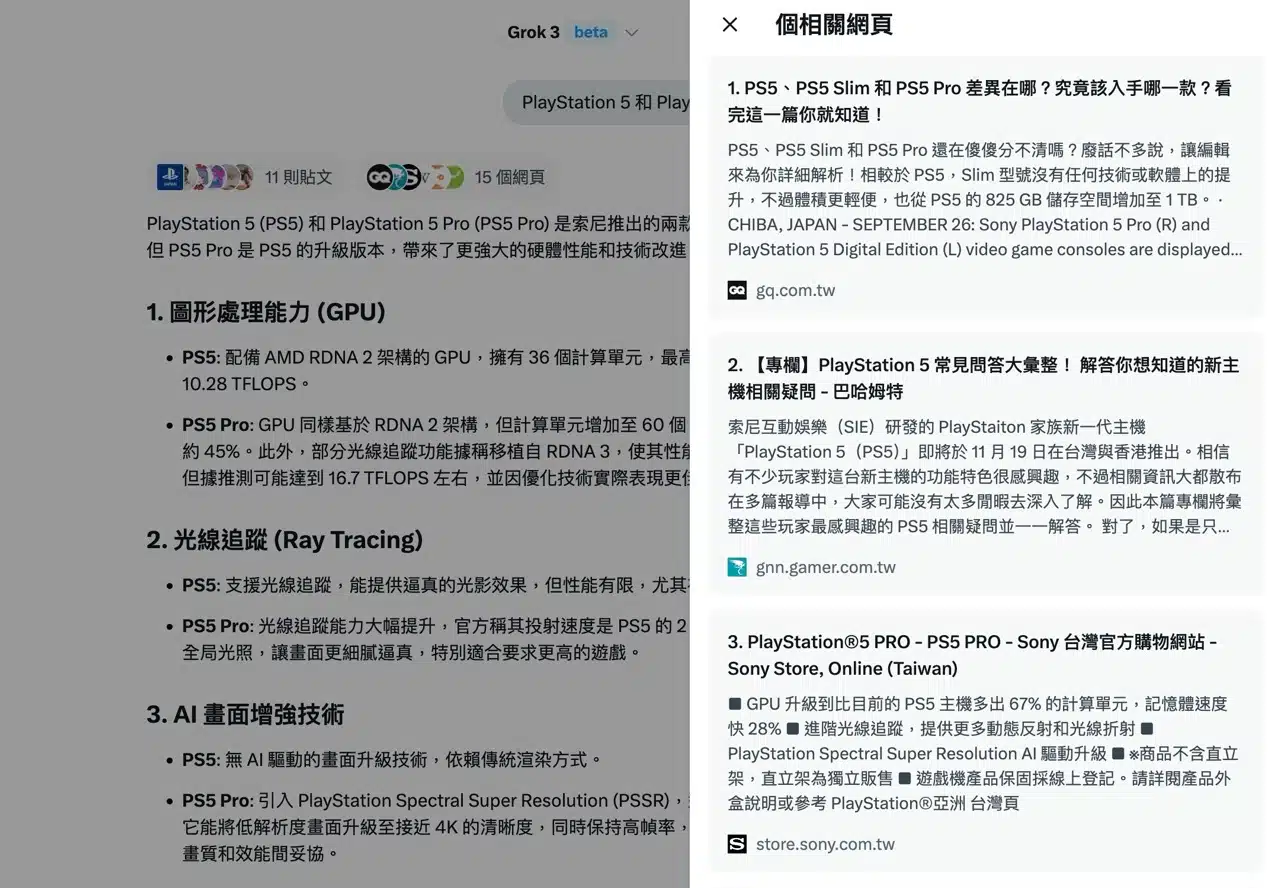
3. DeepSearch Feature
Enabling DeepSearch triggers deeper exploration and browsing, displaying each step encountered during the retrieval process.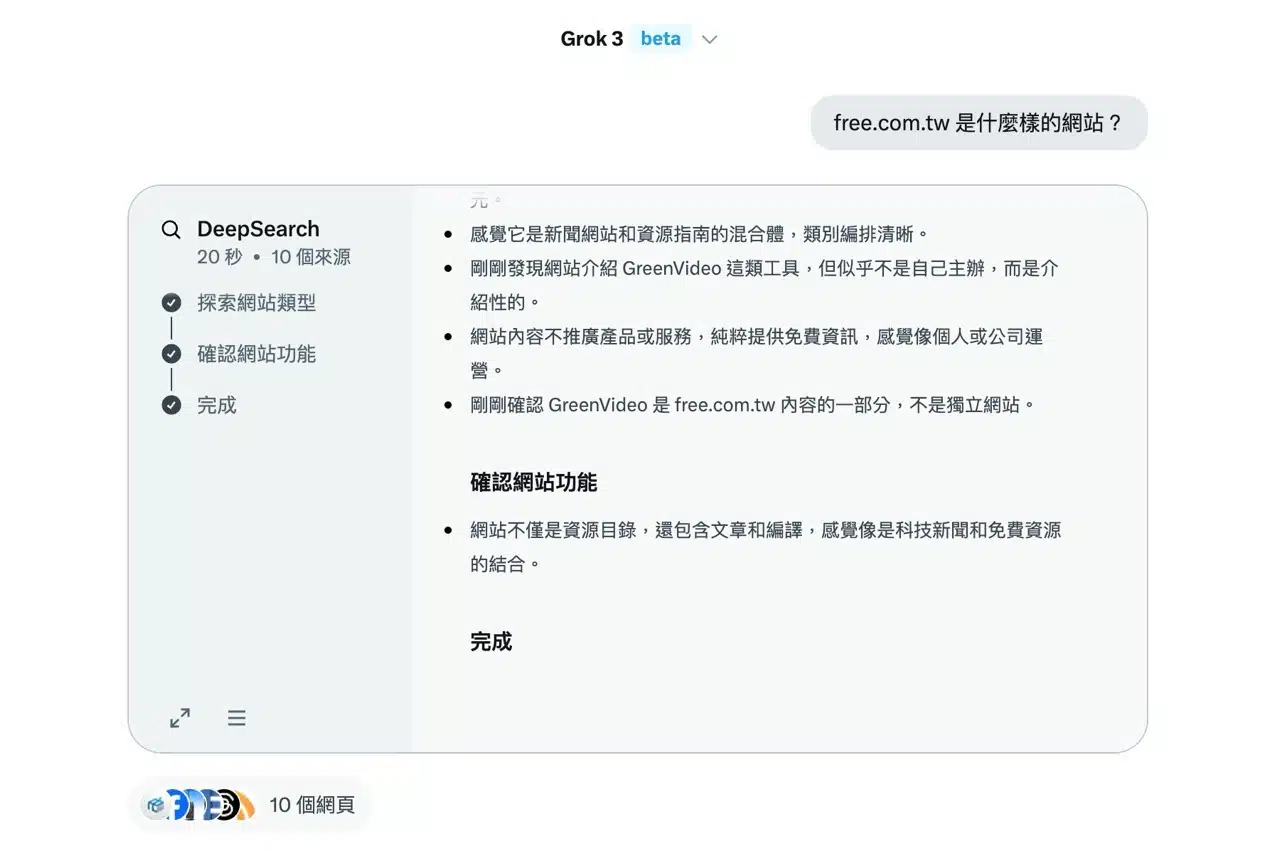 This reveals how the AI thinks and organizes information to generate results.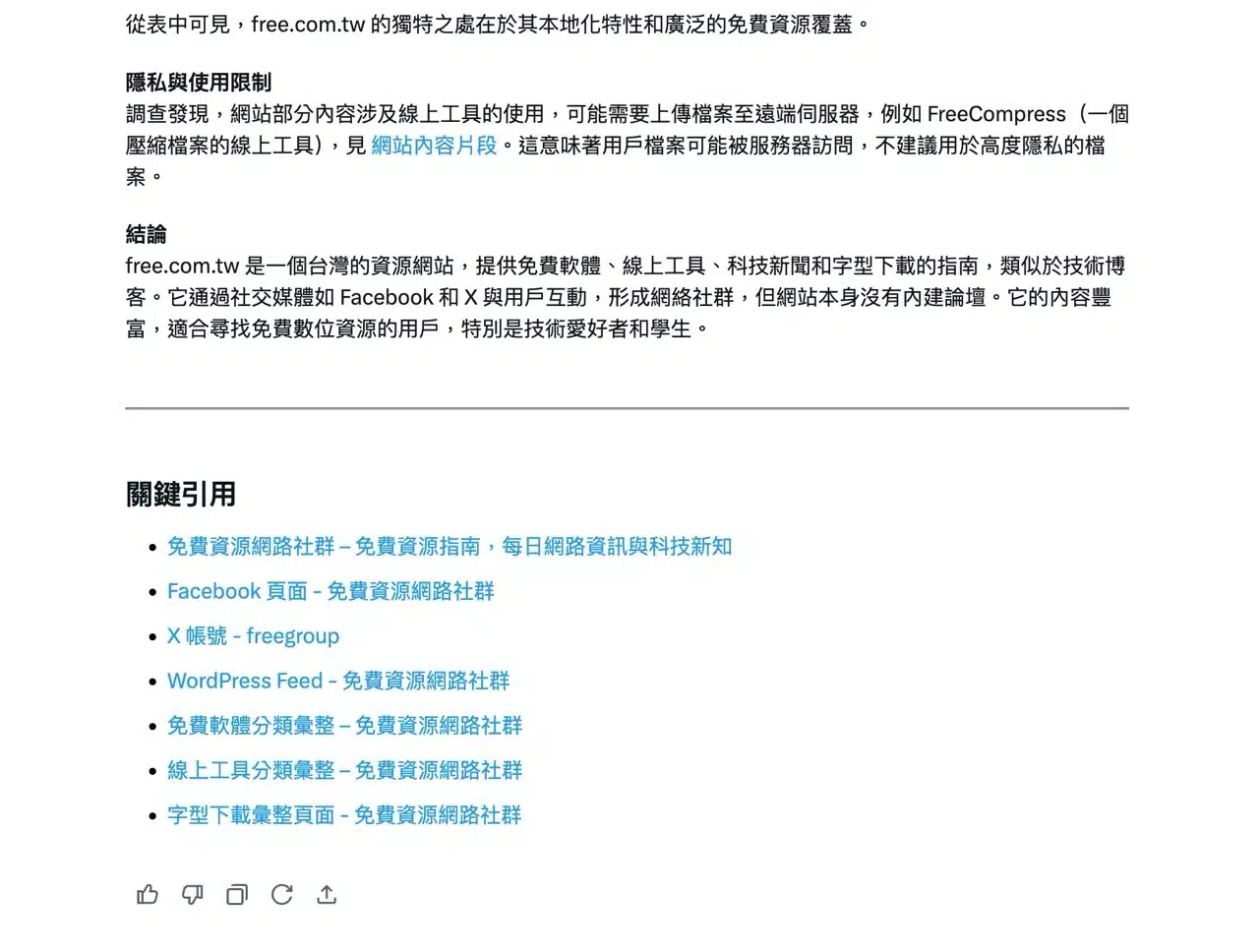
4. Viewing History and Bookmarks
Grok features a “History” function in the top-right corner, allowing you to review all conversation records, add bookmarks, or browse generated images.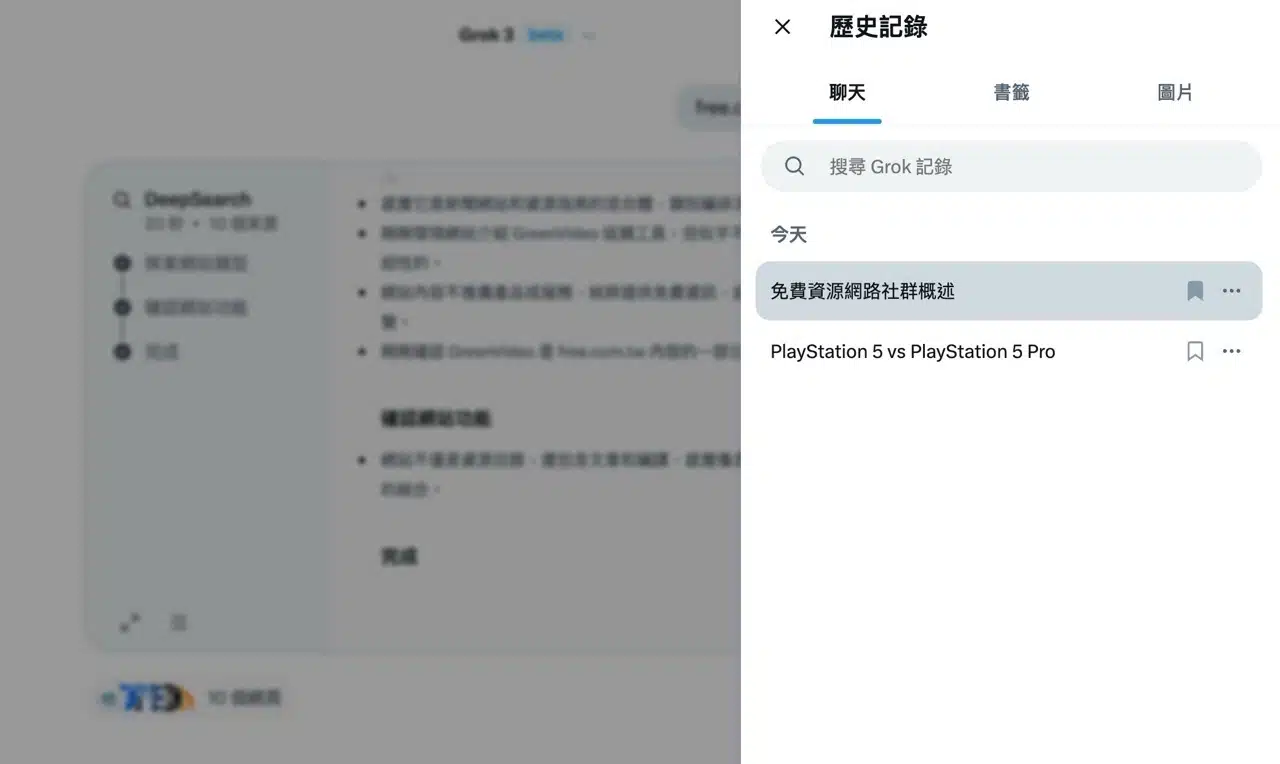
5. AI-Generated Tables and Charts
Creating tables or charts with Grok AI is straightforward. Utilizing the DeepSearch feature further enhances accuracy (Grok continuously verifies results).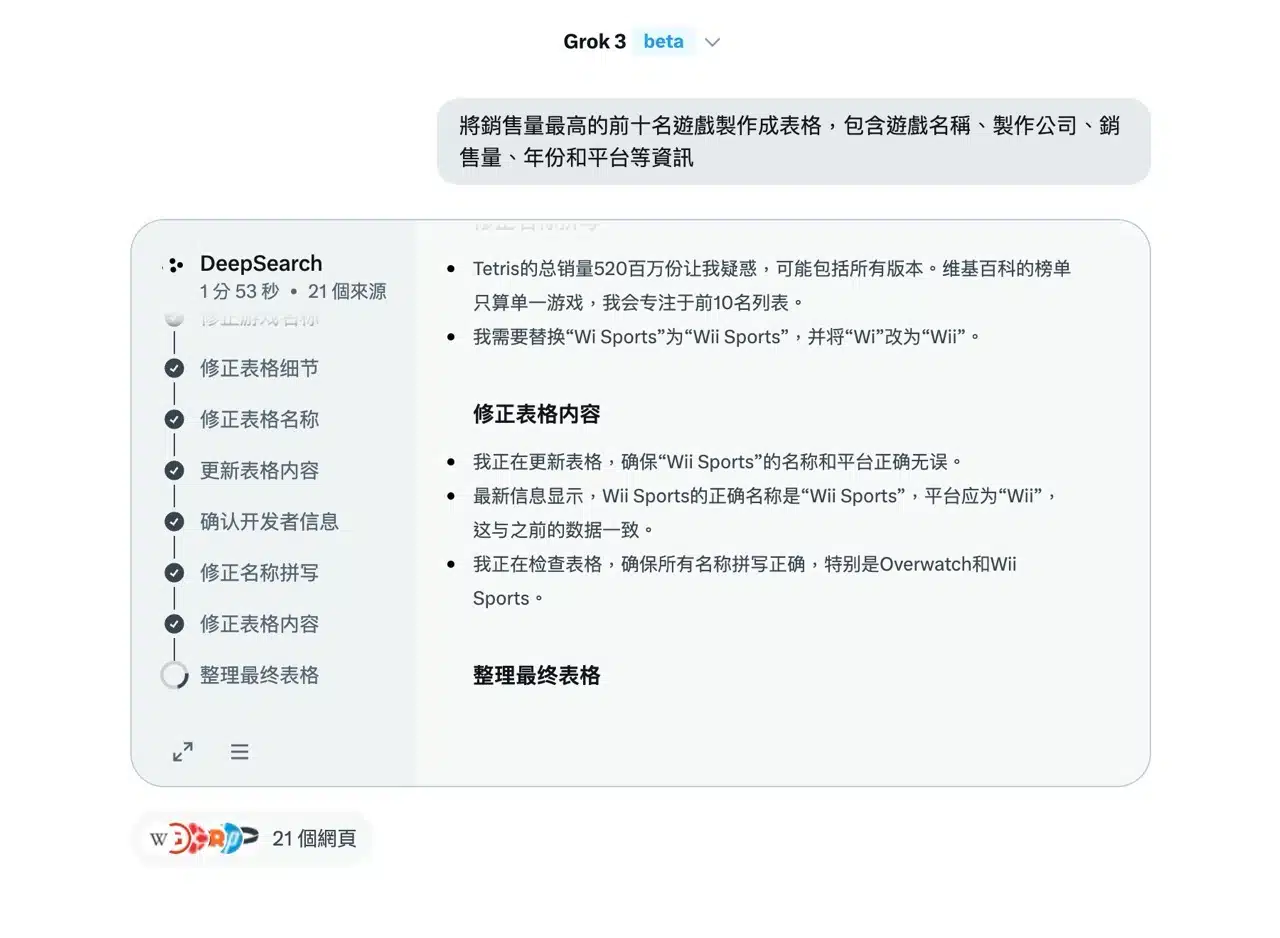
6. Support for Image and Document Uploads
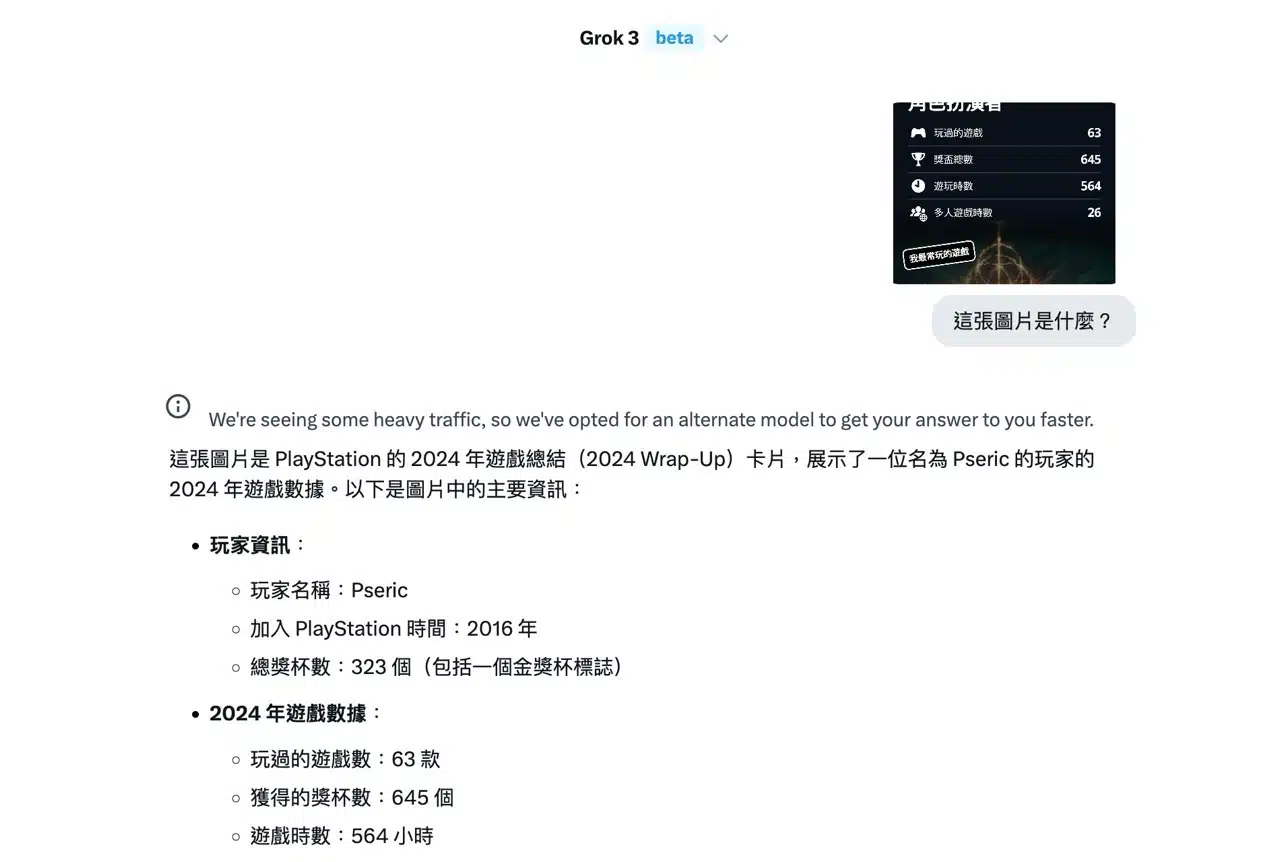
Grok AI supports uploading images or attaching documents. Click “Attach” in the bottom-right corner of the chat window and select your file. This is particularly useful when asking the AI about information within an image or document.