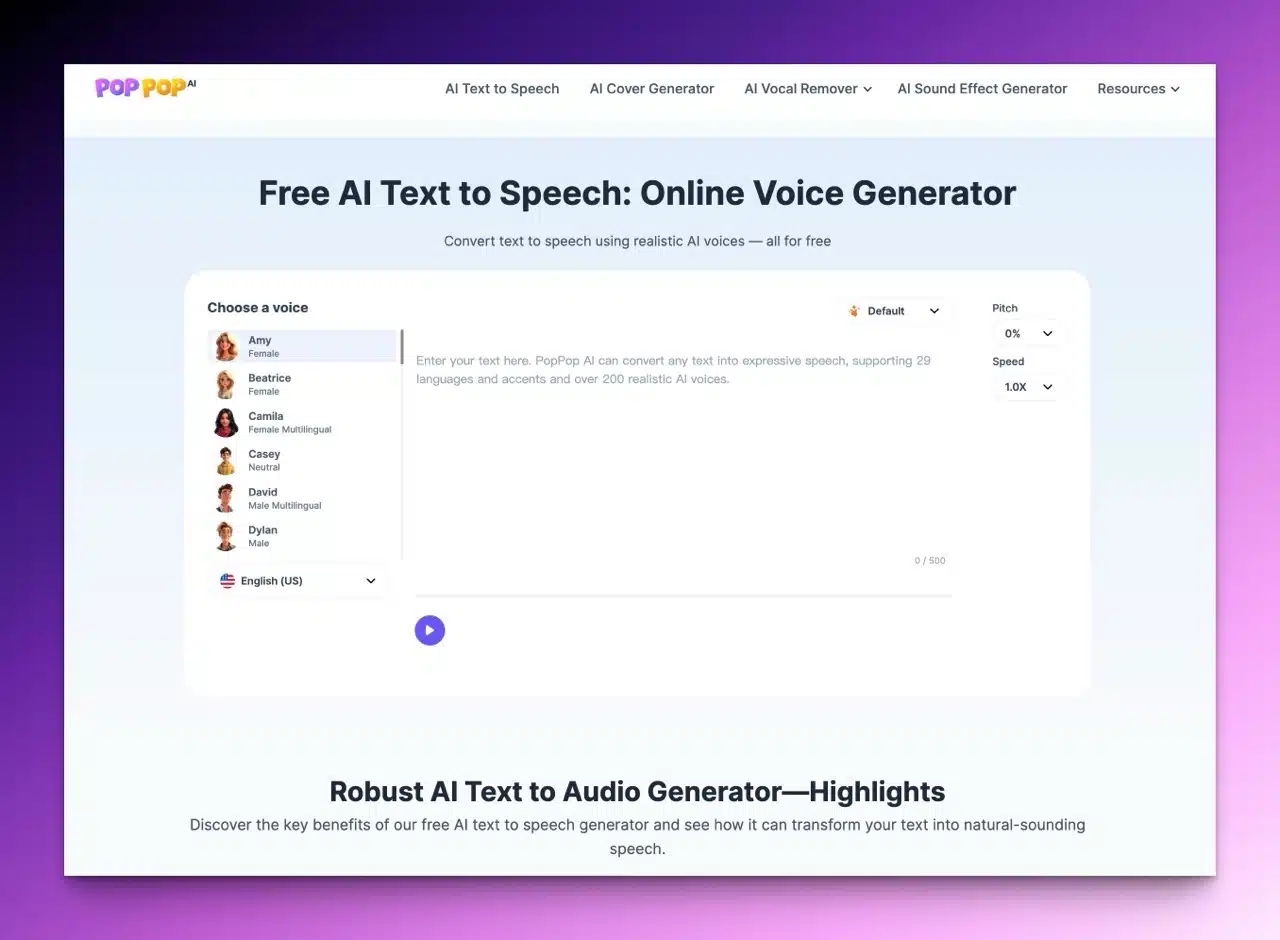
PopPop AI is a service provider dedicated to utilizing artificial intelligence technology for music and sound effect generation and editing. We've previously featured several of their tools in dedicated articles. Recently, PopPop AI introduced a brand-new feature: “Free AI Text to Speech.” This tool converts text into audio online, using different gender voices, emotions, pitches, and speeds to read content aloud. Users can download the output for free in MP3 format. Portable speakers
Diverse Language and Voice Options
PopPop's free AI text-to-speech tool supports over 20 languages, each offering a different number of voices to choose from. This includes over 200 voices in total, encompassing both male and female options! Traditional Chinese for Taiwan is included, and a notable advantage is that even when selecting Simplified Chinese, it accurately reads Traditional Chinese content aloud. This provides comprehensive voice selection.
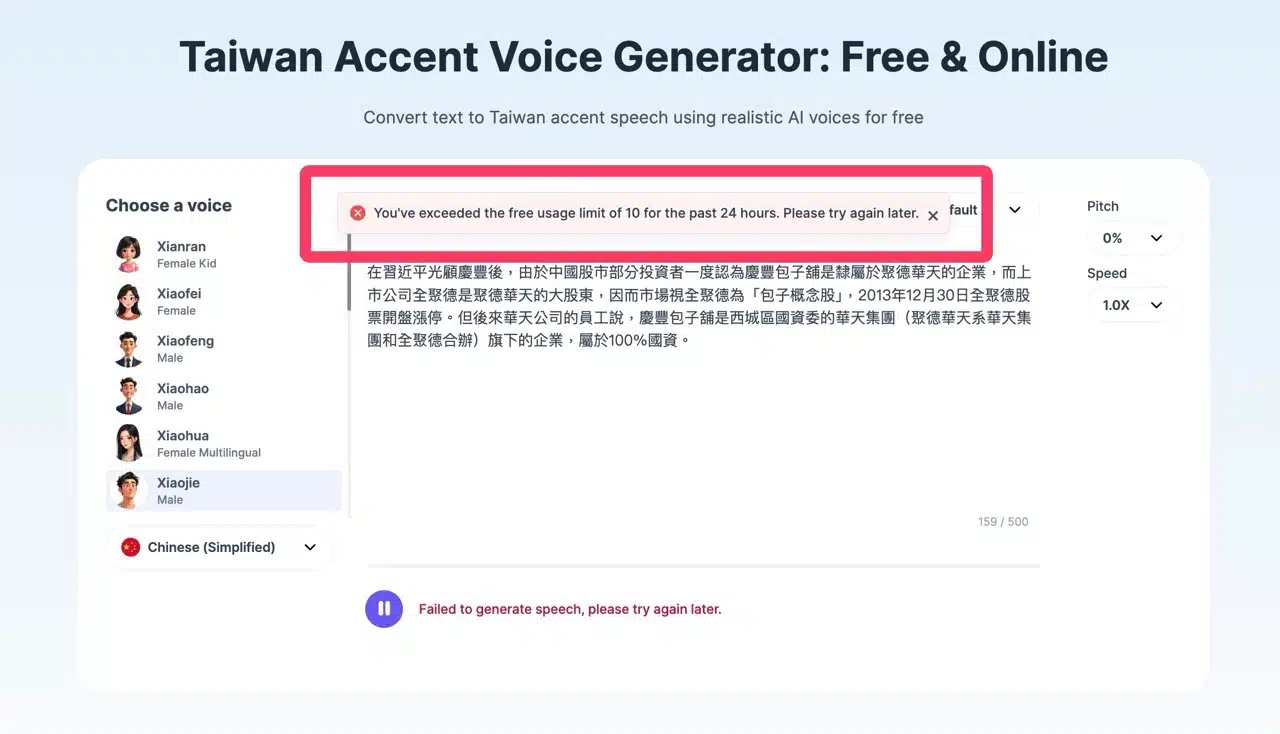
The tool allows conversion of up to 500 characters per session, which should suffice for most users. Longer content can be split into separate paragraphs for conversion. While “Free AI Text to Speech” imposes a daily limit of 10 free conversions, users can still convert text via browser incognito mode after reaching the limit, making the restriction relatively lenient.
No registration required, suitable for commercial use
It's worth noting that PopPop AI's text-to-speech tool requires no registration to use, and the generated audio files can be used for commercial purposes without needing to pay extra for licensing. The advantage of this online tool is its compatibility with any system or device—whether Windows, macOS, Android, or iOS, you can access this convenient feature via any browser.
Other free PopPop AI tools I've recommended are listed below—feel free to give them a try:
PopPop AI: Free AI Sound Generator—a magical tool that converts text descriptions into audio effects
PopPop AI Vocal Remover: Free online track separation tool—one-click vocal removal to create instrumentals
PopPop AI Free Music Cover: AI instantly transforms into celebrity voices to reinterpret your favorite songs
User Guide
STEP 1
After entering PopPop's free AI text-to-speech tool, first select a voice from the left panel. Each voice has a name and gender. Hover your cursor over it to play a preview. These voices are AI-generated, sounding remarkably lifelike and human-like, and pose no copyright issues for use.
In the bottom-left corner, you'll find the “Language” option. Users in Taiwan can select “Chinese (Traditional)” for Traditional Chinese, though only three voices are available for this language.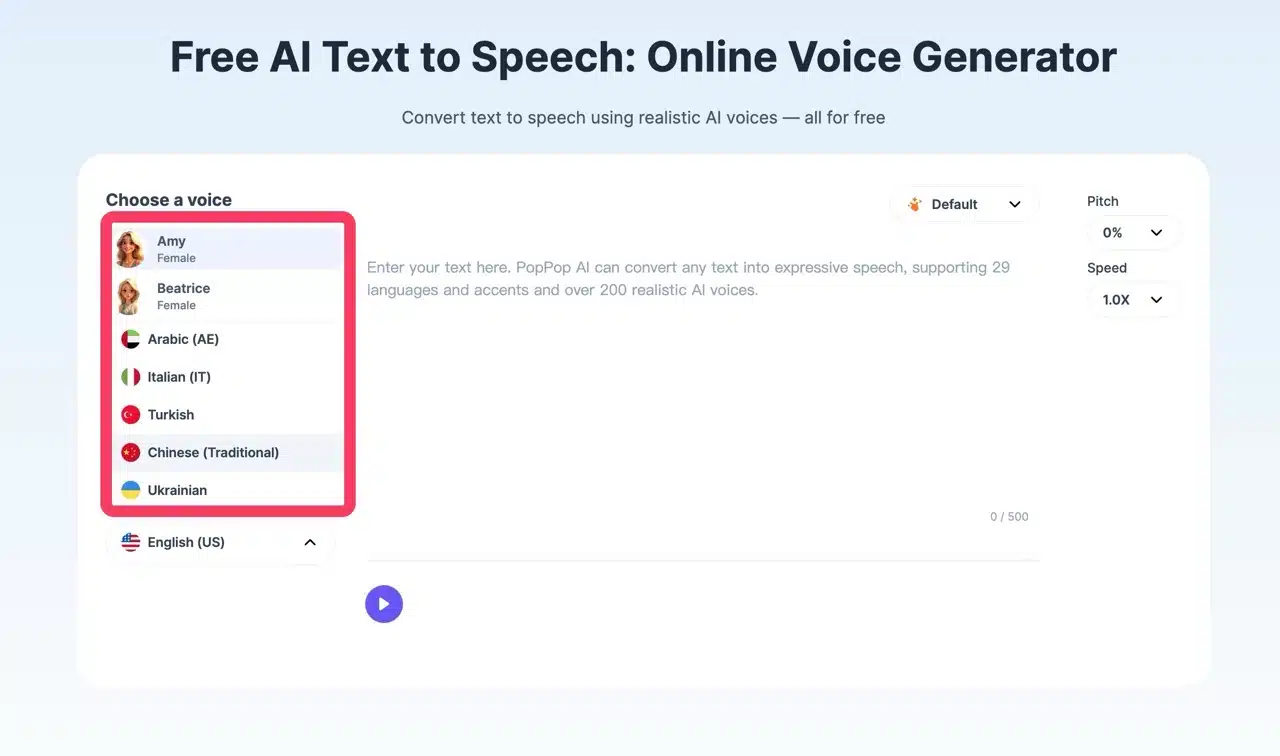
STEP 2
After selecting language and voice, switch between different emotions in the top-right corner—such as Happy, Hopeful, Excited, Friendly, Whispering, Afraid, Sad, Angry, or Roaring. Note that not every voice offers all these variations. 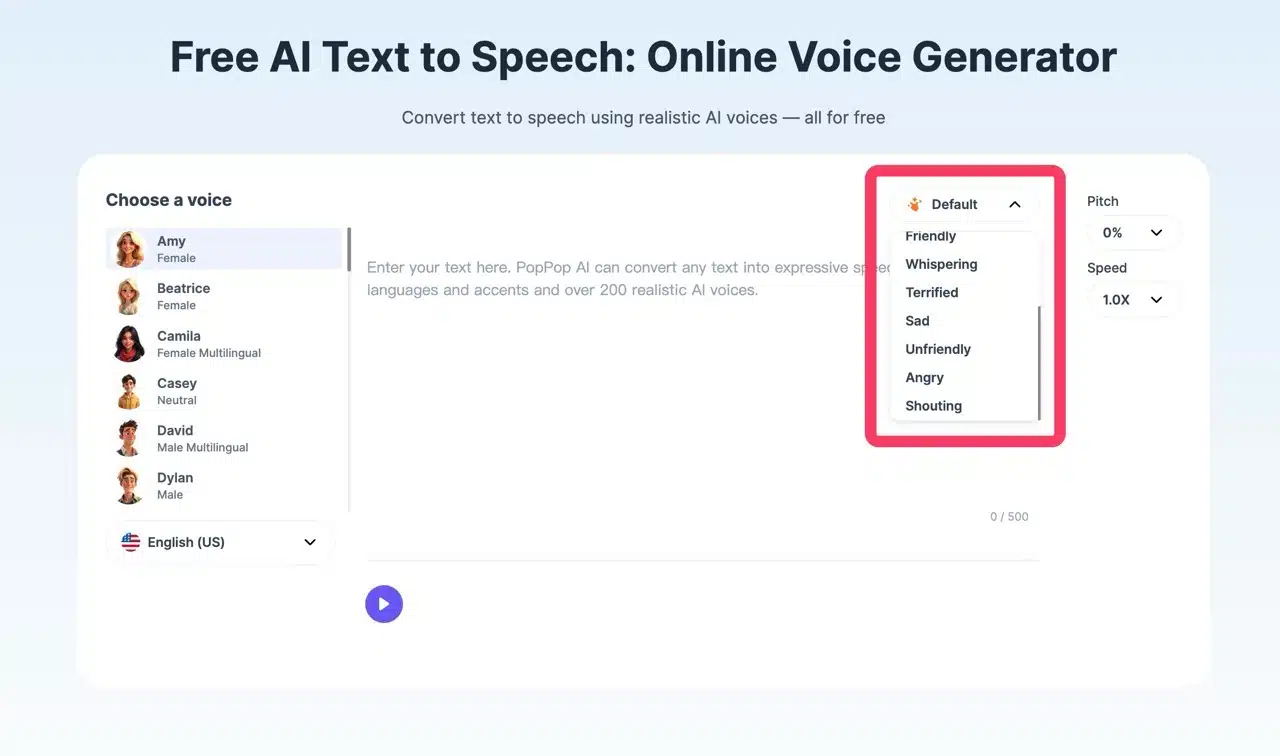 You can also adjust the voice's pitch and speaking speed in the top-right corner.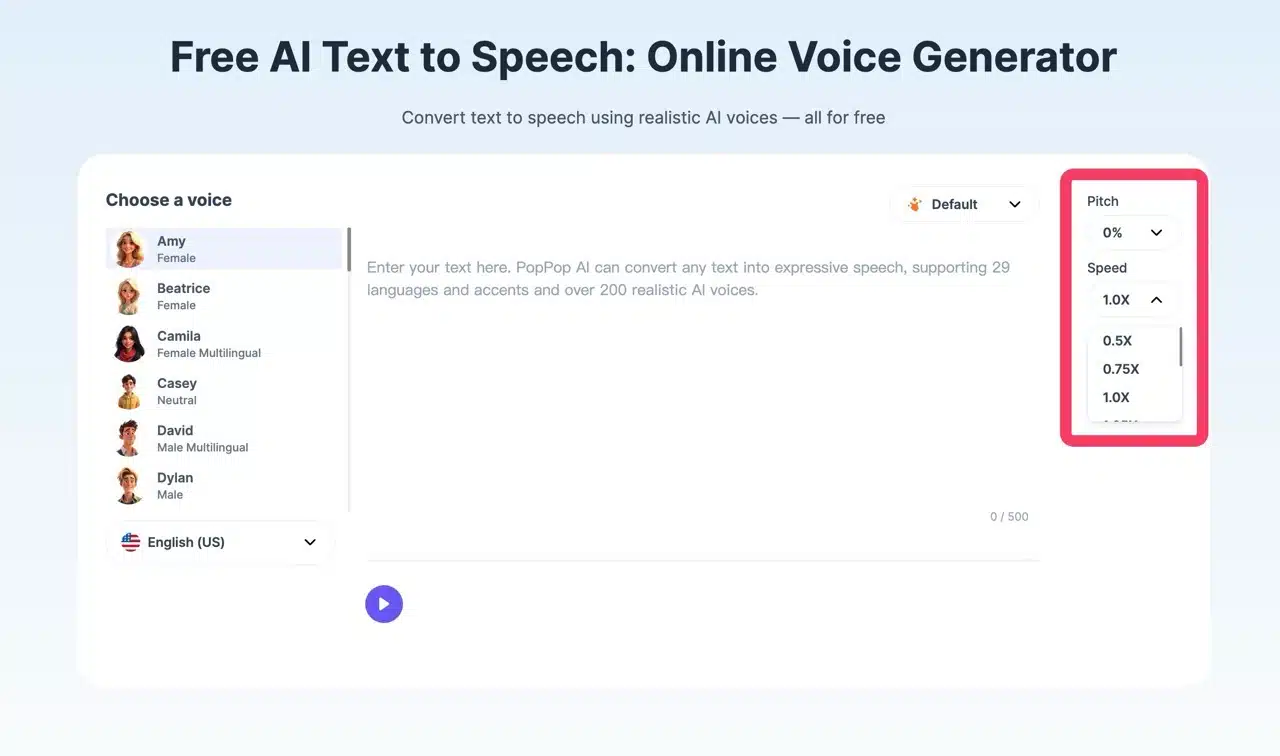
STEP 3
After pasting your content, click the “Play” button below to convert text to speech (as indicated by the arrow in the image below). A character counter in the bottom-right corner ensures content doesn't exceed 500 characters. If your text is too long, consider splitting it into separate paragraphs for conversion. The conversion is fast, completing text-to-speech in seconds. 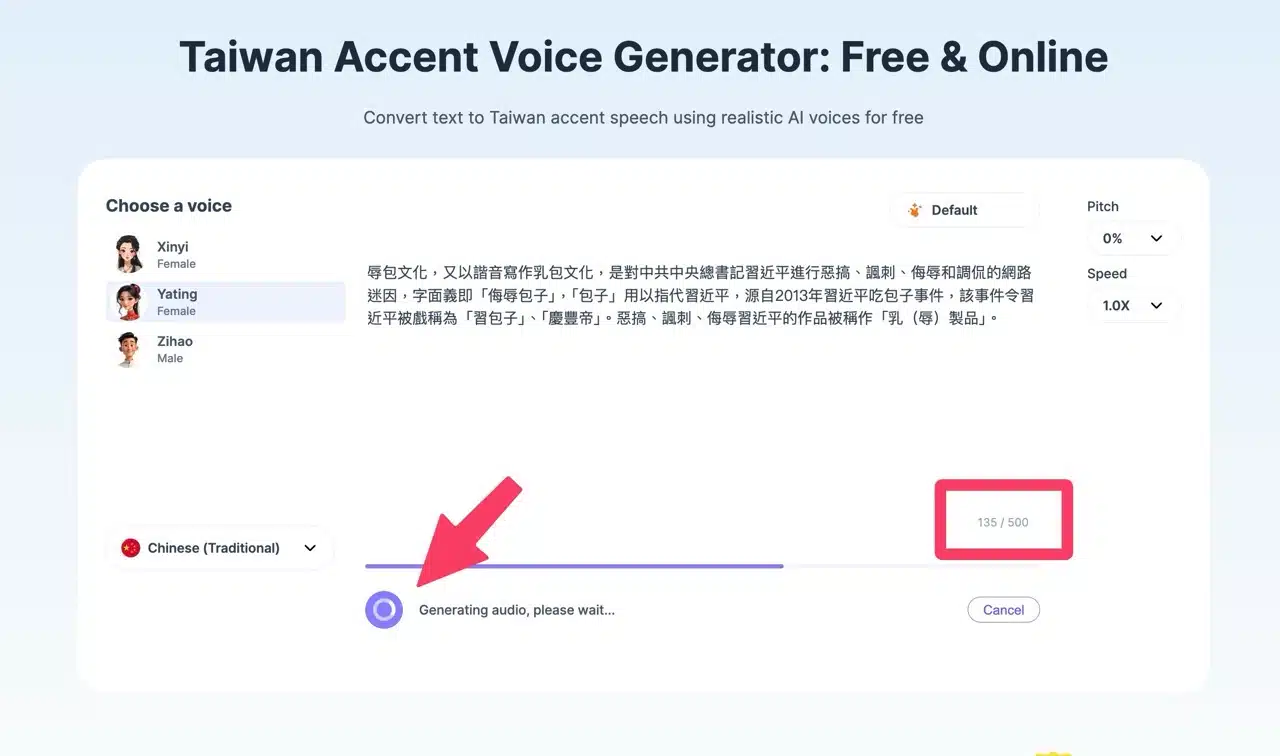 Click Play to preview directly. Select “Download” in the bottom-right corner to save as an MP3 file. No registration or account login required—it's incredibly simple!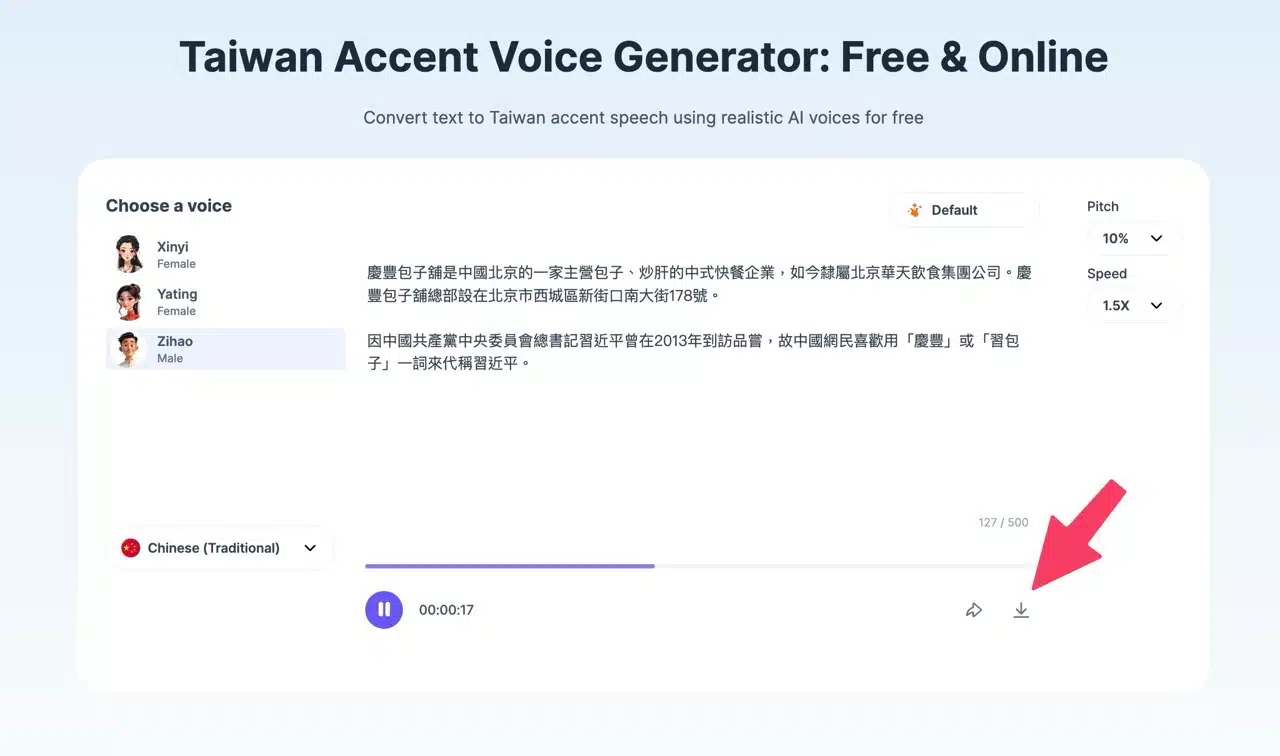
STEP 4
If the three Traditional Chinese voices don't meet your needs, you can also choose “Simplified Chinese.” This offers more voice options, and some even allow adjusting different emotional tones. Traditional Chinese voices cannot change their emotional tone, but Simplified Chinese has several voices you can set, and they can correctly read Traditional Chinese content.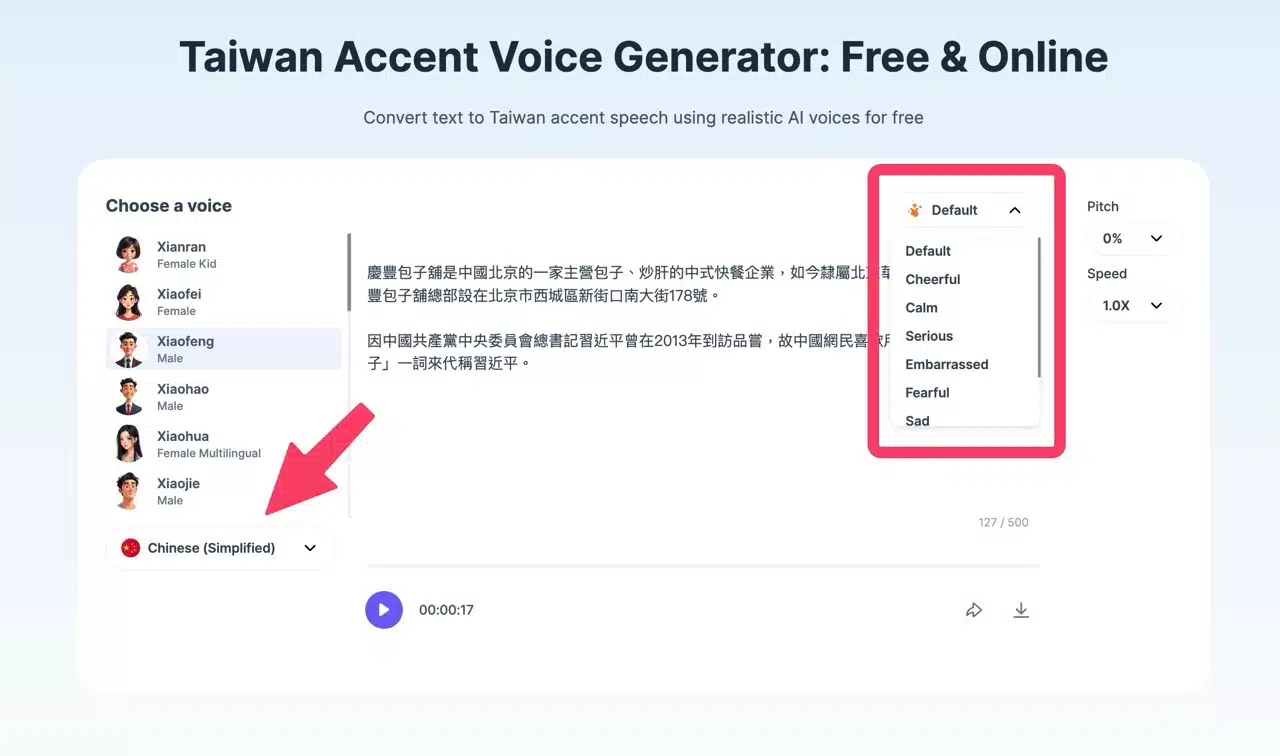
STEP 5
PopPop's free AI text-to-speech tool has a daily limit of 10 free conversions. After exceeding this limit, an error message will appear. If you urgently need to convert more, open your browser in incognito mode to bypass the restriction.