The 2024 Google I/O conference focused on various artificial intelligence (AI) technologies and developer tools. It also marked Google's first integration of Gemini AI into its search engine, displaying AI summaries (AI Overview) in search results. Currently, this feature is being tested only in the United States, Future expansion to more countries is possible, but Google's AI Overview hasn't received positive market feedback. Instead, it feels rushed—launched prematurely before the product is mature and stable—resulting in many laughably absurd AI responses.
In this curious moment, Google added a new “Web” option to its search result filters. This excludes all non-search-related content, displaying only webpage results (those ten blue links), returning search to its essence and making it resemble the familiar Google search engine of old.
It must be said that in recent years, Google has increasingly crammed its search results with eye-catching content—such as displaying related questions, images, videos, news, and shopping information alongside queries—while search quality has steadily declined.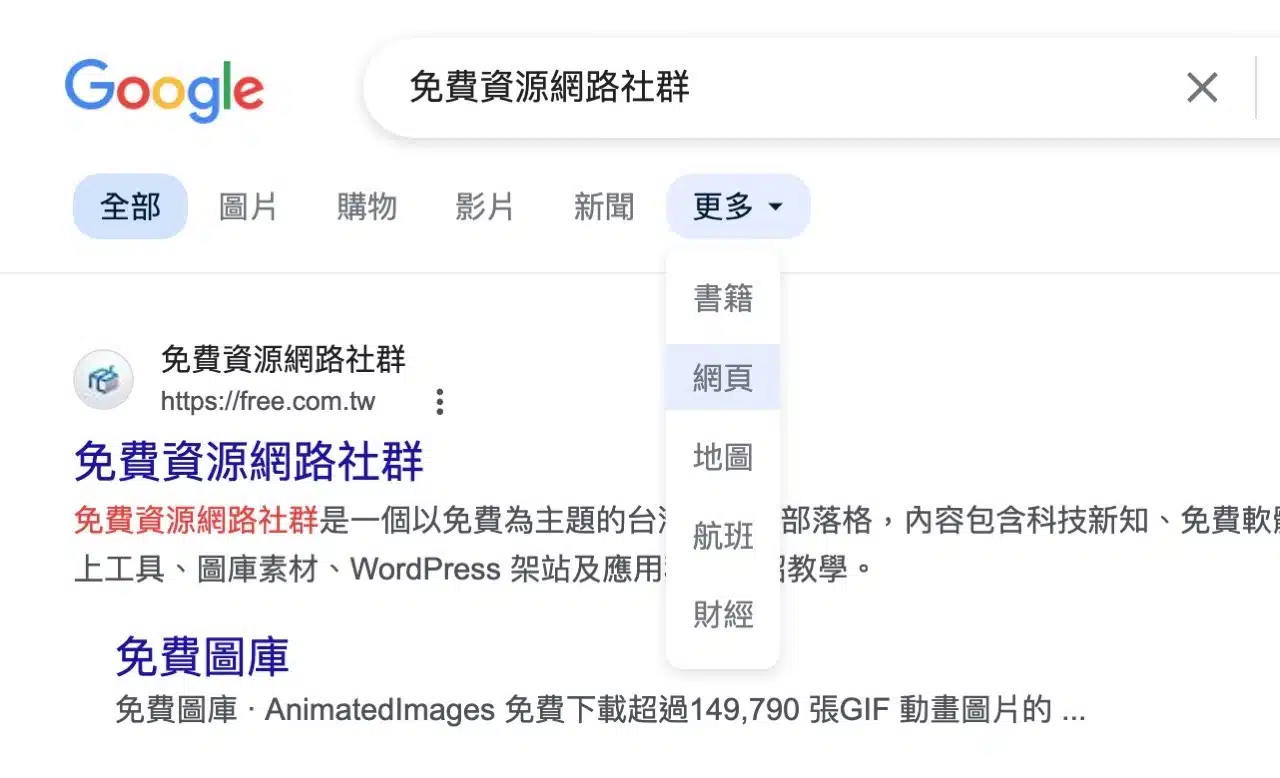
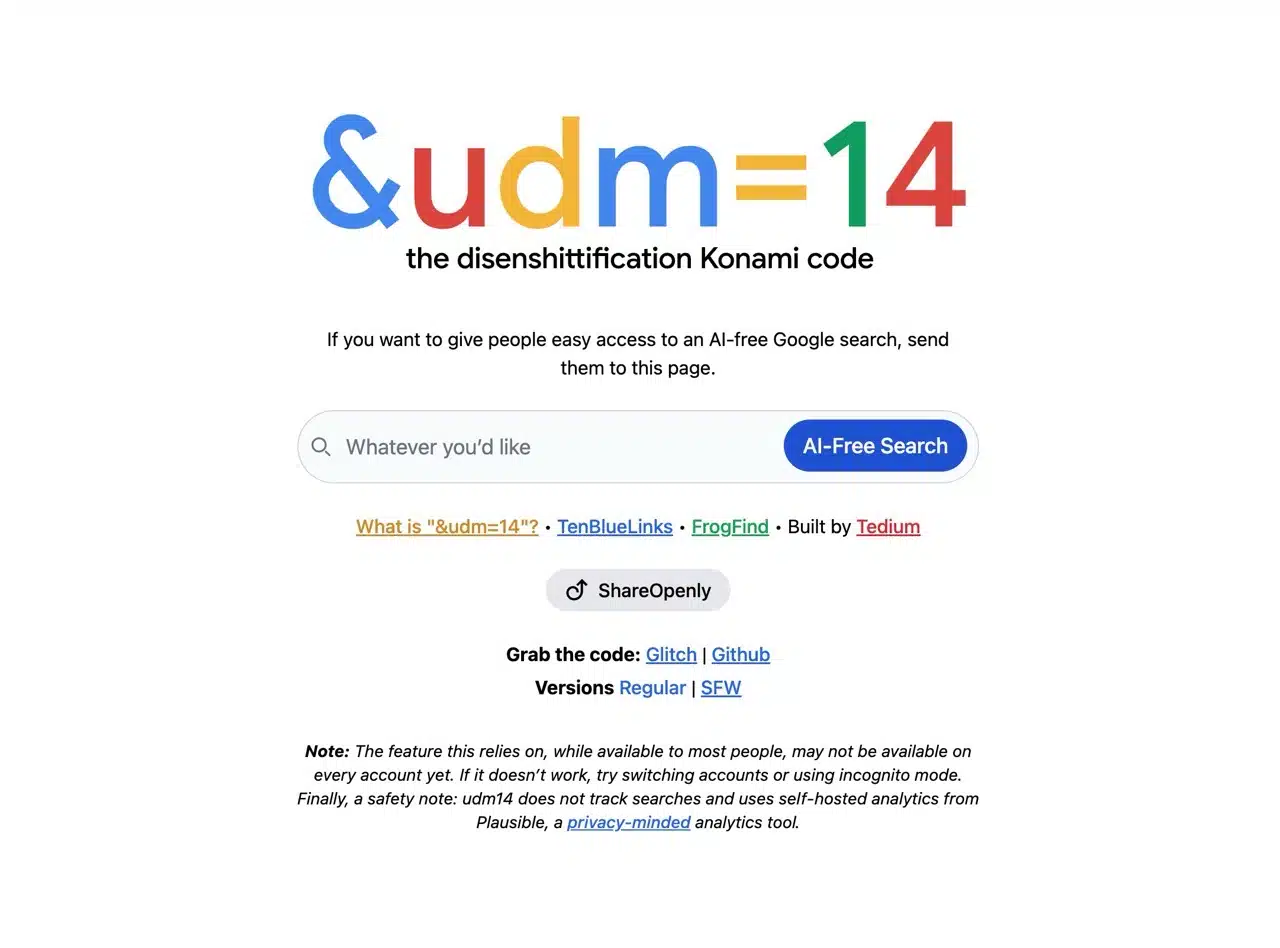
A developer overseas created a website named “&udm=14”. If you want others to easily access AI-free Google search results, just send them this site! Using this service for Google searches directly switches to web filter mode, and it's an open-source project (Github).
Adding the parameter “&udm=14” to your Google search URL will display results containing only web pages.
Finally, I'll demonstrate how to modify your browser's search engine settings by adding &udm=14 to the search bar. This is convenient for those who want to obtain web-only results from Google Search. This can be configured in most Chromium-based browsers (Firefox can achieve this via extensions), though Safari does not allow adding custom search engines by default.
Usage Guide
After opening the “&udm=14” website, enter your search keywords and click AI-Free Search to display search results without AI functionality.

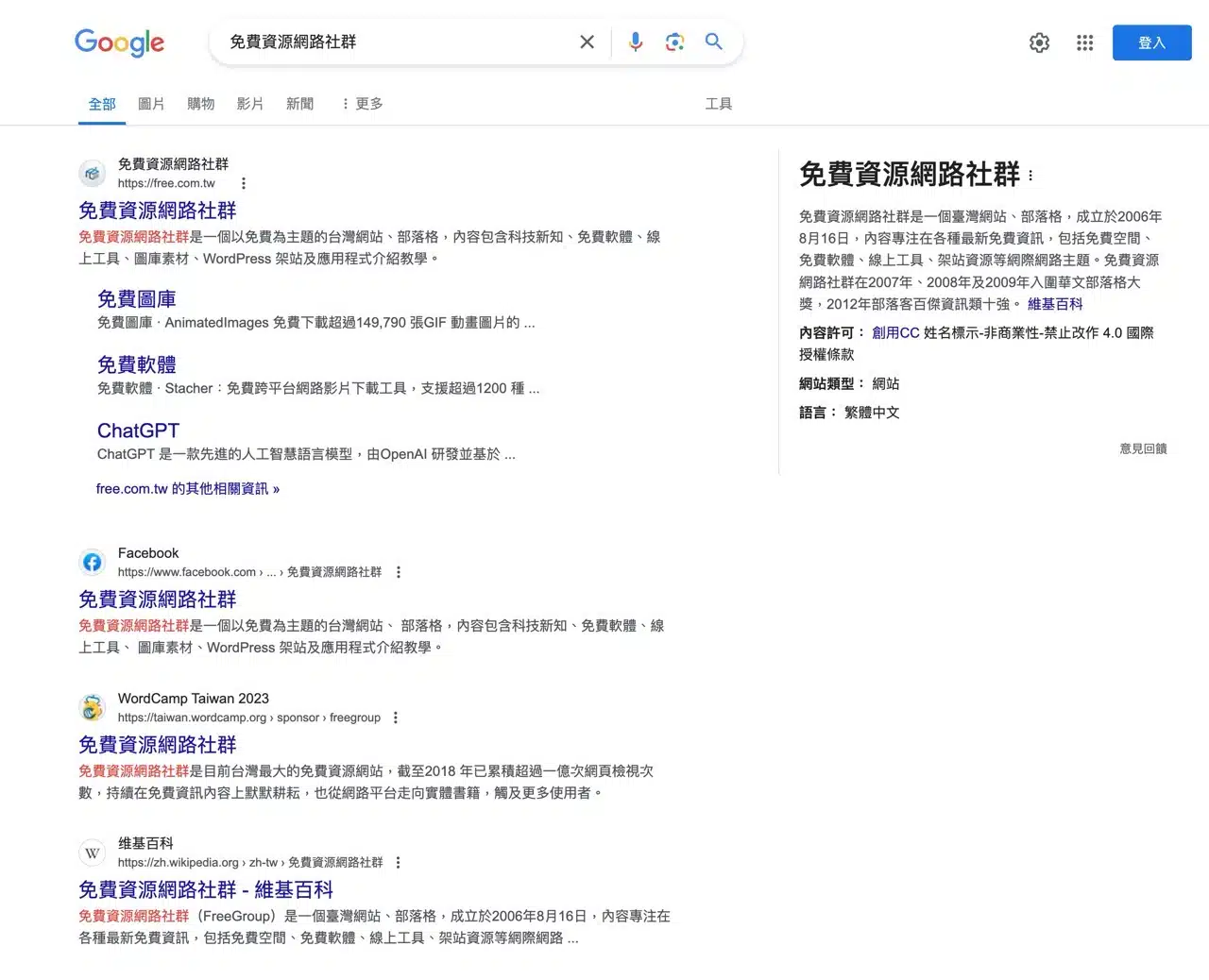
As shown below, adding &udm=14 to the search URL removes images, videos, news, and shopping results from the display. The outcome is a purely web-oriented search interface reminiscent of Google Search in 2001 (though search quality and content remain firmly rooted in 2024—this cannot resolve issues of poor search quality, as the two aspects cannot be conflated).
Set Google search results in your browser to show only web pages
The following example uses Microsoft Edge. Other Chromium-based browsers have similar settings.
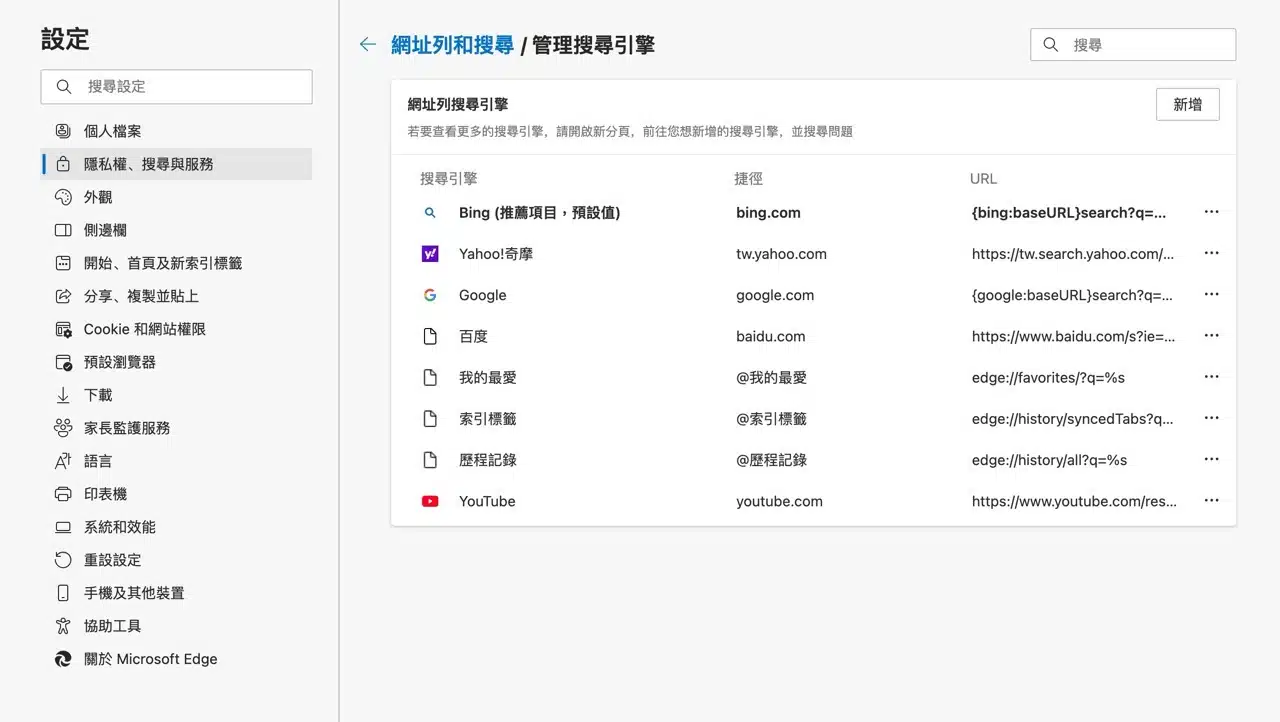
Open Settings, navigate to “Privacy, search, and services,” then locate the “Manage search engines” page under Address bar and search. Here you can select your default search engine. Click “Add” in the top-right corner to add a new search option.
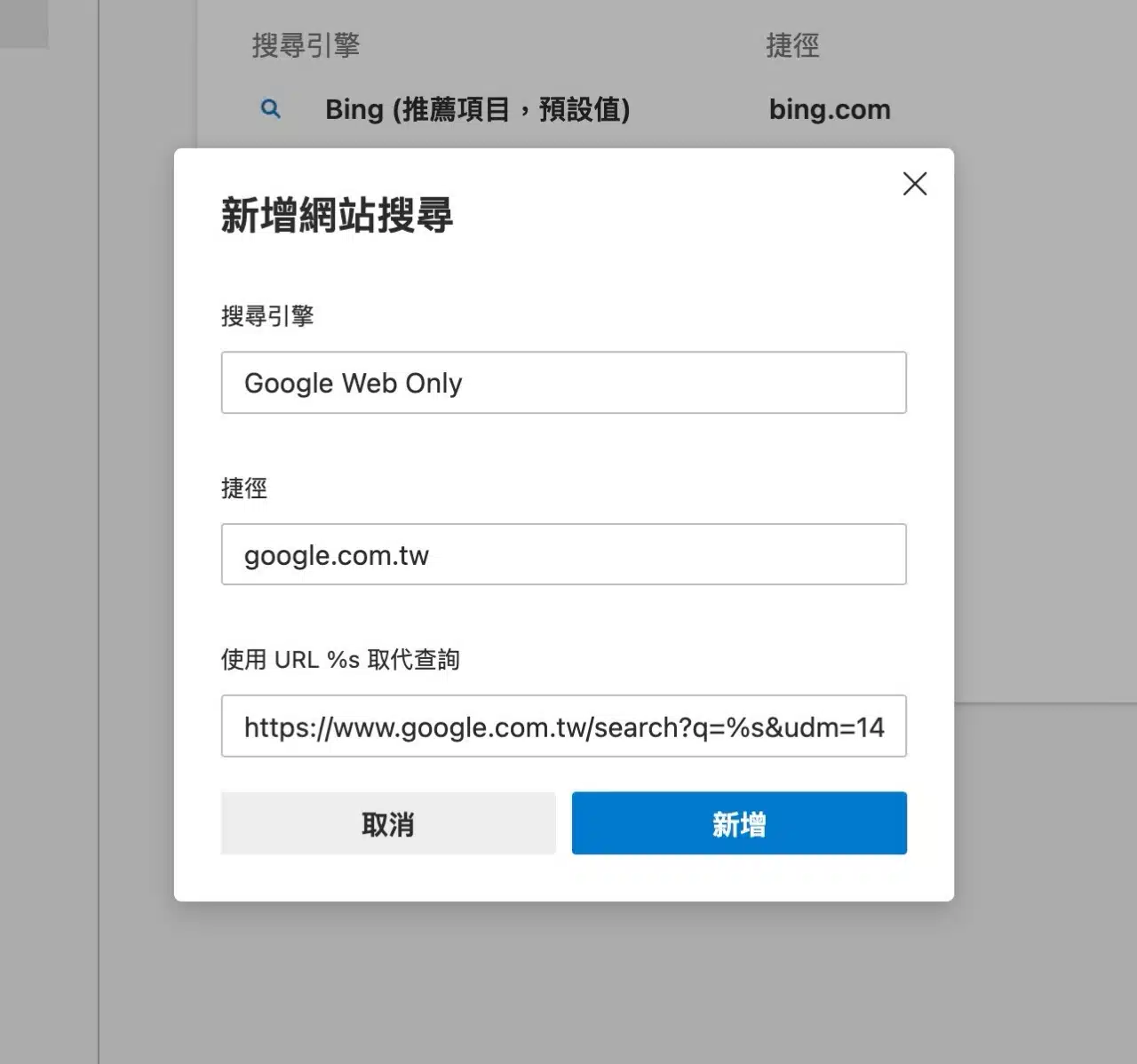
For the search engine name field, I used “Google Web Only,” though you can use any name you prefer. In the URL field at the bottom, enter https://www.google.com.tw/search?q=%s&udm=14, then add it to your browser.
After setting Google Web Only as your default browser, you can start using it.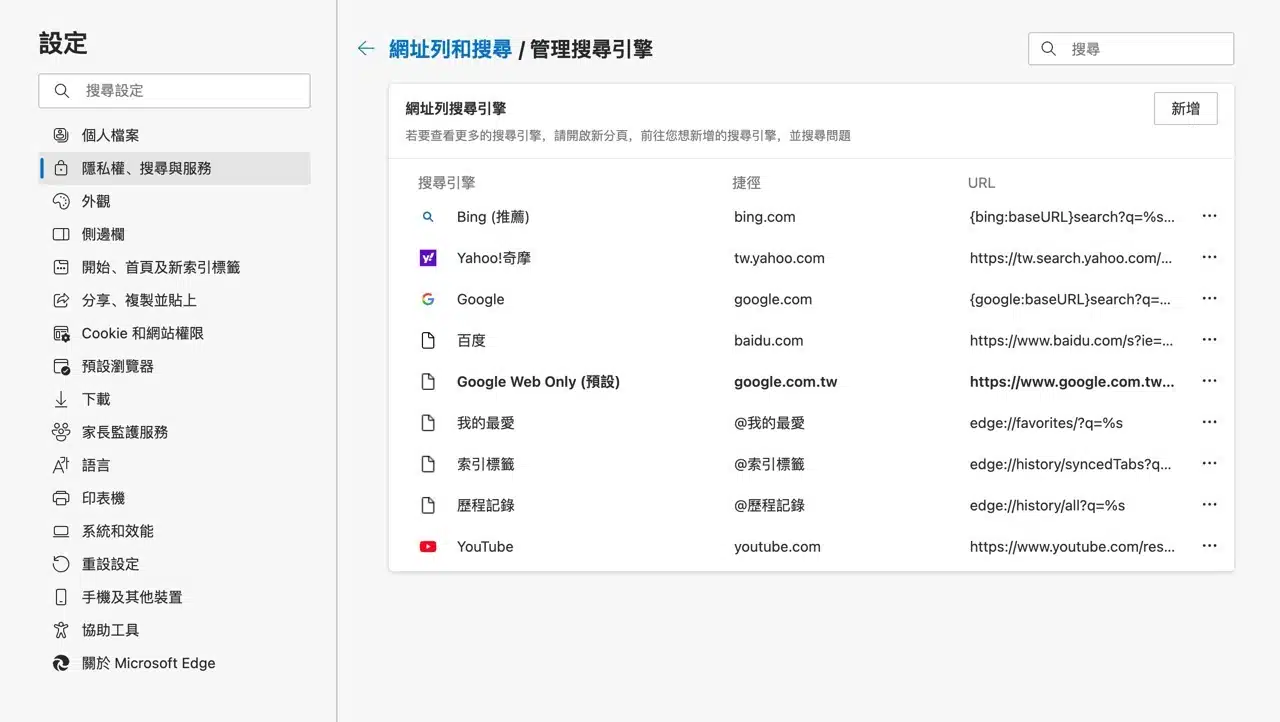
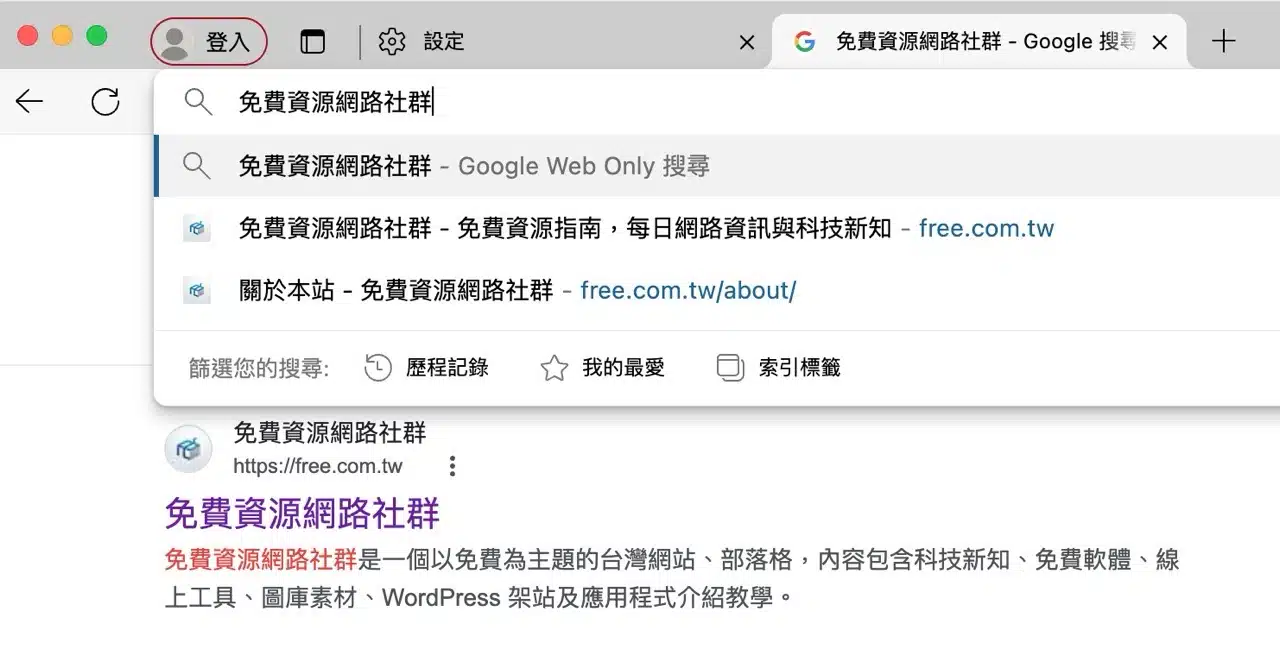
When searching in the address bar, you can directly use Google's Web Only search mode to display only web content in the results.