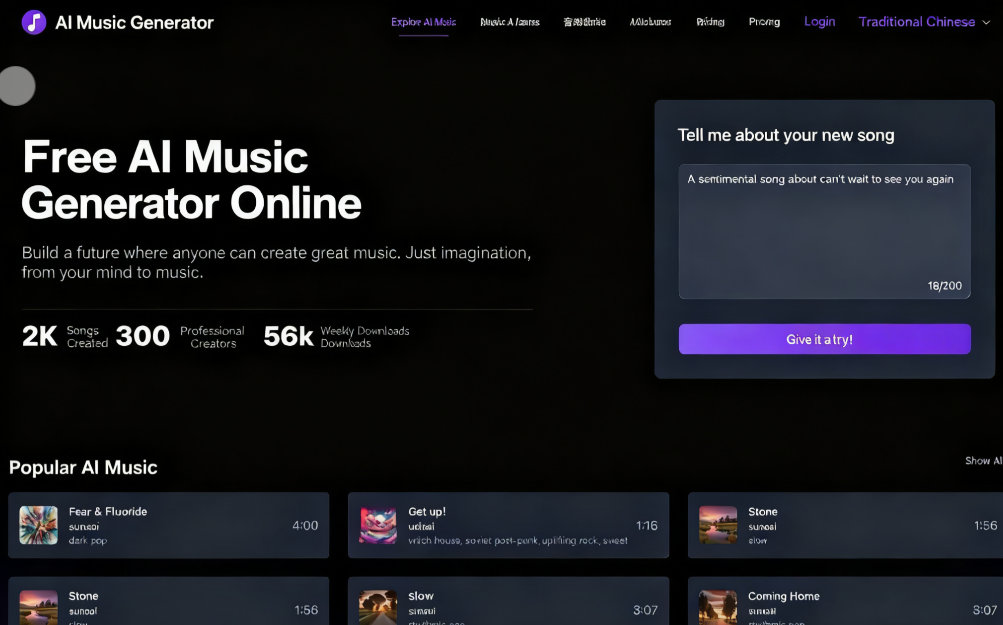
Generating music and sound effects through advanced AI technology is no longer novel, and numerous products now deliver astonishing results—almost professional-grade! Creating music with AI is relatively straightforward—much like generating images, it only requires inputting appropriate prompts. Some tools can even produce melodies with lyrics (like Suno AI). Most users likely just need a short tune for videos or presentations, without worrying about copyright issues.
This article introduces “AI Music Generator,” an advanced free online AI music generator. Enter a simple description to quickly produce music across various genres. Its “Custom Mode” allows setting lyrics, instruments, and unique characteristics to create distinctive compositions. The resulting MP3 tracks are suitable for commercial use and typically last around two minutes. AI Music Generator's pricing structure offers a free plan with a daily limit of 3 song generations. For additional credits, lossless audio quality, unlimited downloads, the ability to set generated music as private songs, or 24/7 technical support, consider upgrading. A one-time payment of $19.90 grants 1000 generation credits, valid for one year.
Usage Guide
STEP 1
After opening the “AI Music Generator” free AI music generator website, I recommend first clicking “Sign In” in the top-right corner. Then, sign in using your Google account and register an account (if you haven't signed in during use, you will be prompted to register an account before generating music).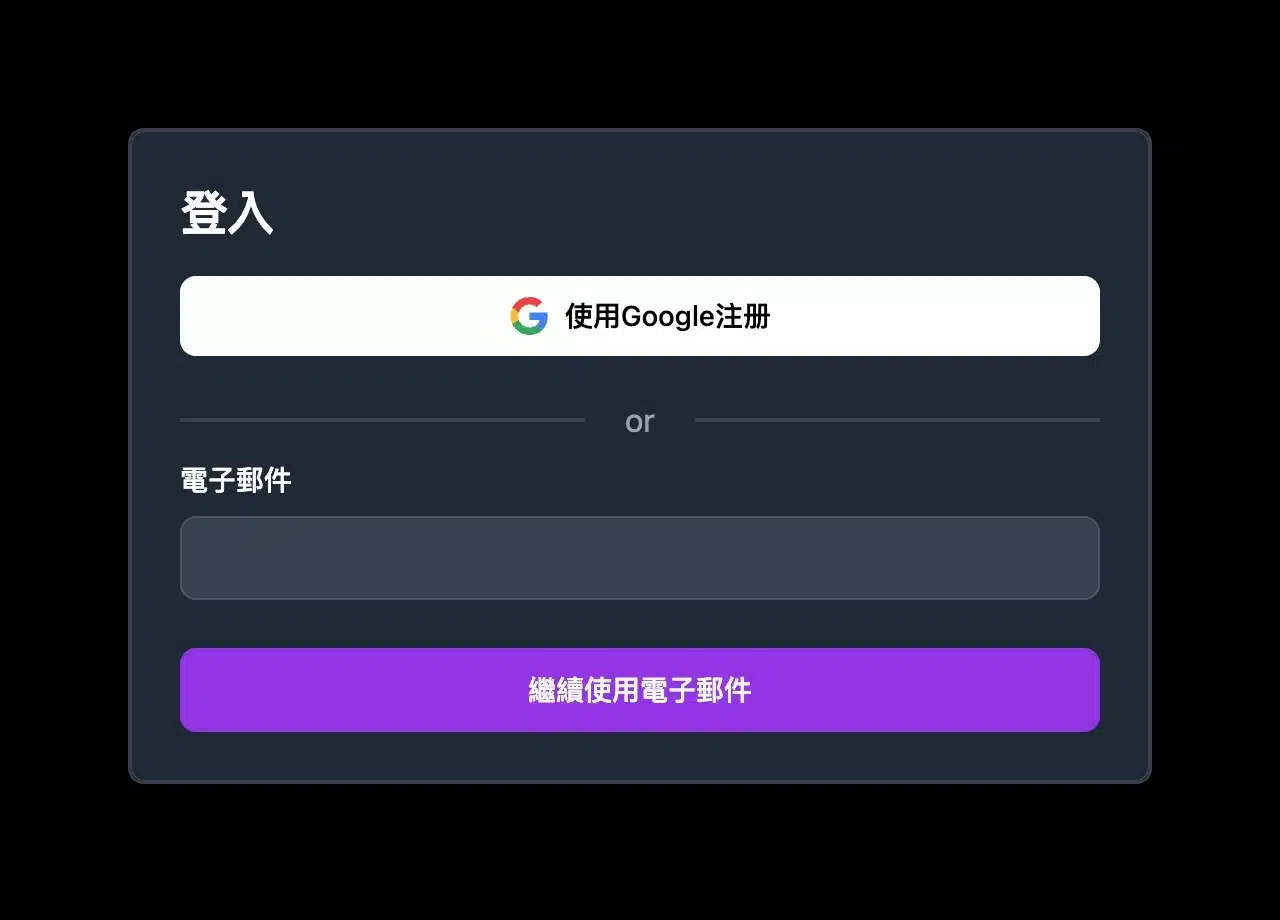
STEP 2
Clicking the music creation tool on the homepage will take you to the “Create Music” feature. Enter a song description (Chinese supported) and click “Create Music” below to generate it via AI. If the generated result seems inaccurate, consider using translation tools or other AI services (like ChatGPT) to create a more detailed description. 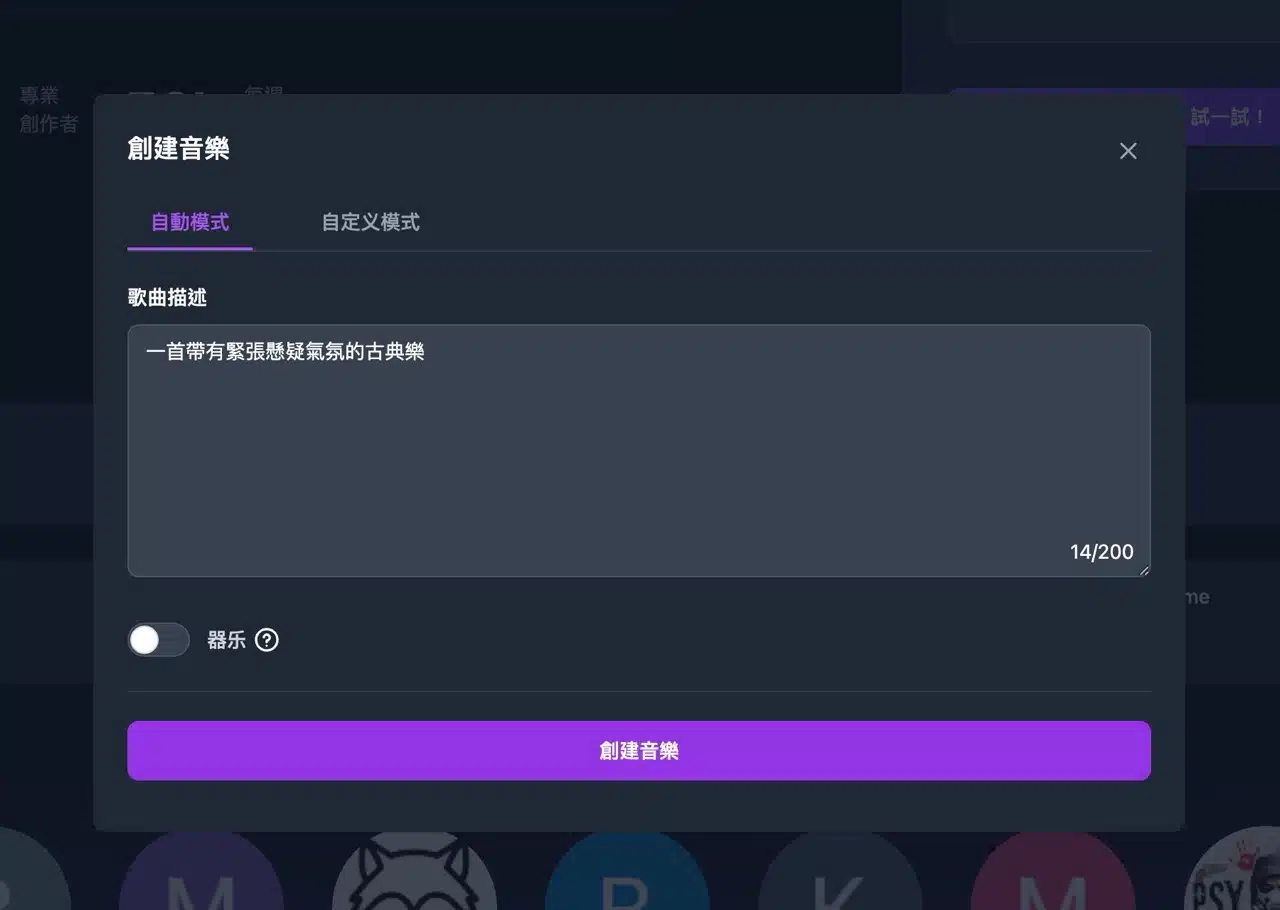 For instrumental tracks without lyrics, check the “Instruments” option below (as indicated by the arrow in the image below).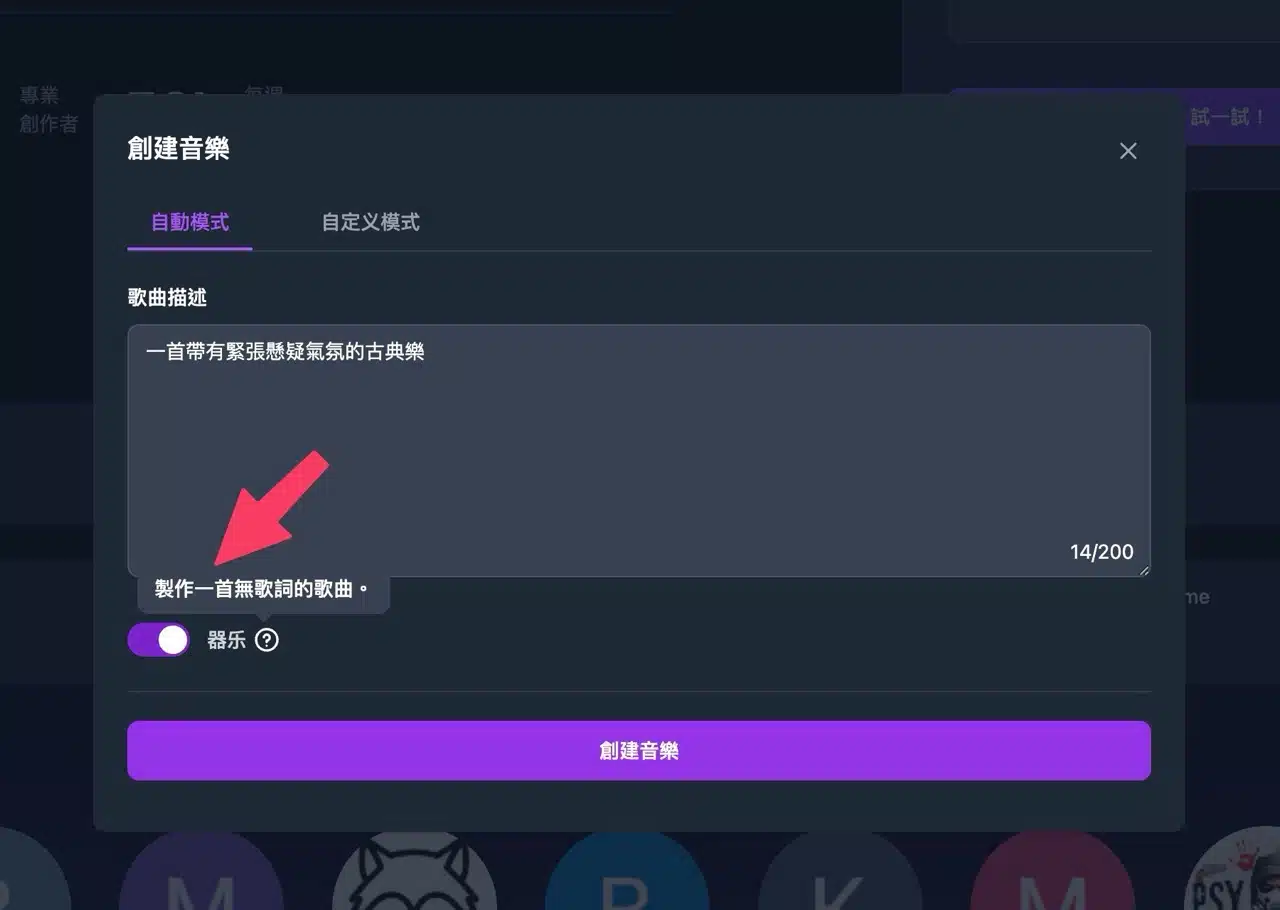
STEP 3
Clicking “Custom Mode” at the top unlocks advanced settings, including lyrics, instruments, music style, random style, or title options. This helps users craft songs tailored to their preferences. Each option in AI Music Generator includes clear instructions—just follow them for straightforward input.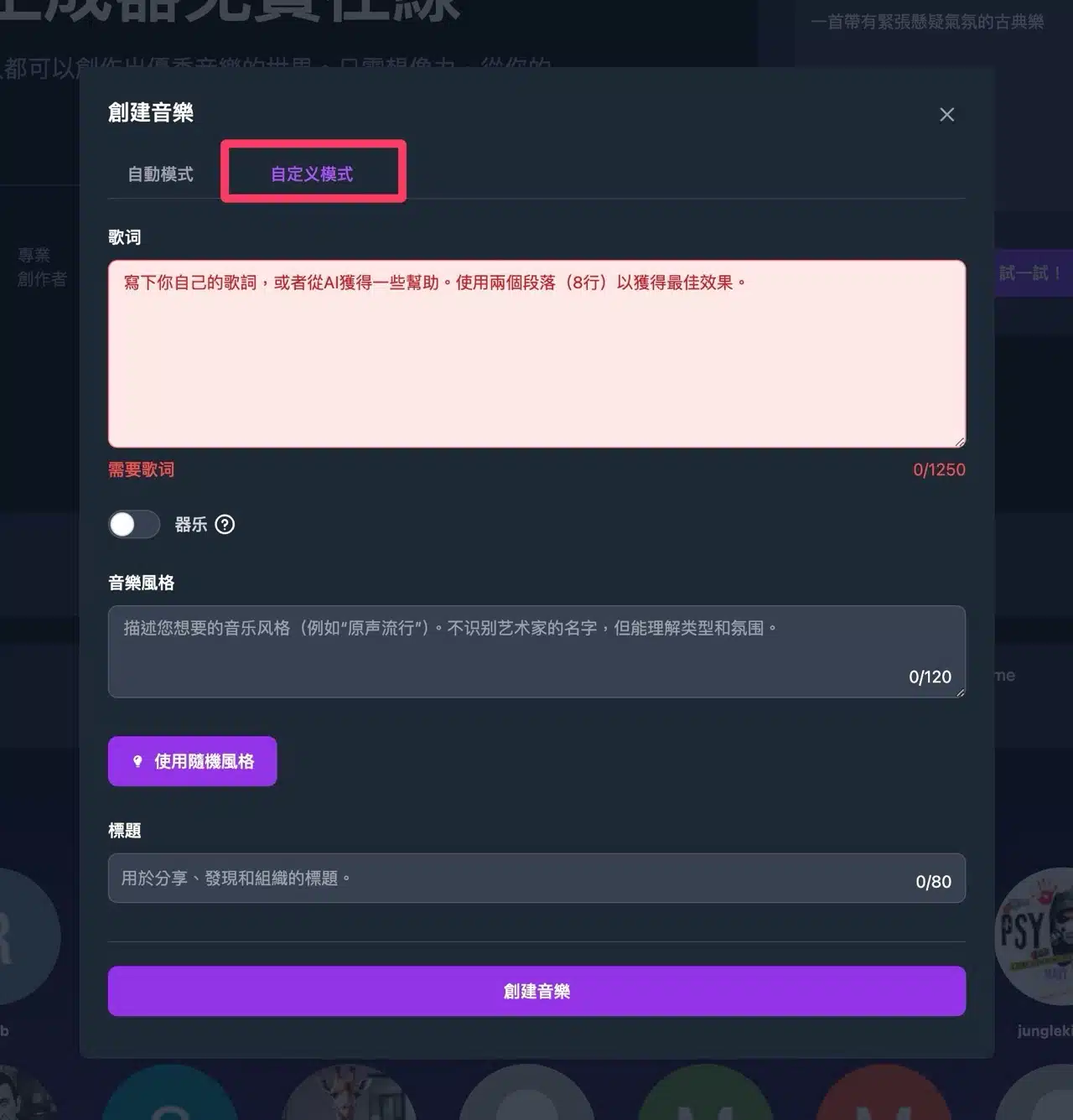
STEP 4
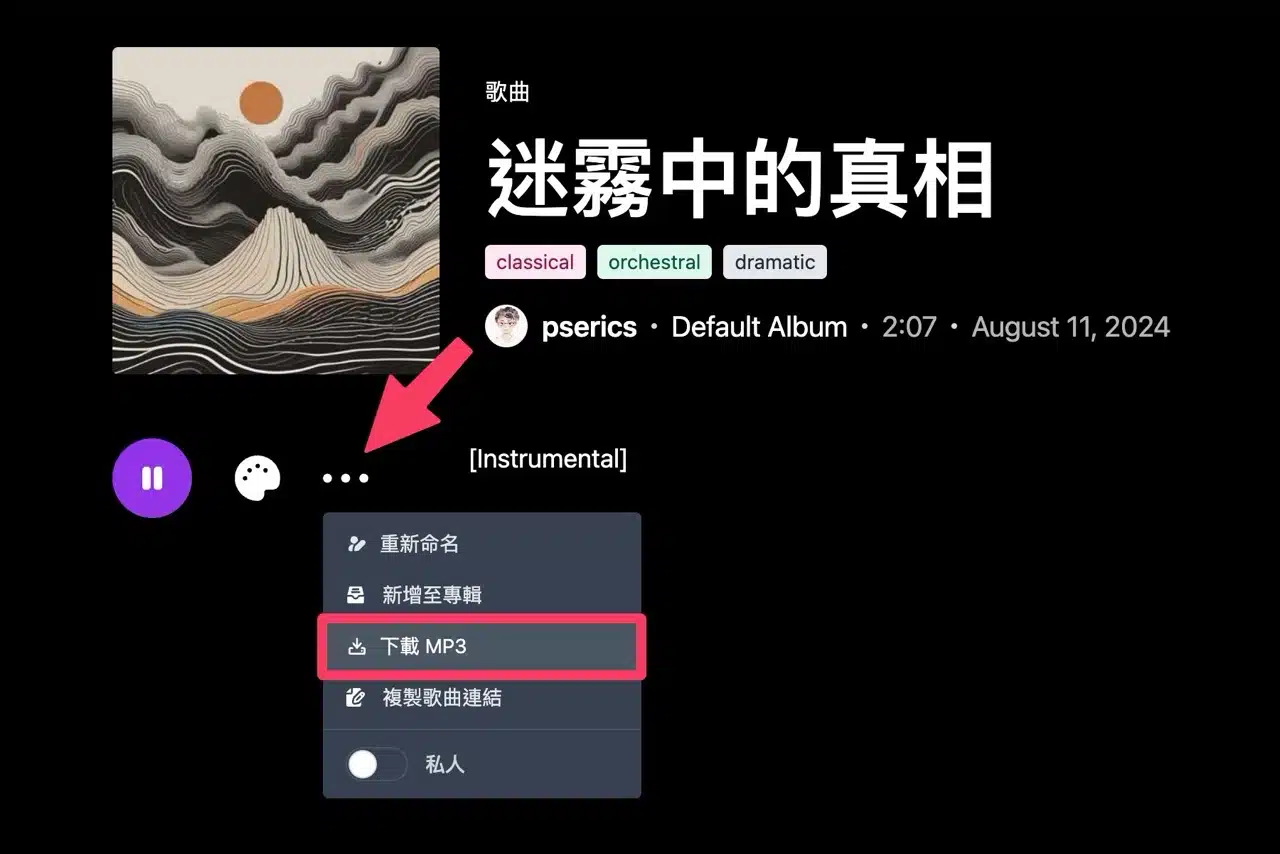
Music generation requires a brief waiting period.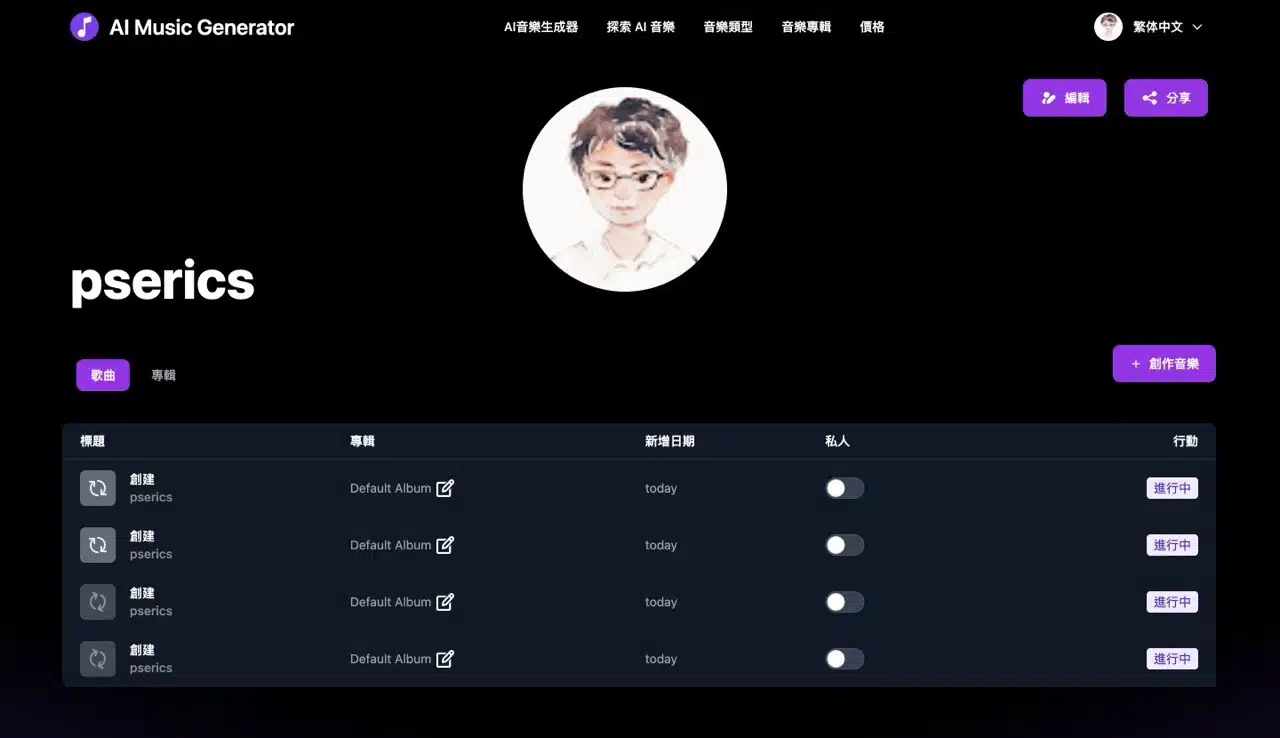 Return to your account page to monitor progress. Once complete, you can preview the generated track. Below is a song I created using AI Music Generator titled “Truth in the Mist.” Pretty impressive, right? Click play to preview it—this two-minute track sounds professional, with no hint of AI-generated audio.
Additionally, the right side of the song page displays recommended music, likely generated by other users.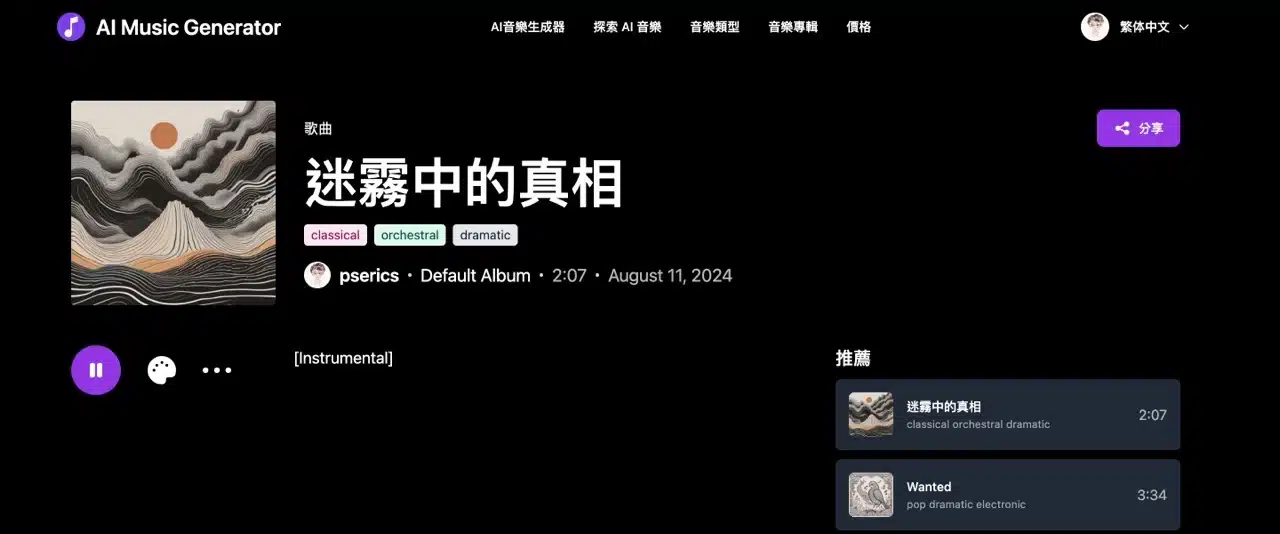
STEP 5
Click the “...” menu below the music to find “Download MP3,” allowing you to save the track in MP3 format for use.