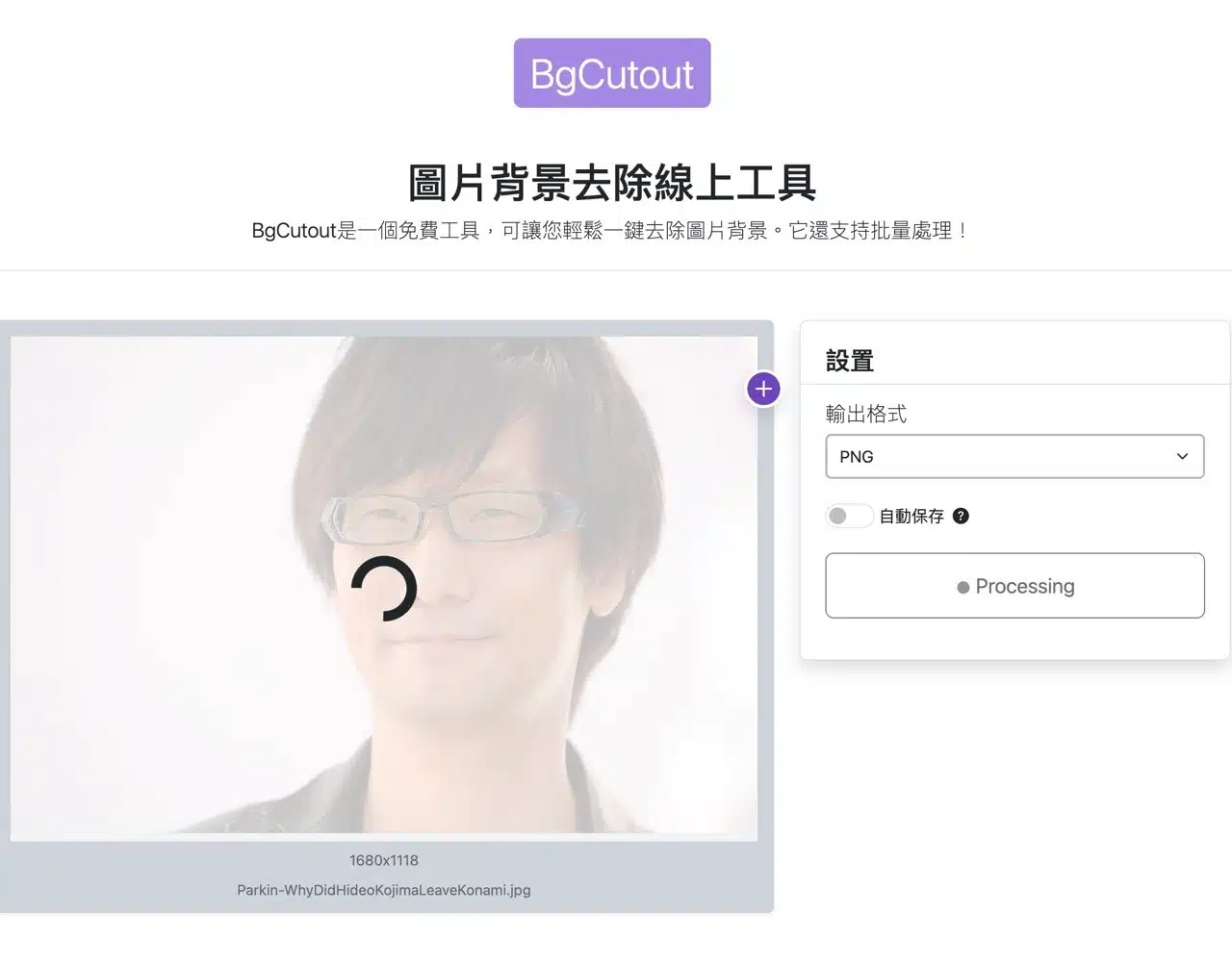
BgCutout is a free tool designed to help users remove image backgrounds, featuring batch processing capabilities. The entire process operates directly within the browser without requiring image uploads to third-party servers, ensuring maximum image security and privacy.
BgCutout utilizes compiled WebAssembly (Wasm), making it compatible with nearly all modern browsers. It employs pre-trained AI models to accurately distinguish photo foregrounds from backgrounds. Except for images with complex textures, most cases should be processed quickly and correctly.
I've previously introduced numerous image background removal tools, compiled in “Online Background Removal Tools: 39 Free Online Tools Recommended with Tutorials.” If BgCutout fails to accurately remove backgrounds or delivers unsatisfactory results, you can explore alternative solutions listed in that article. BgCutout supports multiple image formats, including common ones like PNG, JPG, and WEBP, but does not offer a manual editing mode.
BgCutout Tutorial
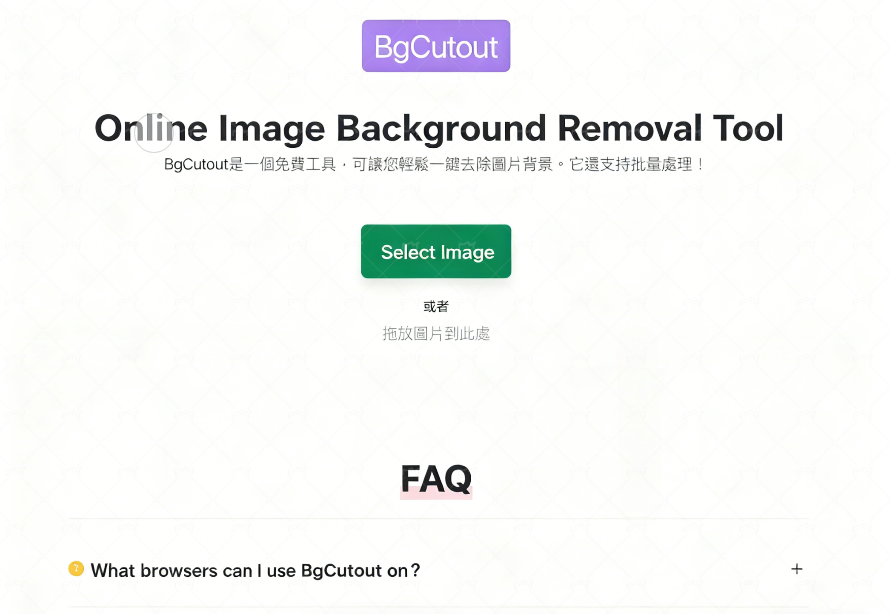
1. Select Images (Supports Batch Editing)
After launching BgCutout, click “Select Images” to choose the image files you want to remove backgrounds from, or drag and drop images onto the webpage. Batch editing is supported.
2. Choose Output Format
Next, select the desired image format from the “Output Format” section on the right side of the editor. Options include PNG, JPG, and WEBP.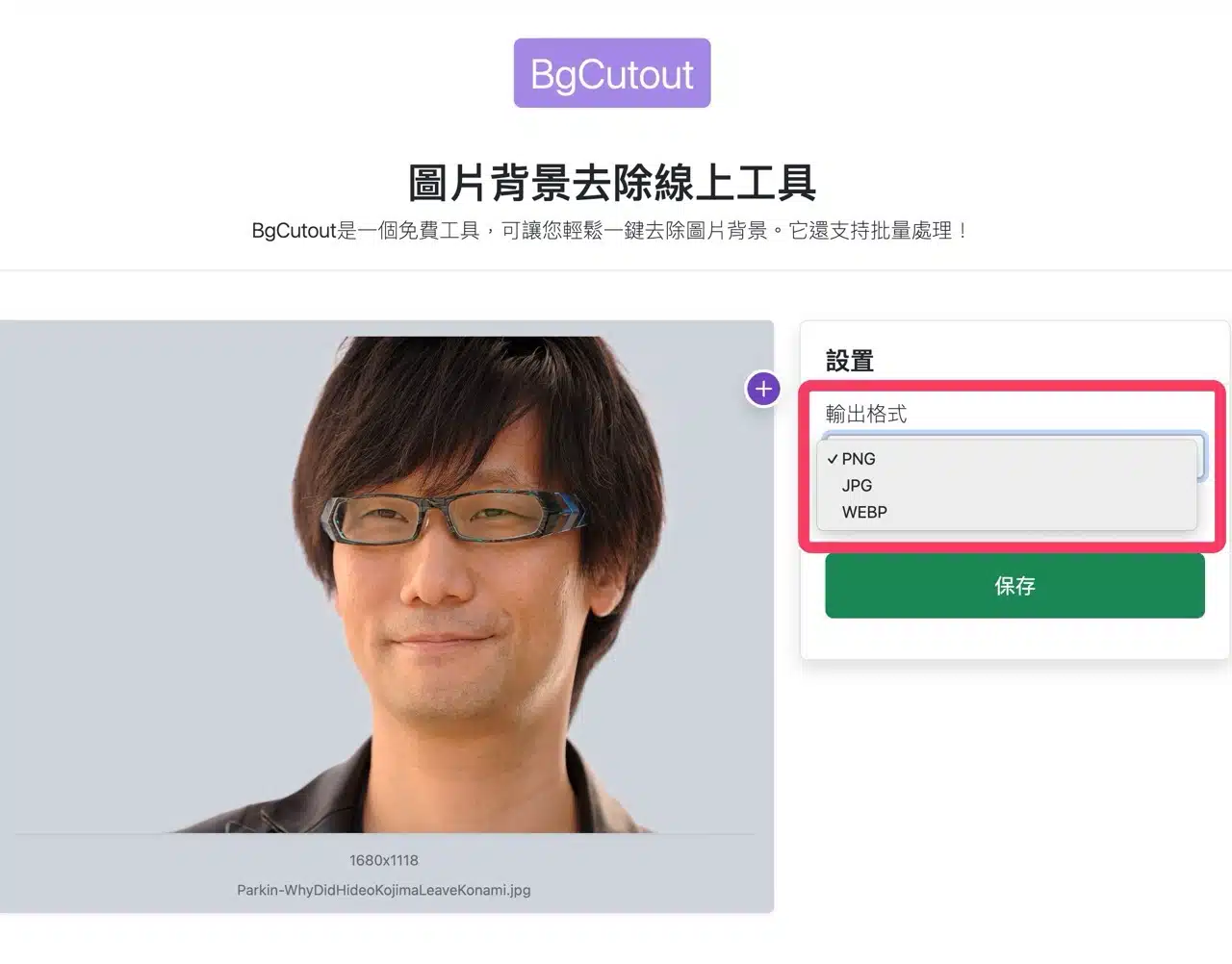
3. Start Background Removal and Download Image
Finally, click “Convert” to begin the background removal process. Processing time depends on your device's performance and image size, typically completing within seconds. The first use requires loading the WebAssembly file, which may take slightly longer. However, future sessions will load from cache, eliminating the need for re-downloading.
Once complete, you'll obtain the image with its background removed. This tool imposes no usage restrictions—there are no limits on the number of images or their file sizes.