

 Text Remover: Free AI Text Removal Tool
The “Text Remover” introduced here is a free online AI text removal tool. Utilizing advanced artificial intelligence technology, it instantly removes text content from images while automatically reconstructing the background, ensuring seamless and natural results before and after removal! This service supports batch processing, allowing up to 10 images to be uploaded at once. It supports multiple image formats (PNG, JPG, JPEG, and WEBP), with a maximum file size of 10 MB per image.
Simple and user-friendly fully automated processing workflow
With Text Remover, virtually no editing or option configuration is required—the entire process is fully automated. This AI tool claims to flawlessly handle all types of images, accurately identifying and processing everything from regular photos, product shots, social media images, logos, and more. After users upload an image, Text Remover automatically detects text within the photo, completing the task in just seconds!
Privacy Protection and Free Service
As stated on the website, Text Remover prioritizes user privacy. All uploaded images are transmitted using SSL encryption and automatically deleted from the server after 24 hours. Images are never stored or shared with others.
Furthermore, Text Remover emphasizes that the service is completely free. It does not add watermarks and imposes no processing restrictions. Interested users are welcome to try it out.
User Guide
1. Upload Images
After opening Text Remover, click “Choose Files” to select images for processing, or simply drag and drop them onto the website. Upload up to 10 images at a time.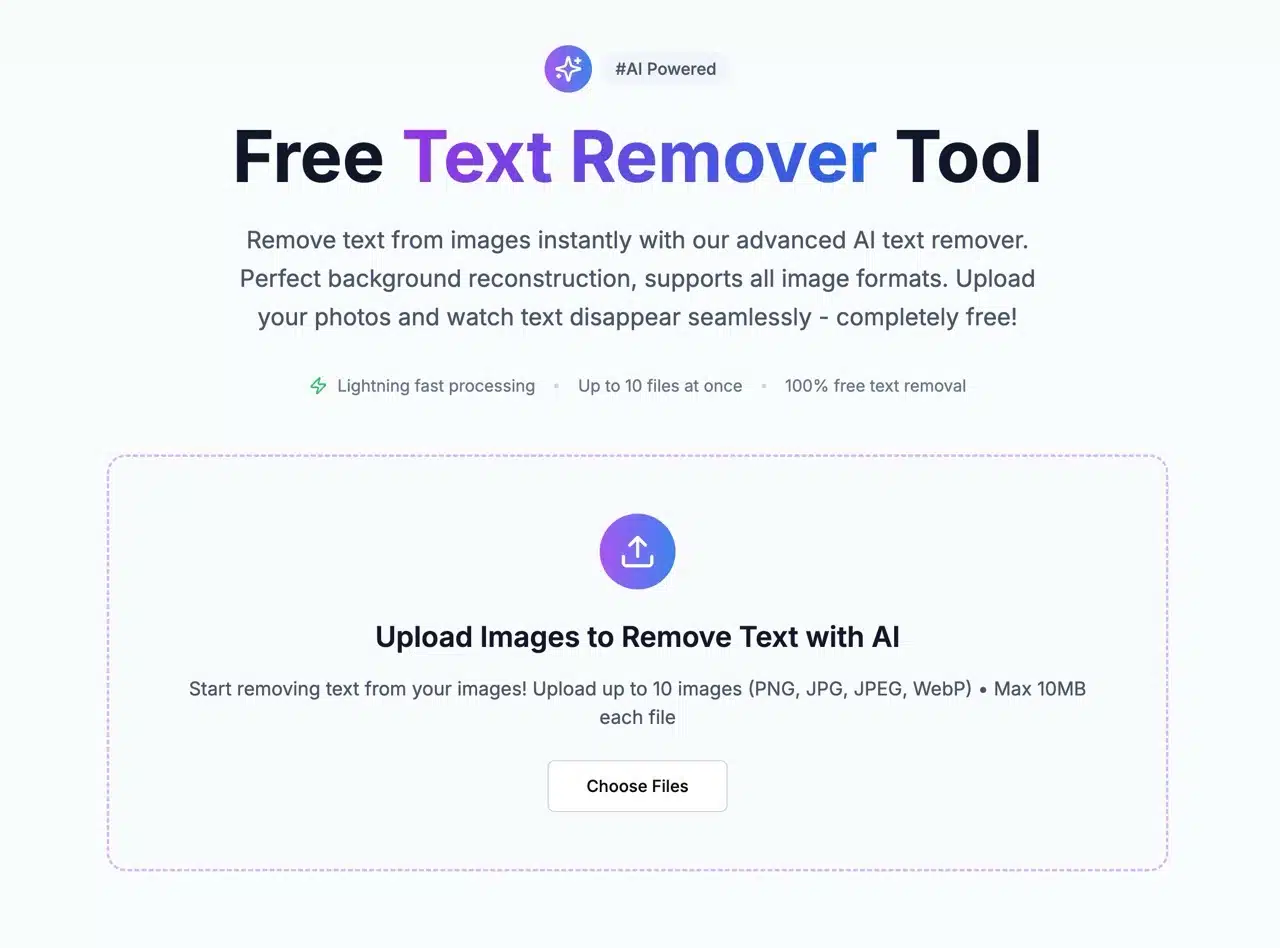
2. AI Automatic Processing
We tested with a free stock image. Before uploading, the photo appears on the website. Click “Remove Text from Image” to start uploading and processing. Maximum file size is 10 MB. Supported formats include PNG, JPG, JPEG, and WEBP.
Upload speed is fast. After completion, AI technology identifies, removes, and reconstructs the background—the entire process takes only seconds with no manual editing required. It's incredibly powerful!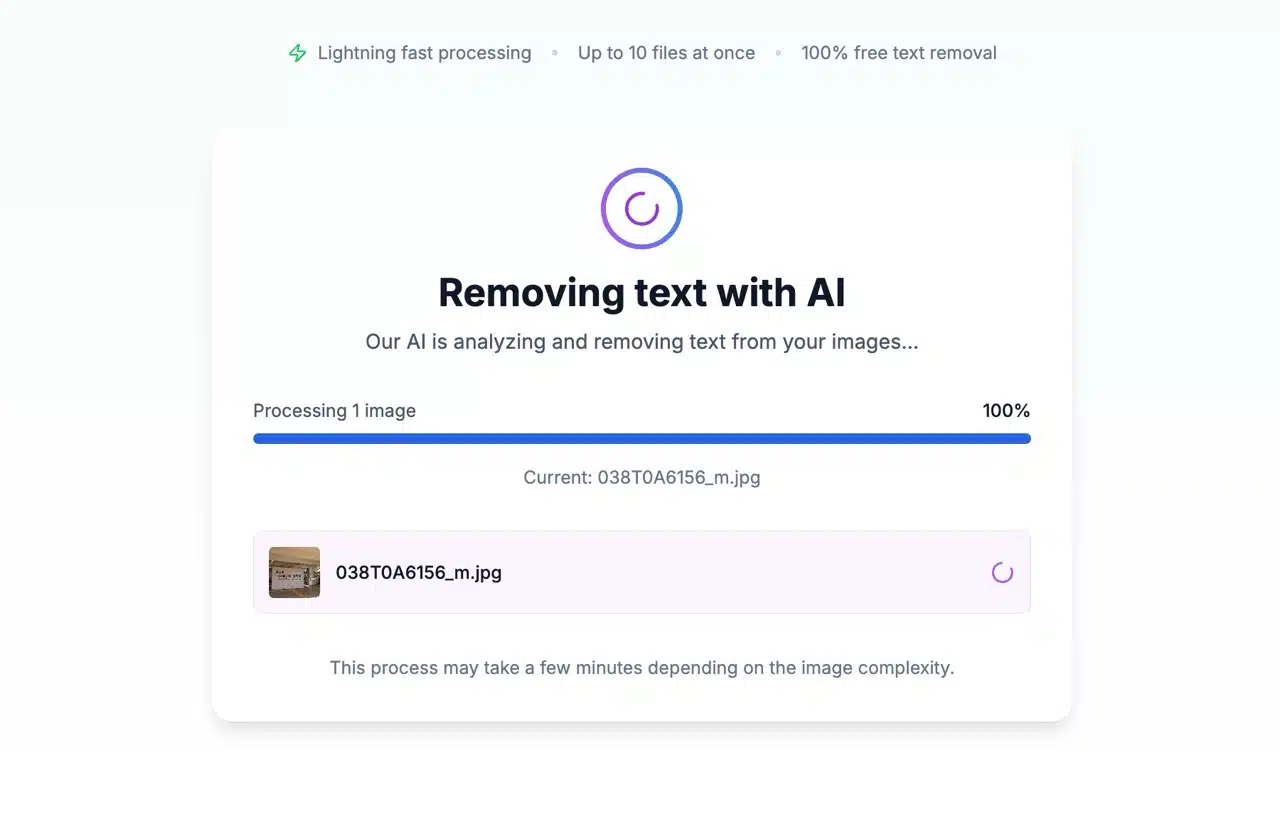
3. Downloading Results
The results page displays a before-and-after comparison of the text-removed photo. Click “Download” to save the image.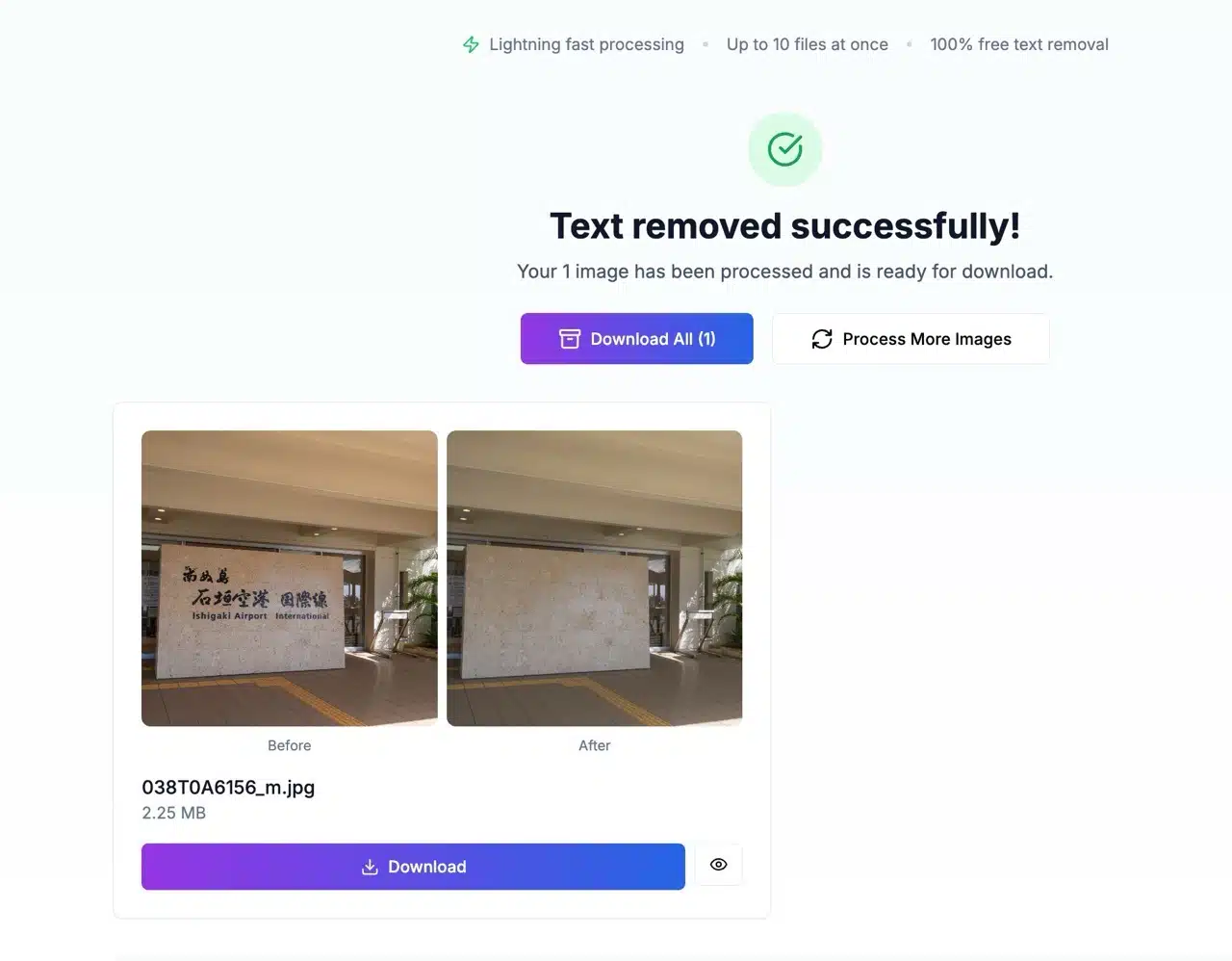
4. Alternatives and Troubleshooting
During testing, I encountered some images that failed processing, displaying a “Processing Failed” error before upload. However, switching to a different image often resolved the issue. If Text Remover can't handle your image, try these alternatives:
PhotoEditor: Quickly removes objects, people, or text from photos using AI technology—free and easy to use
Pixelcut Magic Eraser: Effortlessly removes unwanted people, objects, or text from photos
Magic Eraser: Eliminates unwanted elements from images—simply mark the area and the tool handles the rest
Object Removal: Free AI image editor for swiftly removing unnecessary objects from photos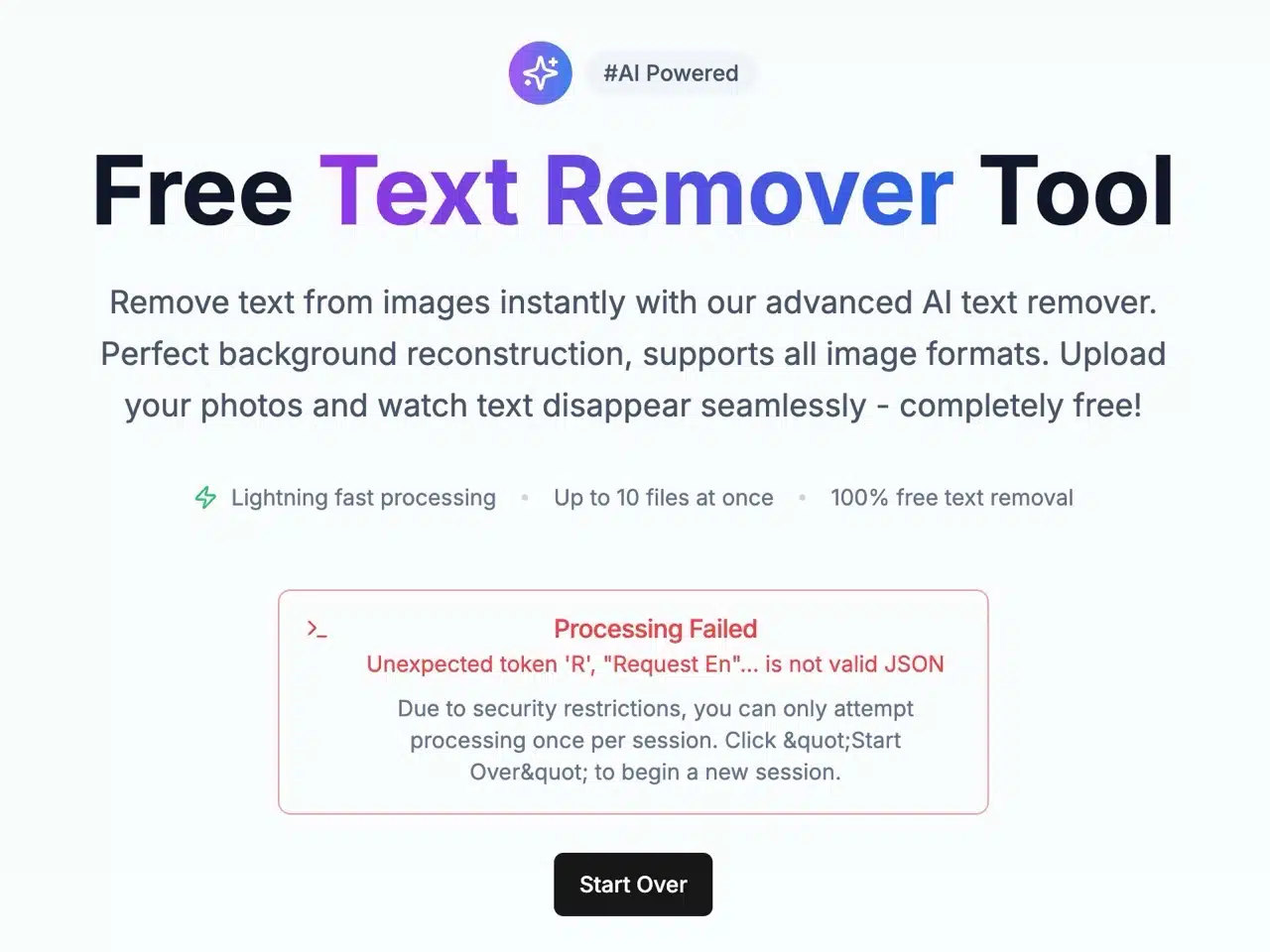
Three reasons to give it a try:
Text Remover is a free service with no watermarks or processing limits, suitable for personal or commercial use
Fully automated AI processing requires no manual editing, completing text removal and background reconstruction in seconds
Uses SSL-encrypted transmission with images automatically deleted after 24 hours to ensure user data security