
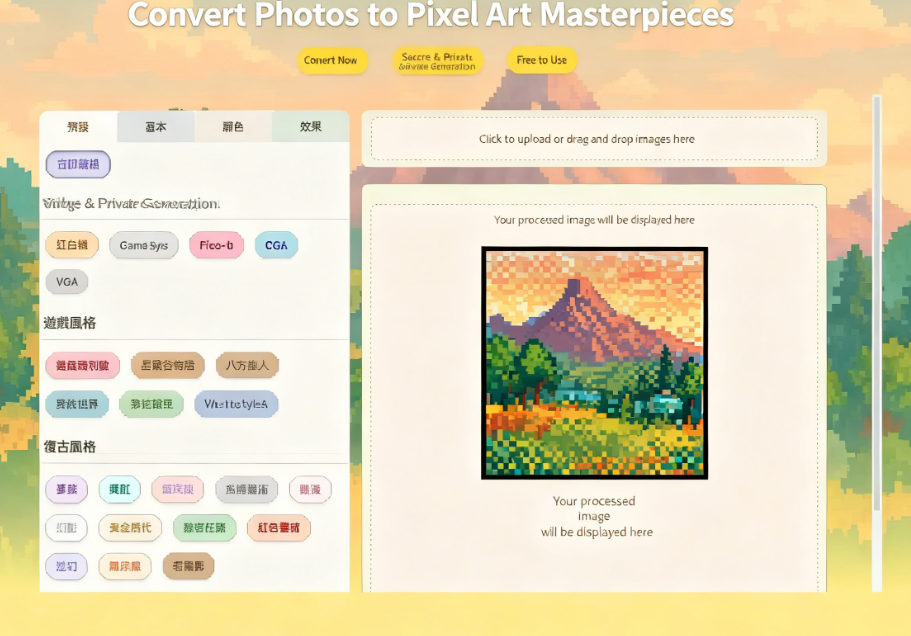
ImageToPixel.Art is a fun online tool that uses AI to quickly convert photos into pixel art. It features multiple built-in retro, gaming, and filter styles, such as NES, Game Boy, Pico-8, CGA, and VGA. The gaming section includes Super Mario, Stardew Valley, Octopath Traveler, Minecraft, Terraria, and "VA-11 Hall-A: Cyberpunk Bartender Action." It also applies various filters like Dreamcore, Neon, Vaporwave, Glitch Art, Anime, Phantom, Matrix, Red Alert, Psychedelic, and Old Movie, while offering numerous image property adjustment functions.
Related Pixel Art Tools Articles
Previously, we've covered other pixel art converters. Check out the following articles for details:
Image to Pixel Art: Free Online Pixel Art Tool - Convert Images to Pixel Style with One Click
Image2Pixel: Recommended Free Online Image-to-Pixel Art Tool - Easily Create 8-bit Retro Style
PixelMe: Turn Photos into 8-Bit Pixel Art, Recreating Classic Old-School Game Aesthetics
ImageToPixel.Art Features and Highlights
ImageToPixel.Art boasts a charming interface design with support for multiple languages, including Traditional Chinese. Its built-in styles can be quickly applied to photos without additional configuration, making the process faster and more convenient. No design background is required.
ImageToPixel.Art, like other online tools, features an intuitive interface that allows you to quickly adjust various image parameters. If you want to see the actual conversion results, the website homepage also provides previews showing the differences before and after conversion.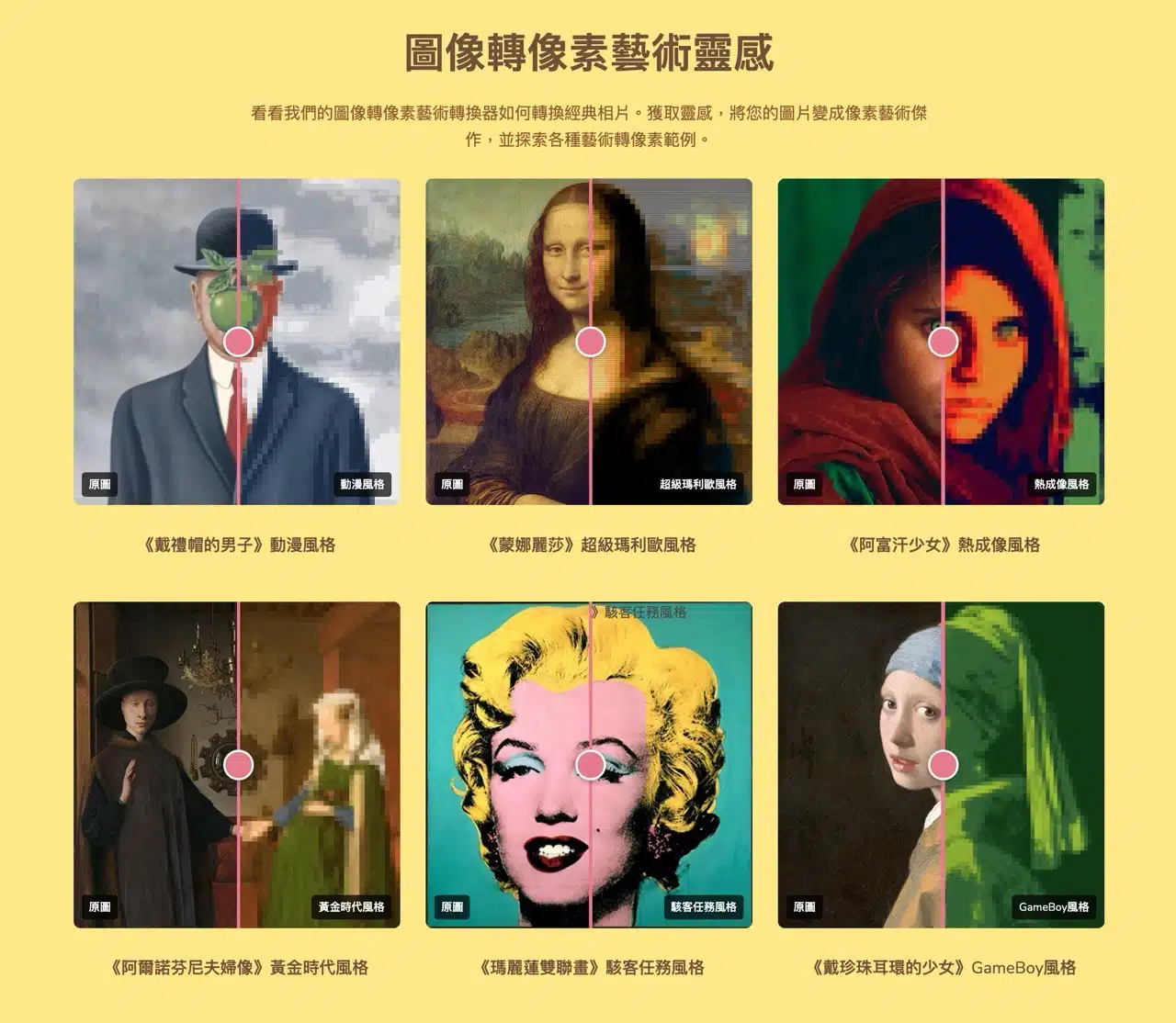
User Guide
1. Select Language
After opening the ImageToPixel.Art website, switch to “Traditional Chinese” via the “Language” option in the top-right corner.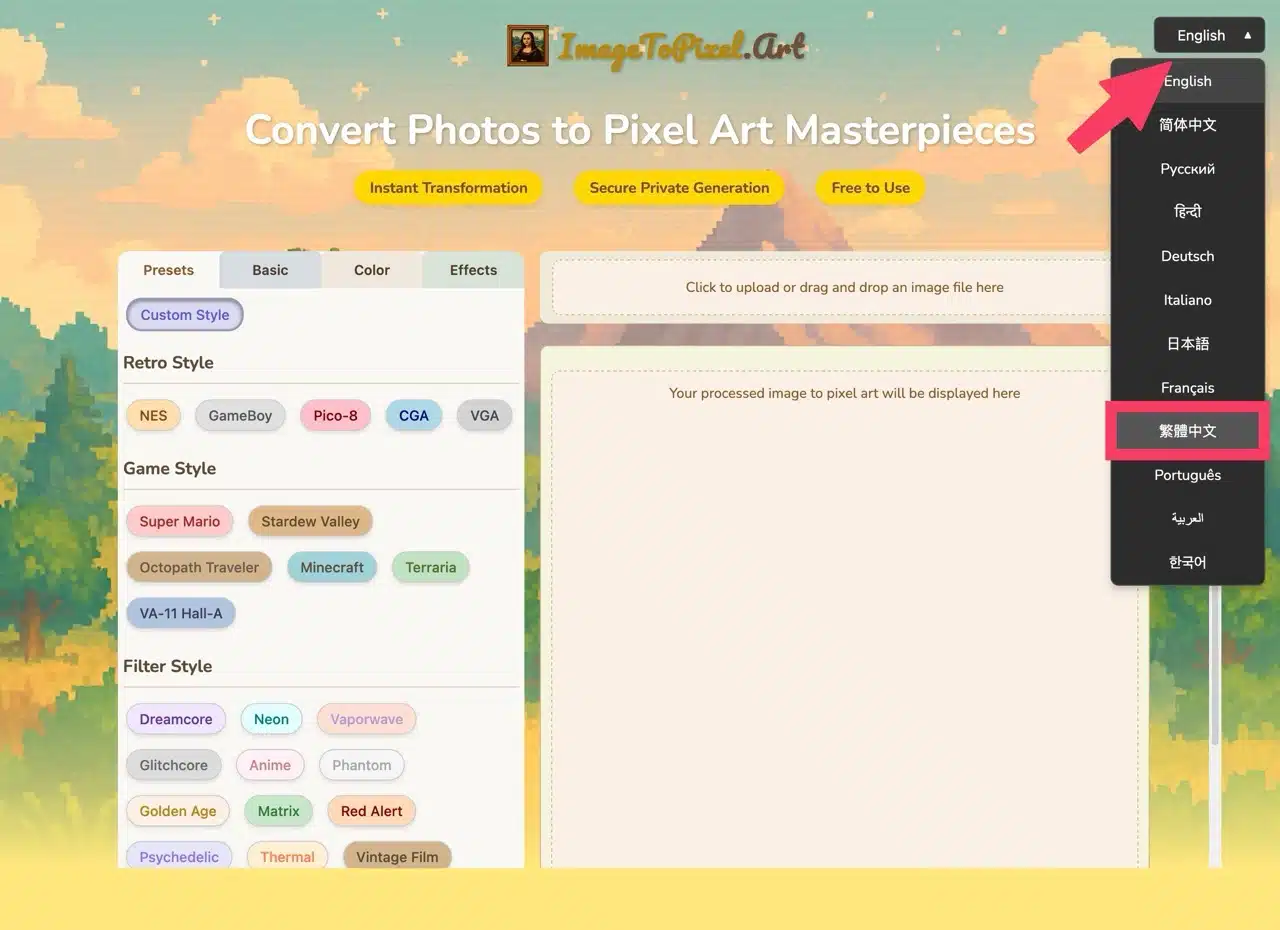
2. Upload Image
Select the image file you wish to edit using the upload function in the top-right corner, or simply drag and drop the image onto the webpage. Supported formats include JPG, PNG, and various other image types.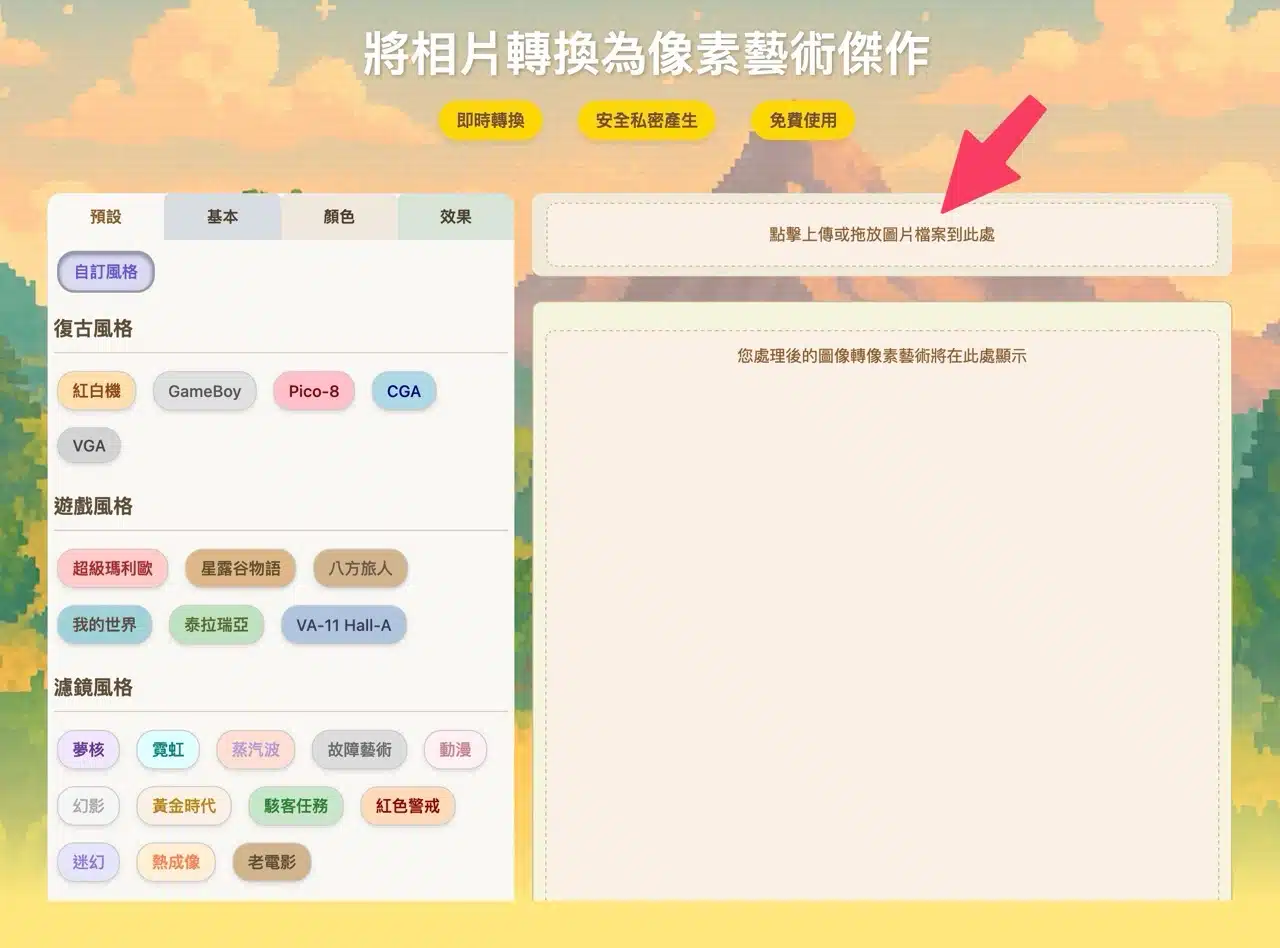
3. Apply Styles
Next, directly select and apply preset styles from Retro, Game, or Filter categories. The effect will instantly appear in the preview pane on the right.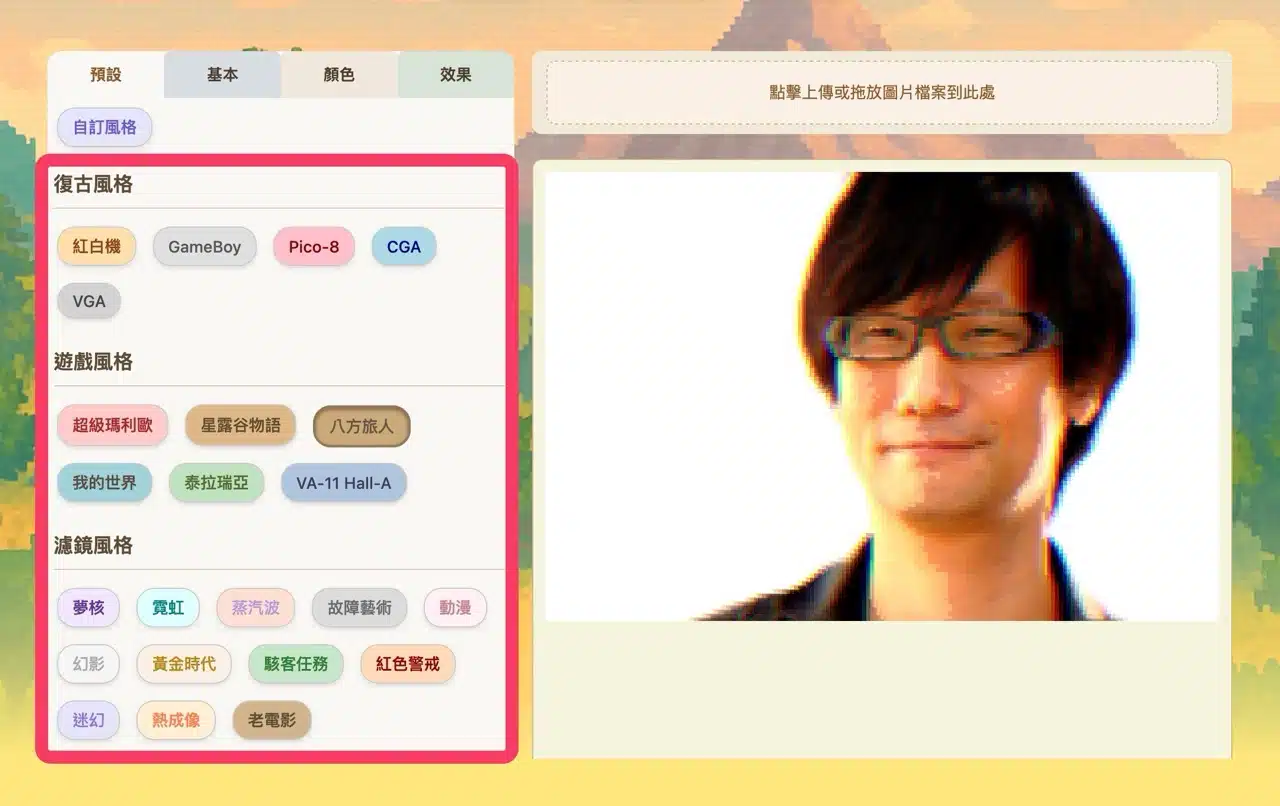
4. Adjust Image Parameters
The editor's top panel offers detailed settings under Basic, Color, and Effects. For example, Basic settings let you adjust pixel size, pixel aspect ratio, color count, preset palettes and tones, dithering, tone separation levels, and alpha threshold.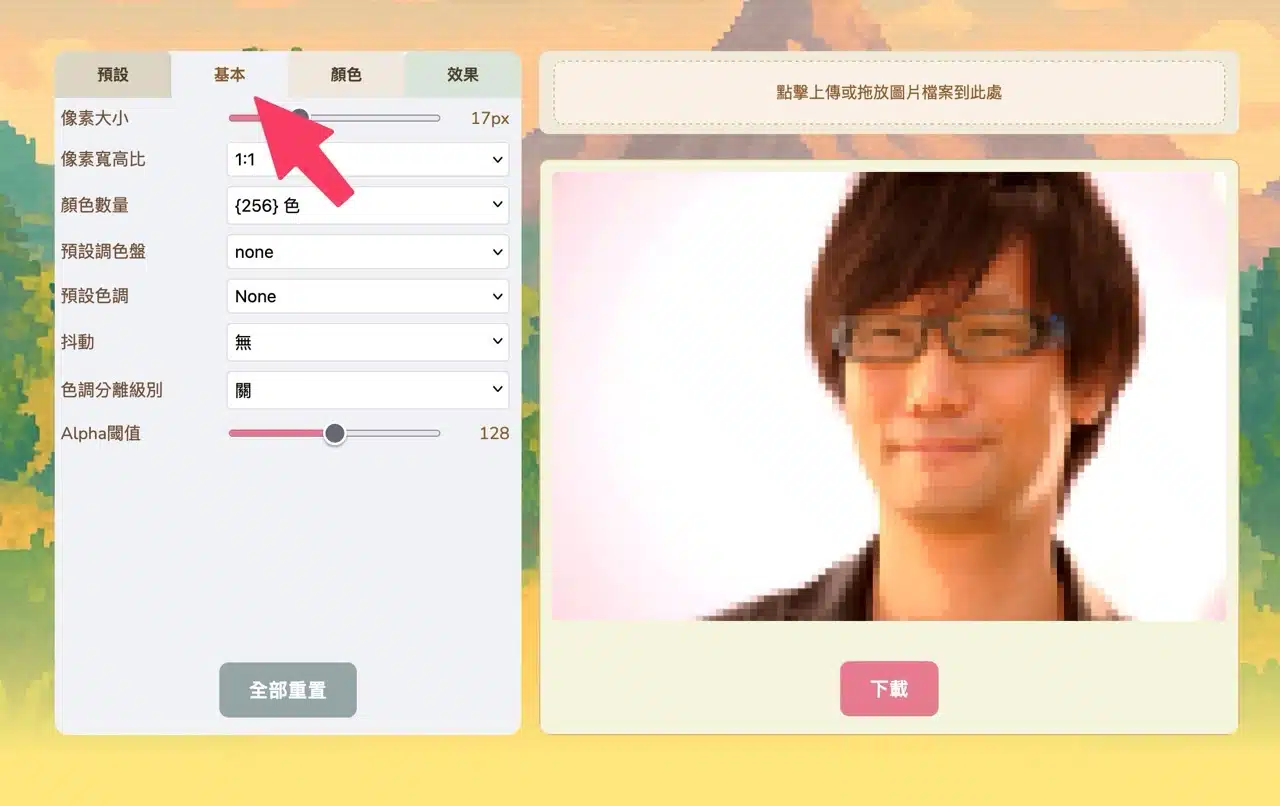
Switching to the Color function allows adjustment of brightness, contrast, saturation, hue shift, color temperature, maximum brightness, and minimum brightness.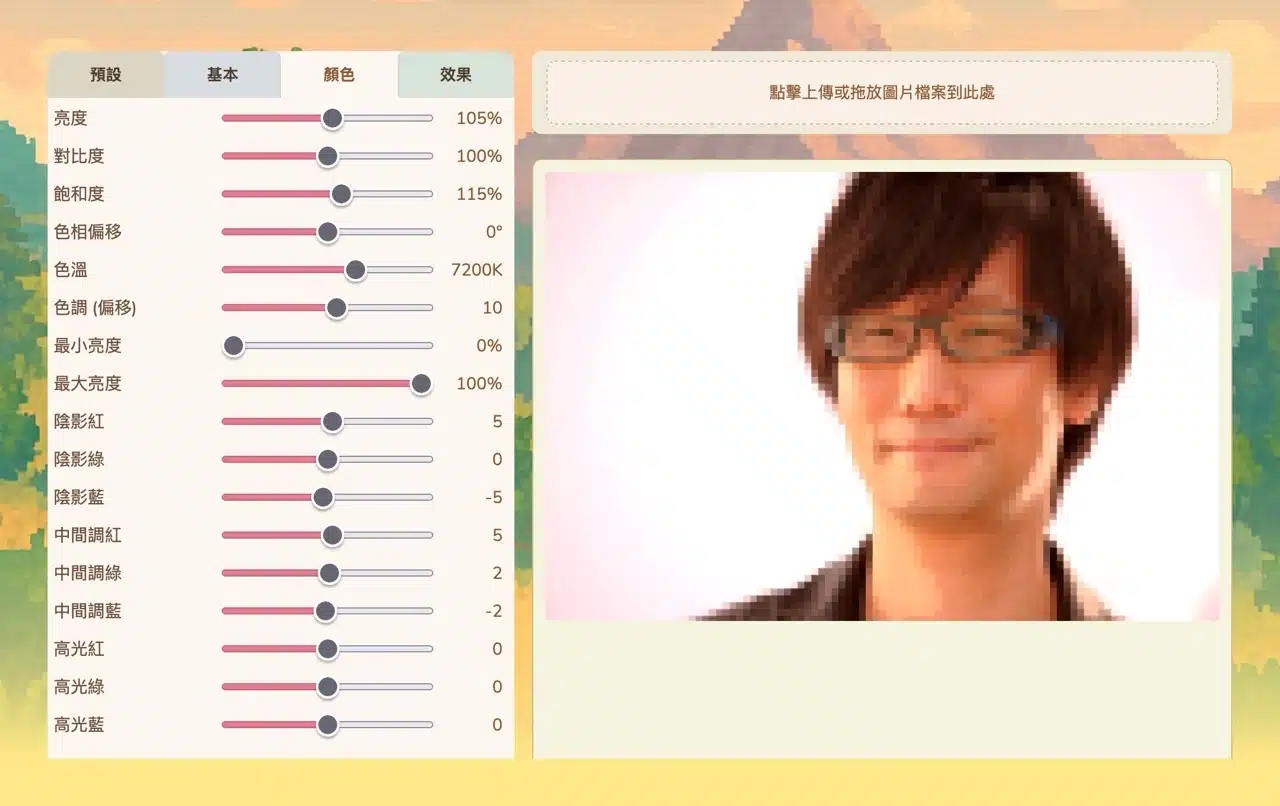
The Effects function enables customization of scanline intensity, outline thickness, sharpening, noise, chromatic aberration, glare, and mask strength.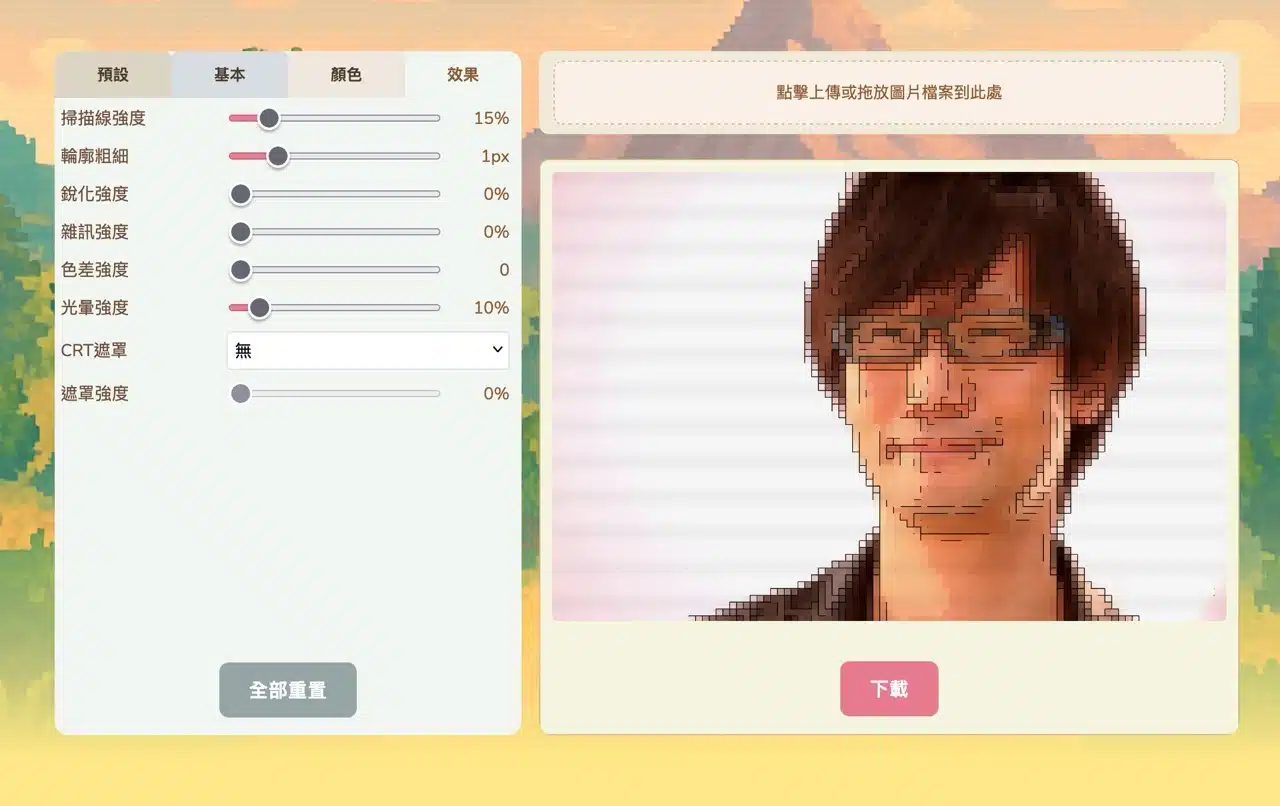
5. Download Image
After adjustments, click “Download” in the bottom-right corner to save the image as a PNG file.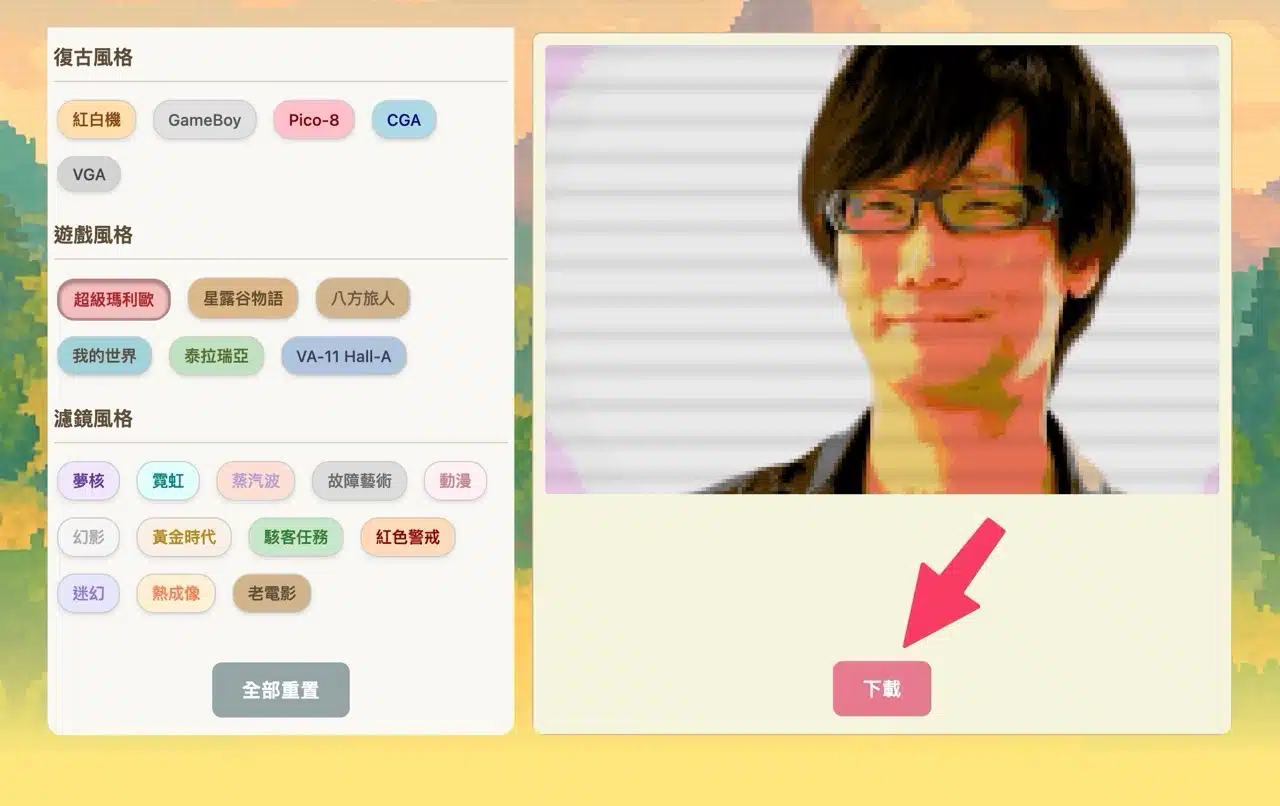
My Take
Recently, I've seen numerous converters that transform images into a “pixel art style.” These tools enable quick image editing. Compared to AI processing, similar conversion features offer fast parameter adjustments, potentially making them more intuitive to operate. They also provide real-time previews of the converted effect. However, each tool has its own strengths. Interested users might want to experiment with different combinations to find the settings that best suit their needs.