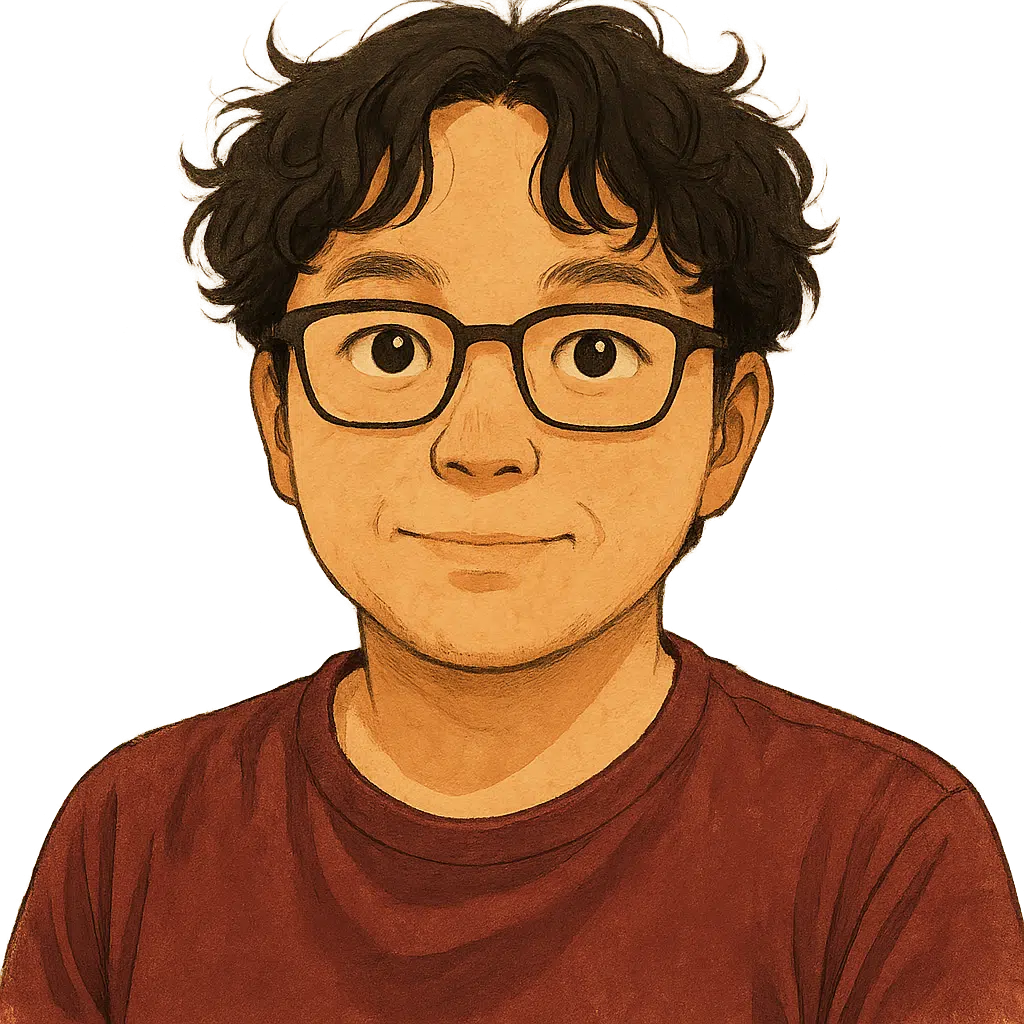
When setting a profile picture on social media or online services but preferring not to use real photos, some opt to convert them into cartoon or anime styles. Now, AI can generate these quickly with excellent results! Services like AI Cartoon Generator and FlexClip, which I've covered before, can do this—and best of all, they're free! Just upload your original image, select the desired effect, and get a new profile picture in seconds. Generative AI services can achieve similar results, but they often require a paid subscription and precise prompting.
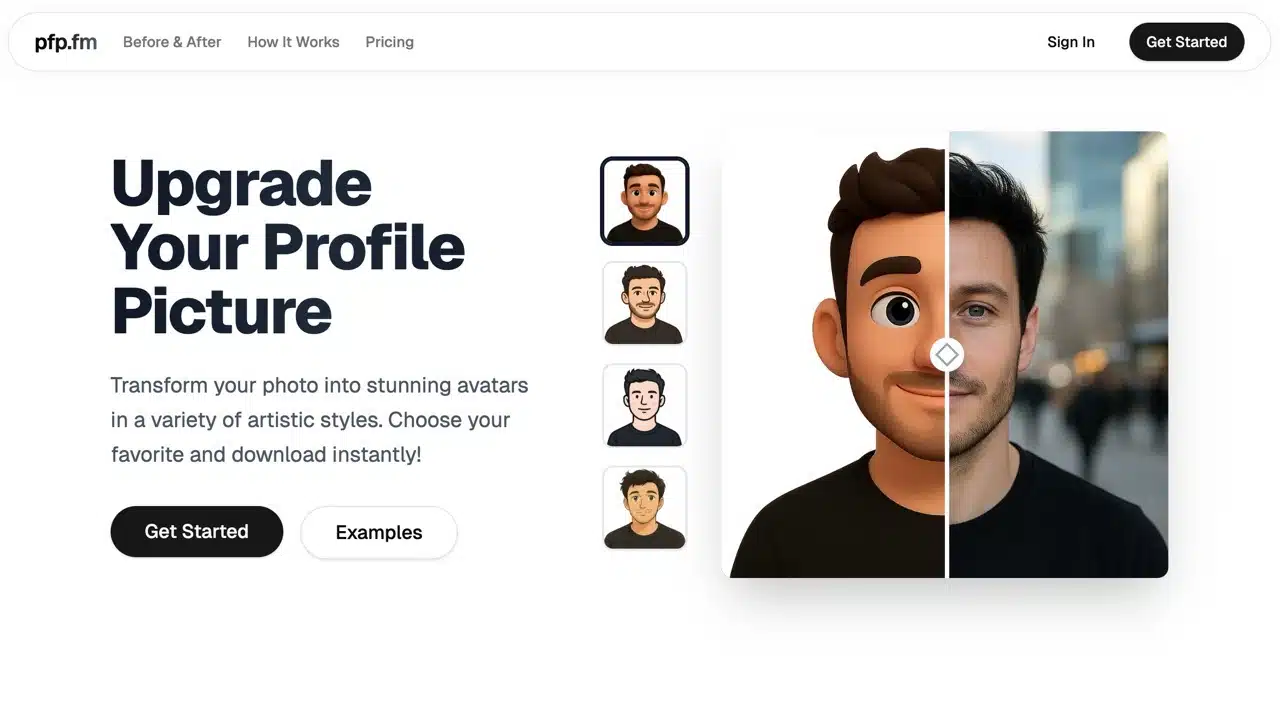
This article introduces “pfp.fm,” a service I recently spotted on overseas forums. Its tagline is “Upgrade Your Profile Picture.” Simply put, it helps users convert profile photos into various artistic styles—like 3D cartoons, comics, line sketches, and Japanese anime effects. It can even straighten photos. The resulting styles are unique, differing from typical AI-generated outputs.
Previously, such transformations required professional graphic artists. Now, with AI, users can achieve these effects quickly on their own.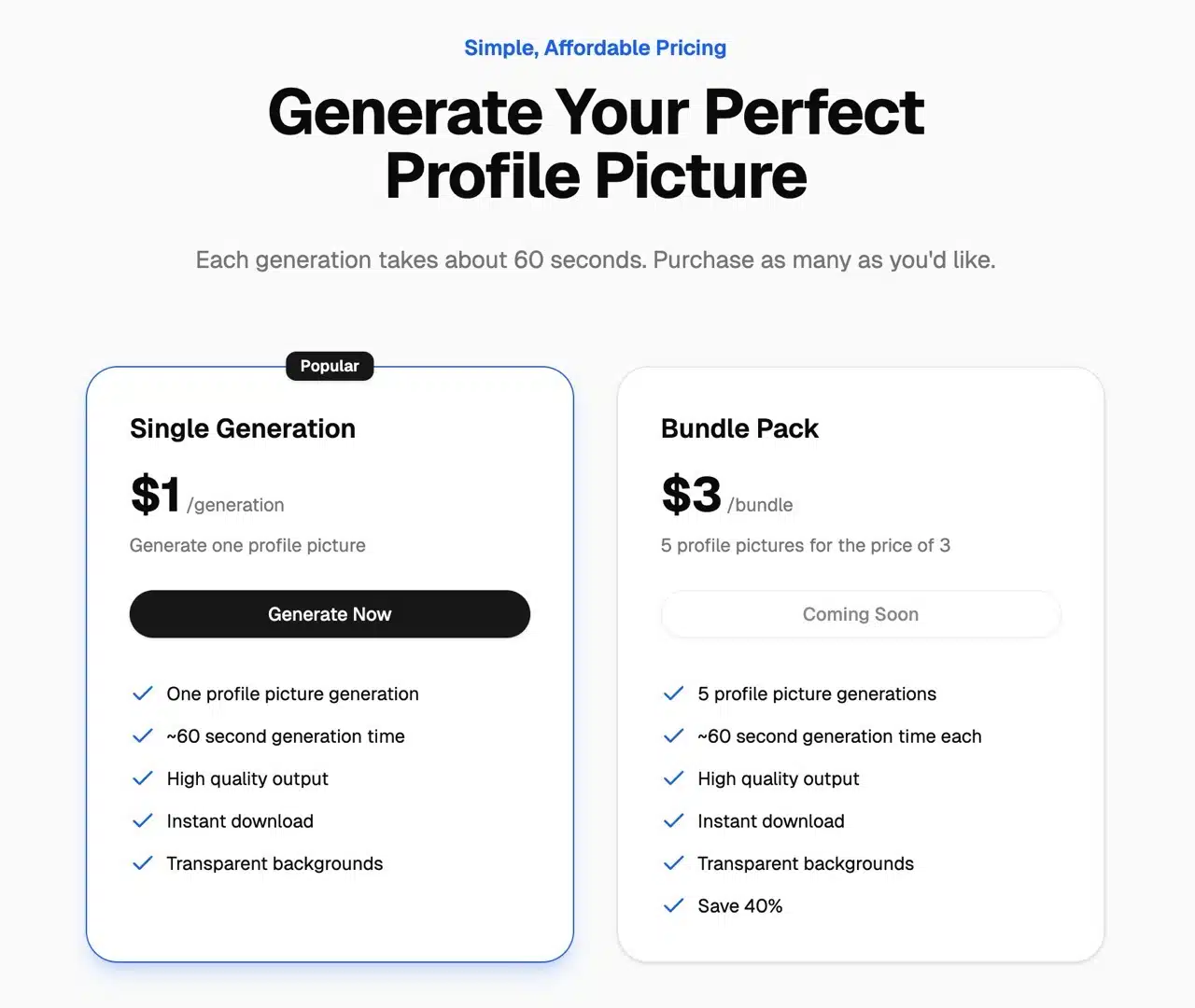
Photos generated via pfp.fm feature high resolution and transparent backgrounds, making them ideal for further editing. On average, one profile picture can be successfully processed and converted every 60 seconds. However, pfp.fm is not a free service. Each generated image incurs a $1 fee. For higher usage or sharing with others, a Bundle Pack is available at a discounted rate of $3 for five images.
User Guide
1. View Conversion Results
After opening the pfp.fm website, scroll down to find “See It In Action.” Here, you can compare the original image with the generated cartoon version. Hovering your cursor over an image reveals the original. You'll notice that even when subjects aren't facing forward in standard portrait poses, pfp.fm accurately identifies and processes images, transforming them into lively cartoon or anime-style avatars.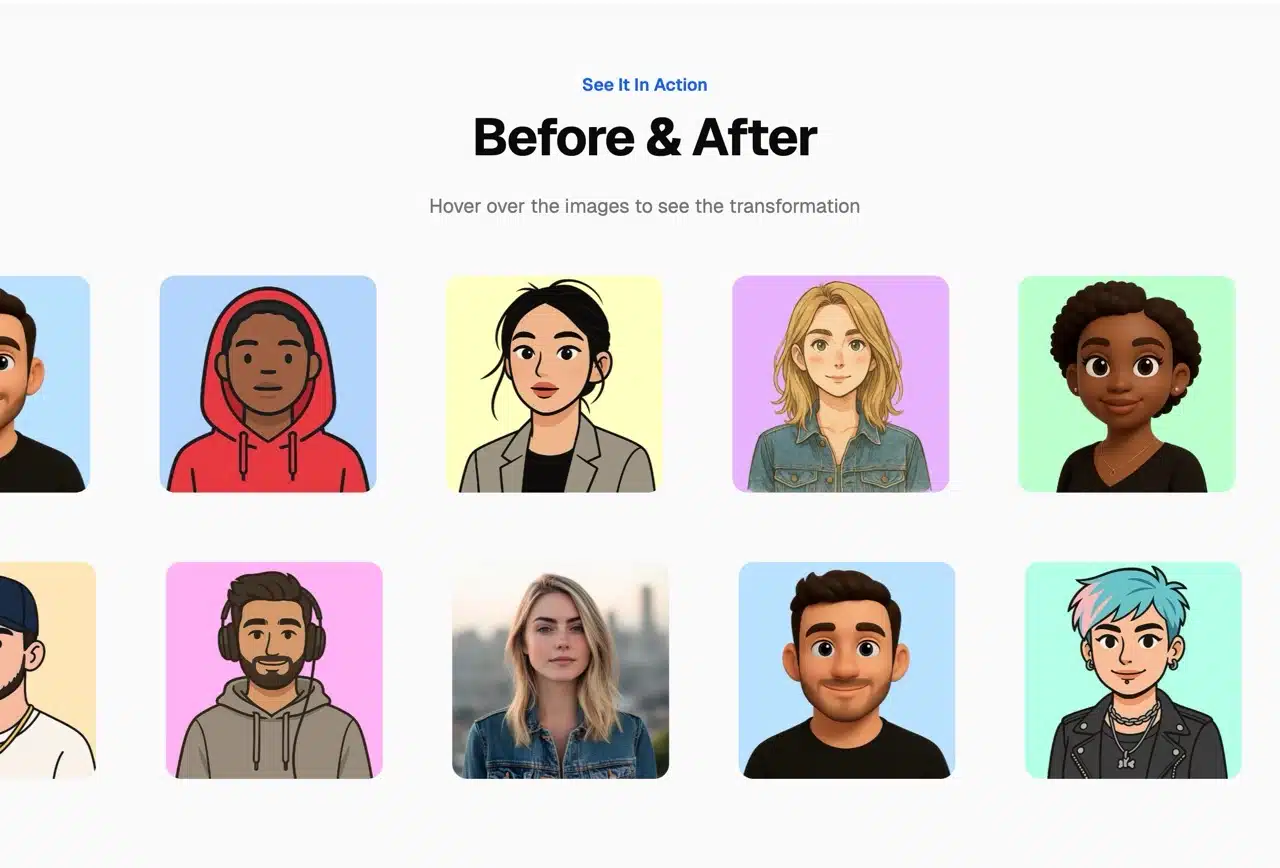
2. Register an Account
Click “Sign In” in the top-right corner, then select “Sign Up” to create a new account. Registration requires an email address and password. Unfortunately, pfp.fm currently doesn't support third-party account logins (like Google or Facebook). After signing up, return to your email to retrieve the activation code. Enter the six-digit verification code received in your inbox to complete verification.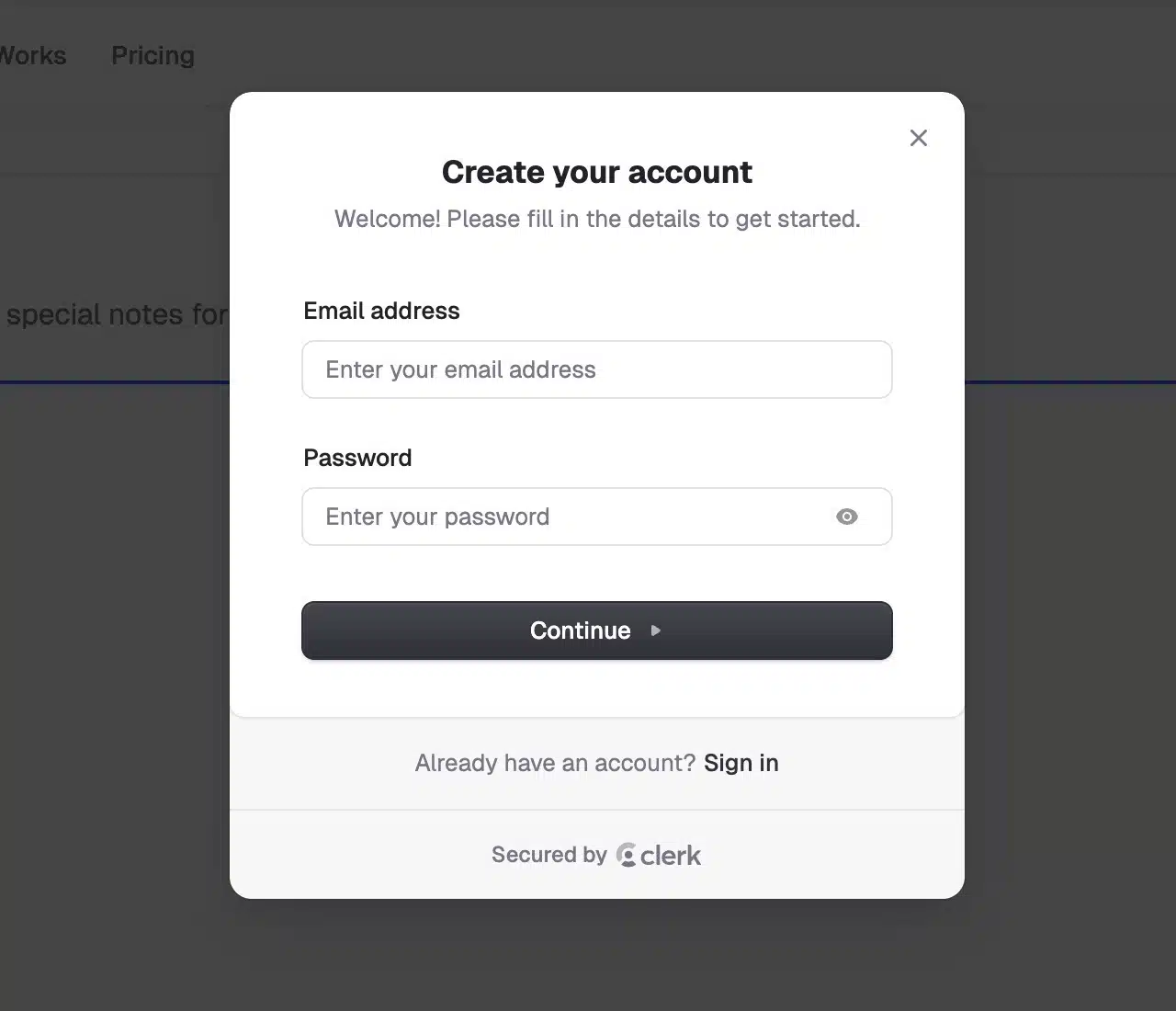
3. Select Avatar Style
After logging into the pfp.fm dashboard, begin creating your new avatar. When choosing an image style, you'll see a real-time preview. Four styles are available: 3D Cartoon, Comic, Line Sketch, and Japanese Anime. Note that each style creation counts as one image ($1), not four different styles for $1! Please pay special attention to this.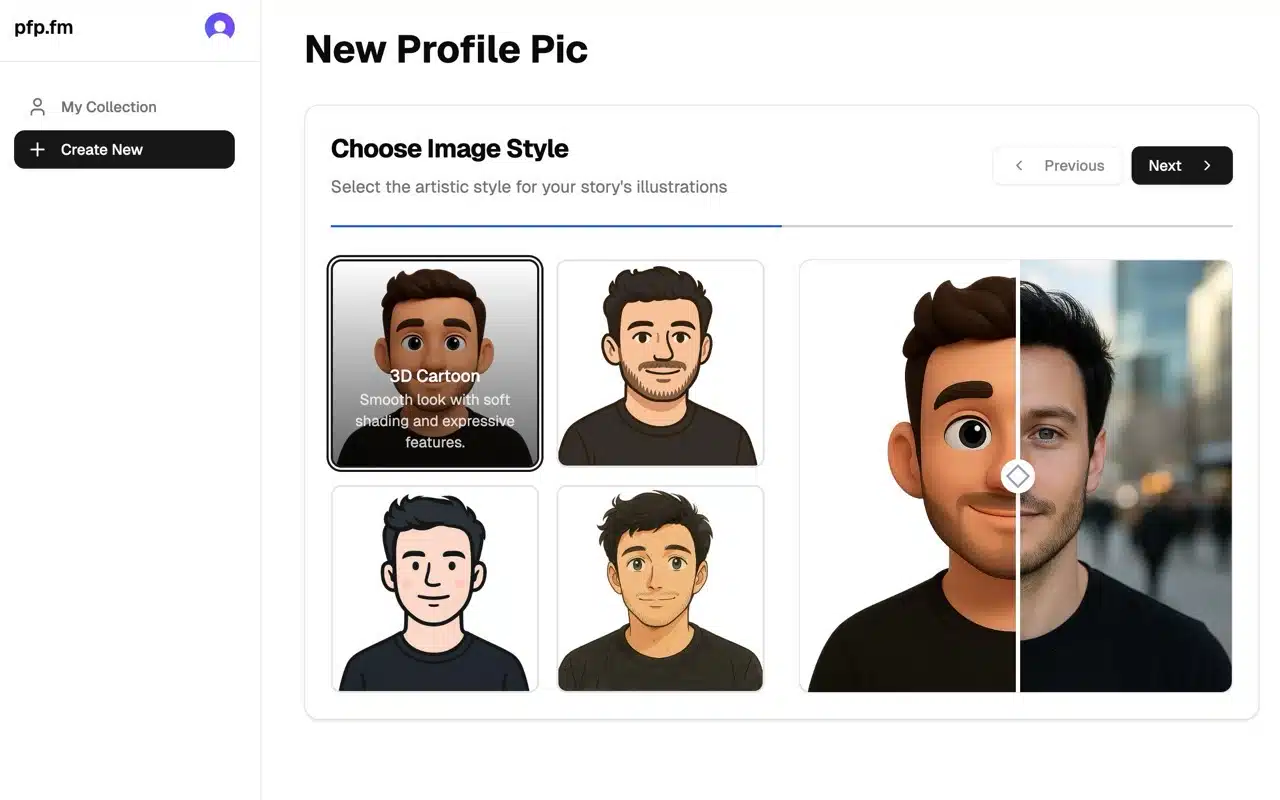
4. Upload Image and Pay
Click to upload the original photo you wish to convert. pfp.fm will then prompt you to complete the purchase checkout (using the Stripe system). Here, select your preferred currency, enter your credit card information and cardholder name, and complete the payment to finalize your purchase.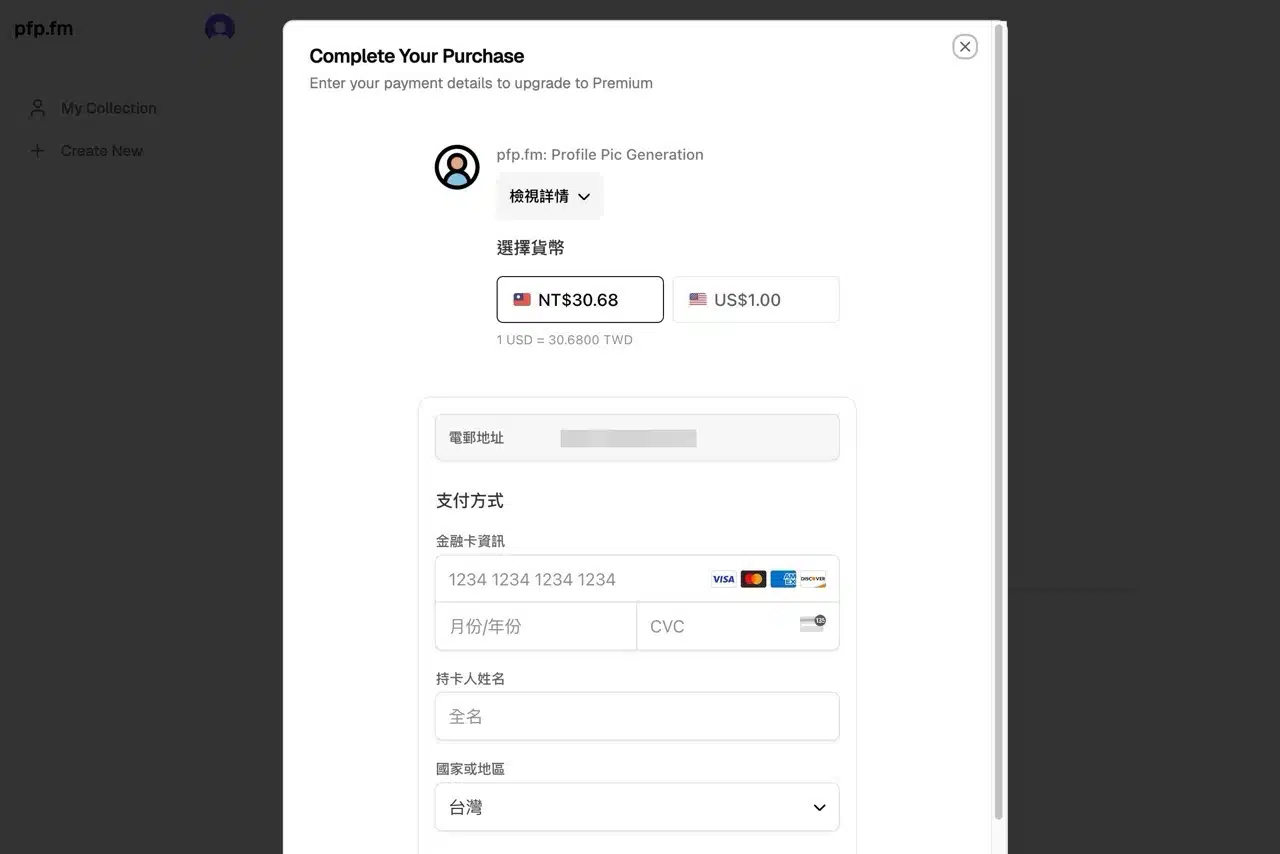
5. Download the generated image
After payment, pfp.fm will process your photo. The converted result will appear in about a minute (it actually made me look fat...).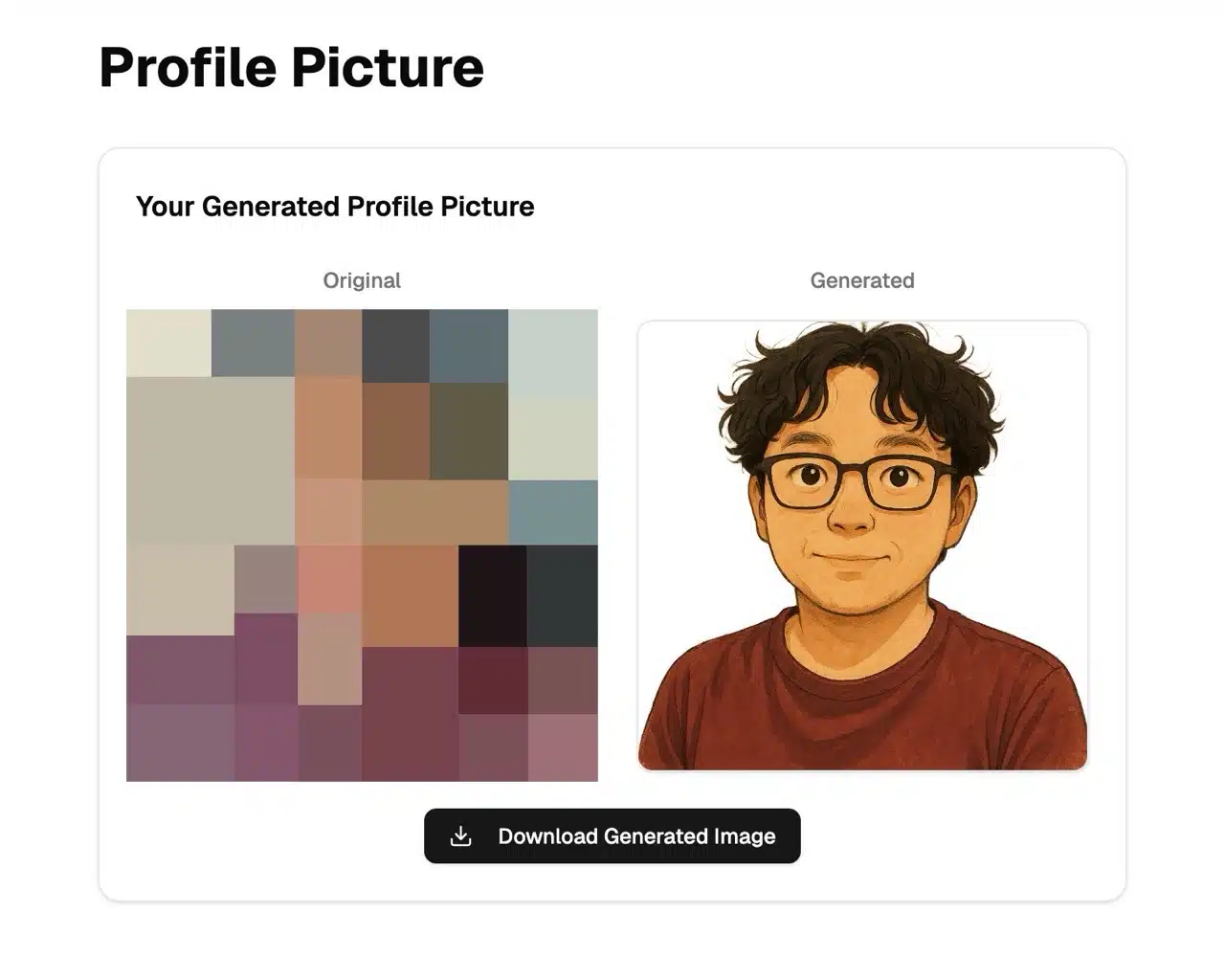
Click “Download Generated Image” below to save the processed photo. pfp.fm automatically applies a transparent background to avatars, eliminating manual editing. Plus, the resolution is exceptionally high—give it a try if you're curious!