
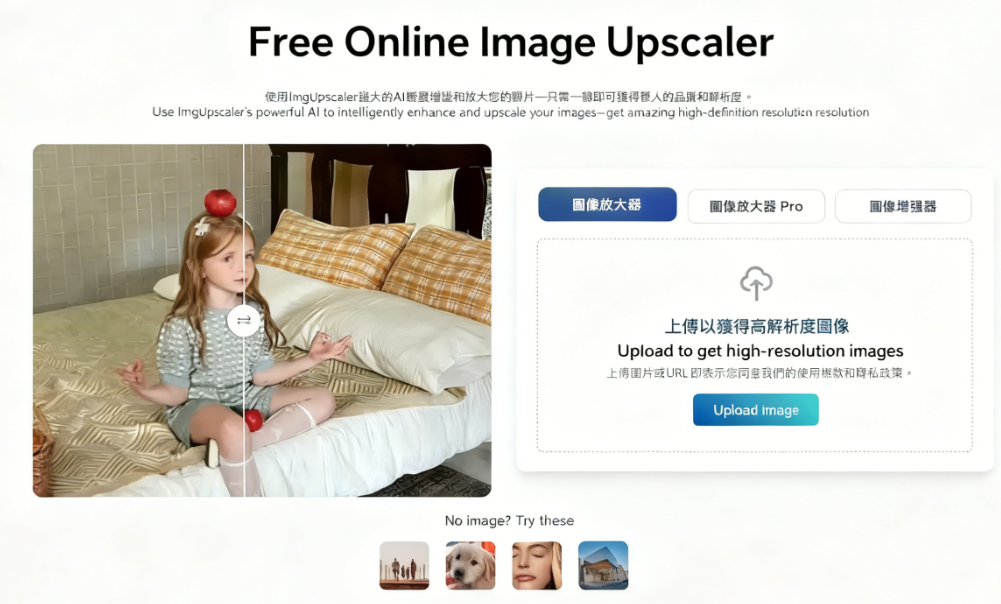
ImgUpscaler is a free tool that uses AI technology to effortlessly enhance and enlarge image resolution, scaling images up to 400% while preserving original details to address issues like low resolution. The service offers a straightforward workflow: simply upload your image, select the desired enlargement factor, and watch it process instantly. Before downloading, you can compare the before and after details side-by-side. No account registration is required throughout the entire process.
Other Recommended Image Upscaling Tools
I've previously recommended numerous image enlargement tools, such as:
BigJpg AI: One-click image enlargement up to 16x! A free AI-powered image enhancement tool
ImageUpscalerAi: AI-powered image enlargement for rapid photo resolution and quality enhancement
Vectorizer AI: Free tool to convert JPEG/PNG raster images to SVG vector graphics
Upscale media: Free image enlargement and enhancement tool supporting four formats with up to 4x lossless scaling
Usage Recommendations and Precautions
While ImgUpscaler allows users to quickly enlarge images and enhance details with minimal difficulty, it may not be suitable for all types of photos. After all, it uses AI to redraw the image, which can cause some changes to the edited picture. Therefore, the best approach is to directly test different image enlargement tools and check whether the enlarged images meet your expectations. Numerous online image enlargement tools exist, so if results fall short of expectations, try switching to another tool.
Beyond enlarging images, boosting resolution, and enhancing photo details, ImgUpscaler can also process vintage photos. It can recolor black-and-white or yellowed photos, remove unwanted objects from images, and more. Essentially, anything currently achievable with AI can be done in ImgUpscaler. However, note that during periods of high server load, users may be prompted to upgrade to the paid Pro plan to continue using certain features.
User Guide
1. Upload Images and Select Language
After opening ImgUpscaler, switch languages from the bottom-left corner of the website. A Traditional Chinese interface is available.
Next, locate the “Image Upscaler” tool on the homepage. Upload the image you wish to enlarge or paste its URL directly. You can process up to three images at a time. Supported formats include PNG, JPG, and HEIC. If you'd like to test the features immediately, four sample images are provided below for direct use.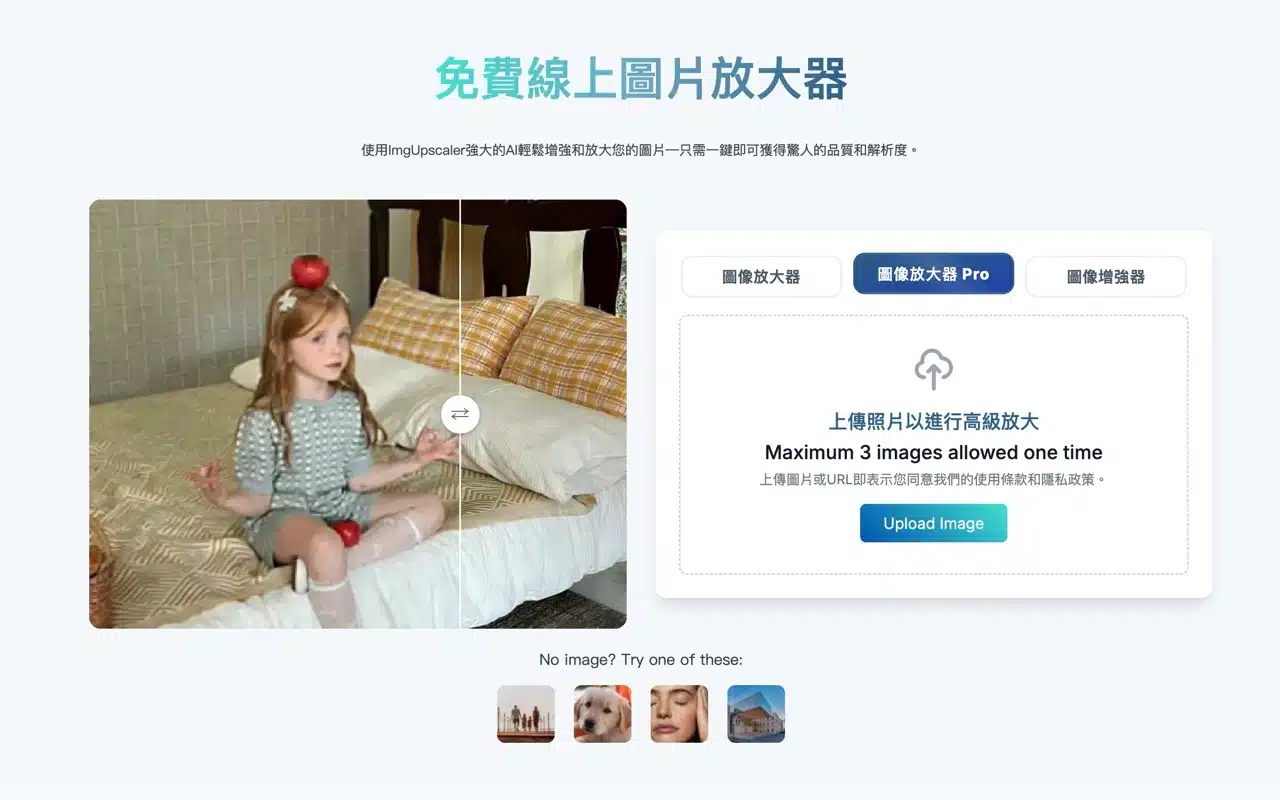
2. Select Magnification Level and Compare Results
The editor displays image resolution at the top. Switch between 4K, 8K, or 16K magnification levels in the top-right corner. Drag the center line to compare before and after processing.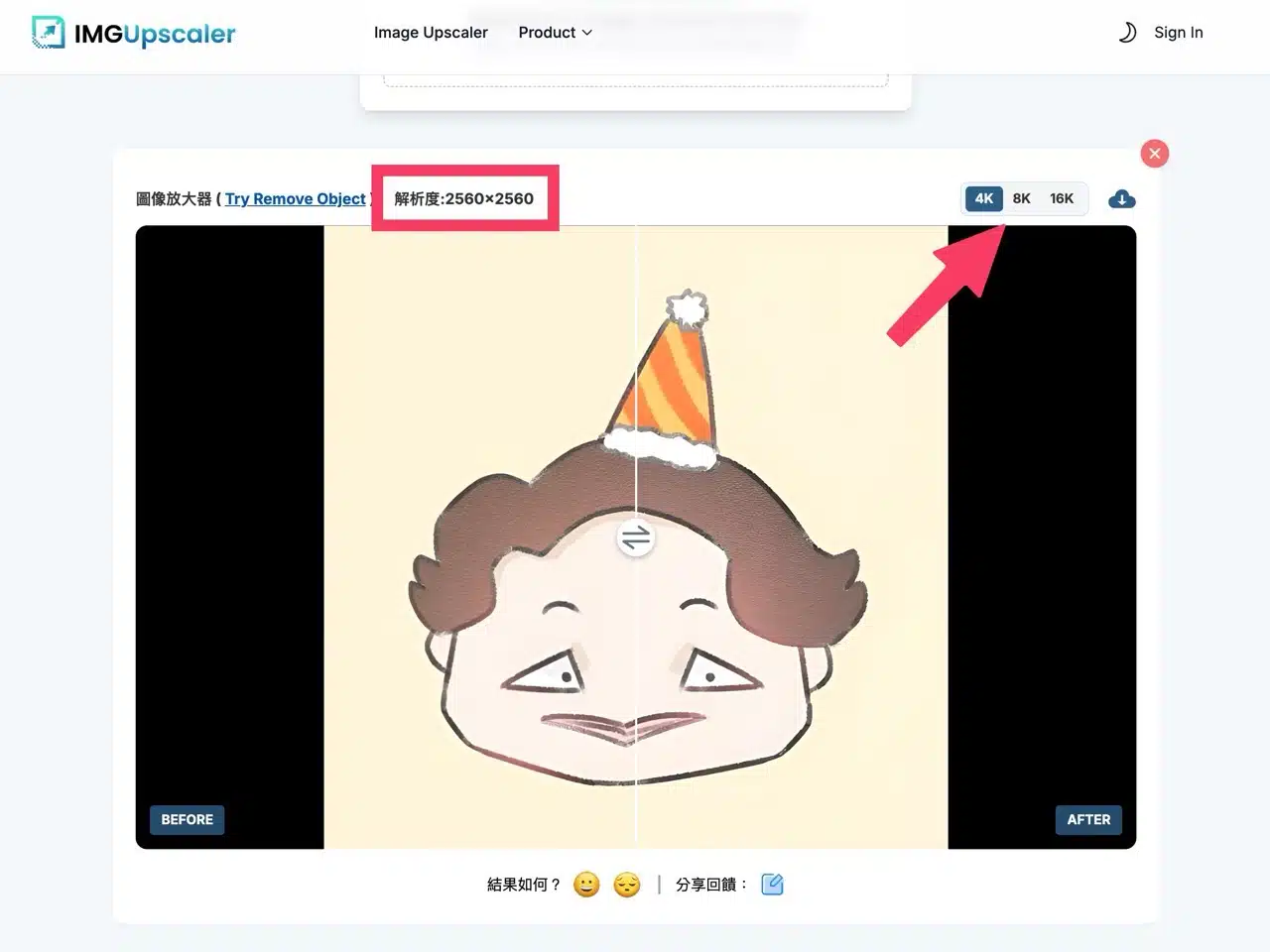
3. Download Processed Images
Finally, click “Download” in the top-right corner to save the enlarged images.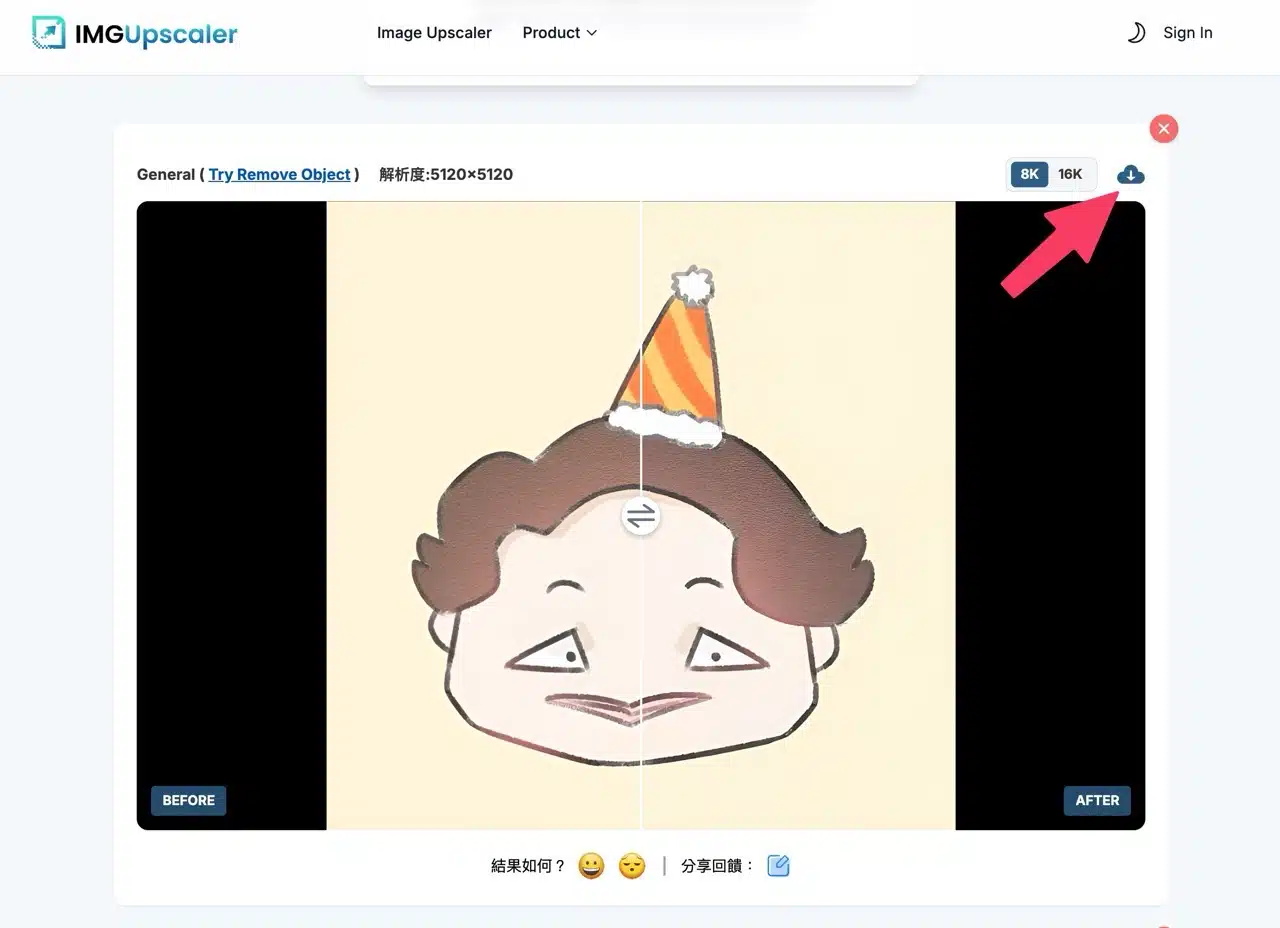
My Take
ImgUpscaler's operation is truly intuitive, and the no-registration requirement is very convenient—especially for those with occasional image enlargement needs.
If you frequently handle low-resolution photos, AI tools like this can significantly boost efficiency and results. However, I still recommend testing several different tools to find the best fit for your needs—especially when demanding maximum image fidelity. Each AI algorithm produces slightly different results, so hands-on testing is the most accurate approach.