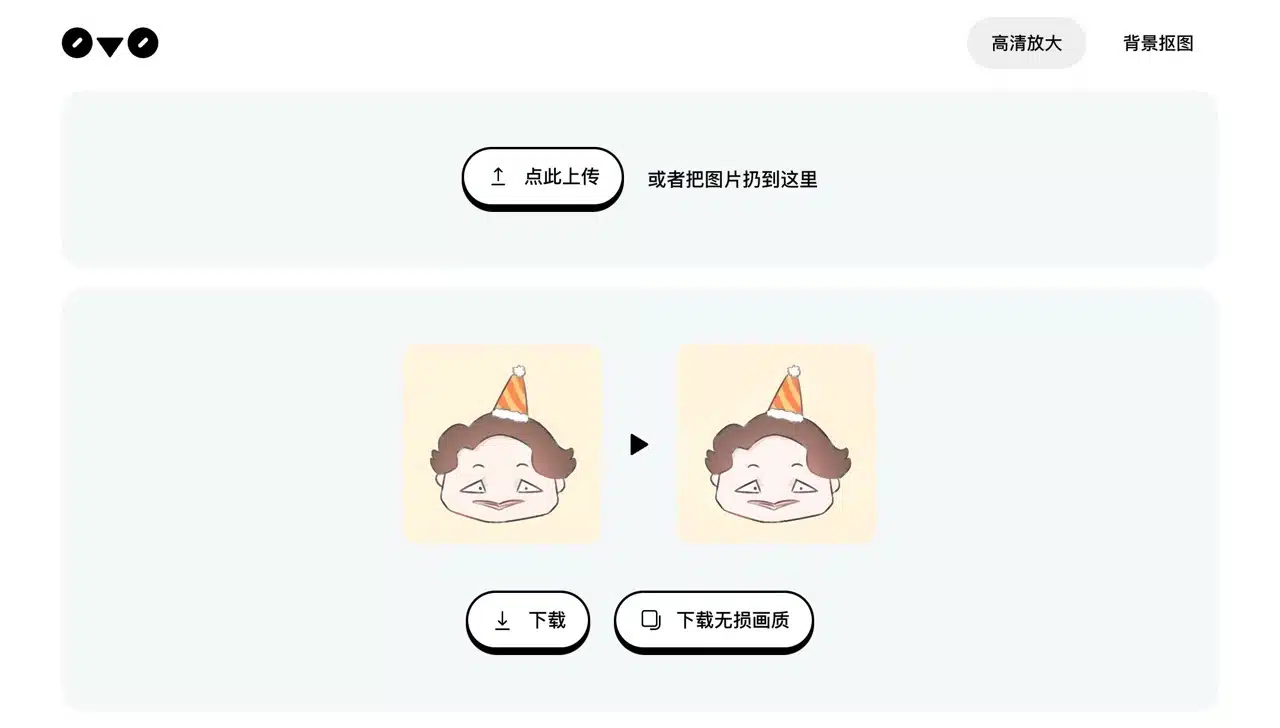
0v0.ai is a free online tool that uses AI technology for image processing, primarily offering two functions: lossless image enlargement (Upscaler) and image background removal. The operation is straightforward: simply open the webpage, upload your image, and it will be processed automatically. There are no additional settings required—the entire process is fully automated. The quality of the results may vary depending on the image uploaded by the user.
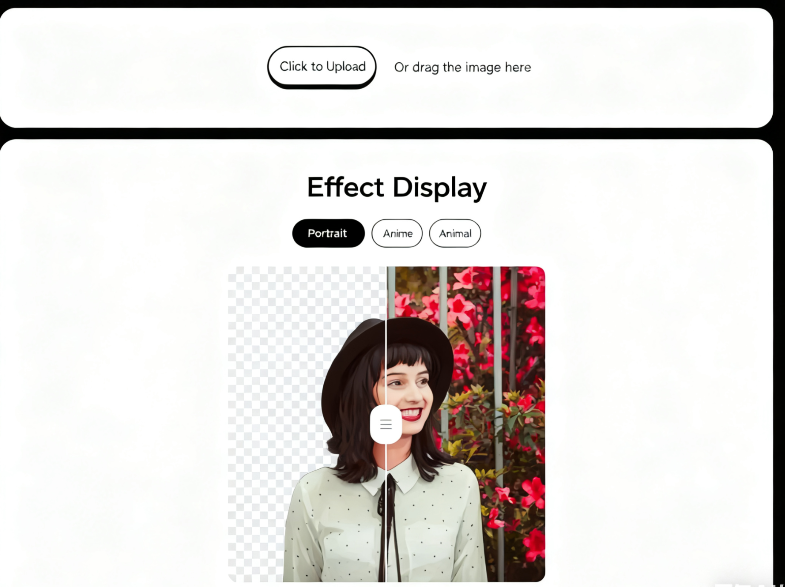
Before starting, explore the effect preview feature on 0v0.ai's homepage. The site provides pre-loaded samples across three categories: portraits, anime, and animals. The lossless upscaling function also showcases three demonstration effects. Notably, 0v0.ai offers a “mask” download option after background removal, preserving only the outline of the main subject from the original image.
User Guide
1. Upload Original Image
After opening the 0v0.ai image background removal tool, you can first preview the background removal effects for people, anime characters, or animals under “Effect Showcase.” Click the “Click to Upload” button to select the file you want to remove the background from, and it will automatically upload for processing.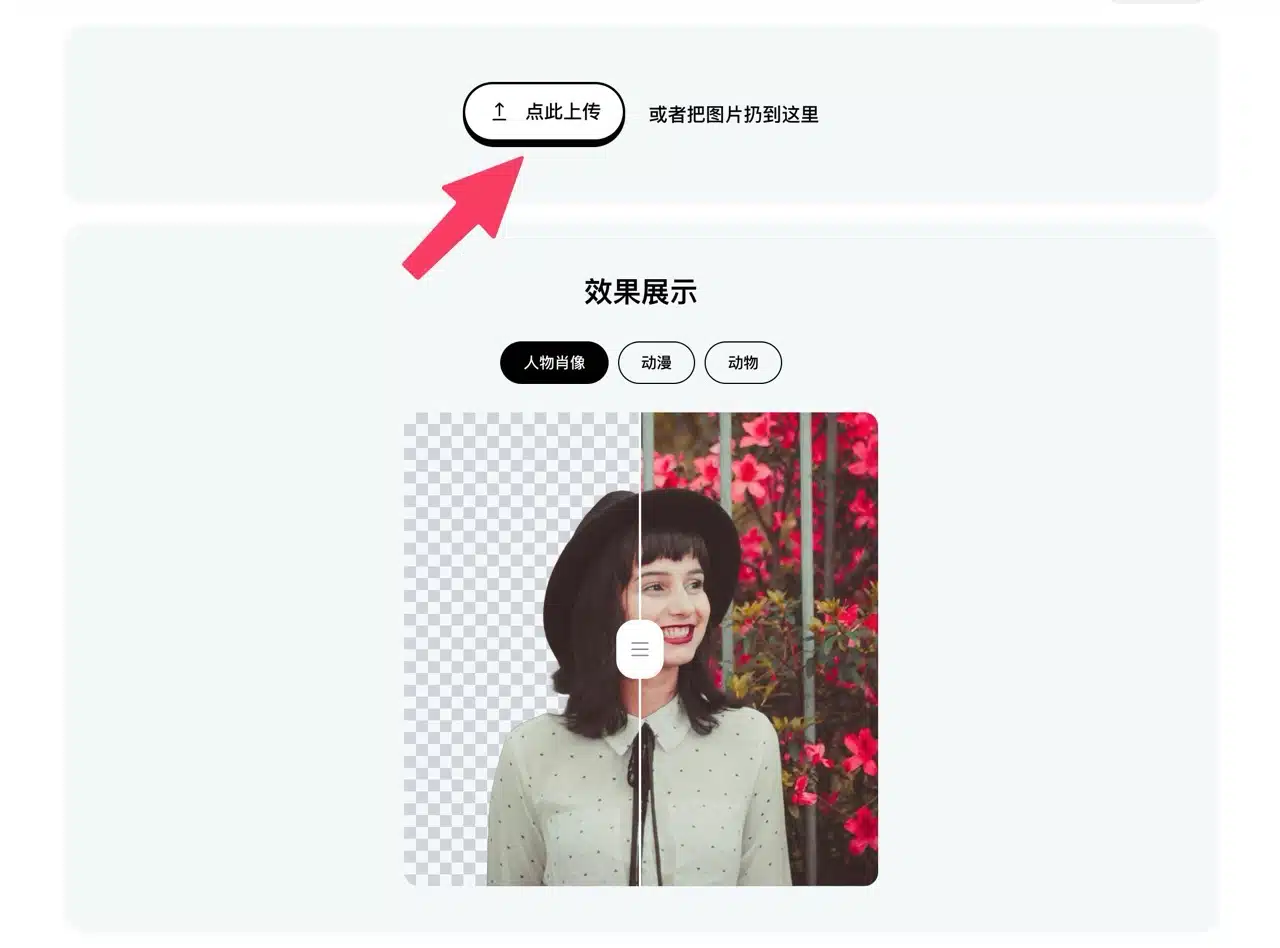
2. Download the Background-Removed Image or Mask
After processing, a preview of the edited image will appear. Click “Download” below to save it (in PNG format). If you need a mask, there's a separate download button for masks. The entire process is automated with no additional settings to adjust.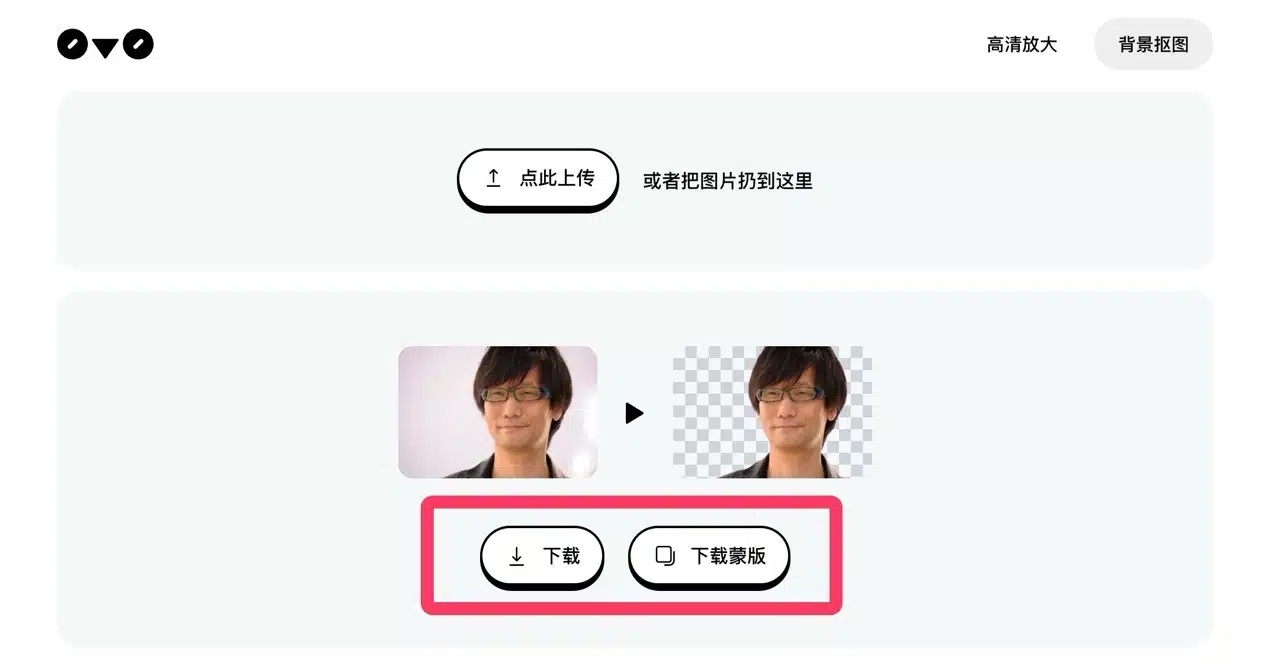
3. Lossless Image Enlargement
Locate “HD Enlargement” in the top-right corner to switch to the image enlargement tool. This feature primarily increases the resolution of low-resolution images without compromising the original image quality. Again, click “Click Here to Upload” and select the image file to enlarge.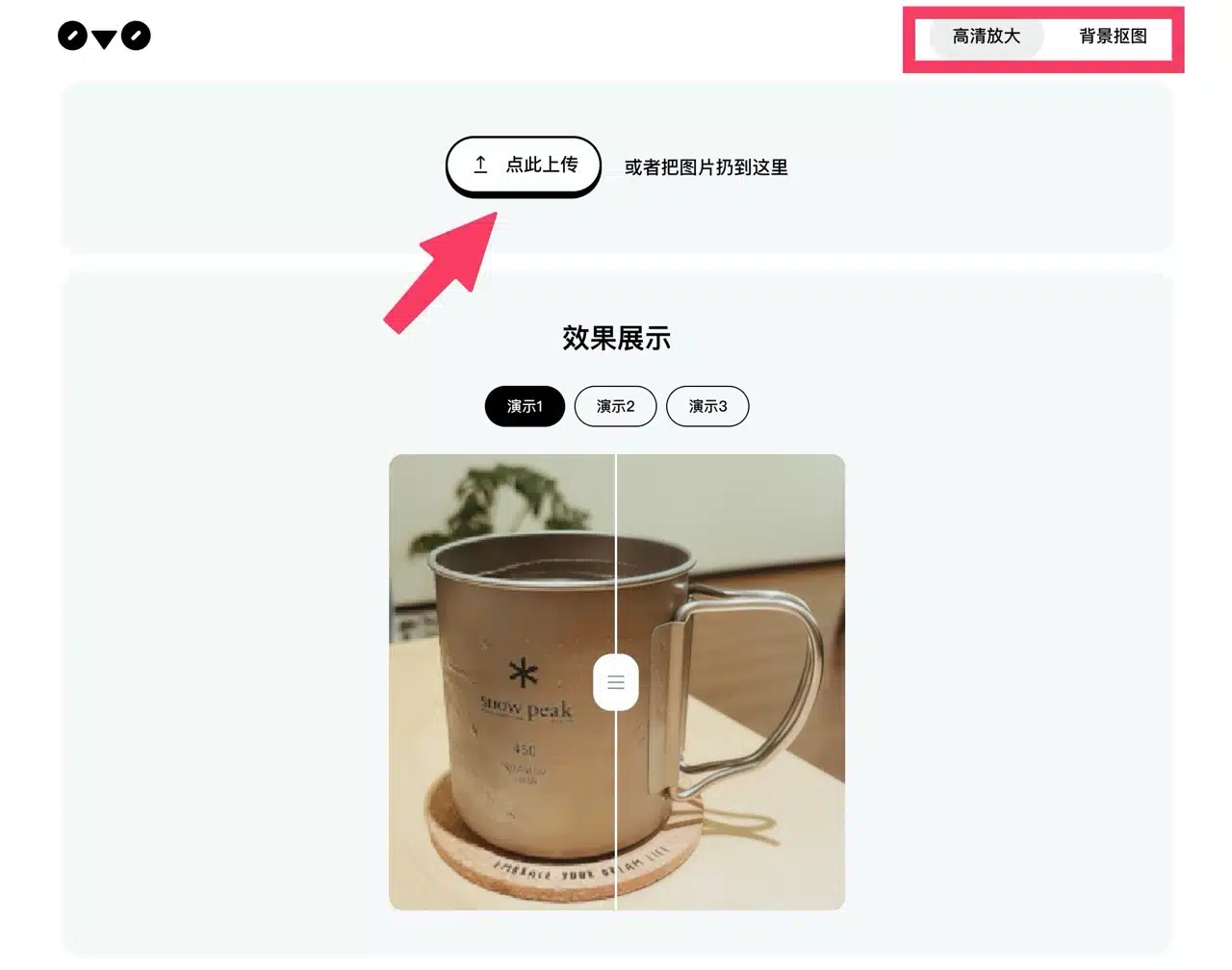 Image enlargement requires processing time, so remember to keep the webpage open.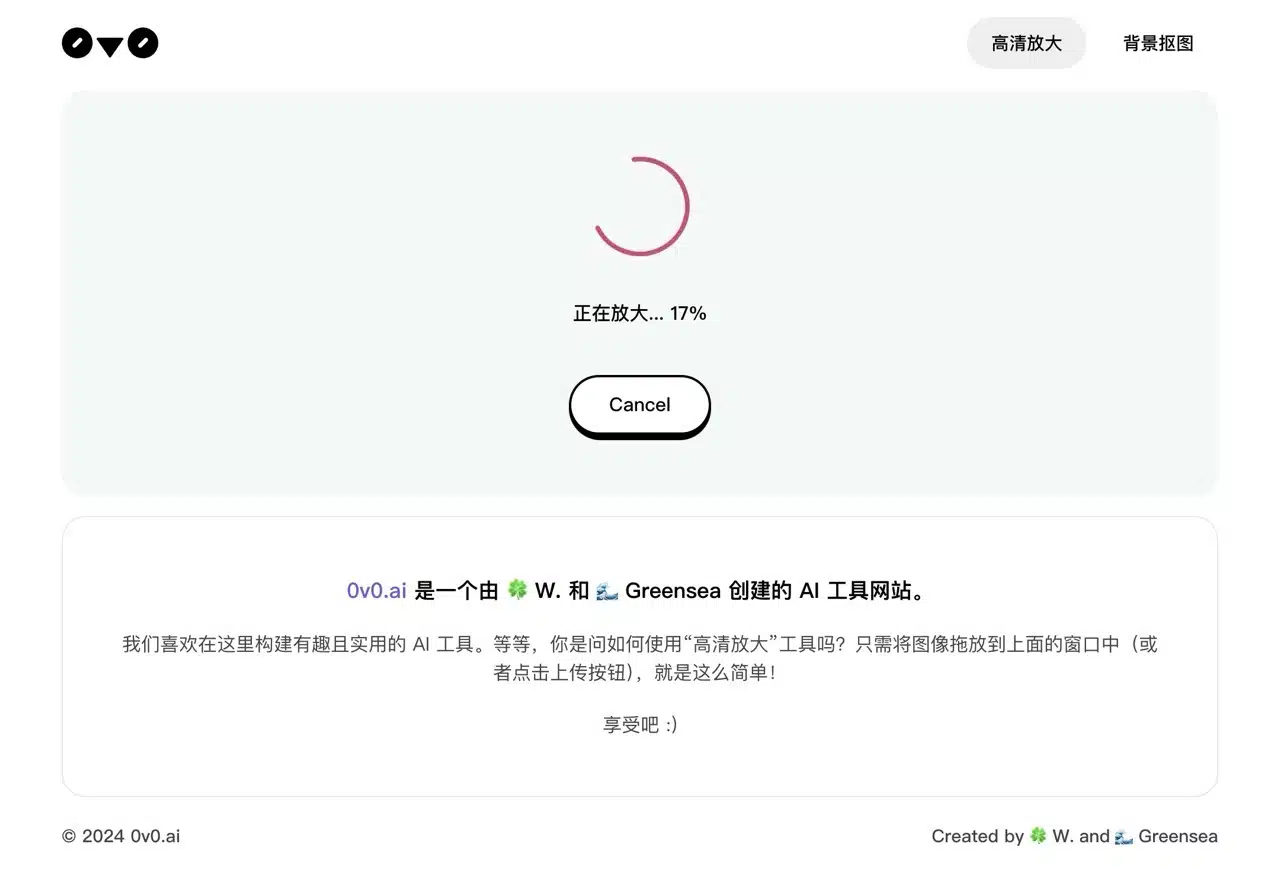
4. Download the enhanced resolution image
The enlarged result will be displayed. Click “Download” to obtain the image with improved resolution.