The Free Resources Network Community has introduced numerous online background removal tools. Utilizing various AI and algorithms, these tools can swiftly remove photo backgrounds in mere seconds, retaining only the subject—be it people, products, animals, vehicles, or any graphic. Compared to the past when professional editing software was required, today's background removal services significantly save users time and may even handle details more effectively.
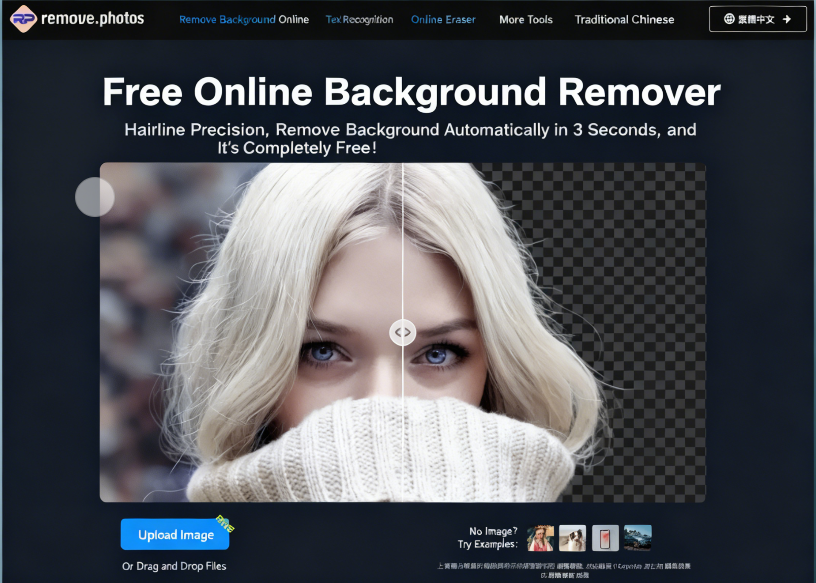
This article recommends “Remove.photos,” a remarkably powerful free online image background removal tool. It automatically removes backgrounds after uploading an image, completing the entire process in just about three seconds. Not only is it fully automated, but it's also completely free! This service requires no registration or account login, and there are no hidden payment mechanisms to unlock features. All you need to do is open your browser, select the photo you want to remove the background from, and the tool will handle the rest automatically.
The editor also allows quick background replacement—such as changing the background to a solid color or customizing it after removal—and applying various filter effects. The processed photos can be used anywhere, including artworks, advertising banners, presentations, or product introductions. This service also offers AI-integrated text recognition (OCR), removal of specific objects from images, and various photo editing features.
User Guide
1. Access the Website and Select Language
First, open the Remove.photos website and switch languages in the top-right corner. A Traditional Chinese interface is currently available.
The site offers sample background removal examples for people, products, animals, vehicles, and graphics. If you don't have an image ready, locate the test sample image in the bottom-right corner of the upload function and directly import it into Remove.photos for testing.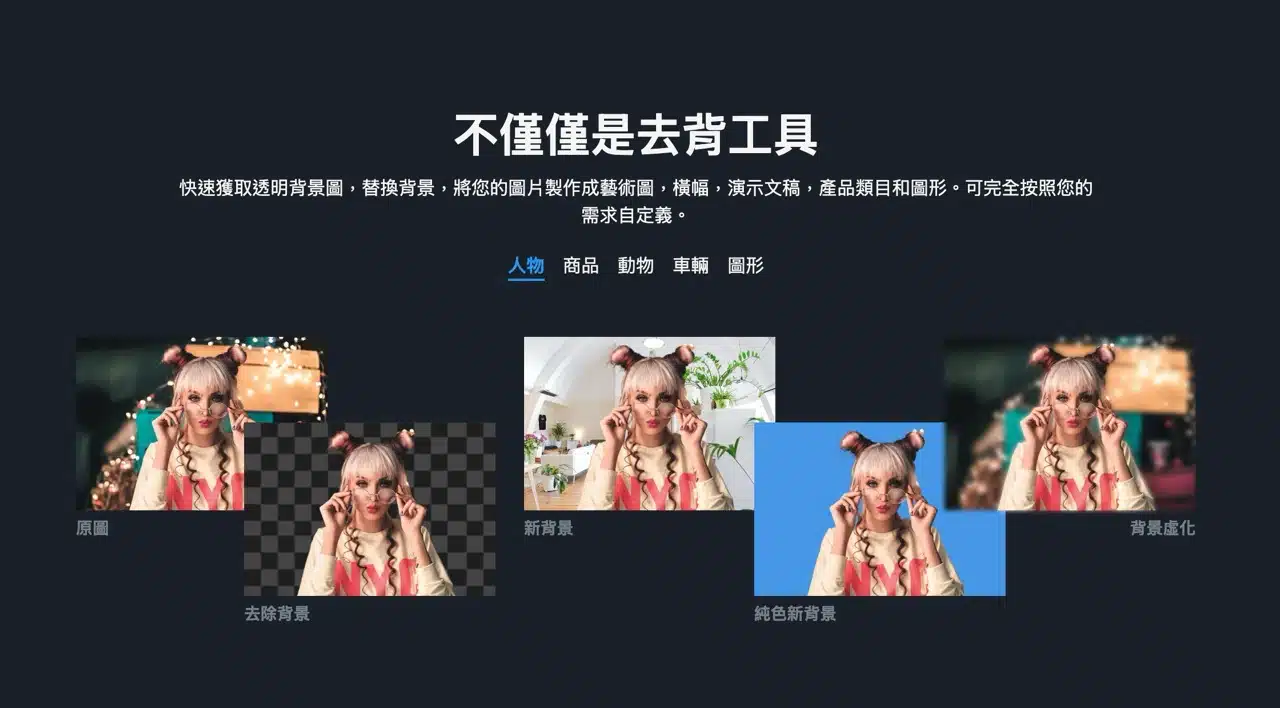
2. Upload Image, Automatic Background Removal
Click “Upload Image” in the bottom-left corner or drag and drop your image file onto the webpage.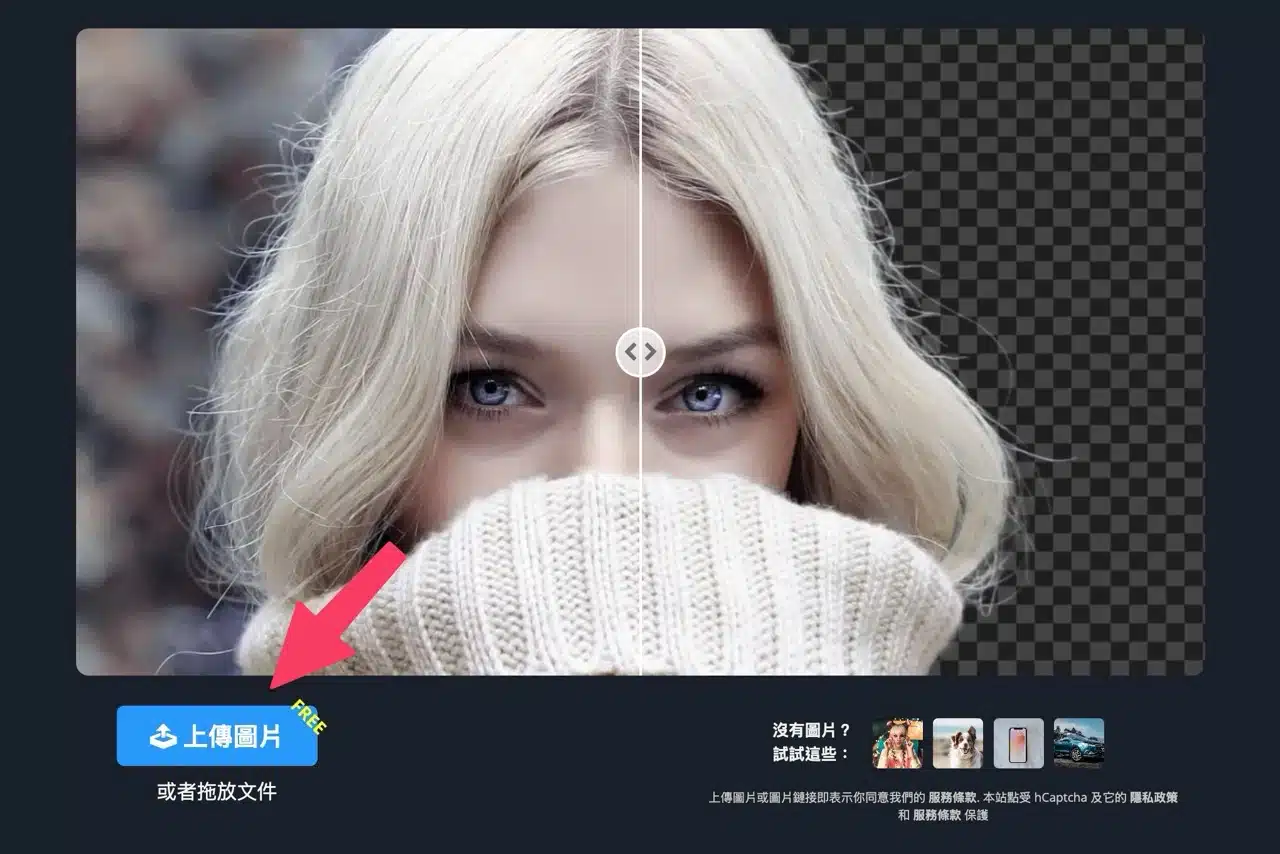 After uploading, processing will begin automatically with no additional settings required. The background removal result will display directly on the webpage. You can also select different models from the right side. Feel free to click and try them out—some models may produce better results (though quality ultimately depends on the uploaded image; certain details may not be removed with perfect precision).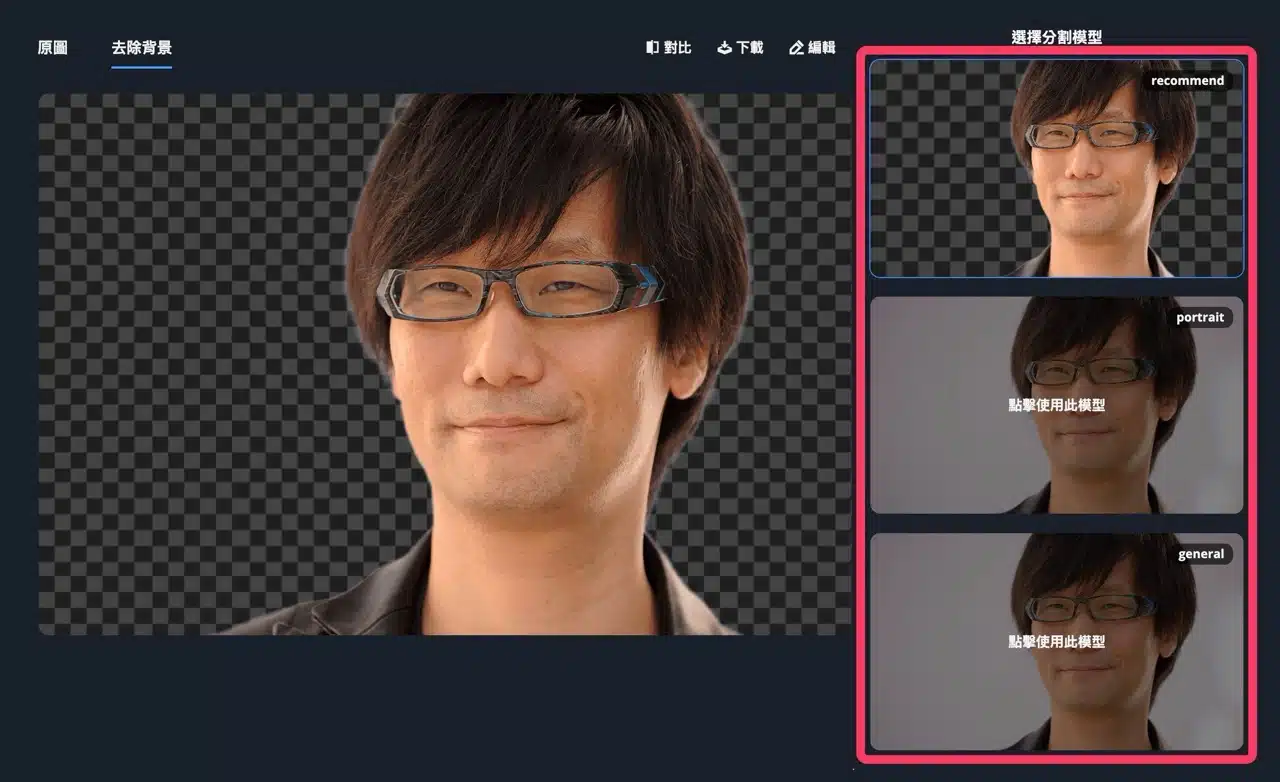
3. Compare Before and After Edits
Click “Compare” at the top to enable side-by-side viewing of the original and background-removed images. Drag the center axis to preview the editing effect. If satisfied, simply click “Download” above to save the background-removed image.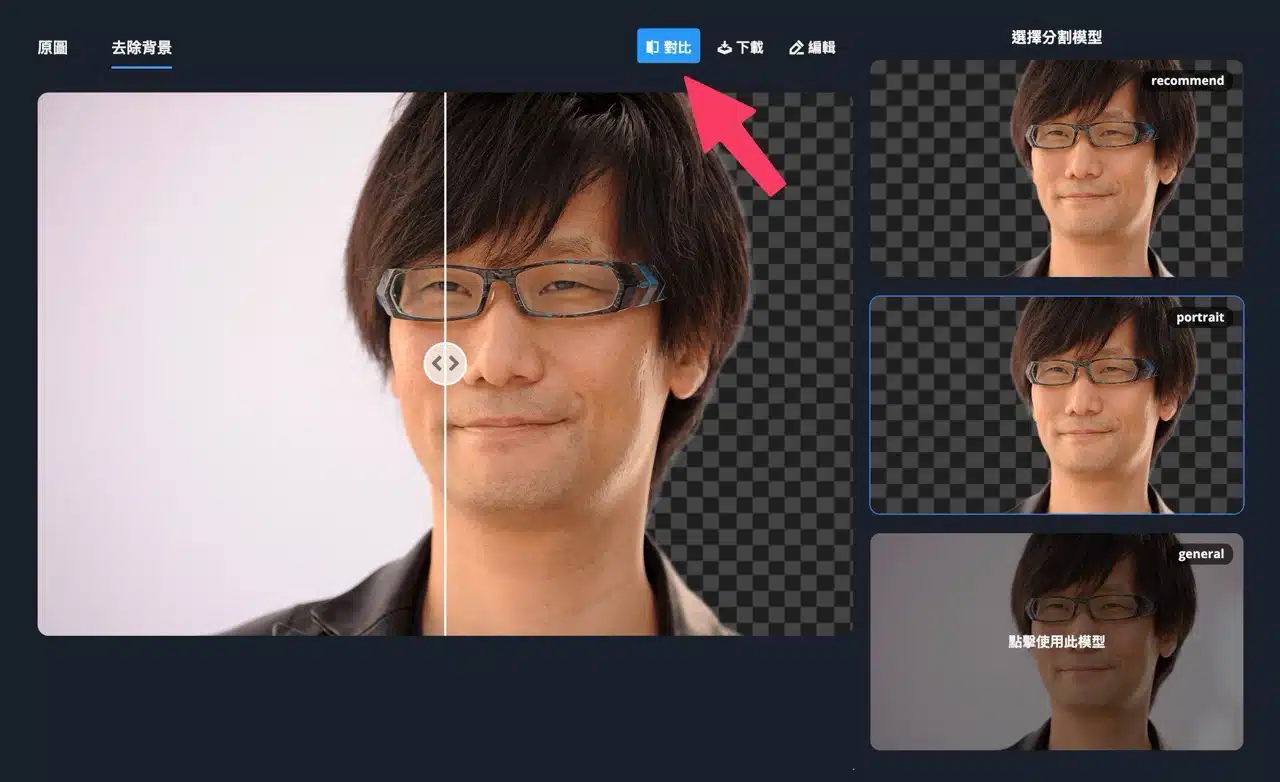
4. Advanced editing allows background replacement
Remove.photos also features an “Edit” function that lets you replace the image background with another photo or solid color. A particularly useful feature is the ability to apply blur effects to the background—it's incredibly handy! While this is often a paid feature in other services or apps, it's available here for free. APP Recommendation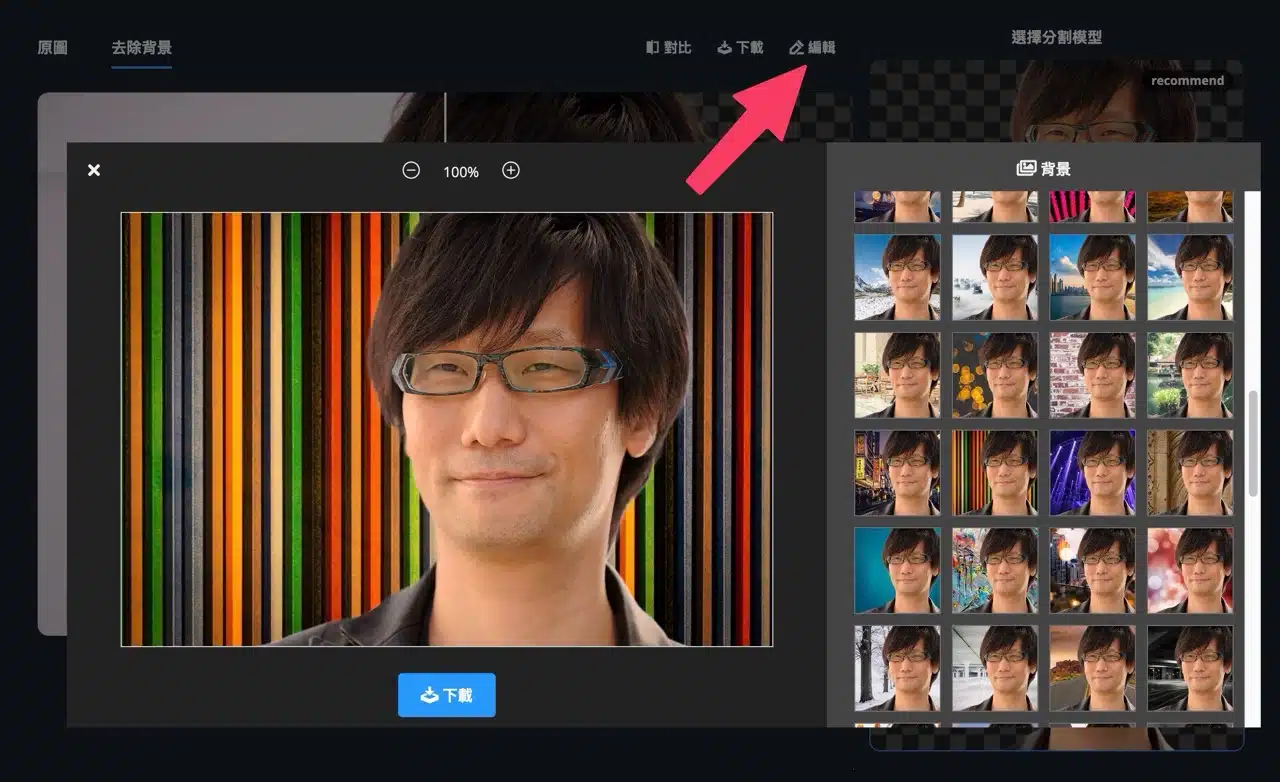
5. Download High-Resolution Images
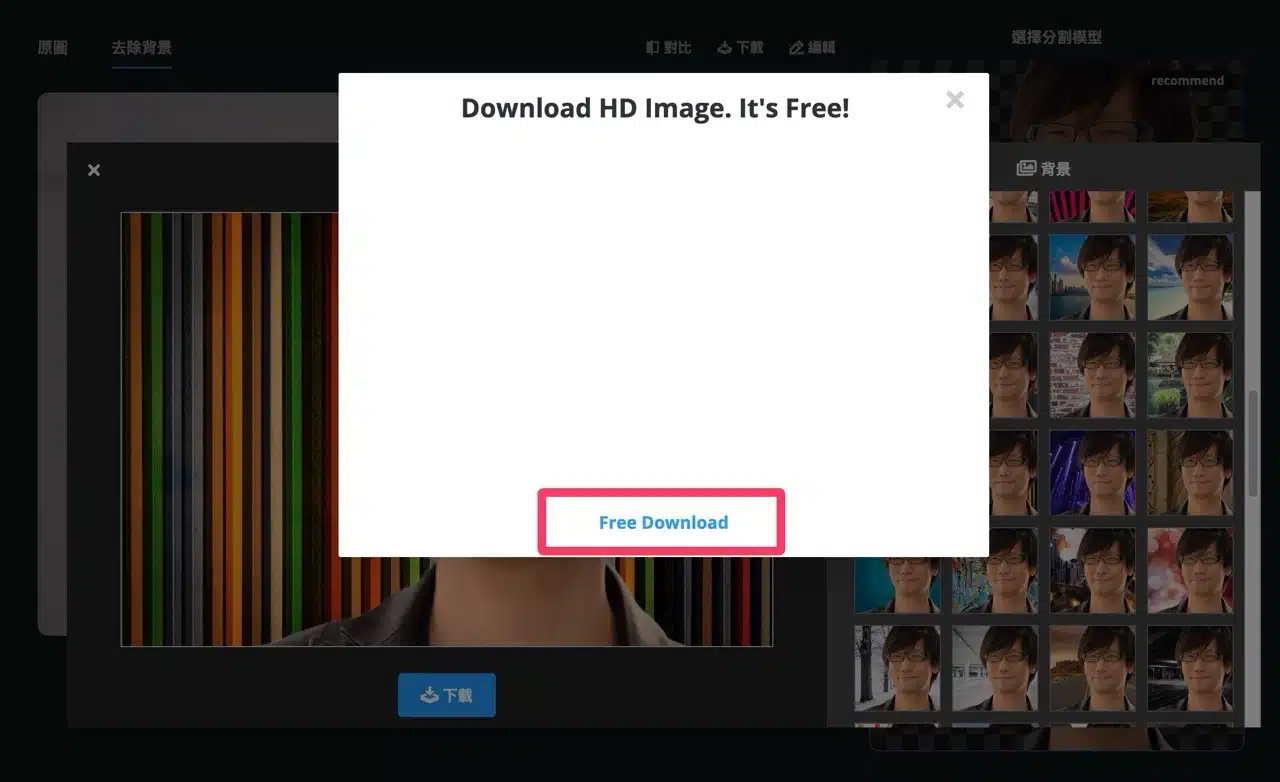
After clicking “Download Image,” Remove.photos requires some processing time. The service proudly states that even downloading HD high-resolution photos is completely free!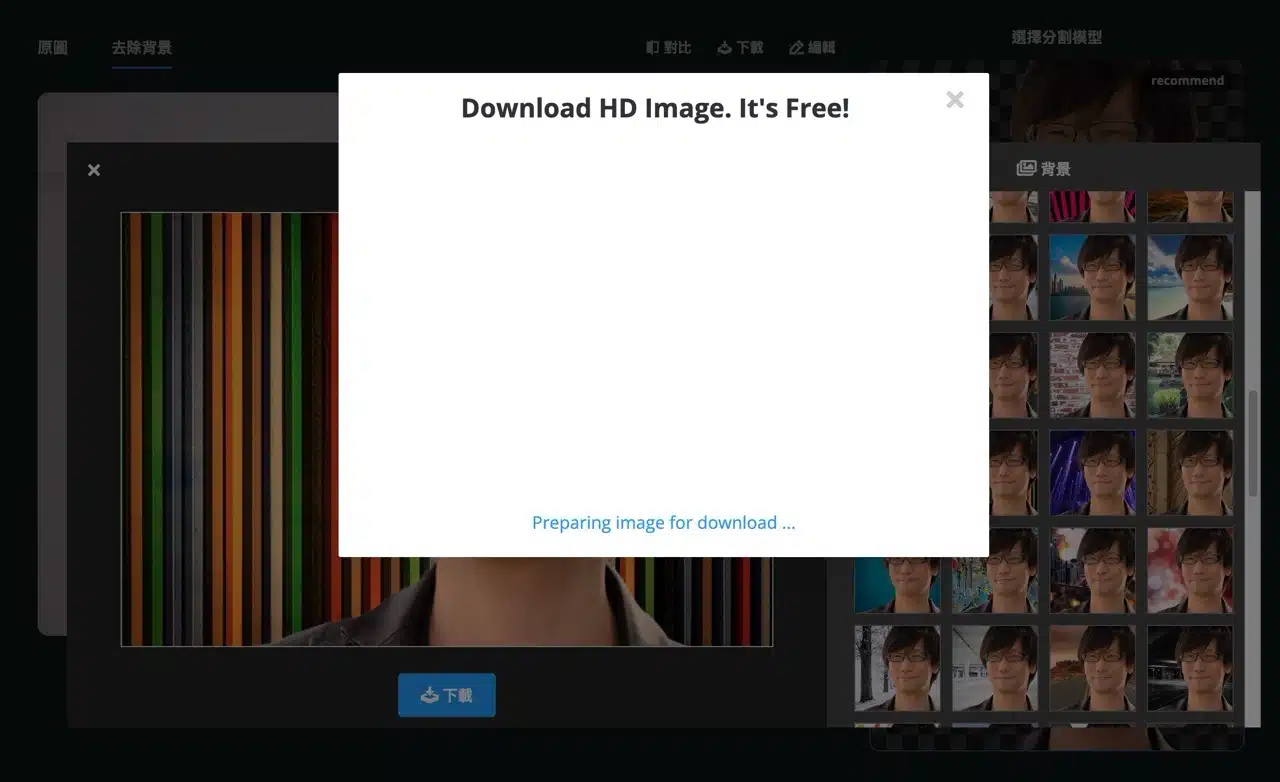
Once processing completes, click “Free Download” to download the edited image at no cost.