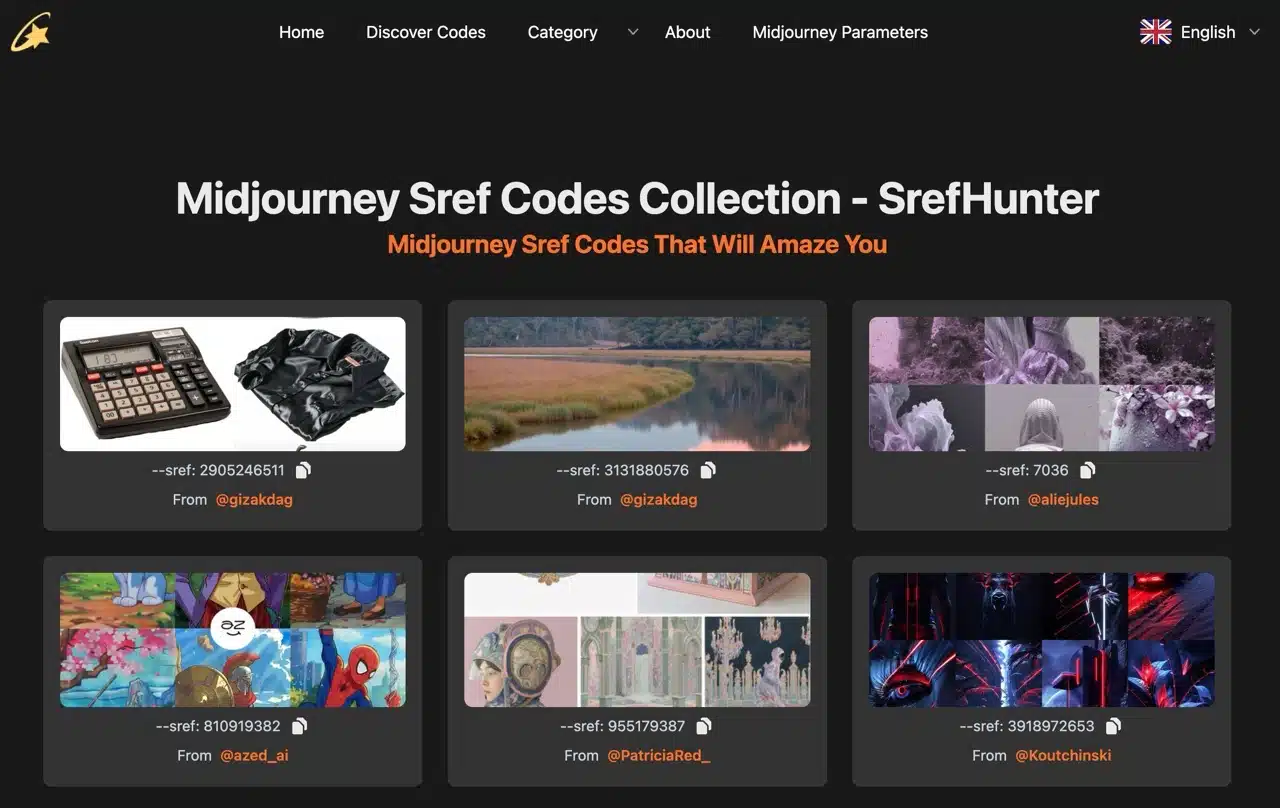
The powerful AI image generator “Midjourney” is likely familiar to many—even if you haven't used it, you've probably heard of it! This service lets users input image descriptions to quickly generate various pictures, with parameters for detailed adjustments. You can search the online prompt library for examples created by others, modify them to match your desired description, and generate similar images.
But now, there's no need for all that hassle. Earlier this year, Midjourney introduced its new “Style References” feature. Users can specify one or more images, input the command (–sref), and generate images with the same style but different content. All you need to do is search the reference style database. Social media platforms have plenty of examples shared by international users, though these resources are scattered across the web.
This article introduces “SrefHunter,” a Midjourney Sref code collection website that aggregates style codes shared by users across various social media platforms. Simply find an image style you like on the site, copy its style reference number with one click, and use Midjourney to generate images in that specific style! The entire process is incredibly straightforward. If you regularly use Midjourney for image generation in your work, SrefHunter is an excellent resource for finding these style codes. The developers also include links to the original creators for each collected code. The site updates weekly and, at the time of writing, has already gathered over 900 codes.
User Guide
STEP 1
After opening the SrefHunter website, first switch the language to “Chinese” in the top-right corner. The homepage will then display numerous images collected from social media.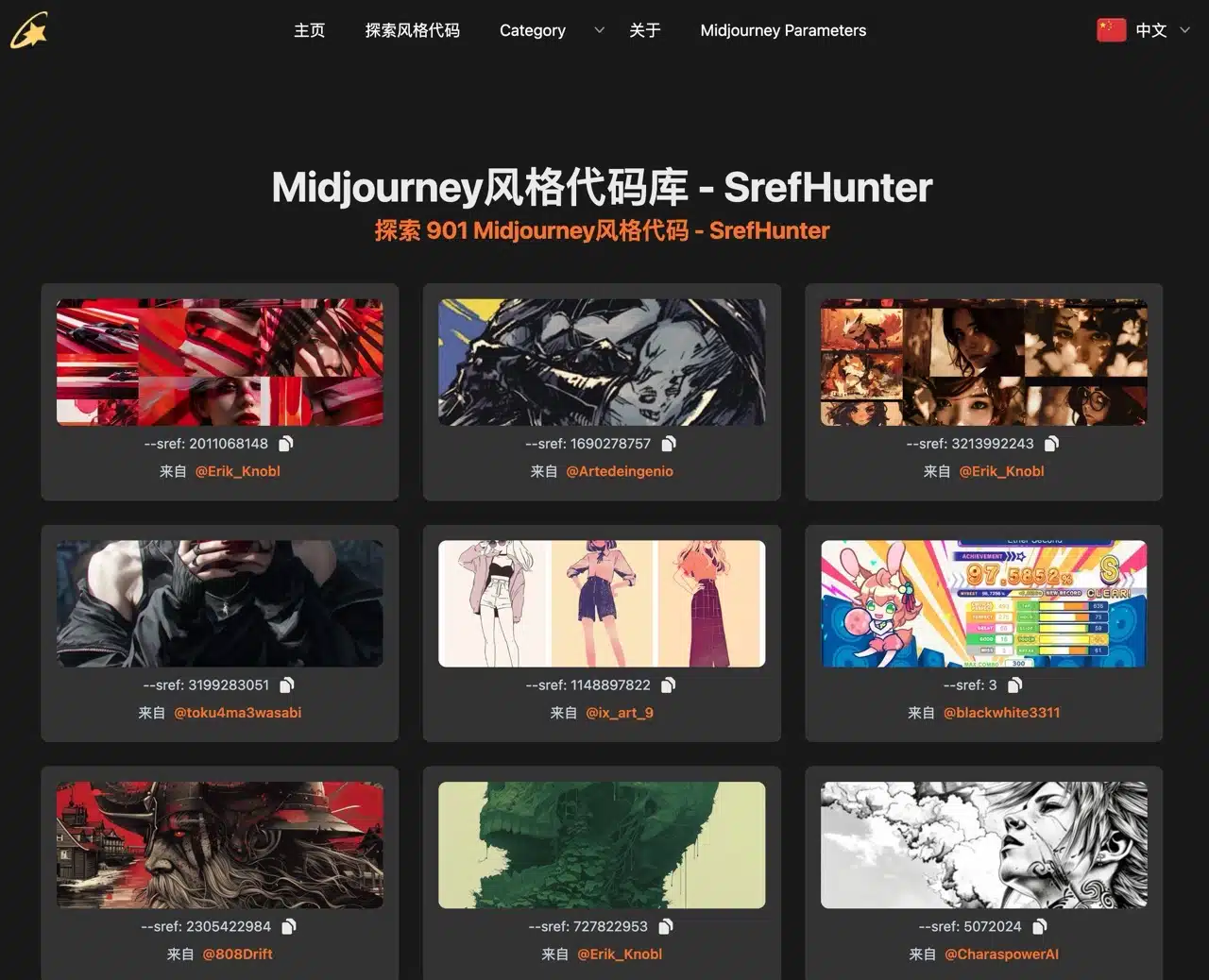
STEP 2
You can also use the “Categories” menu at the top to directly browse specific image styles, including illustration, watercolor, photography, 3D, sketch, Japanese anime, fantasy, technology, vector graphics, landscapes, or paintings.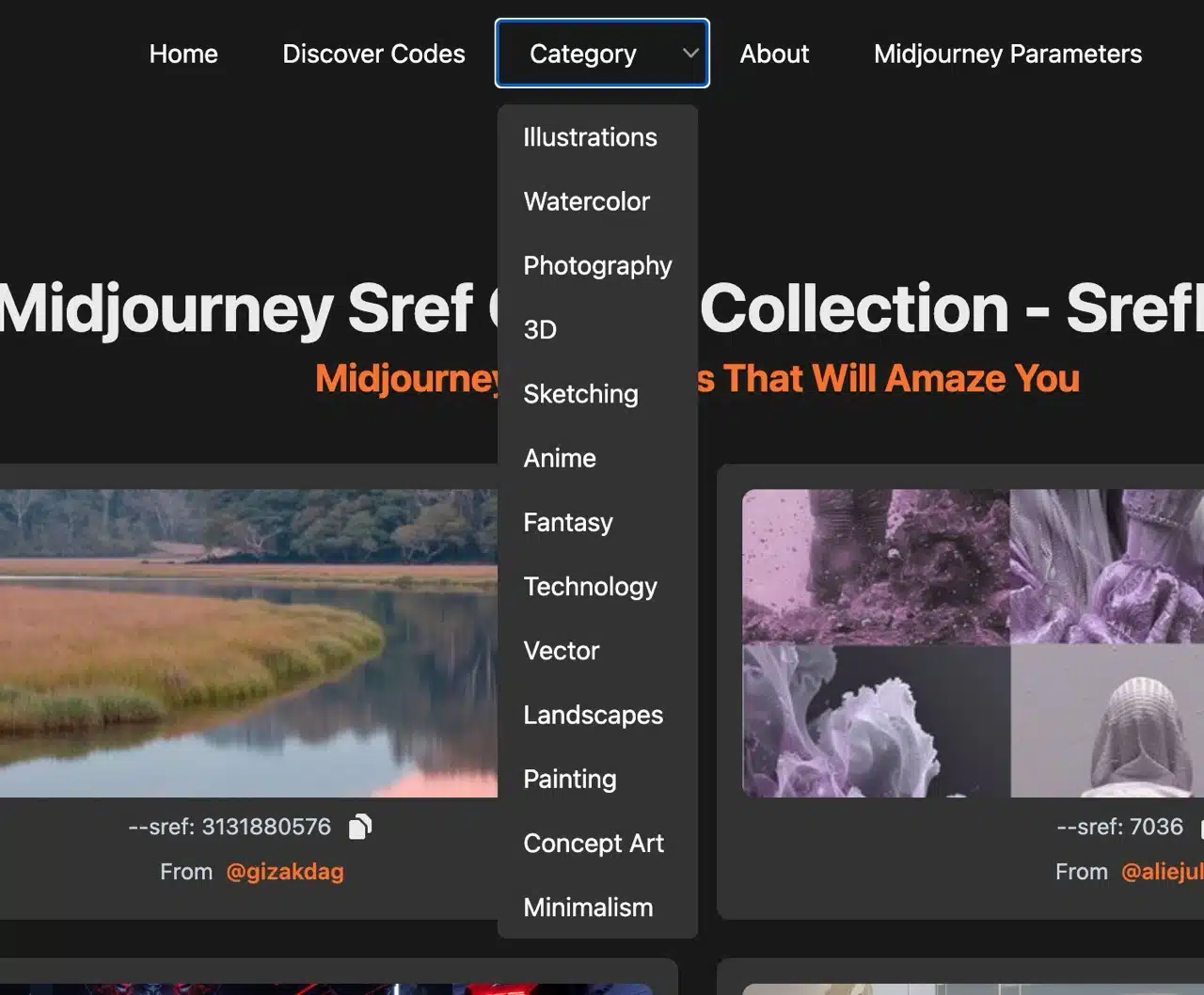
STEP 3
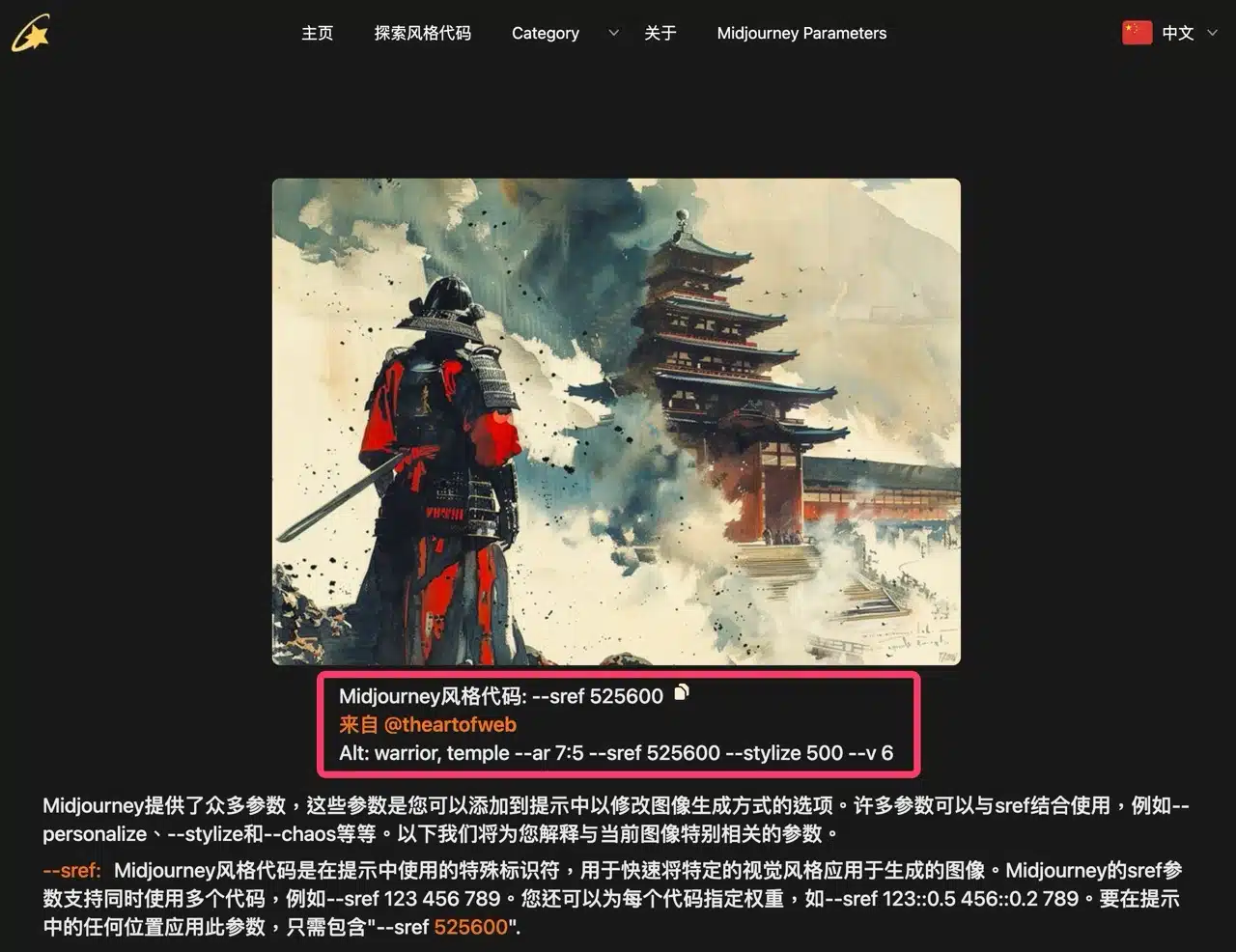
After entering a specific category, SrefHunter will display relevant images. The most crucial style code is the string of randomly generated numbers following “–sref” in the image description. 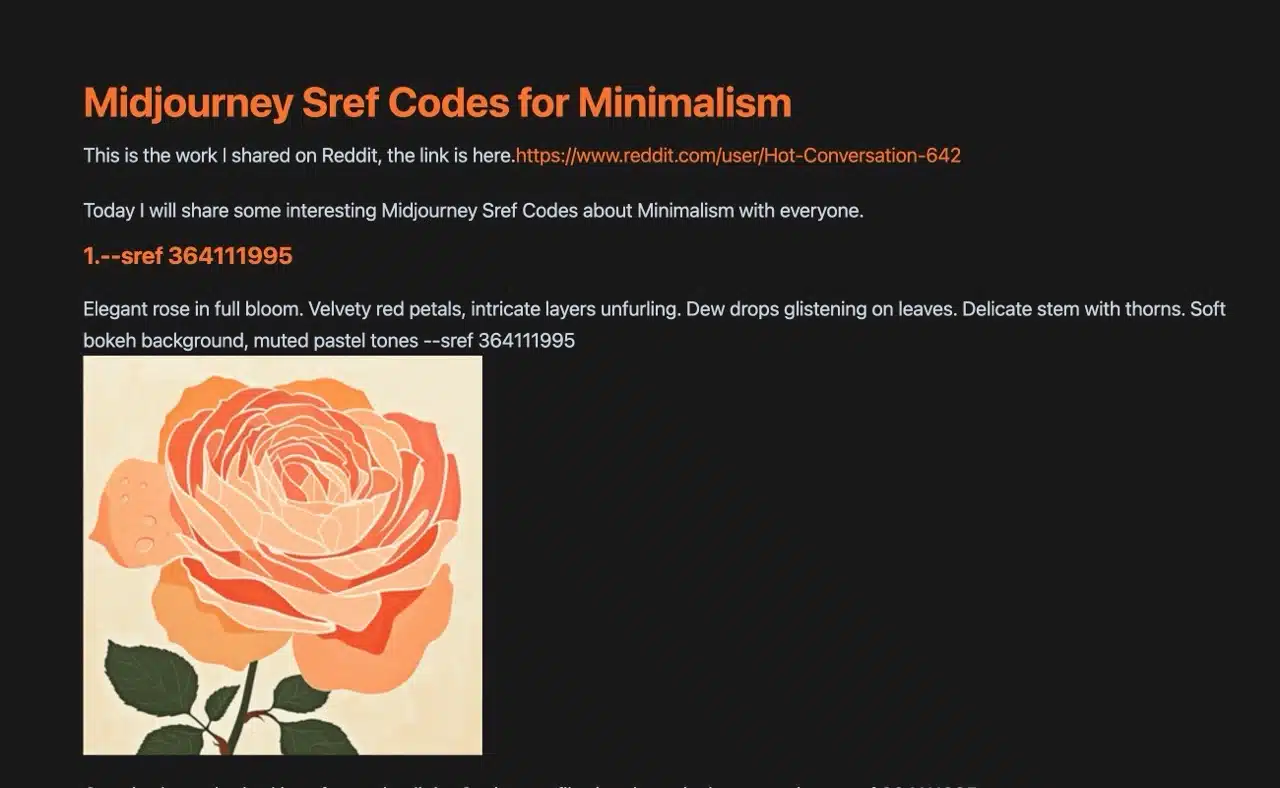 If you click on an example image from SrefHunter's collection, each image will display its style code and prompt below. You can incorporate this style reference command into your Midjourney image generation, combining it with descriptions or related prompts to create images sharing the same style but featuring different content.