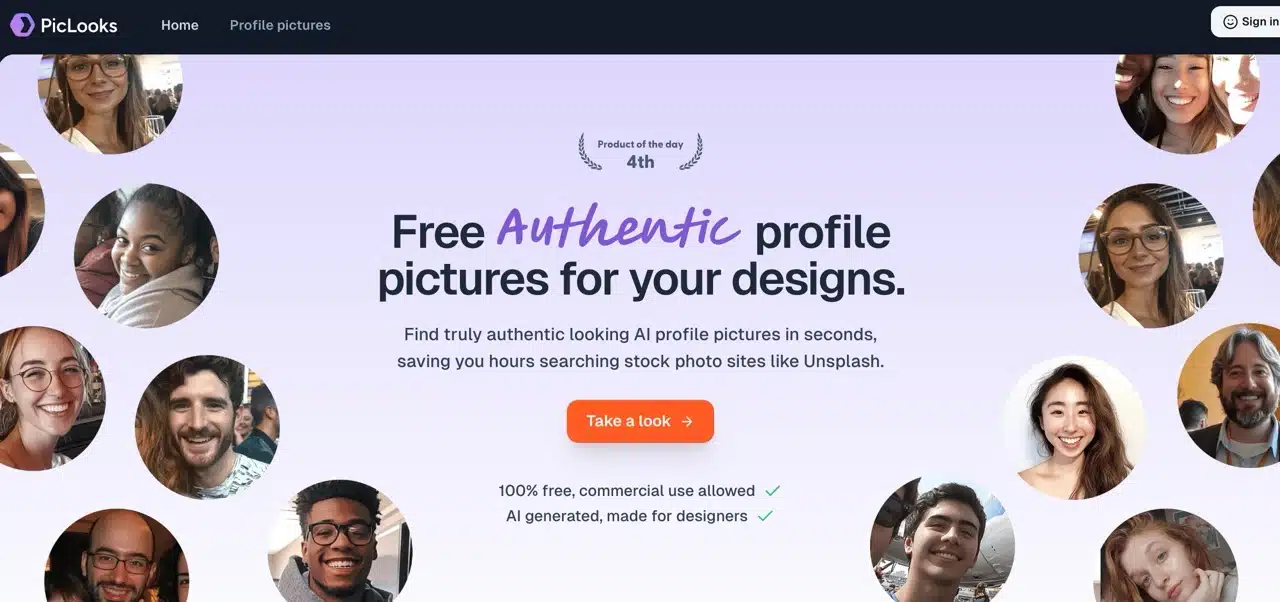
 Overseas UI/UX designers face a common challenge in their work: spending excessive time searching for suitable profile photos. Most free stock libraries offer overly artificial and polished portraits lacking authenticity, yet using random online avatars isn't feasible. A better solution is leveraging AI to generate these images, resulting in more natural-looking designs for development. 100% suitable for both commercial and non-commercial use.
This article introduces “PicLooks,” a free AI-generated personal avatar library. The website offers a variety of portrait photos that can be downloaded and used for any purpose—whether designing interfaces or social media marketing. Simply find a photo in the library, download it, and start using it.
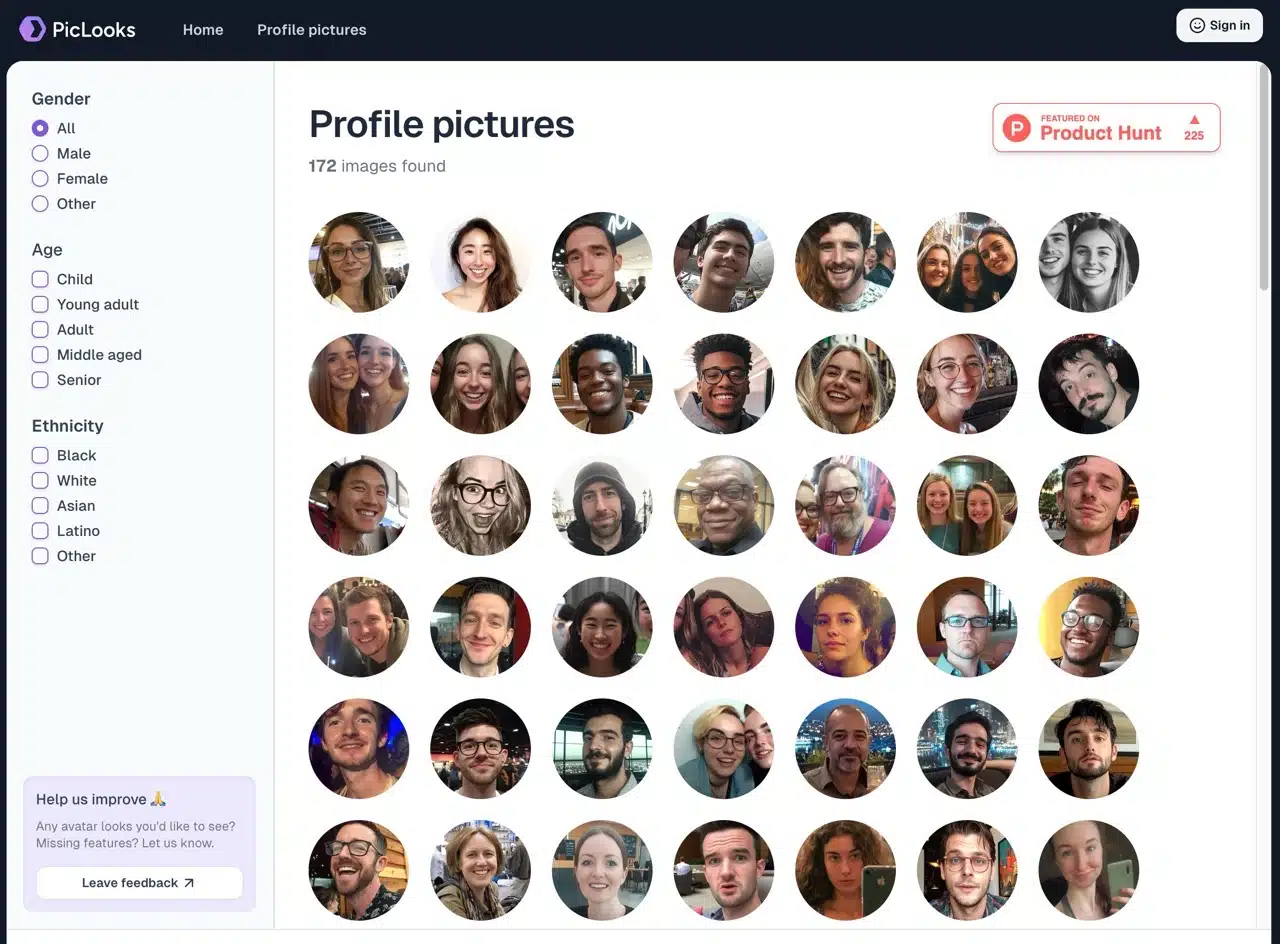
PicLooks offers filtering options, allowing users to customize displayed portraits by gender, age, and ethnicity. While the current photo collection is modest, more images and options will be added in the future, potentially evolving into an AI portrait generator.
This service generates photos using Midjourney v6.1. Previously, we introduced similar free services:
100,000 Faces: AI-generated library of “non-existent faces” suitable for commercial use
UnrealPerson: Free AI tool for generating hyper-realistic human faces, cats, horses, art, and beach photos
Generated Humans: AI-generated hyper-realistic full-body photos with 100,000 free sample downloads available
User Guide
1. Access the PicLooks Profile Pictures Gallery Page
After opening the PicLooks website, click “Take a look” on the homepage or select “Profile Pictures” at the top to enter the gallery page.
2. Set Display Criteria Using Filters
The photo count isn't overwhelming (172 at the time of writing). Use the filters in the left column to adjust gender, age, and ethnicity to display different profile pictures.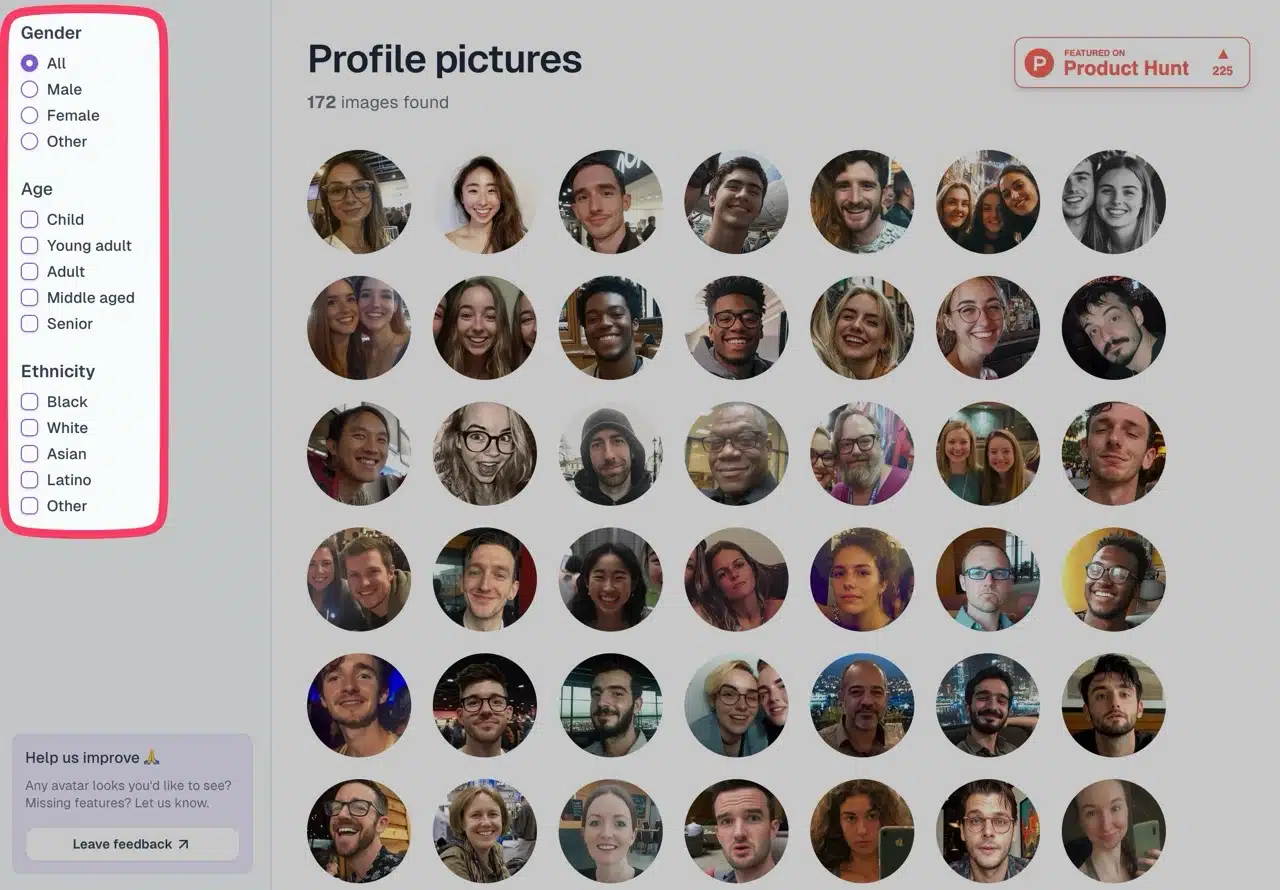
3. Log in before downloading images
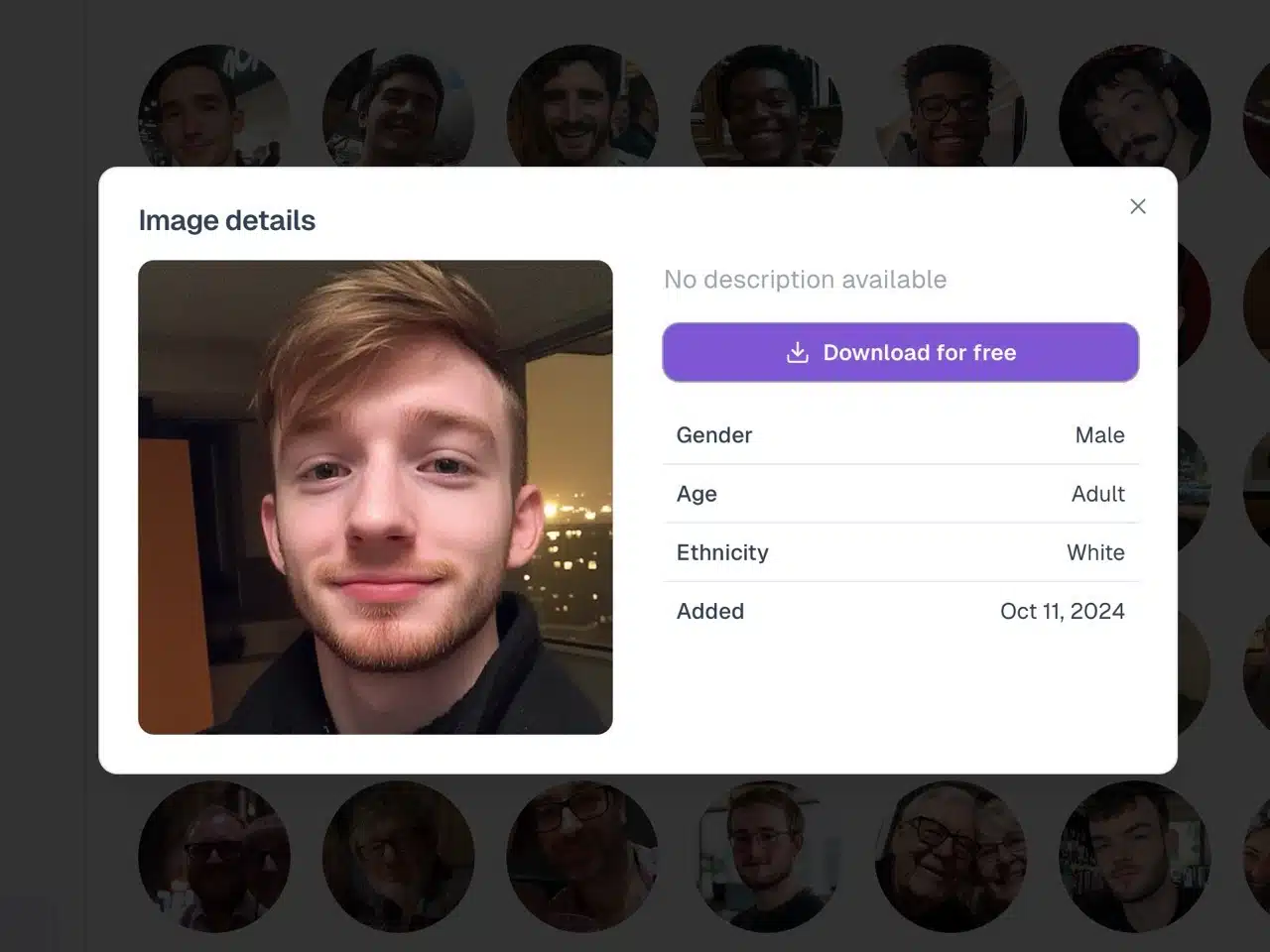
Clicking a photo displays a larger preview along with its gender, age, ethnicity, and creation date. Select “Free Download” to obtain the image (first-time users must log in).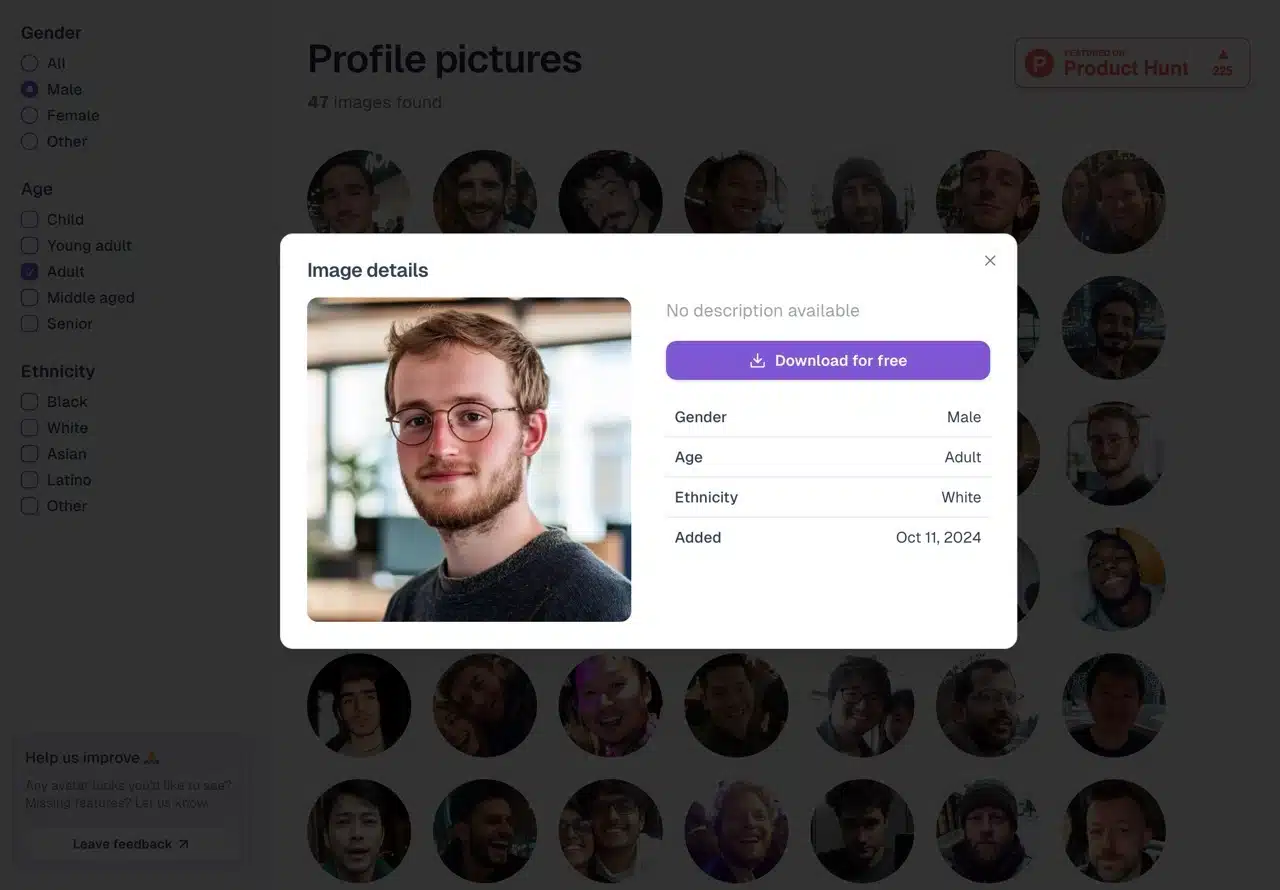
Click “Sign in” in the top-right corner to access the login function. Simply log in using your Google account to complete the process.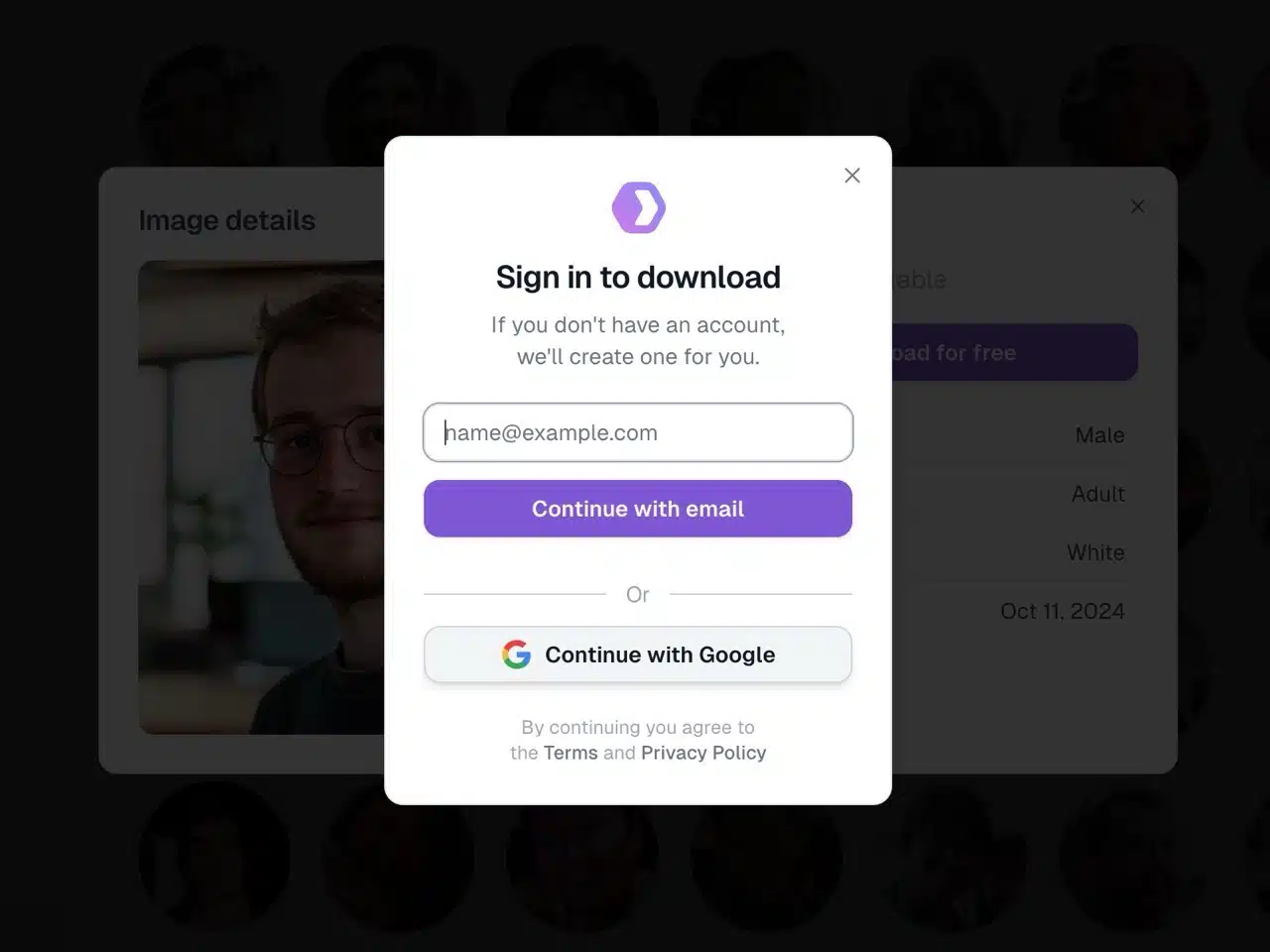
4. Obtaining the Image
After logging in, return to the photo page and click “Download for free.” The image size is 800×800 pixels in JPG format. It can be freely used for personal and commercial purposes without needing PicLooks authorization or attribution.