
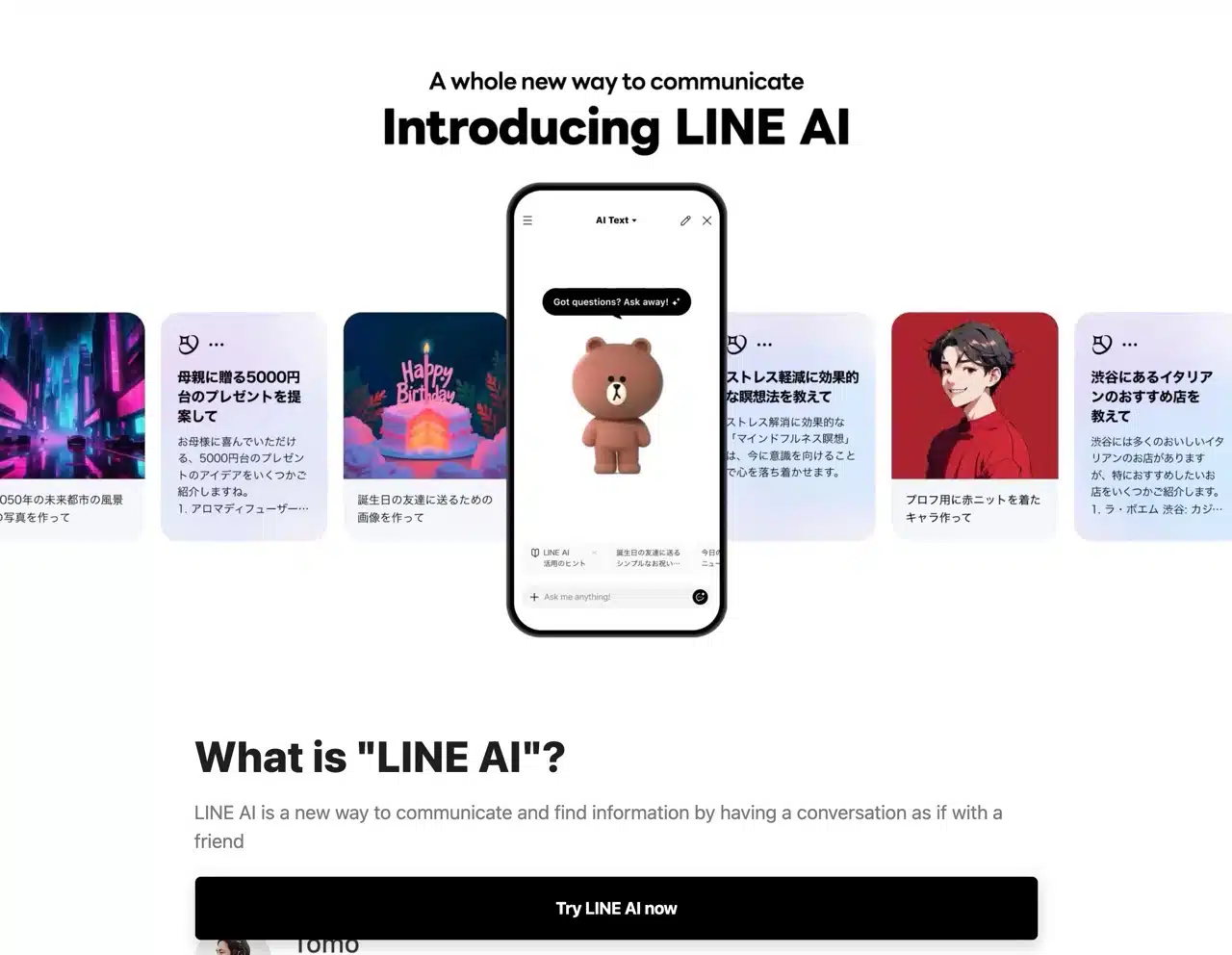
LINE Japan has launched its new “LINE AI” service, directly integrating generative AI into the LINE app. Users can interact through chat conversations, such as asking questions, searching for information, and generating images. Additionally, the “LINE AI Talk Suggest” feature uses AI to assist users by suggesting replies and stickers during conversations, and can also convert input text into specific styles. The latter is currently only available in the Japanese version. APP RECOMMENDATION
Although “LINE AI” is not yet built into the Taiwanese LINE app, users can access it early by scanning the QR code on the LINE AI official website. According to the instructions, this feature utilizes OpenAI technology, specifically integrating with the ChatGPT API. Consequently, daily usage is limited per person. Furthermore, it is prohibited to use LINE AI to generate content that infringes upon others' rights, nor can such content be publicly shared, resold, or distributed without permission.
While many online services and apps now integrate AI features, training and developing large language models (LLMs) remains highly resource-intensive. Most opt to integrate third-party generative AI services, customizing settings as needed.
User Guide
1. Enable LINE AI Feature
After opening the LINE AI official website, click the “Try LINE AI now” button at the bottom.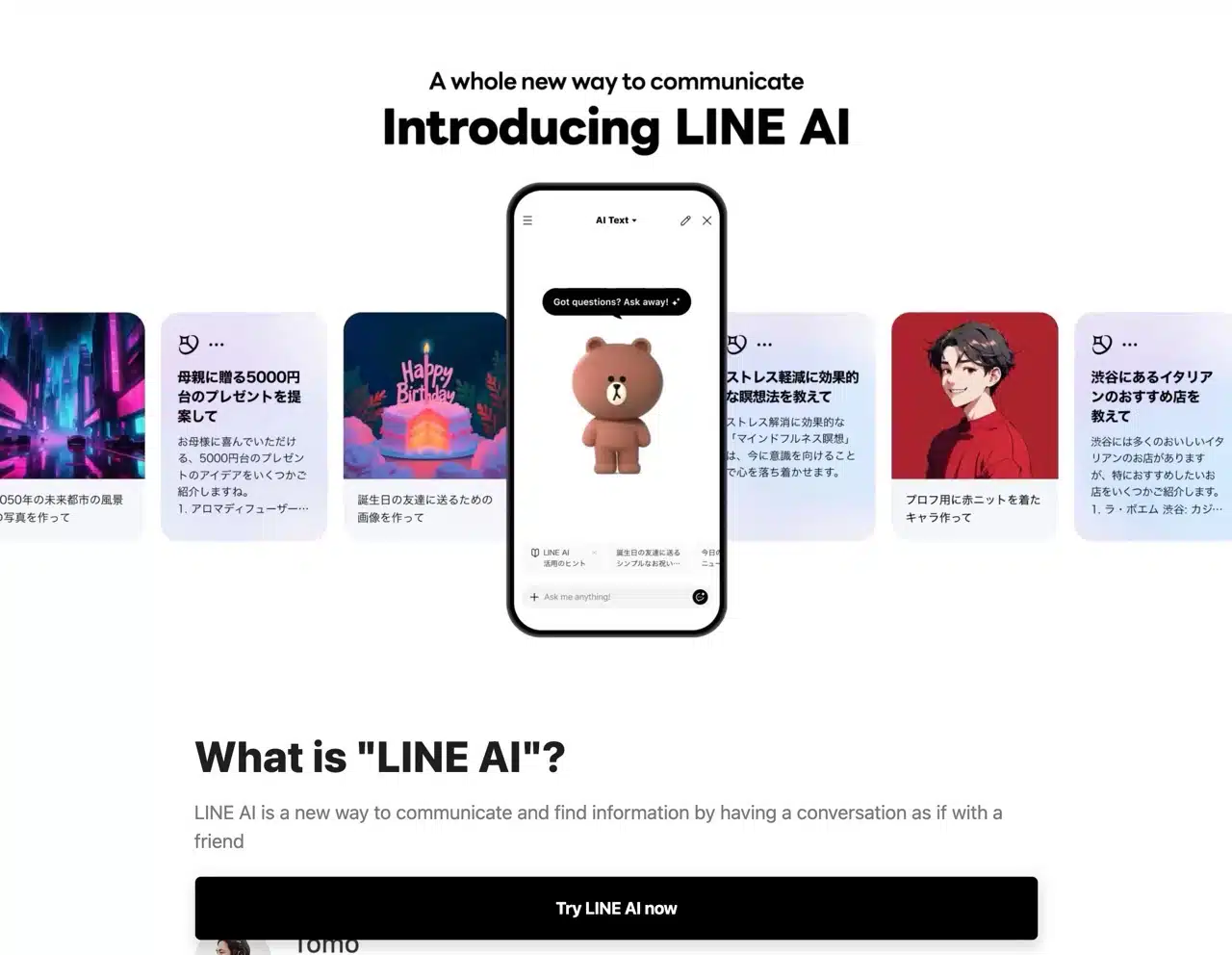
2. First-Time User Guide
Upon entering LINE AI, you'll first see the usage guidelines. Since it's not yet available in Chinese LINE, the interface will display in Japanese and English. However, this doesn't affect usage—you can still input and receive responses in Chinese.
The interface closely resembles ChatGPT (with the addition of the adorable LINE Brown bear). Simply type any content into the chat box below to receive results—it's highly effective for asking questions or searching for information.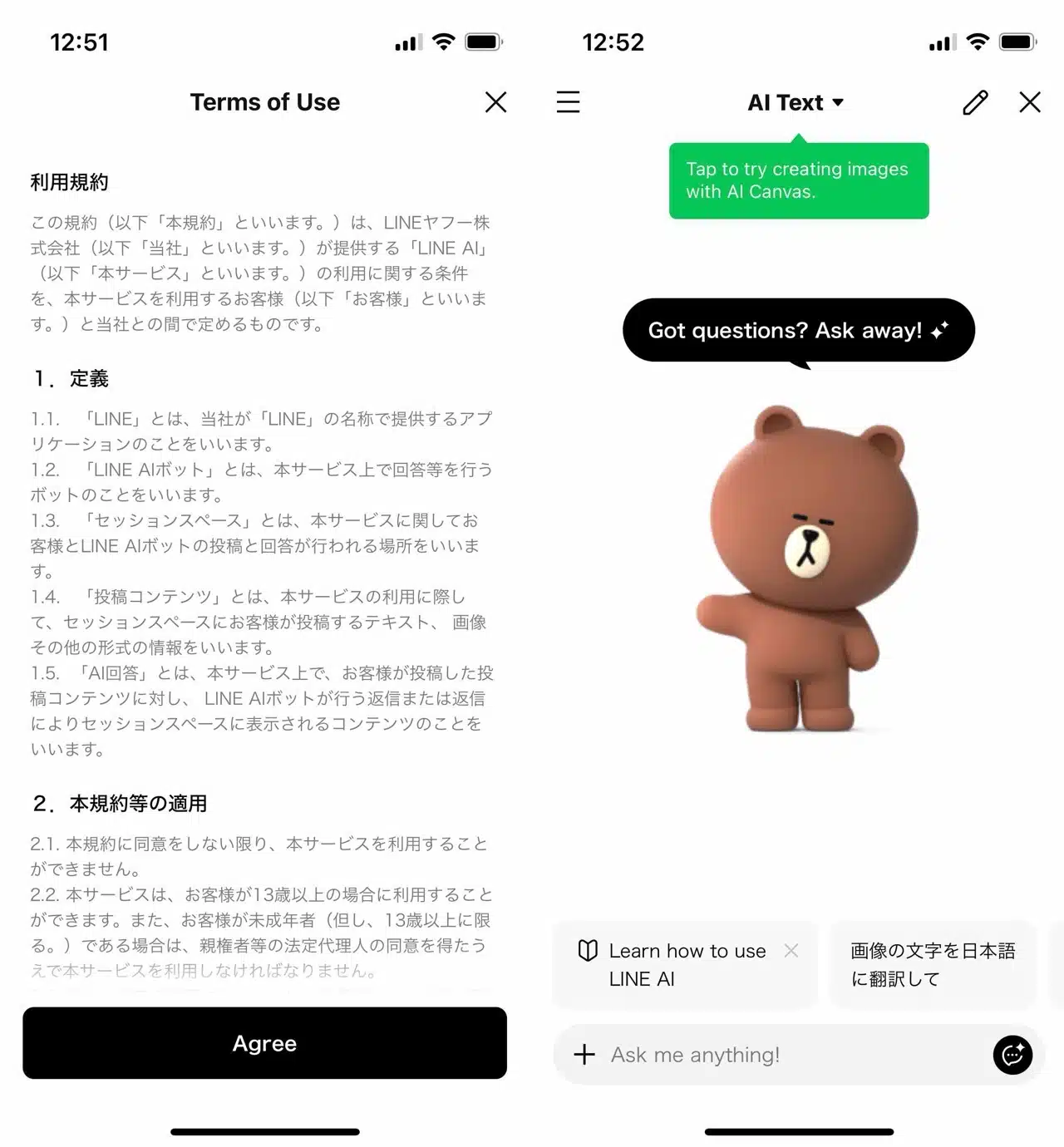
3. Recommended Apps for Questioning and Image Uploading
Below are examples of answers obtained by asking questions via LINE AI. A key advantage is the ability to share responses directly to LINE chat windows. Additionally, it supports uploading images for data searches or translations. Non-Chinese content can also be sent to LINE AI for translation.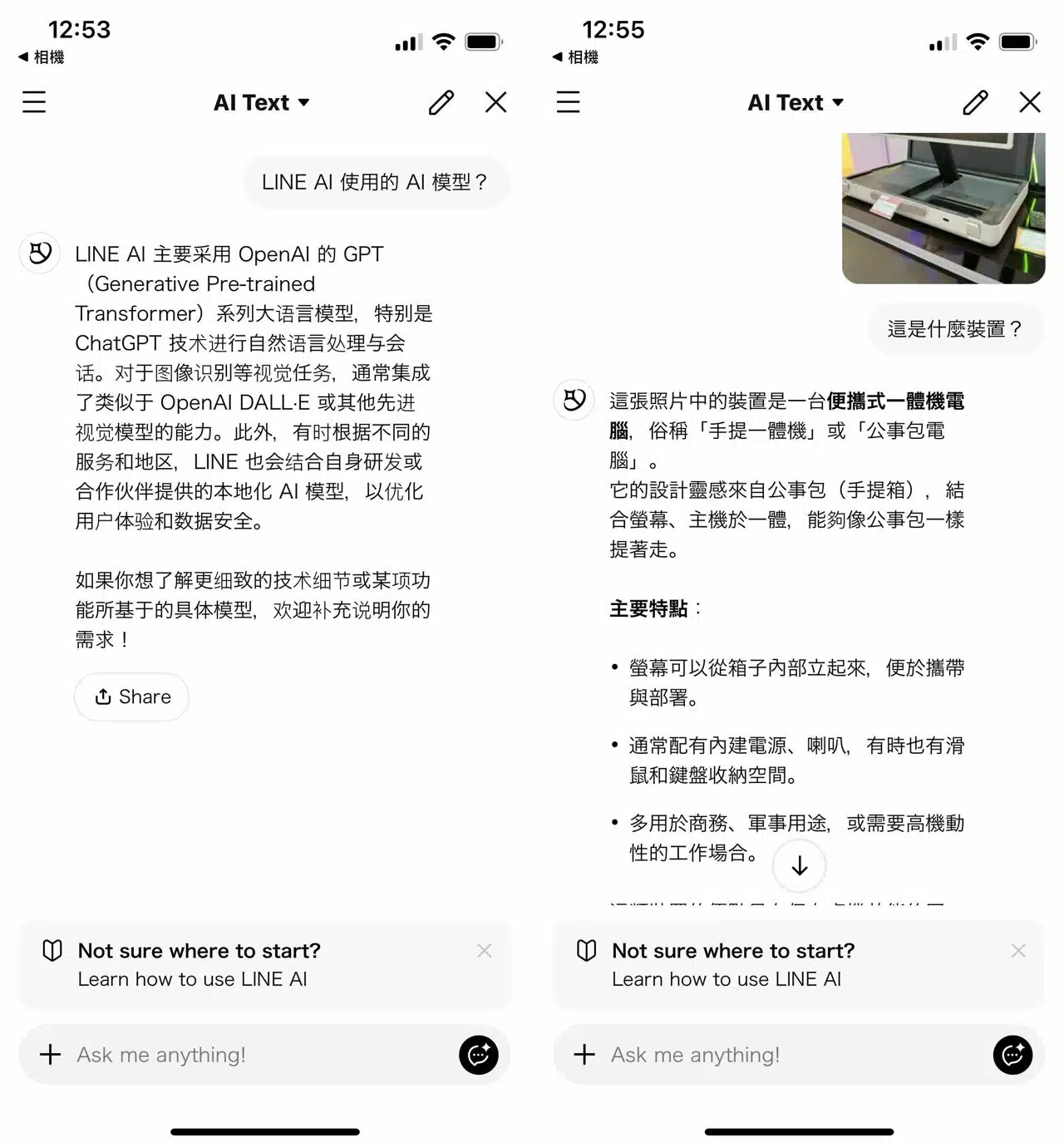
Use the toggle above to switch between “AI Text” and “AI Canvas” modes. AI Canvas is the tool for generating AI-created images.
Note that LINE AI currently lacks a conversation history feature, unlike ChatGPT which lets you review past chats anytime. Clicking “Start a new conversation” in the top-right corner opens a new chat window, deleting the current conversation.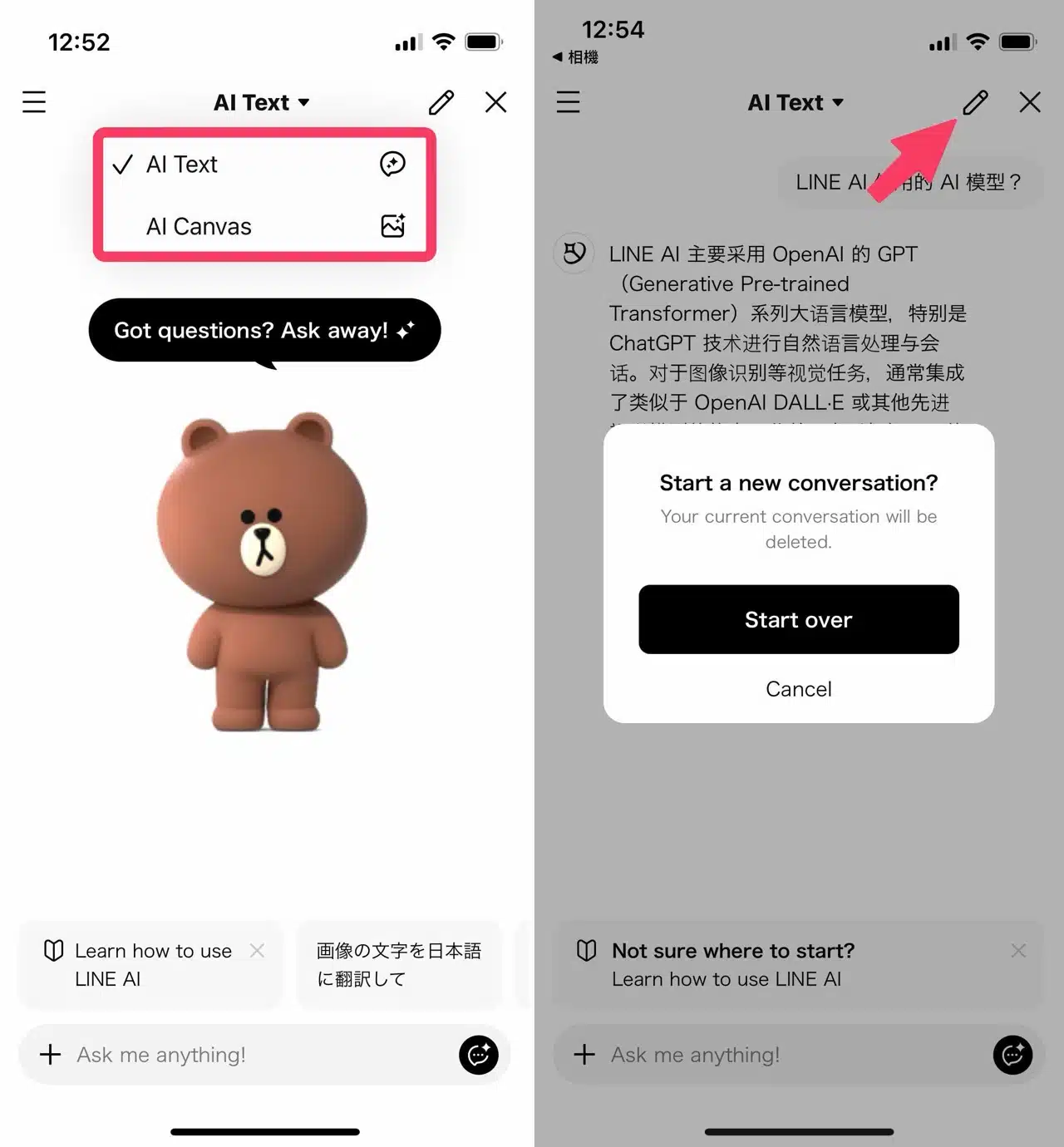
4. Generating Images with AI Canvas
After switching to the “AI Canvas” feature, enter a description of the image you wish to generate. AI will then create the image for you. Long-press the image to save or share it.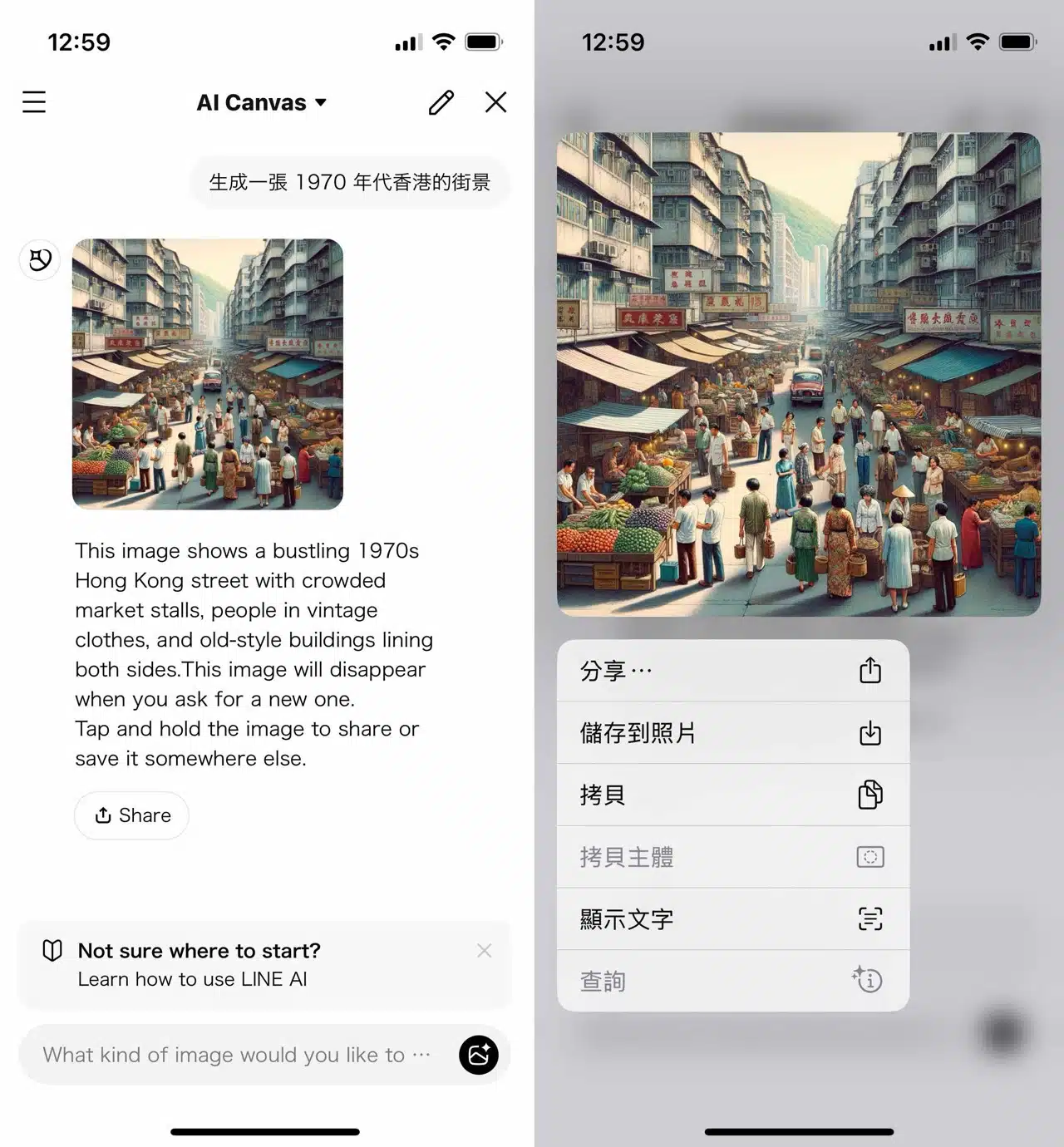
Unfortunately, LINE AI isn't yet a built-in feature within the Chinese LINE app. Consequently, you won't find related options within the app itself, nor can you add it to your feature menu. Access is currently limited to scanning a QR code. Still, it's quite fun to try out early.