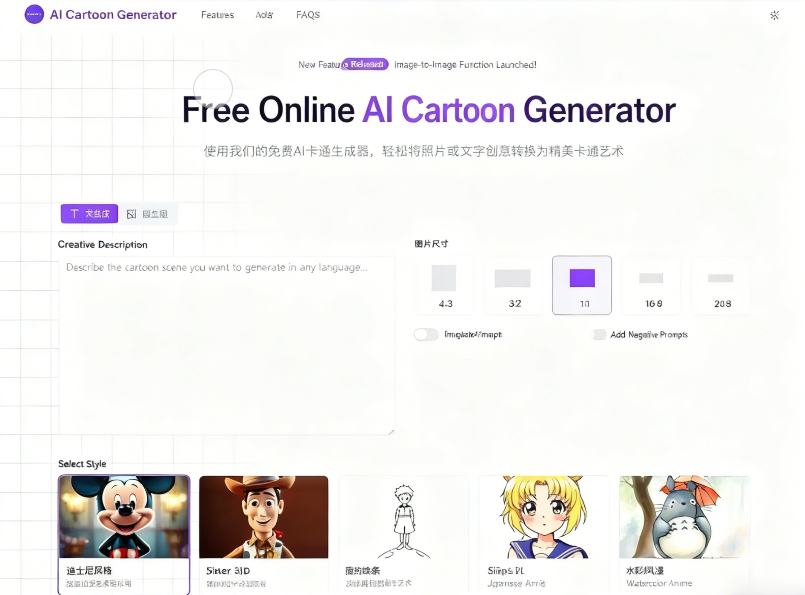
AI Cartoon Generator is a free online AI cartoon image generator that uses artificial intelligence technology to quickly convert text or images into various cartoon art styles. It also allows you to preset image dimensions, add reverse prompts, and more. The entire process takes only a few seconds to complete, and the generated cartoon images can be downloaded for free.
Currently, there are no usage restrictions. Future paid plans will allow images to be used for commercial purposes such as social media, marketing, and merchandise.
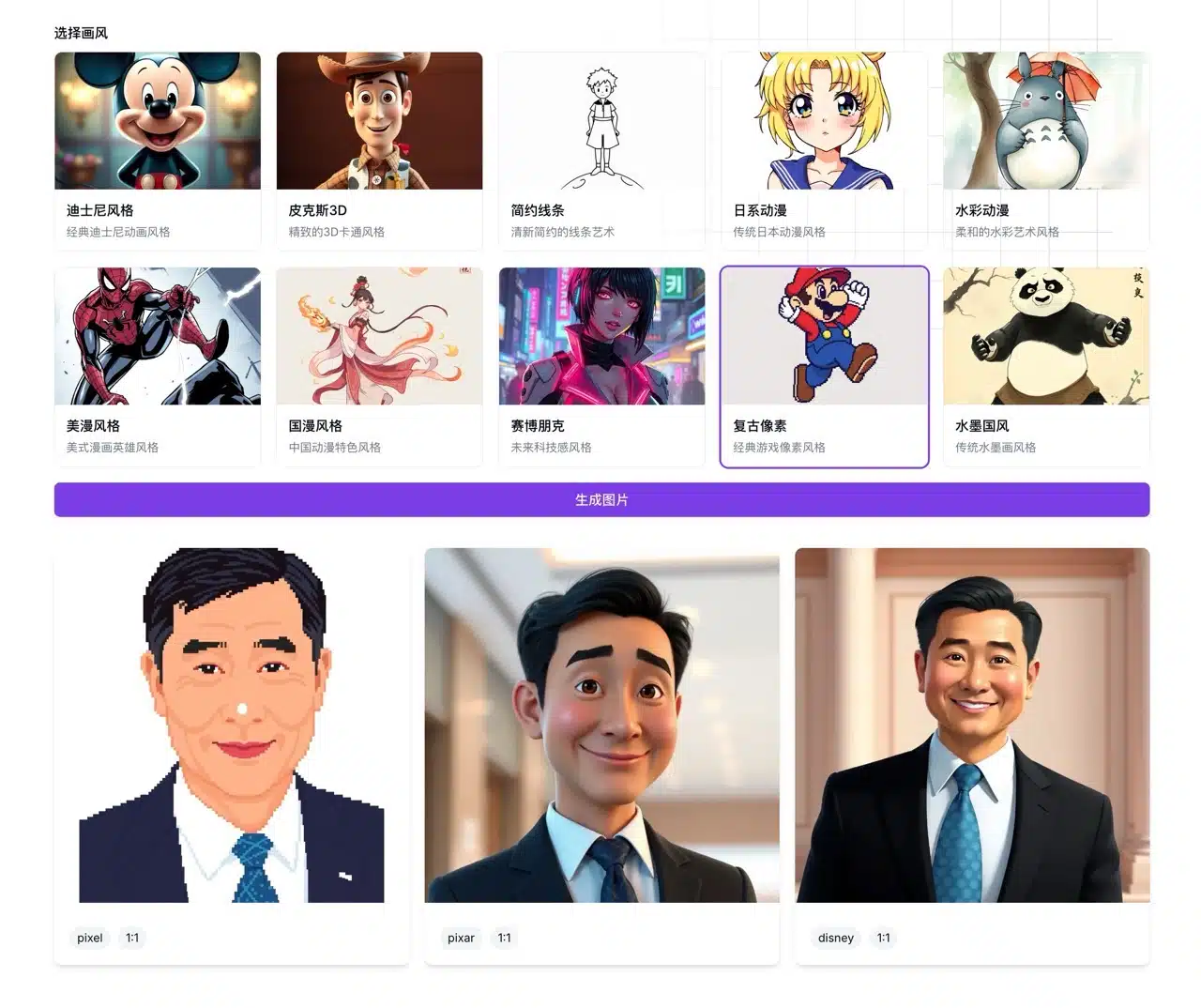
According to the description, AI Cartoon Generator employs advanced neural networks and machine learning to analyze user photos and transform them into diverse cartoon styles. The AI identifies facial features and structures within the photo, ensuring the generated cartoon retains these characteristics. If you prefer not to use real photos, converting them into cartoon styles is a great option. The art styles available in AI Cartoon Generator include: Disney Style, Pixar 3D, Minimalist Line Art, Japanese Anime, Watercolor Anime, American Comic Style, Chinese Comic Style, Cyberpunk, Retro Pixel, and Ink Wash Painting.
How to Use the AI Cartoon Generator?
1. Generate Images from Text
Open the free online AI cartoon generator and start with the “Text to Image” feature. Enter your image description, select the image dimensions (choose from 2:3, 3:2, 1:1, 16:9, and 21:9), then choose your preferred cartoon art style from the options below. An optional reverse prompt feature is available. Click “Generate Image” and see the result in seconds.
AI Cartoon Generator supports prompts in Chinese—no need to translate them into English.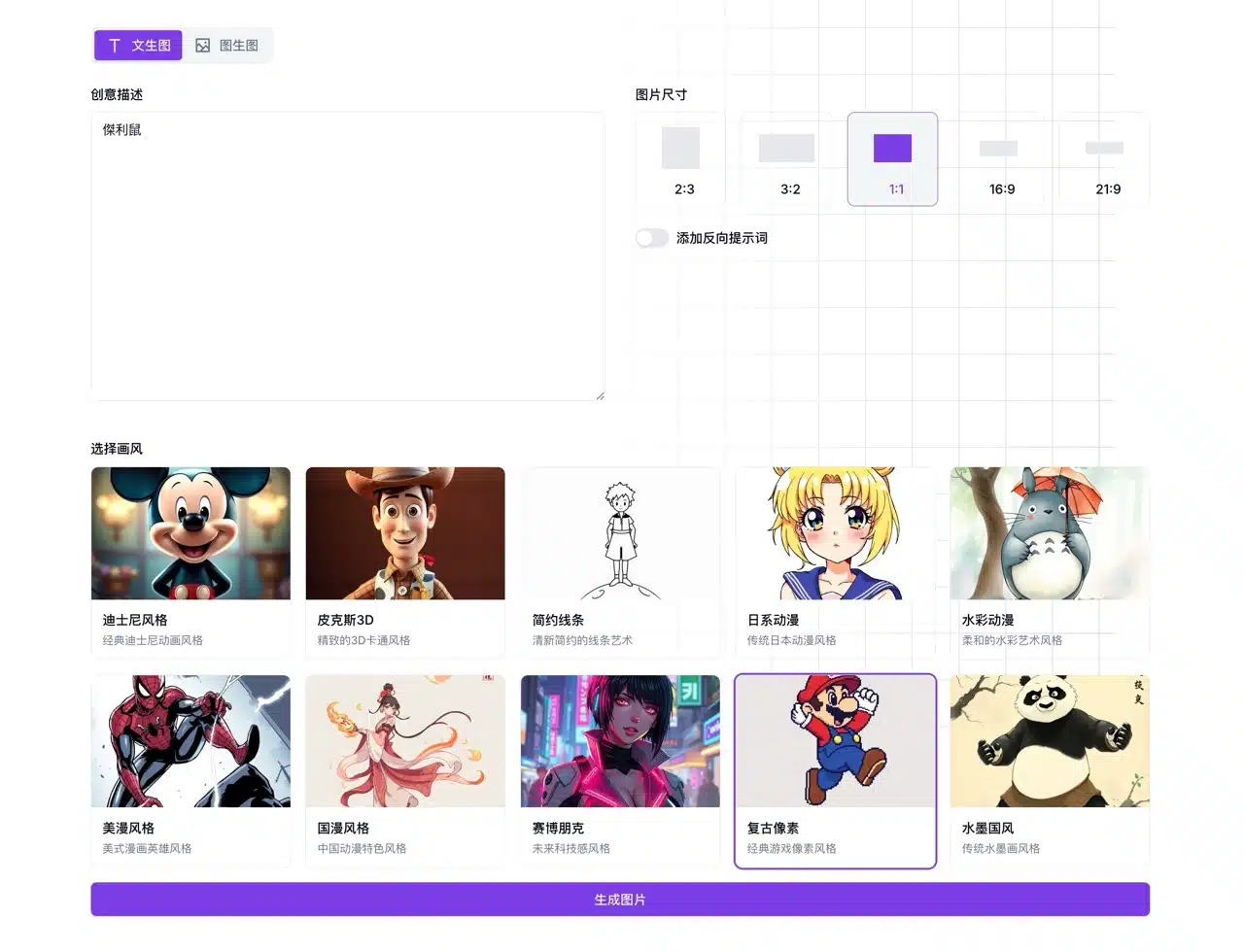
2. Download Your Cartoon Image
Click “Download” in the top-right corner of the generated image to save it as a PNG file.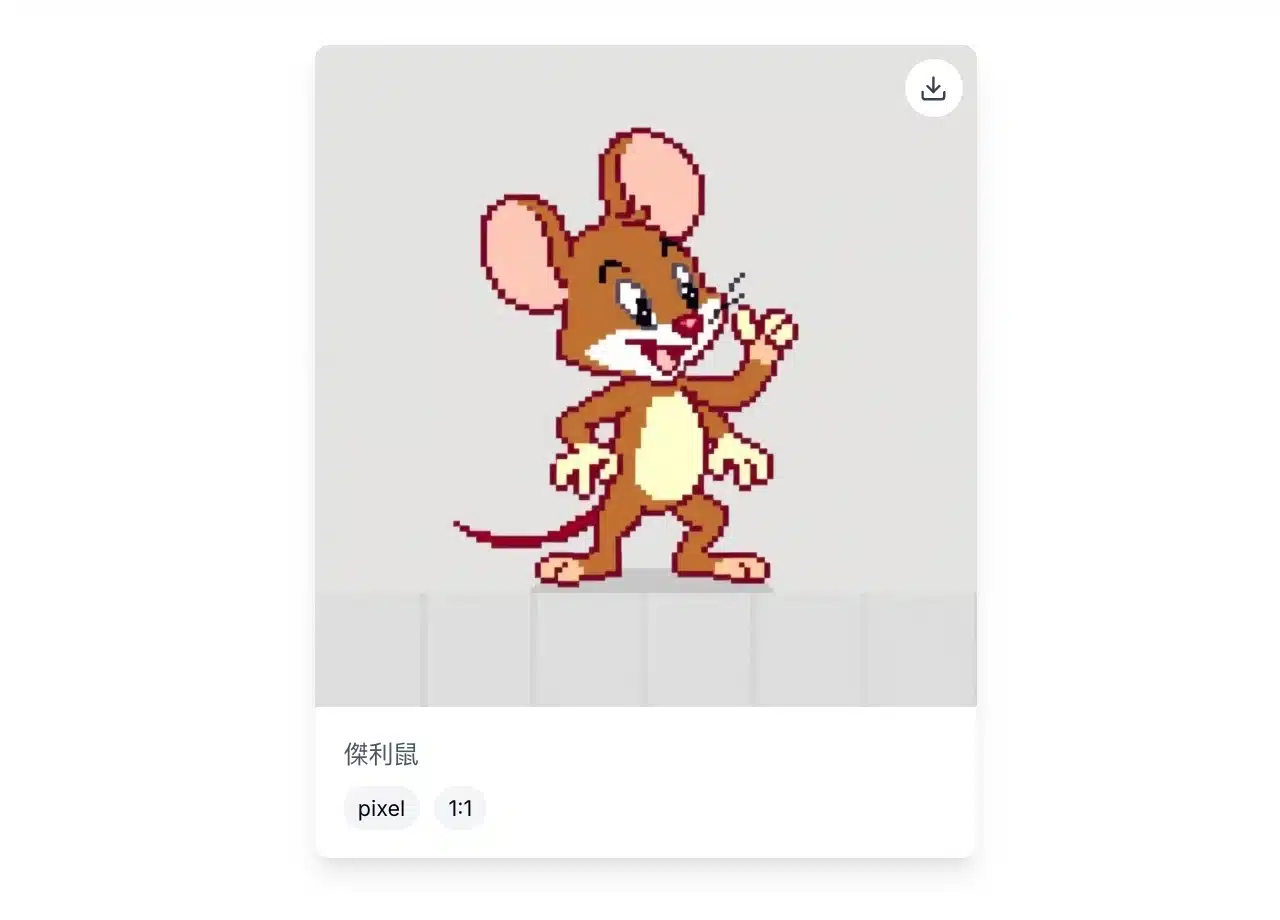
3. Converting photos into cartoon art
The newly launched “Generate Image from Photo” feature allows you to upload a portrait photo, select the image size and cartoon effect, and quickly transform it into cartoon art. As stated in the instructions, uploaded images are automatically deleted after processing and are not shared with third parties.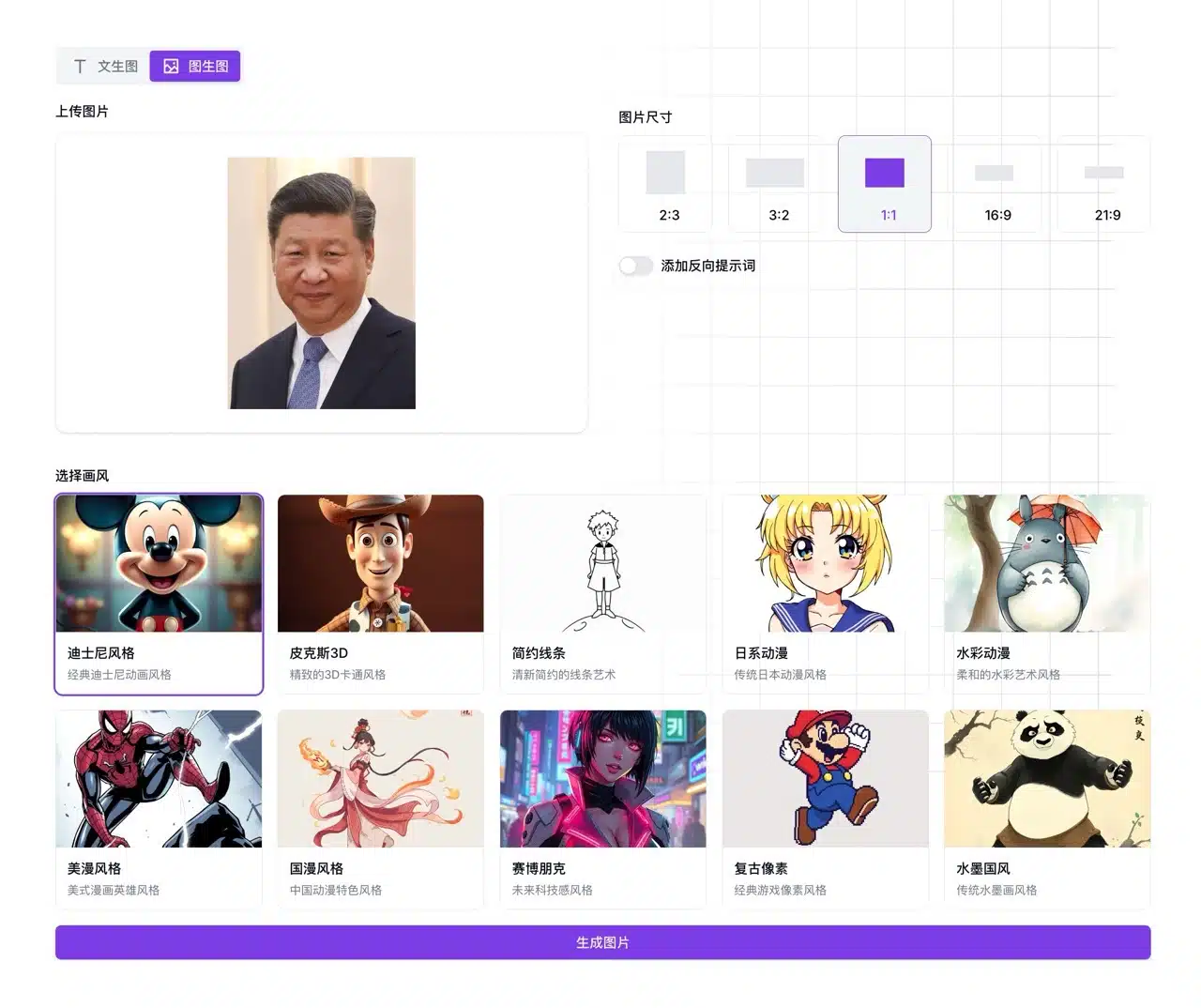
Results from image-to-cartoon generation appear below. Each cartoon image displays its art style and dimensions. Click the download button in the top-right corner to save it. Currently, only a single format is available, and image resolution cannot be adjusted. If the image appears too small, you can use an image enlargement tool to resize it yourself.