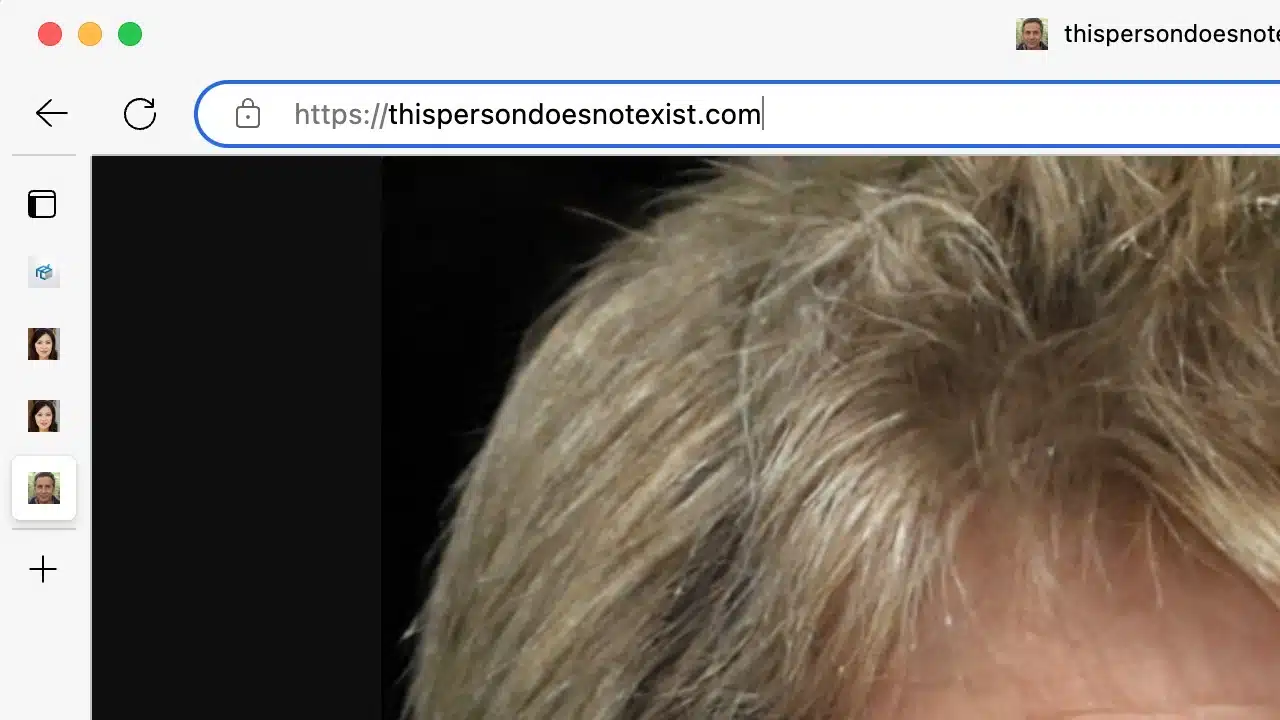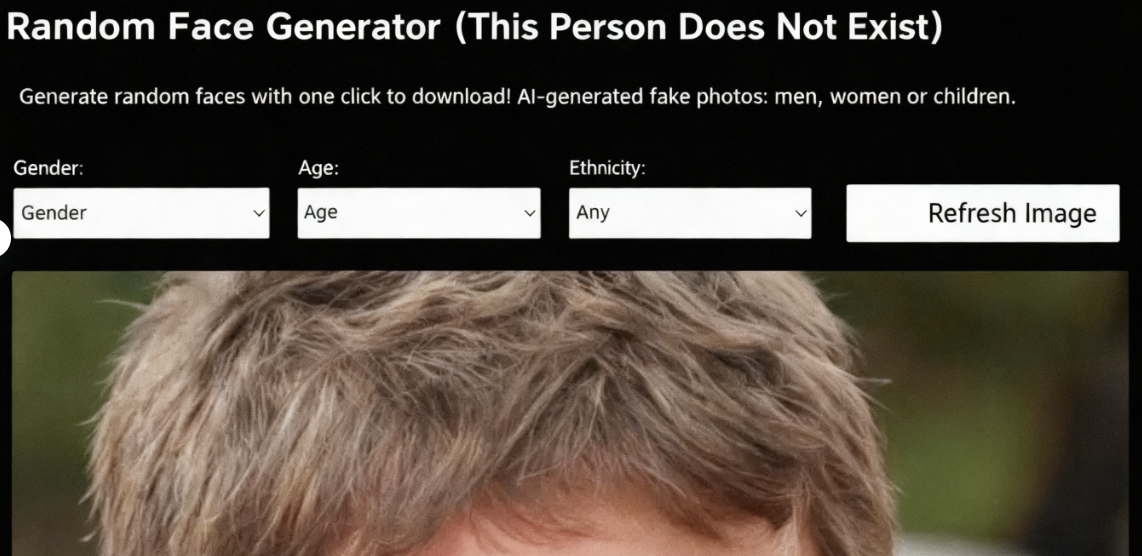
Recently I discovered an interesting website called “This Person Does Not Exist.” It's a random AI face generator that produces a new non-existent face every time you refresh the page. You can even customize the generated faces by specifying gender, age, and ethnicity. This service uses Nvidia's open-source StyleGAN technology, allowing any developer to create unrealistic faces. You can download the images for free and use them anywhere without restrictions.
This Person Does Not Exist resembles previously featured tools like “Face Generator” (which creates realistic yet non-existent faces in real-time with custom parameters) or the earlier 100,000 Faces project. However, the generated photos carry a watermark, with no indication whether it can be removed (likely to prevent misuse). If needed, various AI watermark removal tools can be explored.
When it comes to non-existent fake photos, many actually have flaws that make them easily identifiable as not real human faces. Examples include blurry or distorted hair and facial shapes, or strange colors in the background or around the edges. But what can this tool do? It might be useful for research or various tests, at least without worrying about infringing on someone's portrait rights.
Usage Guide
1. Refreshing the page generates a new person
After opening the “This Person Does Not Exist” website, a randomly generated person will appear. All faces produced by AI are non-existent. Refreshing the page will display another face.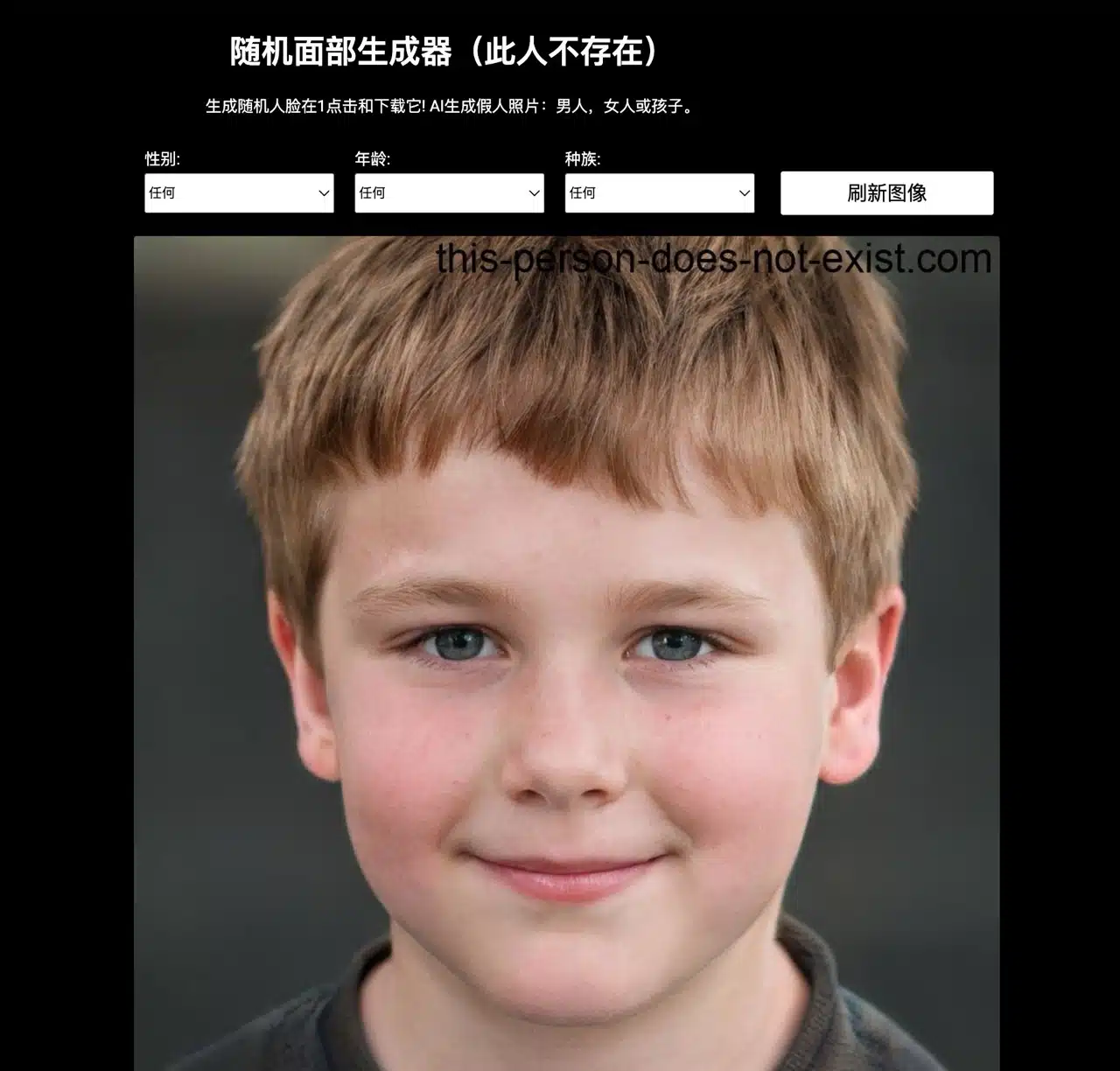
2. Customize gender, age, and ethnicity
Use the options at the top to set the gender, age, and ethnicity of the person to be generated. You can create men, women, or children.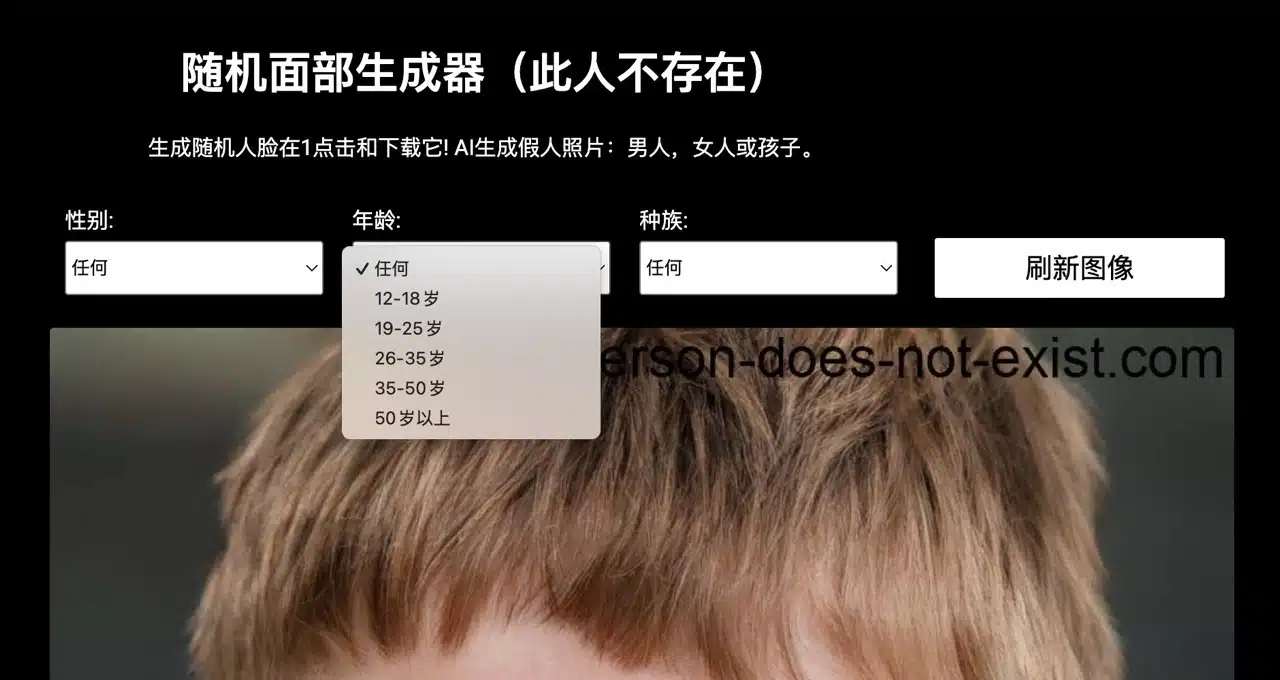
After setting preferences, click “Refresh Image” to display a specific character's face.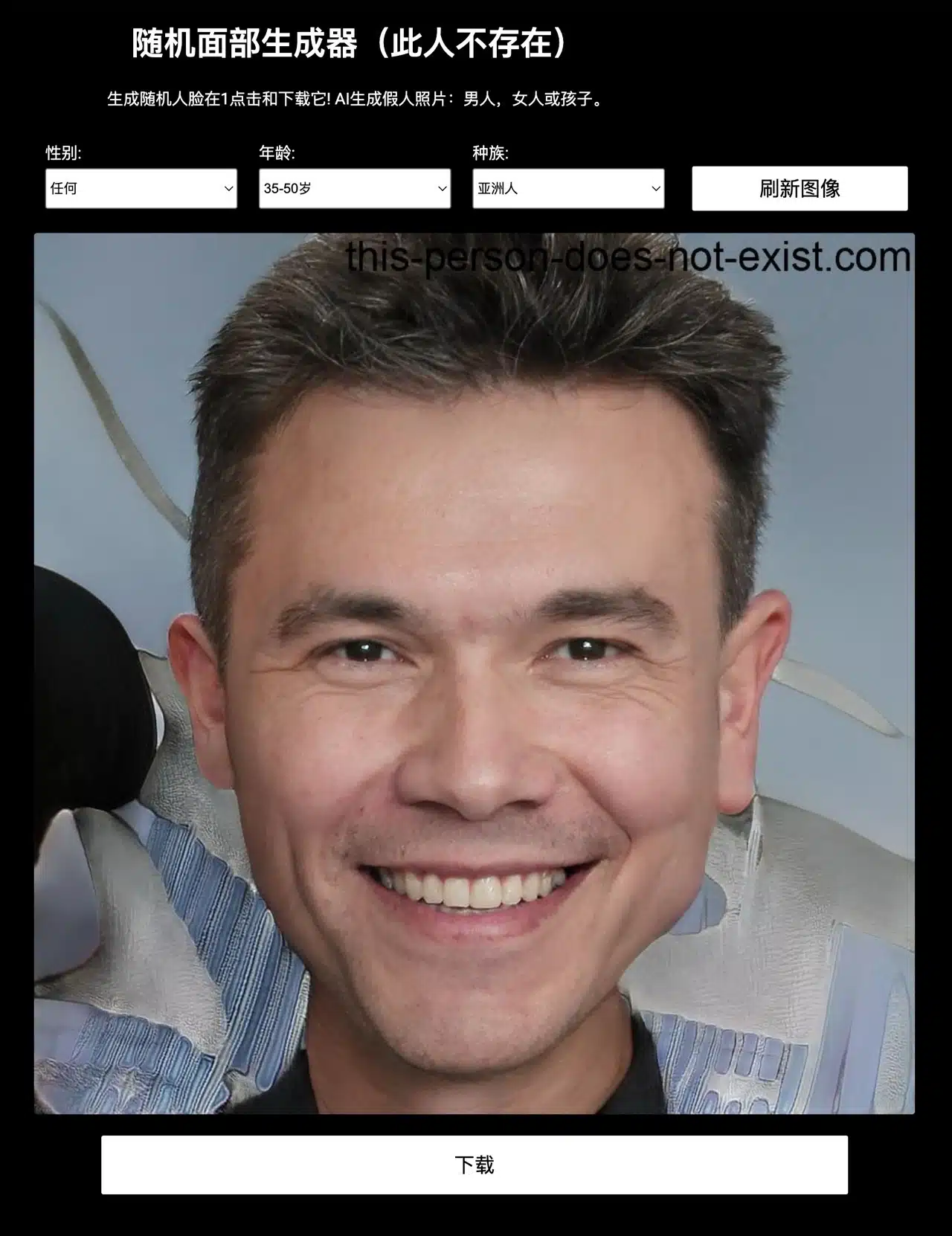
3. Download and Wait for Countdown
A “Download” button appears below each randomly generated face photo. Clicking it triggers a countdown timer. Once complete, the image downloads automatically. This feature prevents abuse by automated programs, avoiding excessive server load caused by automated scraping.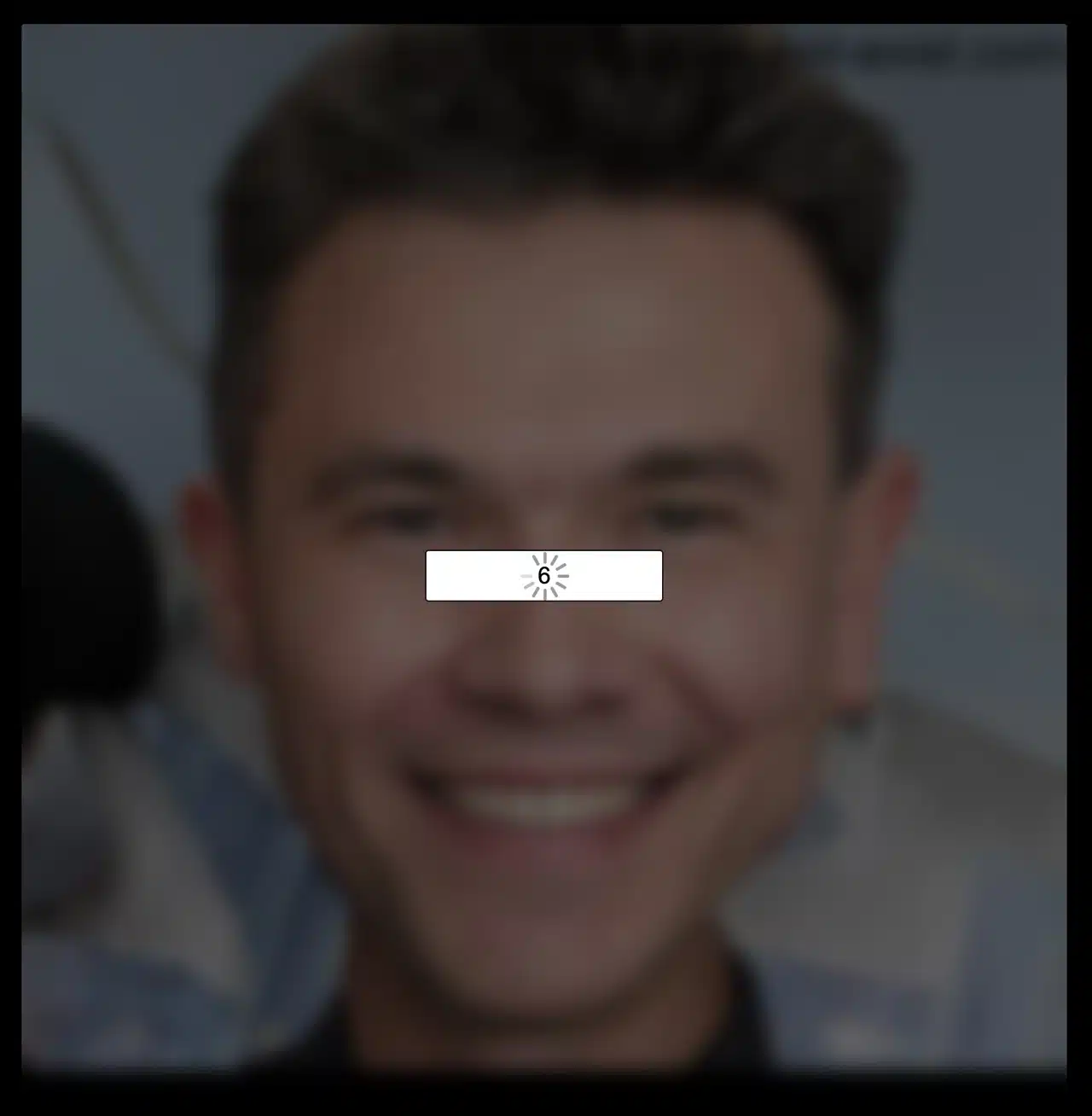
4. Enable Quick Generation via Specific Link (Optional)Another method is to directly open the webpage
https://thispersondoesnotexist.com/ in your browser. Each visit will randomly generate a non-existent face image that can be downloaded for immediate use, though it will still carry a watermark.