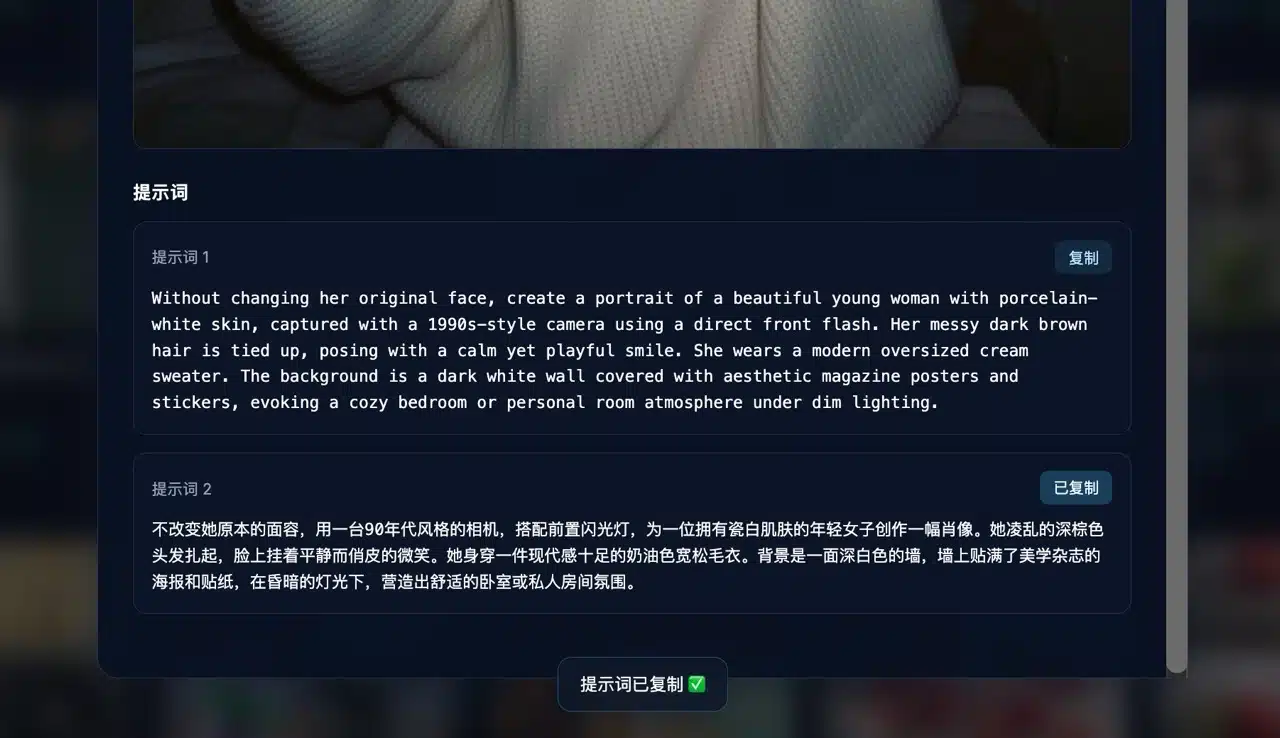
Just a few days ago, we introduced the “Google Launches New Nano Banana Pro – Gemini 3 Pro Image: AI Image Generation with Perfect Chinese Text Rendering, Even in the Free Version” service. I believe this has given everyone a deeper understanding of AI-generated images. More importantly, this Gemini upgrade now correctly displays Traditional Chinese, eliminating the previous pain point of needing manual post-editing. If you're curious about the impressive images Nano Banana Pro can create, numerous user examples are available online. But how do you find these prompt words?
Discover the OpenNana Prompt Gallery: Inspiration for AI-Generated Images
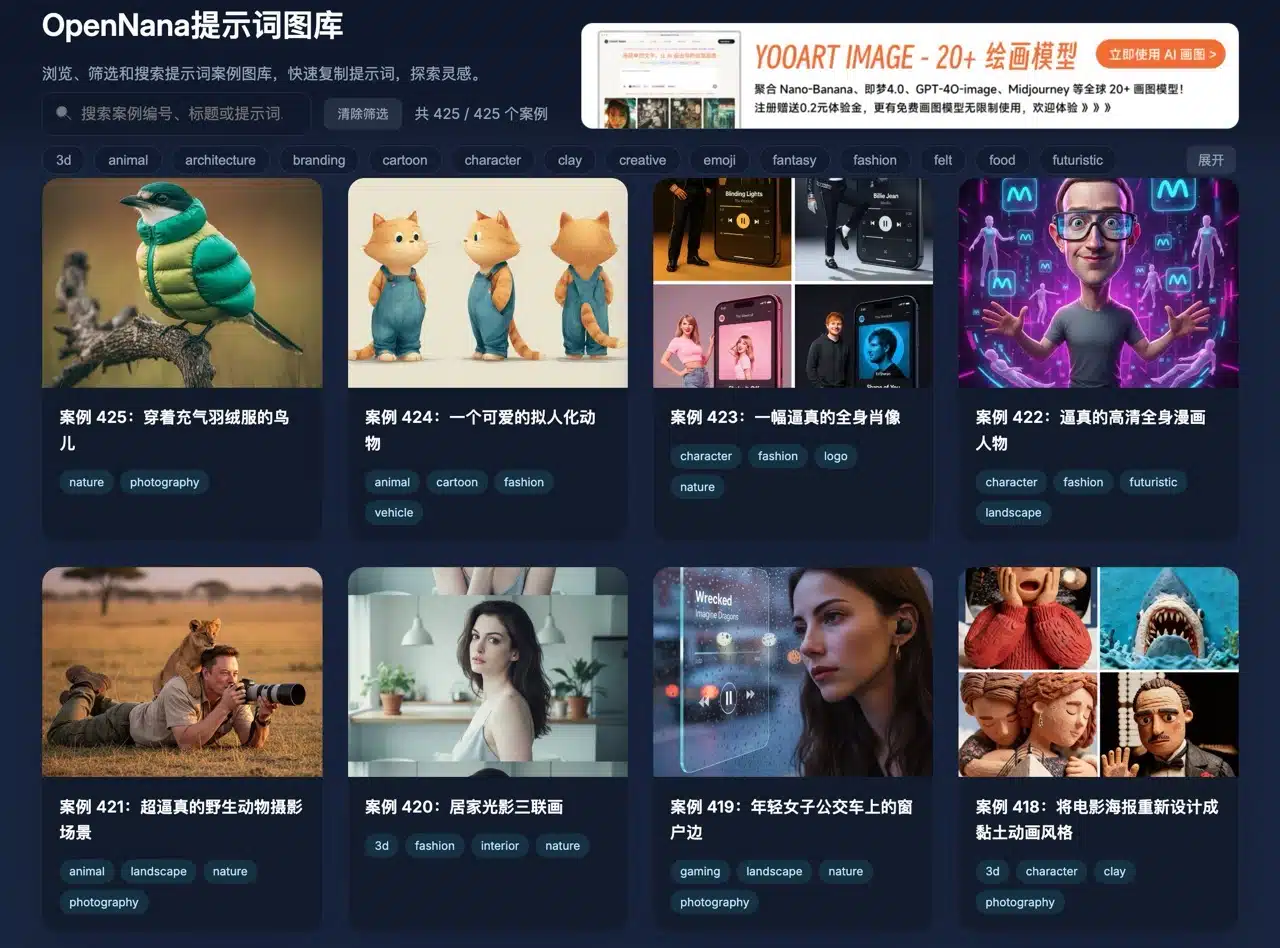
We recommend the “OpenNana Prompt Gallery” website, which features over 400 AI-generated image examples. These are categorized and organized by tags, allowing users to search for images of interest and copy the corresponding prompts below to generate similar images. Of course, this isn't limited to using the Nano Banana Pro generator. If you prefer tools like DALL-E (ChatGPT), Canva AI, or Midjourney, you can use these prompts with them as well.
OpenNana provides prompts in both English and Chinese, making it easy for users to understand the prompt content or modify it to suit their needs. In fact, most modern generators can accurately interpret Chinese or any non-English language. Whether you're seeking inspiration or looking for examples to test AI tools, this resource is highly suitable.
Tutorial: Quickly Copy AI Image Prompts from OpenNana
After opening the OpenNana website, you'll see numerous AI-generated image templates on the homepage. Enter keywords in the search bar at the top to find images, or use tags to locate relevant content (as circled in the image below). At the time of writing, the site contains over 450 images.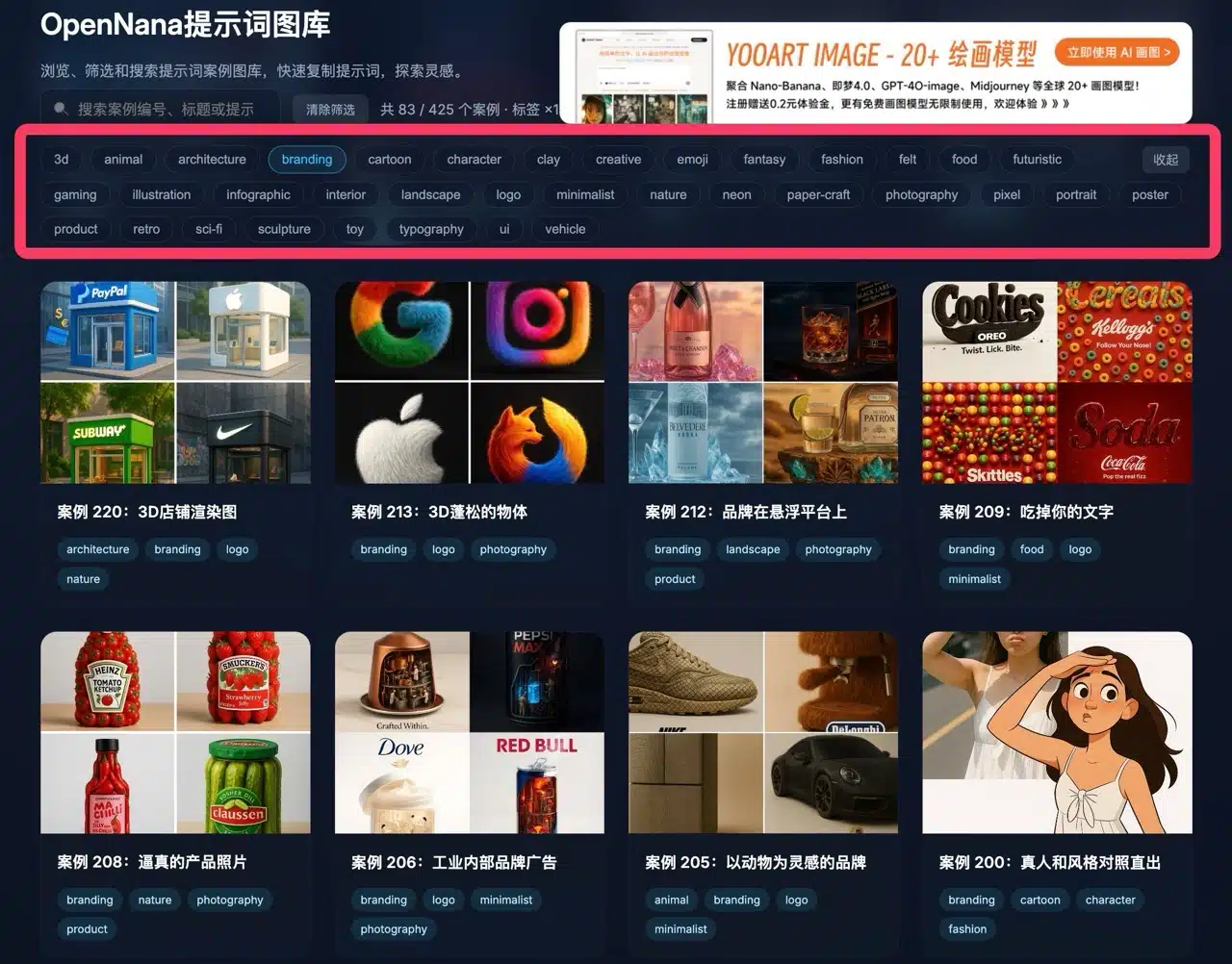
Clicking any image will display a larger version, with the title section providing descriptions and explanations.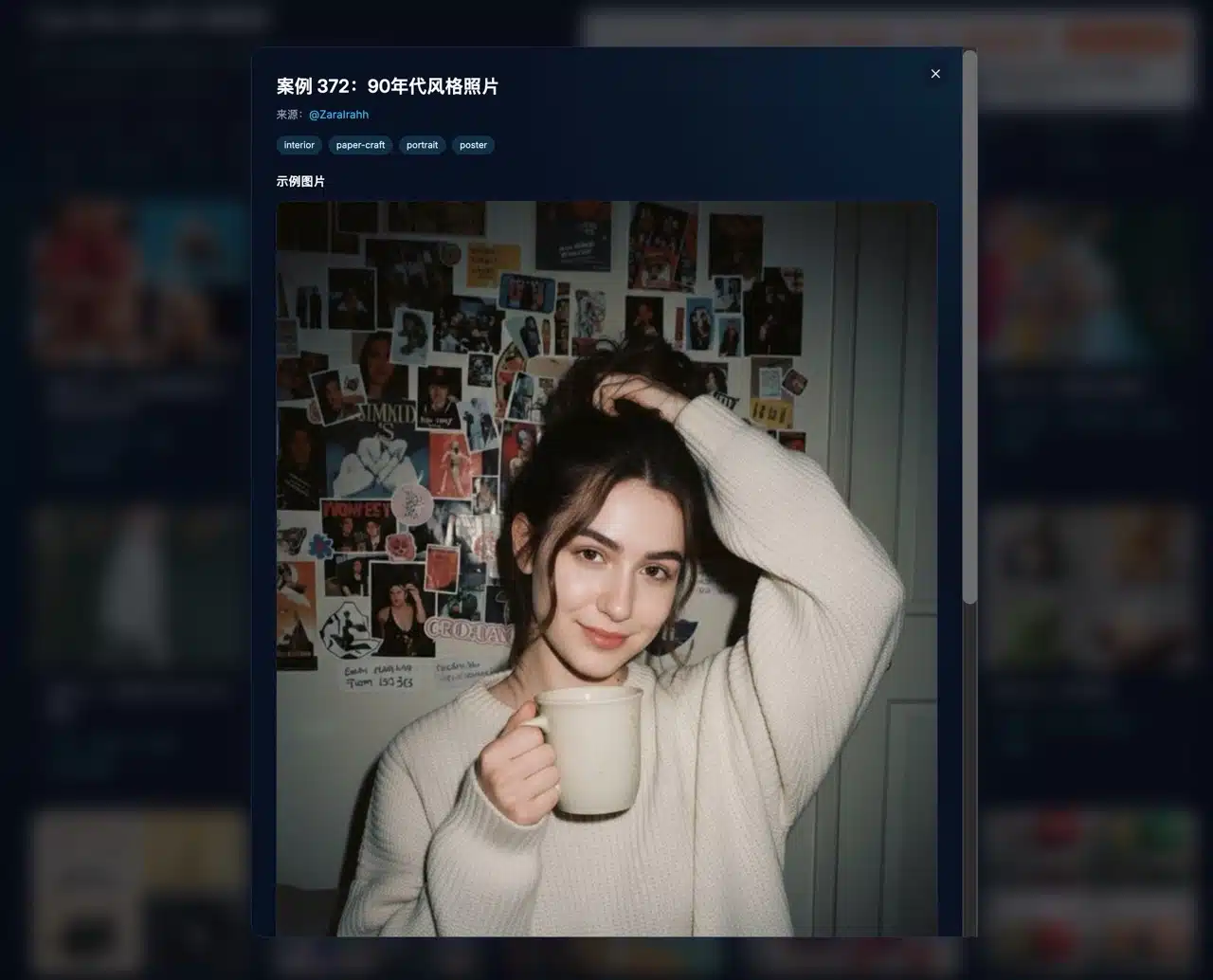
Scroll down to view the prompt used for this image, typically available in both English and Chinese versions. Click the button to copy it to your clipboard. If you need to generate similar images, you can also adjust the prompt accordingly.