FLUX.1 is a highly popular and widely discussed AI image generation model recently launched by Black Forest Labs (founded by former Stability AI employees). Its generated photo quality surpasses Midjourney V6 and DALL·E 3, introducing a new contender to the fiercely competitive AI generation model market. Its operation mirrors familiar generative tools: users describe the desired image scene via prompts to generate highly accurate and stylistically diverse results.
FLUX.1 AI operates as a paid service with no trial credits provided upon registration. Users can opt for the “Schnell-Free” free model trial when generating images, though this mode takes approximately 20-40 seconds per image. It remains a viable option for those with less stringent quality requirements who wish to test the platform.
Note that FLUX.1 offers three distinct AI image generation models: Pro, Dev, and Schnell, each with different performance levels and licensing terms. The most powerful Pro model is closed-source, delivering optimal performance but requiring API access for integration; Dev is an open-source model for non-commercial use, offering image quality and performance comparable to Pro but with faster generation speeds. Finally, Schnell generates images suitable for commercial use, boasts the fastest speed, and is highly recommended for personal use. Numerous online resources already cover FLUX.1 introductions, image quality comparisons, and sample galleries—interested parties are encouraged to search for these resources.
Regarding pricing, FLUX.1 uses an “Image Credits” system. The cheapest plan is 500 credits for $9.90 USD. Generating images with different models deducts credits: Pro uses 20 credits, Dev uses 10 credits, and Schnell uses 1 credit.
User Guide
STEP 1
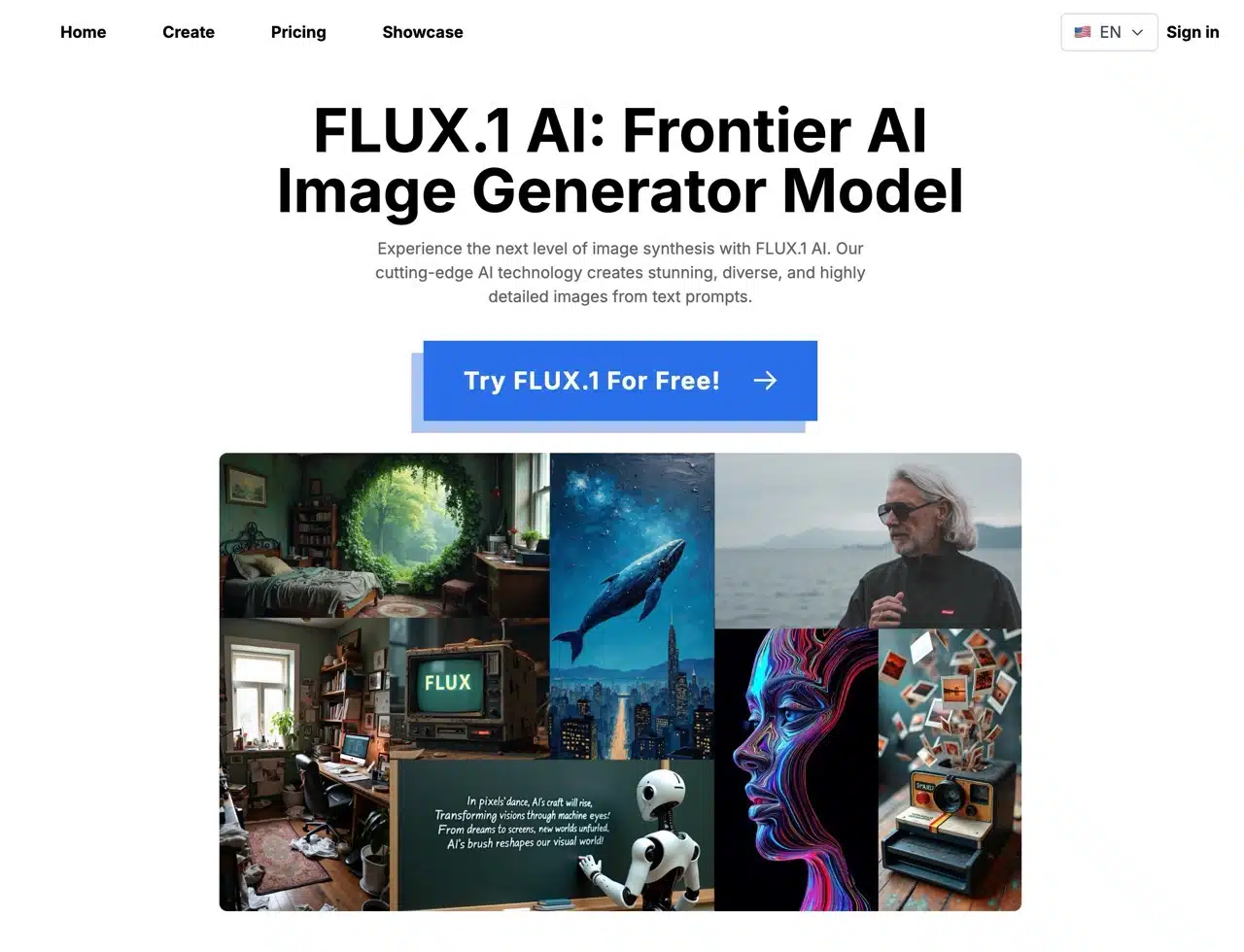
After opening the FLUX.1 AI website, click “Try FLUX.1 For Free!” on the homepage to get started. There's no requirement to register or log in first. The image generation tool is straightforward—simply enter your prompt in English to create images.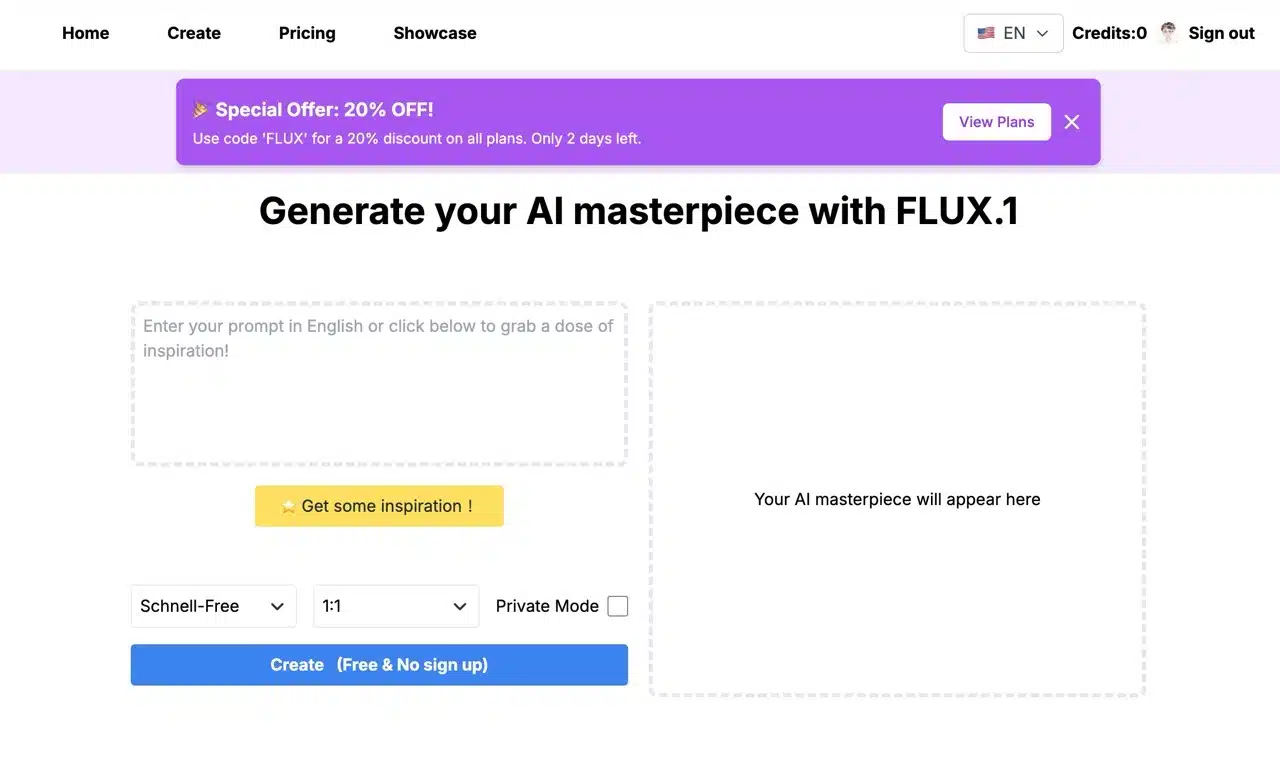
If you're stuck for ideas, just click “Get some inspiration!” to generate a random prompt for you.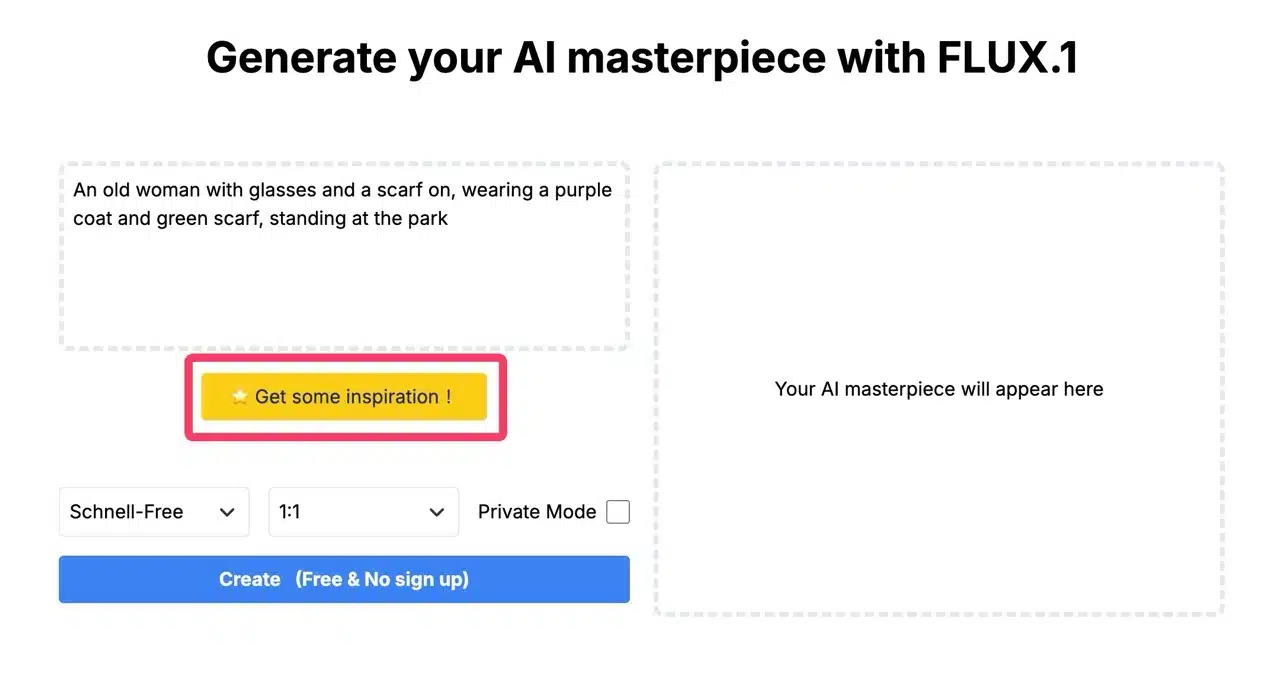
STEP 2
The AI image model options are located in the bottom-left corner. There are three models: Schnell, Dev, and Pro. Only “Schnell-Free” is available for free testing. Selecting any of the other models will display the credits required for generation.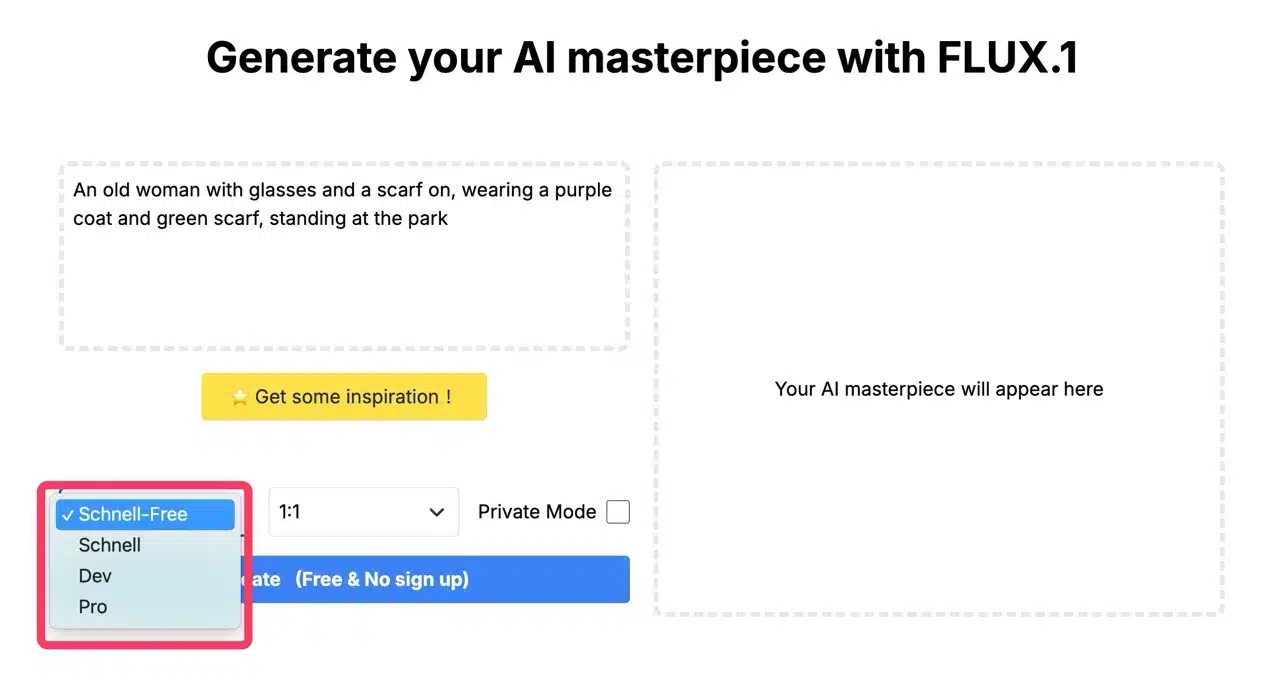
You can also set the image aspect ratio (1:1, 3:2, 9:6, or 16:9) and enable private mode.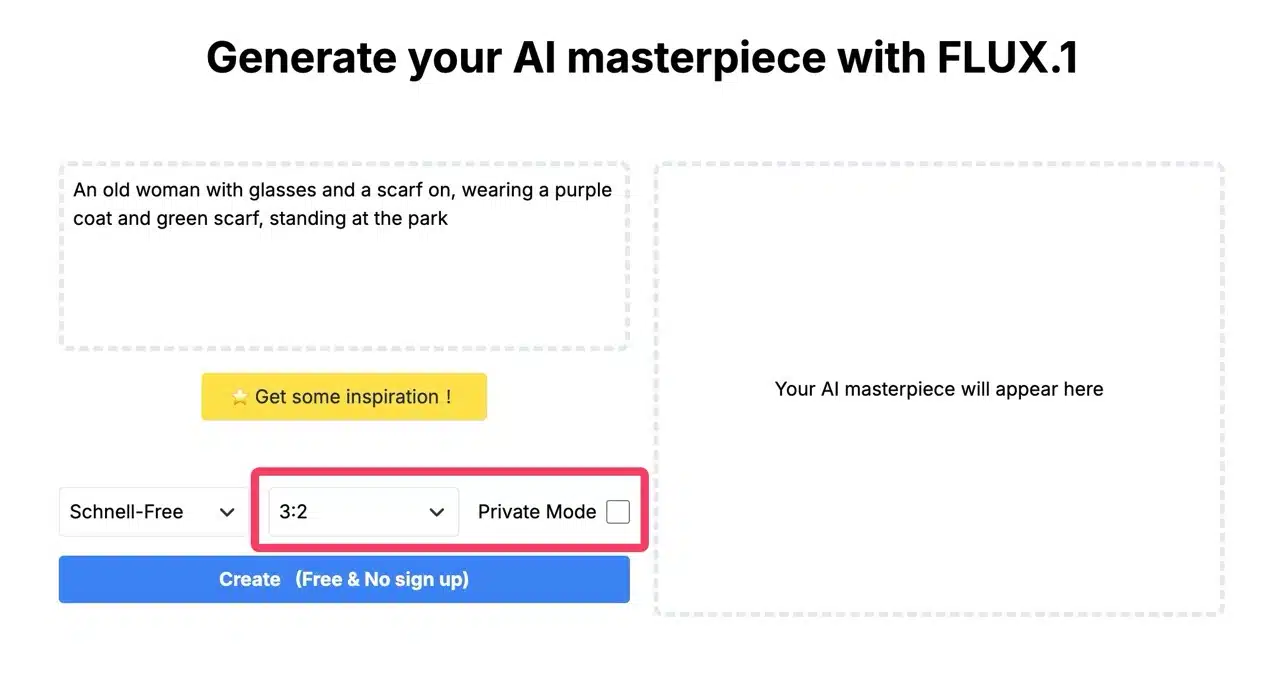
STEP 3
Pressing “Create” initiates AI image generation. The right side indicates that the free mode may take 20-40 seconds to generate. For faster processing and better results, consider upgrading.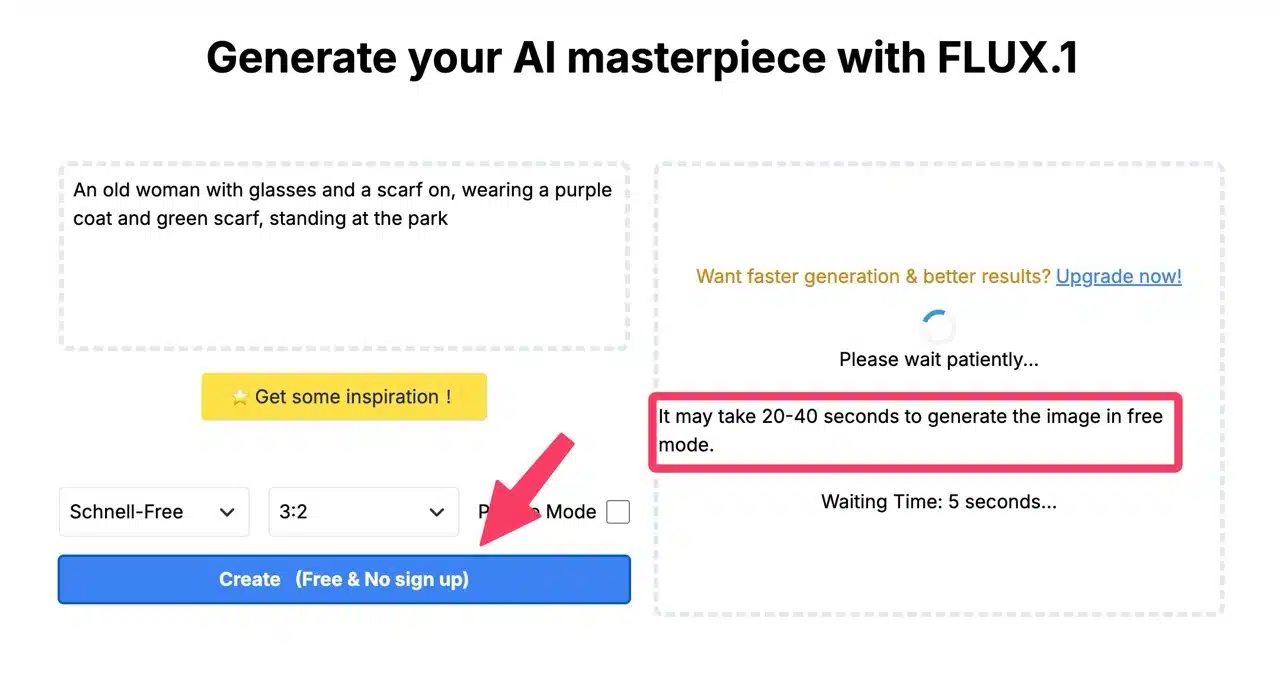
Upon completion, the image will appear on the right side of the FLUX.1 AI generation tool.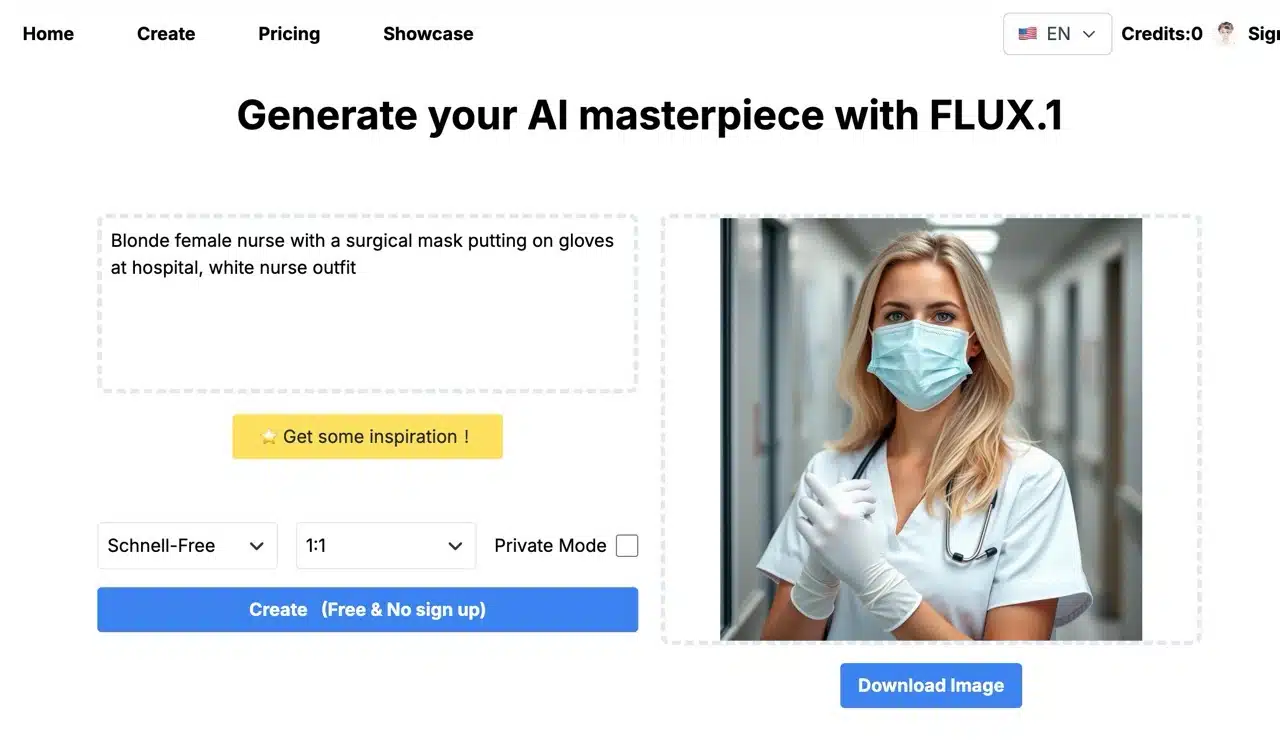
STEP 4
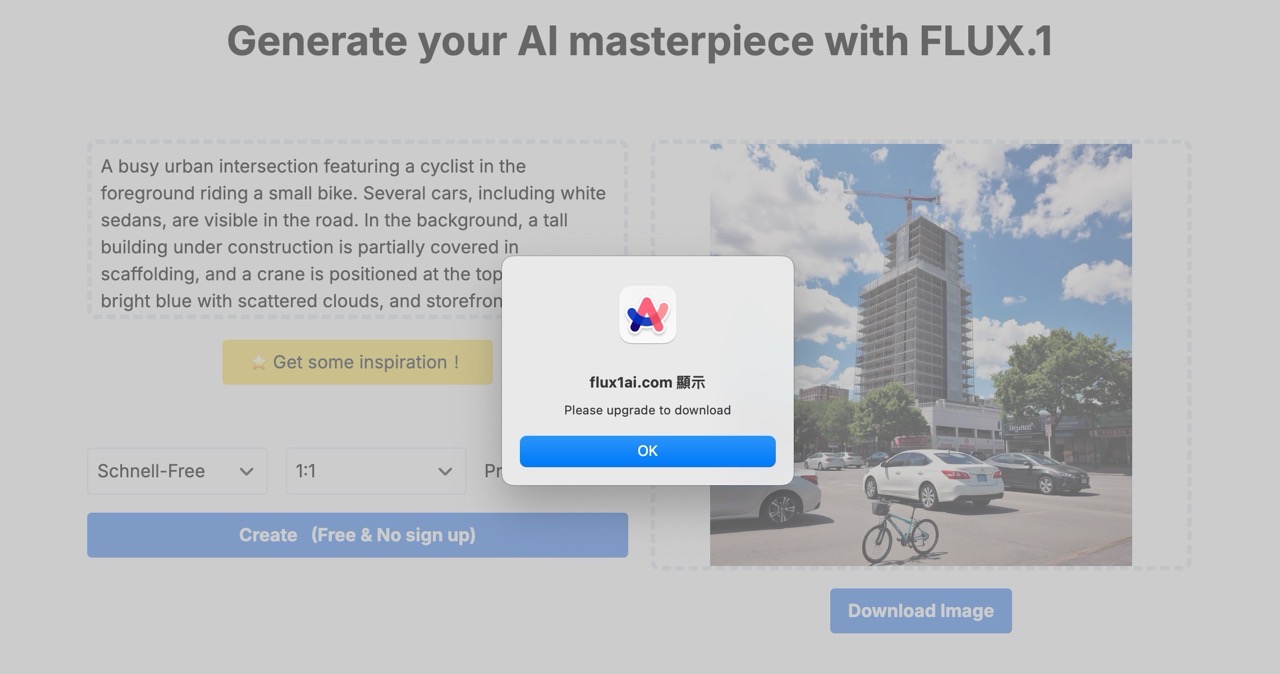
Note: In free mode, you cannot click “Download Image” to save the image (it redirects to the pricing page).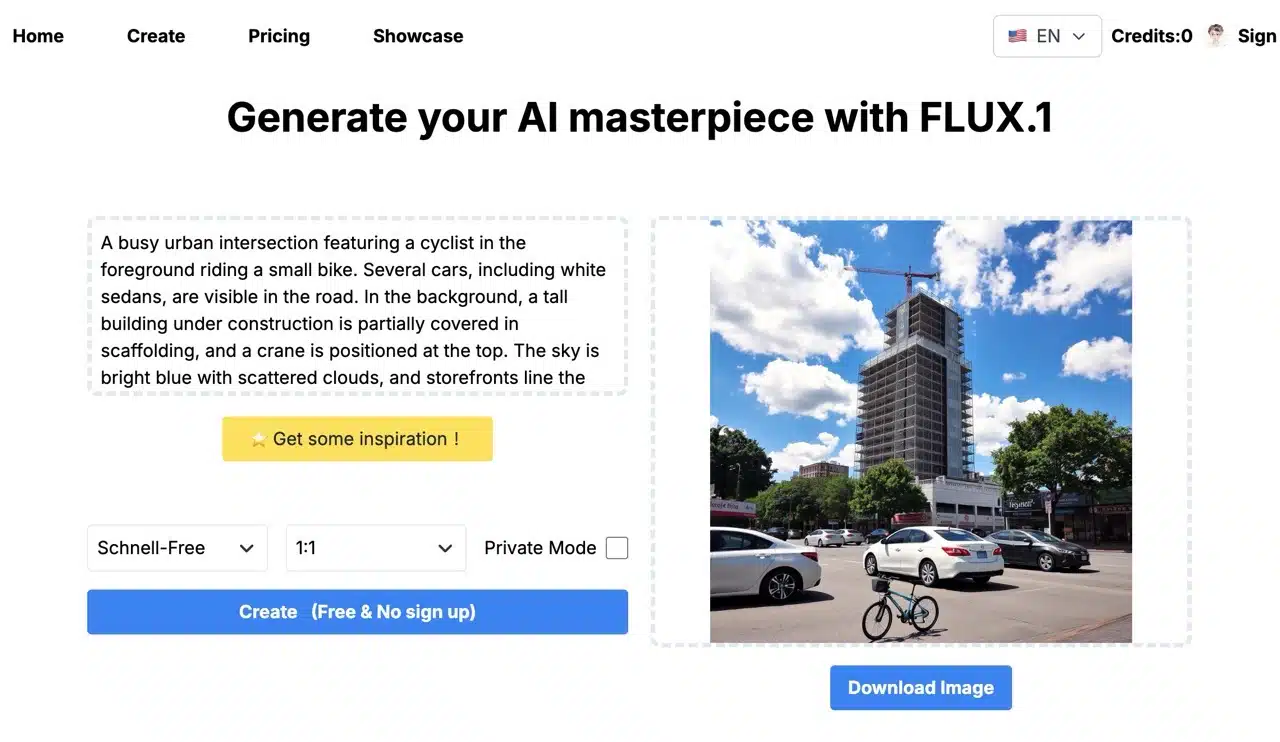
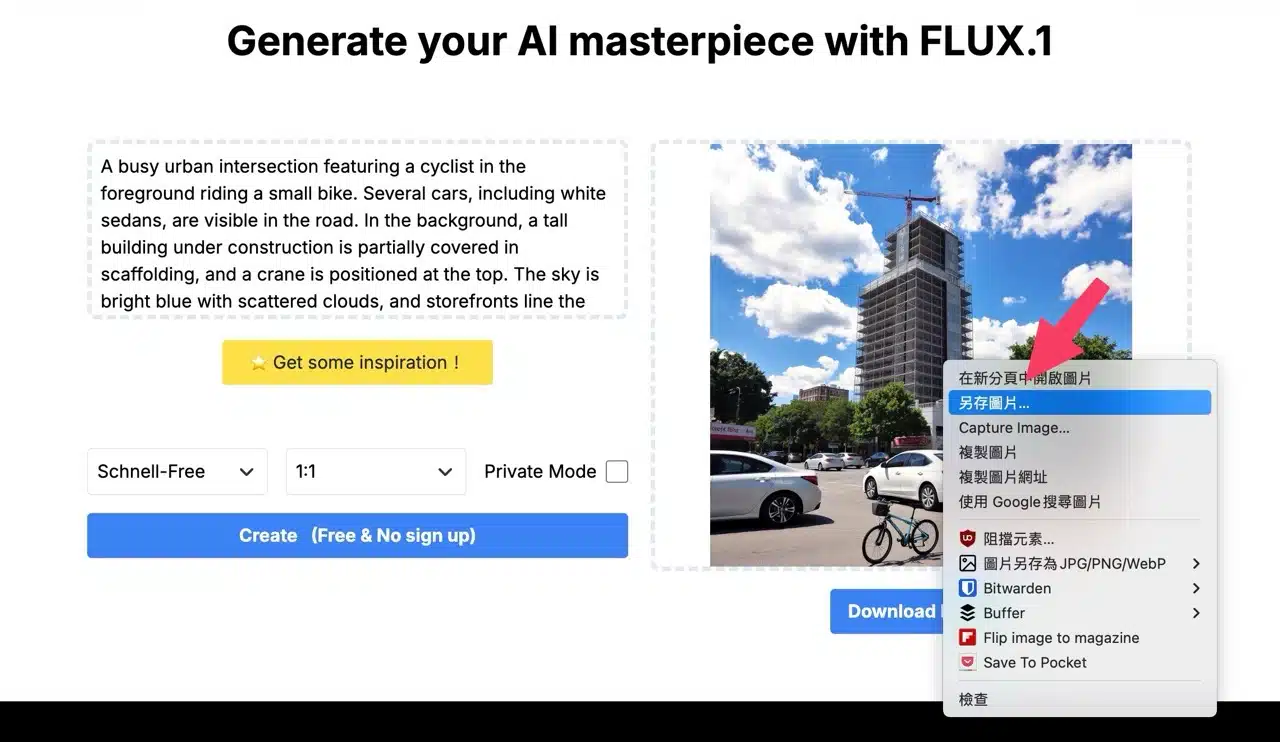
However, you can right-click directly on the generated image, select the “Save Image As” option to save it, with a resolution of 1024×1024 and in PNG format.
Clicking the “Download Image” button below the generated image will trigger a prompt requiring an upgrade to proceed with the download.
STEP 5
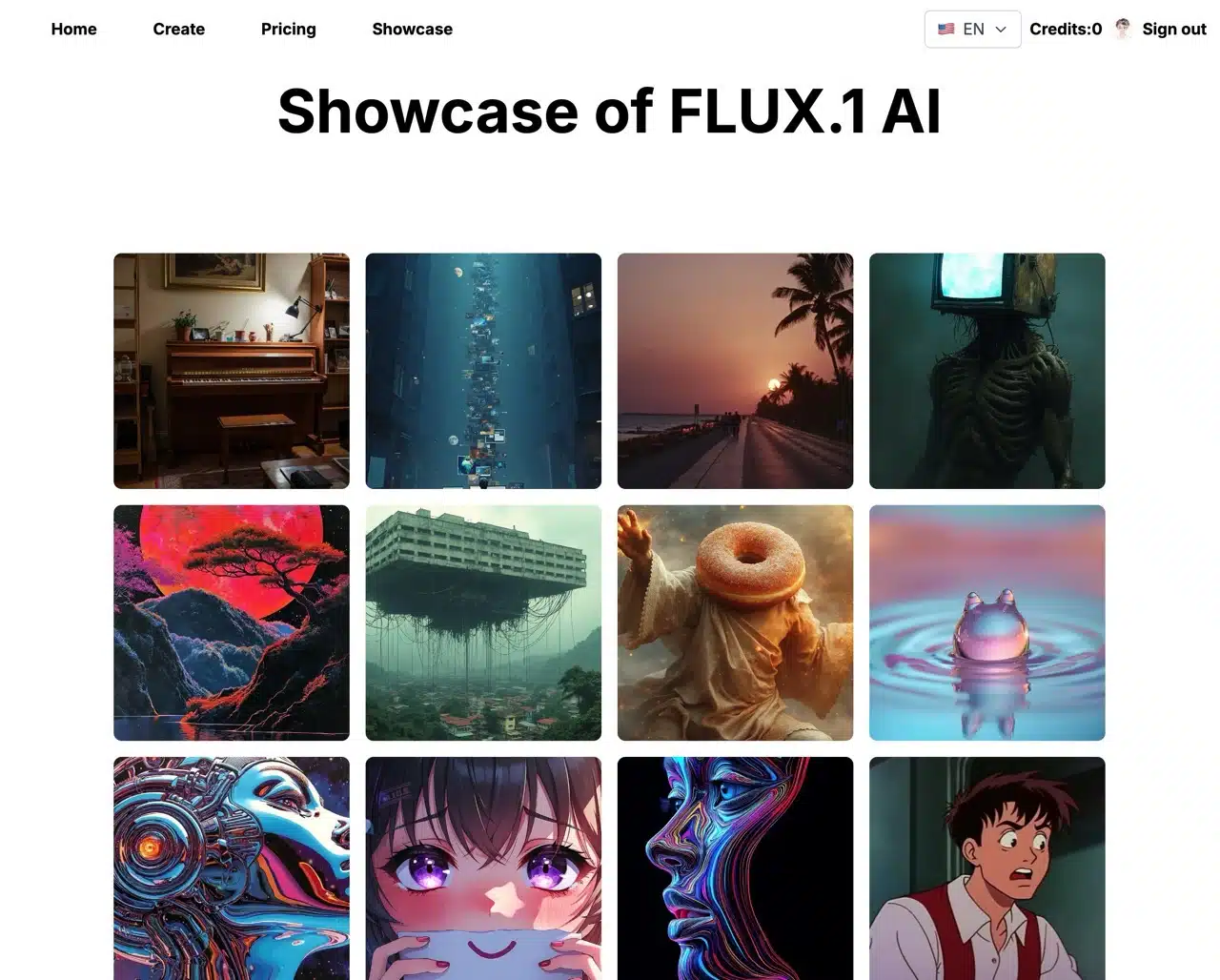
You can also view more images generated by this model in FLUX.1's Showcase gallery. If you have a need for generated images, we highly recommend purchasing image credits. The pricing is quite reasonable, and the key point is that the quality of the generated content is excellent.