
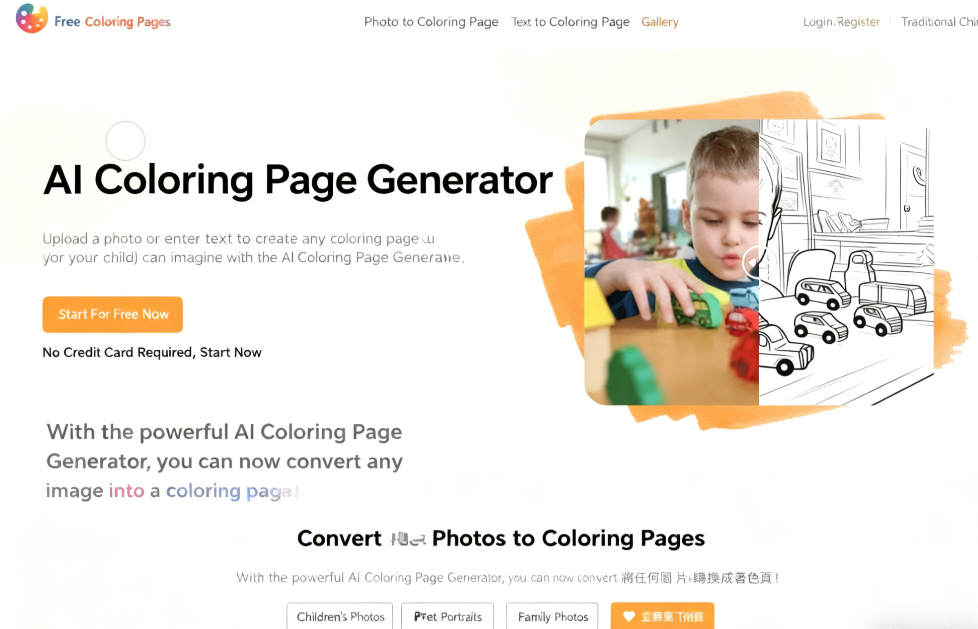
ColoringBook AI is a free coloring page generator offering two key features: free coloring page downloads and converting photos or text into coloring pages. Whether you're searching for diverse coloring page materials or creating your own custom coloring pages, it can do it all! Currently, ColoringBook AI features over 5,000 coloring pages spanning themes like Disney, Marvel characters, animals, holidays, and professions. Browse online, download PDF or PNG files for free, then print the designs to let kids practice coloring and drawing.
I've previously introduced other similar coloring services:
SoColoring: Free AI coloring page generator for effortlessly creating personalized coloring books
Color Pop AI Coloring Page Generator: Easily transforms text descriptions into printable coloring cards
SuperColoring: Free downloads of coloring books, connect-the-dots puzzles, and drawing tutorials, plus online coloring
Additionally, ColoringBook AI can convert photos or text into coloring page images. Using AI technology, it quickly transforms photos into coloring pages and generates images from text descriptions. Creating various coloring pages requires no software—just a browser. The entire process is extremely simple, and the website features a Traditional Chinese interface.
However, the ColoringBook AI generator tool requires payment to use (free registration grants a fixed monthly quota). Interested users can register for a trial first and consider upgrading if satisfied. All coloring pages provided on the website are free to download, accessible even without an account, with no restrictions on download frequency.
User Guide: Getting Started with ColoringBook AI
1. Browse and Download Free Coloring Pages
After launching ColoringBook AI, tap “Free Coloring Pages” at the top to explore the website's collection. Currently featuring over 5,000 pages across various themes and difficulty levels, you can also search using keywords.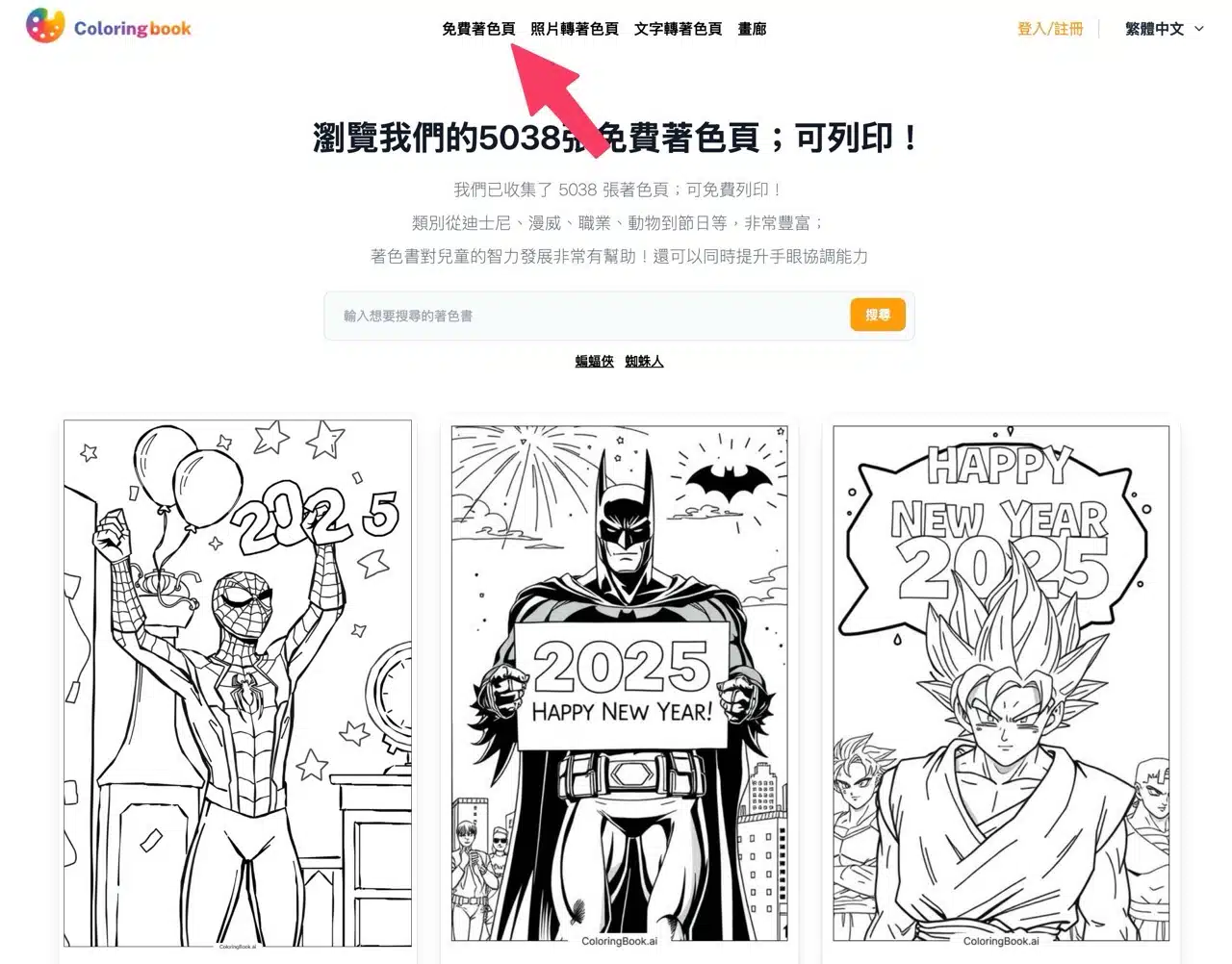
Browse through the coloring book categories, find an image you like, and enter its details page. There, you'll see download buttons for both “Download PDF” and “Download PNG” formats. Each coloring page also displays its difficulty level—for example, the image below is rated as Easy.
Downloading any coloring page from ColoringBook AI requires no payment or account registration. Simply print it out after downloading. If you don't have a printer, you can also utilize convenience store printing services.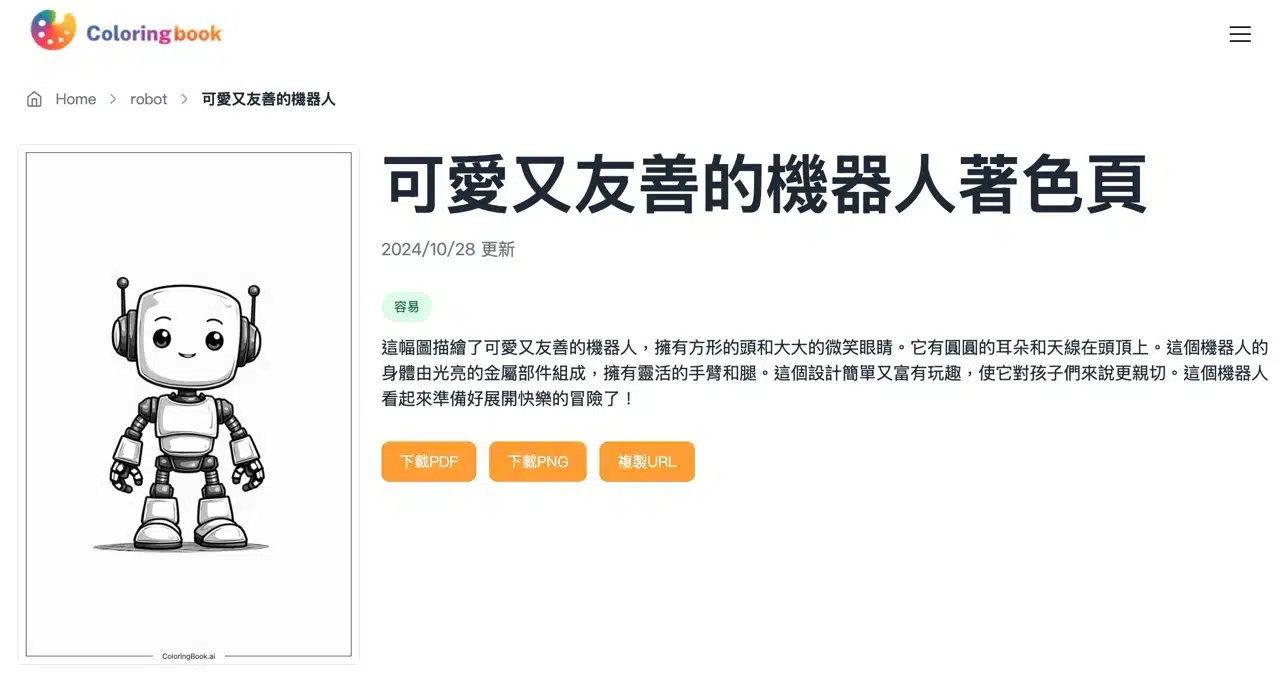
2. Photo to Coloring Page
Next, let's try ColoringBook AI's photo-to-coloring-page feature. After entering, use the “Upload Image” function to select the original photo you want to turn into a coloring page. It supports themes like animals, people, objects, or landscapes. Note that coloring pages generated by free users will appear in the gallery, meaning others can see or download them. Remember not to upload overly personal or inappropriate content.
When using this feature, ColoringBook AI will prompt you to register or log in to an account. Simply sign in with your Google account to proceed.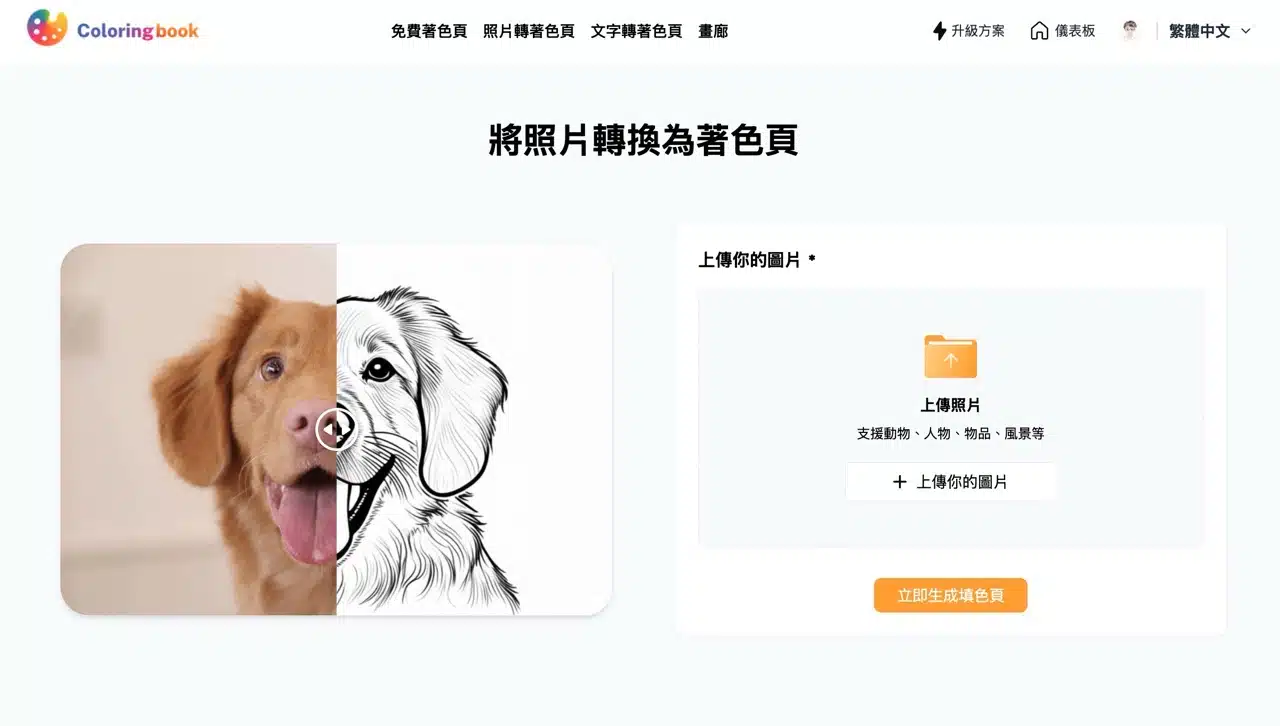
3. Settings and Downloading PDF/PNG Formats
The creation tool displays a free plan allowance of 4 credits. Each generated image deducts 1 credit, limiting users to four images. This is sufficient for testing purposes; paid subscriptions are available for further use.
By default, it suggests generating two images per batch. Since AI generation cannot guarantee perfect results for every image, users can adjust the number of coloring pages generated per batch in the batch field. Additionally, options like keeping faces unchanged, removing backgrounds, and enlarging images are available below. However, the free plan offers limited customization options and does not include Private Mode or the ability to remove watermarks from coloring pages.
Private Mode means that coloring pages generated by ColoringBook AI may appear publicly in the “Gallery,” where other users can view or download them. This mode must be enabled to adjust permissions, which free users cannot configure.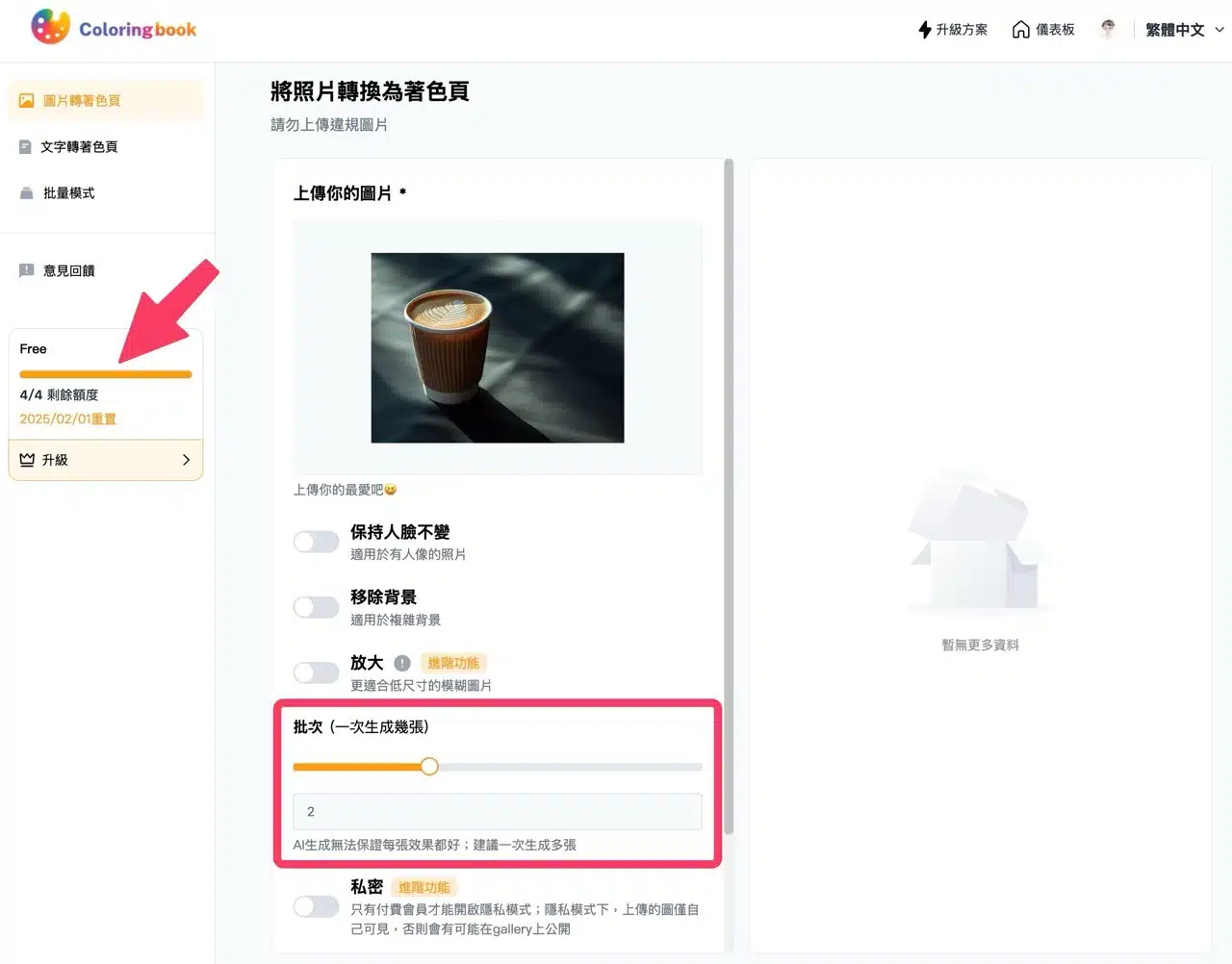
Generated results appear on the right side of the editor. You can download coloring pages as PDF or PNG files.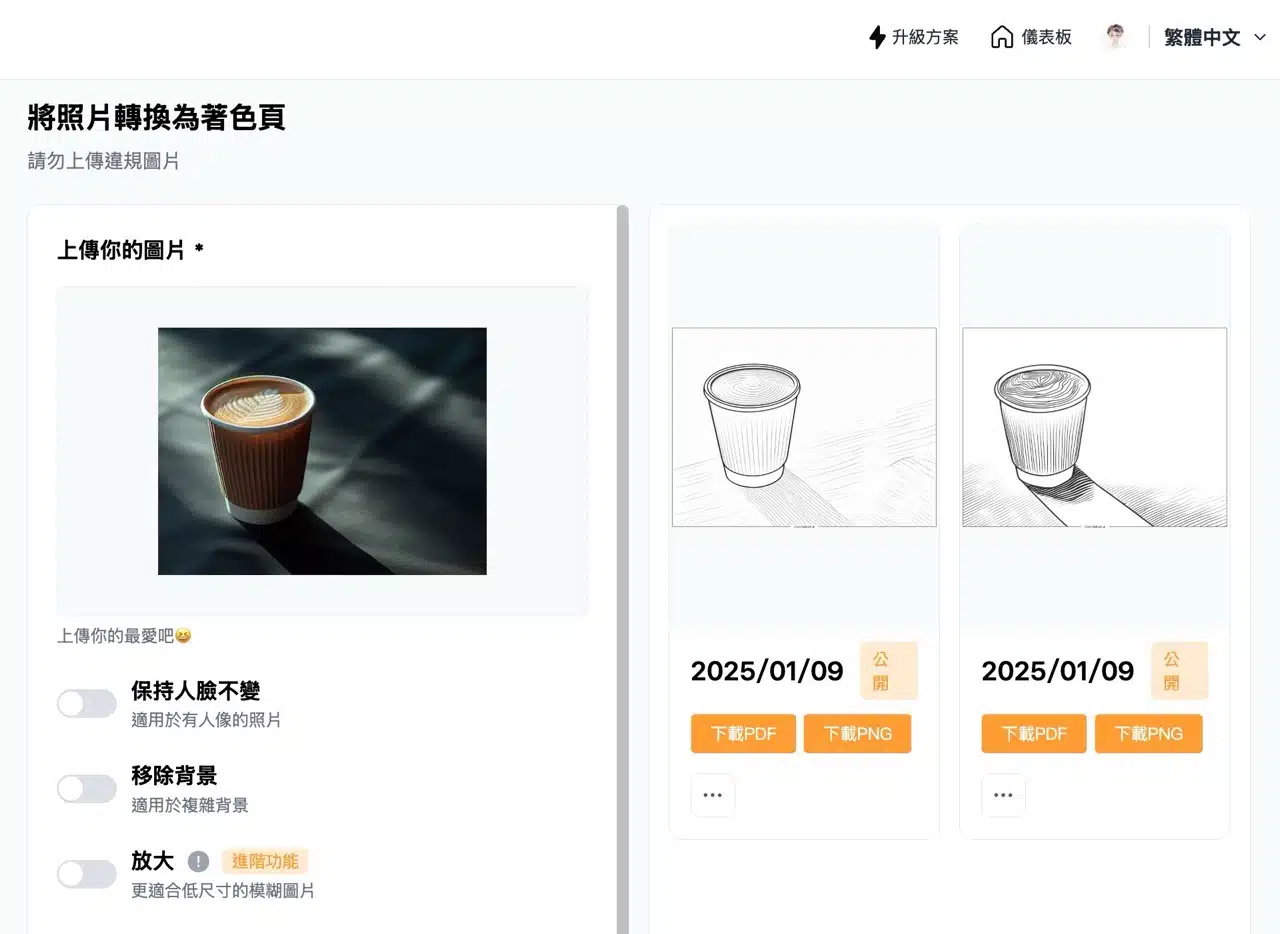
4. Text-to-Coloring Page Generation
Another useful feature is “Text to Coloring Page.” While the previous tool generates images from pictures, this function creates images from text. Enter a prompt (essentially a description of the coloring page pattern, supporting Chinese) into the editor. Interestingly, you can adjust the difficulty level before generation: Toddler, Child, Teen, or Adult. Selecting different levels generates coloring pages of varying complexity.
The default coloring page size is 2:3, but you can also adjust it to 1:1 square or 3:2 landscape when needed. Similar to the image-to-coloring-page feature, the free plan does not include privacy permissions, meaning generated coloring pages may appear in the gallery.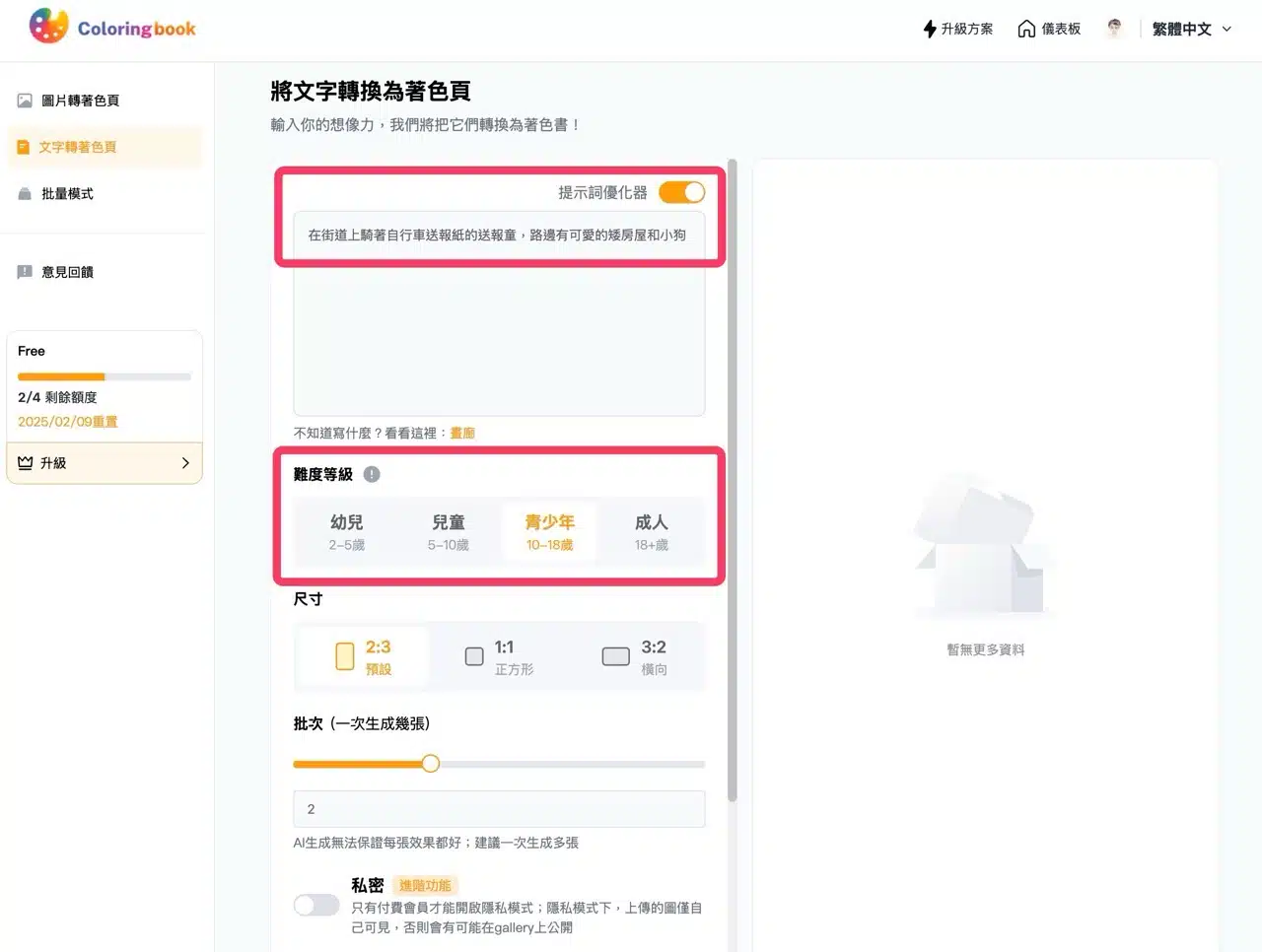
Below is a coloring page I generated using the text mode with AI. Doesn't it look great? Click the download button on the right to get the image.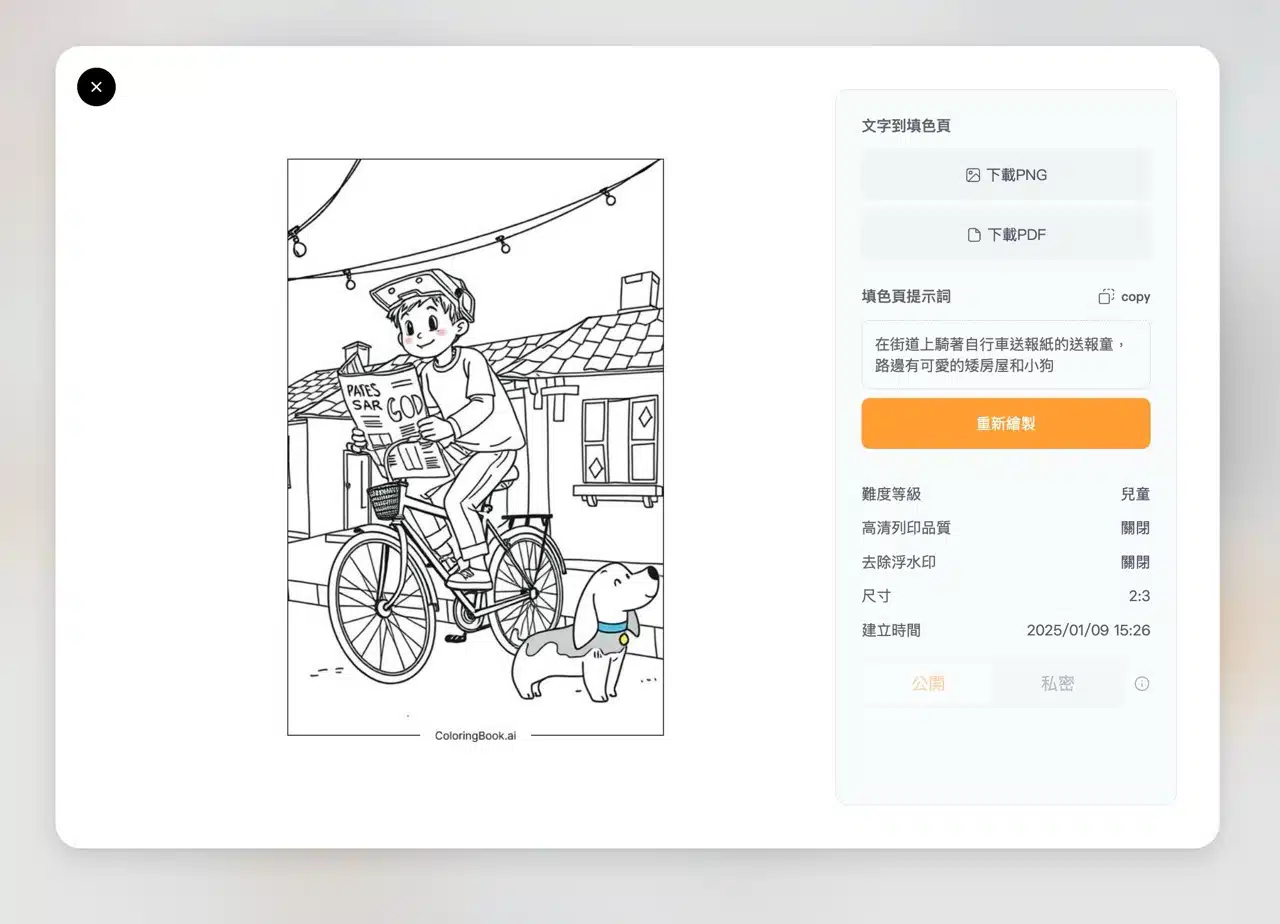
5. Explore the Gallery Feature
As mentioned earlier, the free plan does not enable the “Private” option. Generated designs may appear on the ColoringBook AI gallery page. Access the gallery feature via the website menu to view coloring pages created by others! While these designs cannot be directly downloaded, they include the original coloring page prompt text. Users can use the same prompt to generate identical or similar coloring pages.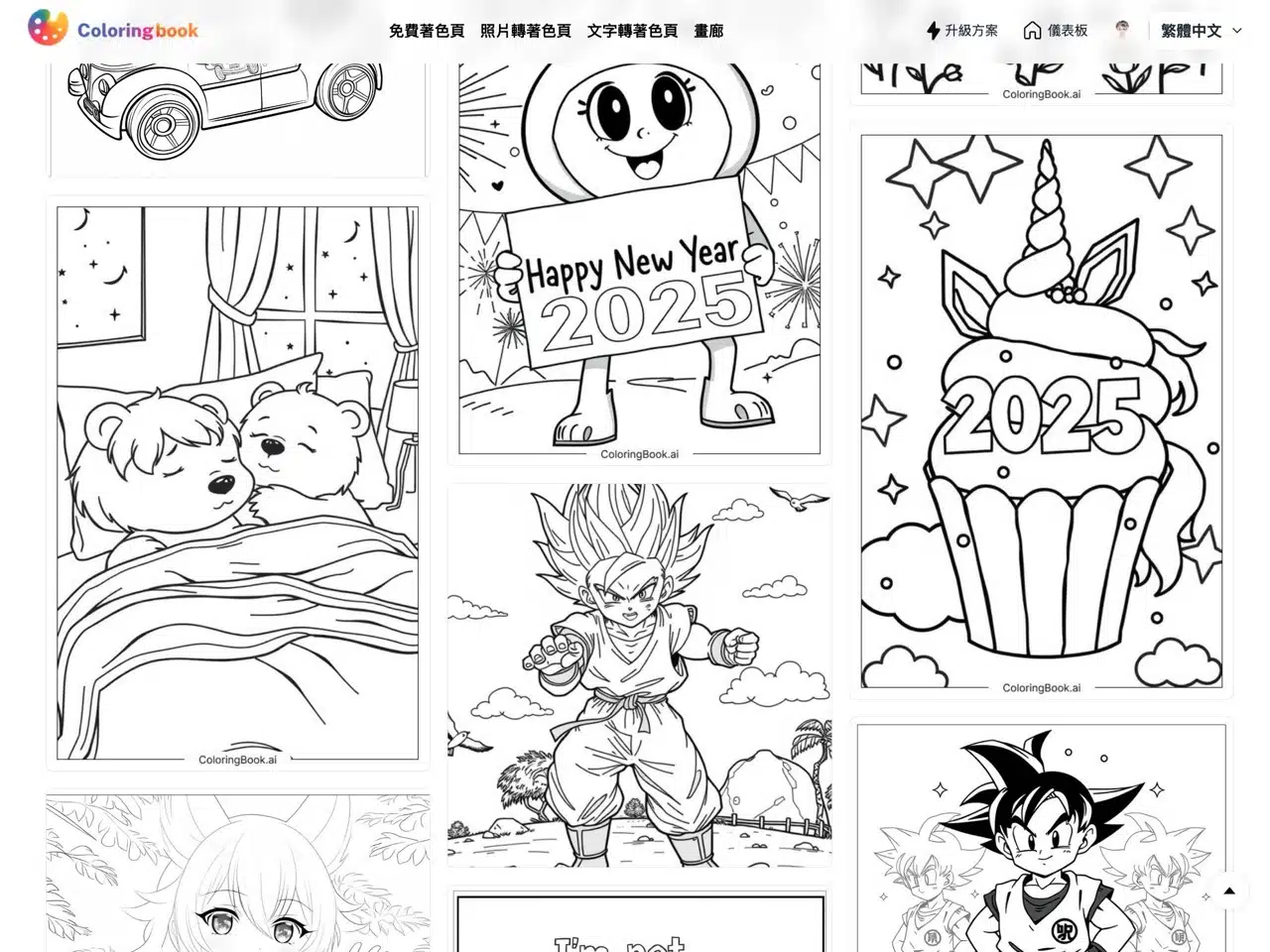
ColoringBook AI offers a wealth of free resources and AI technology, providing users with convenient coloring page materials and download services. Whether you're searching for materials or creating custom coloring pages, this tool meets your needs and is definitely worth a try!