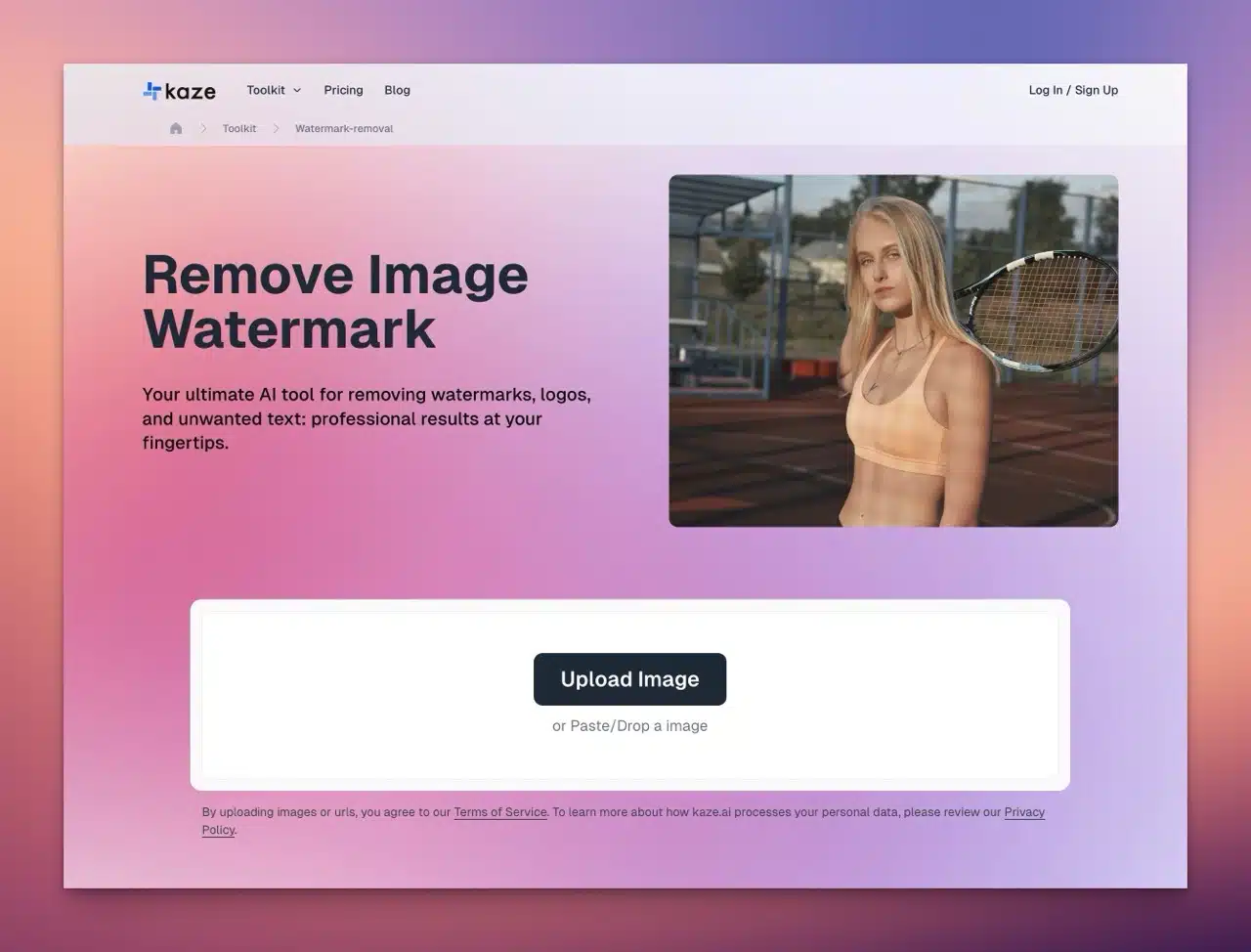
Kaze.ai is a versatile AI image editing service offering features like AI image restoration and watermark removal. Its watermark removal tool is exceptionally powerful! It swiftly removes watermarks (text, logos, or any content) from images, automatically handling even complex watermarks. Simply upload your file for AI analysis and editing—the entire process takes just seconds.
Powered by AI technology, Kaze.ai's watermark removal tool preserves image quality and supports multiple formats. Free registration grants 3 credits—each image processed or downloaded deducts one credit. For bulk processing, consider purchasing additional credits or opting for a subscription (offering lower per-credit rates).
The Free Resources Network Community has previously recommended other tools for removing image watermarks, such as:
Watermark Remover - Free Image Watermark Removal Tool: Upload and automatically remove various marks
AI Watermark Removal Recommendations:
Dewatermark - Quickly remove photo watermarks online
Lama Cleaner - Fully automated AI instantly removes image watermarks
Next, let's demonstrate how to remove watermarks using Kaze.ai!
User Guide
1. Upload an image.
After opening Kaze.ai's image watermark removal service, click “Upload Image” to select the image you want to process. You will then see the editing interface below. In the top-right corner, you can switch between modes: Fast Speed or Best Quality.
For more precise watermark removal, click “Removal Area” in the top-left corner to manually select the removal region.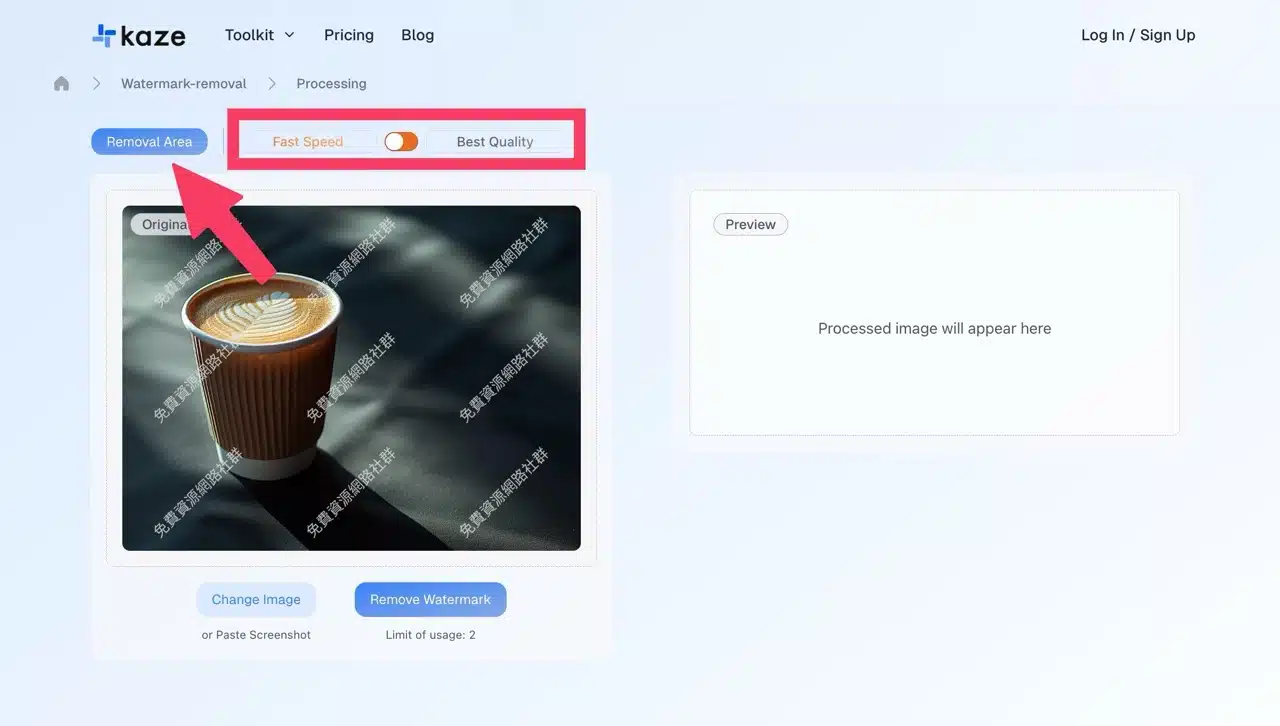
2. Manually set the removal area (optional).
Enter manual mode and use the cursor to draw around the watermark location.
This step is not mandatory. Kaze.ai is a fully automated AI watermark removal tool that automatically detects and identifies watermarks. Manual mode is only needed if the automatic removal results are unsatisfactory.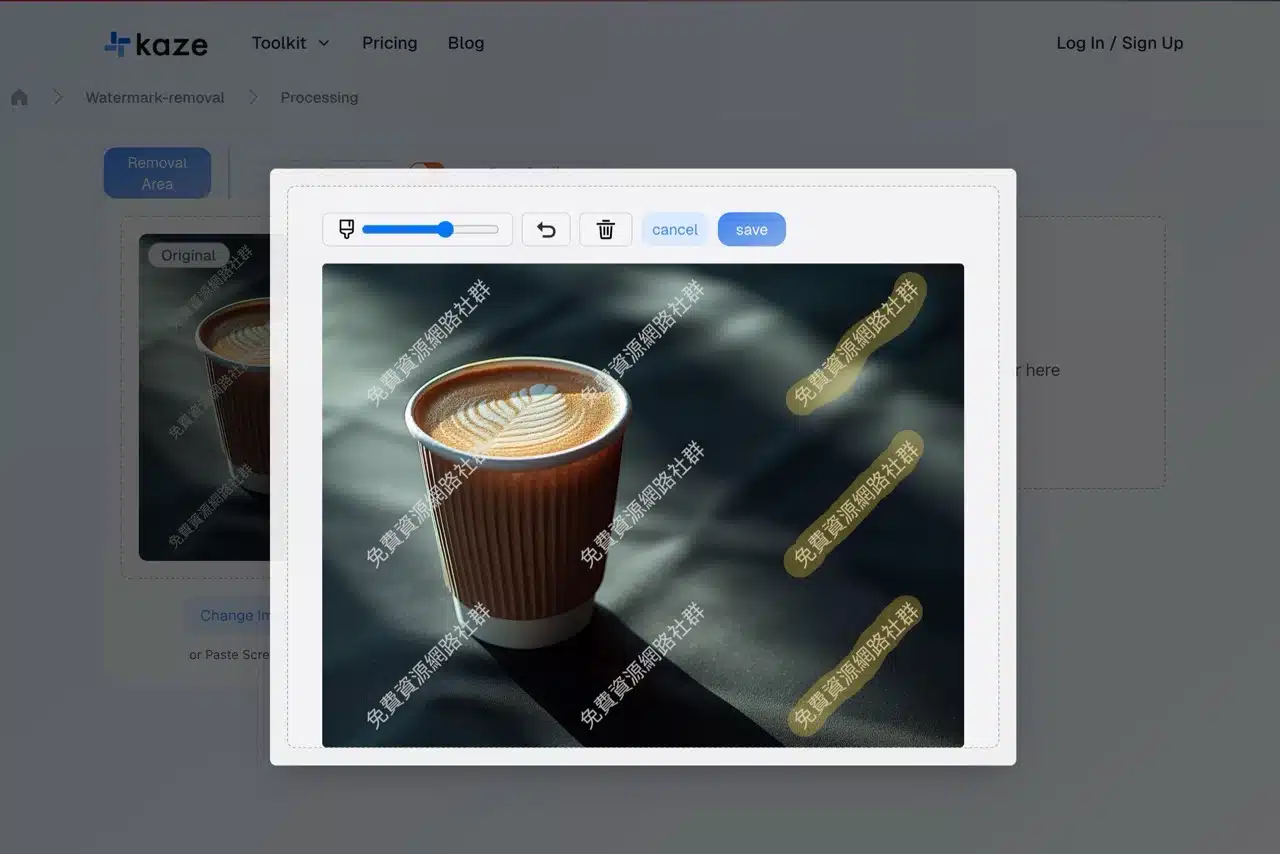
3. Initiate AI watermark removal.
Click the “Remove Watermark” button below to begin processing and removing the watermark. The remaining available uses will be displayed below.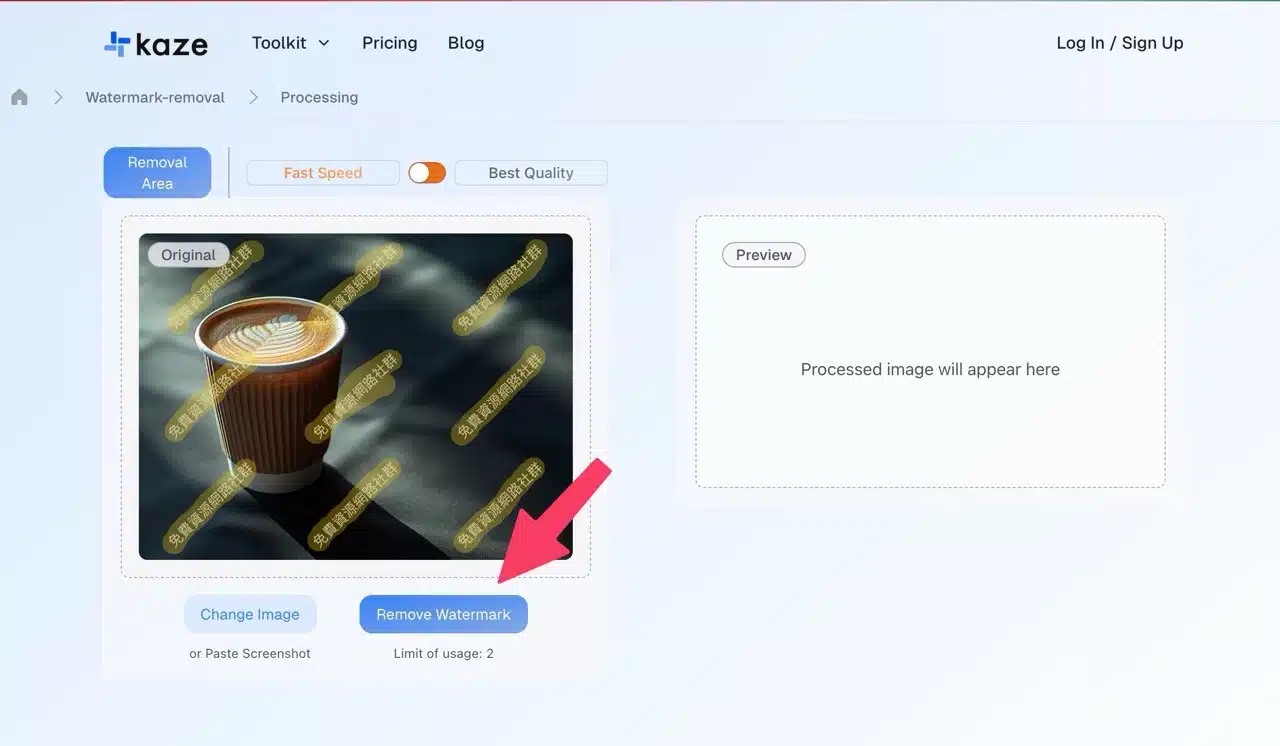
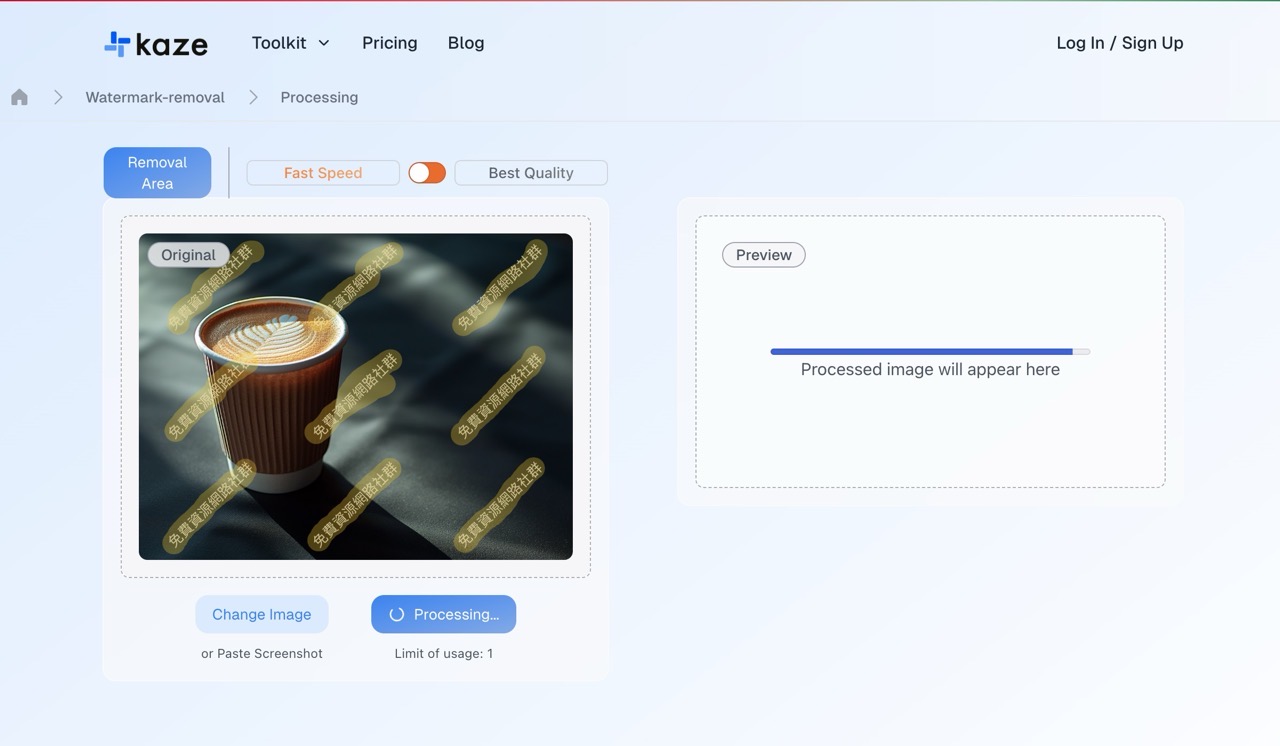
4. Download the image.
The watermark-removed image will appear on the right upon completion. Click “Download” below to download the image. However, without registration, only smaller-sized photos can be downloaded.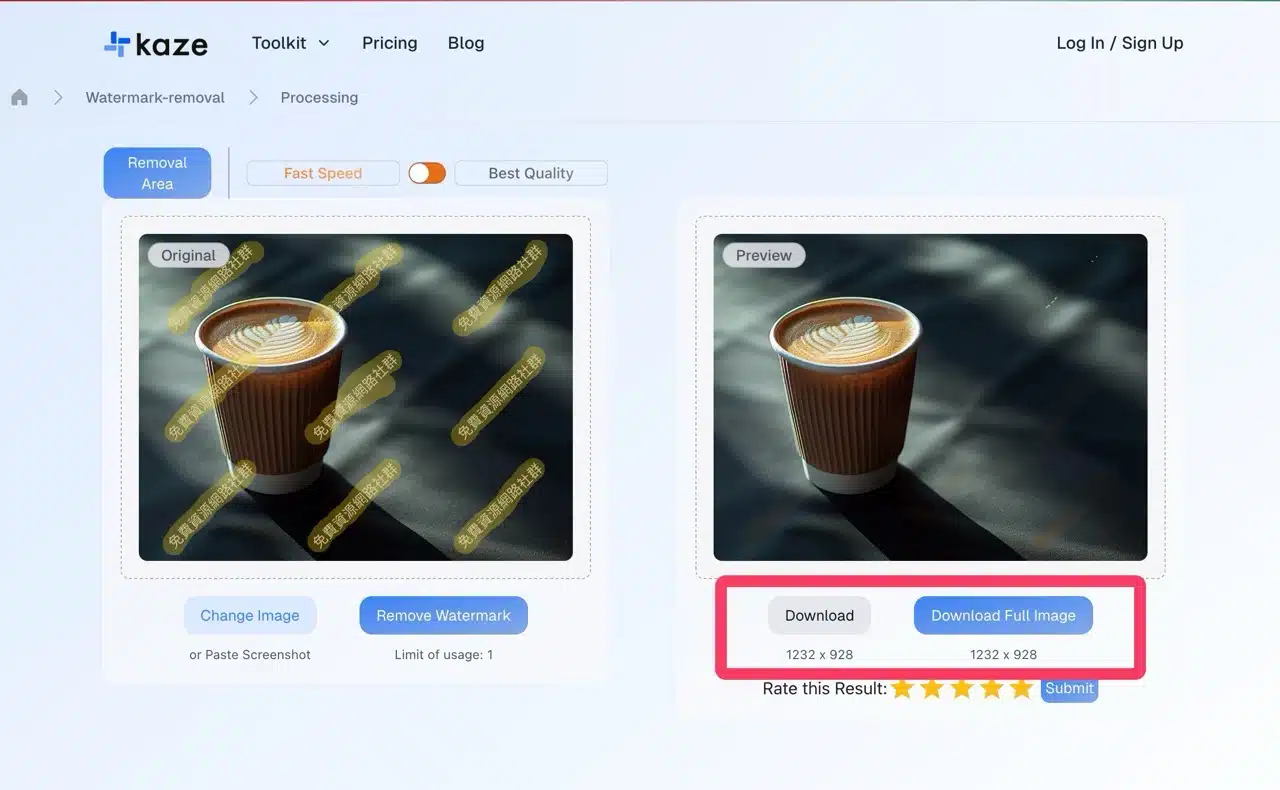
5. Downloading full-size images requires account registration.
Clicking “Download Full Image” will prompt a free registration message. Registration grants 3 points.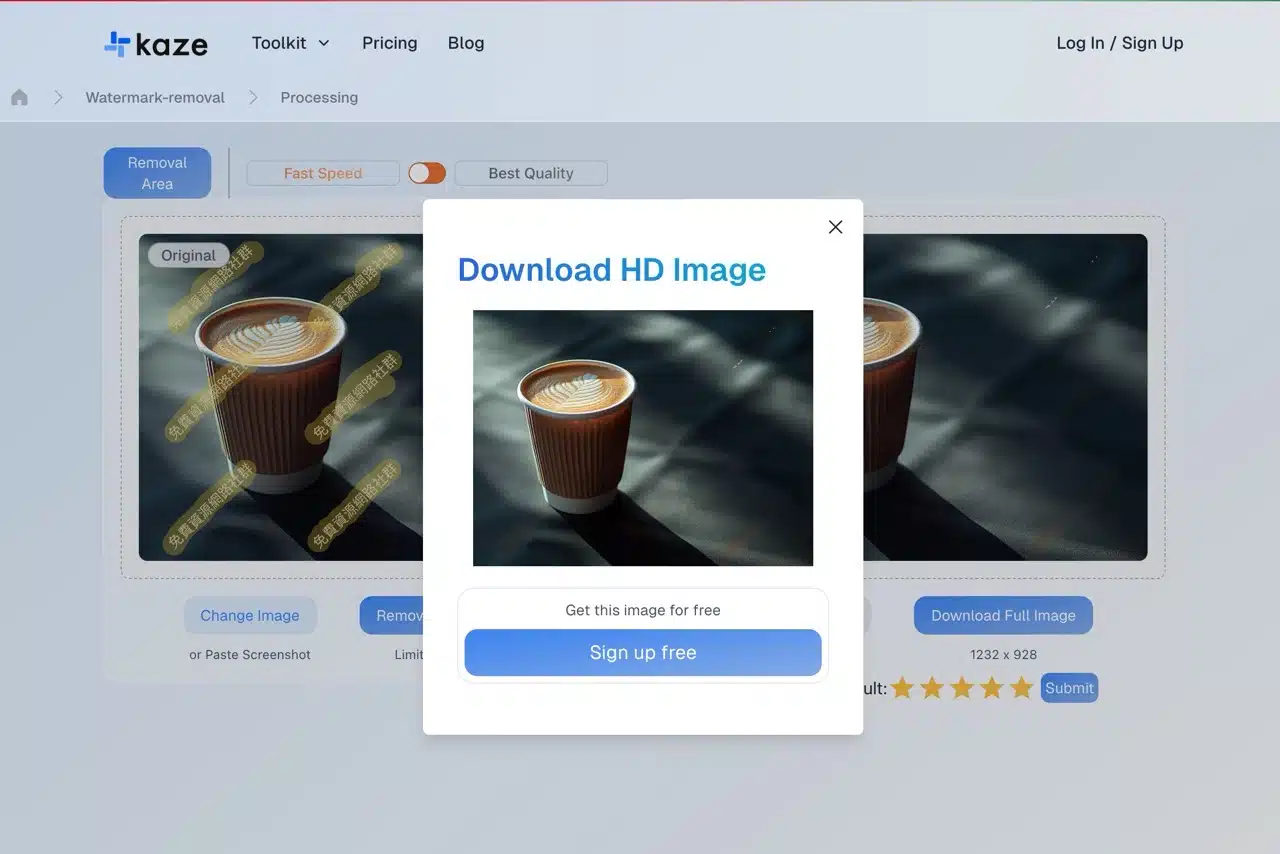
6. Common Issues and Solutions.
However, during testing, I found Kaze.ai seems to have some issues. Even with credits available, it still displays a “No Enough Limit” error message, requiring users to upgrade their plan to obtain more usable credits.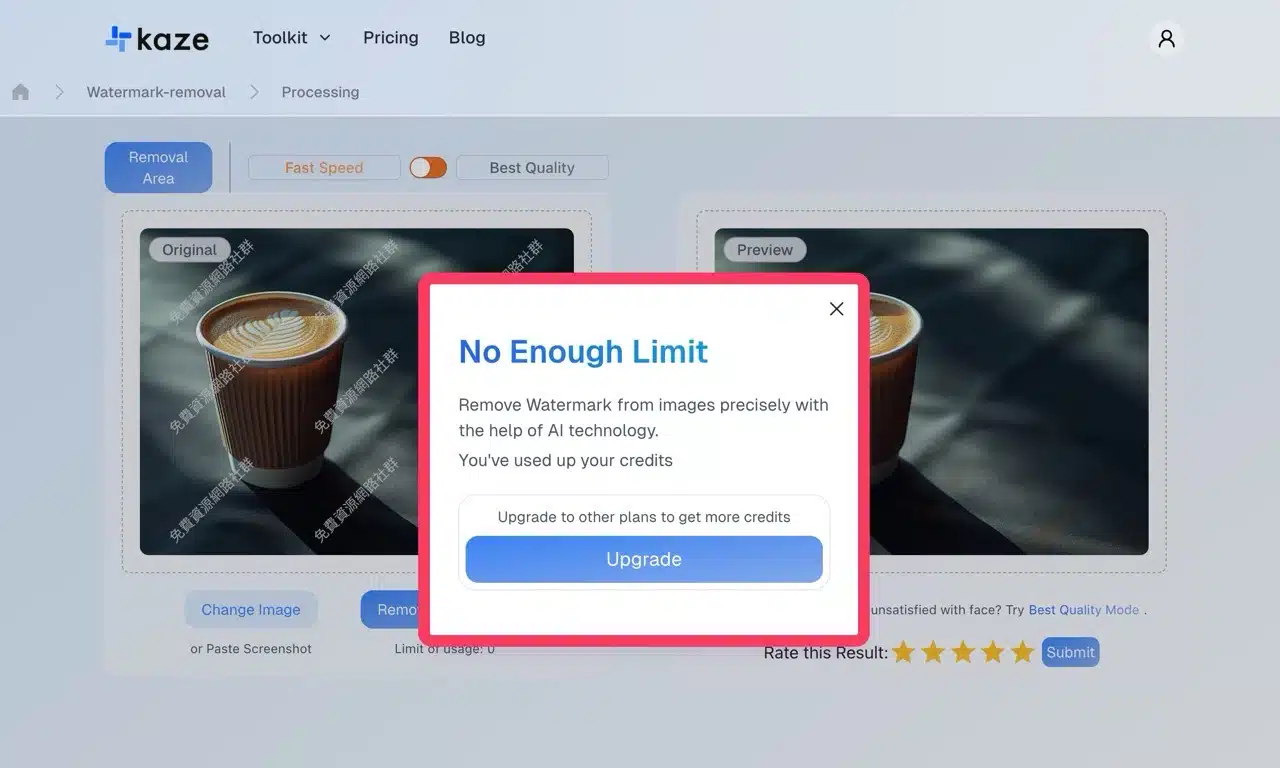
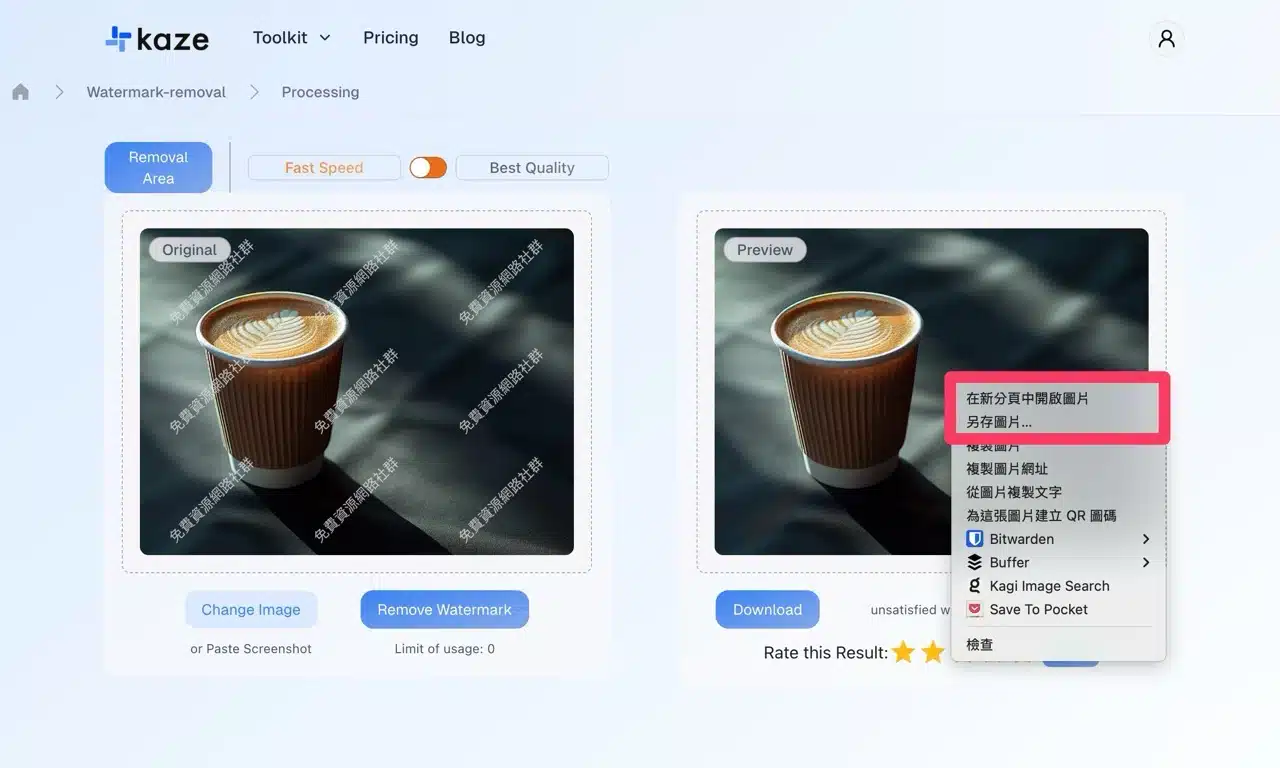
Later, I discovered a workaround: simply install the “Allow Right-Click” extension to bypass web page restrictions on right-clicking, copying, or opening menus. On the download page, disable the right-click lock to access the context menu. Select “Save Image As” to download the image. Testing confirmed the retrieved image is the original size.