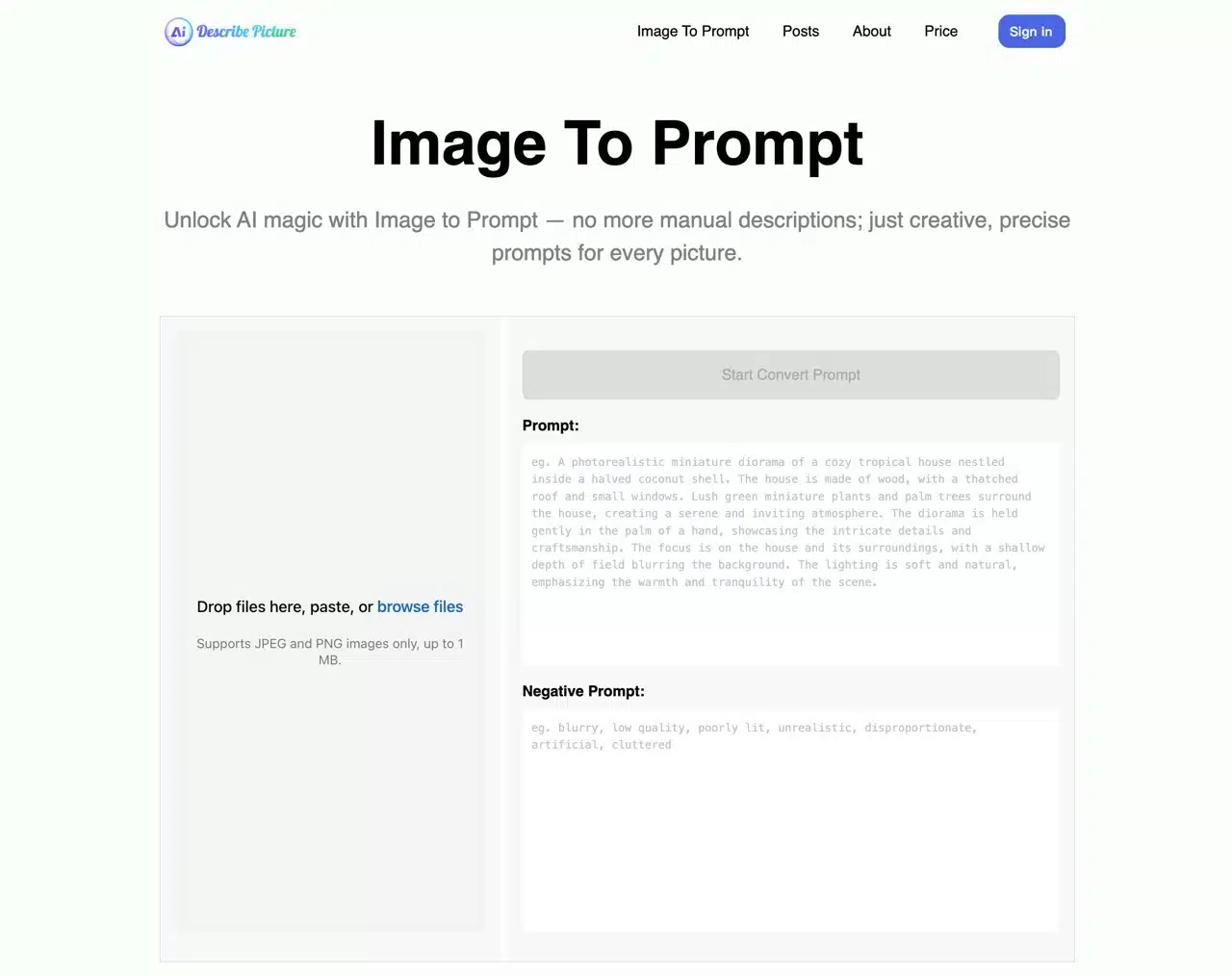
Describe Picture offers an AI-powered tool for describing images. Users upload images to receive AI-generated questions and answers related to the image, such as generating descriptions, summaries, translations, or naming suggestions. It can also accurately recognize text within images. Additionally, Describe Picture instantly converts web page screenshots into HTML code or Markdown format, making it a remarkably powerful AI image application!
This service also includes a free tool called “Image To Prompt,” accessible without registration or payment. Its primary function is AI-powered image recognition: simply upload an image to quickly analyze and convert it into an English prompt. If you want to use other AI services to create images but struggle to write effective prompts, this tool can rapidly generate them for you.
Image To Prompt features include: Detailed Descriptions: Automatically analyzes uploaded images to generate detailed, creative text prompts.
Supports All Image Types: Accurately identifies subjects like people, landscapes, or any photo theme.
Free Prompt Regeneration: Users can regenerate prompts anytime to meet evolving needs.
Includes Negative Prompts: Ensures generated images exclude specific elements.
I've previously introduced other similar tools. If you need to convert images into prompts, you can also try:
Image to Prompt: Easily convert images into AI image generation prompts
AnimeGenius: Use AI to identify images and effortlessly generate illustration prompts
CLIP Interrogator: Use AI to analyze images and effortlessly produce perfect image prompts
Usage Guide
STEP 1
After entering Describe Picture's “Image To Prompt” feature, drag your image directly into the upload field on the left, or click “Browse Files” to locate the image you want to generate prompts for. Only JPEG and PNG formats are supported. Note that images are limited to 1 MB, which is slightly small for most images.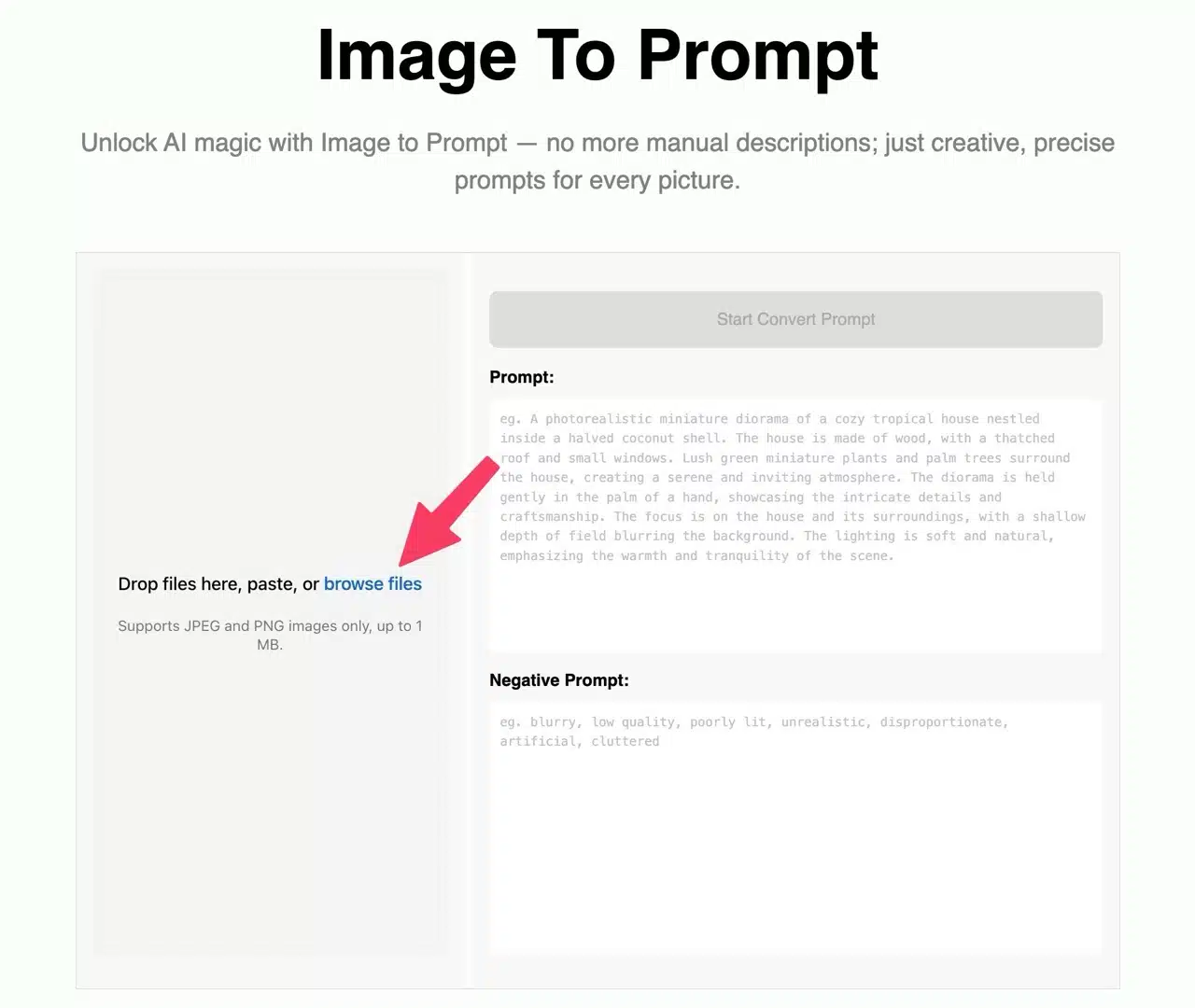
You can first use image compression tools like TinyPNG or TinyJPG to reduce file size, ensuring it stays under the limit. Alternatively, refer to my other article: “Free Photo Compression Tools: 25 Software Services to Shrink Images Without Losing Quality.”
STEP 2
After selecting your image, click the “Upload file” button below to upload it.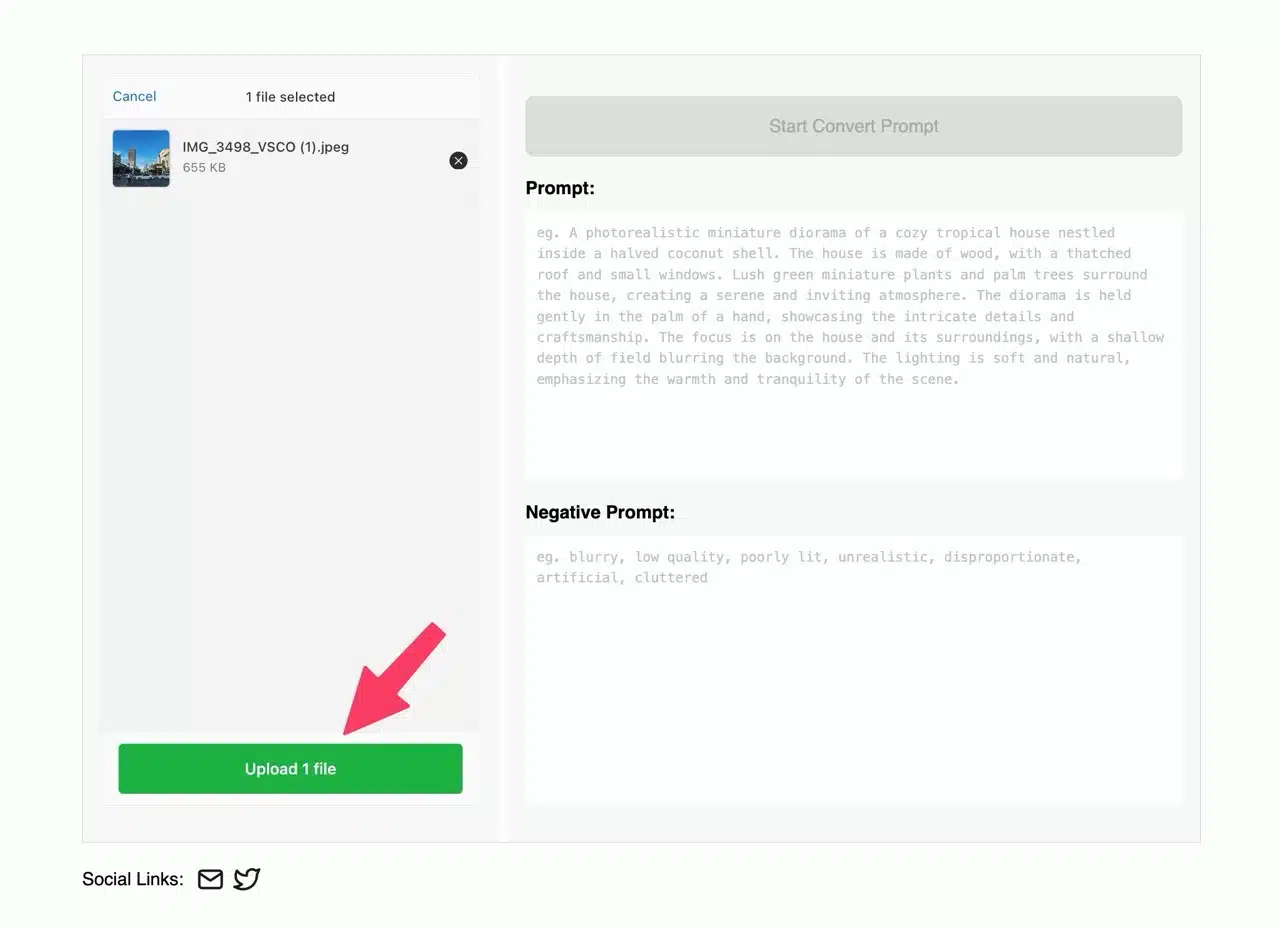
STEP 3
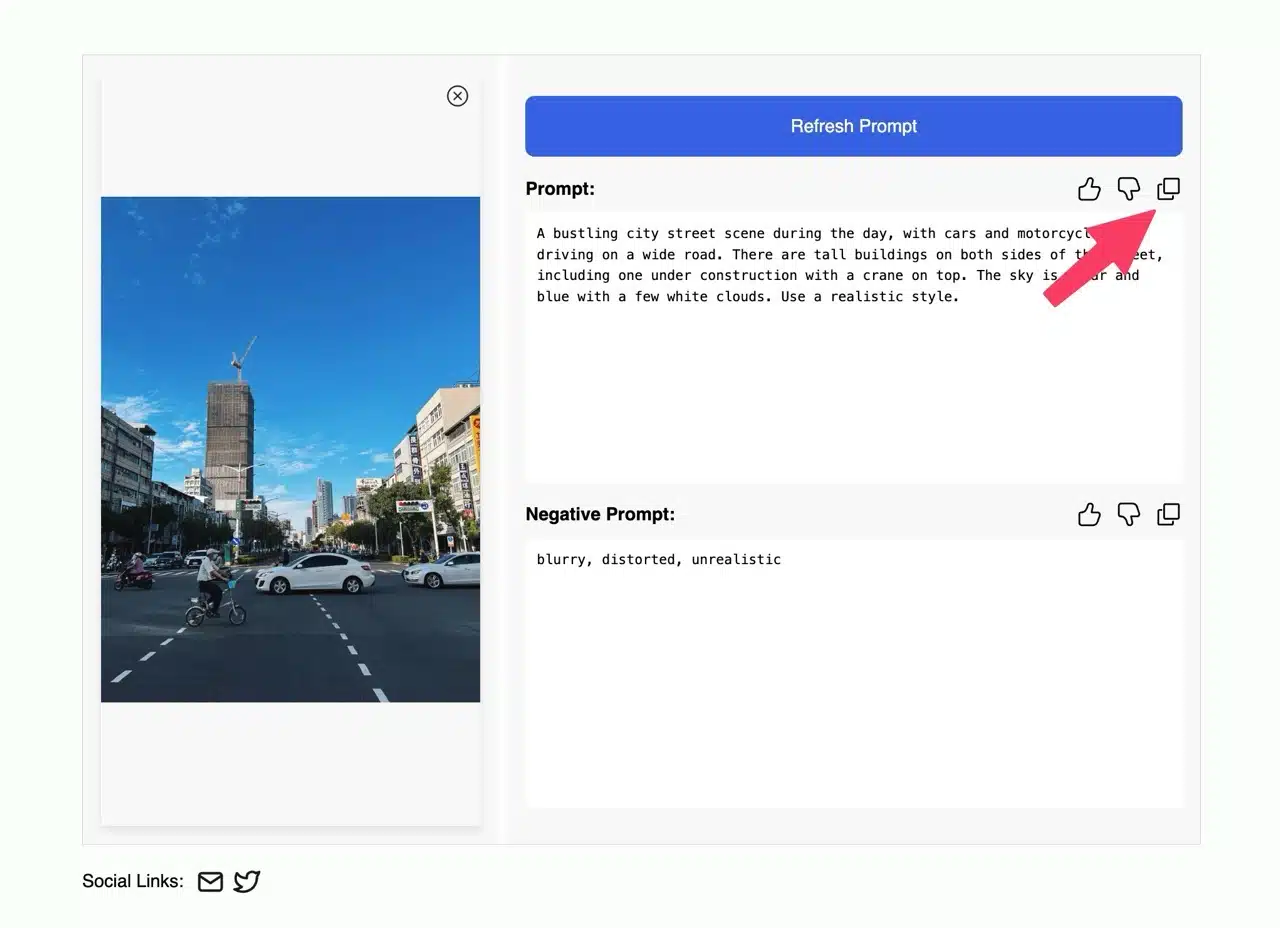
Finally, click “Start Convert Prompt” in the top-right corner to use AI technology to analyze the image and generate prompts and negative prompts.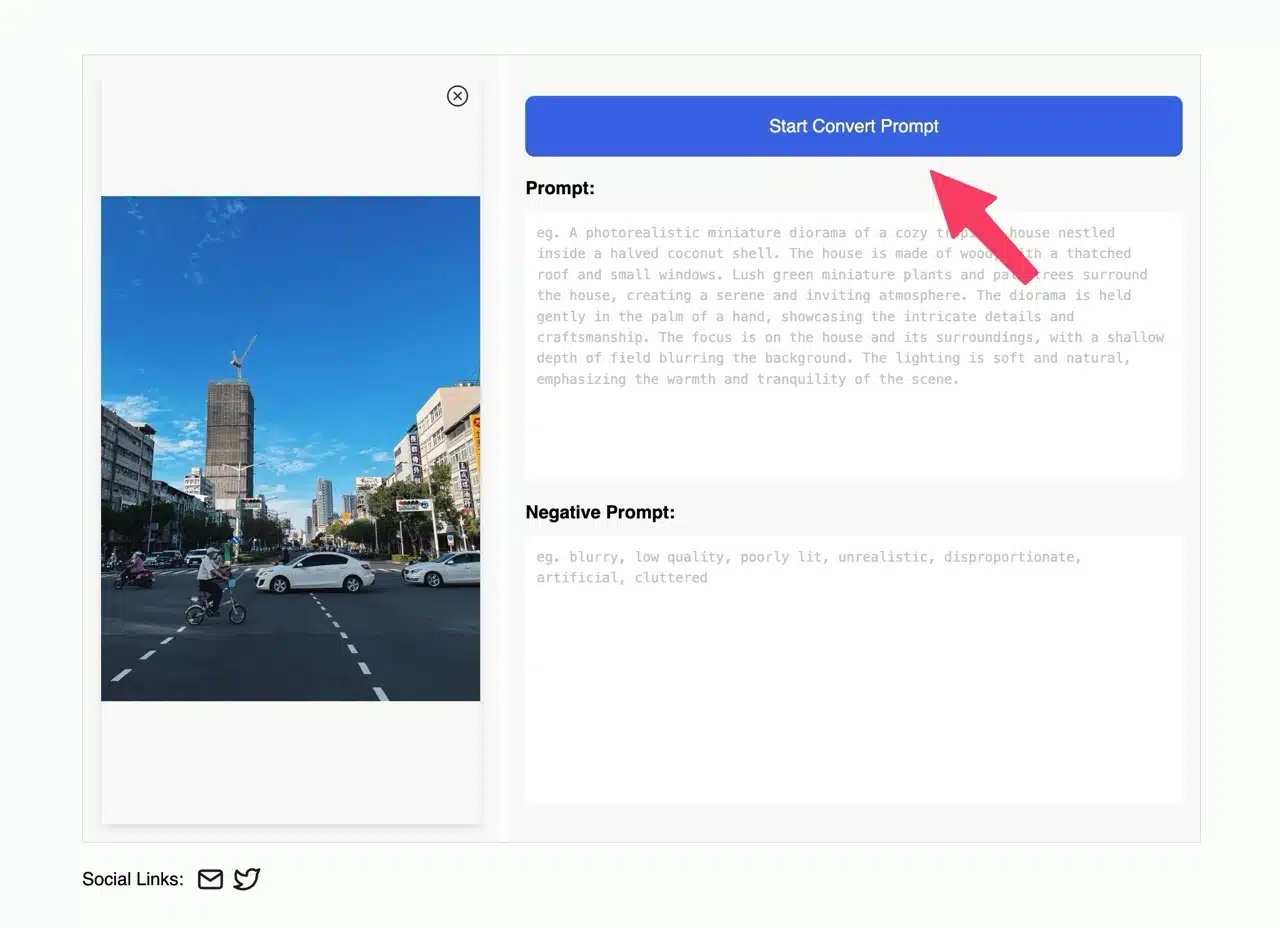
Click the “Copy” button to quickly copy the prompt to your clipboard. This complete image description can then be used with other AI tools to generate images. If you're unsure about creating prompts, feel free to use this tool to generate one. With minor adjustments, it's ready to use.