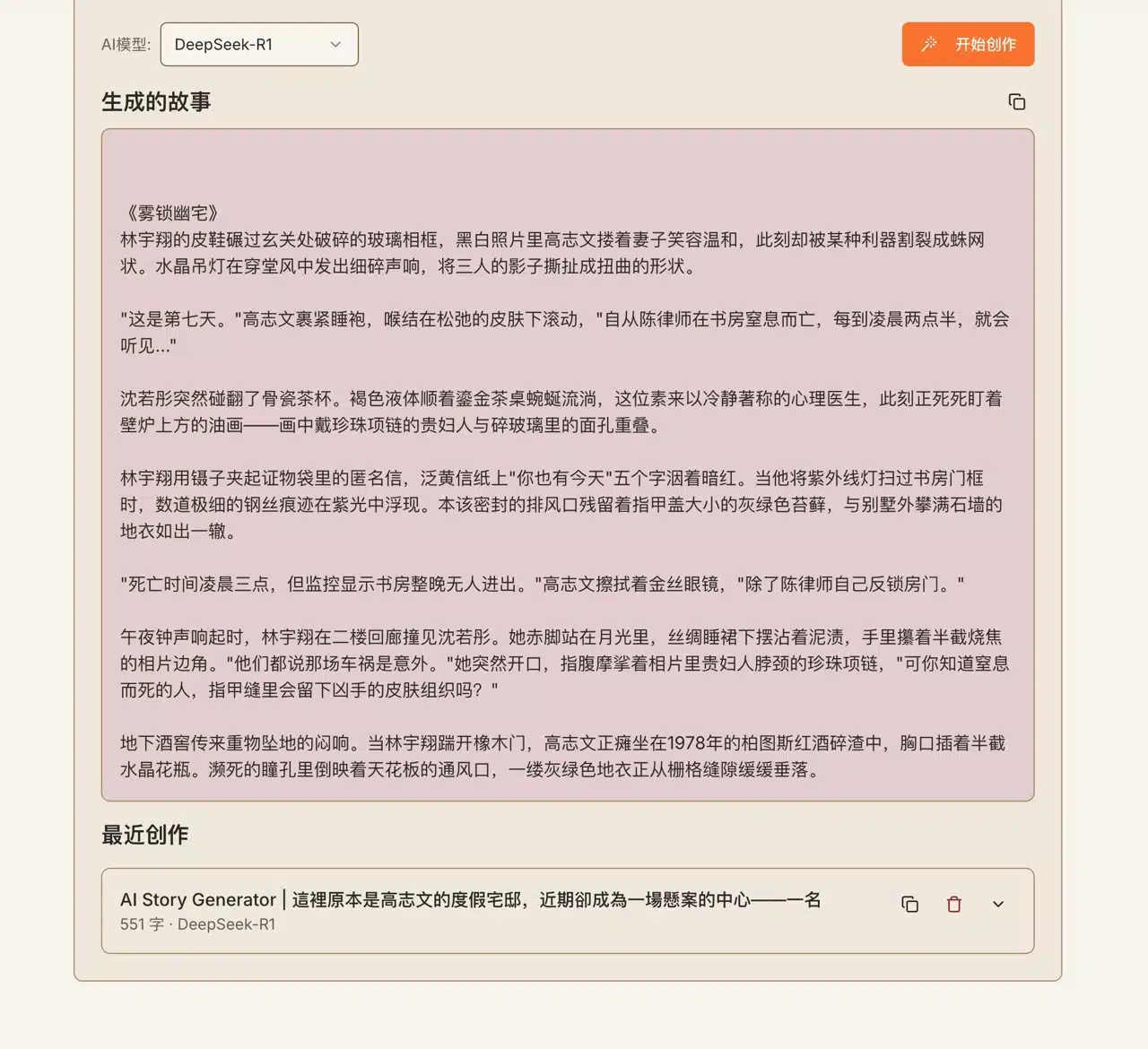
China's AI service DeepSeek has recently sparked widespread discussion, sweeping the globe with its lower training costs, open-source nature, and free access. It has emerged as a formidable competitor to general-purpose chatbots like ChatGPT, Claude, and Google Gemini. Now, some AI services are beginning to integrate with DeepSeek. The upcoming “AI Story Generator” is a free service that uses artificial intelligence to help users quickly create and generate written stories.
Users can envision AI Story Generator as a creative writing assistant. It employs AI to generate stories based on predefined parameters. While the output isn't intended for direct plagiarism, it provides writers, content creators, and storytellers with fresh inspiration and ideas—especially for crafting compelling narratives.
The AI Story Generator allows users to pre-set parameters such as story description, characters, scene atmosphere, story length, story type, narrative perspective, story format, and target age group. It then generates a story based on these relevant settings—a truly powerful tool! The generated content is in Simplified Chinese. Using translation software can convert it to Traditional Chinese, though some manual adjustments to wording may still be needed. AI story generators are also a relatively uncommon AI application.
How to Use the AI Story Generator?
1. Select an AI Model.
After launching the AI Story Generator, begin by selecting an “AI Model” from the bottom-left corner. Available AI models include DeepSeek-R1 and Alibaba's Tongyi Qianwen (Max, Plus, and Turbo).
Incidentally, this service previously utilized GPT-4 and Claude as its models.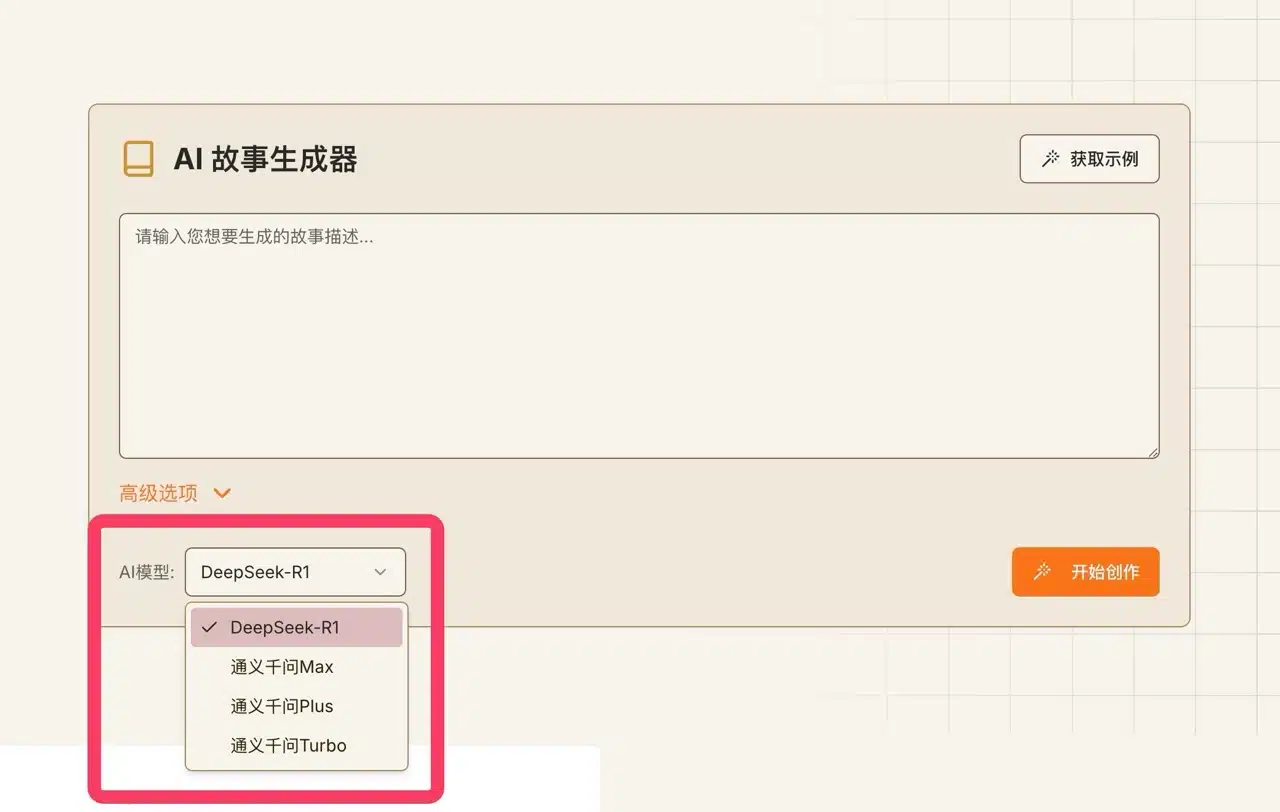
2. Set Story Parameters.
Clicking “Advanced Options” unlocks additional settings, including character details, scene ambiance, story length, genre, narrative perspective, format, and target age group. However, not every field needs to be configured when generating a story. Simply input your desired story description, and the AI will help complete it. Ai story generator free 3.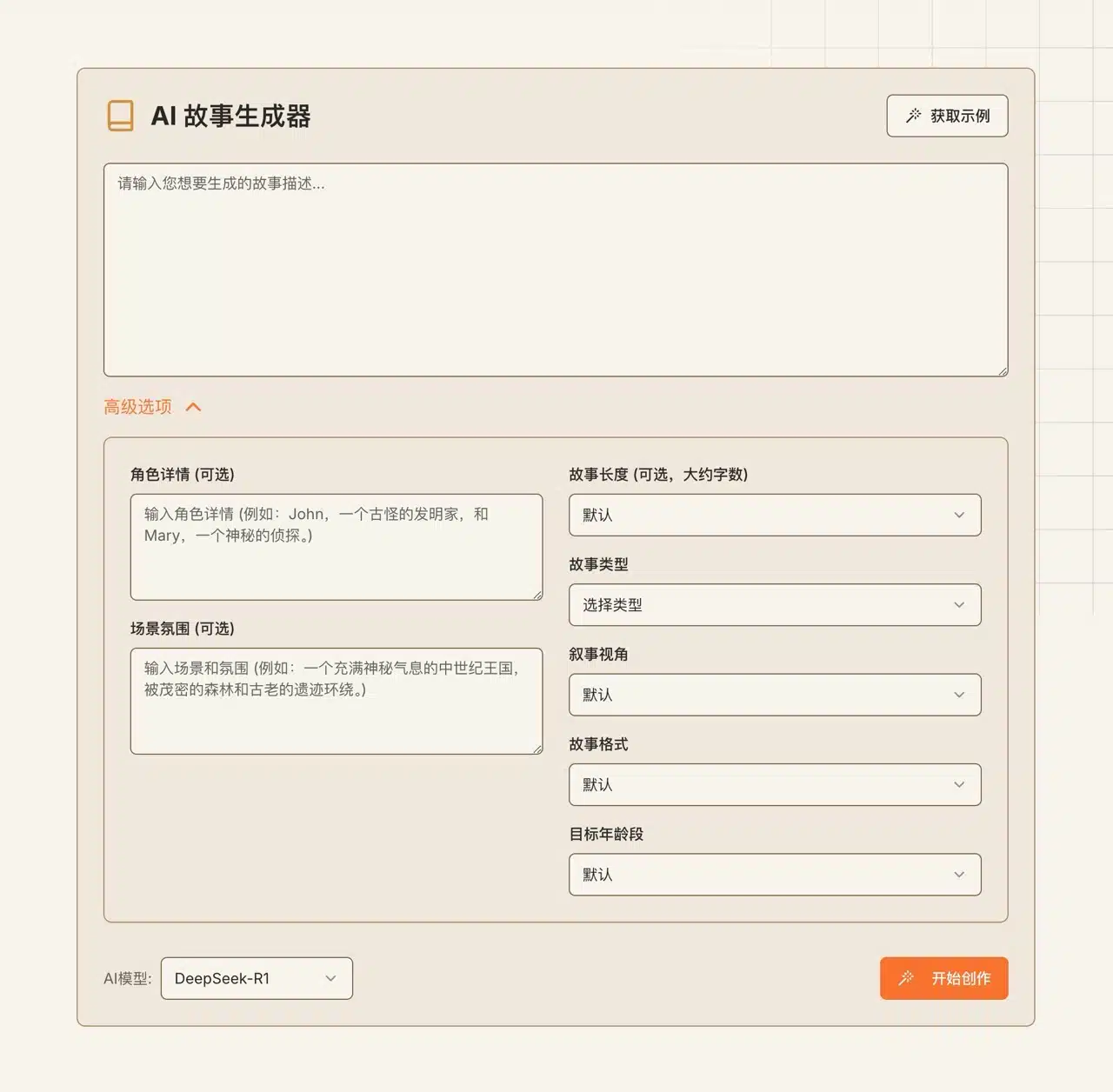
Get Inspiration Examples
If you're lacking inspiration, click “Get Examples” in the top-right corner to view other AI-generated stories. You'll see various themes, lengths, formats, and target age groups. Stories created using AI Story Generator will also appear on the homepage for others to see.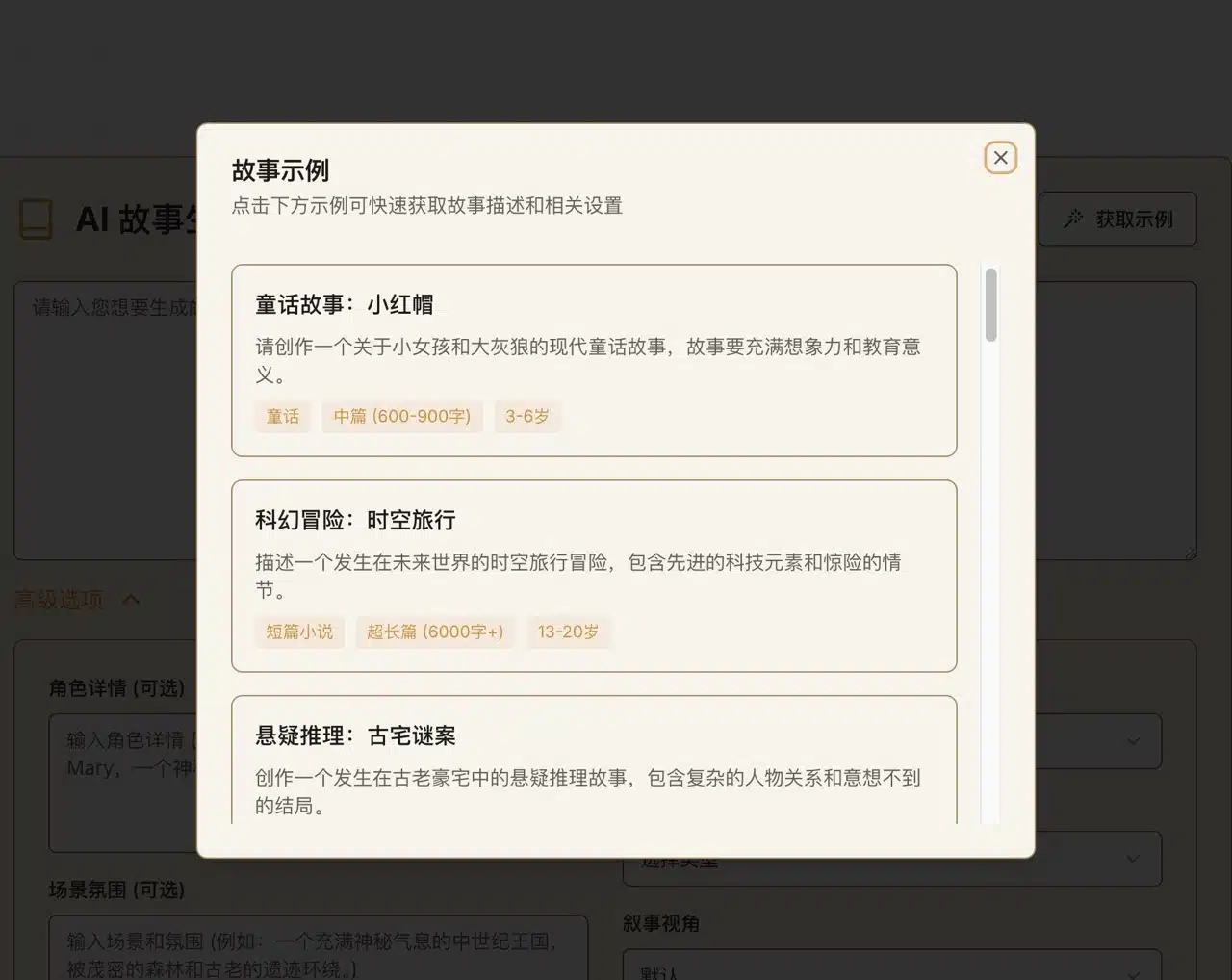
3. Pre-set the story type to generate.
Enter the desired story description into the AI Story Generator. If needed, configure characters, scene atmosphere, and story length. Story genres include Science Fiction, Romance, Mystery, Fantasy, Thriller, Historical, Adventure, Horror, Drama, and Comedy. Selecting relevant options accurately helps generate more contextually relevant content.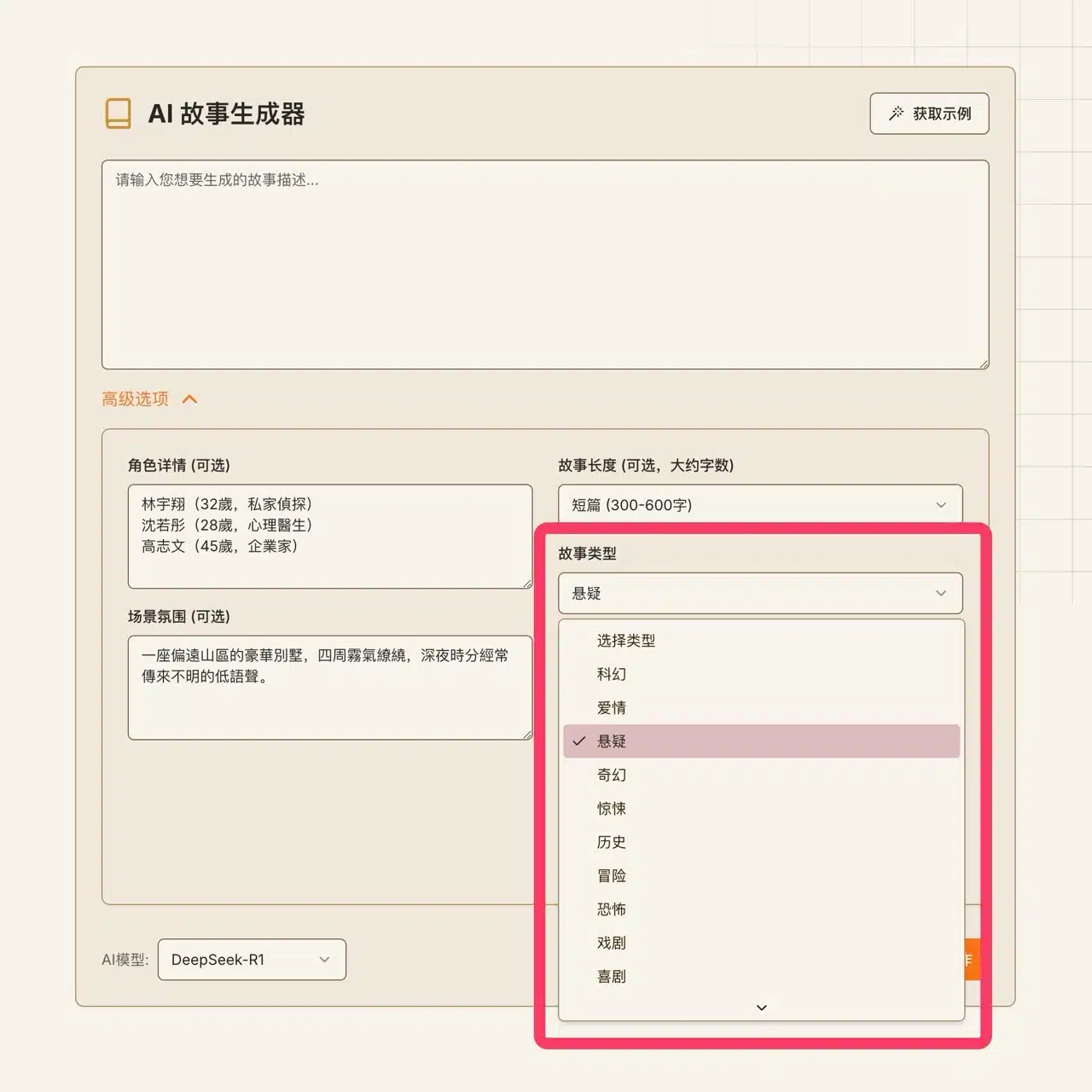
4. Generate stories using AI.
After configuration, click “Start Creation” in the bottom-right corner to initiate AI-driven story generation. 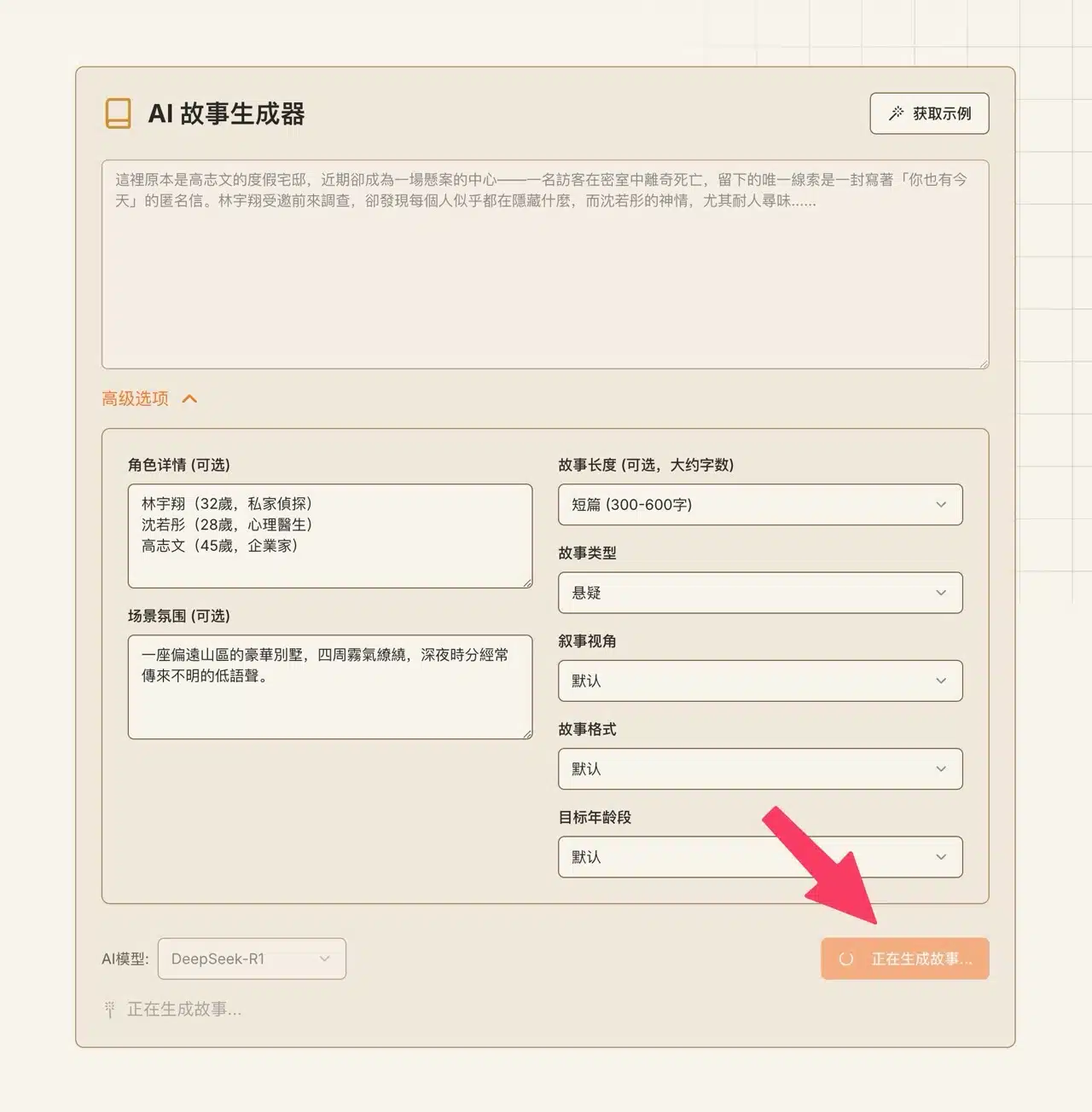 The generated content will appear at the bottom of the website. It looks quite impressive, though fluency and readability aren't guaranteed. Interested users are welcome to give it a try.