
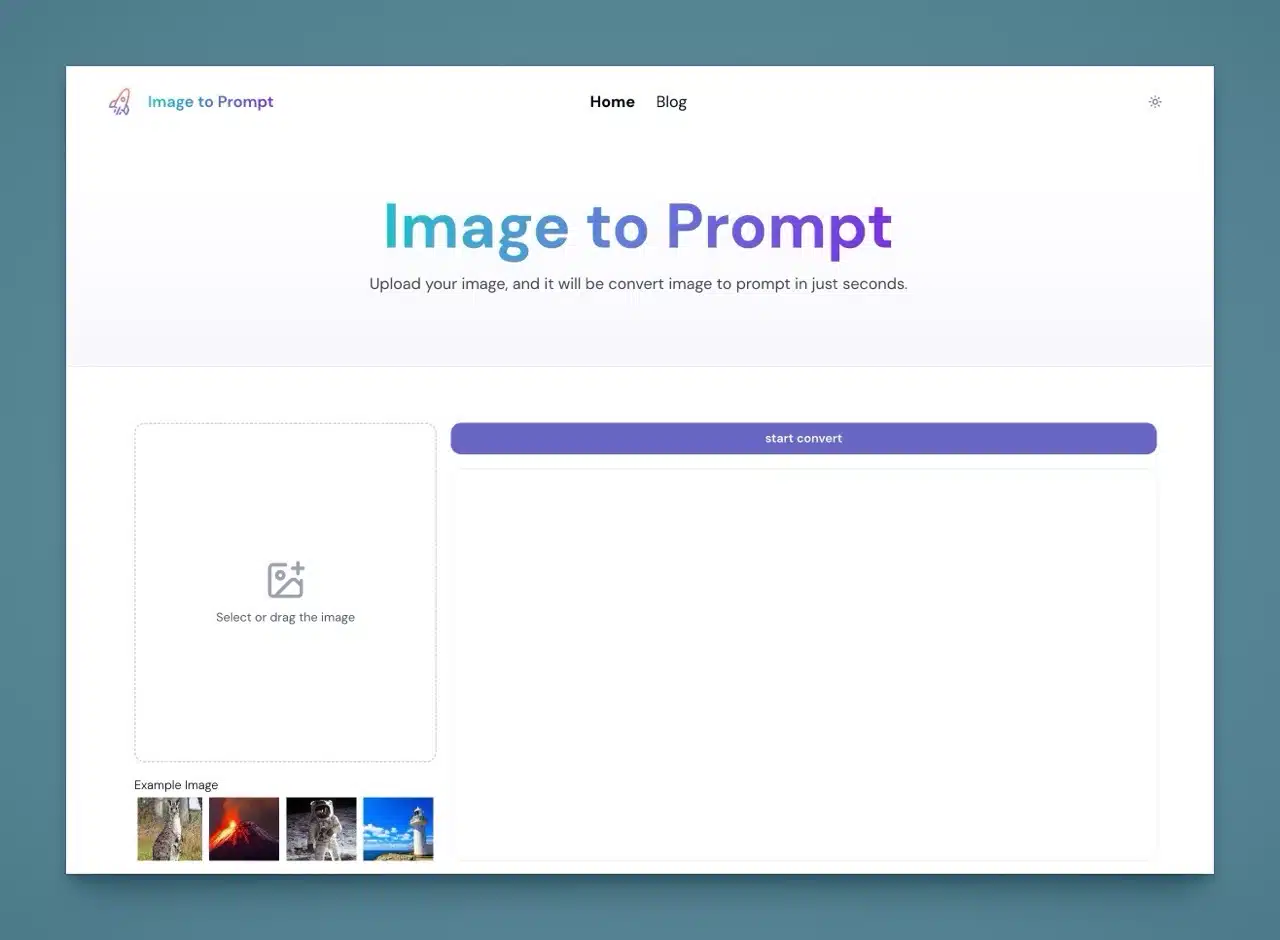
To generate various images using artificial intelligence (AI), you must be able to write a complete prompt that describes the content or style of the image you want to create. Most generators only support English prompts, which can indeed pose a challenge for Chinese users.
Want to know how to craft effective image descriptions and prompts? Uploading an image, having AI recognize it, and converting it into a text description is a solid approach. I've previously introduced some free services that offer similar functionality, such as:
AnimeGenius: AI image recognition for effortless generation of illustration prompts
CLIP Interrogator: AI image analysis for generating perfect image prompts
Image To Prompt: AI image recognition for rapid prompt generation upon upload
AI Describe Pictures: Free online tool converting images into AI illustration prompts
This article introduces “Image to Prompt,” a free image-to-text tool. Upload an image, and within seconds it accurately identifies and converts it into a prompt. Copy the generated content and use it in other AI image generators like Flux1, Stable Diffusion, and Midjourney. Recognition is fast, and uploaded images are deleted immediately after conversion. The server does not store any user-uploaded image data.
The purpose of the Image to Prompt website is to help users craft better image prompts, enabling them to more effectively utilize image AI tools for generating various images. If you need inspiration for image prompts, converting text directly from an image and making minor adjustments is likely the fastest method.
User Guide
After opening the “Image to Prompt” website, simply drag the image you wish to convert into text directly onto the upload field on the left (or click the sample image below to load it for testing). Then click “Start Convert” in the top-right corner to begin recognition and conversion. 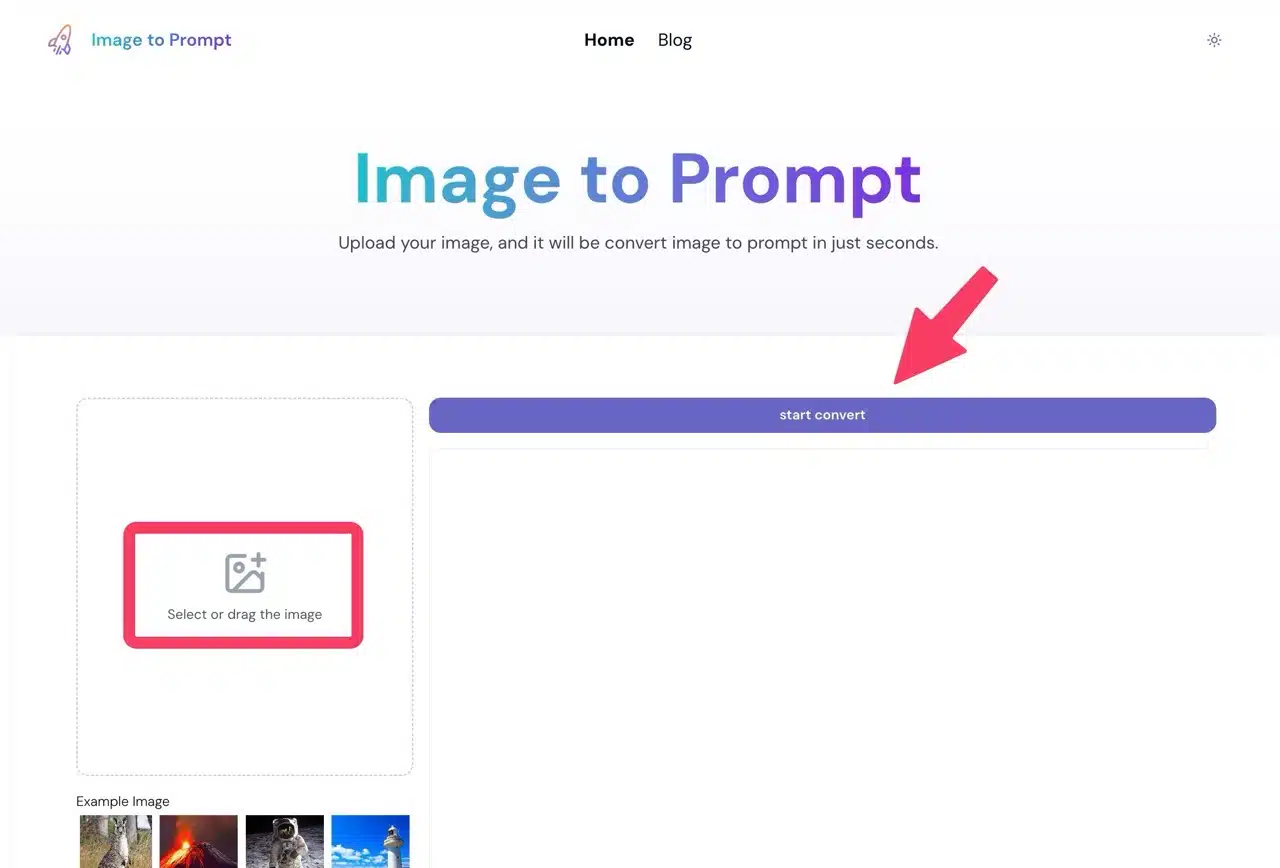 Within seconds, the English image prompt will appear on the right. Use this text in other AI image generators to create similar images. You can also modify parts of the text as needed. Compared to writing prompts from scratch, using the converter first is a faster approach.
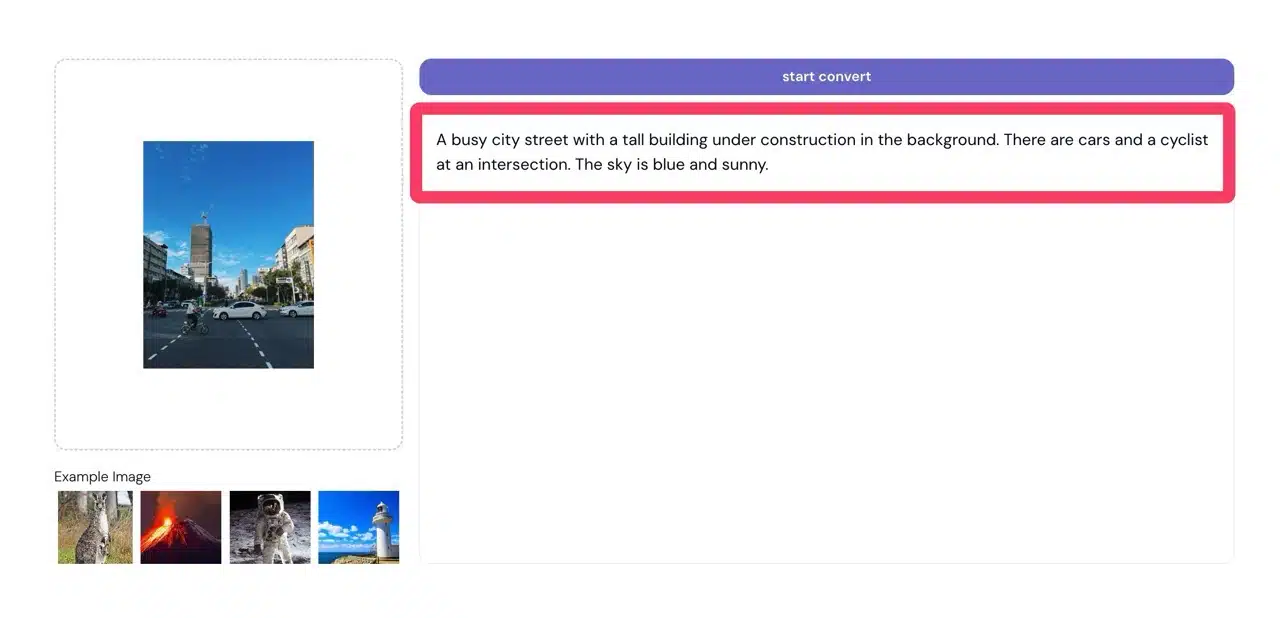 If the image features people, Image to Prompt can accurately identify them and provide relevant information.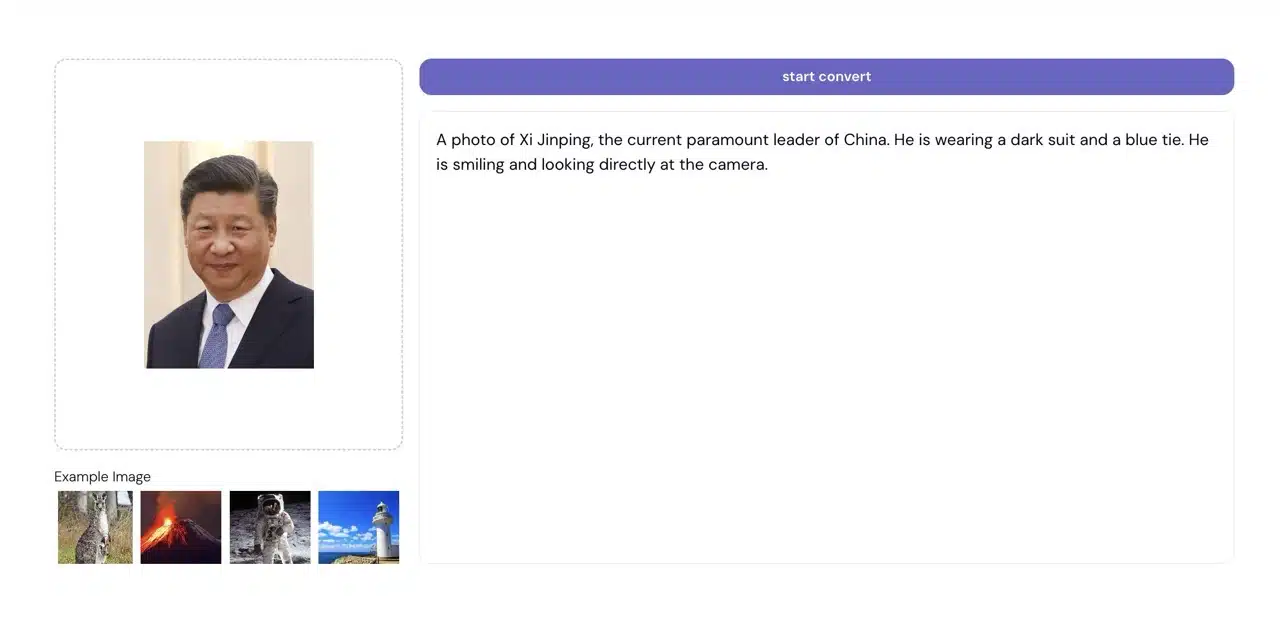
Three reasons worth trying:
Converts uploaded images into English prompts in seconds, saving time and boosting efficiency
Uploaded images are deleted after conversion; no data is stored on the server
Simple operation, easy to use even for non-English speakers