Google's launch of its new AI model “Gemini 3 Pro” has once again sent shockwaves across the globe. Among the features drawing significant attention is “Nano Banana Pro” (officially named Gemini 3 Pro Image), an AI image generation and editing tool developed by Google. This is the successor to Nano Banana, released around August during the Gemini 2.5 era, whose generated images still exhibited noticeable flaws at the time. This upgrade represents a major leap forward, not only generating more accurate visual content but, crucially, now displaying Chinese text correctly.
Nano Banana Pro focuses on generating clear, legible text, making it ideal for creating posters, complex charts, and detailed product models. By linking to Google Search's vast knowledge base and generating precise content based on the latest real-world information, it can achieve nearly 70-80% completion in some design cases. The remaining work requires only simple modifications and adjustments to finalize.
Recalling earlier AI image generators that often produced Chinese-like characters that were actually gibberish or distorted fonts—forcing designers to manually edit and replace them—it's remarkable how, just months after Nano Banana's launch, Google has elevated this “professional-grade” AI image generator to a new level. I've prepared some examples—you absolutely must give it a try!
Nano Banana Pro Limitations and Pricing Plans
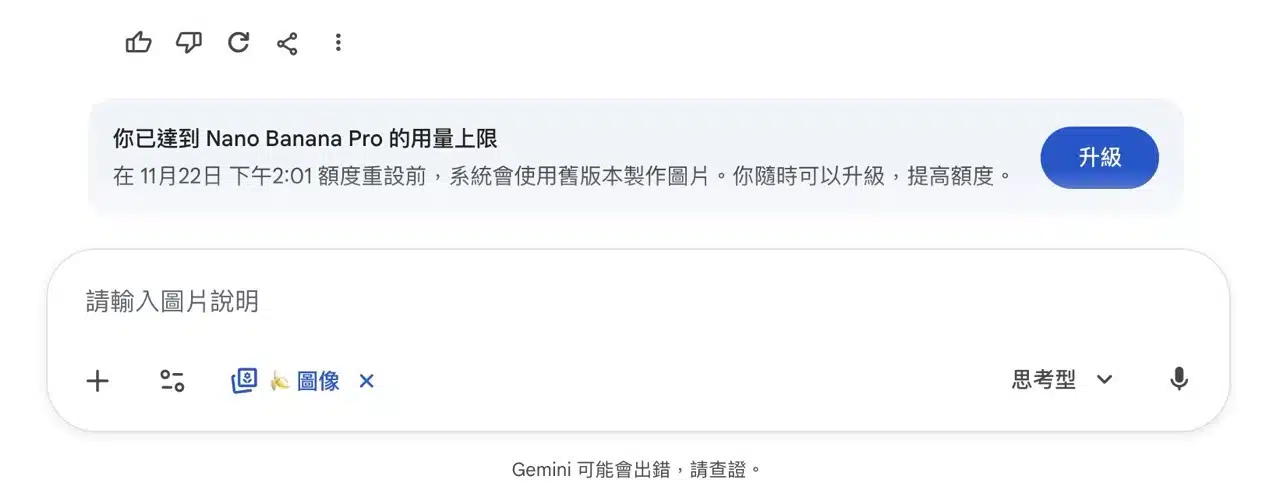
By the way, Nano Banana Pro can be used directly within Google Gemini, but it comes with trial usage limits—you can't generate images indefinitely (since the process is quite resource-intensive). If you're using Google AI Studio or the Gemini API, you can also generate images. Users needing to create more images may consider upgrading to the Google AI Pro plan, which will increase Nano Banana Pro's image generation limits.
Further Reading:
Google Gemini 3 Pro Free Student Offer! Guide to Claiming a Year of Google AI Pro Subscription and 2 TB Storage
Nano Banana Pro User Guide
1. Mastering Nano Banana Pro's Features
Upon launching Google Gemini, you'll encounter an introduction to Nano Banana Pro. The latest version of Nano Banana generates more refined images, featuring sharper text, seamless style transitions, and the ability to merge multiple images simultaneously. It also offers professional-grade image controls—adjusting camera angles, depth of field, lighting conditions, and color tones—all achievable within this AI image generator.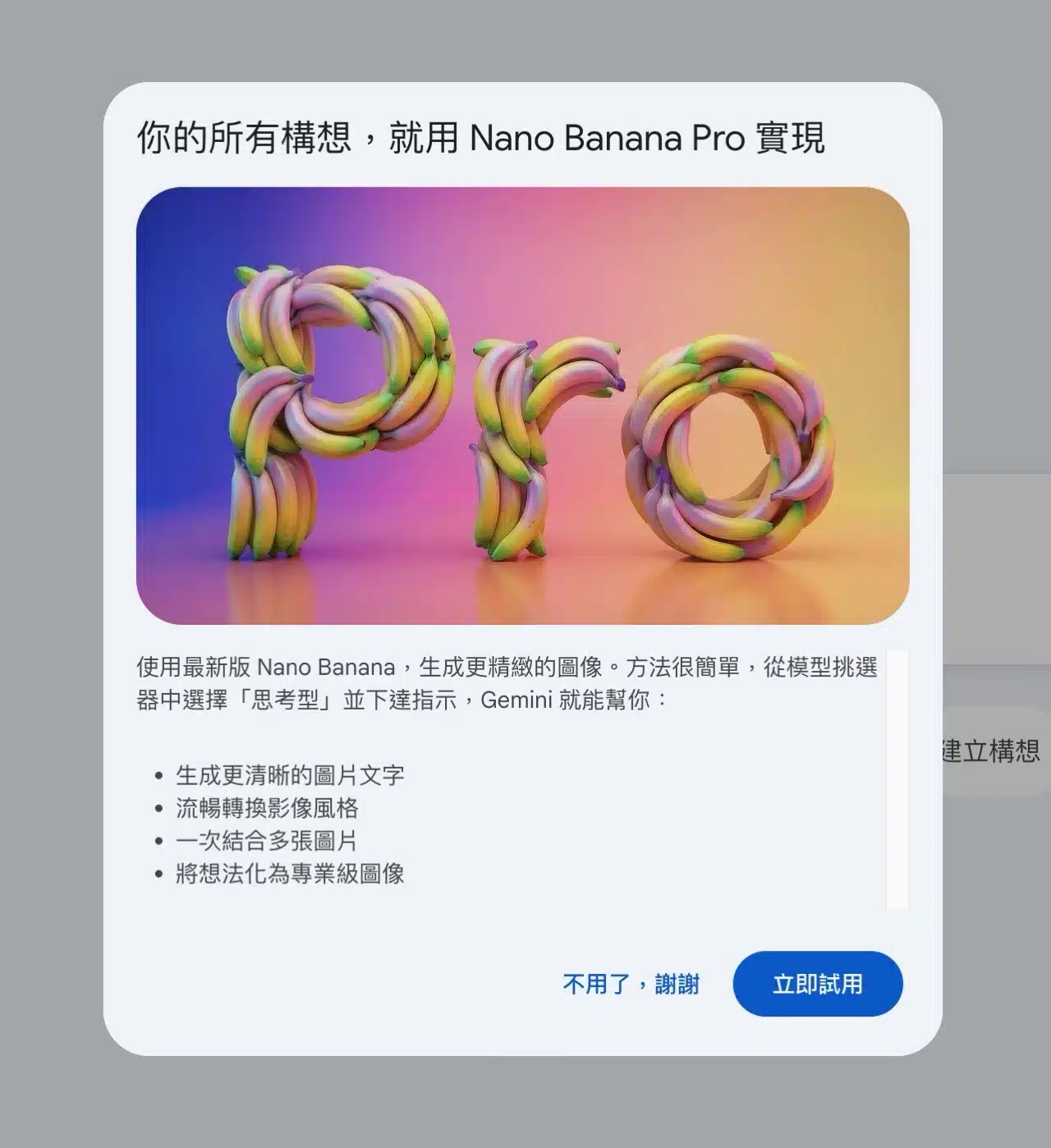
2. Selecting Models and Enabling Image Tools in Google Gemini
Next, let's demonstrate how to generate images using Nano Banana Pro within Google Gemini.
First, select the 3 Pro thinking model from the “Select Model” function in the bottom-right corner. This model is primarily designed for processing complex topics and ensures correctly displayed Chinese characters in generated images. If you choose the “Quick” model, the image generation will use the previous-generation Nano Banana model, which cannot display Chinese characters correctly!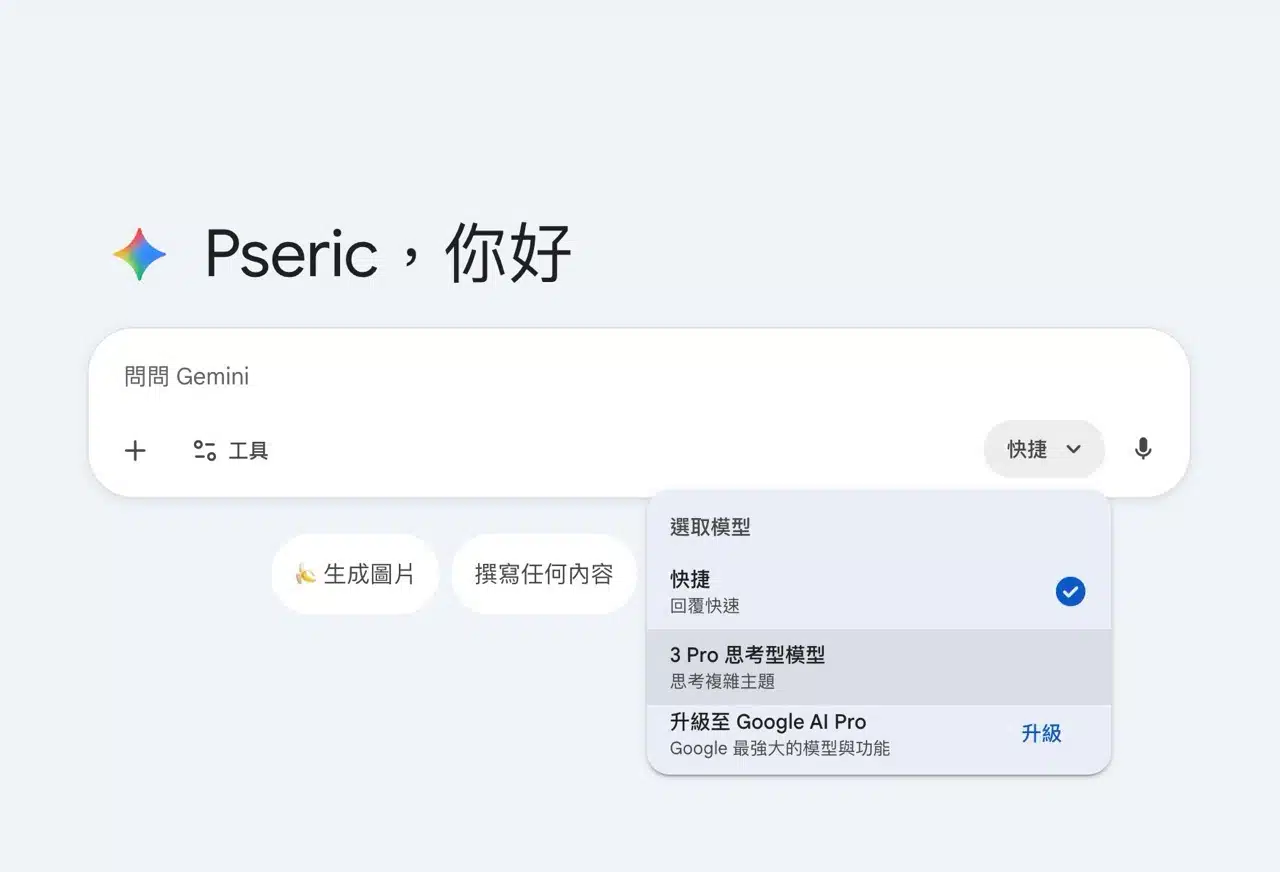
From the bottom-left “Tools” menu, choose “Create Image.” Here you'll also see a banana icon, representing Nano Banana Pro.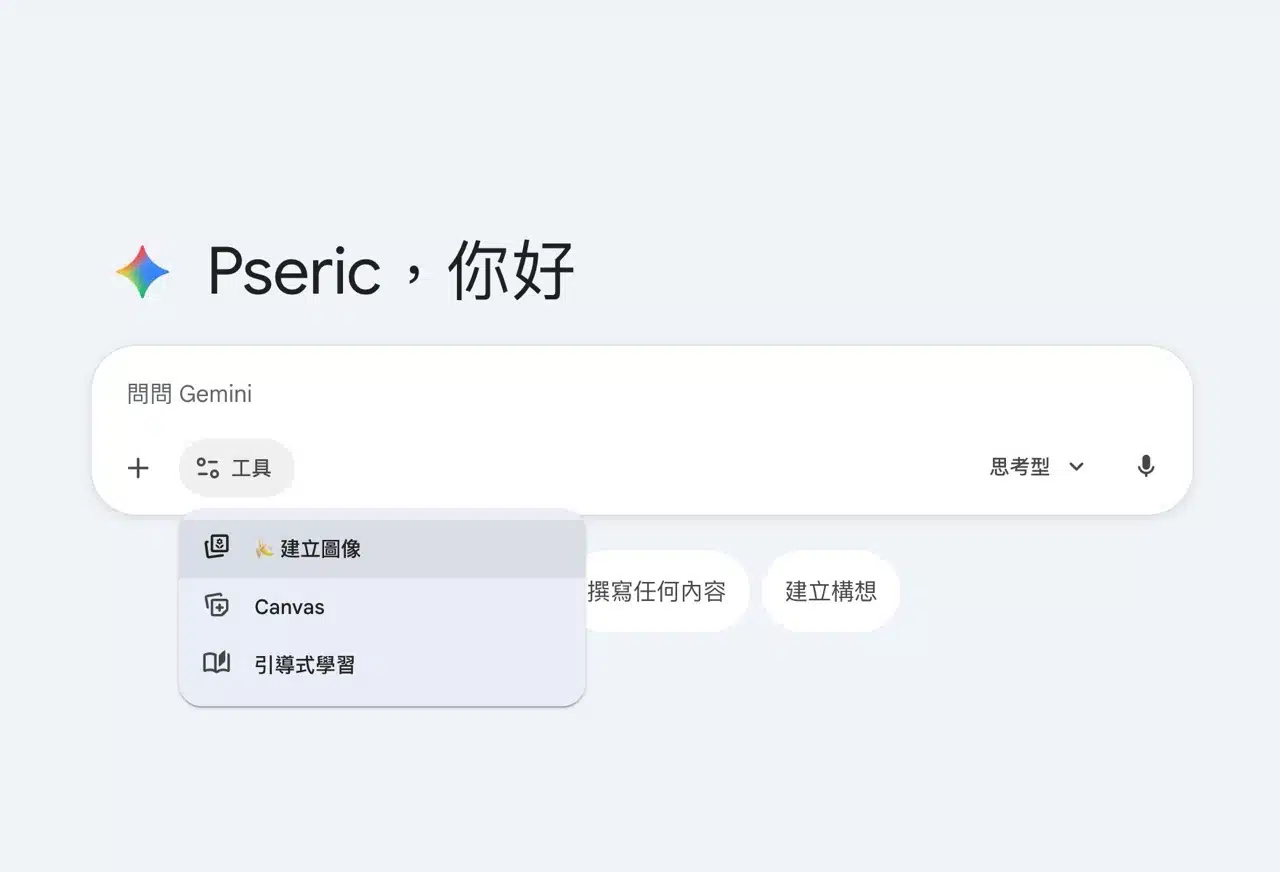
3. Enter your prompt description and download the image result
Input the description for the image you want to generate, including various modification ideas. The more detailed and clear your description, the closer the generated image will be to your vision.
Below is the prompt I used when generating images: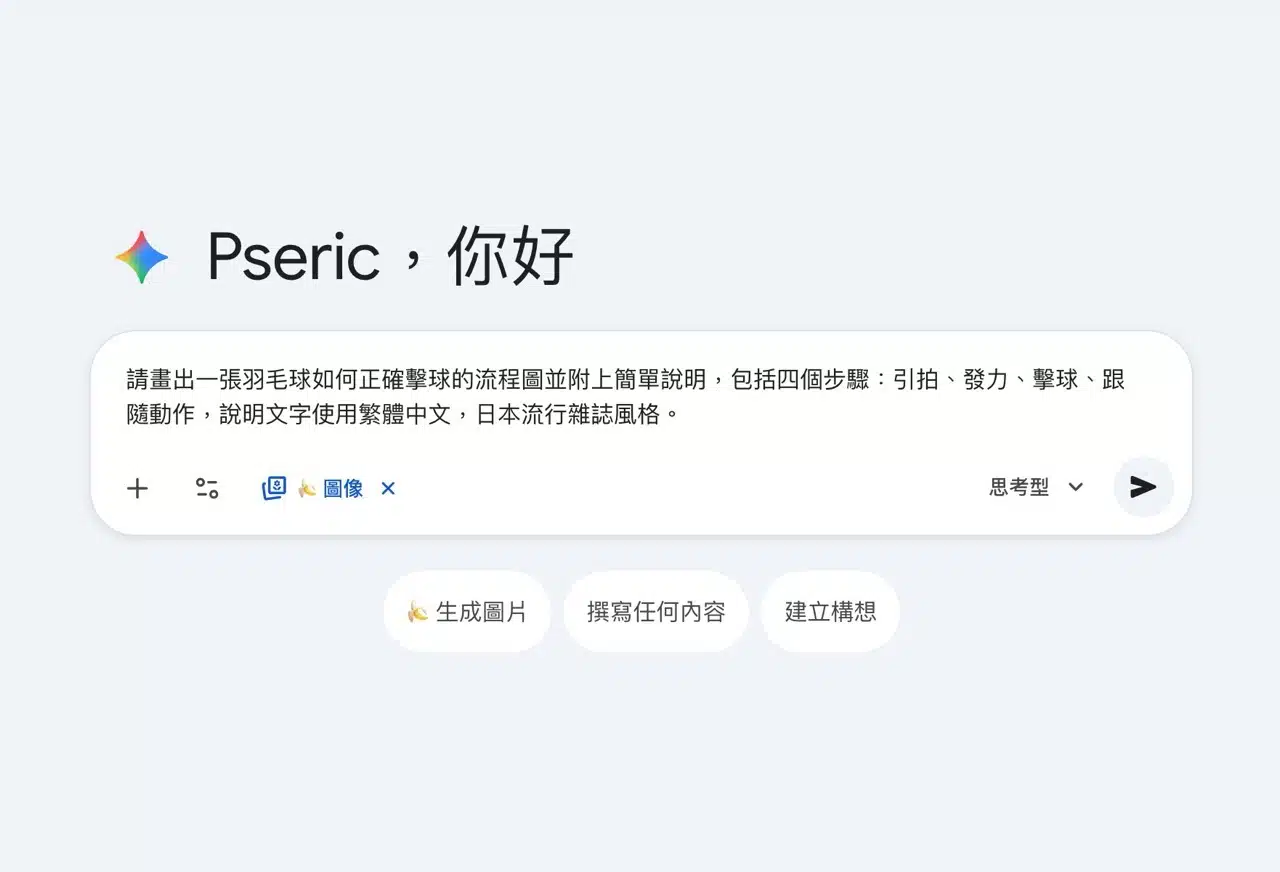
After submitting, Google Gemini will begin creating the image. Interestingly, it can also display its thought process, allowing you to understand how the AI thinks. After a short wait, the image will appear in the chat window. Click “Download Full Size” in the top-right corner to save it.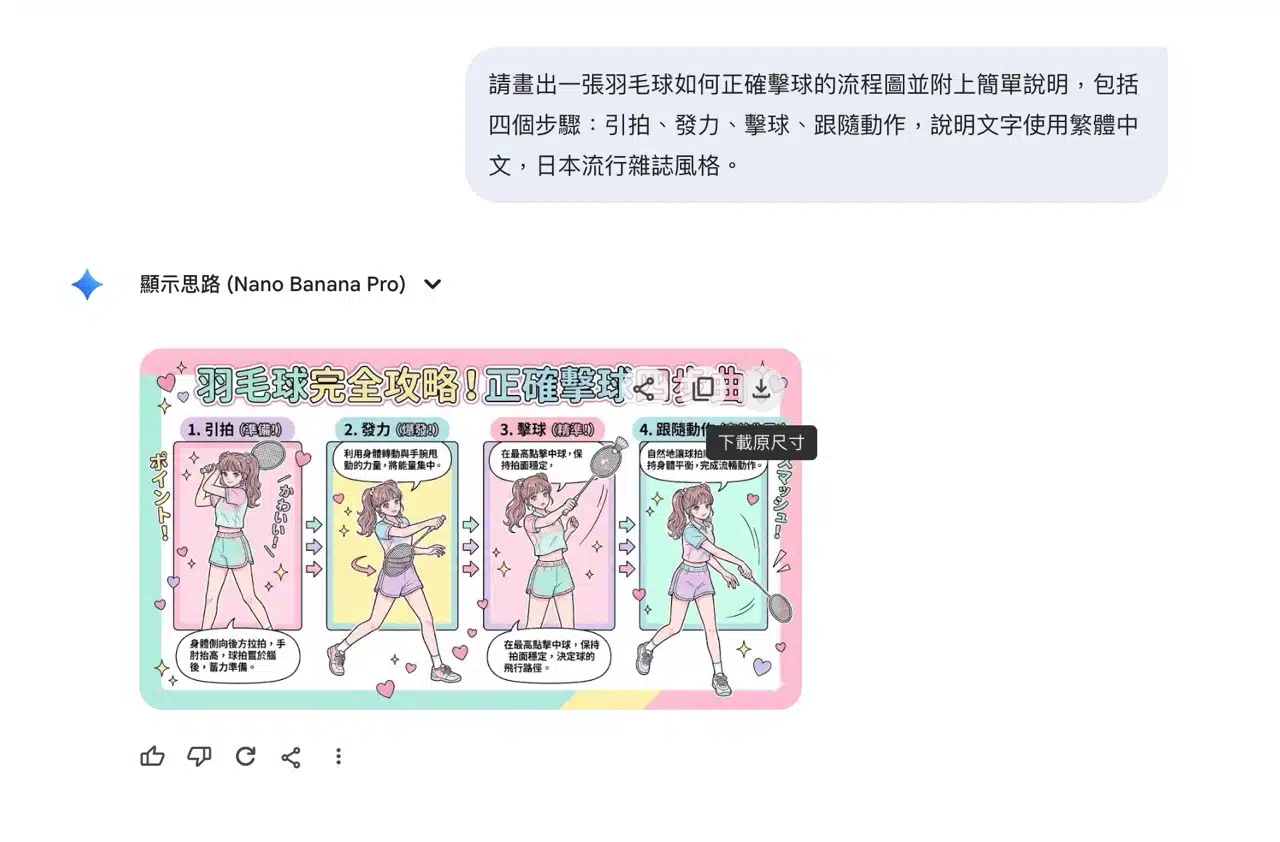
The image below shows the four steps for a proper badminton stroke. While the reference material was sourced online, Nano Banana Pro's generated image reveals some posture inaccuracies (it seems to confuse badminton with tennis). However, the Chinese description is spot-on, and even the Japanese text displays correctly—quite impressive indeed.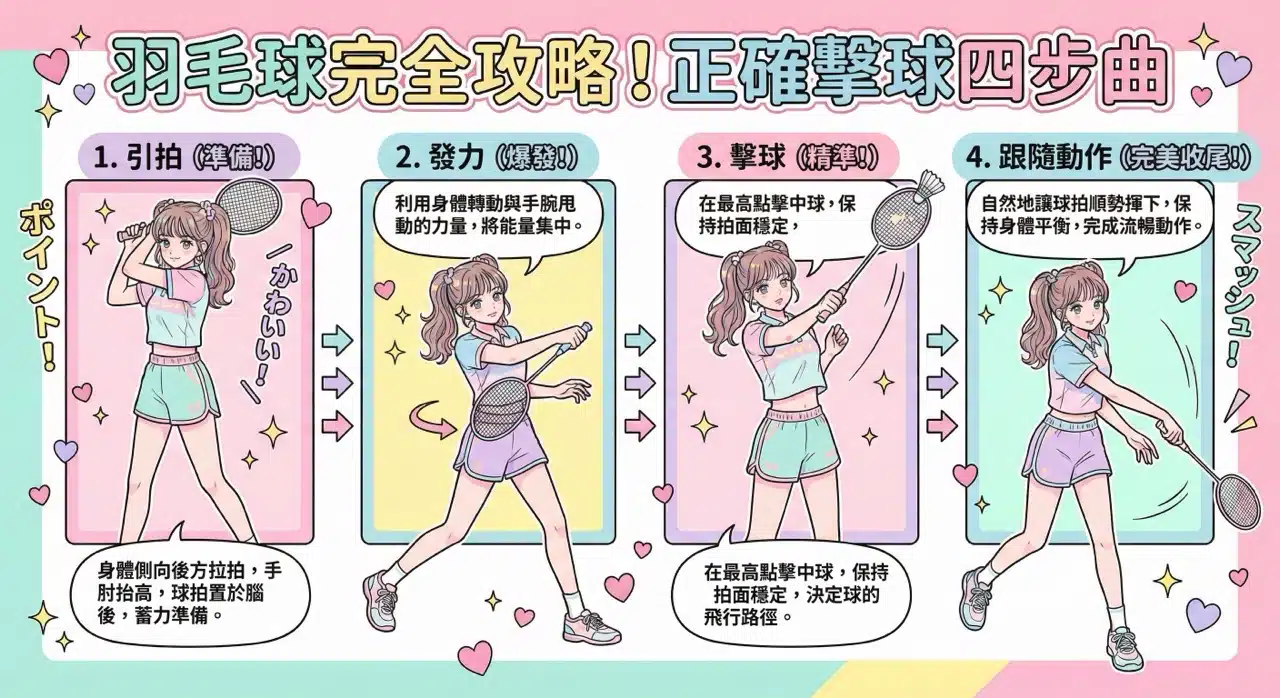
4. Upload Images for Style Transformation
Nano Banana Pro can also reference and transform user-selected files or images. For example, choose an image to have it redrawn or adapted into other stylistic themes.
Below is the prompt I used when modifying an existing image: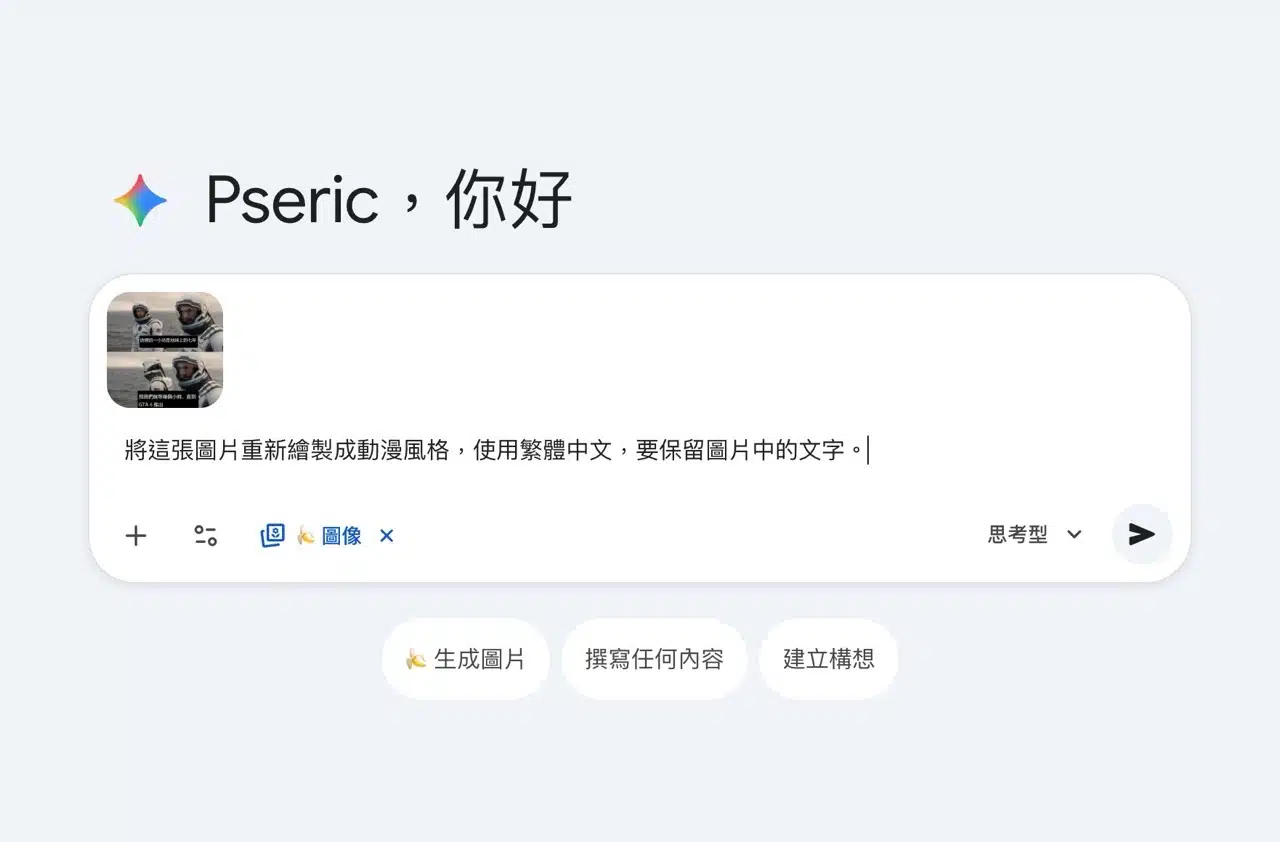
The image below shows the original photo converted into an anime style while preserving the traditional Chinese text. The conversion was fast and highly accurate (crucially, all text displayed correctly).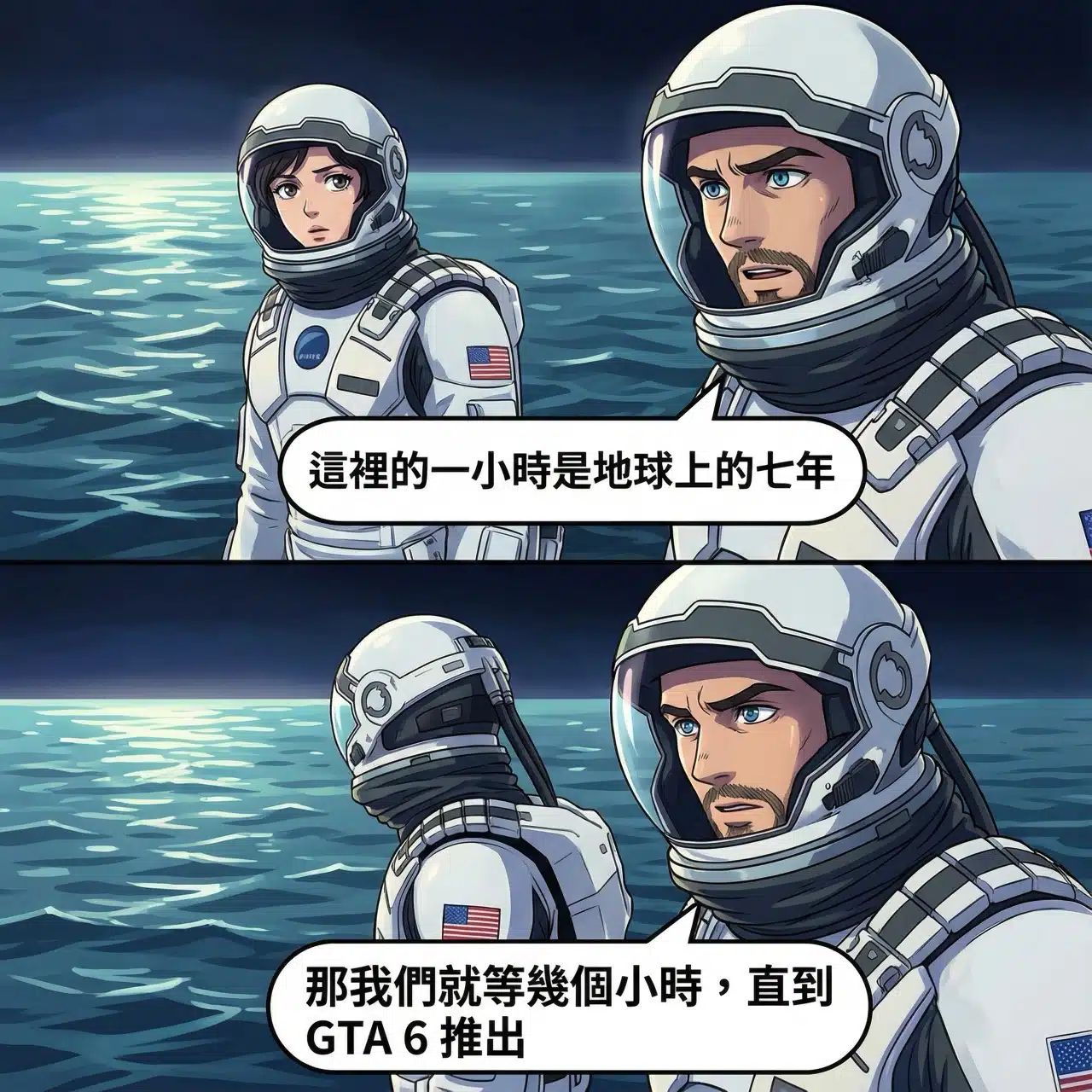
5. Understanding Daily Usage Limits and Legacy Mode
Using Nano Banana Pro to generate images in Gemini 3 Pro can easily hit the usage cap (roughly under five images). However, the quota resets daily to prevent excessive resource consumption in short periods.
When exceeding the usage limit, a prompt will appear below. Consider upgrading to increase your quota. Before the usage resets, the system will generate images using the older version, allowing you to experience the potential errors in text processing from the original image generator (the older Nano Banana version cannot correctly generate Chinese characters).