AI tools can rapidly generate content summaries and bullet points for users, significantly reducing the time spent reading. Similarly, AI can assist in compiling summaries for videos, as watching videos often takes far longer than reading text. We've previously introduced several extensions offering similar functionality, such as:
Go Summarize: An AI tool that generates YouTube video summaries instantly by pasting a URL
Eightify: AI video summarization tool to quickly grasp YouTube video highlights (Chrome extension)
Glasp: Uses AI technology to quickly compile YouTube video summaries (Chrome extension)
Glarity Summary: Uses ChatGPT to generate summaries and key points for Google searches and YouTube videos (Chrome, Firefox)
However, these types of plugins typically require pre-configured API connections or subtitles to function.
This article introduces “YouTube Flip Over,” a free Chrome extension that instantly converts YouTube videos into various languages. It features built-in subtitle translation, real-time voice translation, and video summarization, enabling users to quickly extract content from videos. When encountering foreign videos, you no longer need to worry about comprehension issues or go through the hassle of downloading subtitles and manual translation, making video viewing more efficient.
YouTube Flip also boasts another standout feature: it requires no prior API setup for immediate use. It comes with built-in GPT-4o mini and Gemini model switching capabilities, and allows customization of OpenAI URLs and API keys when needed. It supports 29 languages, including Traditional Chinese for Taiwan.
How to use “YouTube Flip Over”?
1. Install the extension.
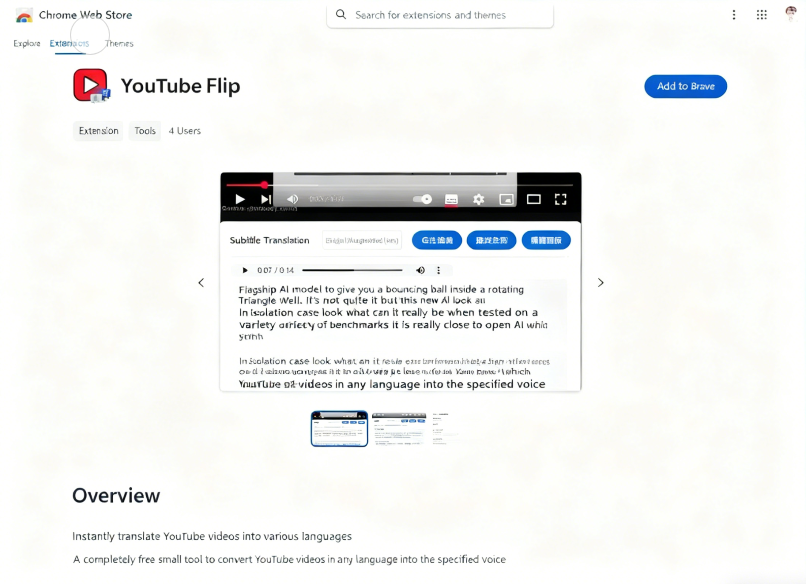
Open the Chrome extension page for “YouTube Flip Over” and click the Install button in the top-right corner to download it to your browser.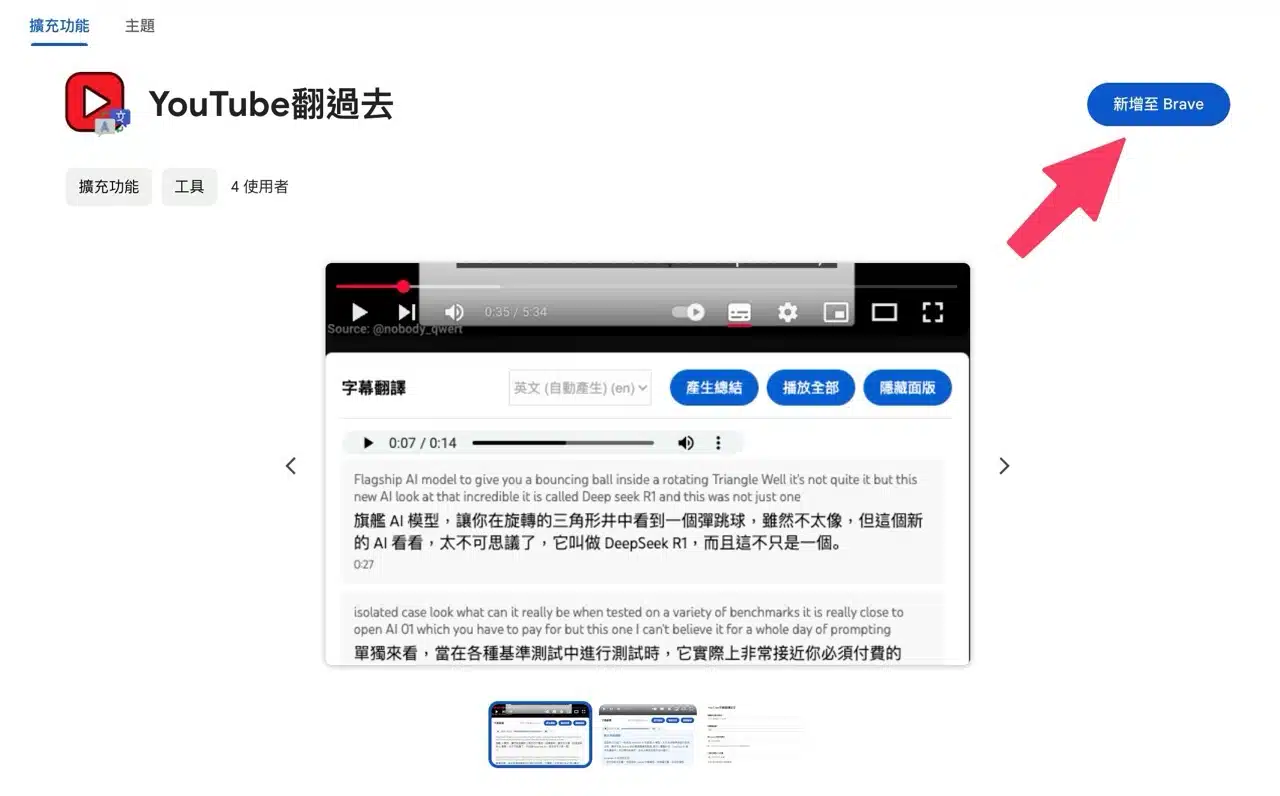
Click the “YouTube Flip Over” button in the top-right toolbar to open the “YouTube Subtitle Translation Settings.” By default, it translates to Traditional Chinese (Taiwan) with a female voice tone. Adjust settings as needed via the options menu. If you have OpenAI access, you can also add a compatible URL and your large language model API key.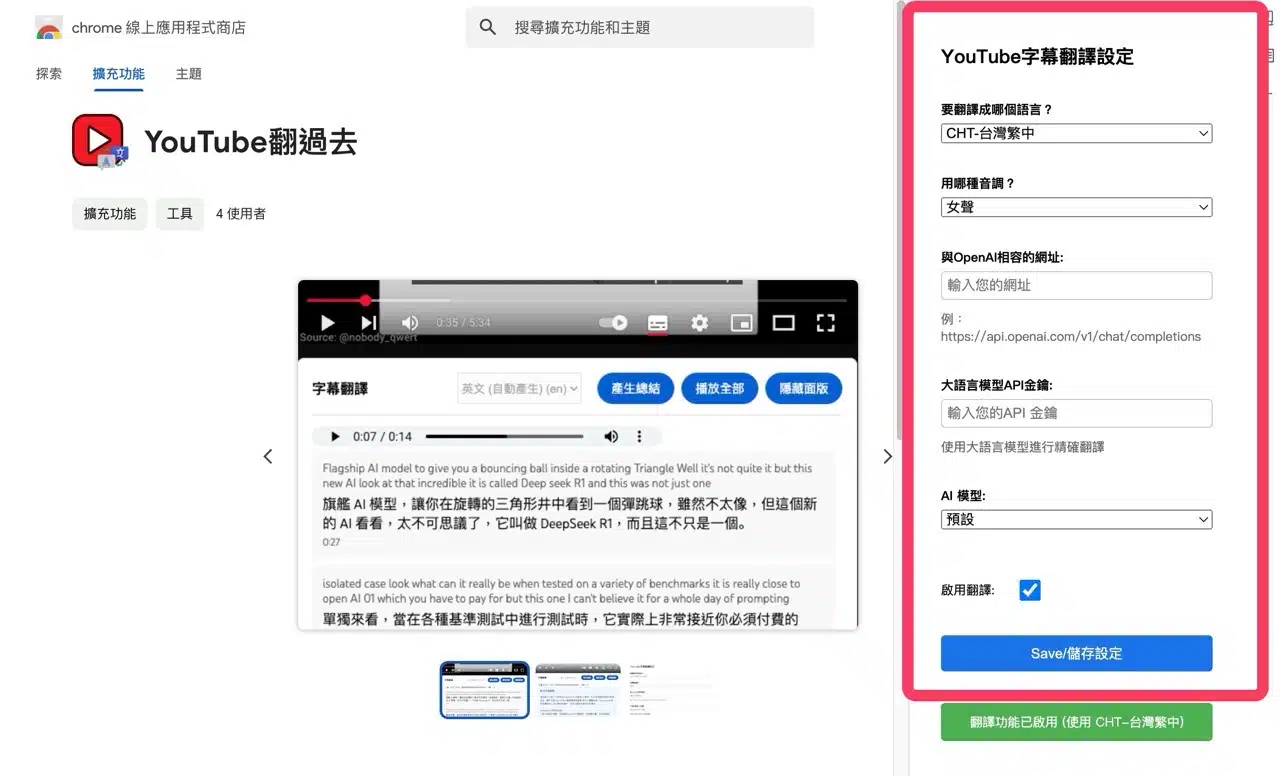
2. Watch YouTube videos with translation enabled.
While watching YouTube videos, the “YouTube Flip Over” subtitle translation feature appears below. Select subtitles from “Choose Subtitle Language”—usually an auto-generated language appears. Then click “Get All Subtitles” to display the translated subtitles below.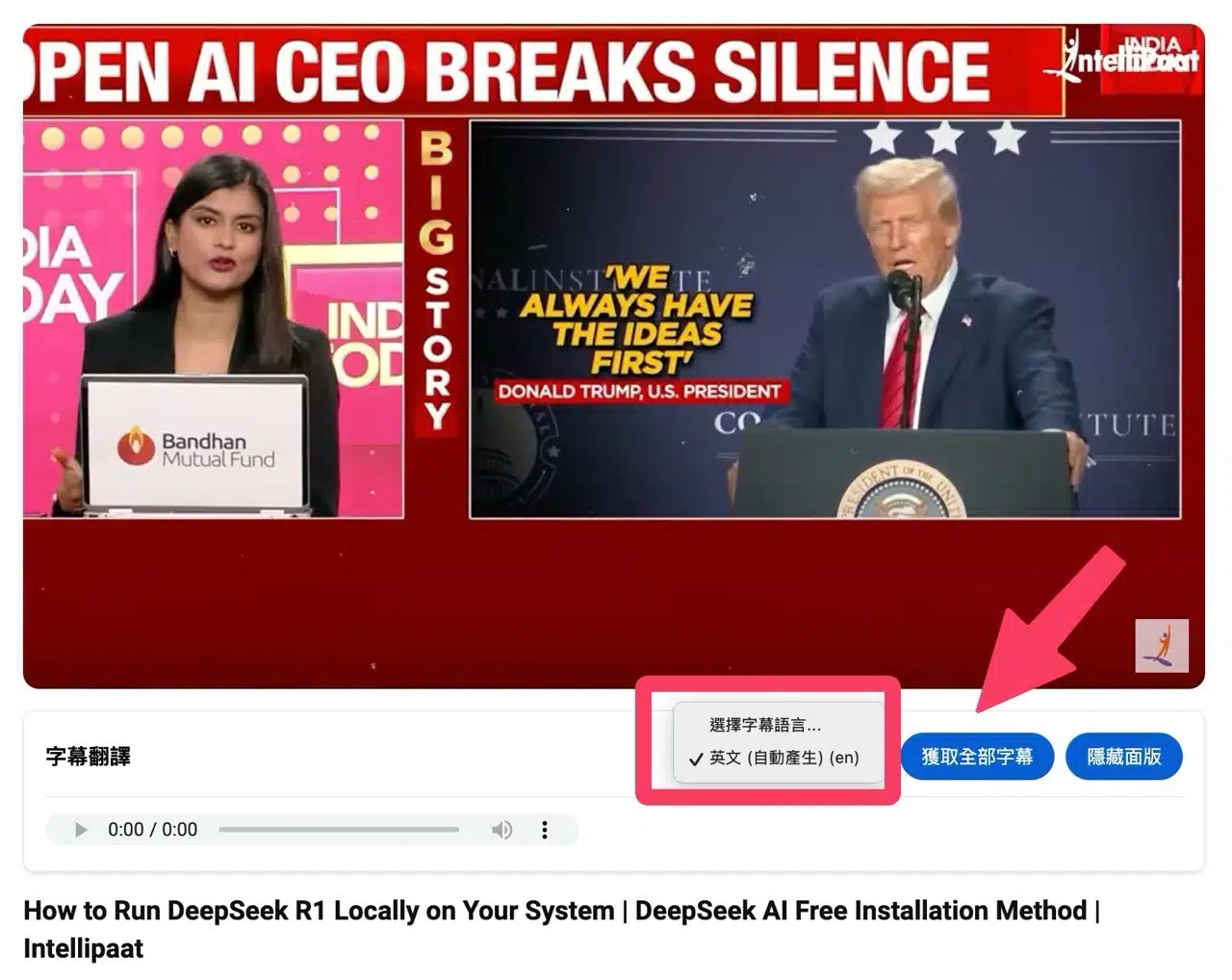
Clicking “Play All” will start narrating and translating the content in Traditional Chinese.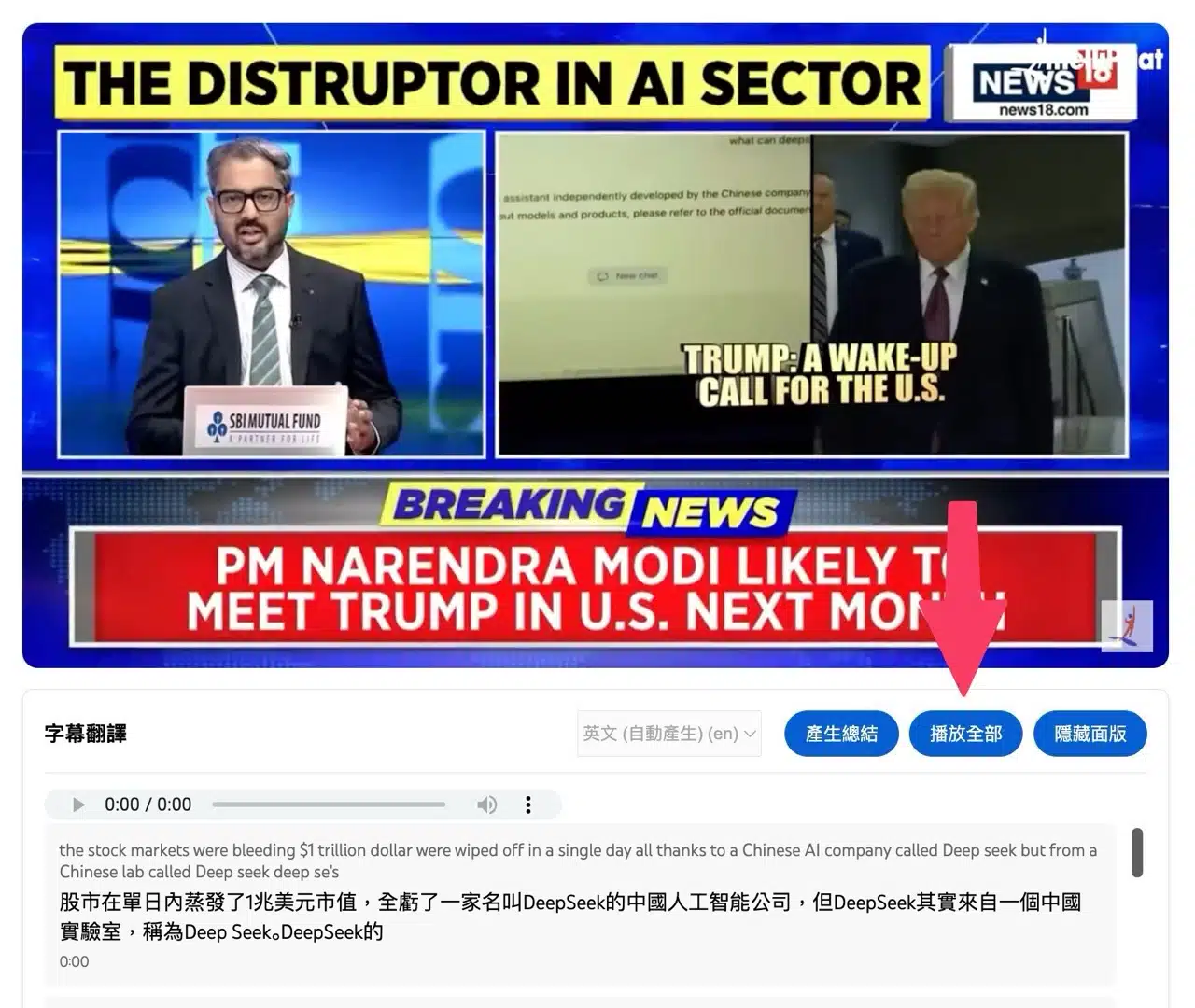
The original video continues playing but is muted. The translated content is narrated aloud alongside the video. Using the speed-up mode allows viewers to absorb the video content more quickly.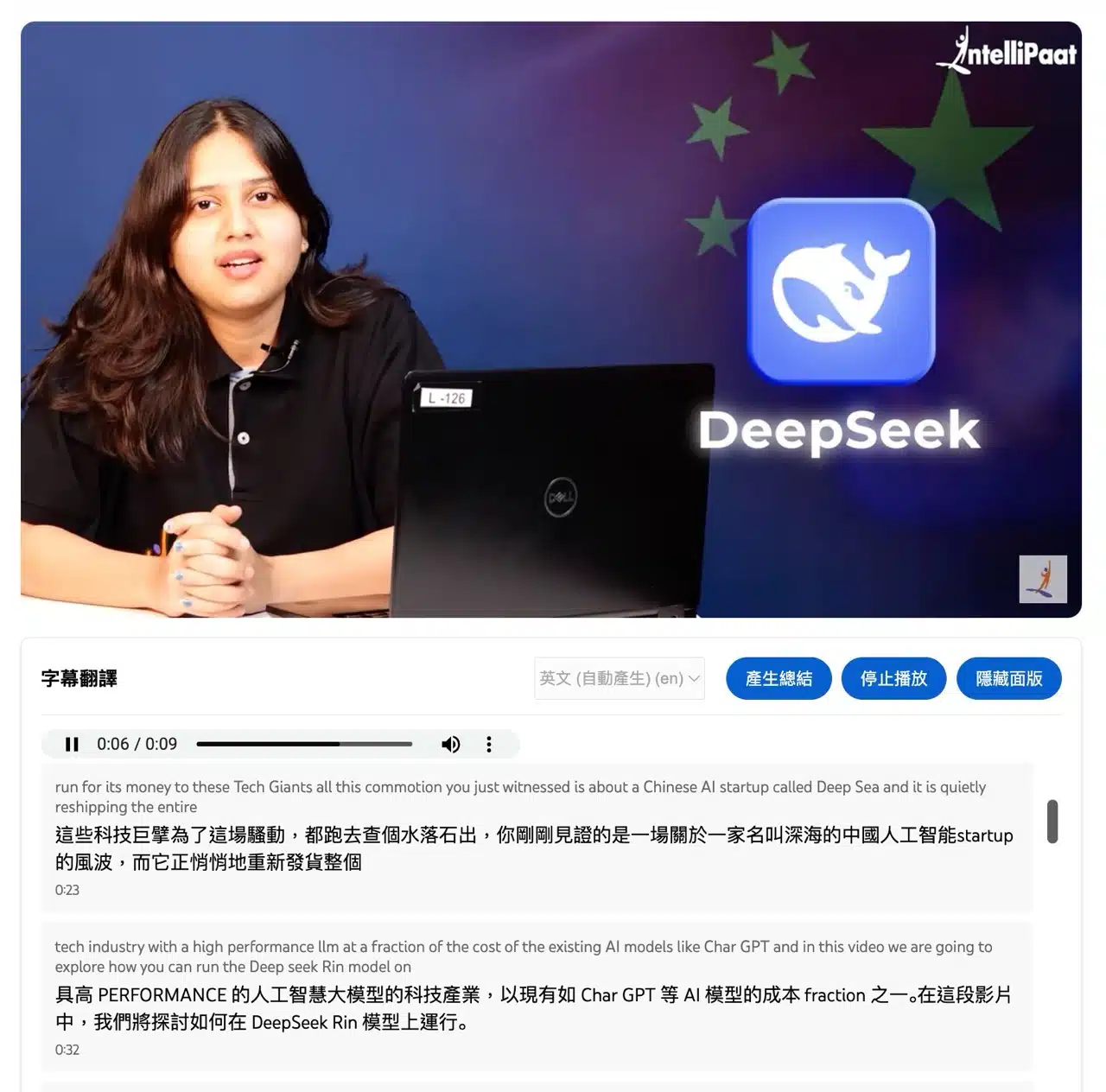
3. Generate video summaries with one click.
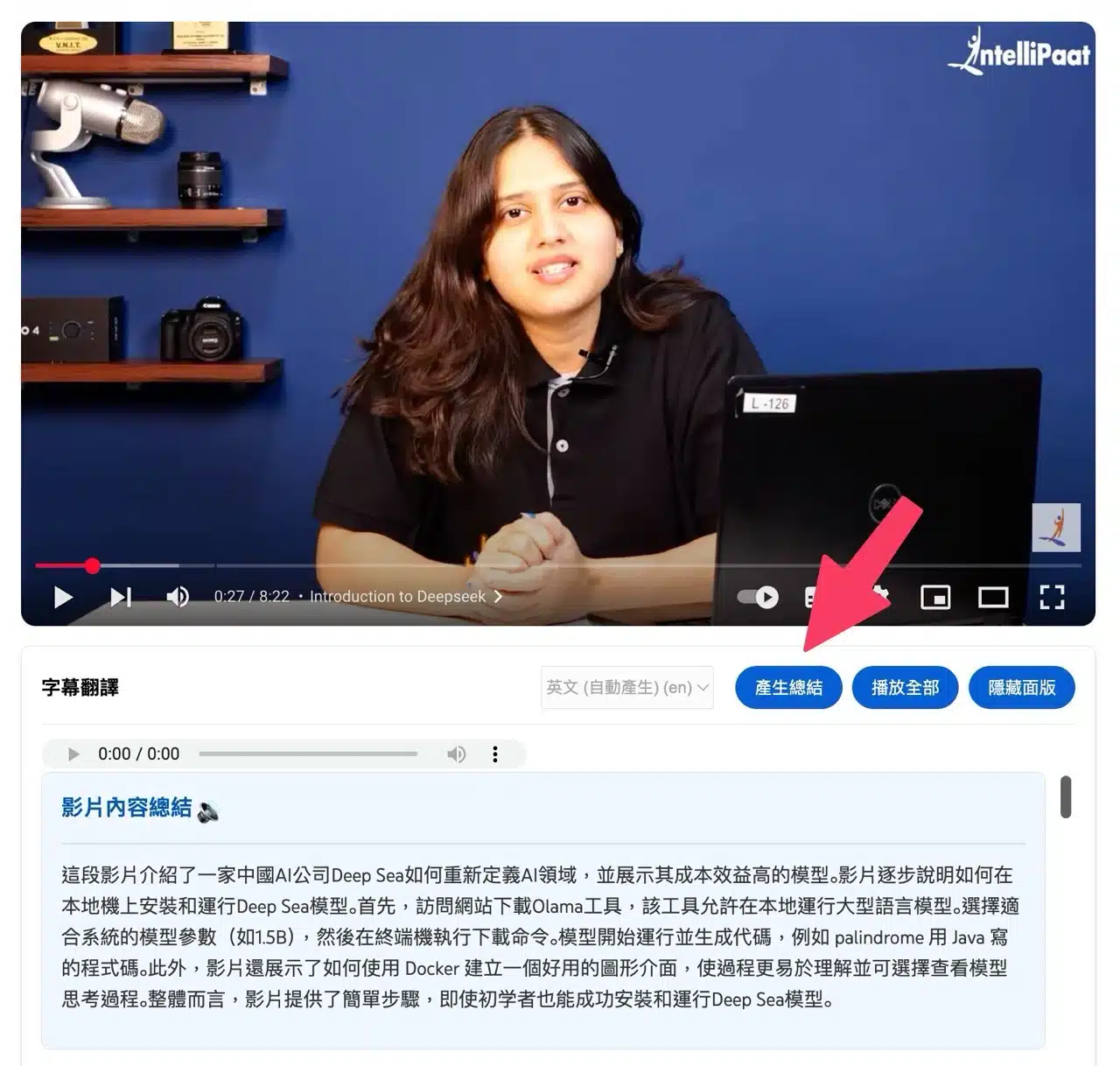
Clicking the “Generate Summary” button creates a content summary for the video, providing an instant overview of the video's content—extremely convenient.