Meta announced on Facebook that “Meta AI is rolling out in Taiwan and Japan,” meaning Taiwanese users now have another AI tool at their disposal. Initially available only in over 60 countries worldwide, testing required connecting via VPN to another region to access the feature. Once fully launched, users will simply need to log in to their Meta account to utilize its full capabilities.
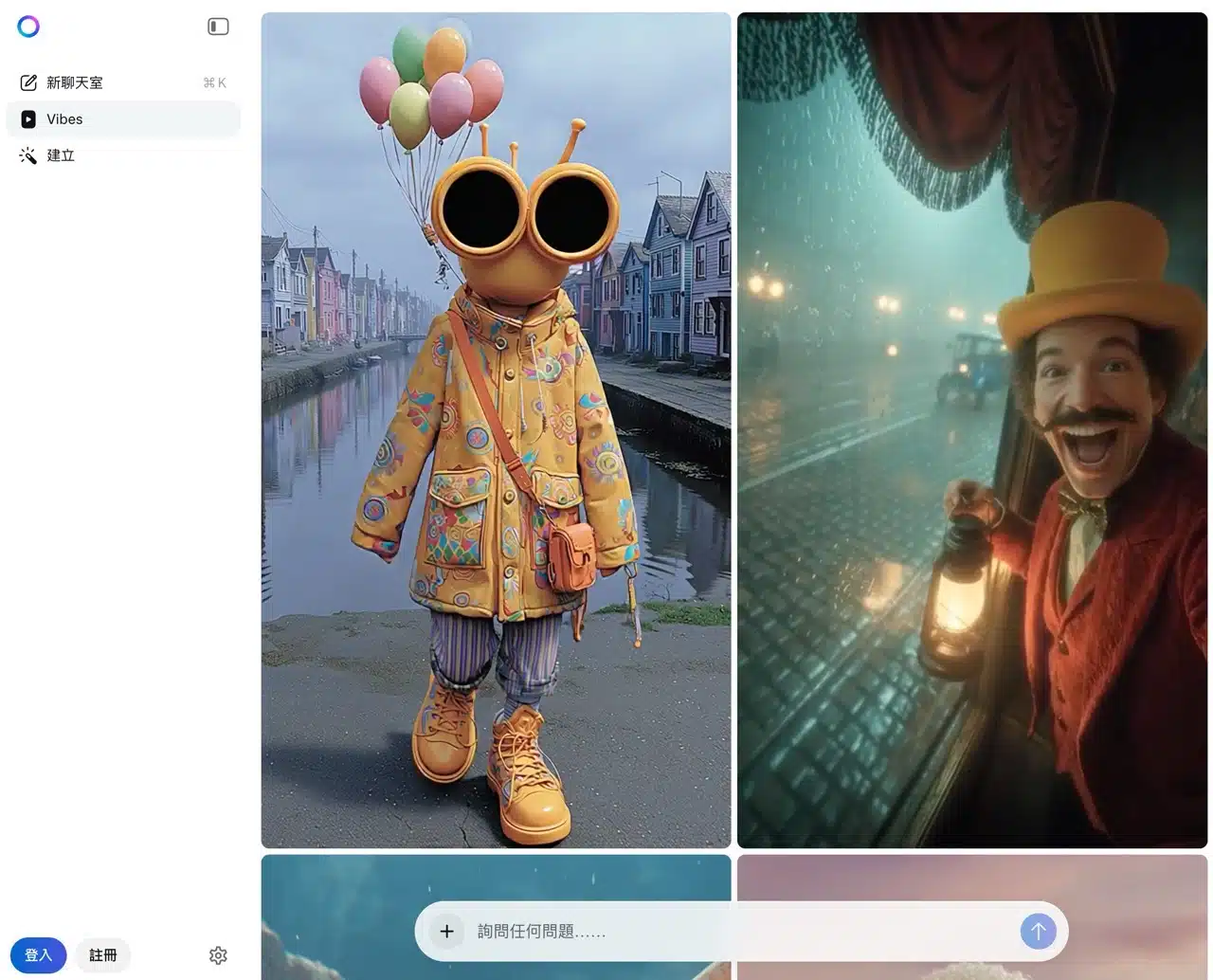
Meta AI functions similarly to familiar AI services like ChatGPT, Gemini, and Copilot. Users can ask the AI any question using natural language and receive the fastest, most immediate responses. Whether for chatting, creative writing, translation, asking questions, or searching for information, it handles tasks effortlessly. Additionally, Meta AI's “Vibes” feature is an AI short video tool for creating and sharing AI-generated short videos. Users can input text descriptions to generate a video clip.
The large language model (LLM) technology powering Meta AI is its proprietary “Llama,” an open-source AI model suitable for commercial applications.
Meta announced in a Facebook post that Meta AI will be rolled out in Taiwan and Japan, and will be available on Facebook, Instagram, and Messenger in the future.
Meta AI User Guide
1. Launching and Starting Text Conversations
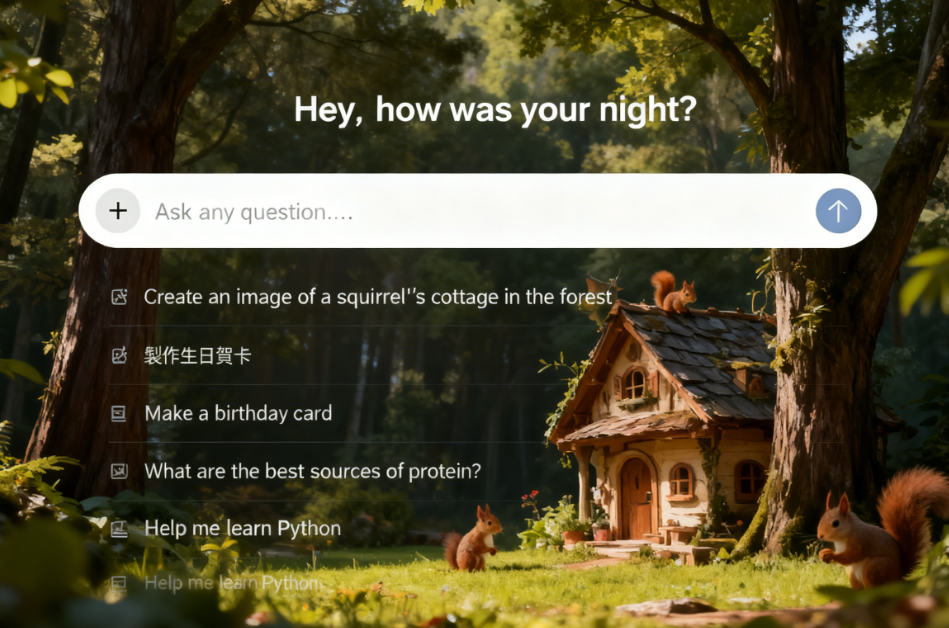
After opening Meta AI, you'll see the chat feature. Simply type your question to begin a conversation. Sample questions are provided below, and scrolling further down reveals various AI-generated short videos created by Vibes.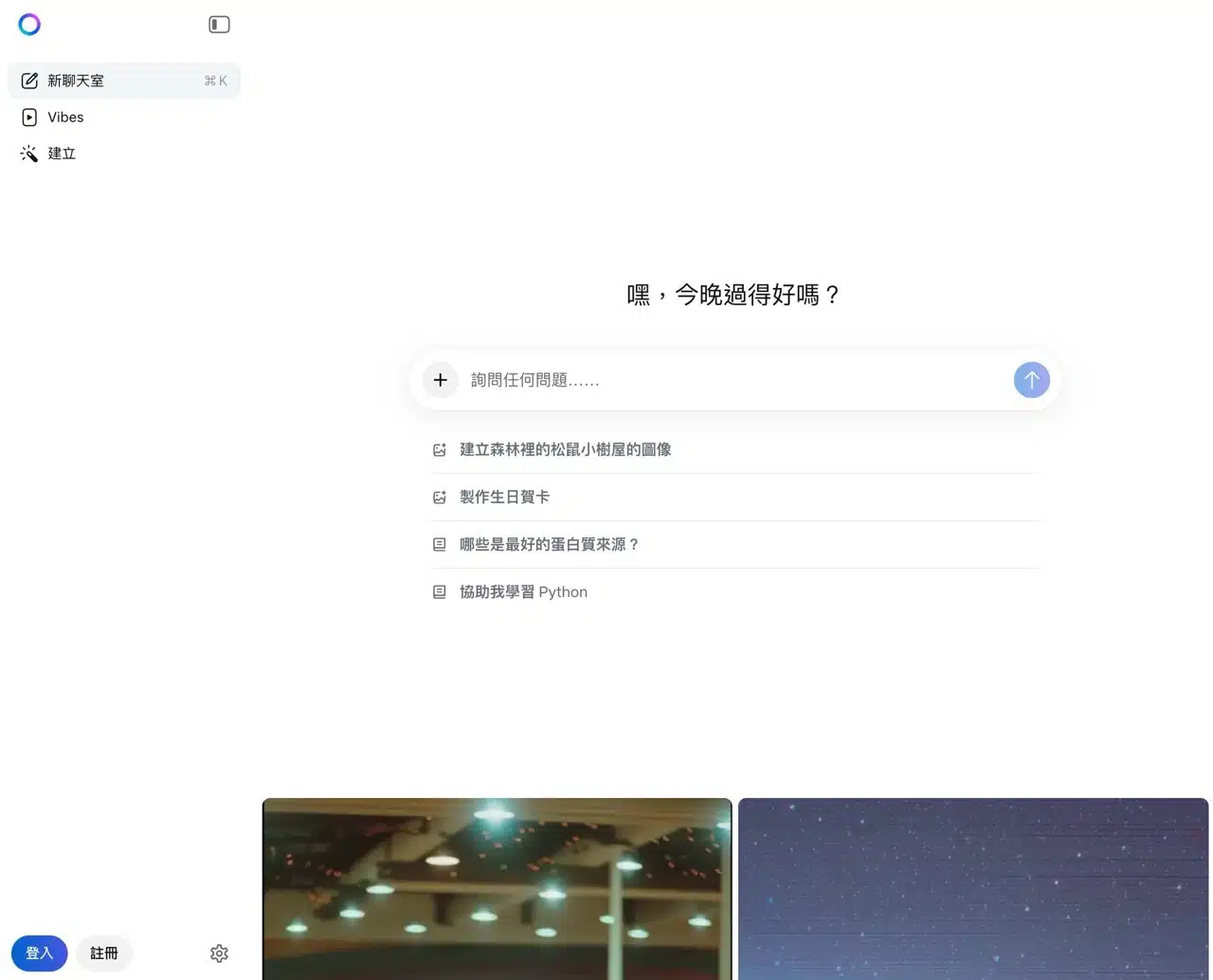
2. Error Message for Regions Not Yet Opened
While writing this article, I attempted to log into my Meta account. After logging in, I instead received the message: “Meta AI is not yet available in your country/region.” Although Meta has officially announced the gradual rollout of Meta AI in Taiwan and Japan, the update likely hasn't fully propagated yet, making it temporarily unavailable.
If you encounter this issue, besides logging out of Meta AI, remember to clear your browser cookies. Otherwise, the error will persist.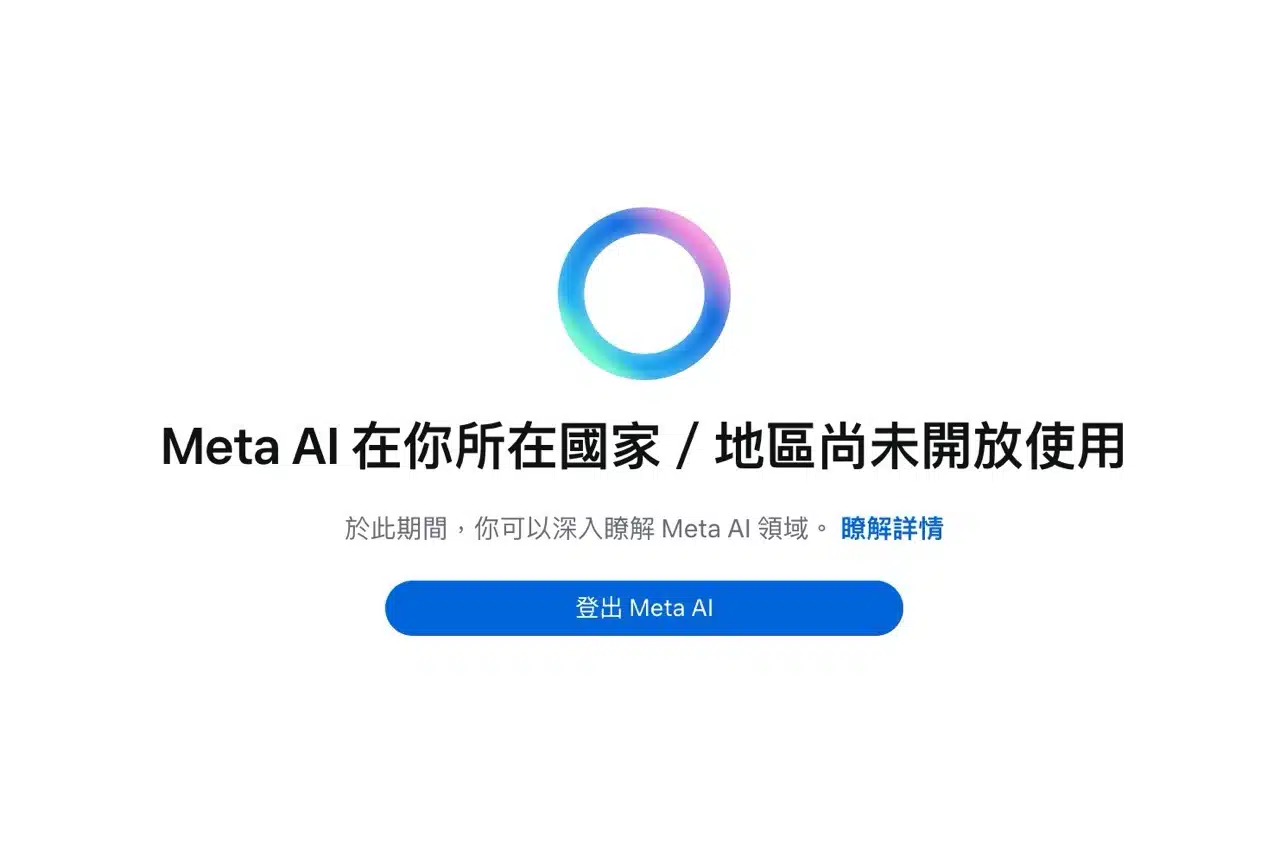
3. Testing Basic Functionality and Response Speed
After testing Meta AI, its features aren't particularly impressive, but its response speed is remarkably fast with almost no wait time. Without logging in, you can't add multimedia content or upload files—only basic text-based conversation is available.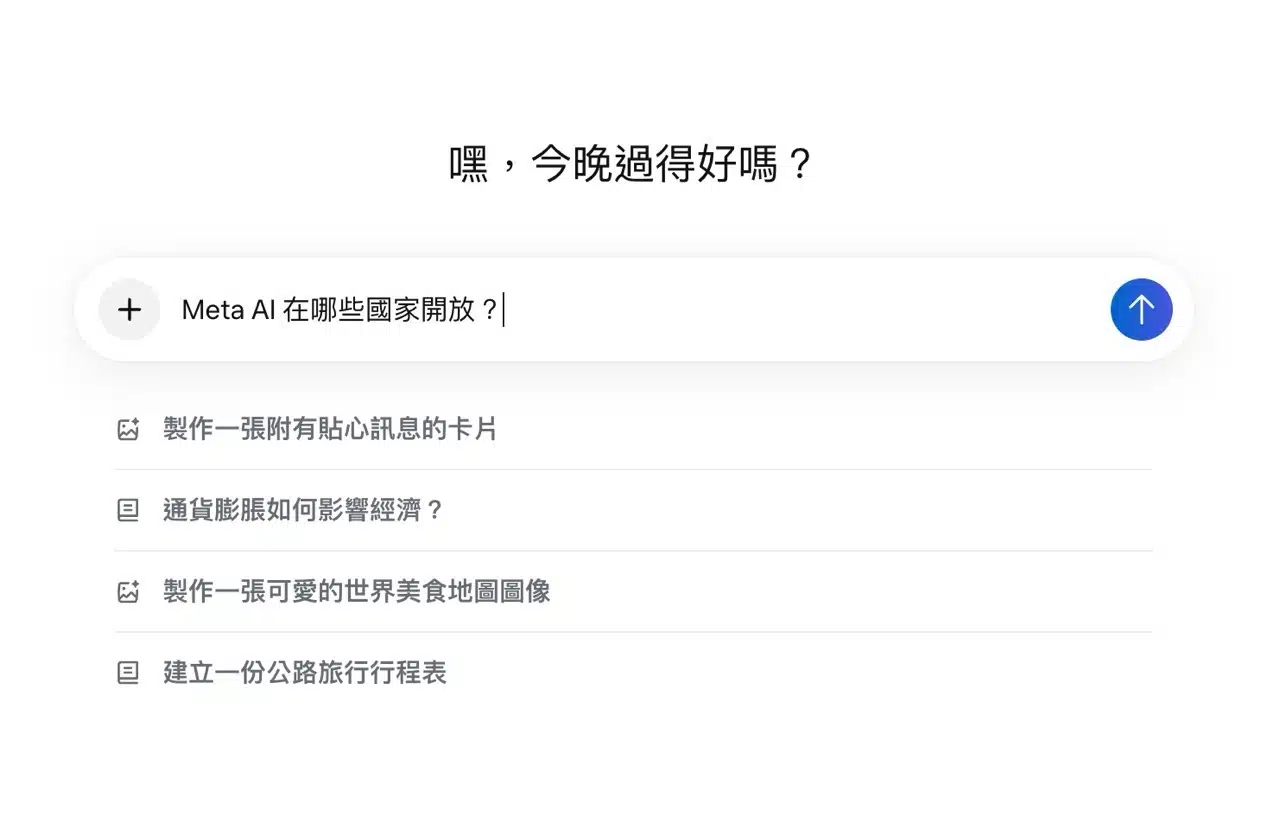
Meta AI not only responds quickly but also has a relaxed tone by default, creating a conversational feel akin to chatting with a real person. Like most AI chat tools, it can rapidly replicate generated content or rate responses to fine-tune output quality. (Though I find the constant insertion of emojis during conversations slightly irritating—not sure if this happens in other languages.)
4. Try out the “Vibes” AI short video feature
As mentioned earlier, Meta AI also offers “Vibes,” an AI-generated short video feature. You can view sample videos created by other users—some look incredibly realistic. However, you must log in to access this feature. If it becomes available in Taiwan in the future, consider logging into your Meta account to give it a try.