Recommended Free AI Line Art Generator: LineArt App
Previously, we introduced several coloring page generators that convert user prompts or image descriptions into line art. The advantage is rapid generation of various themed patterns without stock image limitations, plus customizable adjustments based on needs, such as:
Dear Coloring Pages: Free download of 1500+ coloring pages, AI-generated personalized coloring sheets
ColoringBook AI: Over 5000 Free Coloring Pages! Easily Create Custom Patterns from Images
SoColoring: Free AI Coloring Page Generator for Effortless Personalized Coloring Books
Color Pop AI Coloring Page Generator: Instantly Turn Text Descriptions into Printable Coloring Cards
LineArt App Feature Overview
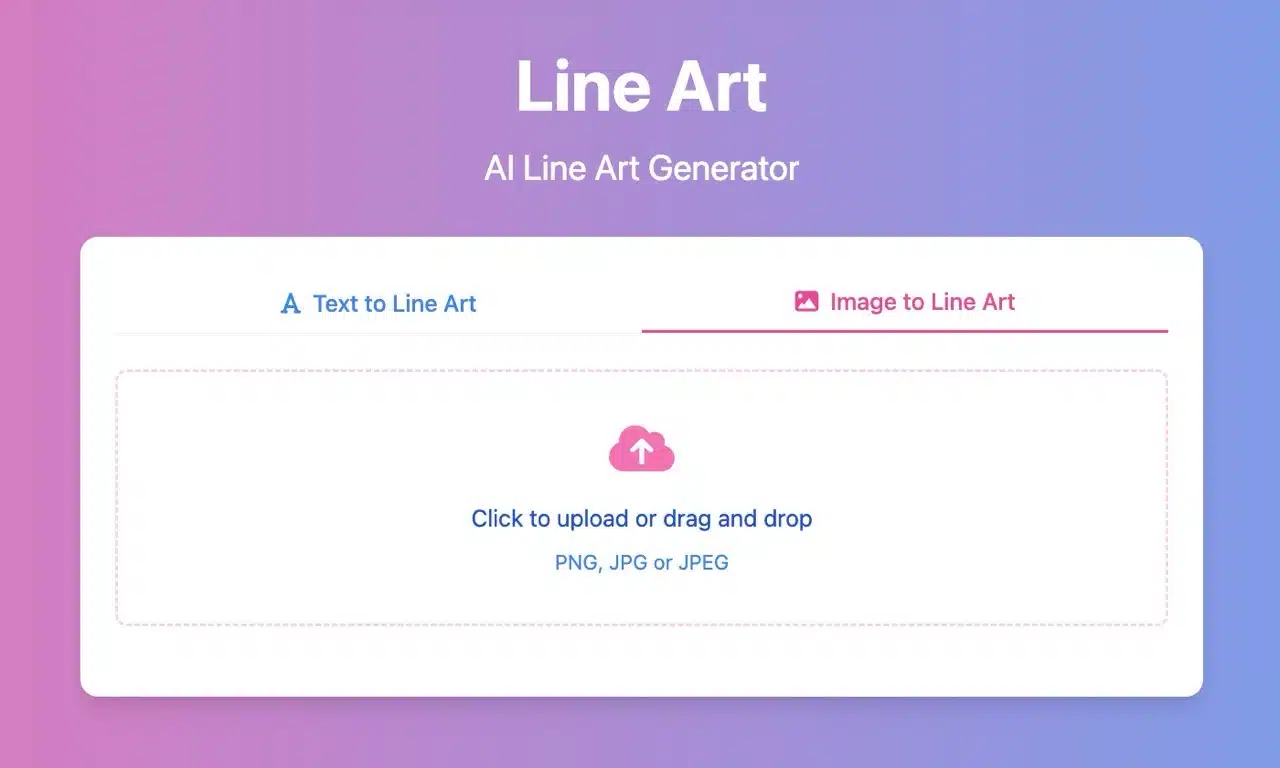
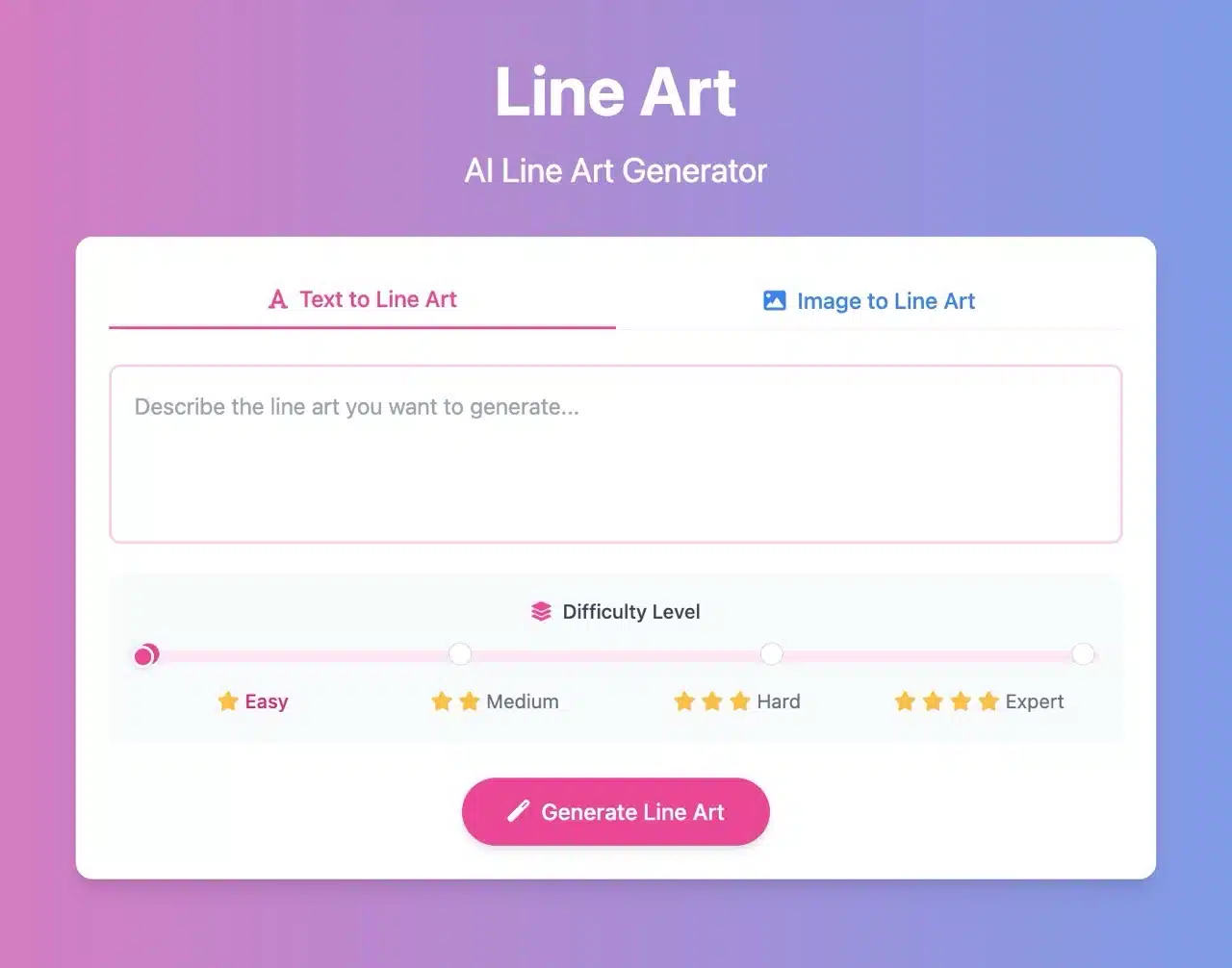
This article introduces “LineArt App,” a free AI line art generator. Input a description to quickly generate line art, or convert images into line art (though text-based generation yields better results). The entire process takes just seconds, requires no registration, and has no usage restrictions. Generated images are saved in JPG format.
LineArt App also allows you to set the complexity level of the line art, with four options: Easy, Medium, Hard, and Expert. It's suitable for both adults and children. The generated image assets can be downloaded directly for use, edited, or processed further, and can also be used for commercial purposes.
Please note that to prevent service abuse, the LineArt App imposes a limit of four images per visitor within a short period. You can continue generating images after logging in with your Google account to complete registration.
User Guide
1. Browse Existing Coloring Pages and Categories
After launching LineArt.App, you'll see the AI line art generator. From the top menu “Categories,” you can find coloring pages generated by others, including categories like animals, nature, flowers, faces, abstract, geometric, decorative, and fantasy. However, LineArt.App doesn't have a large collection of images; it's primarily designed for users to generate their own.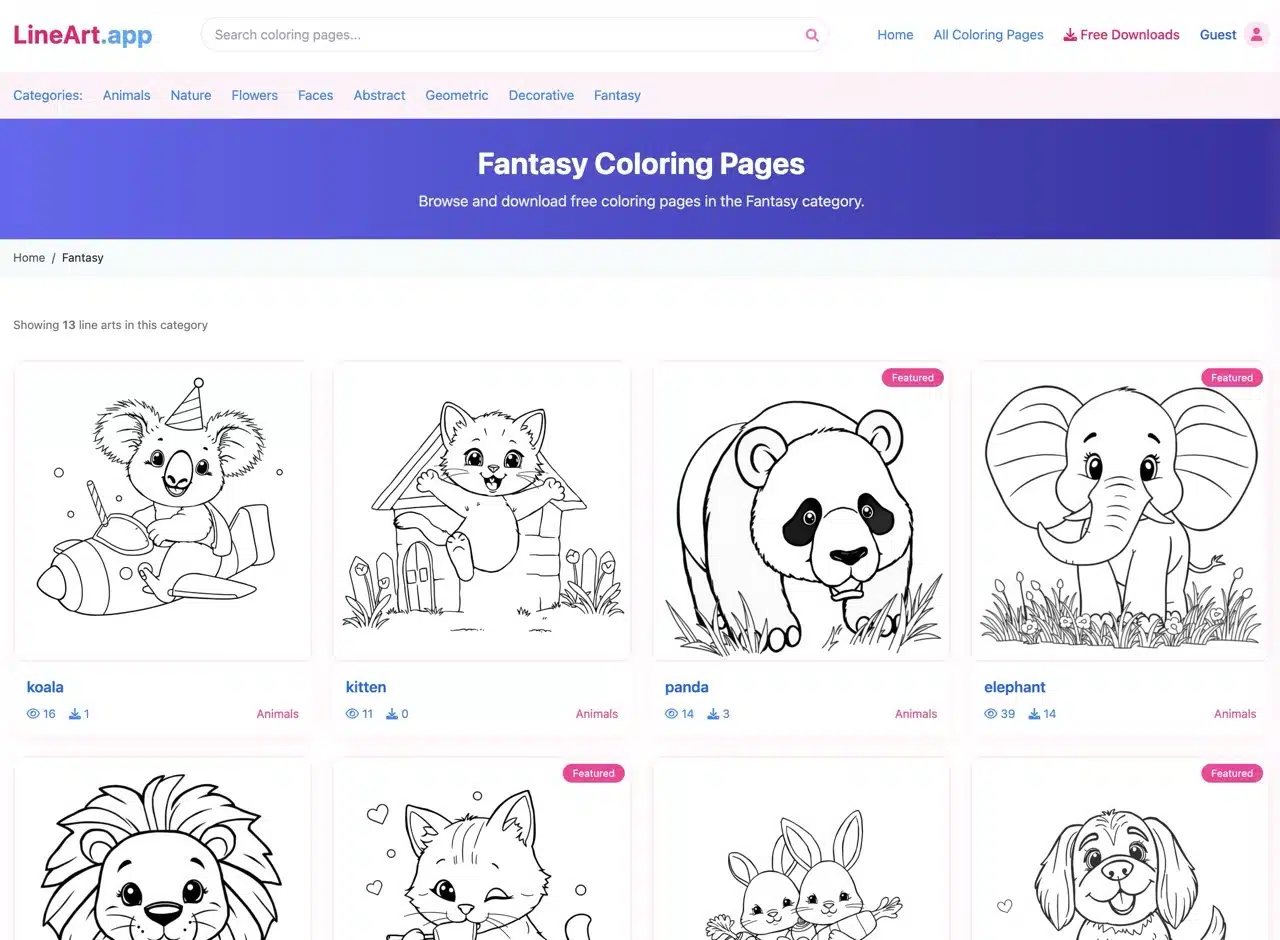
2. Generate Line Art from Text
Using the AI Line Art Generator is straightforward: simply enter a description of the desired image (English words are acceptable), adjust the image difficulty level, then tap “Generate Line Art” at the bottom to start the process.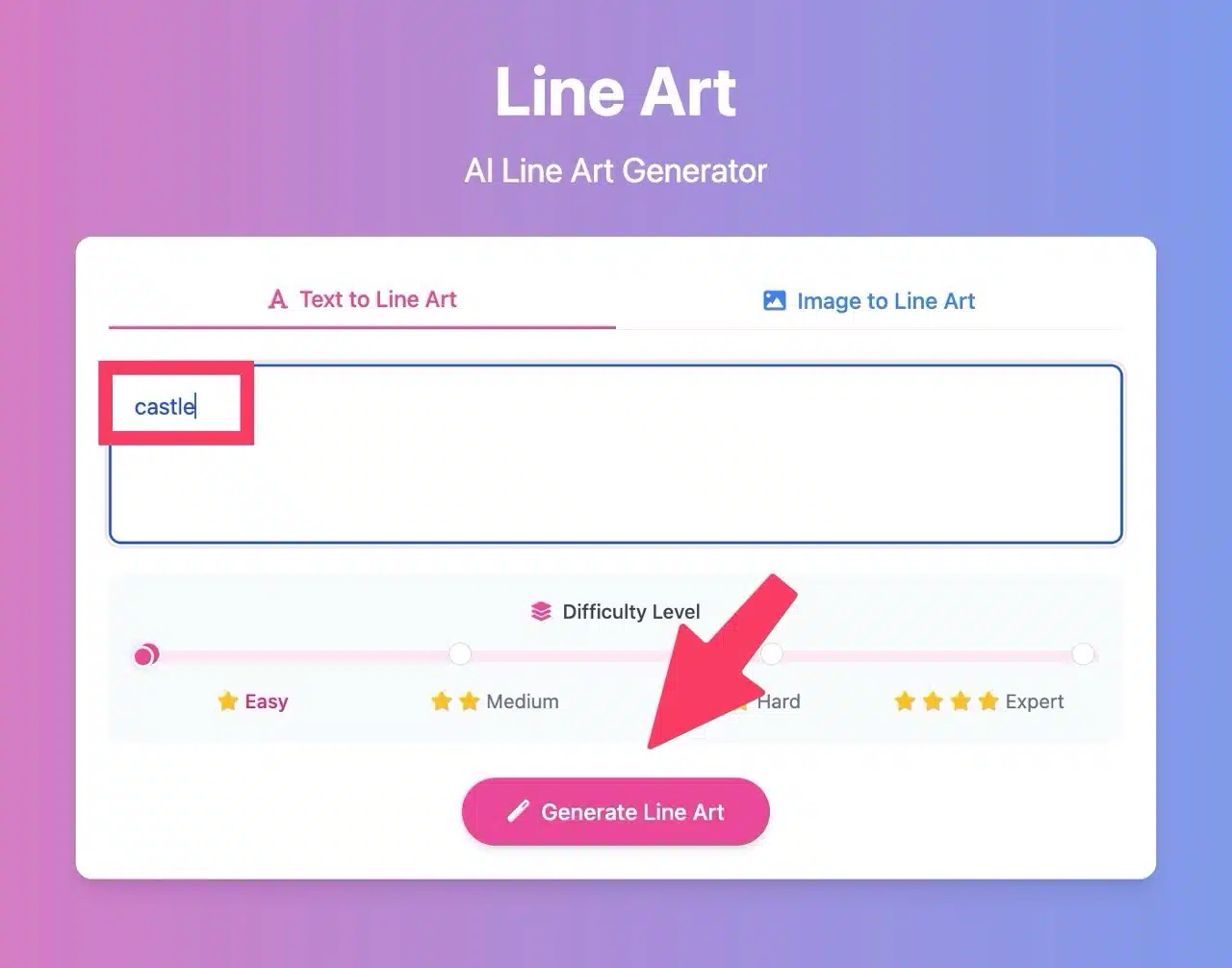
Additionally, you can switch to the “Image to Line Art” function at the top.
Within seconds, the AI-generated line art will appear. Click “Download” below to save the image as a JPG file.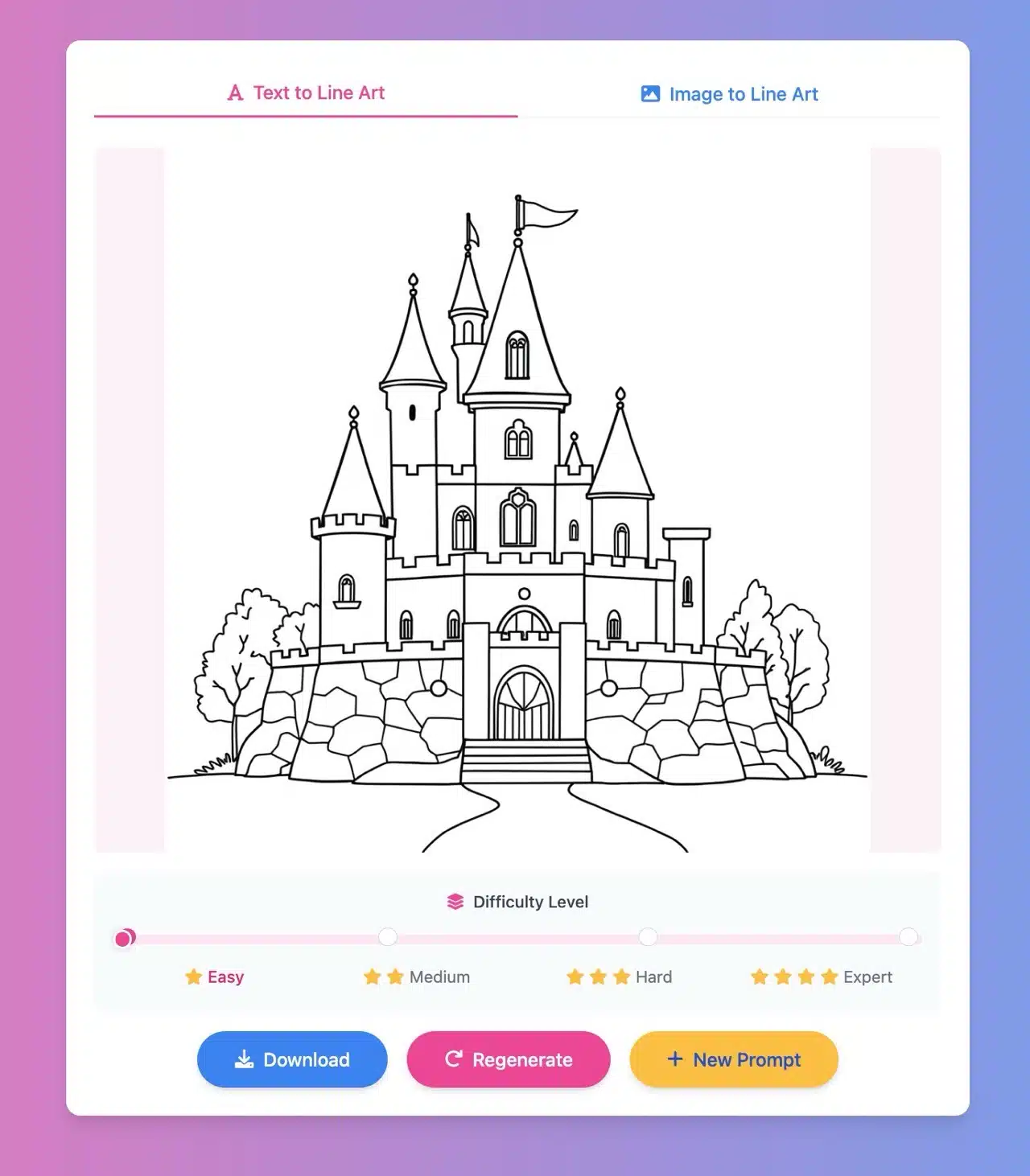
3. Adjusting Line Art Complexity
Use the “Difficulty Level” slider below to adjust the overall complexity of the composition. After adjusting, click “Regenerate” below to rebuild the image. You'll immediately see the updated result (higher difficulty levels produce more detailed images).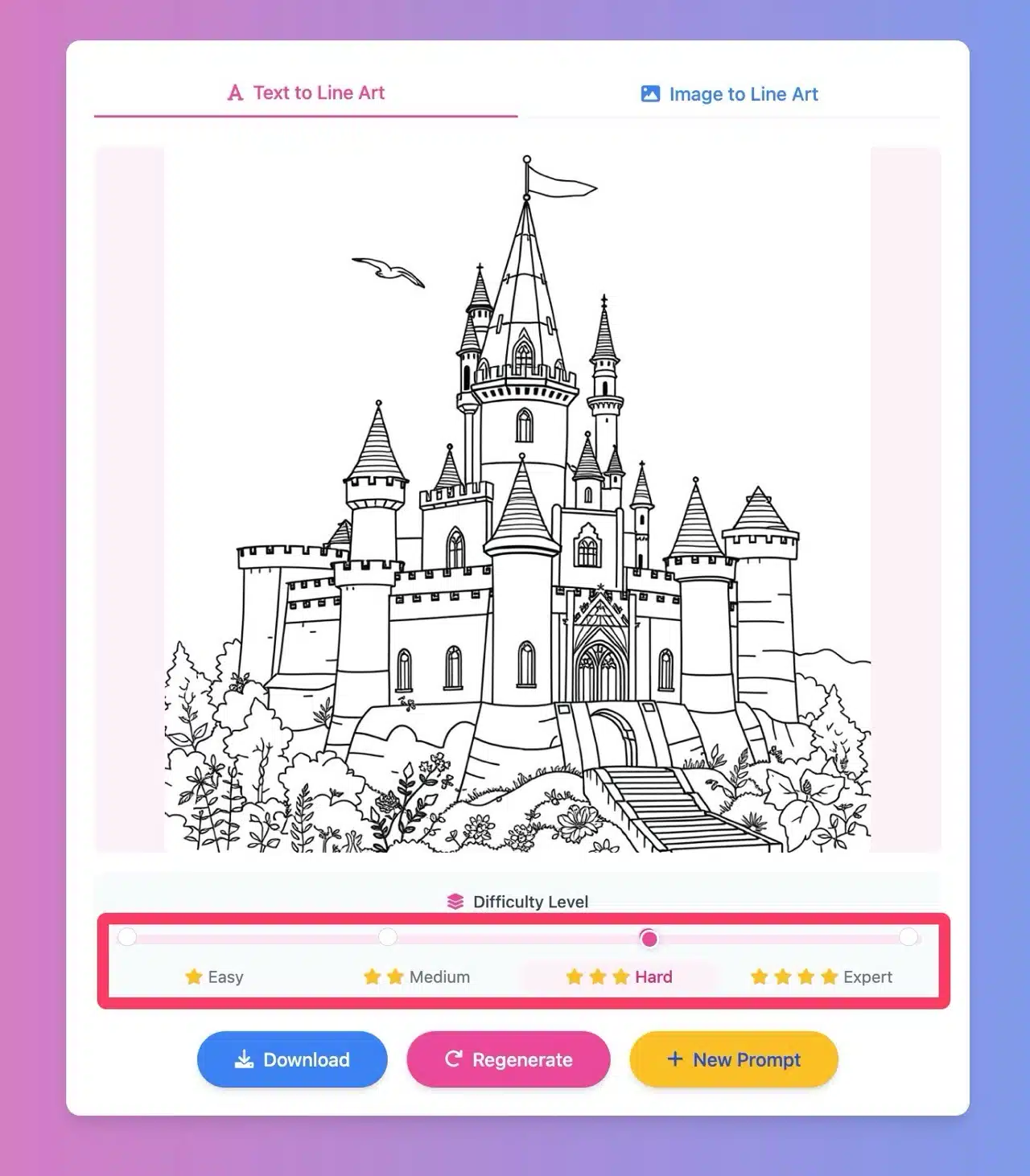
4. Image to Line Art Feature
LineArt App also includes a generator to convert images into line art or sketches. The process is straightforward: simply drag and drop your image onto the website to initiate conversion. You can further customize options like line thickness, line style, and color. However, the results aren't as ideal as those generated from text. Interested users are welcome to give it a try!